ToolMage
Sign in

Best 33 Generative Video AI tools for Video

Popular Generative Video AI tools in Video include experiments, HeyGen, a2e.ai, Runway, Movavi, AI Studios, Morph Studio, Supawork, Mirage, and Kaiber, helping you work more efficiently.

Wondershare Virbo
Freemium

Wondershare Virbo

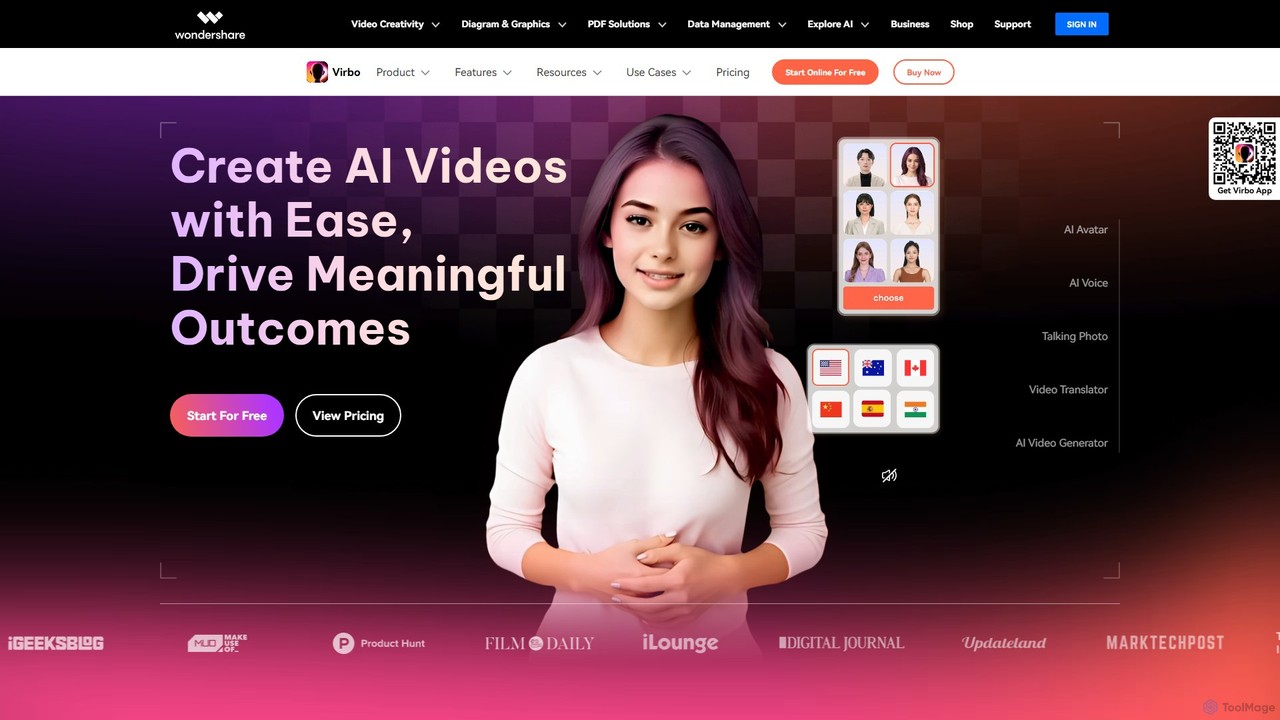
Wondershare Virbo is a powerful AI video generator that enables users to create professional spokesperson videos quickly and efficiently. It features over 350 realistic AI avatars, 400+ natural voices in 80+ languages, and a suite of smart tools like Talking Photo, Video Translator, and AI Script Generator. Virbo is designed for marketing, training, and content creation, making video production accessible without expensive equipment or complex editing skills.

Social Media Marketing
Visits 261.5KFavorites 133Likes 128
Channel 1
Paid

Channel 1

Channel 1 is an enterprise-grade AI video platform that automates and scales video creation, localization, and distribution. It uses AI agents, generative presenters, and content repurposing tools to help businesses expand their global reach and reduce production costs.

Repurposing
Visits 9.5KFavorites 123Likes 120
Crea.ai
Freemium

Crea.ai

Crea.ai is a groundbreaking real-time AI image and video generator. It features an interactive AI canvas that transforms your sketches and prompts into high-quality visuals instantly. Designed for artists, designers, and marketers, it combines generation, upscaling, and stylization into one intuitive platform, accelerating the creative workflow with unparalleled speed and control.

Illustration
Visits 58.1KFavorites 143Likes 155
Genbler
Freemium

Genbler

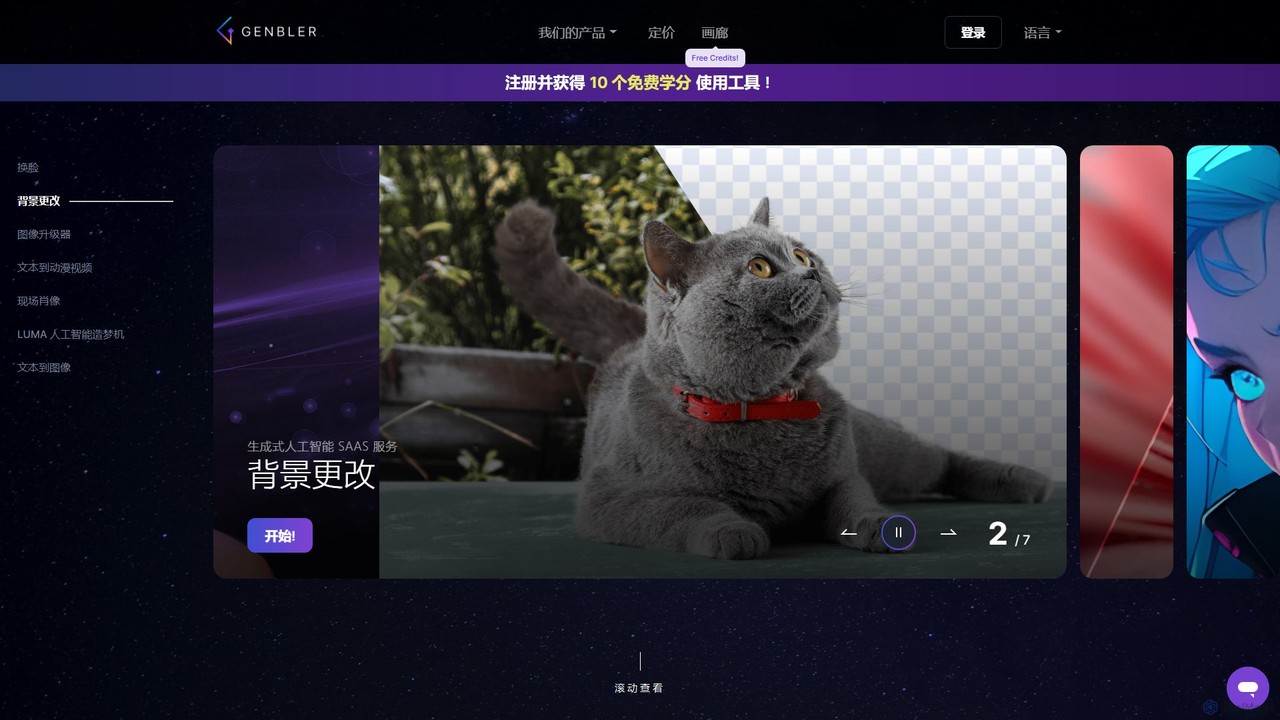
Genbler is an advanced, all-in-one AI content creation platform for creators and marketers. It offers a suite of powerful visual tools, including Live Portrait for photo animation, face swapping, background removal, image upscaling, and text-to-anime video generation, designed to streamline creative workflows and produce engaging marketing content.

Image Editing
Visits 16.1KFavorites 125Likes 111
Uthana
Freemium

Uthana

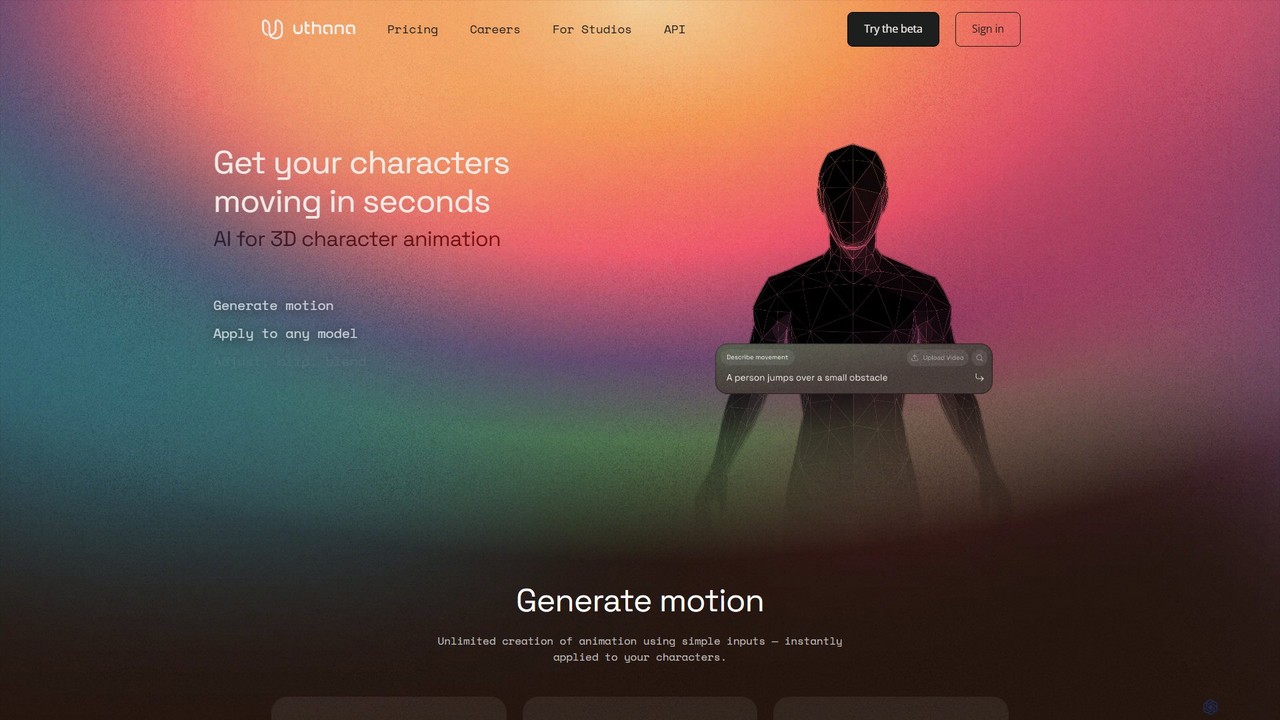
Uthana is a generative AI platform for creating high-quality 3D character animations. It empowers game developers, animators, and creators to generate complex motions from simple inputs. The platform offers a generous free plan, API access for studio integration, and custom model training, all built upon ethically sourced, professional motion capture data.

3D Animation
Visits 41.4KFavorites 142Likes 125
pxz.ai
Freemium

pxz.ai

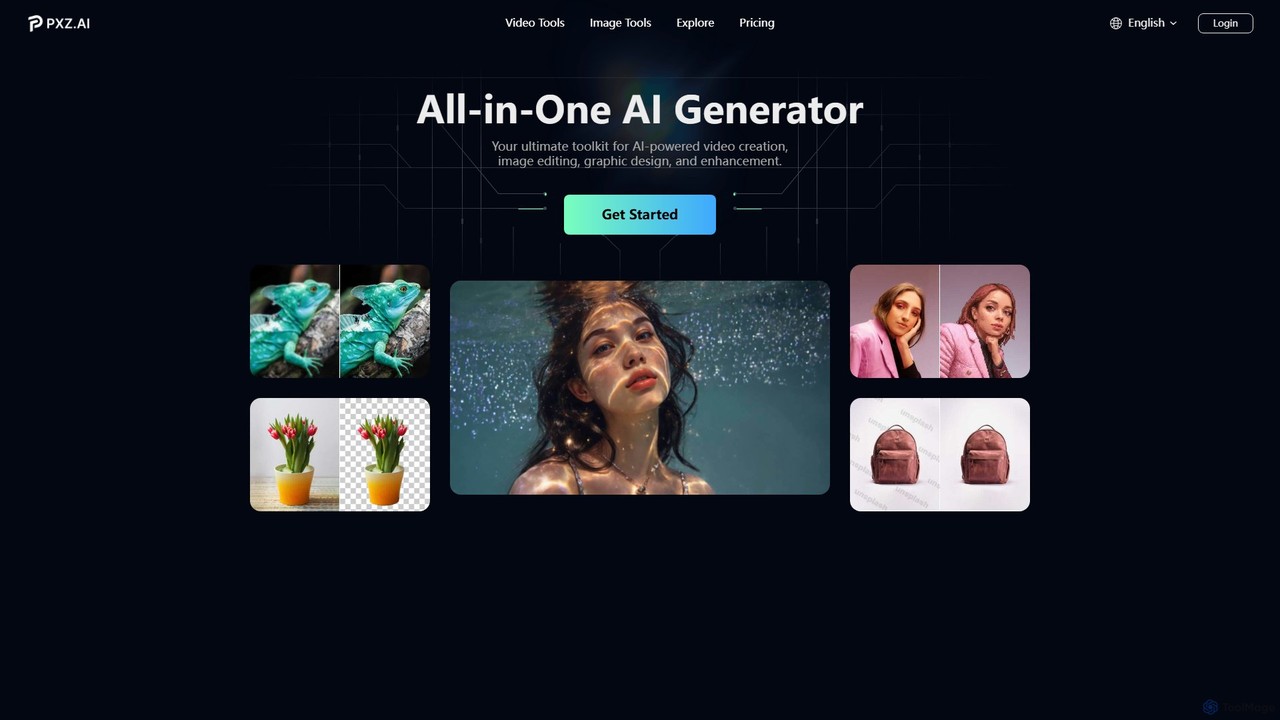
pxz.ai is an all-in-one AI creative suite that integrates leading AI models for video generation, image creation, graphic design, and enhancement. It provides access to over 20+ tools, including text-to-video, image-to-video, face swap, and background removal, allowing users to effortlessly realize their creative ideas on a single platform.

Generative Art
Visits 233.3KFavorites 116Likes 109
Kaiber
Freemium

Kaiber

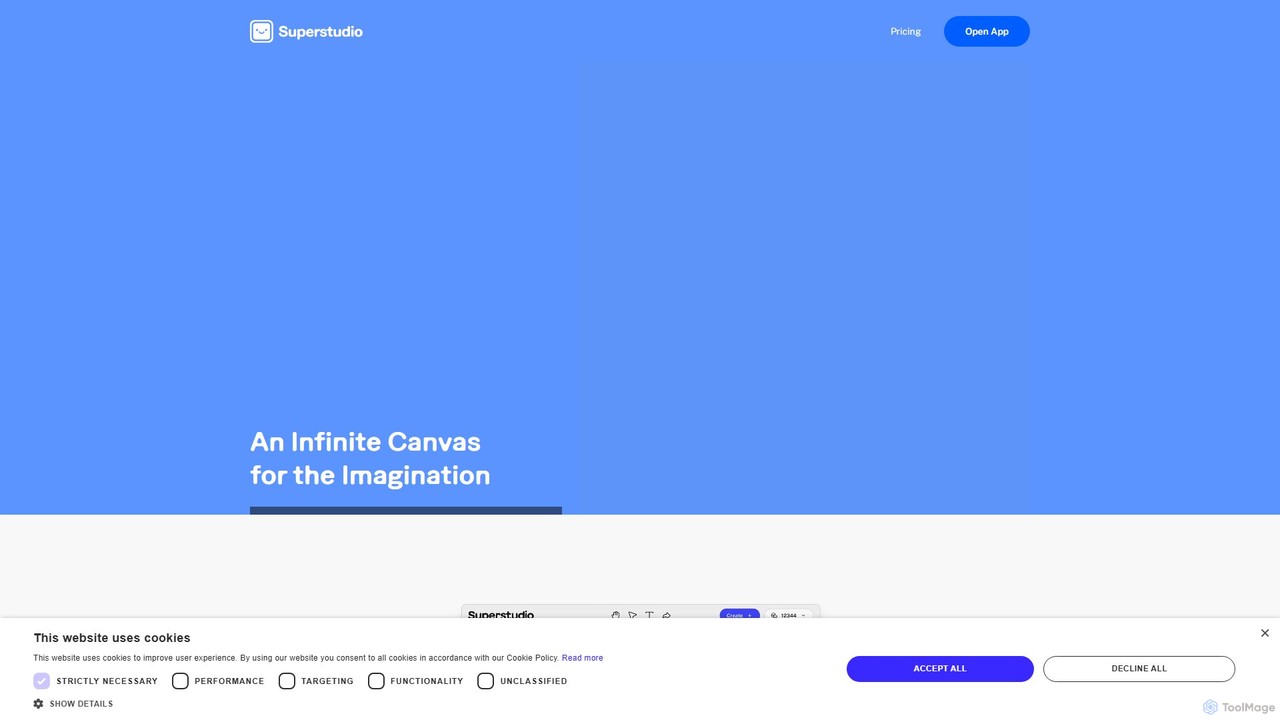
Kaiber is a powerful AI creative suite for artists, musicians, and designers. Its Superstudio provides a unified canvas to generate and edit stunning videos, images, and audio-reactive visuals. Train custom AI models to match your unique style, create animations, restyle graphics, and bring your imaginative concepts to life with an intuitive, all-in-one interface.

Image Generation
Visits 304.4KFavorites 164Likes 172
Skyglass

Skyglass

Skyglass is an AI-powered mobile VFX studio that transforms your iPhone into a Hollywood-grade filmmaking tool. It enables content creators to produce stunning visual effects in real-time, including 3D background replacement, motion capture, and AI-driven relighting, all without expensive equipment.

3D
Visits 6.1KFavorites 120Likes 133
Movavi
Freemium

Movavi

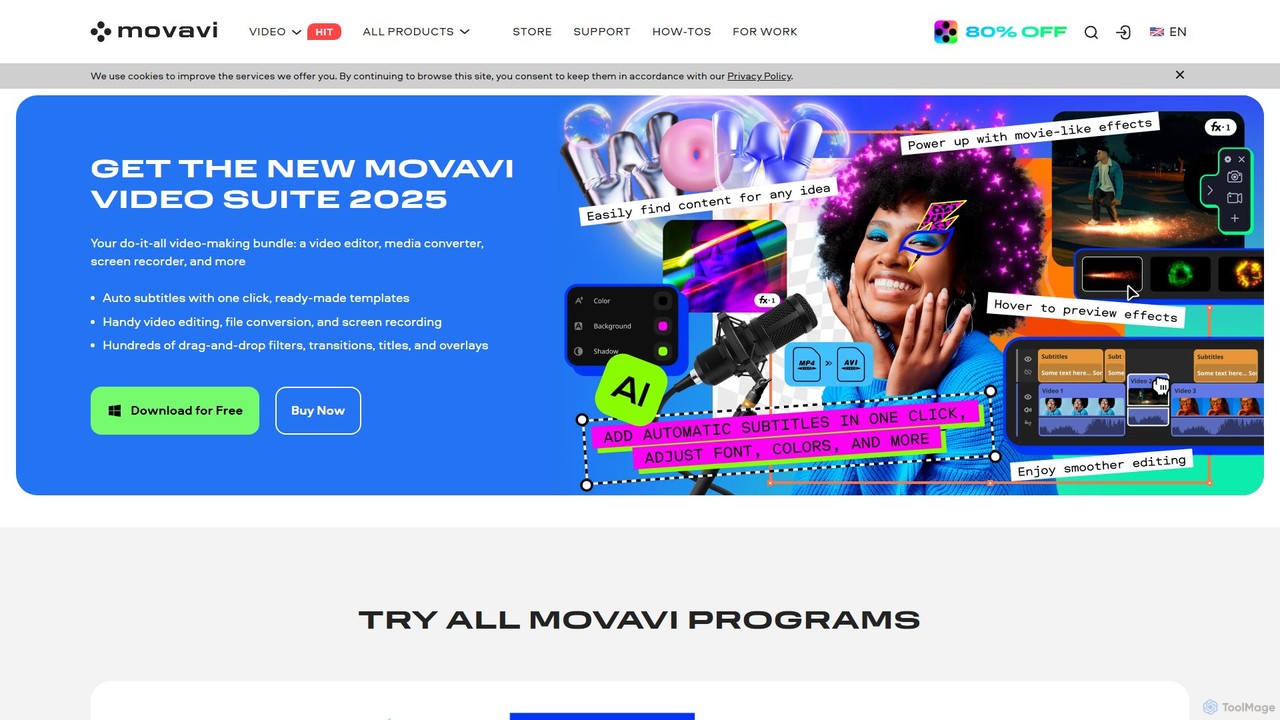
Movavi is a comprehensive suite of multimedia programs, featuring a powerful yet user-friendly AI video editor, photo editor, screen recorder, and file converter. It's designed for everyone from beginners to seasoned creators, offering AI-driven features like background removal, motion tracking, and audio denoising to simplify the creative process. Create stunning videos, edit photos, and capture your screen with an intuitive drag-and-drop interface and a vast library of effects.

Screen Recording
Visits 2.4MFavorites 111Likes 103

About Generative Video

Generative Video tools are a class of AI applications that create new video content from text descriptions, images, or existing video clips. These tools utilize complex deep learning models, such as diffusion or transformers, to synthesize original motion sequences that did not previously exist. Their primary value lies in rapidly producing visual content for marketing, entertainment, and conceptualization, drastically reducing traditional production timelines and costs. Unlike standard video editors that manipulate existing footage, generative video platforms create visuals from the ground up.

Core Features

  • Text-to-Video Generation: Creates video clips directly from written descriptions or prompts.
  • Image-to-Video Animation: Animates a static image by adding motion, camera effects, or dynamic elements.
  • Video-to-Video Transformation: Alters the style, characters, or environment of an existing video based on a prompt.
  • Motion and Camera Control: Provides parameters to direct camera movements (pan, zoom, tilt) and object motion within the generated scene.
  • Style Consistency: Maintains a consistent visual style, character appearance, and aesthetic across multiple generated shots.

Use Cases

Generative video tools are widely used by marketing teams for creating engaging social media ads and product showcases. Filmmakers and animators use them for pre-visualization and storyboarding complex scenes. Additionally, individual creators and artists leverage these tools to produce unique digital art, music videos, and short-form content without needing extensive filming equipment.

How to Choose

When selecting a Generative Video tool, evaluate the output quality, including resolution, coherence, and motion realism. Consider the level of control offered over camera angles, character movement, and style. Also, assess the generation speed, pricing model (e.g., per-video or subscription), and whether it provides an API for integration into custom workflows. The variety of pre-set styles and the ease of use are also important factors.

Featured tool rankings

Generative Video use cases

1

Creating Short-Form Social Media Ads

A marketing manager needs to produce multiple video ads for a new product campaign on a tight deadline. Instead of arranging a costly photoshoot, they use a generative video tool. By inputting text prompts like 'a cinematic slow-motion shot of a sports drink on a mountain peak at sunrise,' they can generate dozens of high-quality video variations in minutes. This allows for rapid A/B testing of different visual concepts to find the most effective ad, saving significant time and budget.

2

Prototyping Animated Storyboards

An animation director or filmmaker needs to visualize a scene from a script before committing to full production. They use a generative video tool to turn script lines into rough animated clips. For example, a prompt 'a wide shot of a spaceship landing in a futuristic city, raining' instantly creates a visual reference. This process allows the creative team to quickly iterate on camera angles, pacing, and mood, facilitating better planning and communication long before the expensive animation or filming process begins.

3

Generating Abstract Visuals for Events

A VJ (video jockey) or event organizer needs dynamic background visuals for a music concert or corporate event. Using an image-to-video tool, they can upload a static event logo or abstract artwork and generate looping videos with subtle motion, particle effects, or fluid dynamics. This provides a constant stream of unique, on-brand visual content without the need for complex motion graphics software. The ability to generate variations quickly allows them to tailor the visuals to different songs or presentation segments.

4

Creating Educational Explainer Videos

An educator or corporate trainer wants to create a short animated video to explain a complex concept, like photosynthesis or a new software workflow. Instead of hiring an animator, they can use a text-to-video tool. They input a simple script, and the AI generates corresponding visuals and animations. For example, 'A sunbeam hits a green leaf, showing water and CO2 entering, and oxygen being released.' This approach democratizes video creation, allowing subject matter experts to produce engaging educational content quickly and affordably.

5

Stylizing Existing Video Footage

A content creator has a simple video of them walking down a street but wants to transform it into a unique piece of art. Using a video-to-video feature, they can apply a new style based on a text prompt. For instance, they upload their video and apply the prompt 'in the style of a vintage comic book' or 'animated with a watercolor effect.' The tool re-renders each frame of the original video in the new artistic style, creating a visually striking result that would typically require specialized skills and hours of manual work in post-production.

6

Developing Unique Website Backgrounds

A web designer wants to create a captivating hero section for a client's website. Instead of using a static image or a stock video, they use a generative video tool to create a subtle, looping background video. A prompt like 'abstract slow-moving geometric shapes with a soft pastel color palette' can produce a unique and professional-looking visual that enhances the site's aesthetic. This allows for highly customized and dynamic web design elements that load quickly and set a specific mood for visitors upon arrival.

Generative Video FAQ

What is Generative Video?

Generative Video refers to AI-powered tools that create new, original video clips from user inputs like text or images. Unlike traditional video editing software that modifies existing footage, these tools synthesize video content from scratch using deep learning models. Key capabilities include text-to-video, image-to-video, and video style transfer. They are primarily used for rapid content creation in marketing, art, and entertainment, enabling users to produce visuals without filming.

How to choose the right Generative Video tool?

When selecting a generative video tool, consider these factors:

  • Video Quality: Assess the output resolution, clarity, and realism. Look for tools that minimize artifacts and maintain temporal coherence (consistency between frames).
  • Control and Customization: Check how much control you have over camera movement, object motion, and character consistency. The ability to fine-tune results is crucial for professional use.
  • Generation Speed and Cost: Evaluate how quickly videos are generated and the pricing model. Some charge per second of video, while others offer subscriptions.
  • Input Types: Ensure the tool supports your desired input, whether it's text-to-video, image-to-video, or video-to-video.
What's the difference between Generative Video and traditional video editors?

The core difference lies in content origin. Traditional video editors (like Adobe Premiere or Final Cut Pro) work by manipulating existing video files—cutting, arranging, color grading, and adding effects to pre-recorded footage. In contrast, Generative Video tools create entirely new video content from non-video inputs like text or images. They don't edit existing pixels; they generate new ones. Essentially, editors modify what exists, while generators create what doesn't.

What are the main types of Generative Video models?

Generative Video tools primarily use three main models:

  • Text-to-Video: This is the most common type, where a user inputs a text prompt (e.g., 'a golden retriever running on a beach') and the AI generates a video clip matching that description.
  • Image-to-Video: These models take a static image as input and animate it, adding motion to elements within the image or applying camera movements like panning or zooming.
  • Video-to-Video: This technique, also known as style transfer, takes an existing video and re-renders it in a completely different artistic style based on a text prompt or a reference image.
Who can benefit from using Generative Video tools?

A wide range of professionals and creators can benefit from these tools. Marketers can quickly produce social media ads and promotional content. Filmmakers and animators use them for storyboarding and pre-visualization. Digital artists and content creators can generate unique visuals for their projects without needing expensive equipment. Additionally, educators and trainers can create engaging explainer videos to simplify complex topics, making video production more accessible to non-experts.