Writing Best in category 6 results Report Generation AI Tool

Popular AI tools in the Report Generation field of Writing include PrometAI、GPT Researcher、HelpMeTeach、Kompas AI、CaseGenius、AutoGLM, etc., helping you quickly improve efficiency.

PrometAI

PrometAI

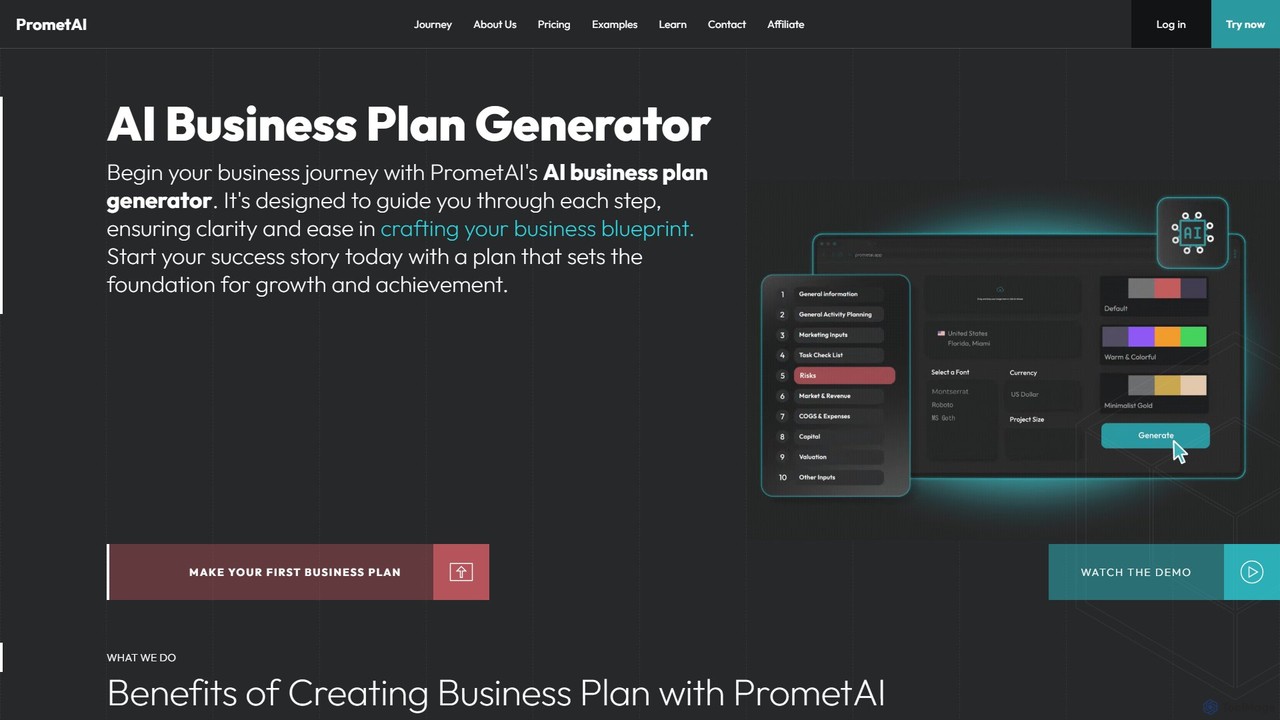
PrometAI is an AI-powered platform designed for entrepreneurs and business professionals to generate comprehensive business plans and financial …

142.0K
AutoGLM

AutoGLM

AutoGLM is an autonomous AI agent by Zhipu AI that simulates human thought processes to tackle complex, open-ended …

2.6K
CaseGenius

CaseGenius

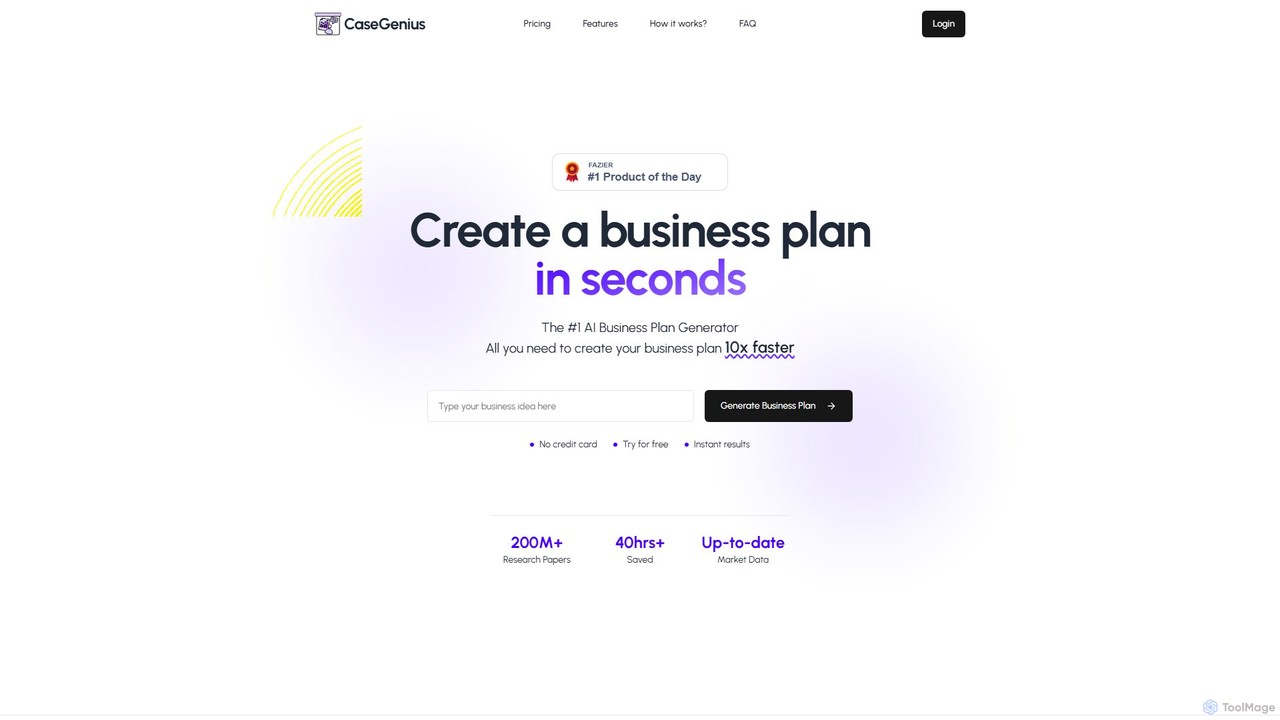
CaseGenius is an AI-powered business plan generator that creates comprehensive, data-backed business plans in minutes. It automates market …

2.7K
Free
GPT Researcher

GPT Researcher

GPT Researcher is an open-source autonomous AI agent designed for rapid and in-depth research. It automates the entire …

20.8K
HelpMeTeach

HelpMeTeach

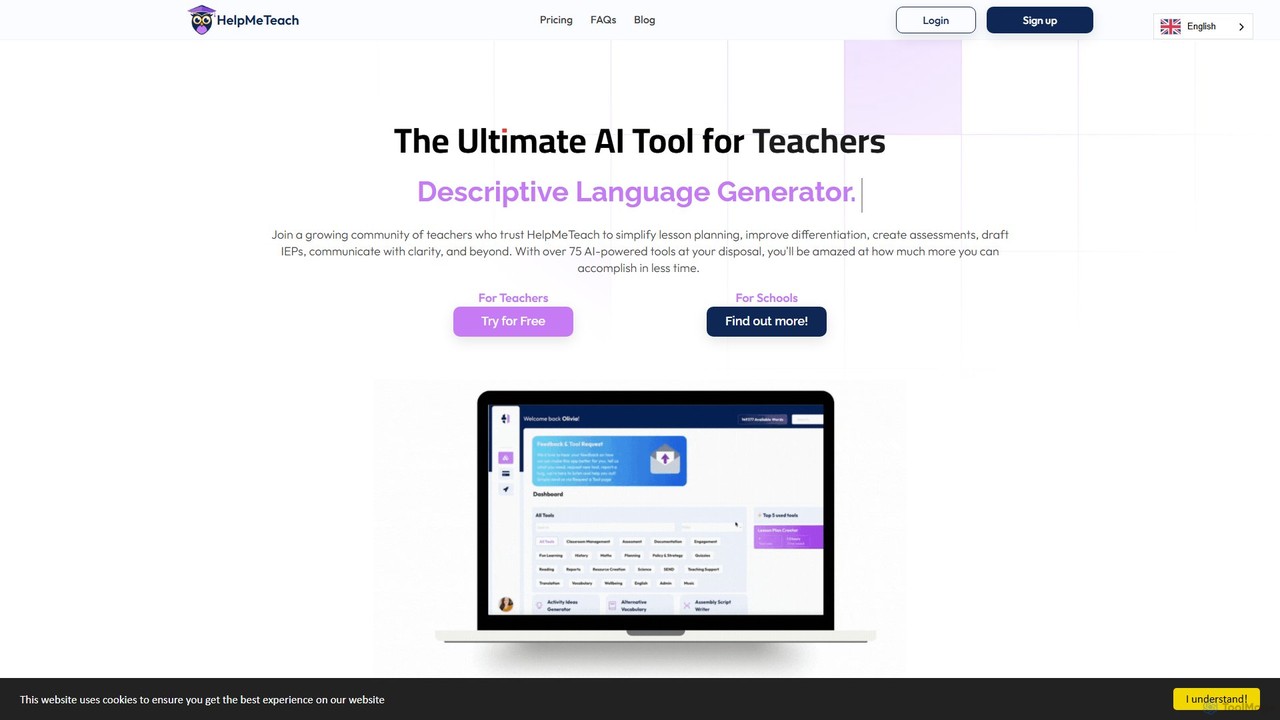
HelpMeTeach is an AI-powered platform designed for educators, offering over 80 specialized tools to simplify teaching tasks. It …

4.6K
Kompas AI

Kompas AI

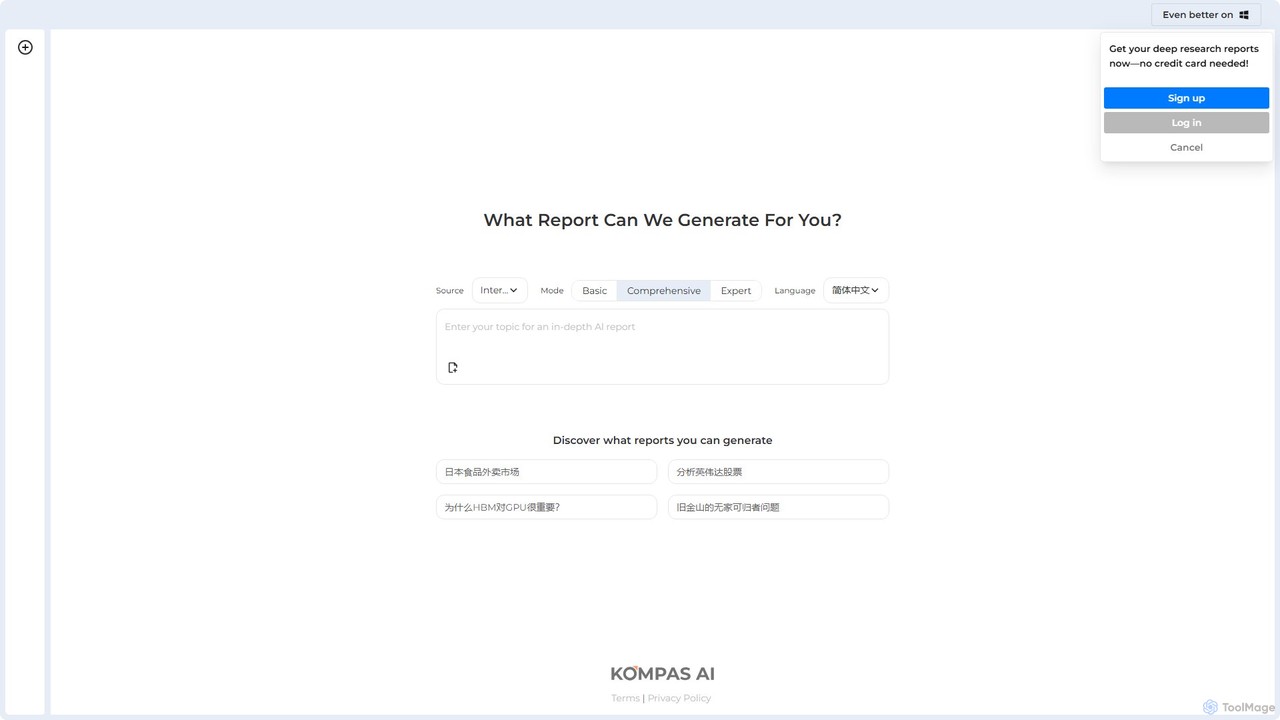
Kompas AI is an AI-powered research assistant that generates in-depth, structured reports on any topic. Simply input a …

3.1K

About Report Generation

Report Generation tools are AI-powered applications that automate the creation of structured, data-driven documents. These tools connect to various data sources, analyze the information, and use natural language generation (NLG) to produce coherent text, charts, and tables. Their primary value lies in transforming raw data into insightful, formatted reports for business analysis, academic research, or financial summaries, significantly reducing manual effort. This allows teams to focus on interpreting results rather than compiling them.

Core Features

  • Data Connectivity: Integrates with databases, spreadsheets, APIs, and analytics platforms to pull real-time data.
  • Automated Narrative Generation: Translates quantitative data and key findings into clear, human-like written summaries and explanations.
  • Template-Based Formatting: Applies pre-designed layouts, branding, and structures to ensure report consistency and professionalism.
  • Dynamic Visualization: Automatically creates charts, graphs, and tables from the input data to illustrate trends and comparisons.
  • Scheduled Distribution: Automates the generation and delivery of recurring reports (e.g., daily, weekly, monthly) via email or other channels.

Applicable Scenarios

These tools are widely used by business analysts, marketing managers, financial consultants, and project managers. Common applications include generating weekly sales performance reports, monthly marketing campaign summaries, quarterly financial statements, and project status updates. They are essential in any role that requires regular communication of data-driven insights to stakeholders.

Selection Criteria

When choosing a Report Generation tool, consider its data source compatibility and integration capabilities. Evaluate the quality and customizability of its narrative generation and templates. Also, assess its ease of use for non-technical users and its ability to scale with your reporting volume. Finally, review the pricing model to ensure it aligns with your usage frequency and budget.

Report GenerationUse Cases

1

Automate Weekly Marketing Performance Reports

A marketing manager needs to report on campaign performance to stakeholders every week. Instead of manually exporting data from Google Analytics, social media platforms, and ad networks, they use an AI Report Generation tool. The tool is configured to connect to these APIs, pull key metrics like traffic, conversion rates, and cost-per-acquisition, and populate a branded template. It automatically generates charts showing week-over-week trends and writes a summary paragraph highlighting key wins and areas for improvement. The final report is then scheduled to be emailed to the management team every Monday morning, saving the manager over 4 hours of manual work each week.

2

Generate Quarterly Financial Summaries for Investors

A financial analyst at a startup is tasked with creating quarterly reports for the board and investors. This process involves consolidating data from accounting software (like QuickBooks), CRM data for sales figures, and subscription metrics from Stripe. Using an AI Report Generation tool, the analyst connects these sources once. For each quarter, the tool automatically pulls revenue, expenses, profit margins, and customer growth data. It generates standard financial statements, visualizes key trends like Monthly Recurring Revenue (MRR) growth, and produces a narrative summary that explains the financial health of the company. This automates a multi-day process into a few hours of review and refinement.

3

Compile Project Status Updates from Multiple Tools

A project manager oversees a complex project with tasks tracked in Jira, documents stored in Confluence, and team communication happening in Slack. Creating a weekly status report for leadership is time-consuming. They implement an AI Report Generation tool that integrates with all three platforms. The tool automatically pulls the number of completed tasks, identifies any blocked issues from Jira, links to key decision documents in Confluence, and summarizes important discussions from a designated Slack channel. It then assembles this information into a concise, structured report, allowing the project manager to quickly add their strategic overview and send it out, ensuring leadership is consistently and accurately informed without manual data gathering.

4

Create Client-Facing SEO Performance Audits

A digital marketing agency provides SEO services to multiple clients, each requiring a monthly performance report. An SEO specialist uses a report generation tool that connects to Google Search Console, Google Analytics, and a rank tracking tool like Ahrefs or SEMrush. The tool automatically pulls data on organic traffic, keyword rankings, backlink growth, and technical site health. It then populates a client-specific template with the agency's branding, generating charts for key metrics and writing explanatory text that translates complex SEO data into understandable business outcomes. This allows the agency to deliver professional, consistent, and insightful reports to all clients efficiently, strengthening client relationships and demonstrating value.

5

Drafting Academic Research Paper Sections

A researcher has collected a large dataset from a series of experiments. To write the 'Results' section of their paper, they use an AI report generator. They upload their spreadsheet of raw data to the tool. The AI performs statistical analysis, identifies significant correlations, and generates tables and charts to visualize the findings. More importantly, it drafts the narrative text for the section, describing the results in formal academic language, citing the correct figures and tables. This provides a solid first draft, allowing the researcher to focus on the higher-level tasks of interpreting the results and writing the 'Discussion' section, accelerating the manuscript preparation process.

6

Generate Daily Sales Activity Summaries

A sales manager needs a daily snapshot of their team's performance to prepare for morning stand-up meetings. Their team uses a CRM like Salesforce to log calls, emails, and deal progression. The manager sets up an AI Report Generation tool to connect to their CRM. Every morning at 7 AM, the tool automatically generates a one-page report summarizing the previous day's activities: total calls made, new leads created, deals moved to the next stage, and deals closed. It also highlights top-performing reps and flags deals that haven't been updated in over a week. This report is delivered to the manager's inbox, giving them all the necessary data points for an effective team meeting without needing to manually build reports in the CRM.

Report GenerationFrequently Asked Questions