CapCut is a powerful, all-in-one AI video editor and creative suite. It simplifies content creation with intuitive tools for video editing, graphic design, and team collaboration. It offers a wide range of AI features like auto-captions, script-to-video, background removal, and video upscaling, making professional-quality content accessible to everyone, from beginners to pros, across web, desktop, and mobile platforms.

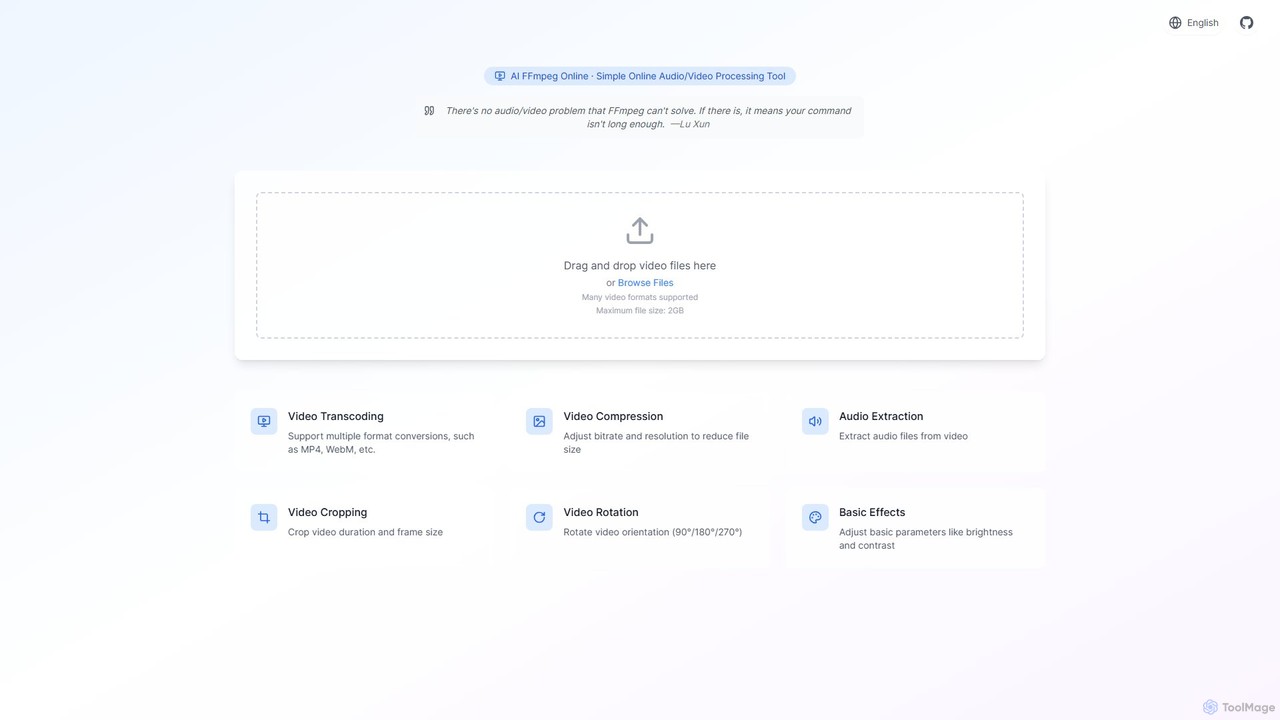
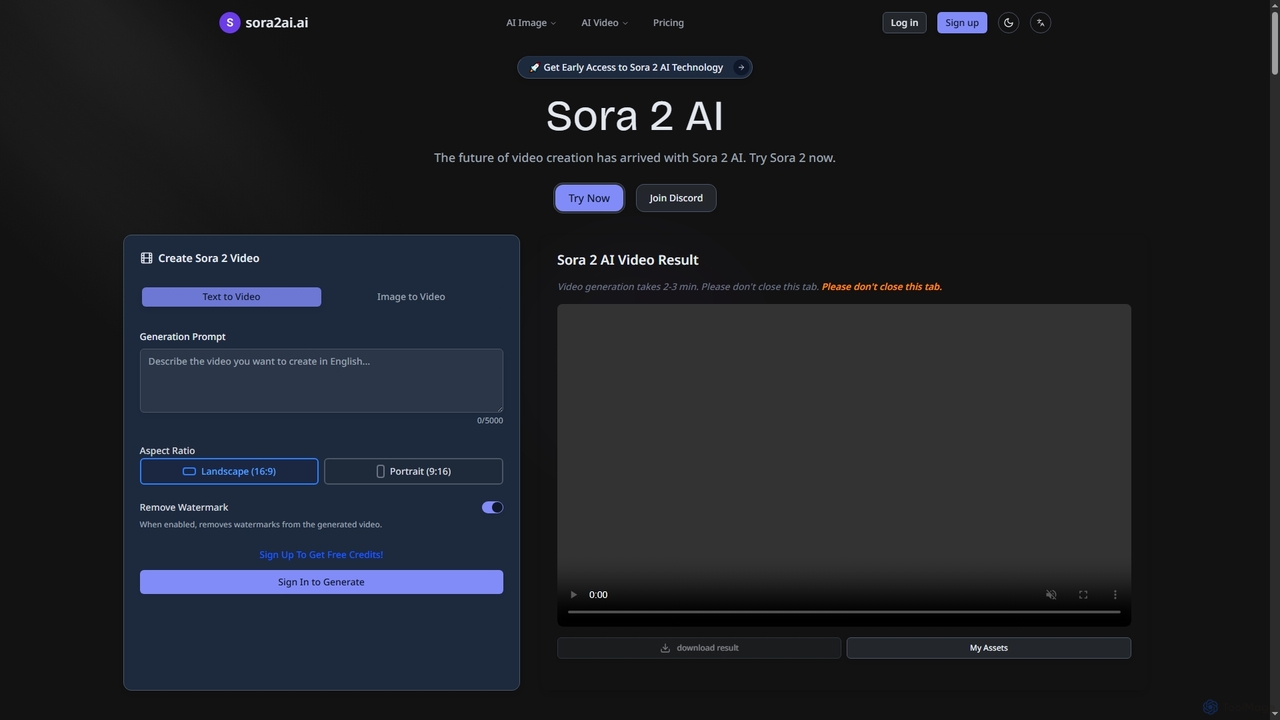
A powerful and free online video processing tool that provides a user-friendly interface for the FFmpeg engine. Enhanced with AI, it simplifies complex tasks like video conversion, compression, cropping, and audio extraction. Ideal for content creators, marketers, and anyone needing quick video edits without installing software.
Product overview
CapCut Product overview
CapCut is a powerful, all-in-one AI video editor and creative suite. It simplifies content creation with intuitive tools for video editing, graphic design, and team collaboration. It offers a wide range of AI features like auto-captions, script-to-video, background removal, and video upscaling, making professional-quality content accessible to everyone, from beginners to pros, across web, desktop, and mobile platforms.

ffmpeg_online Product overview
A powerful and free online video processing tool that provides a user-friendly interface for the FFmpeg engine. Enhanced with AI, it simplifies complex tasks like video conversion, compression, cropping, and audio extraction. Ideal for content creators, marketers, and anyone needing quick video edits without installing software.
Detailed feature comparison
| Feature | CapCut | ffmpeg_online |
|---|---|---|
| Primary category | Graphics | File Conversion |
| Added | 2025-09-11 | 2025-08-11 |
| Pricing | Freemium | Freemium |
| Official website | www.capcut.com | ffmpeg-online.top |
| Product type | Website | Website |
| Performance data | ||
| User rating | Not verified | Not verified |
| Comments | 0 | 0 |
| Monthly visits | 53M | 3.5K |
| Monthly growth | 3.5% | Not verified |
| Favorites | 109 | 145 |
| Details | View details | View details |
CapCut vs ffmpeg_online monthly traffic
Compare CapCut and ffmpeg_online by monthly reach, traffic trend, visit depth, top regions, and acquisition sources.
How to interpret the traffic data
In the CapCut vs ffmpeg_online monthly traffic comparison, CapCut currently shows 53M visits and ffmpeg_online shows 3.5K; CapCut has about 15,177.1 times the visible traffic of ffmpeg_online, an absolute difference of about 53M visits. This reflects visible reach, not feature quality or paid users.
Only CapCut has complete third-party traffic details; ffmpeg_online uses visits recorded inside ToolMage. These scopes cannot estimate market share directly, and on-site views should not be treated as the product’s total website traffic.
CapCut monthly traffic:
Latest traffic
Monthly traffic trend
- 2025/9: 39.4M Monthly visits
- 2026/1: 63.5M Monthly visits
- 2026/2: 52.7M Monthly visits
- 2026/3: 53.8M Monthly visits
- 2026/4: 51.2M Monthly visits
- 2026/5: 53M Monthly visits
Top regions
Top 5 countries/regions
| Country/region | Percentage | Traffic |
|---|---|---|
| 🇺🇸United States | 30.53% | 16.2M |
| 🇧🇷Brazil | 23.02% | 12.2M |
| 🇮🇩Indonesia | 19.84% | 10.5M |
| 🇻🇳Vietnam | 17.98% | 9.5M |
| 🇮🇳India | 8.63% | 4.6M |
Traffic sources
| Source type | Percentage | Traffic |
|---|---|---|
| Direct | 83.52% | 44.3M |
| Referral | 14.76% | 7.8M |
| 1.72% | 911.8K |
Search keywords
ffmpeg_online monthly traffic:
Latest traffic
Usage comparison
Compare the core capabilities of CapCut and ffmpeg_online
CapCut Core features
ffmpeg_online Core features
Use cases
CapCut Use cases
ffmpeg_online Use cases
Best suited roles
CapCut Best suited roles
ffmpeg_online Best suited roles
CapCut vs ffmpeg_online:In-depth comparison and selection guidance
First decide whether the products solve the same kind of need
This in-depth CapCut vs ffmpeg_online comparison uses only the product records, taxonomy, audience, traffic, and community signals available on this page. CapCut is primarily listed under “Graphics”, while ffmpeg_online is primarily listed under “File Conversion”, so the first decision is whether your actual task matches their recorded scope.
The structured fields currently show these decision-relevant differences: Primary category (CapCut: Graphics; ffmpeg_online: File Conversion); Monthly visits (CapCut: 53M; ffmpeg_online: 3.5K); Favorites (CapCut: 109; ffmpeg_online: 145); Website (CapCut: www.capcut.com; ffmpeg_online: ffmpeg-online.top); Added (CapCut: 2025-09-11; ffmpeg_online: 2025-08-11). These facts are more useful for selection than brand visibility alone.
What market visibility and monthly traffic mean
In the CapCut vs ffmpeg_online monthly traffic comparison, CapCut currently shows 53M visits and ffmpeg_online shows 3.5K; CapCut has about 15,177.1 times the visible traffic of ffmpeg_online, an absolute difference of about 53M visits. This reflects visible reach, not feature quality or paid users.
Only CapCut has complete third-party traffic details; ffmpeg_online uses visits recorded inside ToolMage. These scopes cannot estimate market share directly, and on-site views should not be treated as the product’s total website traffic.
The current traffic scope is not sufficient for a reliable product ranking. Treat monthly visits as a market-interest signal, then decide using taxonomy, use cases, pricing, and a like-for-like trial rather than reading exposure as product capability.
Product positioning, use cases, and roles
CapCut and ffmpeg_online currently overlap in shared categories: Editing; shared tags: ai video. This can place both on the same shortlist, but it does not prove equal implementation, depth, or cost.
CapCut's unique categories/tags are Graphics, Marketing, Content Creation, auto captions, background remover, content creation, graphic design, and mobile video editing; ffmpeg_online's are File Conversion, audio extractor, ffmpeg gui, file conversion, media processing, online video editor, video compressor, and video converter. These unique fields are the strongest differentiators: validate the product whose recorded scope matches the task instead of following traffic alone.
What ratings, comments, and favorites can tell you
CapCut has no verified rating, 0 comments, 109 favorites, and 115 likes;ffmpeg_online has no verified rating, 0 comments, 145 favorites, and 140 likes。
Neither product has enough rating or comment samples for a credible reputation ranking.
Selection guidance by actual need
When to evaluate CapCut first
Put CapCut on the priority trial list when the task aligns with “Graphics” and especially Graphics, Marketing, Content Creation, auto captions, background remover, and content creation, or the users include Content Creator, Educator, Graphic Designer, and Marketing Manager. This follows recorded positioning and does not imply unlisted capabilities are absent.
CapCut also currently records: pricing is freemium, product type is website, 53M verified monthly visits, no verified user rating. Verify any hard requirement around price, platform, or reach before trial, and do not let sparse review data substitute for testing.
When to evaluate ffmpeg_online first
Put ffmpeg_online on the priority trial list when the task aligns with “File Conversion” and especially File Conversion, audio extractor, ffmpeg gui, file conversion, media processing, and online video editor. This follows recorded positioning and does not imply unlisted capabilities are absent.
ffmpeg_online also currently records: pricing is freemium, product type is website, 3.5K on-site monthly views, no verified user rating. Verify any hard requirement around price, platform, or reach before trial, and do not let sparse review data substitute for testing.
How to validate the recommendation before deciding
The available data describes positioning, public visibility, and community signals, but it cannot prove output quality, speed, integration effort, privacy, or long-term cost in your workflow. Before deciding, run the same representative tasks in CapCut and ffmpeg_online, then record completion time, accuracy, manual corrections, and the real paid threshold. A like-for-like trial turns this comparison into a defensible adoption decision.
Comparison FAQ
How should I choose between CapCut and ffmpeg_online?
Where does this comparison data come from?
What do unknown fields mean?
Related AI tools

Kapwing
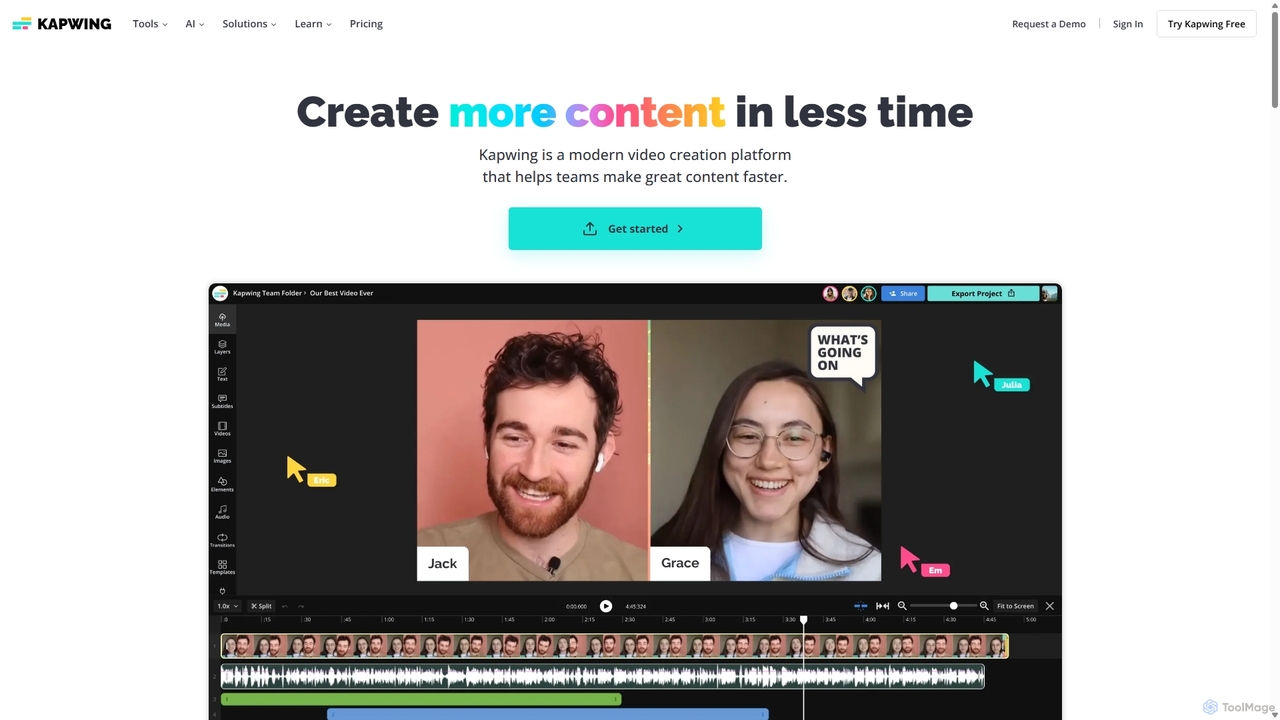
Kapwing is an AI-powered online video editor designed for teams and creators to produce high-quality content faster. It combines a full suite of editing tools with intelligent AI features like text-to-video, automatic subtitling, and background removal in a collaborative, browser-based platform, making video creation accessible to everyone.
Video Marketing
Filmora
Filmora is a powerful yet user-friendly AI video editor designed for creators of all levels. It integrates advanced AI tools like text-to-video, smart cutout, and an AI music generator to streamline the editing process. It offers a rich library of effects, templates, and stock media, making it easy to create professional-quality videos for social media, marketing, or personal projects on Windows and macOS.
Video Generation
Descript
Descript is an all-in-one AI-powered video and podcast editor that lets you edit media as easily as editing a text document. It features automatic transcription, screen recording, AI voice cloning, filler word removal, and powerful AI effects like Studio Sound and Green Screen to streamline content creation for creators, marketers, and businesses.
Social Media
Papagaio AI
Papagaio AI is an innovative AI tool that generates videos with ultra-realistic Brazilian celebrity voices and perfect lip sync from text. Create viral content, personalized messages, and humorous videos in seconds for social media platforms like TikTok, Reels, and WhatsApp.
Social Media Content
Filmora
Filmora is an AI-powered video editor that simplifies the creation process for both beginners and professionals. It offers a vast suite of AI tools, including smart clip generation, text-to-video, and advanced audio enhancement, combined with a user-friendly interface and a massive library of effects and resources to make video editing faster and more creative.
Social Media
Jyek
Jyek is an AI agent platform that understands objectives, creates execution plans, uses tools, and delivers verifiable results for complex, multi-step tasks.
Automation
Aiearthzoomout
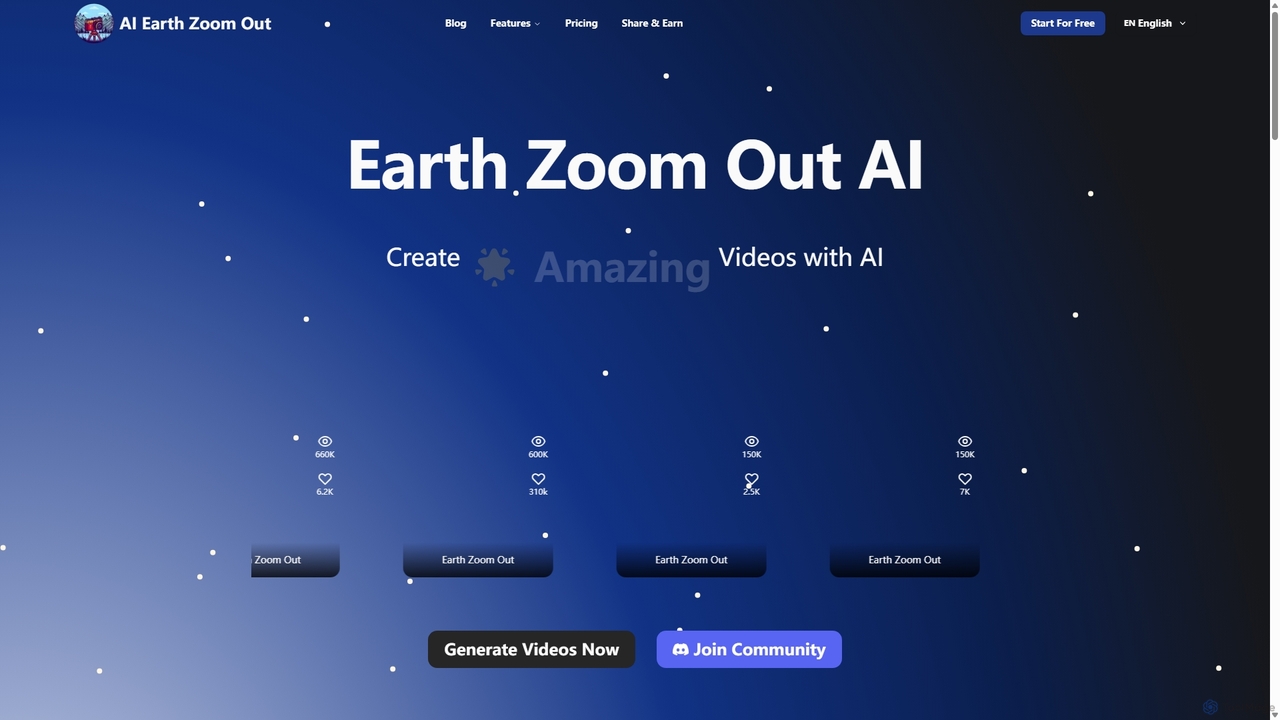
Aiearthzoomout is an AI-powered video generator that transforms any image into a stunning cinematic Earth zoom-out or zoom-in effect. Powered by higgsfield.ai, it allows creators to produce professional, planet-scale perspective videos in seconds without editing skills. Ideal for social media, brand storytelling, and educational content.
Visual Effects
BongoCat
BongoCat is an AI-powered animation and video creation platform that allows users to effortlessly generate engaging animated videos, GIFs, and memes. Perfect for marketers, content creators, and social media managers, it transforms simple text prompts or ideas into vibrant, shareable visual content in minutes, with no animation skills required.
Meme Generator
Sora2web
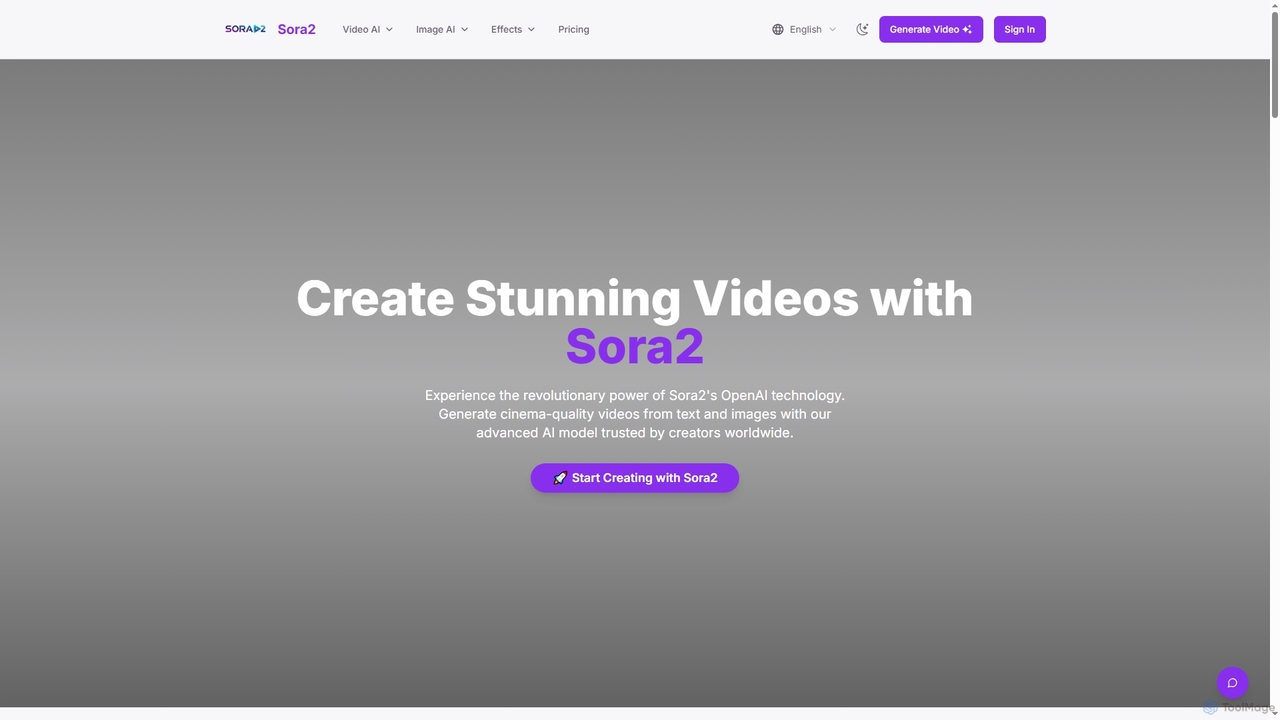
Sora2web is an advanced AI platform offering cinema-quality video and high-fidelity image generation from text and images. Leveraging models like OpenAI's Sora2, Kling, and Nanobanana, it provides creators, marketers, and businesses with powerful tools for diverse content needs, including realistic physics simulations, consistent character appearance, and a wide array of visual effects, all within an intuitive, cloud-based environment.
Content Creation
Sora2ai
Sora2ai is a comprehensive AI creative platform offering early access to advanced AI video and image generation. It integrates cutting-edge models like Sora 2 for 20-second continuous video generation with unique cameos and native audio, Google's Veo 3 for cinematic videos, and NanoBanana for powerful image editing, providing a unified workflow for diverse creative needs.
Content Creation
Vmake
Vmake is an all-in-one AI video solution designed for creators. It simplifies video production with features like watermark removal, auto-captions, background removal, and video enhancement. Effortlessly create studio-quality talking videos for social media and marketing without prior experience.
Transcription
Picsart
Picsart is an all-in-one AI-powered creative platform for photo and video editing. It offers a comprehensive suite of tools, including AI image generation, background removal, photo enhancement, and a vast library of templates and stock content. Designed for everyone from beginners to professionals, Picsart simplifies the creation of stunning visuals for social media, marketing, and personal projects, accessible on both web and mobile.
3D
Zubtitle
Zubtitle is an AI-powered online video editor designed to help creators and marketers quickly optimize videos for social media. It specializes in automatic transcription and subtitling, allowing users to add captions, headlines, logos, and progress bars with just a few clicks. The tool simplifies video repurposing for platforms like Instagram, TikTok, and YouTube Shorts, making it easy to create engaging, professional-looking content that captures attention even when muted.
Transcription
Wondershare
Wondershare offers a comprehensive suite of AI-powered software designed to enhance creativity, productivity, and utility. From advanced video editing and PDF management to data recovery and diagramming, Wondershare provides intuitive, powerful tools for individuals, businesses, and educators to simplify their digital life and creative workflows.
Graphic Design
Submagic
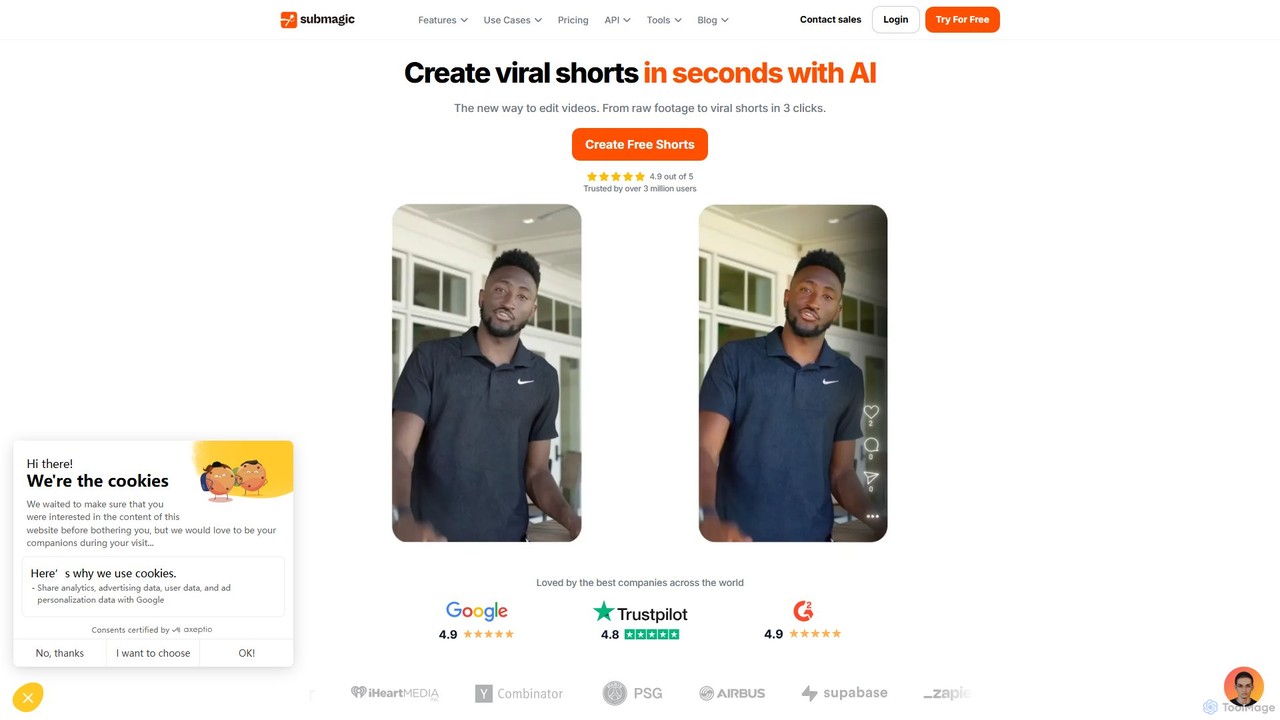
Submagic is an all-in-one AI platform designed for creating viral short-form videos in seconds. It automates tedious editing tasks by generating trendy captions with emojis, adding dynamic B-rolls, creating smooth transitions, and extracting key moments from long videos. It's the perfect tool for content creators, marketers, and businesses looking to boost engagement and save time on video production.
Automation