ImgTools is a versatile, browser-based image editing suite designed to effortlessly transform your screenshots and photos. It combines a powerful screenshot utility with an intuitive editor, allowing you to beautify, annotate, compress, and watermark images directly in your browser, with a strong focus on user privacy.

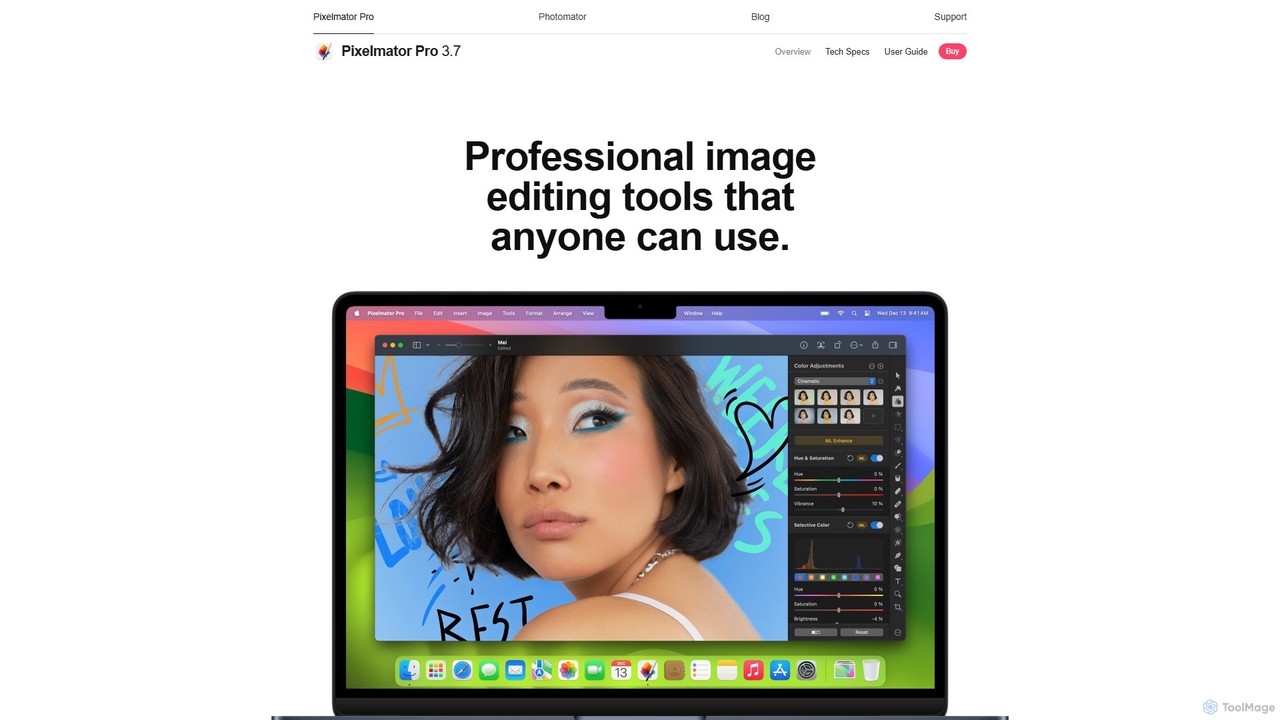
Pixelmator Pro is a powerful, beautiful, and easy-to-use image editor exclusively for Mac. It leverages advanced AI and machine learning to offer professional-grade photo editing, graphic design, and vector tools. Features include one-click photo enhancement, automatic background removal, advanced color adjustments, RAW editing, video layer support, and a vast library of templates and mockups, making it ideal for both beginners and seasoned professionals.
Product overview
ImgTools Product overview
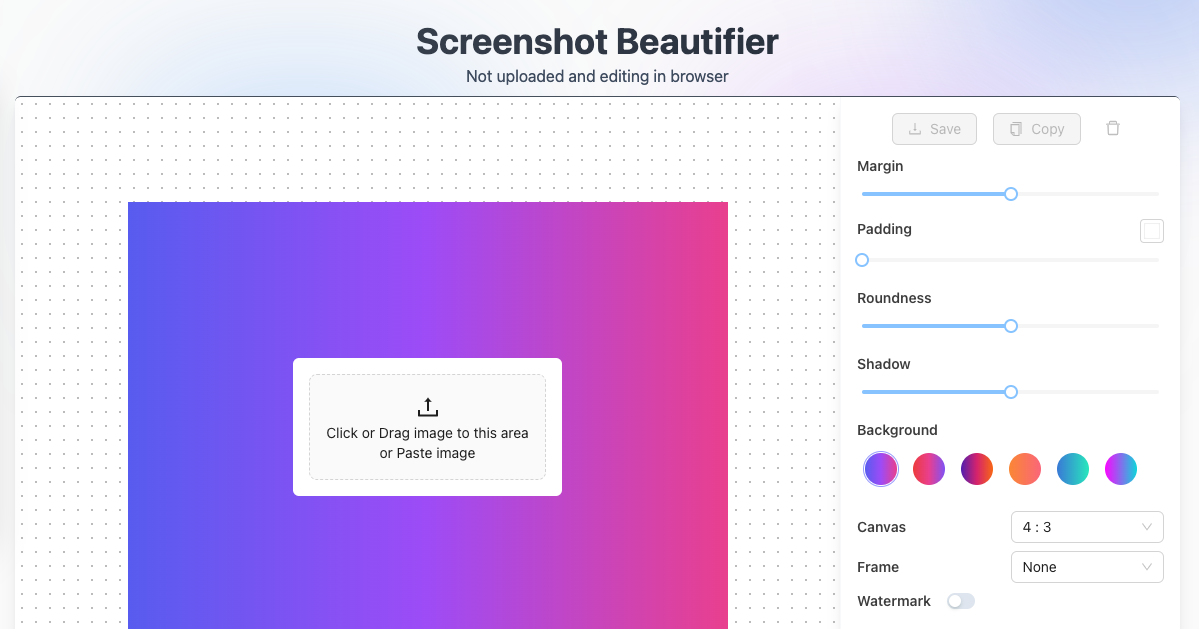
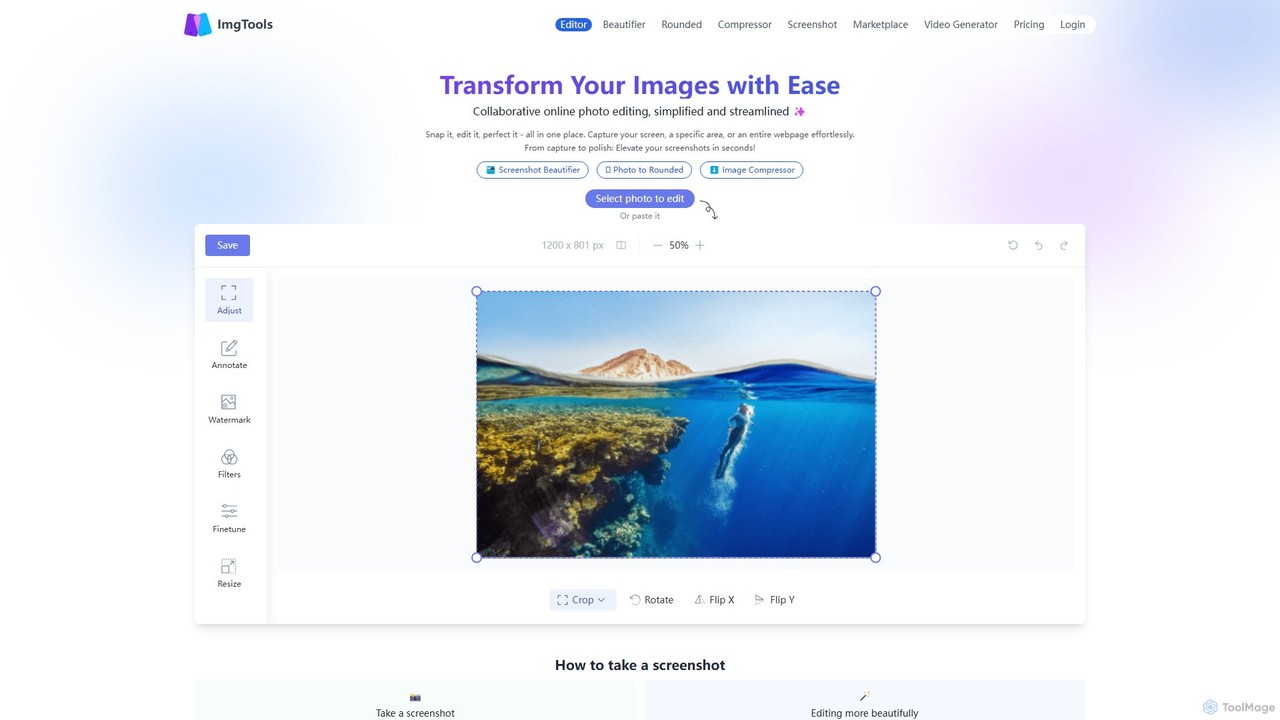
ImgTools is a versatile, browser-based image editing suite designed to effortlessly transform your screenshots and photos. It combines a powerful screenshot utility with an intuitive editor, allowing you to beautify, annotate, compress, and watermark images directly in your browser, with a strong focus on user privacy.
Pixelmator Pro Product overview
Pixelmator Pro is a powerful, beautiful, and easy-to-use image editor exclusively for Mac. It leverages advanced AI and machine learning to offer professional-grade photo editing, graphic design, and vector tools. Features include one-click photo enhancement, automatic background removal, advanced color adjustments, RAW editing, video layer support, and a vast library of templates and mockups, making it ideal for both beginners and seasoned professionals.
Detailed feature comparison
| Feature | ImgTools | Pixelmator Pro |
|---|---|---|
| Primary category | Image Editing | Image Editing |
| Added | 2025-08-07 | 2025-08-14 |
| Pricing | Freemium | Paid |
| Official website | www.img-tools.app | www.pixelmator.com |
| Product type | Website | App |
| Performance data | ||
| User rating | Not verified | Not verified |
| Comments | 0 | 0 |
| Monthly visits | 1.5K | 67.8K |
| Monthly growth | 729.3% | -11.5% |
| Favorites | 141 | 88 |
| Details | View details | View details |
ImgTools vs Pixelmator Pro monthly traffic
Compare ImgTools and Pixelmator Pro by monthly reach, traffic trend, visit depth, top regions, and acquisition sources.
How to interpret the traffic data
In the ImgTools vs Pixelmator Pro monthly traffic comparison, ImgTools currently shows 1.5K visits and Pixelmator Pro shows 67.8K; Pixelmator Pro has about 45.2 times the visible traffic of ImgTools, an absolute difference of about 66.3K visits. This reflects visible reach, not feature quality or paid users.
Both tools provide verified traffic details, so monthly trends, visit depth, regions, and acquisition sources can be compared on the same basis.
Pixelmator Pro is registered at the www.pixelmator.com/pro subpage. Because the current data does not state whether other host pages are excluded, treat this as domain-level context rather than independent traffic for one product or project.
ImgTools monthly traffic:
Latest traffic
Monthly traffic trend
- 2025/9: 4.8K Monthly visits
- 2026/1: 1K Monthly visits
- 2026/2: 1K Monthly visits
- 2026/3: 1.5K Monthly visits
- 2026/4: 181 Monthly visits
- 2026/5: 1.5K Monthly visits
Top regions
Top 5 countries/regions
| Country/region | Percentage | Traffic |
|---|---|---|
| 🇯🇵Japan | 97.26% | 1.5K |
| 🇮🇳India | 2.74% | 41 |
Search keywords
Pixelmator Pro monthly traffic:
Latest traffic
Monthly traffic trend
- 2026/1: 211K Monthly visits
- 2026/2: 110.3K Monthly visits
- 2026/3: 73.1K Monthly visits
- 2026/4: 76.6K Monthly visits
- 2026/5: 67.8K Monthly visits
Top regions
Top 5 countries/regions
| Country/region | Percentage | Traffic |
|---|---|---|
| 🇺🇸United States | 48.96% | 33.2K |
| 🇩🇪Germany | 18.54% | 12.6K |
| 🇬🇧United Kingdom | 15.79% | 10.7K |
| 🇧🇷Brazil | 8.41% | 5.7K |
| 🇮🇹Italy | 8.3% | 5.6K |
Traffic sources
| Source type | Percentage | Traffic |
|---|---|---|
| Direct | 89.51% | 60.7K |
| Referral | 10.49% | 7.1K |
Search keywords
Usage comparison
Compare the core capabilities of ImgTools and Pixelmator Pro
ImgTools Core features
Pixelmator Pro Core features
Use cases
ImgTools Use cases
Pixelmator Pro Use cases
ImgTools vs Pixelmator Pro:In-depth comparison and selection guidance
First decide whether the products solve the same kind of need
This in-depth ImgTools vs Pixelmator Pro comparison uses only the product records, taxonomy, audience, traffic, and community signals available on this page. ImgTools is primarily listed under “Image Editing”, while Pixelmator Pro is primarily listed under “Image Editing”, so the first decision is whether your actual task matches their recorded scope.
The structured fields currently show these decision-relevant differences: Product type (ImgTools: Website; Pixelmator Pro: App); Pricing (ImgTools: Freemium; Pixelmator Pro: Paid); Monthly visits (ImgTools: 1.5K; Pixelmator Pro: 67.8K); Monthly growth (ImgTools: 729.3%; Pixelmator Pro: -11.5%); Favorites (ImgTools: 141; Pixelmator Pro: 88). These facts are more useful for selection than brand visibility alone.
What market visibility and monthly traffic mean
In the ImgTools vs Pixelmator Pro monthly traffic comparison, ImgTools currently shows 1.5K visits and Pixelmator Pro shows 67.8K; Pixelmator Pro has about 45.2 times the visible traffic of ImgTools, an absolute difference of about 66.3K visits. This reflects visible reach, not feature quality or paid users.
Both tools provide verified traffic details, so monthly trends, visit depth, regions, and acquisition sources can be compared on the same basis.
Pixelmator Pro is registered at the www.pixelmator.com/pro subpage. Because the current data does not state whether other host pages are excluded, treat this as domain-level context rather than independent traffic for one product or project.
Pixelmator Pro is registered under a www.pixelmator.com subpath, so its large visible total may include the host platform. The current data does not justify choosing Pixelmator Pro for traffic alone; shortlist by unique taxonomy and use case, then validate with the same tasks.
Product positioning, use cases, and roles
ImgTools and Pixelmator Pro currently overlap in shared categories: Image Editing and Social Media; shared tags: background remover and image editor. This can place both on the same shortlist, but it does not prove equal implementation, depth, or cost.
ImgTools's unique categories/tags are Screenshot Utility, annotation, image compressor, online editor, privacy-focused, rounded corners, screenshot beautifier, and screenshot tool; Pixelmator Pro's are Creative Tool, AI photo editor, graphic design, mac app, photo editing, RAW editor, vector graphics, and video editing. These unique fields are the strongest differentiators: validate the product whose recorded scope matches the task instead of following traffic alone.
What ratings, comments, and favorites can tell you
ImgTools has no verified rating, 0 comments, 141 favorites, and 146 likes;Pixelmator Pro has no verified rating, 0 comments, 88 favorites, and 97 likes。
Neither product has enough rating or comment samples for a credible reputation ranking.
Selection guidance by actual need
When to evaluate ImgTools first
Put ImgTools on the priority trial list when the task aligns with “Image Editing” and especially Screenshot Utility, annotation, image compressor, online editor, privacy-focused, and rounded corners. This follows recorded positioning and does not imply unlisted capabilities are absent.
ImgTools also currently records: pricing is freemium, product type is website, 1.5K verified monthly visits, no verified user rating. Verify any hard requirement around price, platform, or reach before trial, and do not let sparse review data substitute for testing.
When to evaluate Pixelmator Pro first
Put Pixelmator Pro on the priority trial list when the task aligns with “Image Editing” and especially Creative Tool, AI photo editor, graphic design, mac app, photo editing, and RAW editor. This follows recorded positioning and does not imply unlisted capabilities are absent.
Pixelmator Pro also currently records: pricing is paid, product type is app, 67.8K monthly visits shown for the registered host (subpage scope unknown), no verified user rating. Verify any hard requirement around price, platform, or reach before trial, and do not let sparse review data substitute for testing.
How to validate the recommendation before deciding
The available data describes positioning, public visibility, and community signals, but it cannot prove output quality, speed, integration effort, privacy, or long-term cost in your workflow. Before deciding, run the same representative tasks in ImgTools and Pixelmator Pro, then record completion time, accuracy, manual corrections, and the real paid threshold. A like-for-like trial turns this comparison into a defensible adoption decision.
Comparison FAQ
How should I choose between ImgTools and Pixelmator Pro?
Where does this comparison data come from?
What do unknown fields mean?
Related AI tools

ezremove
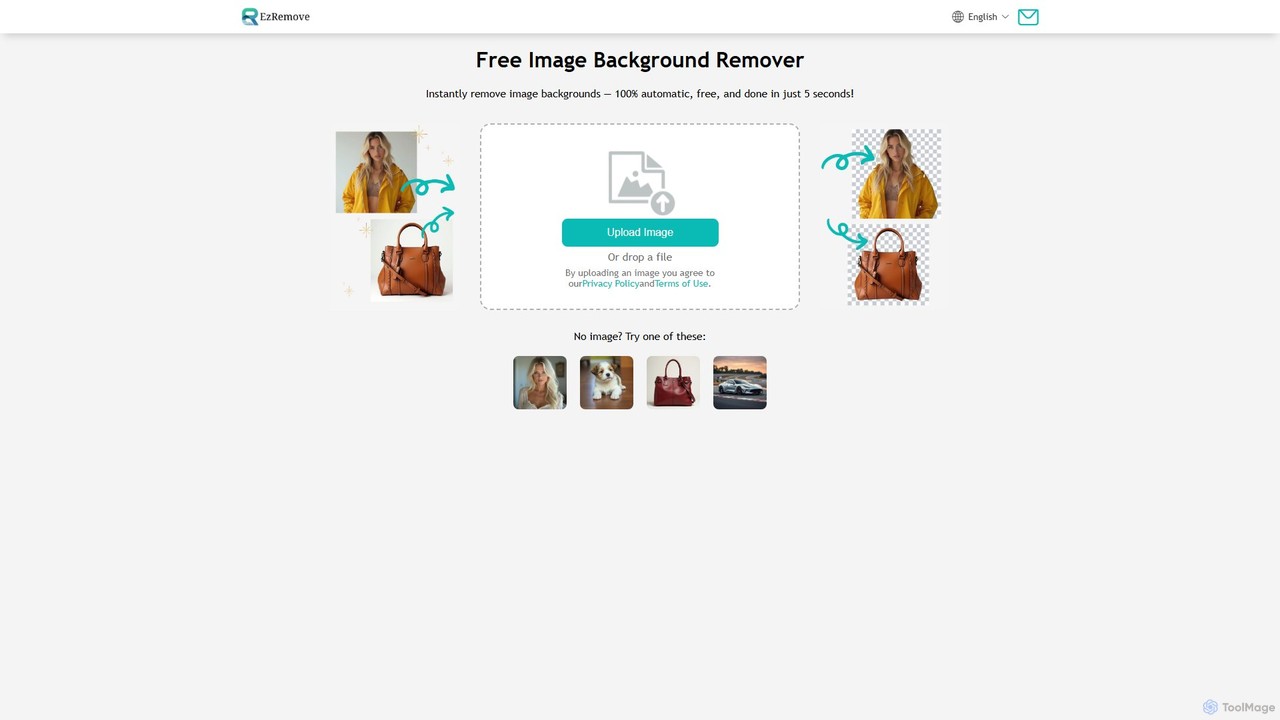
ezremove is a free, AI-powered image background remover that automatically creates transparent backgrounds in just 5 seconds. Ideal for e-commerce, graphic design, and social media, it supports batch processing, basic editing, and various image formats. No software or technical skills required—simply upload your image and download a high-quality, clean PNG file instantly.
Image Editing
Photopea
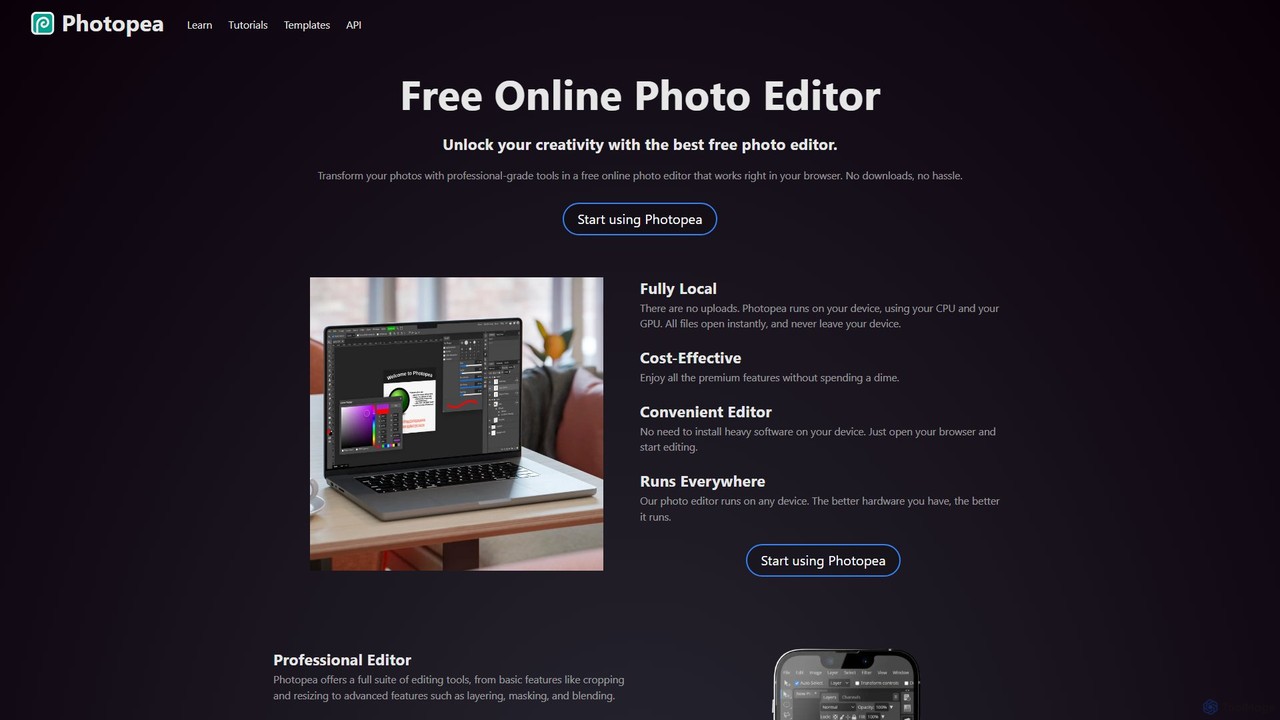
Photopea is a powerful, free online photo and graphics editor that runs directly in your browser. It supports advanced features like layers, masks, and smart objects, and is compatible with formats such as PSD, AI, and Sketch. It's a versatile alternative to expensive desktop software, perfect for designers, photographers, and content creators.
Image Editor
Erase.bg
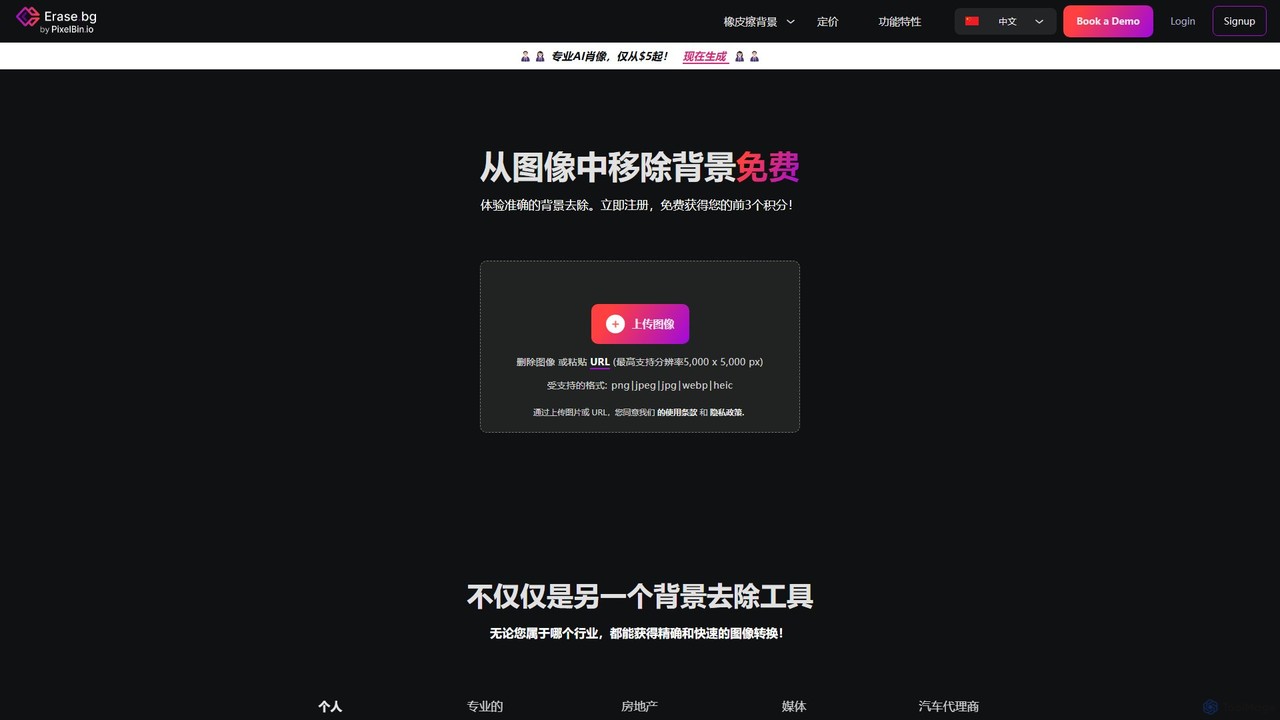
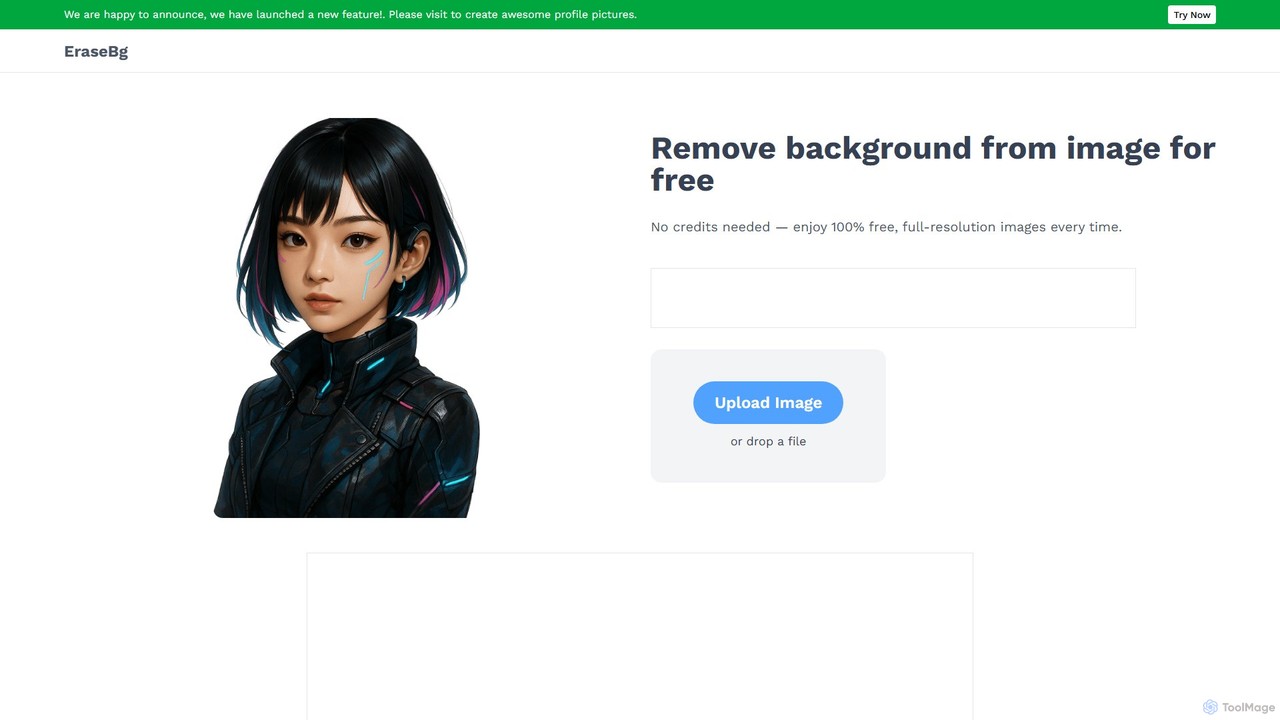
Erase.bg is an AI-powered tool that automatically removes backgrounds from images in seconds. It's designed for a wide range of users, from individuals creating social media content to e-commerce businesses needing clean product photos. The tool supports various formats, offers high-resolution output, and provides simple editing options to add new backgrounds. It is accessible via web and mobile apps, with an API for developers.
Editing
background_remover
background_remover is a free, AI-powered online tool that automatically removes the background from any image in a single click. It requires no registration or software installation. Simply upload your JPG or PNG image to get a high-quality, transparent background instantly. Ideal for e-commerce, graphic design, and personal projects, it supports high-resolution images and works on any device.
3D
Fotoai.ai
Fotoai.ai is a powerful AI-powered tool for instant, automatic background removal. It allows users to create transparent backgrounds (PNGs), add new backgrounds, and remove unwanted objects with text prompts or a magic eraser. Designed for e-commerce, marketing, and design, it supports batch processing to streamline workflows. It's a fast, free, and user-friendly solution for professional-quality image editing without any technical skills.
Product Photos
Quicktools by Picsart
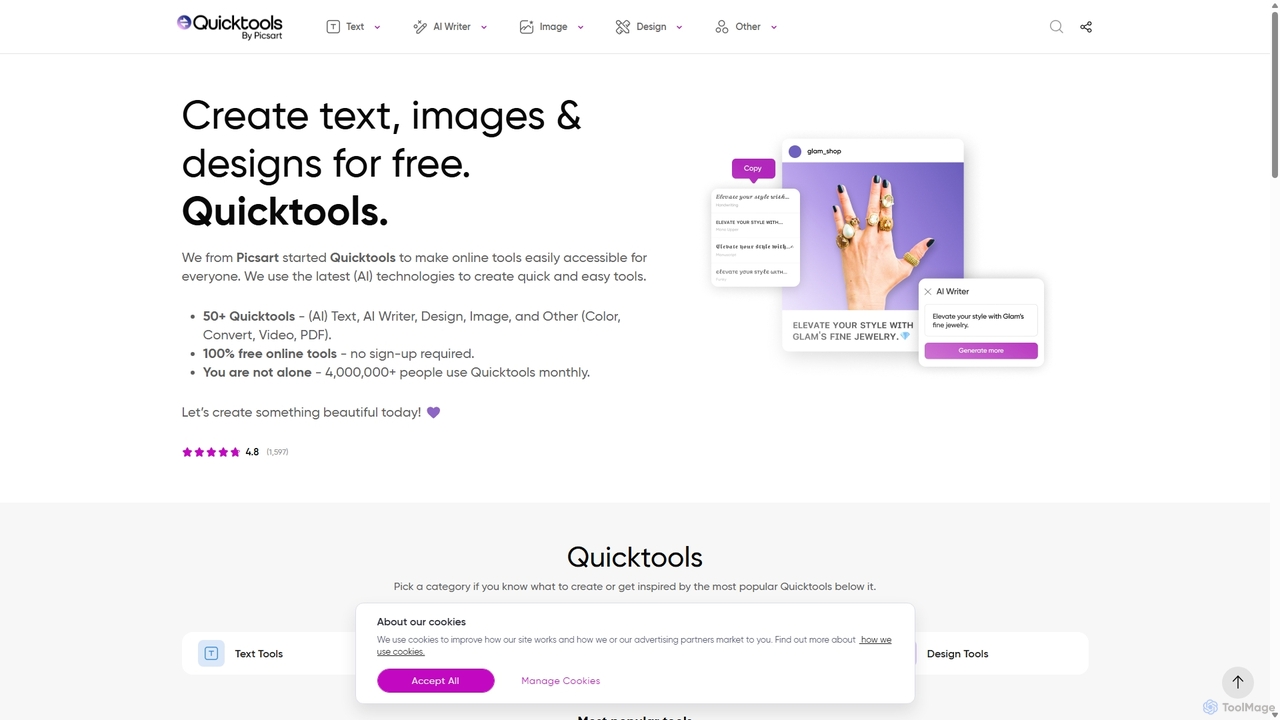
Quicktools by Picsart is a comprehensive suite of over 50 free, AI-powered online tools for creative tasks. It offers a wide range of single-purpose utilities for image editing, text generation, design, and file conversion. Designed for speed and simplicity, it allows users to perform quick edits like background removal, image upscaling, and font generation without needing to sign up or use a complex editor.
Image Editing
Erase BG
Erase BG is a completely free AI-powered tool that instantly removes backgrounds from images. It requires no registration or credits, offering unlimited downloads in high resolution (up to 4K). Simply upload your image to get a clean, transparent PNG or a white-background JPEG in seconds. It also features a creative GIF maker for personalized animations.
Image Editing
removebg.one
removebg.one is a free, AI-powered online tool for instantly removing backgrounds from images. It supports various subjects like people, products, animals, cars, and logos. Ideal for e-commerce, graphic design, and social media, it offers high-resolution downloads and an optional API for developers. No registration is required for web use, providing a fast and efficient solution for clean, professional cutouts.
Image Editing
stripbackground
A free, AI-powered online tool to instantly remove backgrounds from photos. Supports various image formats and allows replacing the background with a solid color or a new image. Ideal for e-commerce, graphic design, and personal use, with a focus on privacy and ease of use.
Image Editing
remove-bg.ai
A free, AI-powered tool that automatically removes backgrounds from images in seconds. Upload any photo to get a high-quality, transparent background. Features include manual editing tools, background customization with colors and templates, and support for all common image formats. Ideal for e-commerce, marketing, and personal use without needing an account.
Image Editing
Background Removal AI
An AI-powered tool that instantly and automatically removes backgrounds from any image for free. Ideal for e-commerce, graphic design, marketing, and personal use, it offers high-precision results, batch processing, and API integration for streamlined workflows. Get clean, professional images with transparent backgrounds in seconds.
Image Editing
no_background
A free, AI-powered web tool that effortlessly removes backgrounds from images in seconds. Based on the MODNet deep learning model, it offers a fast, simple, and privacy-focused solution for creating transparent backgrounds without manual editing.
Image Editing
clyrbg
ClyrBG is an AI-powered tool that automatically removes backgrounds from images in just 5 seconds. It's designed for e-commerce, photographers, marketers, and designers, offering high-precision cutouts, batch processing, and an API for integration. Simply upload an image to get a transparent background instantly, no technical skills required.
Image Editing
Image Candy
Image Candy is a comprehensive and 100% free online image editing toolkit. It provides a wide array of easy-to-use tools for converting, resizing, compressing, removing backgrounds, and performing various other image modifications directly in your browser without needing any software installation.
Graphics
Instacut
Instacut is a comprehensive, privacy-first suite of AI-powered image editing tools available online for free. It requires no signup and offers features like background removal, image upscaling, photo restoration, format conversion, and file compression, ensuring user data is never stored.
Graphics