

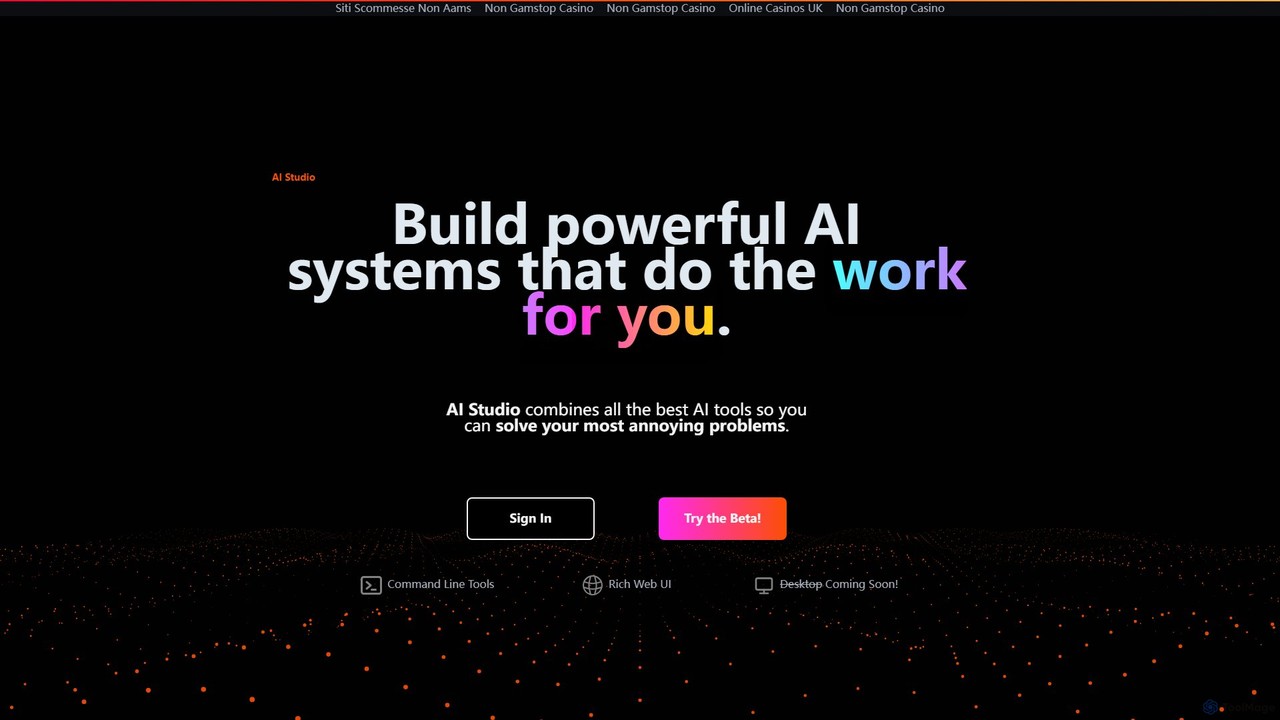
AI Studio Overview
AI Studio is a revolutionary no-code platform designed with a singular, powerful goal: to eliminate repetitive and tedious work. It empowers users from all backgrounds to build and deploy sophisticated AI systems that work for them, freeing up valuable time for more creative, strategic, and meaningful tasks that only humans can do. By integrating a comprehensive suite of the latest and greatest Artificial Intelligence (AI) tools into a single, intuitive interface, AI Studio makes the power of automation accessible to everyone.
The platform is built around a visual, graph-and-node-based editor. This approach allows users to construct complex workflows simply by dragging, dropping, and connecting different functional nodes. Each node represents a specific action or AI model—such as scraping a website, analyzing text sentiment, summarizing a document, or generating an image. By linking these nodes together, you can design a custom AI system tailored to your exact needs, whether it's for business intelligence, marketing automation, or personal productivity.
How to use AI Studio
Getting started with AI Studio is designed to be straightforward. Users can begin by signing up for the Beta program on the website. The core of the platform is the web-based visual editor. Here's a typical workflow:
- Conceptualize Your Workflow: Identify a repetitive task you want to automate, such as compiling a weekly competitor analysis report.
- Build with Nodes: Open the editor and start dragging nodes onto the canvas. You might start with a 'Web Scraper' node to gather data from specific URLs, connect it to a 'Data Cleaner' node to format the information, then pipe that into a 'GPT-4 Analysis' node to generate insights, and finally, send the output to a 'Spreadsheet Creator' or 'Report Writer' node.
- Configure and Customize: Click on each node to configure its specific parameters. For the 'Web Scraper' node, you'd input the target URLs. For an 'AI Writer' node, you'd provide the prompt and desired tone.
- Execute and Deploy: Run the entire system with a single click to test its output. Once you're satisfied, you can deploy it for regular use. For advanced users and production environments, AI Studio provides command-line tools (CLI) to execute and manage these systems programmatically.
Core Features of AI Studio
- No-Code Visual Builder: An intuitive drag-and-drop, graph-and-node interface that makes building complex AI workflows as simple as drawing a flowchart.
- Integrated AI Tool Hub: Combines a wide array of best-in-class AI models and tools for tasks like data extraction, natural language processing (NLP), content generation, transcription, translation, and more.
- Multi-Platform Access: Currently available as a rich web UI and powerful command-line tools. A desktop application is in development to allow users to run advanced AI models on their local data without uploading it to the cloud, ensuring maximum privacy and security.
- Pre-built Templates: A library of ready-to-use templates for common tasks like market research, social media content creation, and data analysis, which can be used as-is or customized.
- Scalable and Deployable: Systems built in AI Studio can be easily executed, shared, and deployed into production environments using the provided CLI tools.
Use Cases for AI Studio
AI Studio is versatile enough to handle a vast range of tasks across different industries:
- Marketing & Sales: Automate lead generation by scraping professional networks, enrich contact data, draft personalized outreach emails, and generate marketing copy for ads and social media.
- Business Intelligence: Create systems that monitor news sites and competitor websites for updates, analyze customer reviews for sentiment, and generate daily summary reports.
- Content Creation: Build a workflow that researches a topic online, gathers key points, drafts an article or blog post, and suggests relevant images.
- Data Management: Automate the process of extracting data from PDFs and images (OCR), cleaning and structuring it, and populating it into spreadsheets or databases.
- Personal Productivity: Design personal agents to manage your emails, summarize long articles and videos, or transcribe meeting recordings.
Advantages of AI Studio
The primary advantage of AI Studio is the democratization of AI. It removes the coding barrier, allowing marketers, researchers, entrepreneurs, and other professionals to leverage AI directly. This leads to significant increases in efficiency and productivity, cost savings on specialized software or personnel, and the ability to rapidly prototype and deploy custom solutions. The upcoming desktop app further enhances its appeal by addressing data privacy concerns, a crucial factor for many businesses.
Pricing and Plans
AI Studio is currently in a public Beta phase, and users can sign up to try the platform. As it is in Beta, access is typically free or offered under special introductory terms. Specific details about future subscription tiers and pricing plans have not yet been released. Interested users are encouraged to visit the official website and join the Beta program for the most current information.
Traffic
Latest traffic
Status
Monthly traffic trend
- 2025-9: 6.5K
- 2026-1: 829
- 2026-2: 504
- 2026-3: 398
- 2026-4: 2.3K
- 2026-5: 74
Geography
Top 5 countries / regions
- 🇹🇷Türkiye100.0%
Top keywords
| Keyword | Cost per click |
|---|---|
| aistud | $0.00 |
AI Studio Alternatives
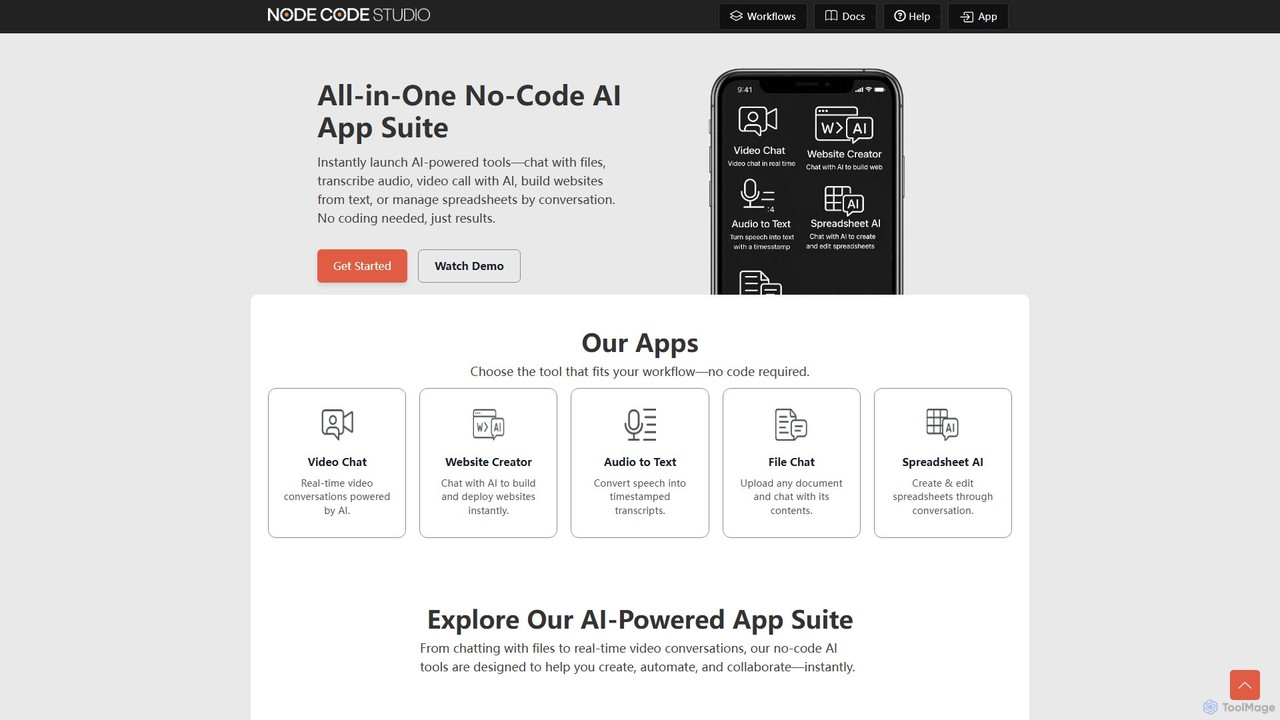
NodeCodeStudio
NodeCodeStudio is an all-in-one no-code AI suite that allows users to instantly launch AI-powered tools and build custom automation workflows. Create everything from chatbots and websites to spreadsheet managers and audio transcribers using a visual, node-based editor without writing a single line of code.
Workflow Management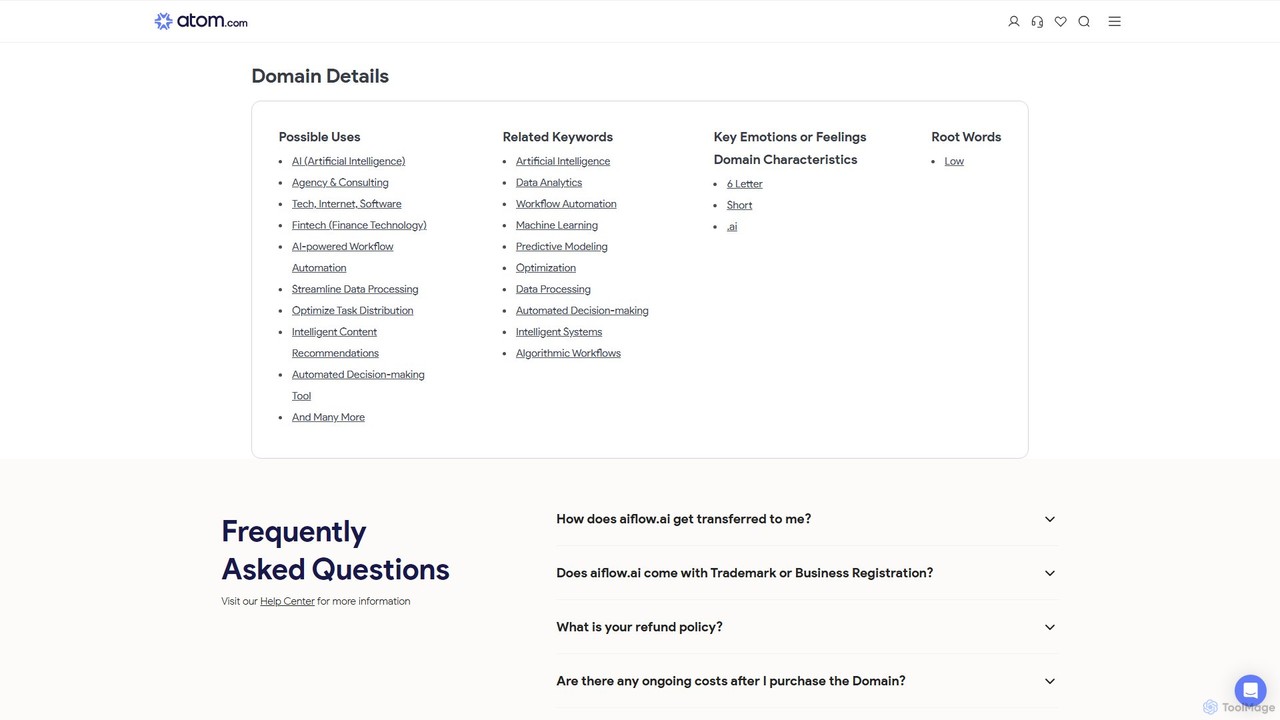
aiflow.ai
aiflow.ai is a no-code platform for building and automating AI-powered workflows. Visually connect your favorite apps and AI models to streamline tasks, from content creation and data analysis to customer support, boosting productivity and innovation for your business.
Workflow Management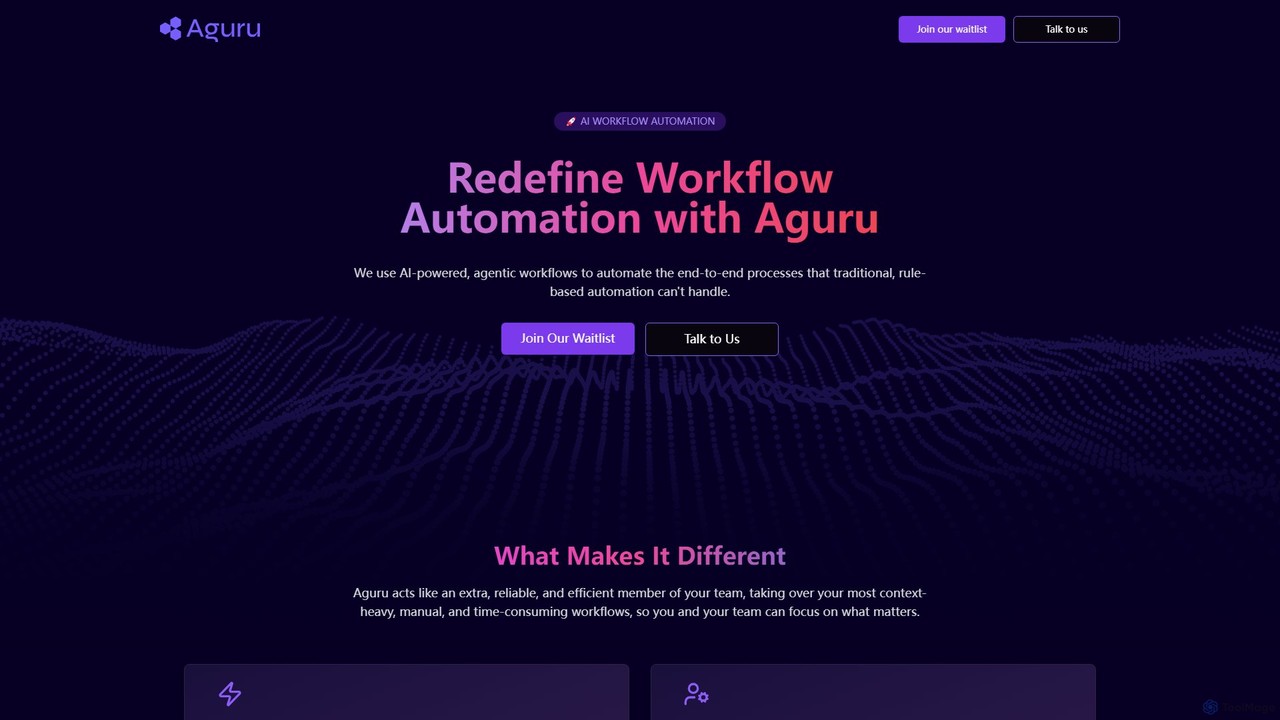
Aguru
Aguru provides AI-powered workflow automation agents that handle complex, end-to-end business processes. Unlike traditional rule-based tools, Aguru's agents understand context, manage exceptions, and integrate across your entire tech stack, acting as an efficient, reliable member of your team.
Workflow Management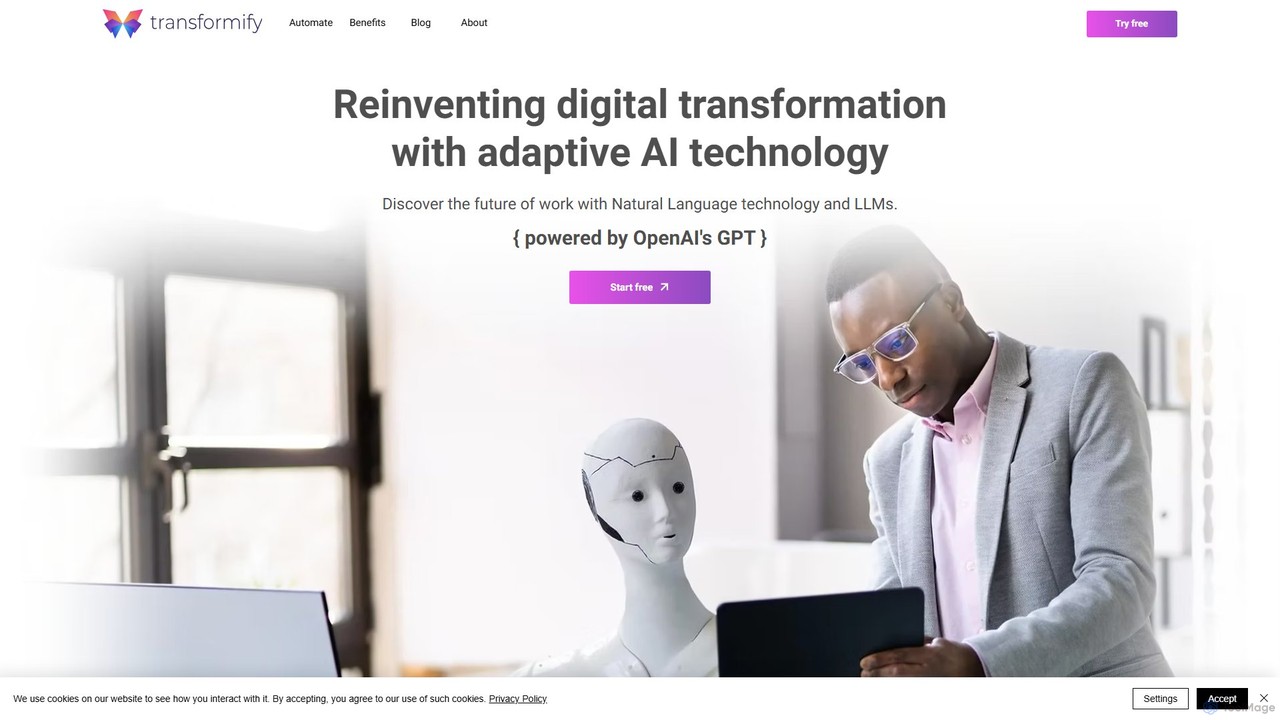
Transformify
Transformify is an AI-powered automation platform that turns natural language commands into complex workflows. Its AI Copilot allows users to describe tasks in a chat interface, automating everything from data processing to business operations, eliminating repetitive work and boosting productivity.
No Code & Low Code
Mancia
Mancia provides AI-powered automation solutions designed to streamline and optimize business processes, enhancing efficiency and productivity for various operational needs.
Workflow ManagementAI Studio Categories
AI Studio Embed Widget
Copy this embed code to place the badge on your blog, article, or product site and send readers directly to this ToolMage detail page.

Related AI tools
Transformify
Transformify is an AI-powered automation platform that turns natural language commands into complex workflows. Its AI Copilot allows users to describe tasks in a chat interface, automating everything from data processing to business operations, eliminating repetitive work and boosting productivity.
No Code & Low Code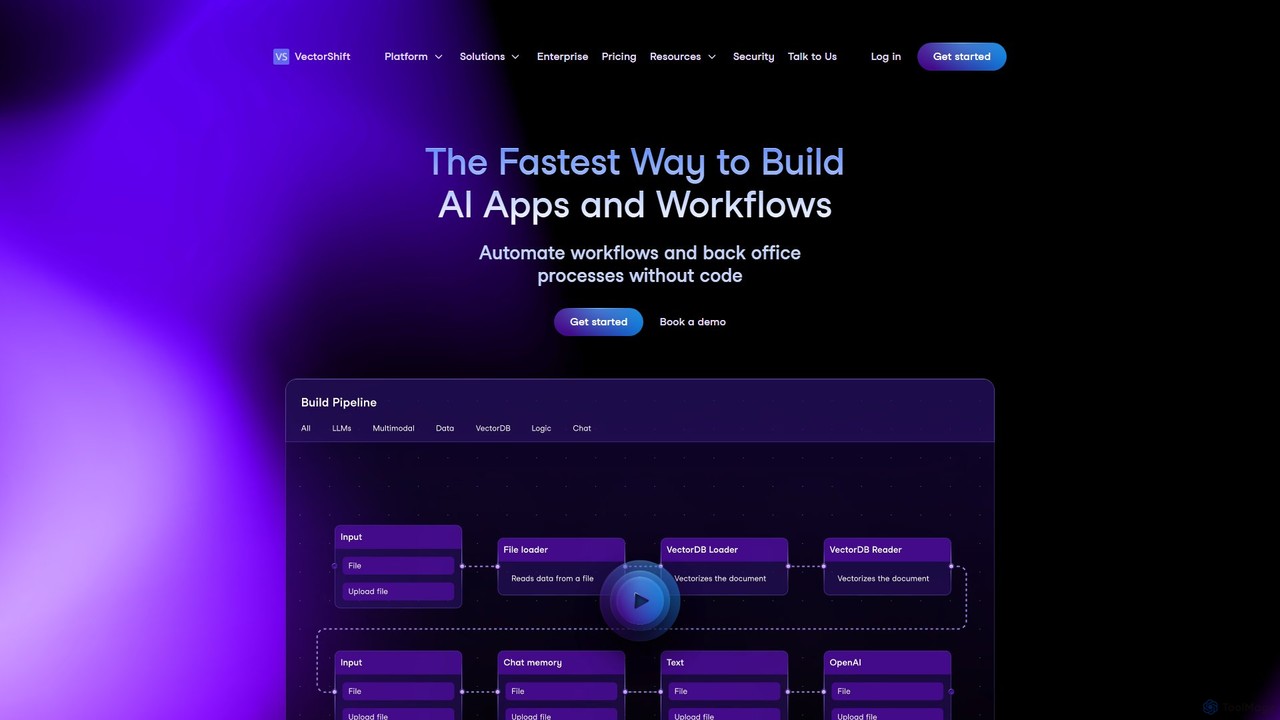
VectorShift
VectorShift is an end-to-end AI automation platform that enables users to build, deploy, and manage AI applications and workflows without code. It offers a drag-and-drop builder, a code SDK, and pre-built templates to automate processes, create chatbots, analyze data, and integrate with various business tools.
Customer Support
Nekton
Nekton is an AI-powered automation platform that transforms plain English descriptions into cloud-based workflows. It integrates with thousands of apps, allowing users to automate tasks in marketing, software development, and sales without writing code. Powered by OpenAI, it features an interactive chat for refining automations, scheduled runs, and sharable workflows.
No Code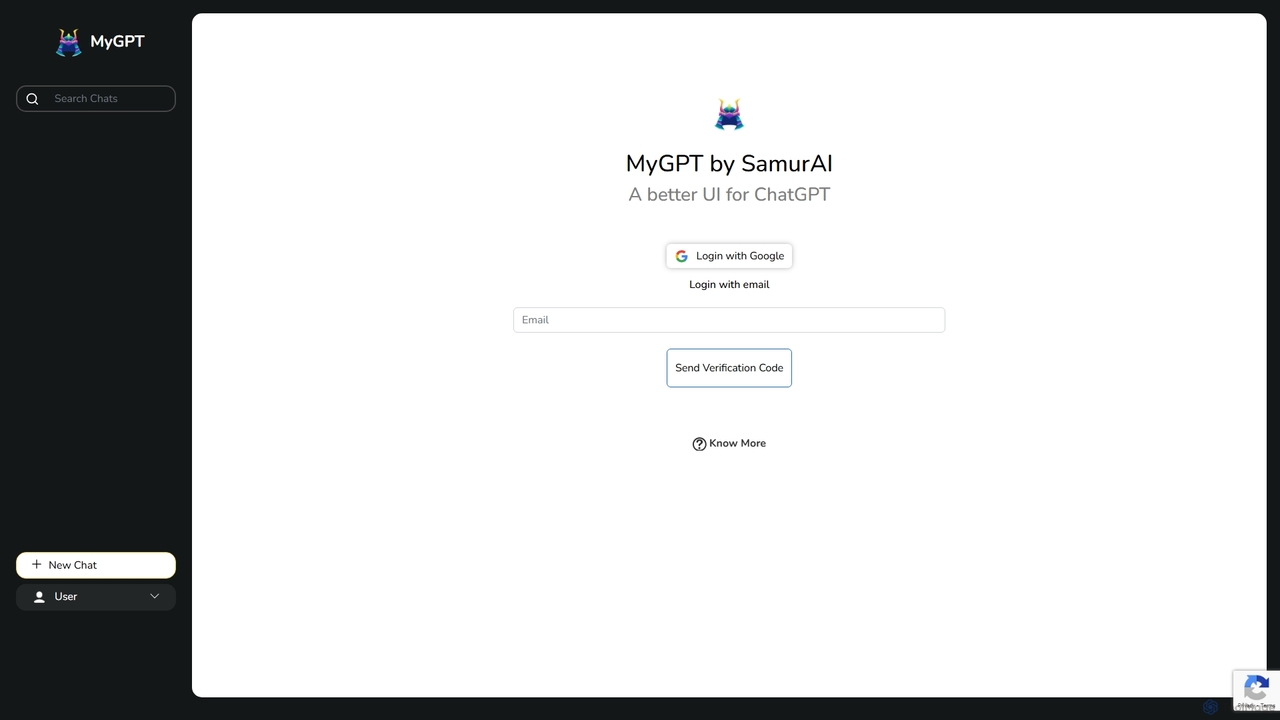
MyGPT
MyGPT is an advanced platform offering a superior UI for ChatGPT, enhanced with powerful features like AutoGPT for autonomous tasks, EmbedAI for custom website chatbots, and GPT Actions for real-world API integrations. Build, automate, and deploy AI with ease.
Chatbots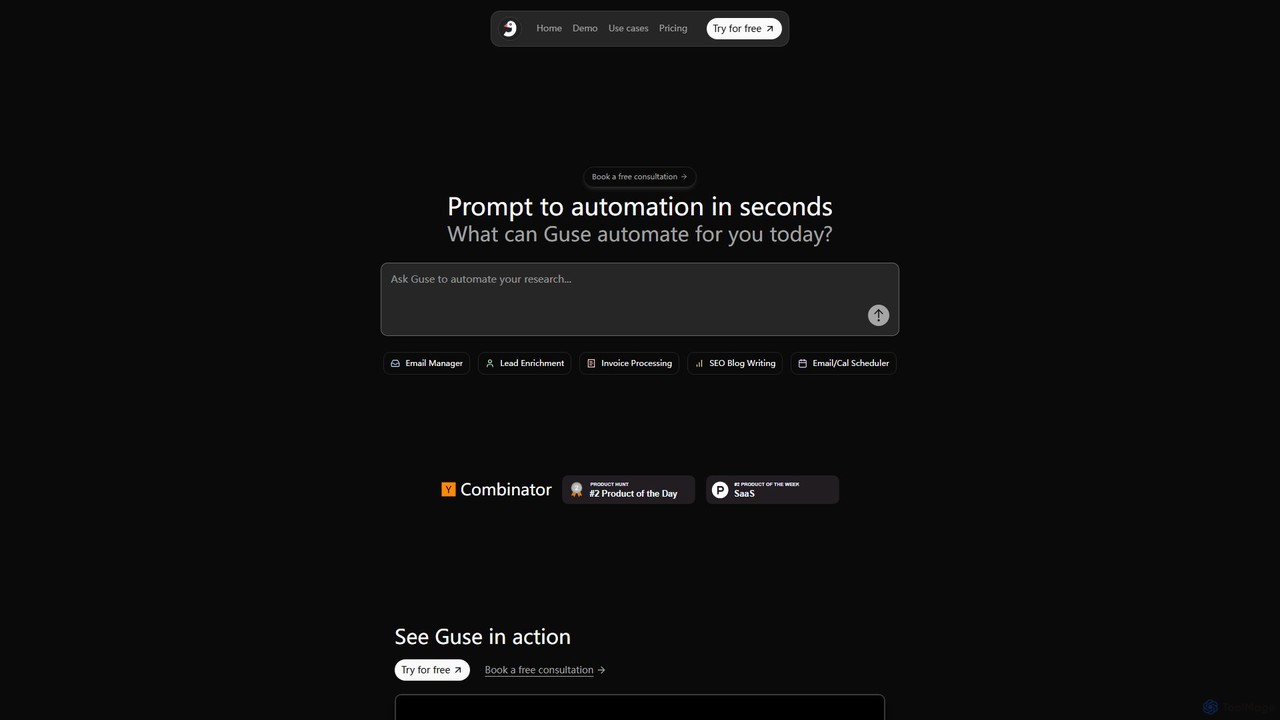
Guse
Guse is an AI-powered automation platform that transforms natural language prompts into complex workflows. It allows users to automate tasks across various applications by simply describing what they want to achieve. By integrating with over 200 popular apps like Slack, Gmail, and Google Sheets, Guse streamlines processes in sales, marketing, HR, and engineering, boosting productivity without requiring any coding knowledge.
No Code
deathtohumans
An advanced AI automation platform designed to eliminate repetitive human tasks. It leverages a multi-agent system to build and execute complex workflows for content creation, data analysis, coding, and business operations, radically boosting efficiency.
Business Intelligence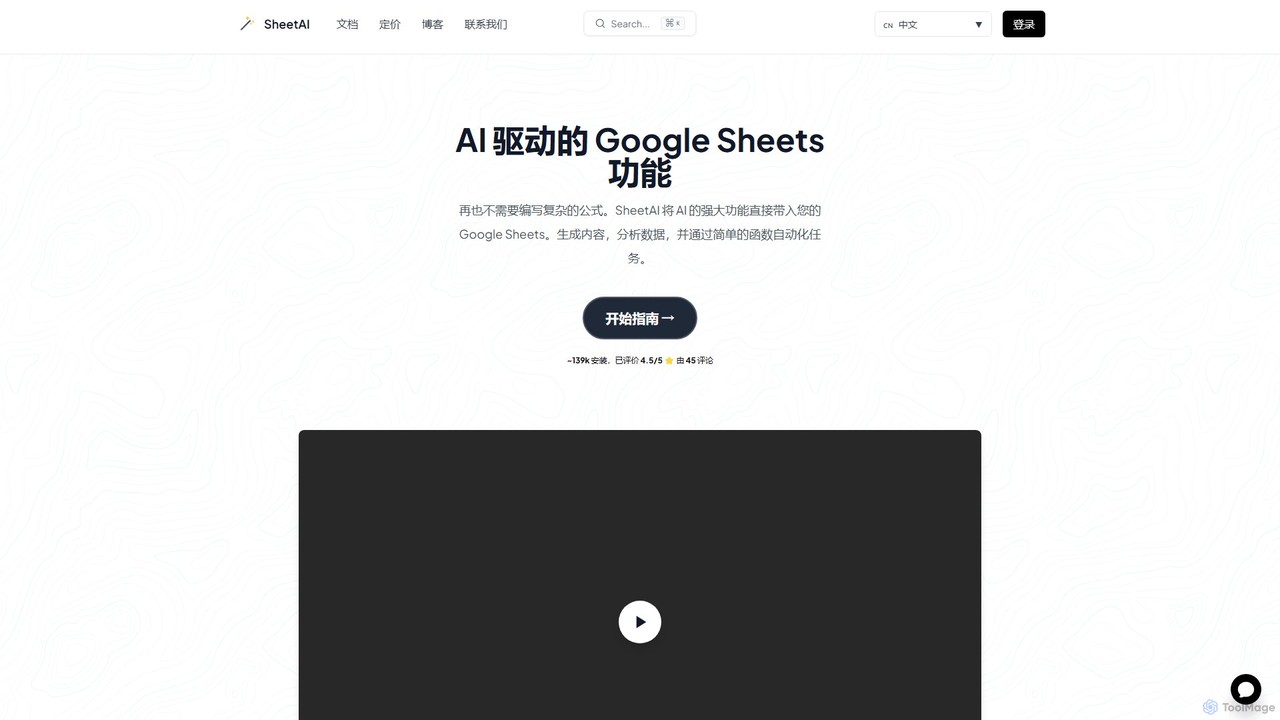
SheetAI
SheetAI integrates the power of AI directly into Google Sheets, allowing users to generate content, analyze data, and automate tasks using simple functions. It eliminates the need for complex formulas, making spreadsheet management more efficient and intuitive for everyone.
No Code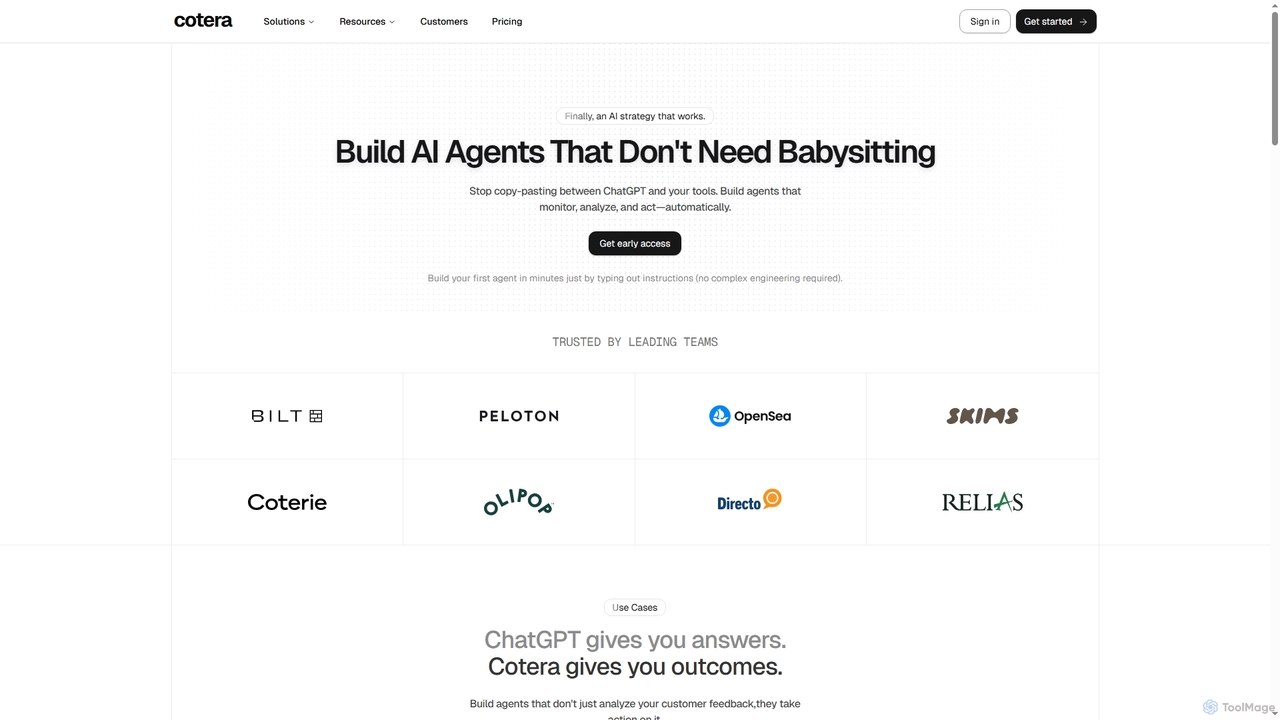
Cotera
Cotera is an AI platform that empowers businesses to build autonomous AI agents capable of monitoring, analyzing, and acting automatically across various operations. It eliminates manual busywork by enabling users to create sophisticated agents with plain English instructions, integrating seamlessly with existing tools and data warehouses.
Support Automation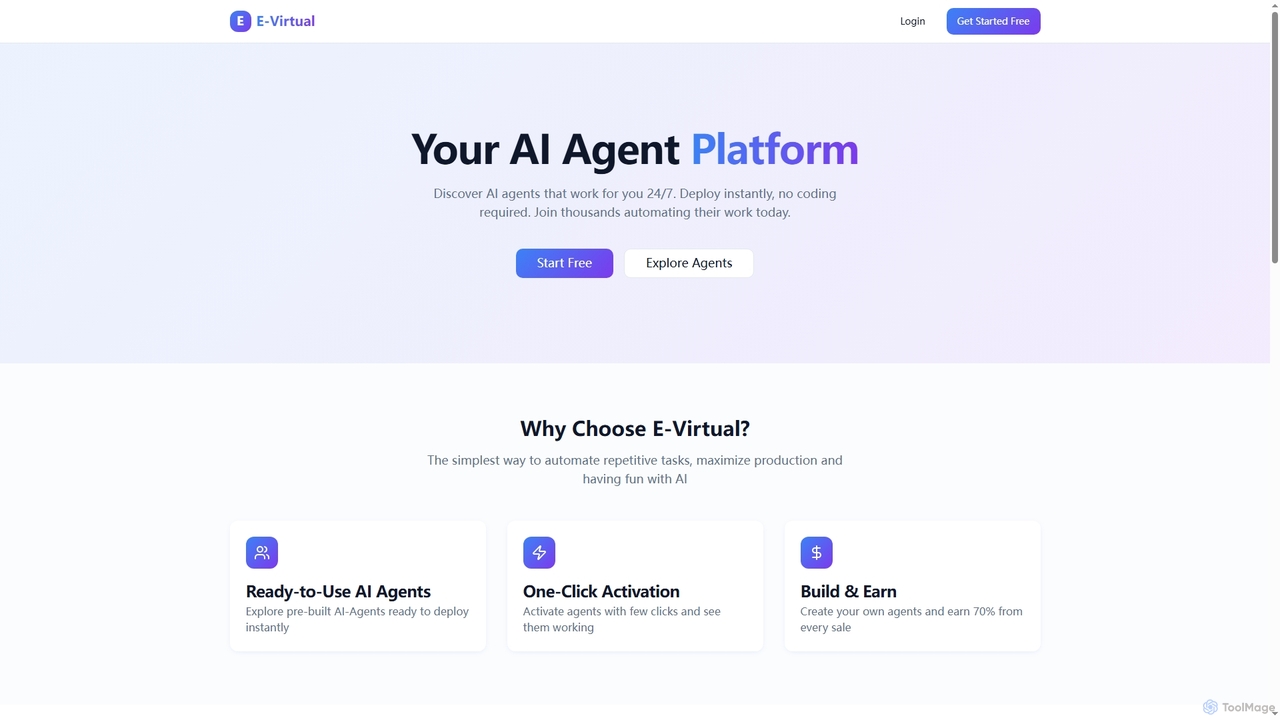
E-Virtual
E-Virtual is an AI agent platform that empowers users to instantly deploy pre-built AI agents without coding, automating repetitive tasks 24/7. It offers a marketplace for ready-to-use agents and allows creators to build and earn from their own AI solutions, simplifying workflow automation for individuals and power users alike.
Workflow Automation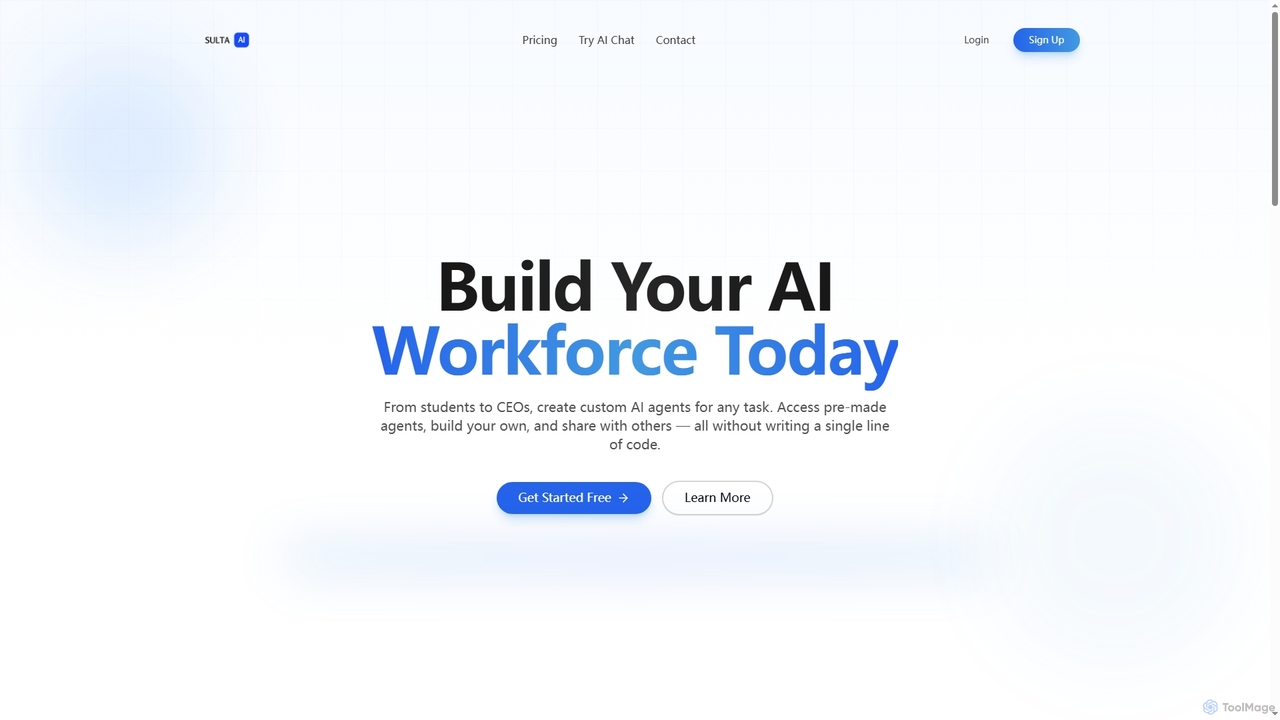
Sulta AI
Sulta AI is a no-code platform empowering users to build and deploy custom AI agents for any task, from student research to business operations. It offers a rich library of pre-built agents, community sharing, and data training capabilities to revolutionize individual and team workflows without writing a single line of code.
Content Generation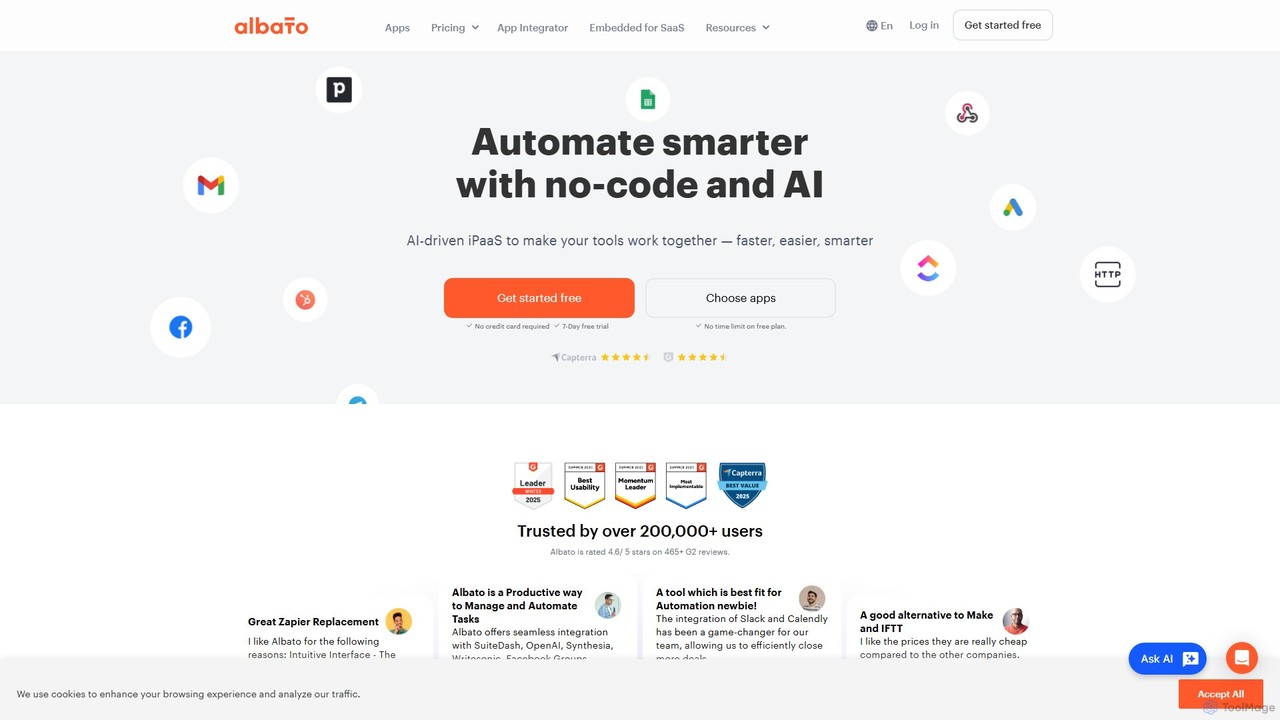
Albato
Albato is an AI-driven, no-code integration platform (iPaaS) that empowers users to connect over 800 applications and automate complex workflows effortlessly. It serves as a powerful alternative to Zapier and Make, offering an intuitive interface, extensive app library, and the ability to build custom integrations. Ideal for businesses of all sizes, Albato simplifies data synchronization, task automation, and process management, enhancing productivity and efficiency without requiring any coding knowledge.
Workflow Management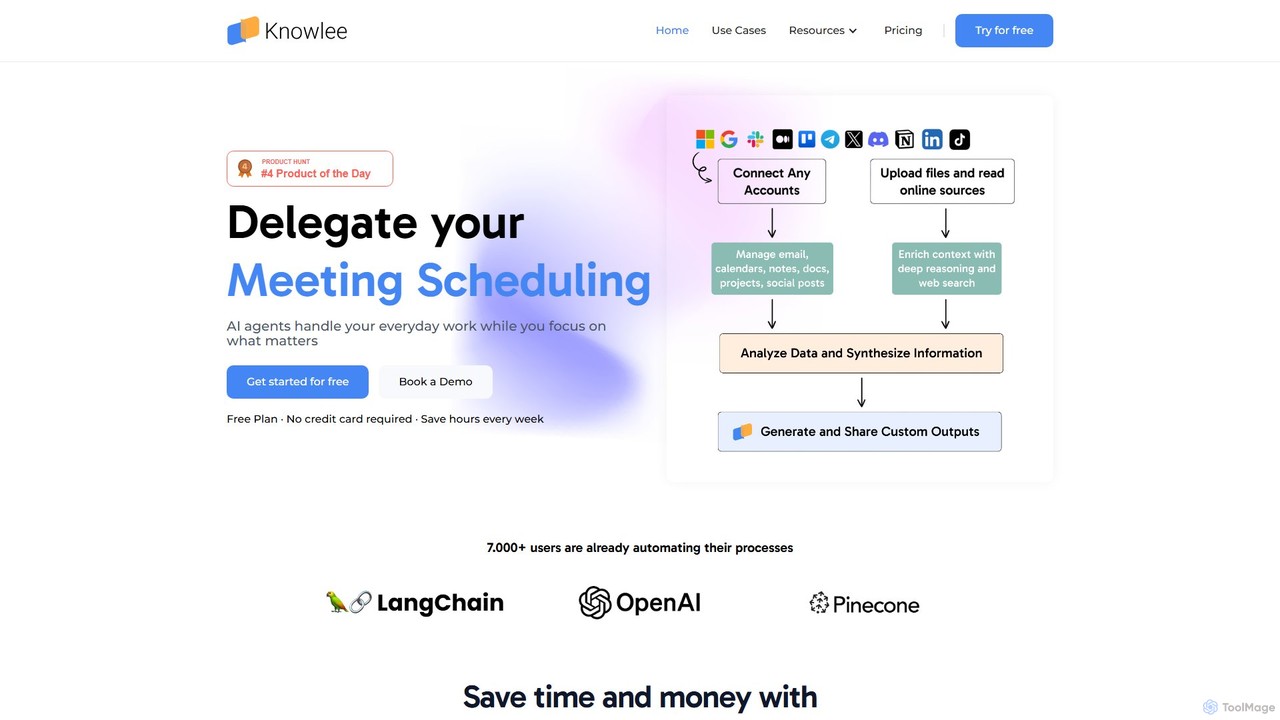
Knowlee
Knowlee is a no-code AI automation platform that enables you to build and deploy a team of AI agents. These agents can automate tasks across sales, marketing, HR, and project management by integrating with your existing tools like Google Workspace, Slack, and Notion. Streamline workflows, enhance productivity, and unlock new operational efficiencies without writing a single line of code.
Workflow Management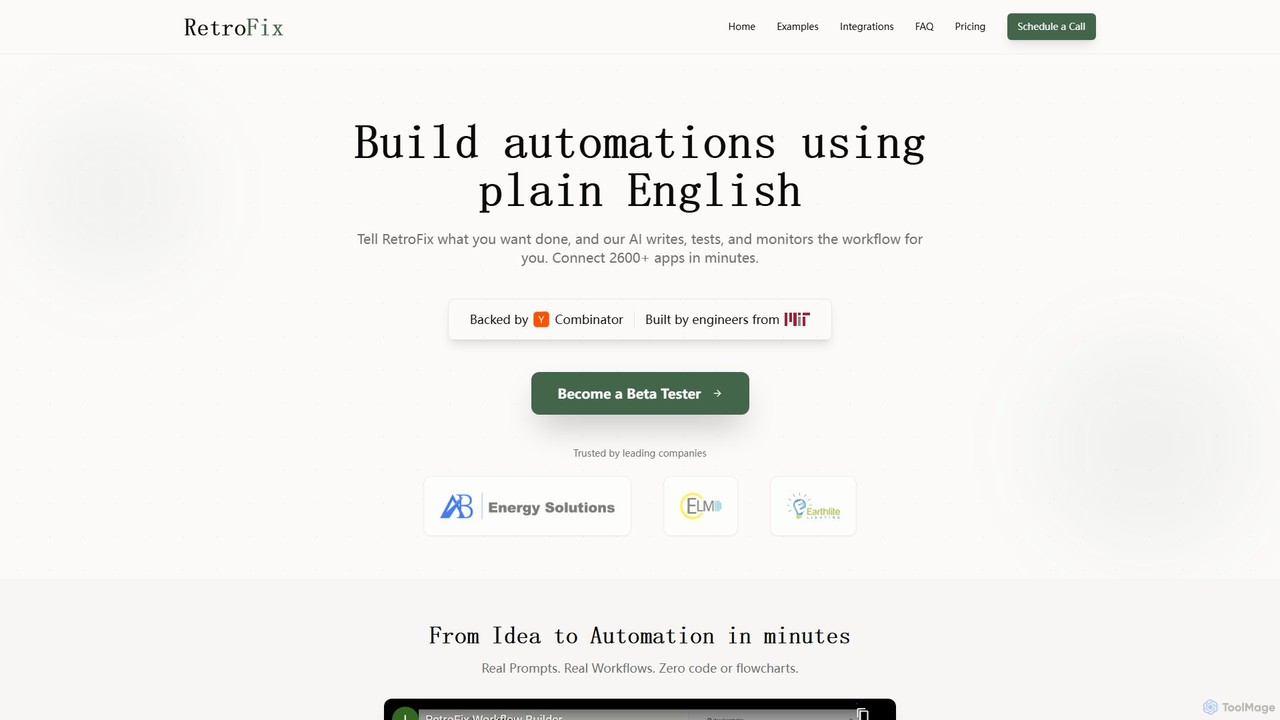
RetroFix
RetroFix is an AI-powered automation platform that lets you build complex workflows using plain English. Simply describe the task you want to automate, and RetroFix's AI will write, test, and monitor the entire process. It connects with over 2600 applications, eliminating the need for code or complex flowcharts.
Workflow Management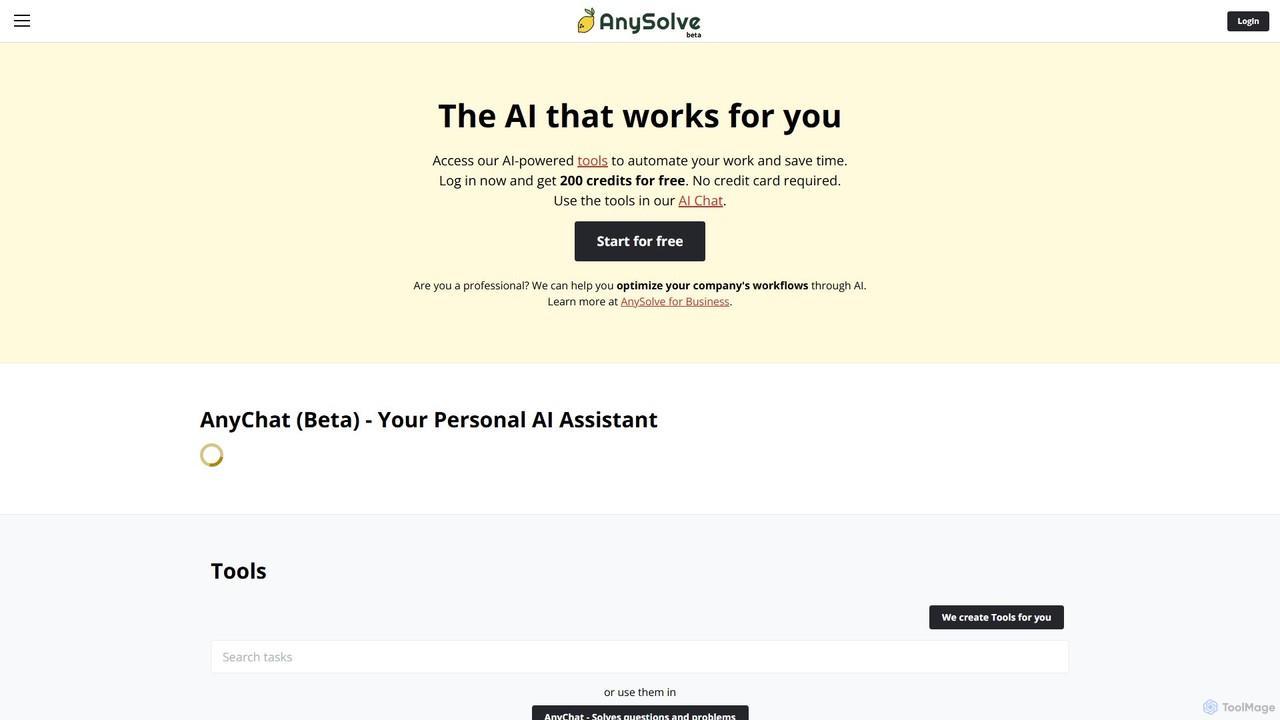
Anysolve
Anysolve is a versatile AI platform that allows users to discover, use, and create custom AI tools without any coding. It functions as a comprehensive hub for automating various professional and personal tasks, from writing and data analysis to image generation, by integrating powerful models like GPT and Stability AI.
Workflow Management
Make
Make is a powerful visual platform that lets you design, build, and automate anything—from simple tasks to complex workflows—without code. It connects thousands of apps and services, including advanced AI tools like OpenAI and Google Gemini, enabling you to create intelligent automations and AI agents to streamline your business operations, marketing, sales, and more.
Crm
AI Studio Comments (0)
Sign in to comment.
Sign inNo comments yet.