

NodeCodeStudio Overview
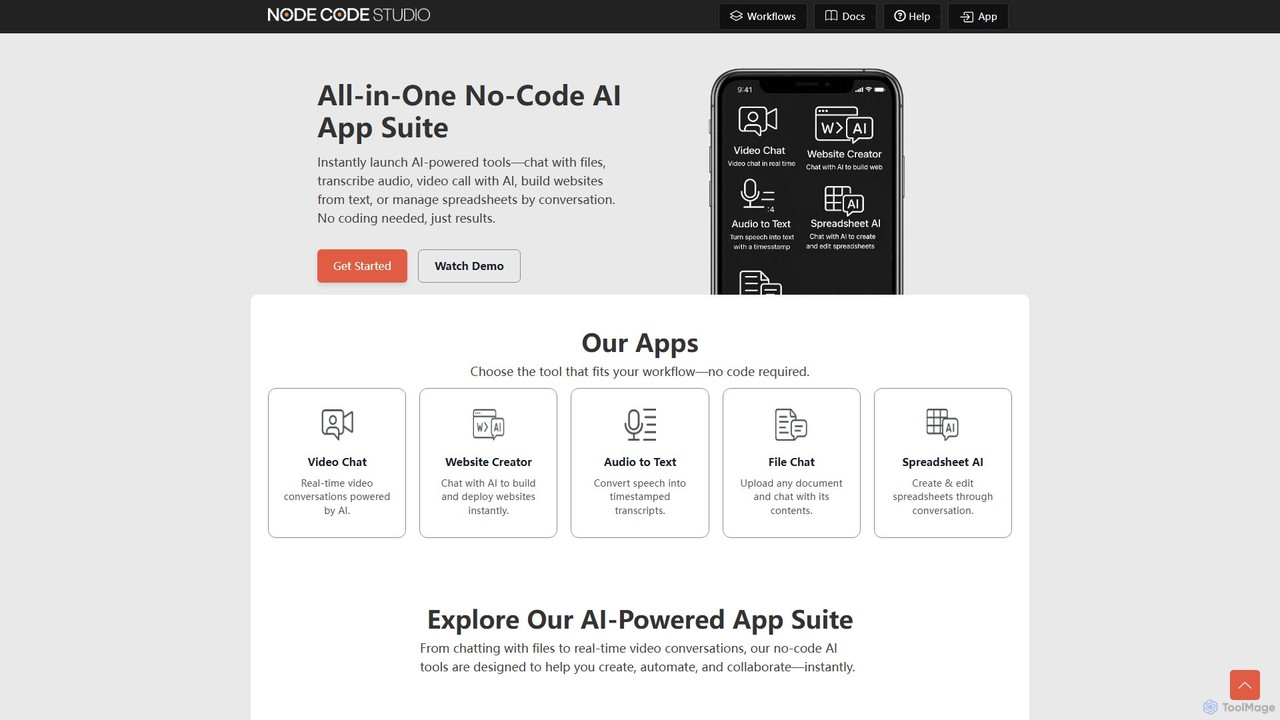
NodeCodeStudio is a comprehensive, all-in-one no-code platform designed to empower users to create and deploy a wide range of AI-powered applications and automated workflows. It eliminates the technical barriers of traditional software development, allowing anyone to build sophisticated tools using an intuitive, visual node-based editor. The platform offers a suite of ready-to-use AI applications, including a file chatbot, an audio transcription service, an AI-assisted video chat, a text-to-website creator, and a conversational spreadsheet manager.
At its core, NodeCodeStudio is built around the concept of visual workflow creation. Users can connect different 'nodes'—each representing a specific function, action, or data point—to design complex logic and automation sequences. This approach makes it possible to build custom solutions tailored to unique business or personal needs, from scraping website data and integrating with external APIs to automating repetitive IT tasks and generating content.
How to use NodeCodeStudio
Getting started with NodeCodeStudio is designed to be simple and intuitive, even for users with no technical background. The process generally follows these steps:
- Sign Up: Create a free account on the NodeCodeStudio website. No credit card is required to begin.
- Choose Your Path: Decide whether you want to use a pre-built AI application or create a custom workflow. For instant results, you can select tools like 'File Chat' or 'Audio to Text' directly from the dashboard.
- Build a Custom Workflow: To create a new automation, navigate to the workflow editor. This is a visual canvas where you can drag and drop various nodes.
- Connect the Nodes: Start with an 'Entry Node' to define the input (e.g., a text prompt, a URL, or an uploaded file). Connect it to function nodes like 'Split Text', 'Merge Data', or 'Call API'. Finally, connect to an 'Exit Node' to define the output (e.g., display text, send an email).
- Configure and Test: Click on each node to configure its specific settings. For example, for a 'WeatherAPI' node, you would input the city. You can run and test the workflow in real-time to ensure it functions as expected.
- Deploy and Use: Once your workflow is complete, you can deploy it as a reusable tool or a fully automated process that runs in the background.
Core Features of NodeCodeStudio
- Visual Node-Based Editor: Intuitively build complex workflows by dragging, dropping, and connecting nodes on a visual canvas.
- All-in-One AI App Suite: Access a collection of pre-built, no-code AI tools, including File Chat (chat with documents), Audio to Text Transcription, AI-Powered Video Chat, Conversational Website Creator, and Spreadsheet AI.
- Workflow Automation: Automate repetitive tasks, data extraction, and business processes. Create workflows that can scrape websites, retrieve data from RSS feeds, and more.
- API Integration: Seamlessly connect to external services and APIs (like weather, events, etc.) to incorporate real-time data into your applications.
- AI Agent & Function Calling: Leverage advanced AI capabilities, including GPT-based models, for complex reasoning, task execution, and function calling within your workflows.
- Browser Automation: Utilizes technologies like Puppeteer for automating browser-based tasks, such as filling forms or navigating websites.
Use Cases for NodeCodeStudio
NodeCodeStudio's versatility makes it suitable for a wide range of applications:
- Business Automation: Automate lead generation by scraping contact information, create internal tools for data processing, or set up automated reporting systems.
- Content Creators: Transcribe interviews and podcasts automatically, generate blog post ideas, or create simple websites for projects from a text description.
- Marketers: Build tools to monitor competitor websites, track social media mentions via RSS feeds, or aggregate market research data from various APIs.
- Developers & Prototypers: Quickly build and test functional prototypes of AI-powered applications without writing extensive backend code.
- Personal Productivity: Create a personalized dashboard that pulls weather, news, and event data, or build a tool to manage personal finances in a spreadsheet through conversation.
Advantages of NodeCodeStudio
NodeCodeStudio offers significant advantages over traditional development or using multiple disparate tools:
- Accessibility: Empowers non-technical users to build powerful software, democratizing AI application development.
- Speed and Efficiency: Radically reduces the time and effort required to go from idea to a functional application, from months to just minutes or hours.
- Cost-Effective: The freemium model allows users to start for free, and building custom tools can be significantly cheaper than subscribing to multiple specialized SaaS products.
- High Flexibility: The node-based system provides nearly limitless possibilities for customization, allowing users to build solutions that perfectly fit their needs.
- Centralized Platform: Combines multiple AI functionalities into a single, integrated suite, simplifying workflows and reducing the need to switch between different apps.
Pricing and Plans
NodeCodeStudio operates on a freemium model. Users can get started and build their first AI workflows for free without needing a credit card. This free tier is designed to allow individuals and small teams to explore the platform's core functionalities. For users requiring higher usage limits, more advanced features, or enterprise-level capabilities, NodeCodeStudio will likely offer paid subscription plans. For the most current and detailed pricing information, please visit the official website.
NodeCodeStudio Alternatives
AI Studio
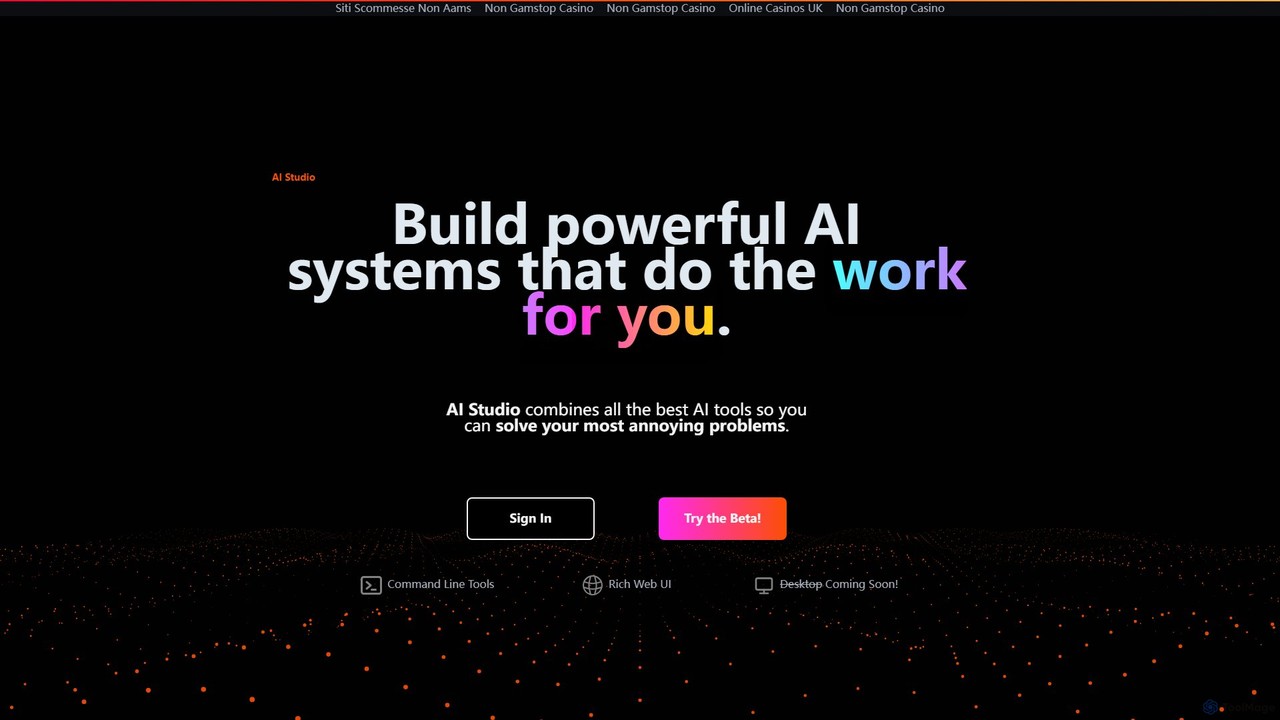
AI Studio is a no-code platform that empowers users to build powerful, custom AI systems. It integrates the best AI tools into a visual, node-based editor, allowing you to automate tedious tasks like web research, data analysis, content creation, and more, without writing a single line of code.
Workflow Management
aiflow.ai
aiflow.ai is a no-code platform for building and automating AI-powered workflows. Visually connect your favorite apps and AI models to streamline tasks, from content creation and data analysis to customer support, boosting productivity and innovation for your business.
Workflow Management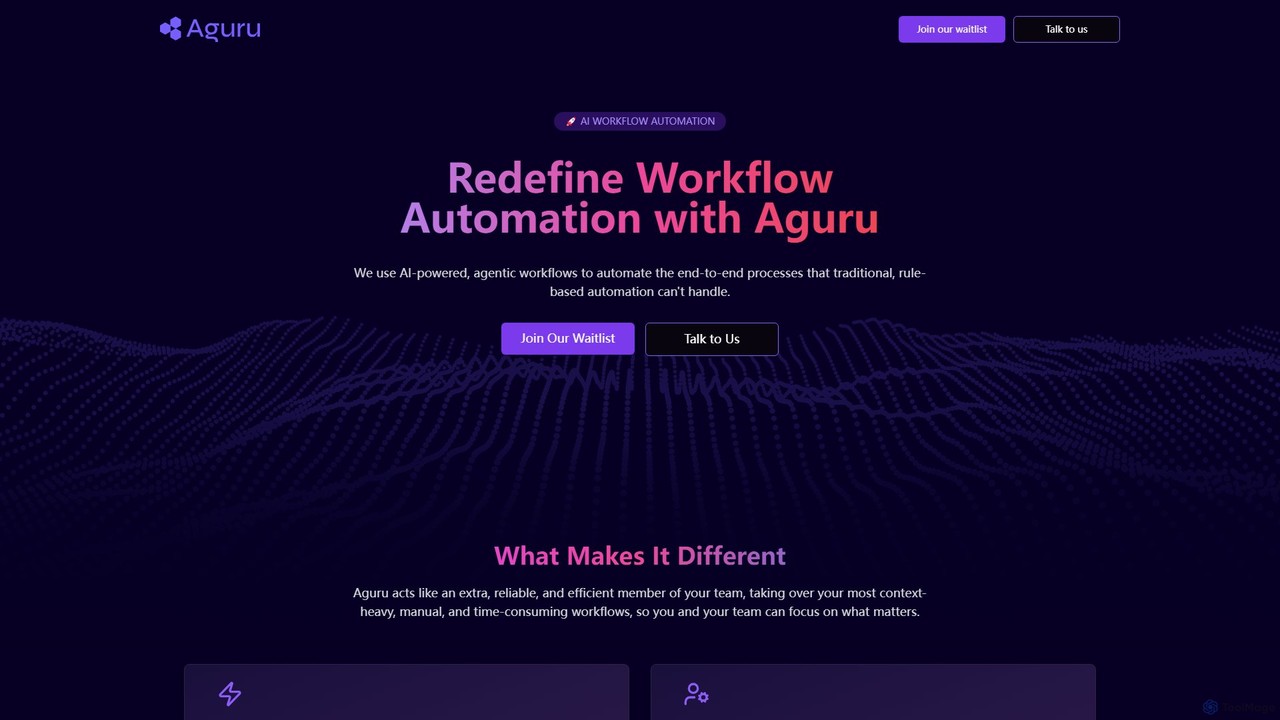
Aguru
Aguru provides AI-powered workflow automation agents that handle complex, end-to-end business processes. Unlike traditional rule-based tools, Aguru's agents understand context, manage exceptions, and integrate across your entire tech stack, acting as an efficient, reliable member of your team.
Workflow Management
Aify
Aify is a no-code AI platform that empowers users to build custom AI-powered applications and automate complex workflows. Integrate top AI models through a visual drag-and-drop interface to create tools for content generation, data analysis, and process automation without writing any code.
Workflow Management
Mancia
Mancia provides AI-powered automation solutions designed to streamline and optimize business processes, enhancing efficiency and productivity for various operational needs.
Workflow ManagementNodeCodeStudio Categories
NodeCodeStudio Embed Widget
Copy this embed code to place the badge on your blog, article, or product site and send readers directly to this ToolMage detail page.

Related AI tools
Aify
Aify is a no-code AI platform that empowers users to build custom AI-powered applications and automate complex workflows. Integrate top AI models through a visual drag-and-drop interface to create tools for content generation, data analysis, and process automation without writing any code.
Workflow Management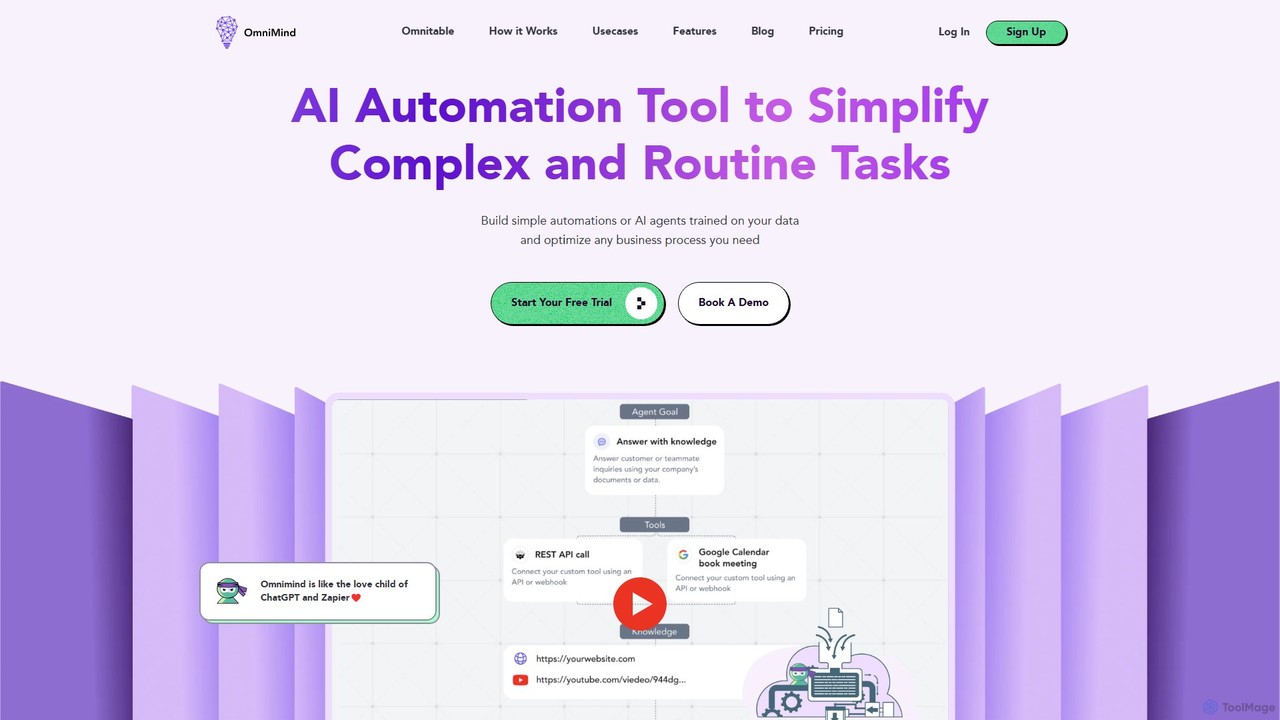
Omnimind
Omnimind is a no-code AI automation platform that lets you build custom AI agents trained on your own data. Connect to sources like Notion, PDFs, and websites to automate complex tasks in customer support, sales, and education. It combines the power of large language models with workflow automation, similar to a blend of ChatGPT and Zapier.
Custom Chatbot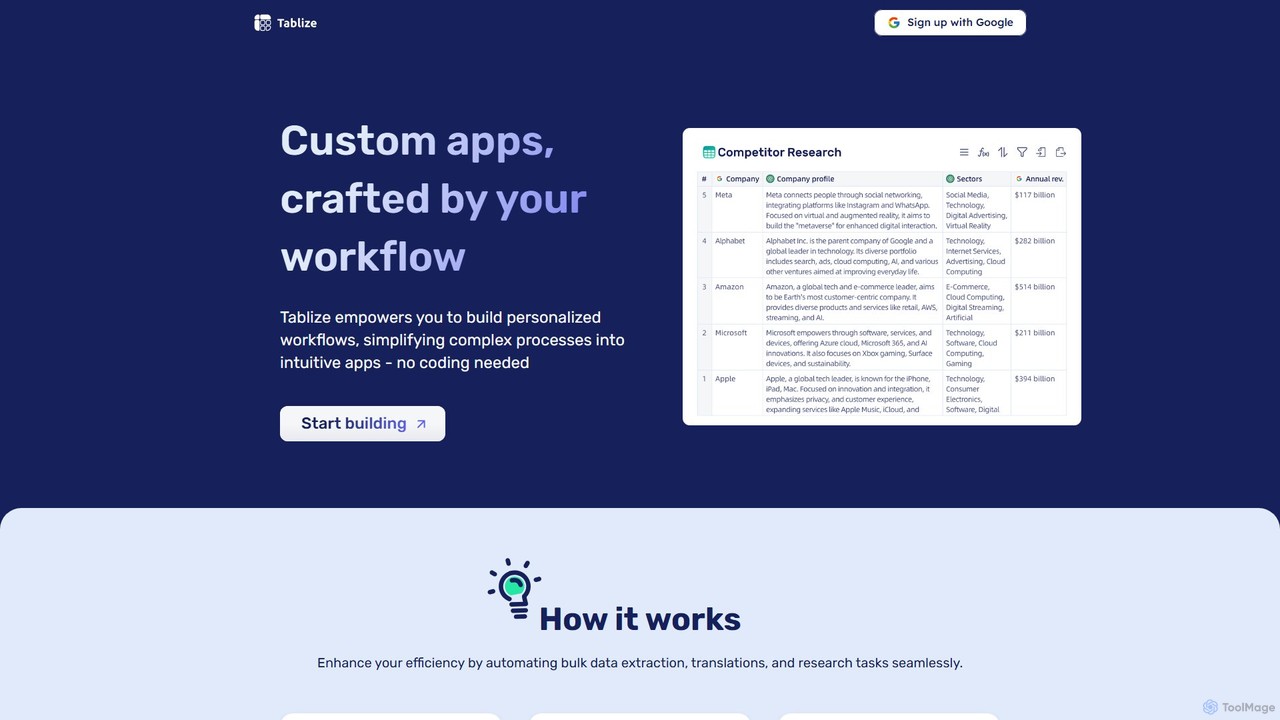
Tablize
Tablize is a no-code AI platform that transforms complex tasks into simple, automated workflows. Using a familiar spreadsheet interface, you can build custom applications to perform bulk data extraction, research, and translations without writing any code. Simply define tasks in columns with natural language, and let AI do the work.
Spreadsheets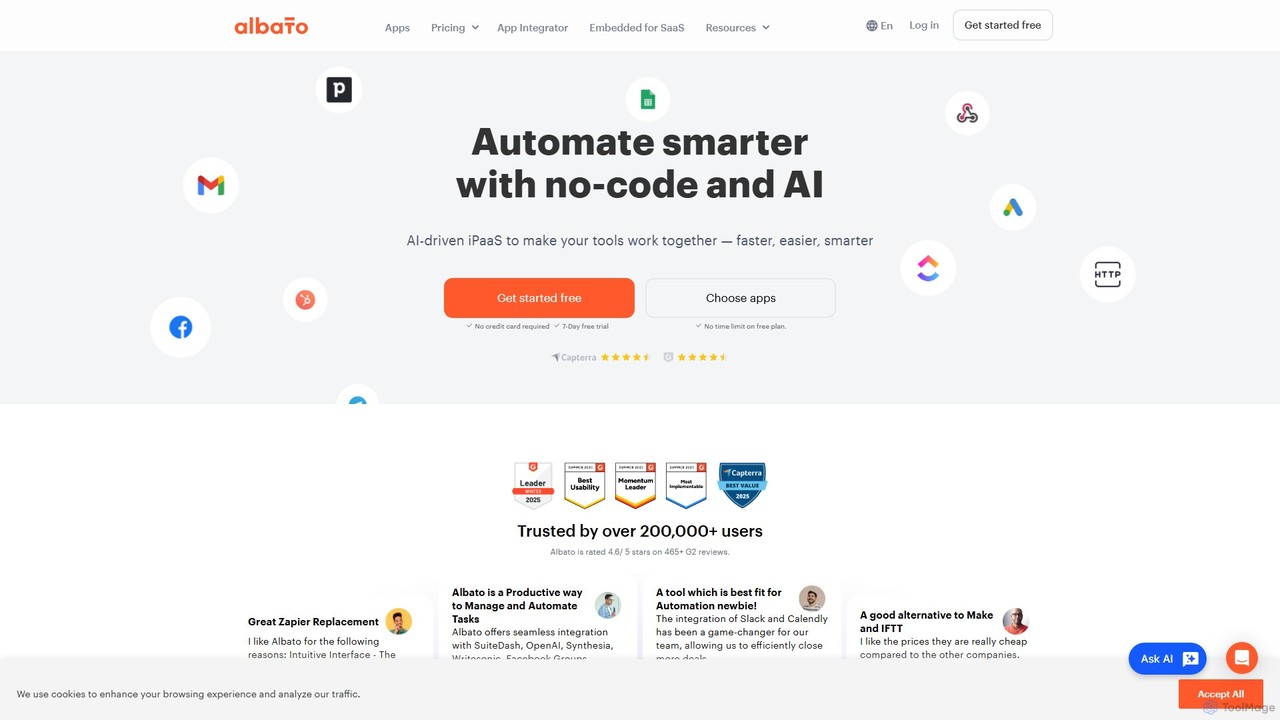
Albato
Albato is an AI-driven, no-code integration platform (iPaaS) that empowers users to connect over 800 applications and automate complex workflows effortlessly. It serves as a powerful alternative to Zapier and Make, offering an intuitive interface, extensive app library, and the ability to build custom integrations. Ideal for businesses of all sizes, Albato simplifies data synchronization, task automation, and process management, enhancing productivity and efficiency without requiring any coding knowledge.
Workflow Management
Toolbuilder
Toolbuilder is a no-code platform that empowers users to create and deploy custom AI applications, chatbots, and automated workflows without writing a single line of code. Connect to top AI models, integrate your own data, and build specialized tools for your business needs in minutes.
Workflow Management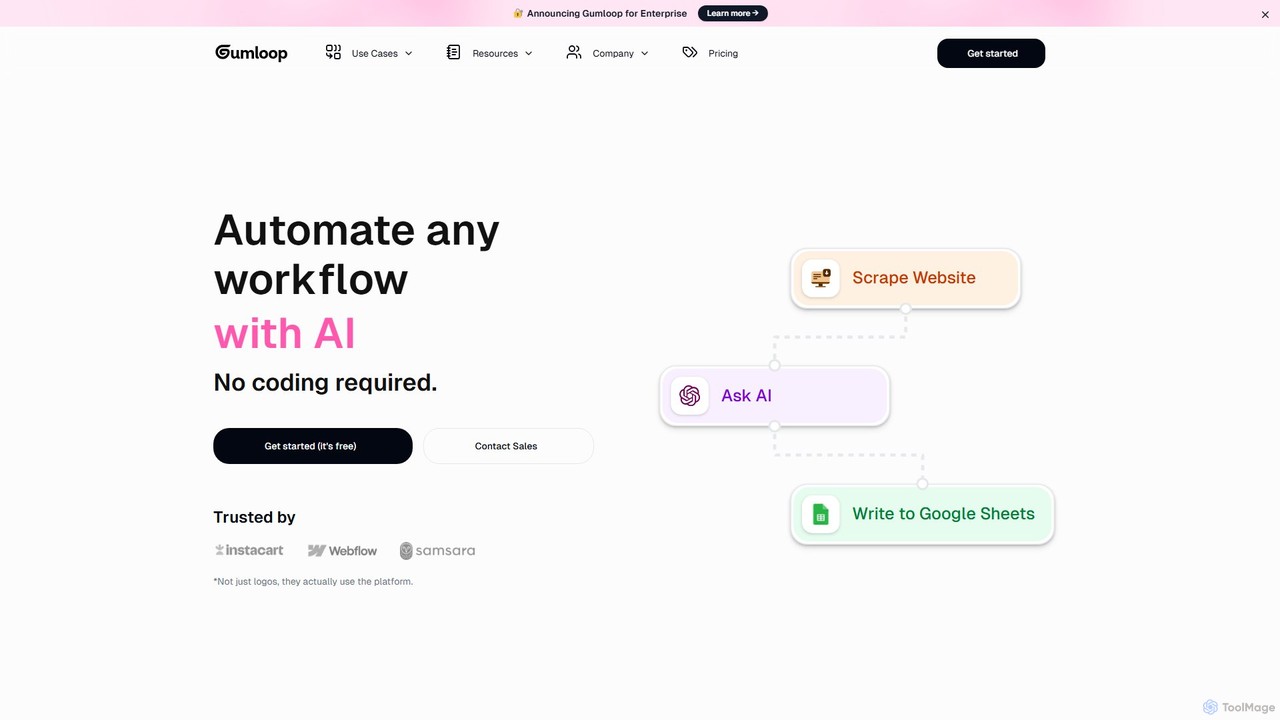
Gumloop
Gumloop is a no-code AI automation framework that allows users to build complex workflows visually. Through a drag-and-drop interface, you can connect various applications, automate tasks, and create custom AI tools without writing a single line of code. It's designed for both individuals and enterprises to scale operations efficiently.
No Code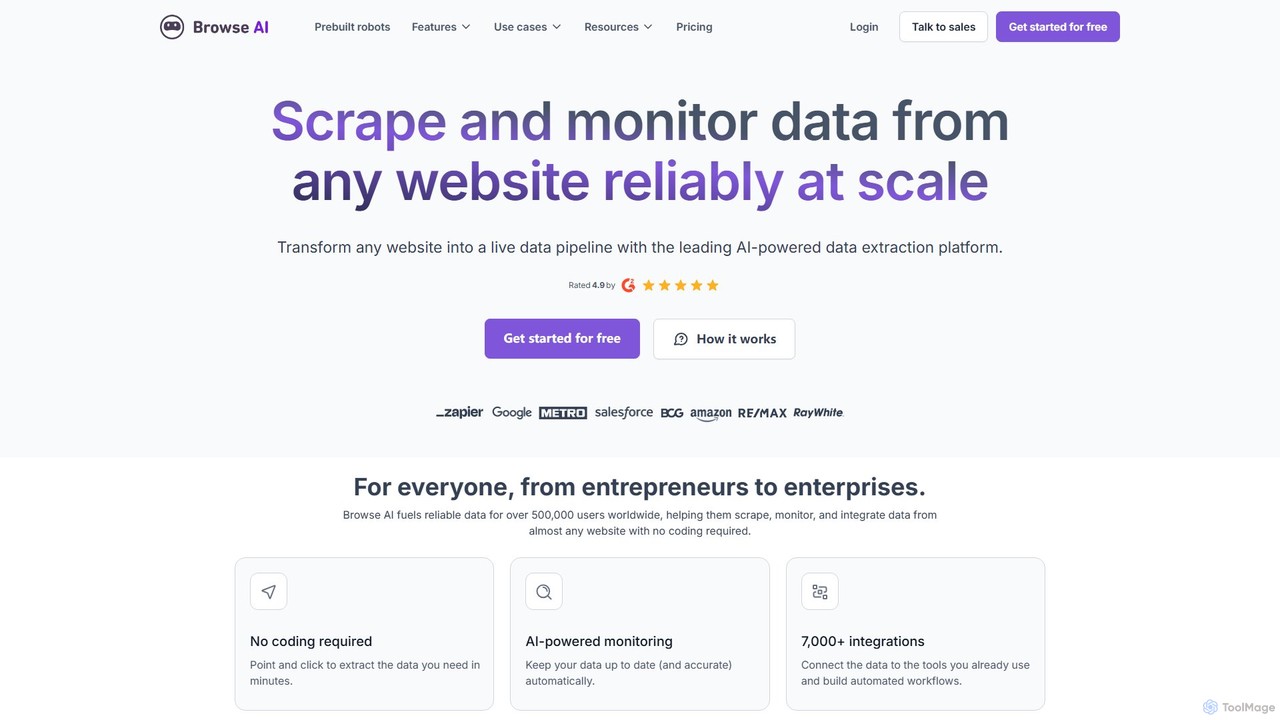
Browse AI
Browse AI is a no-code platform that enables users to extract and monitor data from any website. Easily train a robot to scrape information, turn websites into spreadsheets or APIs, and track changes automatically. It's designed for marketers, researchers, and developers to automate data collection without writing any code, offering prebuilt robots and seamless integrations with tools like Google Sheets and Zapier.
Web Scraping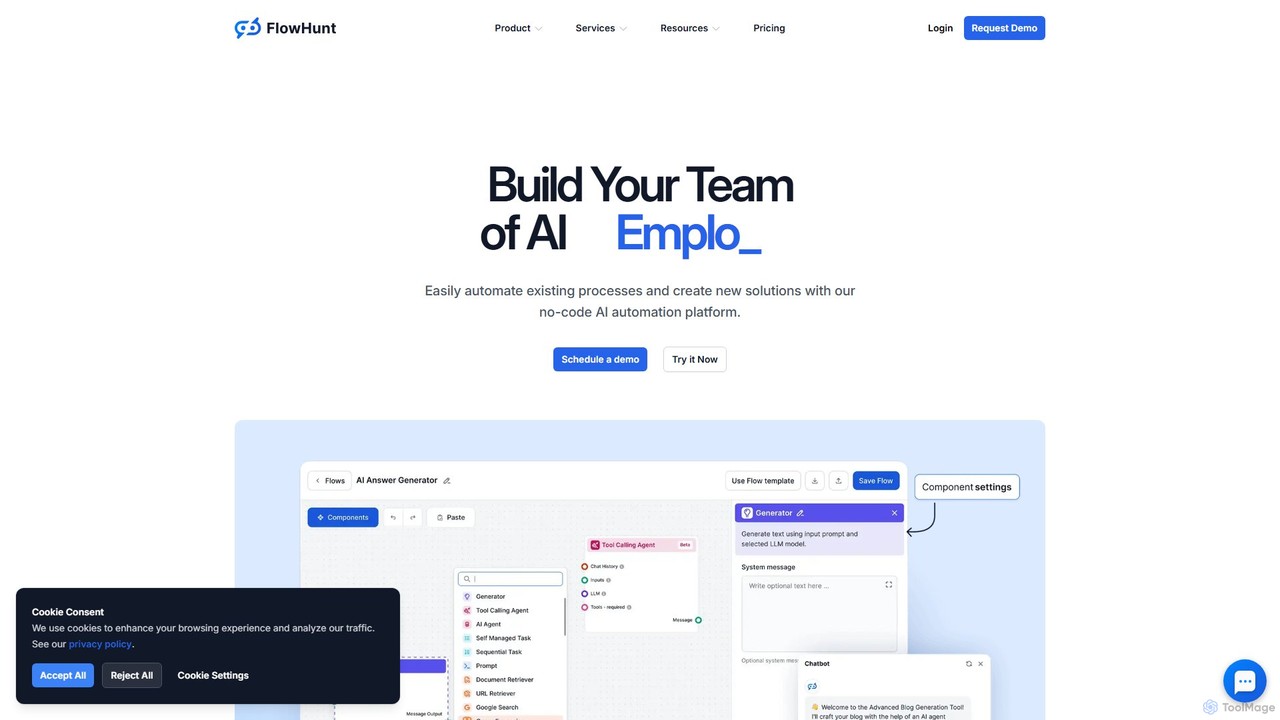
FlowHunt
FlowHunt is a powerful no-code AI automation platform that empowers users to build custom AI tools, chatbots, and complex workflows. It enables teams to automate processes in customer service, marketing, sales, and HR by creating autonomous AI agents and integrating with existing business software. With a visual builder and access to the latest AI models, FlowHunt puts the power of AI creation directly into your hands without needing to write a single line of code.
No Code
Simular
Simular is an AI-powered platform that creates autonomous agents to operate computers just like humans. It automates complex digital tasks across any application on your desktop, browser, or smartphone. By combining the flexibility of LLMs with the precision of symbolic code, Simular aims to free users from repetitive work, handling everything from data research and content creation to personal task management.
Personal Assistant
Jyek
Jyek is an AI agent platform that understands objectives, creates execution plans, uses tools, and delivers verifiable results for complex, multi-step tasks.
Automation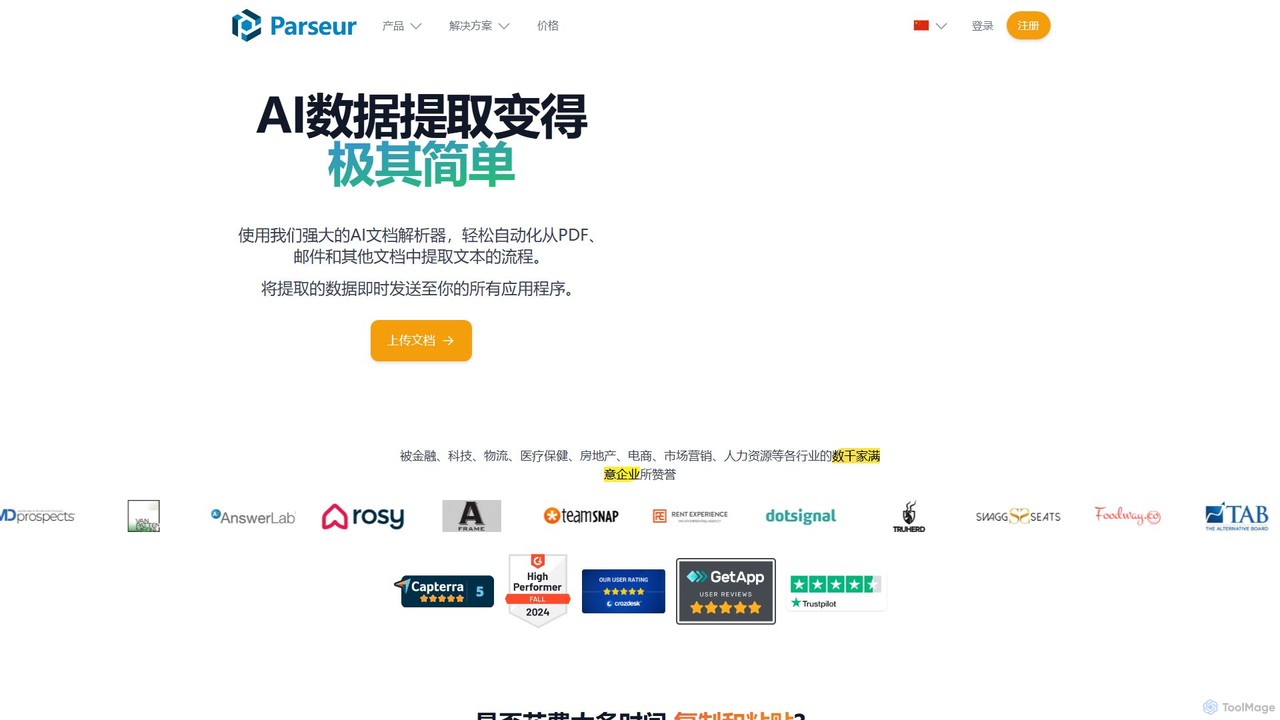
Parseur
Parseur is a powerful AI-powered document parsing tool that automates data extraction from emails, PDFs, and other documents. It converts unstructured text into structured data and sends it to thousands of applications, eliminating manual data entry and saving significant time.
Document Management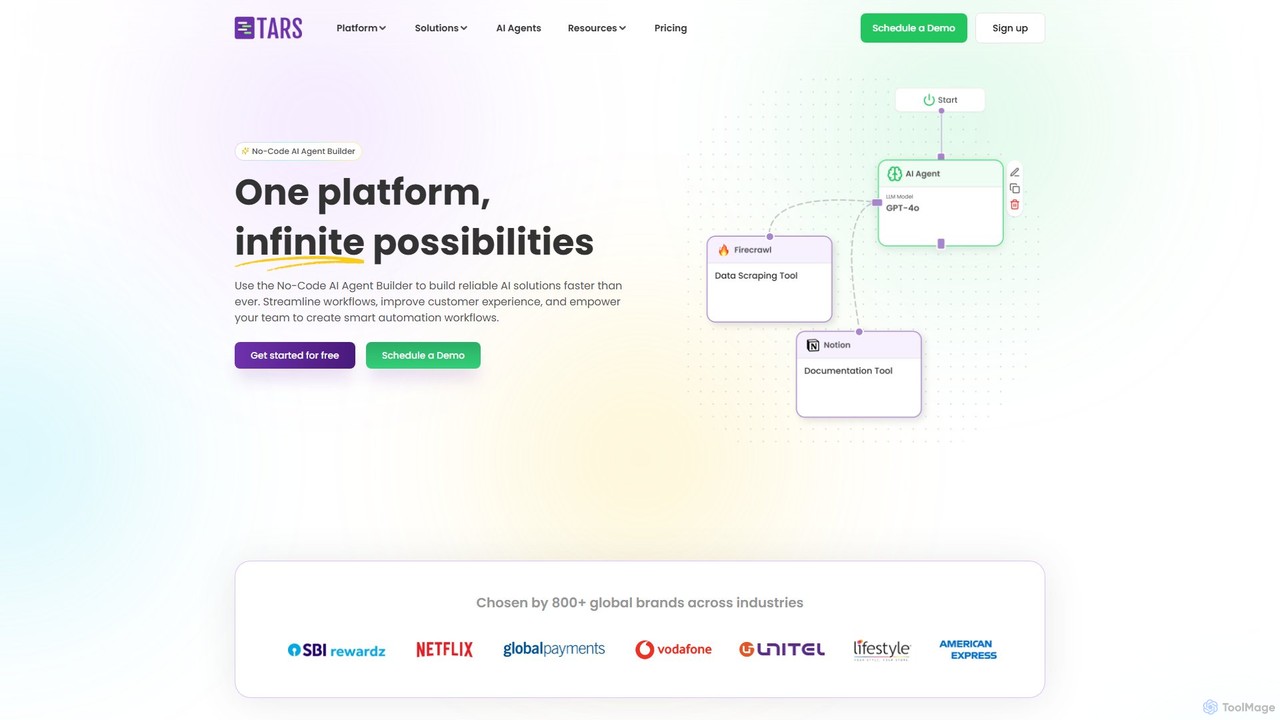
hellotars
hellotars is a no-code AI agent builder that empowers businesses to create intelligent conversational AI for both customer-facing interactions and internal team workflows. Streamline customer support, boost lead generation, and automate internal processes with an intuitive drag-and-drop interface, pre-built templates, and powerful integrations.
Chatbot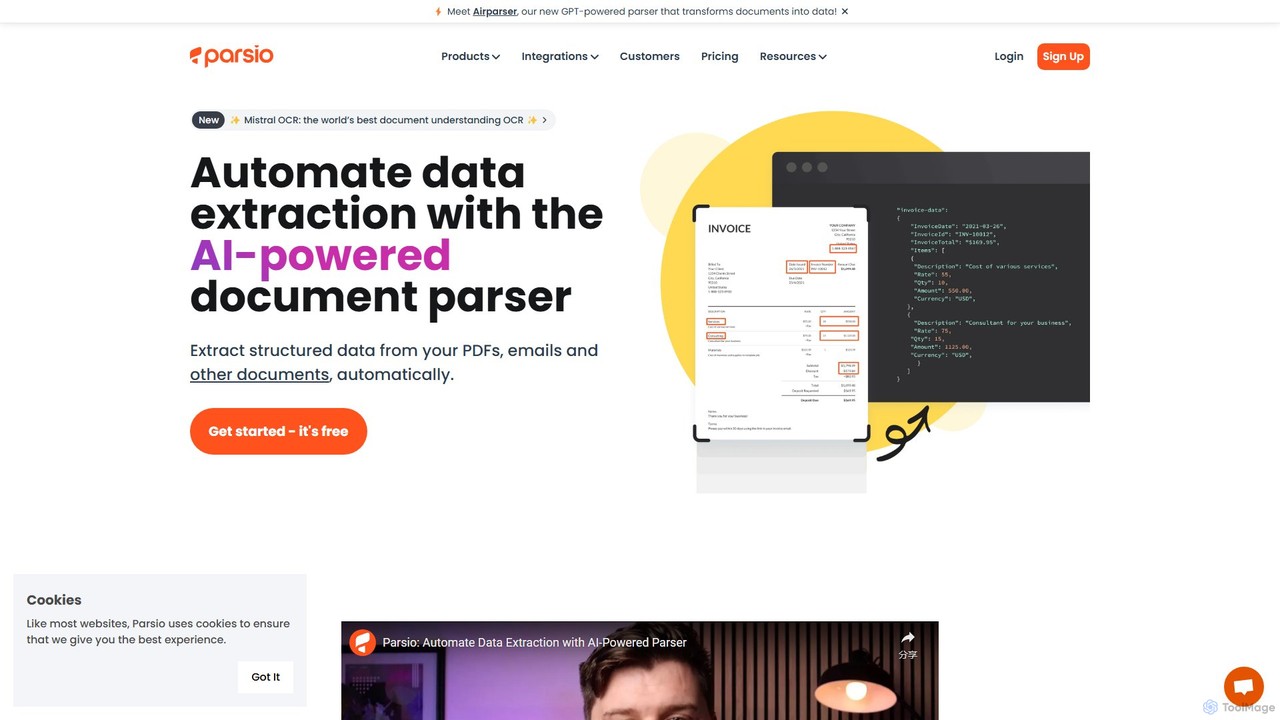
Parsio
Parsio is an AI-powered document parser that automates data extraction from emails, PDFs, and other documents. It uses OCR and AI models like GPT to capture structured data from unstructured text, eliminating manual data entry and streamlining business workflows through seamless integrations.
Document Management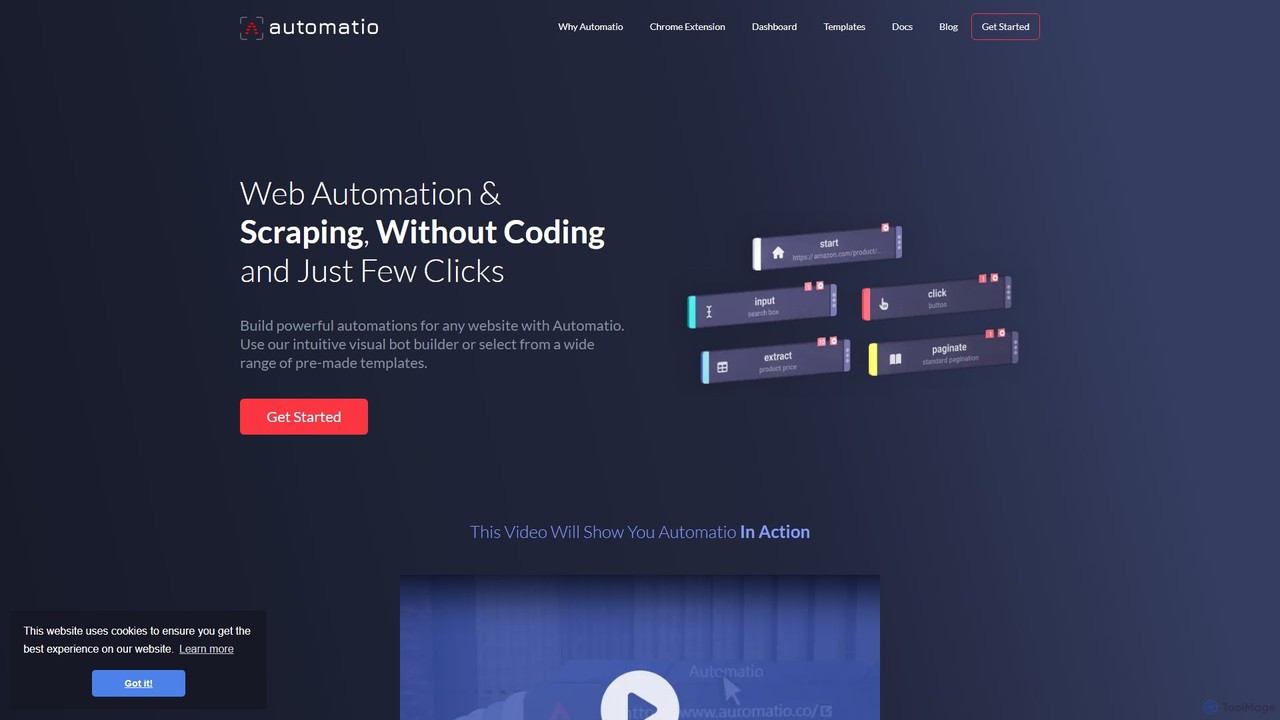
Automatio
Automatio is a powerful no-code platform for web scraping and browser automation. It allows users to build bots through a visual interface to extract data, fill forms, and automate repetitive tasks on any website without writing a single line of code. It's designed for both non-technical and technical users to save time and resources.
Scraping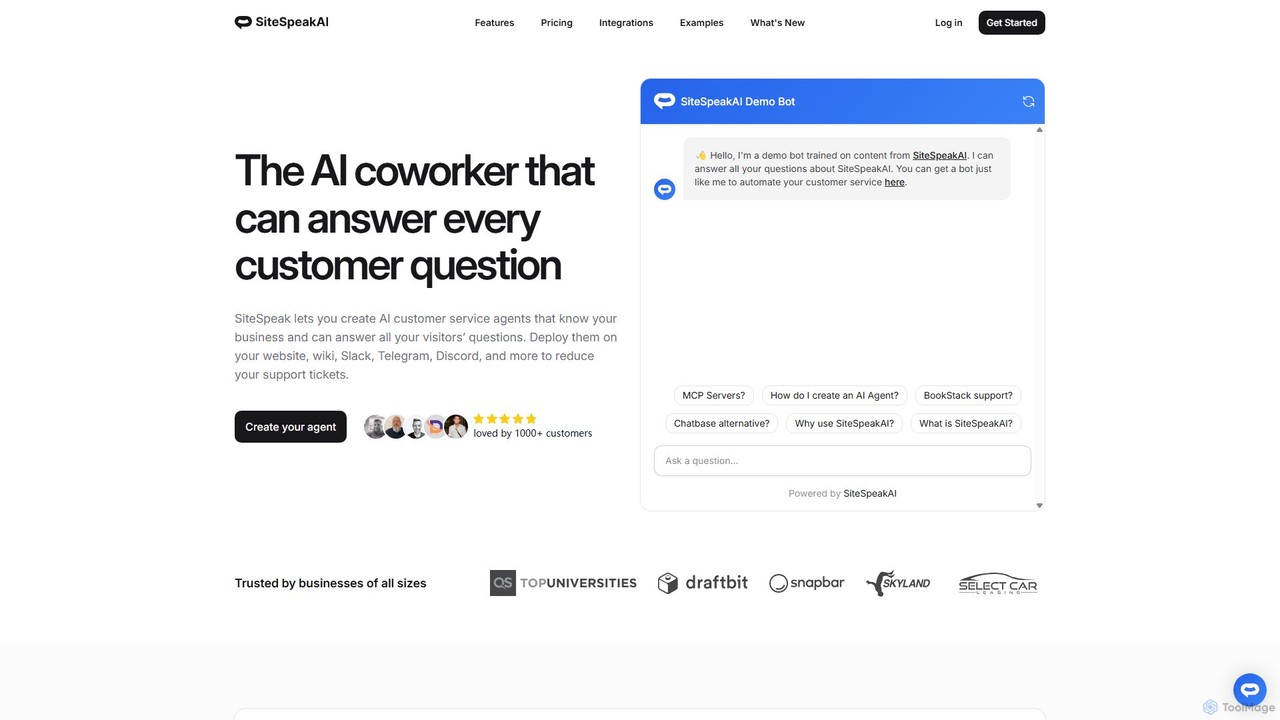
SiteSpeakAI
SiteSpeakAI allows you to create custom AI customer service agents trained on your business data. Deploy them on your website, Slack, Discord, and more to automate support, reduce tickets, and answer customer questions 24/7.
Chatbot
NodeCodeStudio Comments (0)
Sign in to comment.
Sign inNo comments yet.