


aistickr Overview
aistickr is a cutting-edge AI-powered platform designed to revolutionize how we create and use digital stickers. It empowers users to effortlessly generate custom, high-quality stickers from simple text descriptions or by uploading their own images. By harnessing the power of advanced generative AI models, aistickr bridges the gap between imagination and visual expression, making sticker creation accessible to everyone, regardless of their artistic ability. Whether for personalizing conversations on WhatsApp and Telegram, engaging a community on Discord, or enhancing a brand's social media presence, aistickr provides a fast, intuitive, and creative solution.
How to use aistickr
Using aistickr is a simple and straightforward process, designed for maximum ease of use:
- Describe Your Idea (Text-to-Sticker): Navigate to the aistickr website and find the text input field. Type a descriptive prompt of the sticker you envision. Be specific for better results, e.g., "A happy Shiba Inu wearing sunglasses and a party hat, cartoon style."
- Upload an Image (Image-to-Sticker): Alternatively, select the image upload option. You can upload any photo from your device. The AI will automatically detect the main subject and remove the background to create a clean sticker.
- Choose a Style: Browse through a diverse library of artistic styles. Options may include Cartoon, Anime, 3D Render, Pixel Art, Emoji, and more. Select the one that best fits your desired aesthetic.
- Generate: Click the "Generate" button. The AI will process your input and create a unique sticker in just a few seconds.
- Review and Refine: View the generated sticker. If you're not satisfied, you can tweak your prompt and generate again. Some plans may offer basic editing tools to add text or make minor adjustments.
- Export and Share: Once you have the perfect sticker, you can download it as a high-resolution PNG file with a transparent background. You can also add it to a sticker pack and directly export it to messaging platforms like Telegram and WhatsApp for immediate use.
Core Features of aistickr
- Advanced Text-to-Sticker Generation: Utilizes state-of-the-art AI to interpret natural language prompts and create detailed, contextually relevant stickers.
- Intelligent Image-to-Sticker Conversion: Automatically isolates subjects from photos, removes backgrounds, and applies a clean sticker outline.
- Diverse Style Library: Offers a wide range of pre-set artistic styles, allowing users to create stickers that match any mood or theme.
- Sticker Pack Management: Enables users to create, organize, and manage collections of stickers into packs for easy exporting and sharing.
- Seamless Export Options: Provides direct integration with popular messaging apps like Telegram and WhatsApp, simplifying the process of using custom stickers.
- High-Resolution Output: Generates stickers in high quality, ensuring they look sharp and clear on all devices.
- User-Friendly Interface: A clean and intuitive design that makes the sticker creation process accessible to users of all skill levels.
Use Cases for aistickr
aistickr is a versatile tool with a wide array of applications:
- Personal Communication: Create unique inside jokes, personalized reactions, and custom emojis for chats with friends and family on iMessage, WhatsApp, and Telegram.
- Community Engagement: Content creators, streamers, and community managers can design custom emotes and stickers for their Discord servers, Twitch channels, and fan groups.
- Digital Marketing & Branding: Businesses can create branded stickers for social media campaigns, customer service chats, and promotional materials to increase brand visibility and engagement.
- Event Customization: Design custom stickers for special events like weddings, birthdays, holidays, or corporate functions to share with attendees.
Advantages of aistickr
aistickr offers several key advantages over traditional sticker creation methods:
- Limitless Creativity: If you can describe it, you can create it. The AI removes the limitations of pre-made sticker libraries.
- Time and Cost Efficiency: Generate professional-quality stickers in seconds, eliminating the need to hire a graphic designer or spend hours using complex software.
- Accessibility for All: No artistic talent or technical expertise is required. The intuitive interface makes everyone a creator.
- Instant Personalization: Create stickers that are perfectly tailored to any conversation, mood, or event on the fly.
- Cross-Platform Compatibility: Easily export and use your creations across a wide range of messaging and social media platforms.
Pricing and Plans
aistickr is expected to operate on a freemium model to cater to a variety of user needs:
- Free Plan: Ideal for casual users, this plan would likely offer a limited number of sticker generations per month (e.g., 10-20), access to basic styles, and may include a small watermark on the output.
- Pro Plan (e.g., $9/month): Aimed at power users, content creators, and businesses, this plan would typically include unlimited sticker generations, access to all premium styles, no watermarks, higher-resolution outputs, and a commercial use license. It may also offer priority support and early access to new features.
aistickr Alternatives
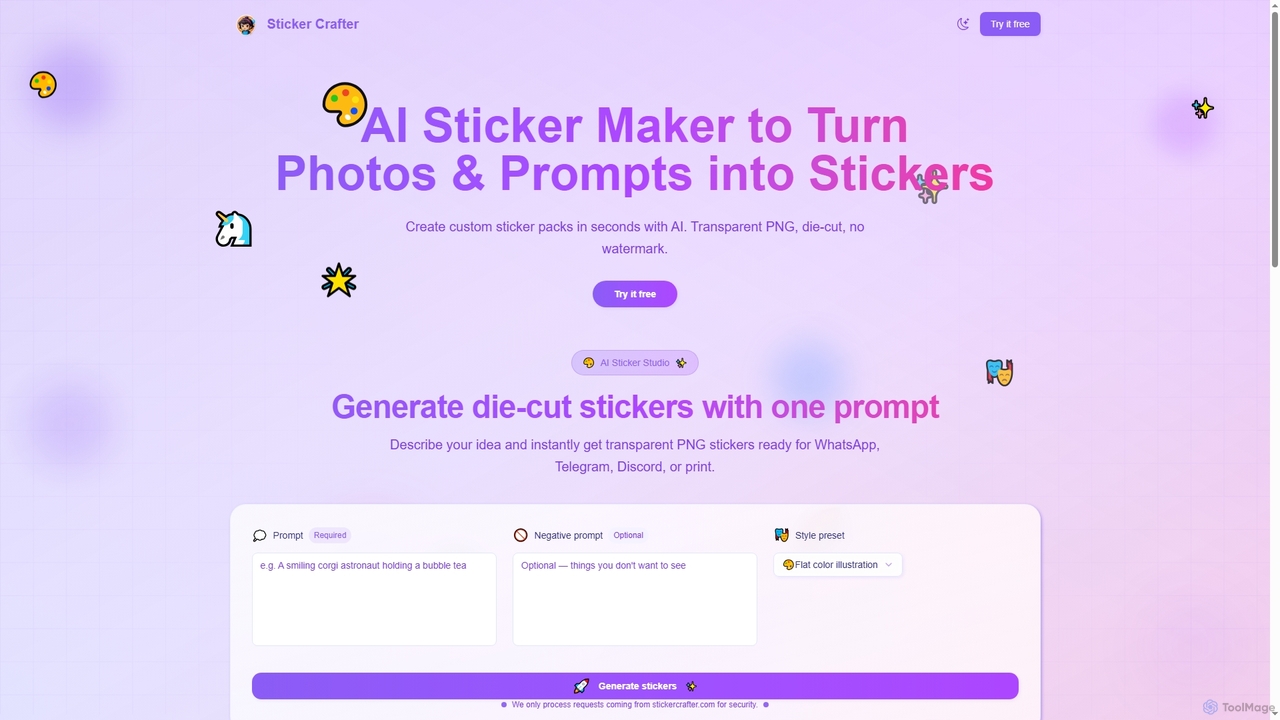
Sticker Crafter
Sticker Crafter is an AI-powered tool that transforms text prompts into custom, die-cut stickers in seconds. It generates transparent PNG files perfect for WhatsApp, Telegram, Discord, and printing. Users can describe their desired sticker, apply style presets, and get high-quality results instantly. A free plan is available, with paid plans offering watermark-free exports.
Sticker Maker
StickerAI
StickerAI is an AI-powered platform that instantly transforms your text prompts or images into unique, high-quality stickers. Create personalized sticker packs for WhatsApp, Telegram, and other messaging apps in seconds. No design skills required—just type your idea and let the AI bring it to life.
Meme Generator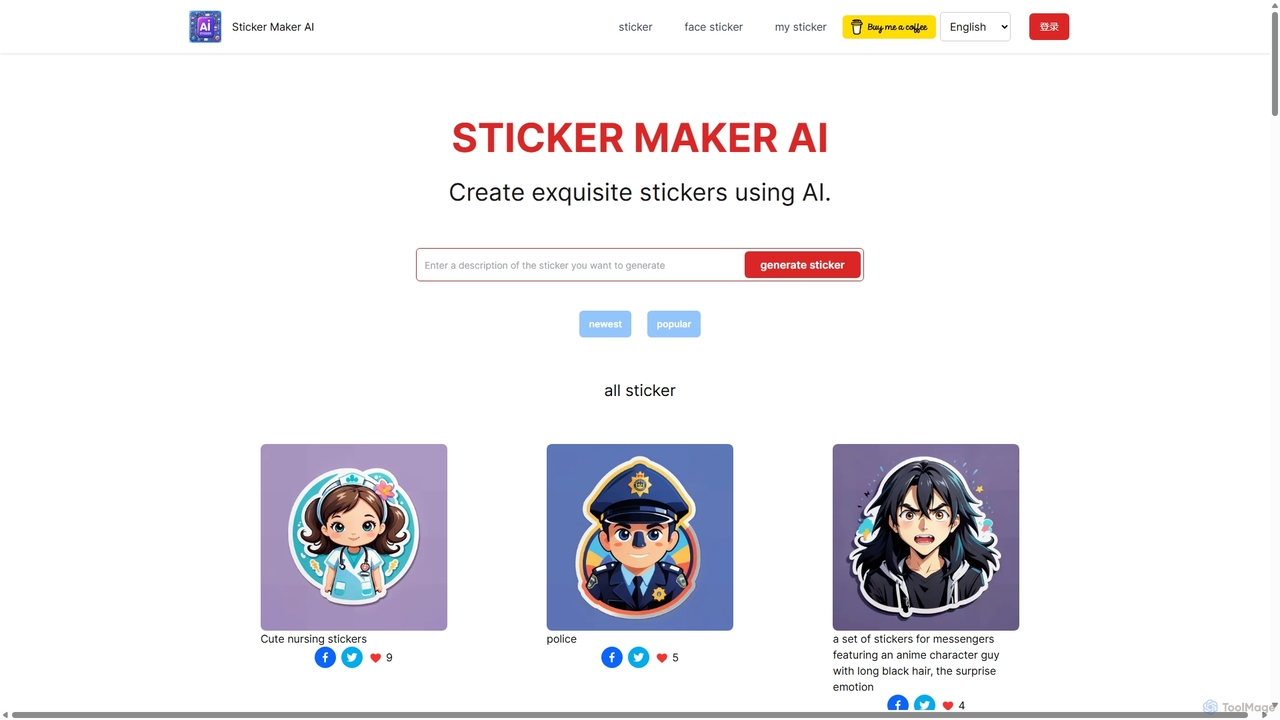
StickerMaker AI
StickerMaker AI is a powerful tool that uses artificial intelligence to create unique, personalized stickers from text prompts or face photos. Generate custom stickers for messaging apps, social media, or branding in various styles like watercolor, comic, and chibi. It's fast, easy to use, and perfect for unleashing your creativity.
Ai Tools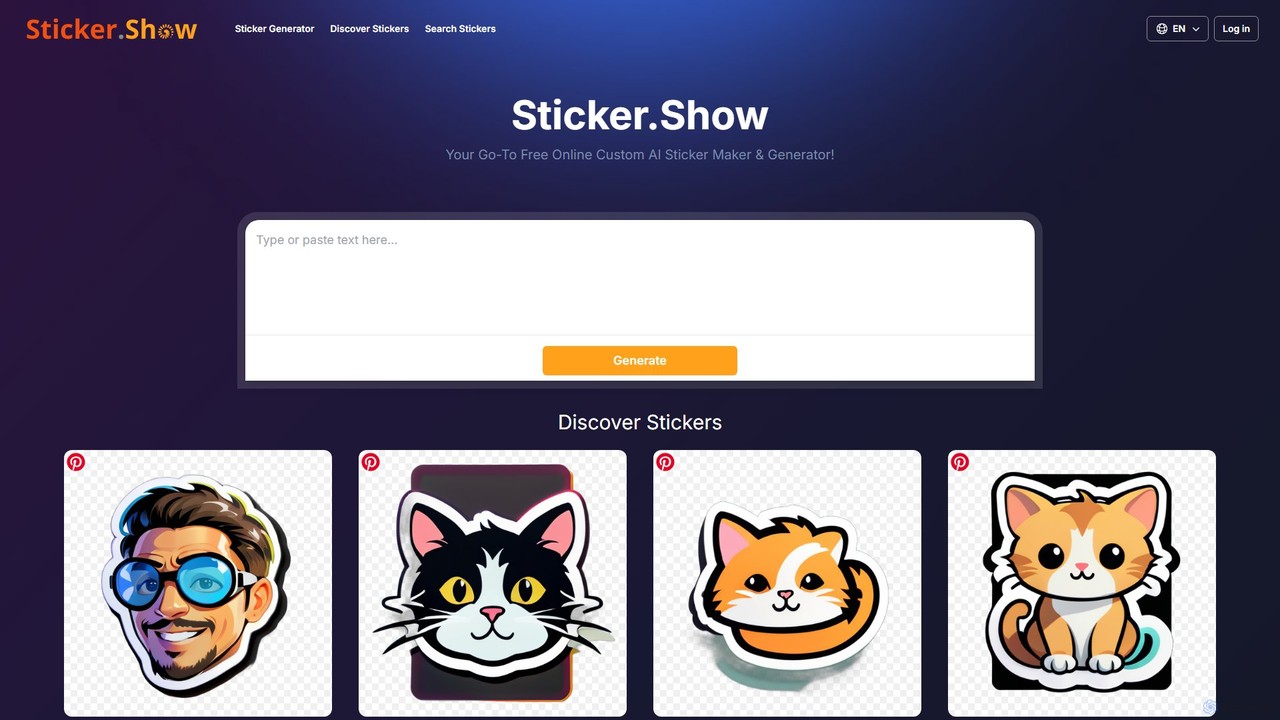
Sticker.Show
Sticker.Show is an AI-powered sticker maker that lets you generate custom stickers from simple text prompts. It also features a vast, searchable library of over 7,500 free PNG stickers. Ideal for personalizing chats, social media content, and marketing materials with unique, high-quality graphics.
Graphics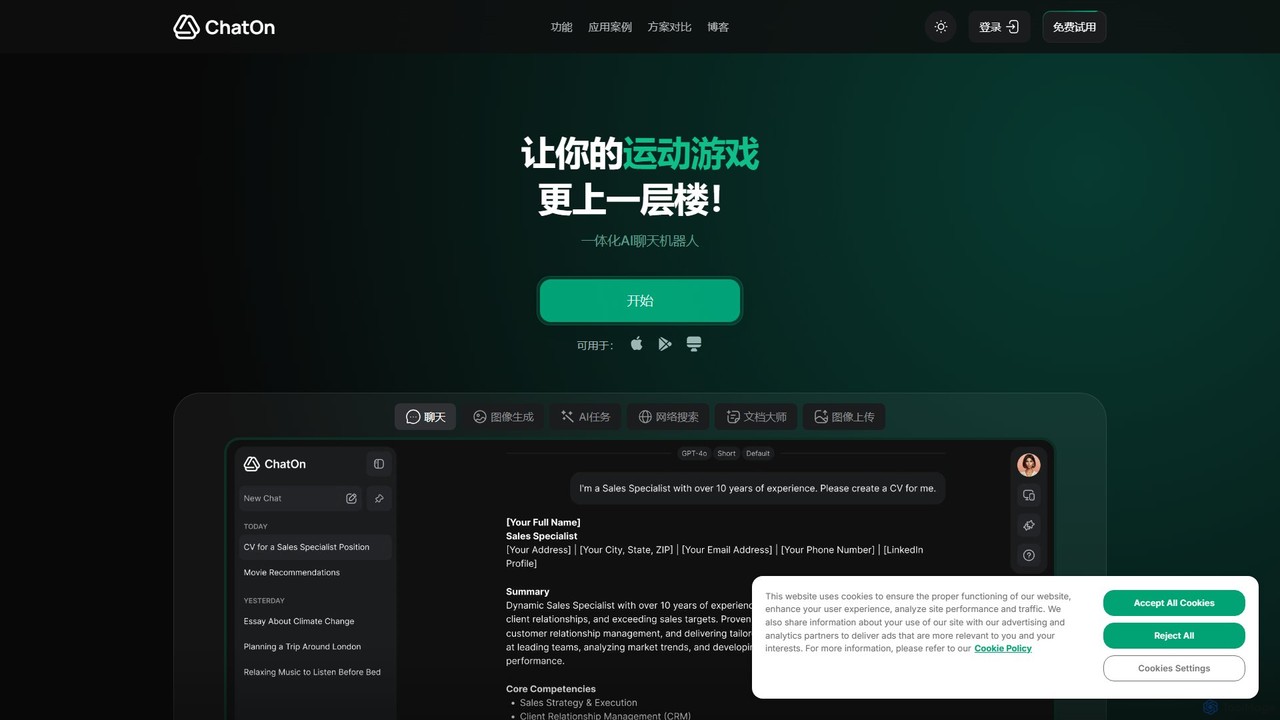
ChatOn
ChatOn is a versatile, all-in-one AI assistant powered by advanced models like GPT-4o and Claude 3.5 Sonnet. It integrates chat, image generation, web search, and document analysis to streamline tasks for writing, social media, work, and daily life, available on both web and mobile.
Assistantaistickr Categories
aistickr Embed Widget
Copy this embed code to place the badge on your blog, article, or product site and send readers directly to this ToolMage detail page.

Related AI tools
Sticker Crafter
Sticker Crafter is an AI-powered tool that transforms text prompts into custom, die-cut stickers in seconds. It generates transparent PNG files perfect for WhatsApp, Telegram, Discord, and printing. Users can describe their desired sticker, apply style presets, and get high-quality results instantly. A free plan is available, with paid plans offering watermark-free exports.
Sticker MakerStickerAI
StickerAI is an AI-powered platform that instantly transforms your text prompts or images into unique, high-quality stickers. Create personalized sticker packs for WhatsApp, Telegram, and other messaging apps in seconds. No design skills required—just type your idea and let the AI bring it to life.
Meme GeneratorStickerMaker AI
StickerMaker AI is a powerful tool that uses artificial intelligence to create unique, personalized stickers from text prompts or face photos. Generate custom stickers for messaging apps, social media, or branding in various styles like watercolor, comic, and chibi. It's fast, easy to use, and perfect for unleashing your creativity.
Ai ToolsSticker.Show
Sticker.Show is an AI-powered sticker maker that lets you generate custom stickers from simple text prompts. It also features a vast, searchable library of over 7,500 free PNG stickers. Ideal for personalizing chats, social media content, and marketing materials with unique, high-quality graphics.
Graphics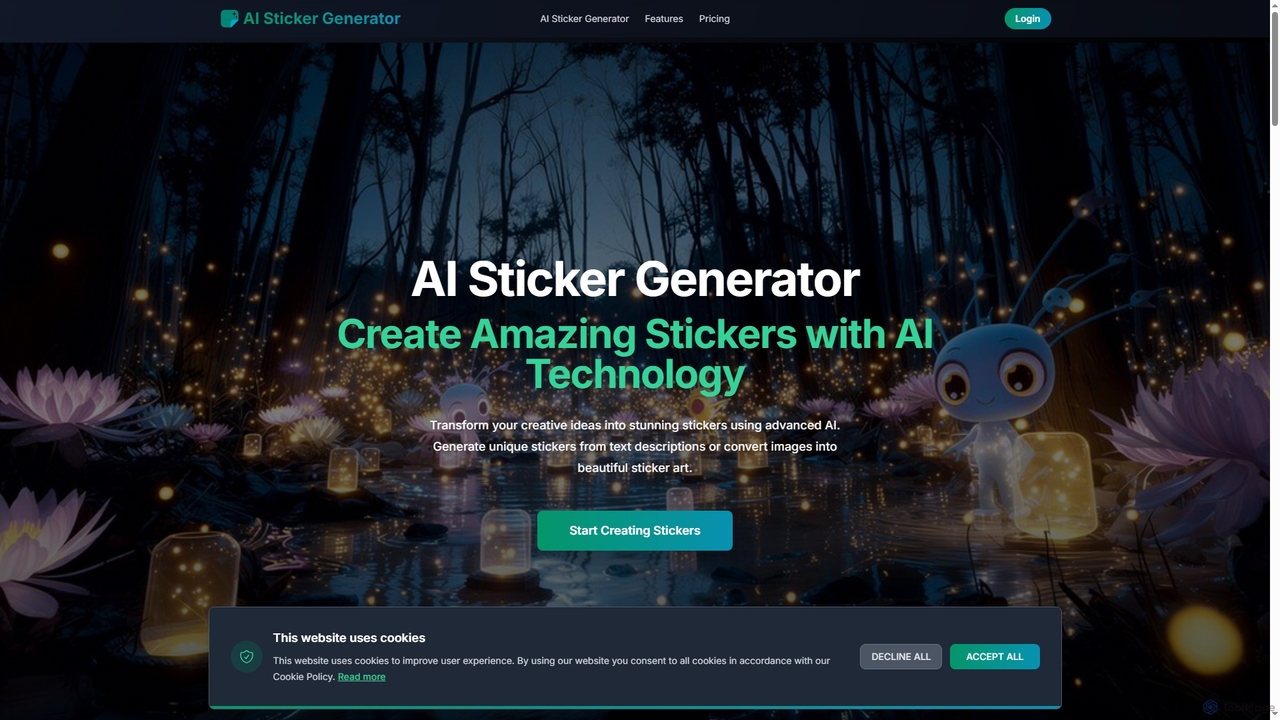
AI Sticker Generator
AI Sticker Generator transforms text descriptions or images into unique, high-quality stickers using advanced AI. Choose from various styles like cartoon, emoji, or line art, and get instant, customizable results with commercial rights. Perfect for social media, messaging, and creative projects, no design skills needed.
Art Generation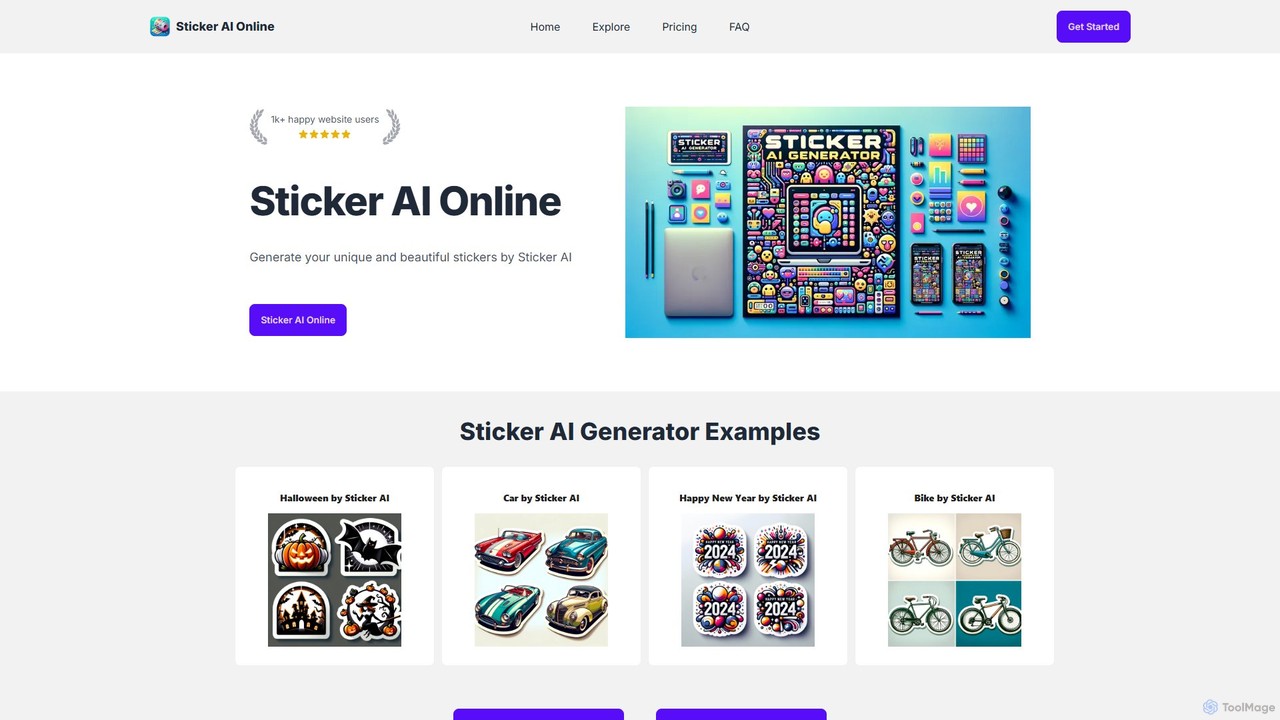
Sticker AI
Sticker AI is an online AI-powered sticker generator that allows users to create unique and high-quality stickers from simple text prompts. Leveraging advanced models like DALL-E 3 and Stable Diffusion, it offers a wide range of artistic styles, making custom sticker creation fast, easy, and accessible to everyone, regardless of design experience.
GraphicsChatOn
ChatOn is a versatile, all-in-one AI assistant powered by advanced models like GPT-4o and Claude 3.5 Sonnet. It integrates chat, image generation, web search, and document analysis to streamline tasks for writing, social media, work, and daily life, available on both web and mobile.
Assistant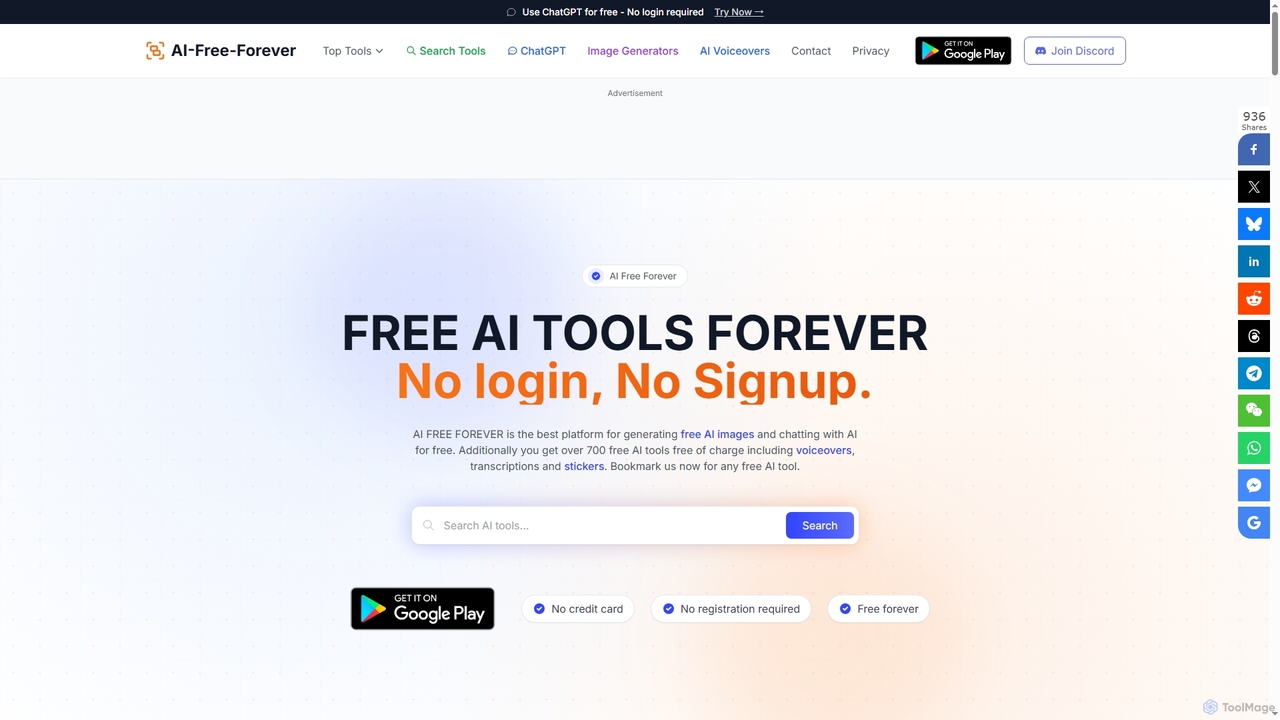
AIFreeforever
AIFreeforever is a comprehensive platform offering over 700 free AI tools for image generation, chatbots, text-to-speech, transcription, writing, and more. It requires no login, no signup, and no credit card, providing unlimited access to advanced AI capabilities for content creators, students, and professionals.
Text To Speech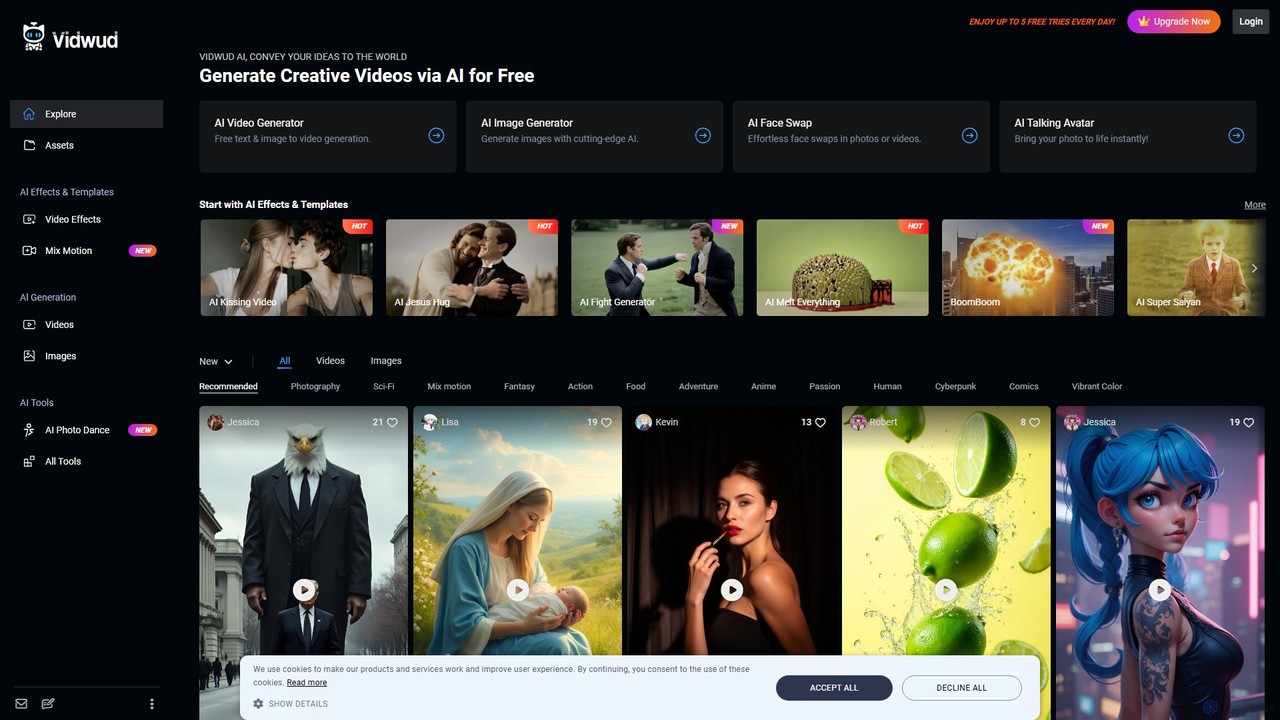
vidwud
Vidwud is a free, all-in-one AI creative suite for generating videos and images. It offers tools like Text-to-Video, Image-to-Video, AI Face Swap, Talking Avatars, and a vast library of trendy effects and templates to make content creation fast, fun, and accessible for everyone.
Face Swap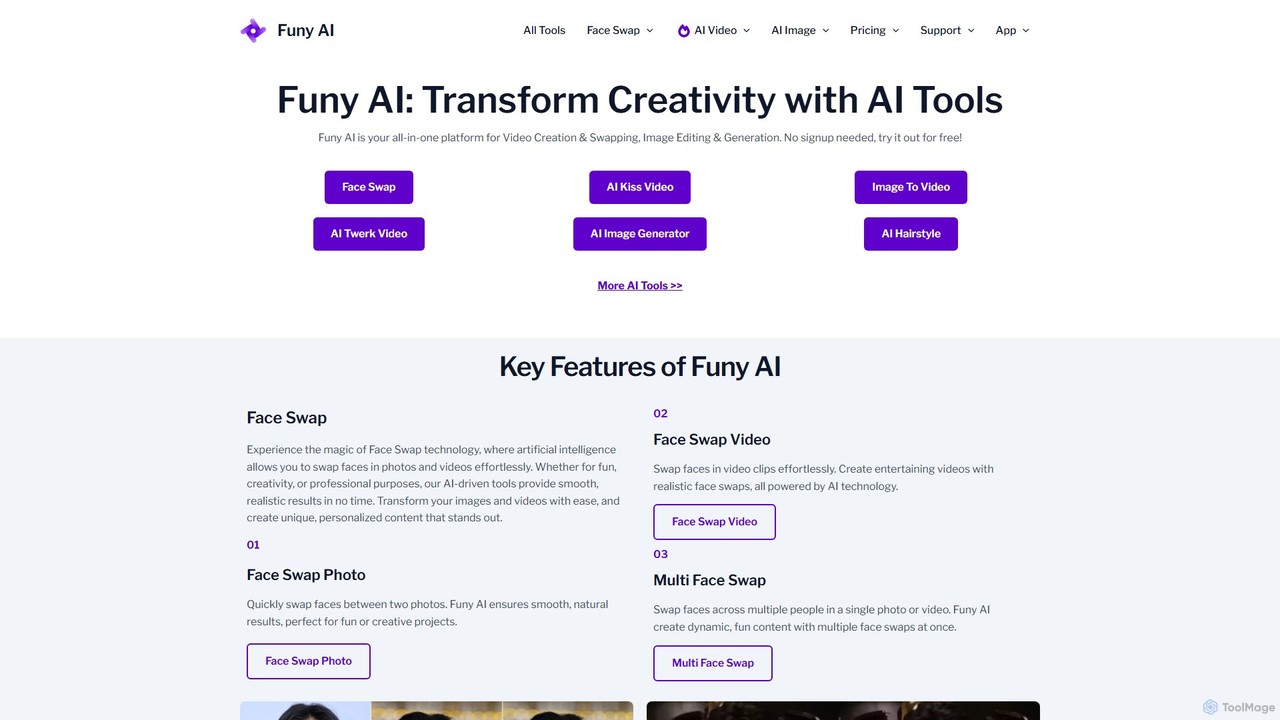
Funy AI
Funy AI is a versatile, all-in-one AI platform for creative content. It specializes in high-quality face swapping for photos and videos, AI video generation from text or images, and a suite of powerful image editing tools. With features like AI art generation, photo enhancement, and background removal, Funy AI makes professional-level content creation accessible to everyone. It's free to try and requires no user signup, offering a seamless and fun creative experience.
Face Swap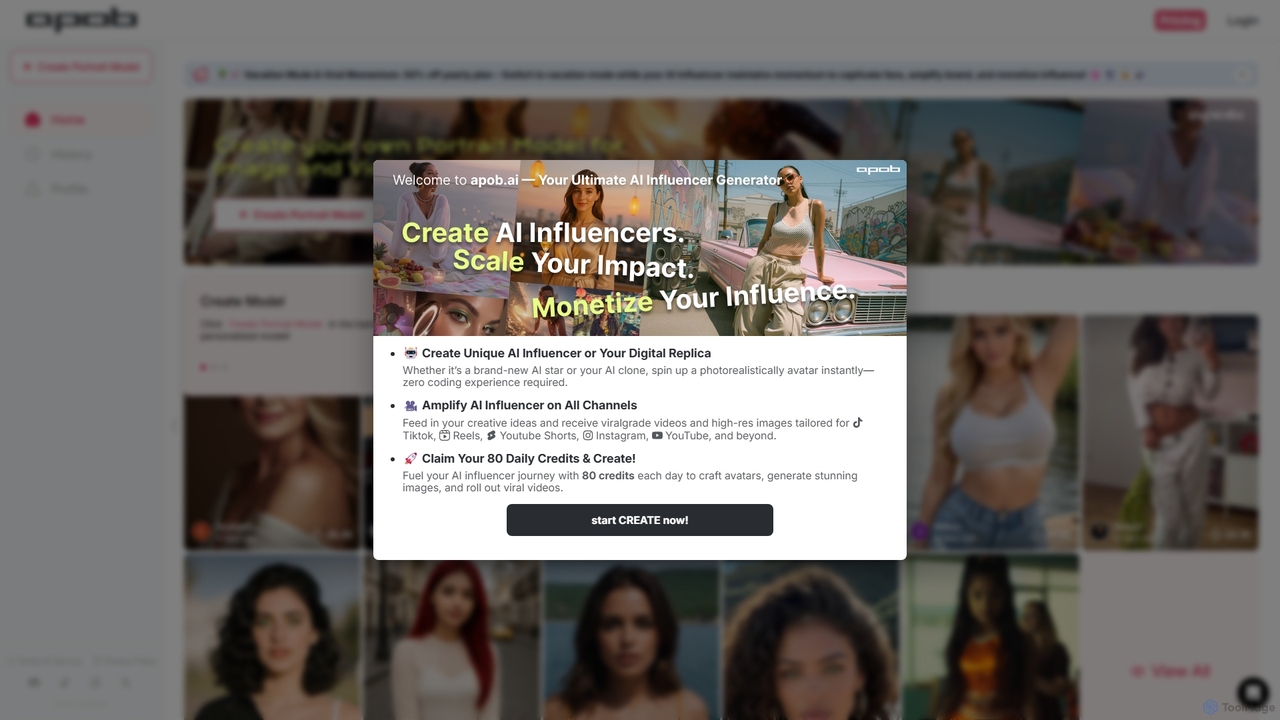
APOB.AI
APOB.AI is a creator-focused AI platform for generating personalized digital portraits, virtual influencers, and AI-powered images and videos. Train a unique AI model with your own photos to create a consistent digital persona, then generate endless high-quality visual content for social media, marketing, or creative projects.
Character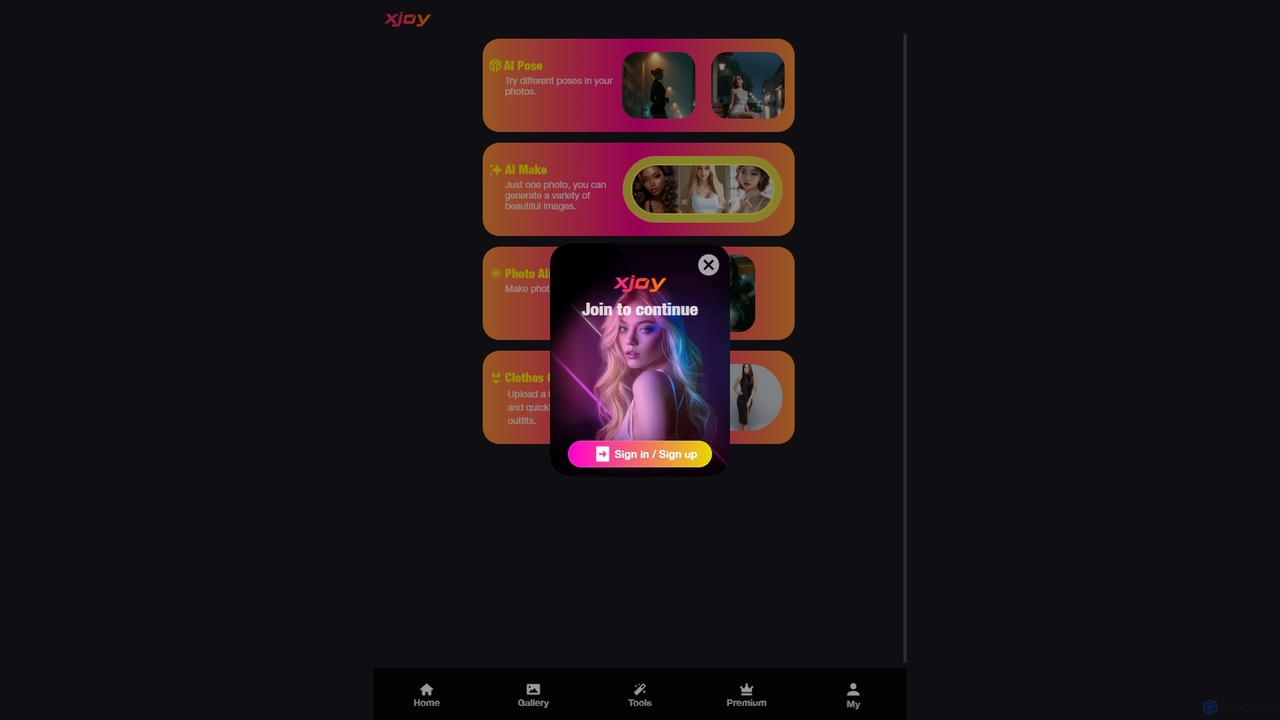
XJoy
XJoy is a versatile AI-powered photo editing suite that transforms your images. With just one photo, you can change poses, generate diverse visual styles, animate still pictures to make them come alive, and virtually try on different outfits. It's designed for creators, social media users, and anyone looking to add a creative spark to their photos with ease.
Entertainment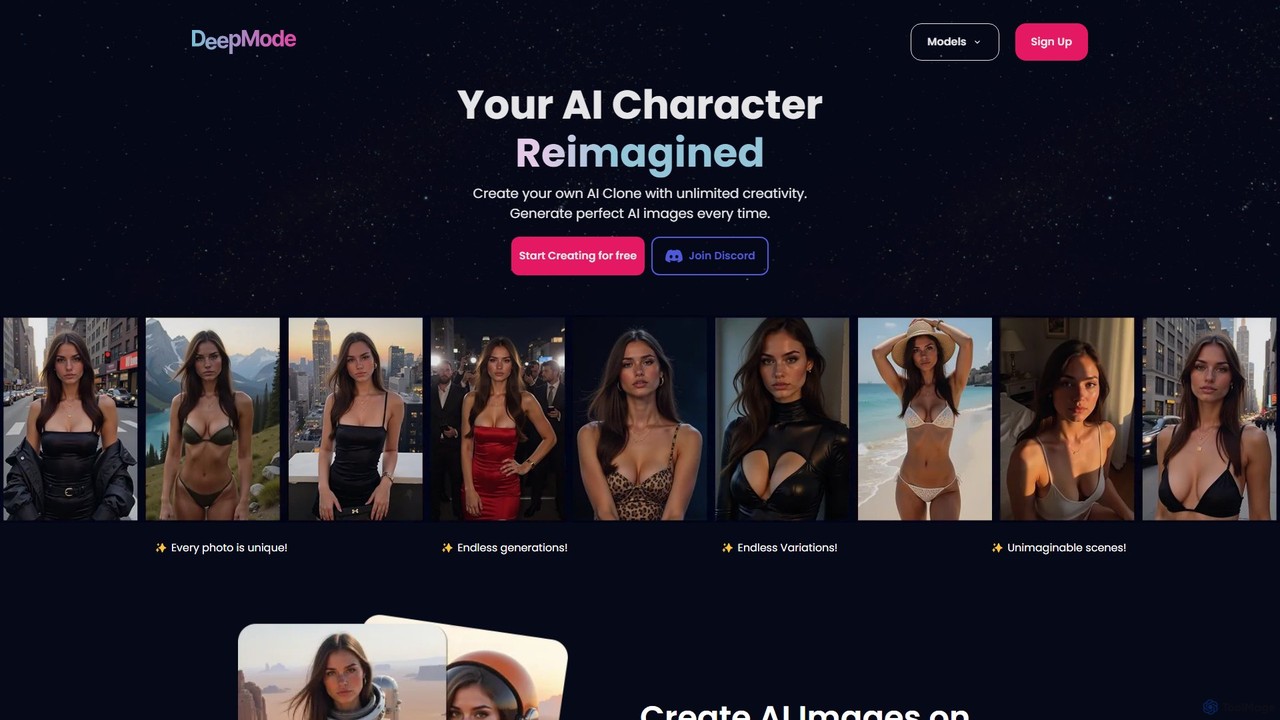
DeepMode
DeepMode is an AI platform that allows you to create a personalized AI clone from your photos. Train a unique digital model of yourself or any character, and then generate an unlimited number of high-quality images and videos in various styles, scenes, and outfits. It's designed for creators, influencers, and anyone looking to explore their digital identity with complete creative freedom and privacy.
Avatars
StoryViewer
StoryViewer is a free, all-in-one AI toolkit for social media. It features an AI Story Generator to create engaging stories with images and voice from simple prompts, an anonymous Social Story Viewer for platforms like Instagram and TikTok, and a Story Downloader. No sign-up is required, making it perfect for marketers, creators, and businesses.
Image Generation
Photoleap
Photoleap is a powerful all-in-one AI photo editing app by Lightricks. It combines traditional editing tools with a massive suite of cutting-edge AI features, allowing users to transform photos, generate stunning AI art from text, create professional headshots, and apply creative effects with ease. It's designed for everyone from social media creators to casual users looking to elevate their images.
Generative Art
aistickr Comments (0)
Sign in to comment.
Sign inNo comments yet.