

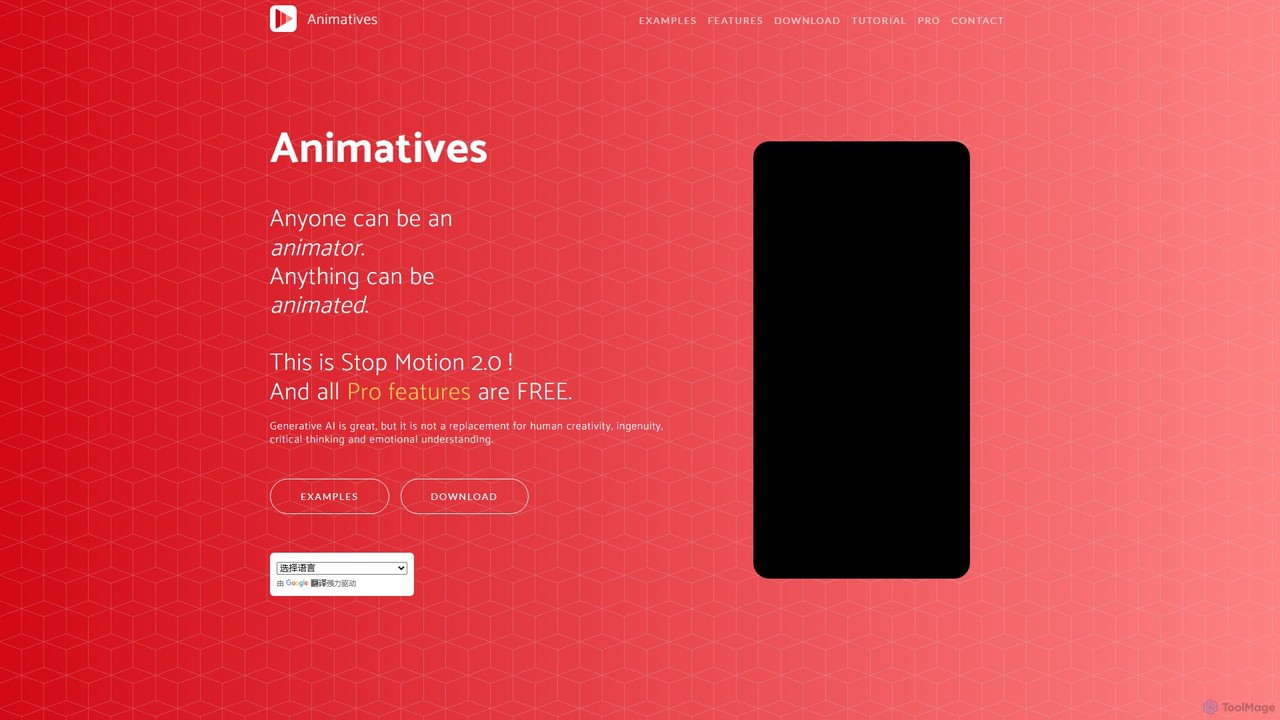
Animatives Overview
Animatives is a feature-rich and user-friendly animation application designed for iOS devices. It revolutionizes the animation process by adopting an object-oriented approach instead of traditional layer-based editing. This allows creators of all skill levels, from beginners to professionals, to produce high-quality animations, stop-motion videos, and GIFs with ease. The app provides granular frame-by-frame control, enabling precise manipulation of individual elements within a scene. With a commitment to accessibility, Animatives offers all its professional-grade features completely free, including 4K export and commercial usage rights, making it a standout tool in the mobile animation space.
How to use Animatives
Getting started with Animatives is an intuitive process designed for a seamless creative workflow:
- Start a Project: You can begin in multiple ways. Create a new project from a blank canvas, import a video to automatically extract its frames, use the camera to shoot a stop-motion or timelapse sequence, or even record your drawing process in real-time to turn it into an animation.
- Add & Manage Objects: Populate your scene by importing objects from a wide array of sources. Use images from your photo library, access files from the Files app (which connects to iCloud, Google Drive, Dropbox), or import directly from any web URL. Objects can be static images or animated sequences (a series of images). You can easily replace objects at any time, such as swapping a character or a background.
- Animate with Transitions: Bring your objects to life. Select an object, place a 'pin' on it at a specific frame, and then apply smooth transitions for its position, size, rotation, and transparency. Animatives offers various transition curves (e.g., linear, cubic, expo) for natural-looking motion. You can also draw a custom path for an object to follow across frames.
- Enhance with Audio & Text: A great animation needs great sound. Add background music, sound effects, or record voiceovers directly onto the timeline. You can import your own audio files or use the integrated libraries that connect to Freesound.org and Apple Music. Furthermore, add and animate text using custom fonts from Google Fonts or by importing your own.
- Export & Share: Once your masterpiece is complete, choose your desired aspect ratio (e.g., 16:9, 1:1, 9:16). Export your creation as a high-resolution MP4 video (up to 4K) or an animated GIF. All exports are free of watermarks. You can also share your GIFs directly as iMessage stickers or use them with the Animatives keyboard.
Core Features of Animatives
- Object-Oriented Animation: Instead of managing complex layers, you manipulate individual objects, making the animation process more intuitive and efficient.
- Frame-by-Frame Control: Enjoy precise control to add, edit, duplicate, and move frames, ensuring every detail is perfect.
- Advanced Transitions & Path Animation: Apply a variety of pre-set curve-based transitions or draw custom motion paths for sophisticated object movement.
- Comprehensive Import Options: Import media from your device's photos, videos, the Files app (including major cloud drives), and any web URL.
- Rich Audio Editing: Add and manage multiple tracks of music, sound effects, and voiceovers. Adjust volume, pitch, and apply fade-in/fade-out effects.
- High-Resolution Export: Export your projects as MP4 videos up to 4K or high-quality GIFs in various aspect ratios, all without watermarks.
- Integrated Drawing & Stop Motion Tools: Record your drawings as animations or create classic stop-motion and timelapse videos directly within the app.
- Extensive Resource Libraries: Access integrated libraries for fonts (Google Fonts), sounds (Freesound.org), and inspirational projects from the Cloud Idea Store.
- Virtual Camera Control: Animate the camera itself by controlling its position, scale, and rotation to create dynamic pans, zooms, and tracking shots.
Use Cases for Animatives
Animatives is a versatile tool suitable for a wide range of applications:
- Social Media Content: Create eye-catching animated posts, stories, and reels for platforms like Instagram, TikTok, and Facebook.
- Marketing & Advertising: Produce short animated promotional videos, product demos, and GIF ads for businesses.
- Educational Content: Develop engaging animated explainers and tutorials for students, employees, or clients.
- Personal Projects & Hobbies: Design fun animated GIFs, unique iMessage stickers, and short films for personal enjoyment and sharing with friends and family.
- UI/UX Prototyping: Animate user interface mockups to demonstrate app flows, transitions, and interactions for presentations and user testing.
Advantages of Animatives
Animatives stands out for several key reasons:
- Completely Free: All professional features, including 4K export, commercial use, and advanced tools, are available for free to all users.
- No Watermarks: Export clean, professional-looking videos and GIFs without any branding from the app.
- Intuitive Workflow: The object-oriented approach is significantly easier to learn and master compared to traditional layer-based animation software.
- High Flexibility: The app supports a wide range of aspect ratios, import sources, and export formats, adapting to any project's needs.
- Mobile-First Design: Optimized for a touch-based workflow on iPhone and iPad, allowing you to create animations anywhere, anytime.
- Generous Commercial Use License: Users are free to use the animations they create for commercial purposes without any additional fees.
Pricing and Plans
Animatives has a simple and user-friendly pricing model. All core and professional features of the app are **completely free**. This includes:
- No watermarks on exports
- Up to 4K video and GIF export
- Commercial use rights
- Unlimited audio tracks and voice recordings
- All transition styles and editing tools
While the main application is free, a 'Pro+' plan is mentioned for users who need private cloud storage to sync projects and objects between their devices or share them with clients. However, all creation and export functionalities are available to everyone at no cost.
Traffic
Latest traffic
Status
Monthly traffic trend
- 2025-9: 519
- 2026-1: 902
- 2026-2: 2.1K
- 2026-3: 1.7K
- 2026-4: 84
- 2026-5: 1.0K
Geography
Top 5 countries / regions
- 🇺🇸United States100.0%
Top keywords
| Keyword | Cost per click |
|---|---|
| animator app imagineer | $0.00 |
| create anoutivs | $0.00 |
| moving drawings website | $0.00 |
| quick draw canvas to make animatics for films | $0.00 |
| what we call moving images and not a video like svg | $0.00 |
Animatives Alternatives
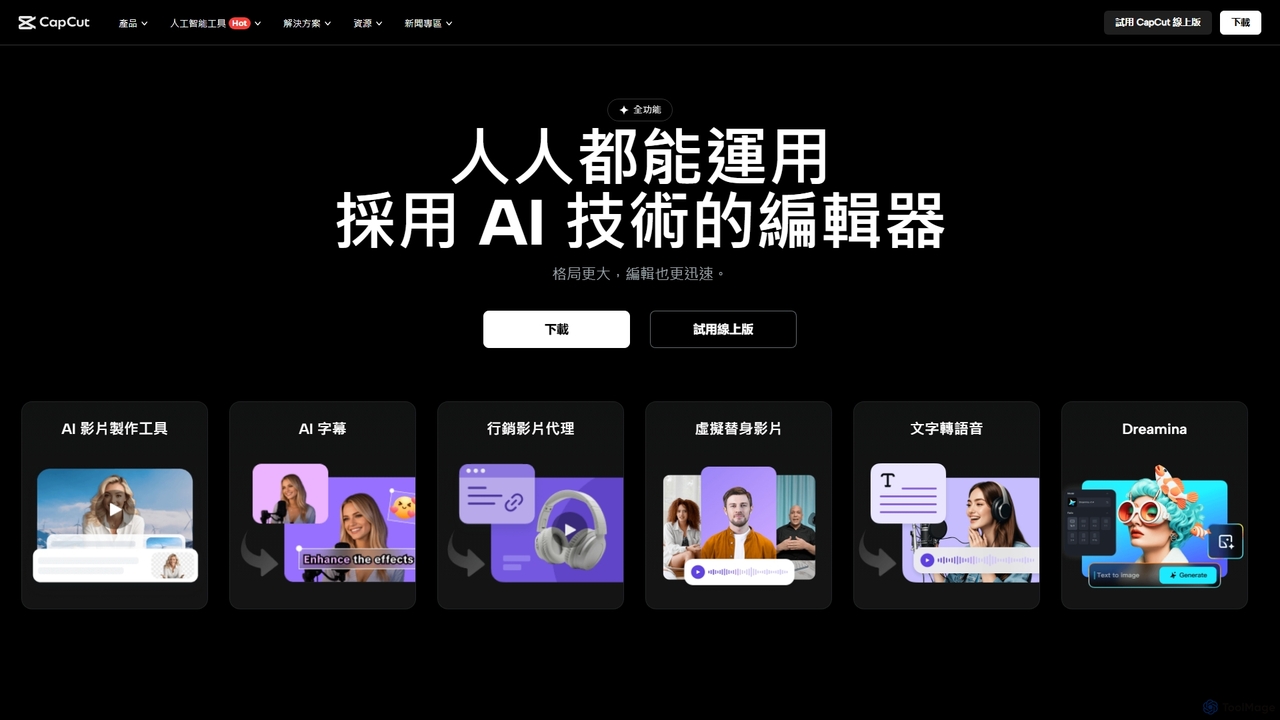
CapCut
CapCut is a powerful, all-in-one AI video editor and creative suite. It simplifies content creation with intuitive tools for video editing, graphic design, and team collaboration. It offers a wide range of AI features like auto-captions, script-to-video, background removal, and video upscaling, making professional-quality content accessible to everyone, from beginners to pros, across web, desktop, and mobile platforms.
Graphics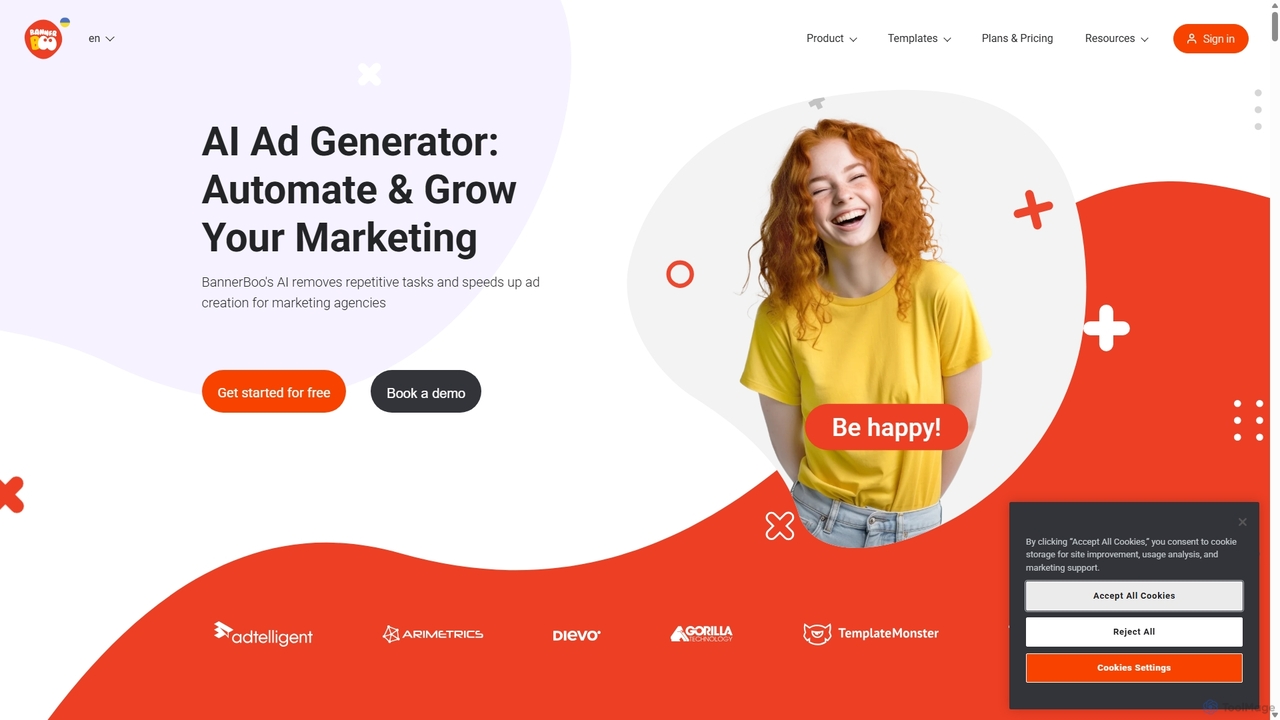
BannerBoo
BannerBoo is an AI-powered online ad creation platform that enables users to design and animate professional HTML5, GIF, and video banners in minutes. With a user-friendly drag-and-drop editor, smart animation features, and a vast library of templates, it streamlines the ad creation process for marketers, agencies, and businesses of all sizes, no coding skills required.
Graphics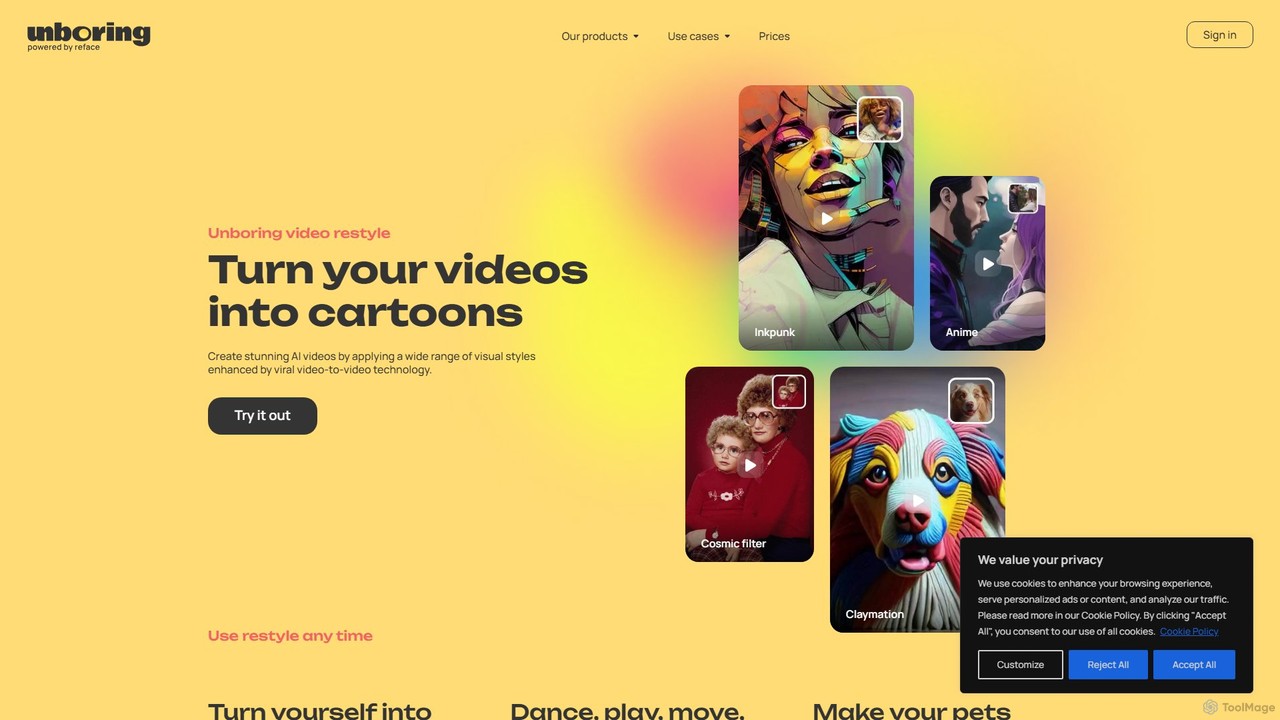
unboring
unboring is an AI-powered online tool by Reface that specializes in high-quality face swapping and photo animation. It allows users to transform static images into dynamic, entertaining content like memes, animated portraits, and funny videos, making content creation simple and fun.
Meme Generator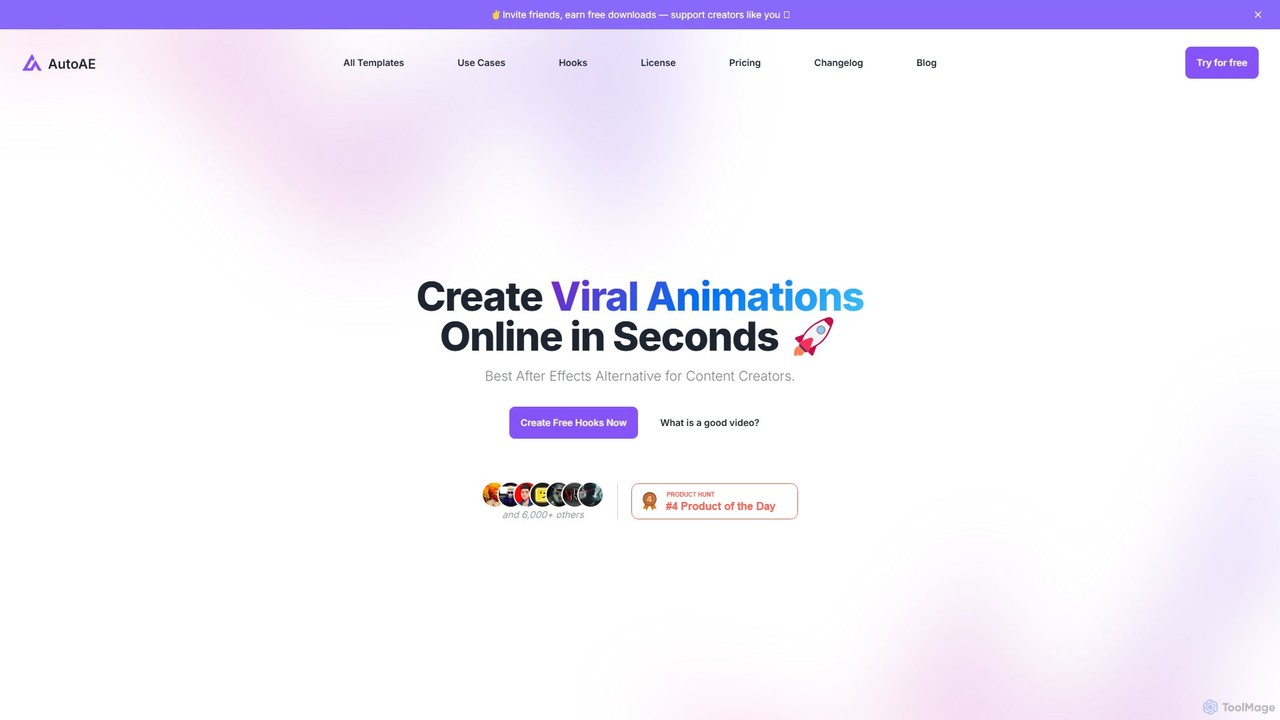
AutoAE
AutoAE is an online animation maker designed for content creators, especially YouTubers, to produce viral video hooks and motion graphics in seconds. It serves as a user-friendly alternative to complex software like After Effects, offering a vast library of customizable templates for text animations, 3D effects, mockups, and more. The tool aims to boost video engagement, save significant editing time, and help creators monetize their content faster by staying on top of social media trends.
Video Marketing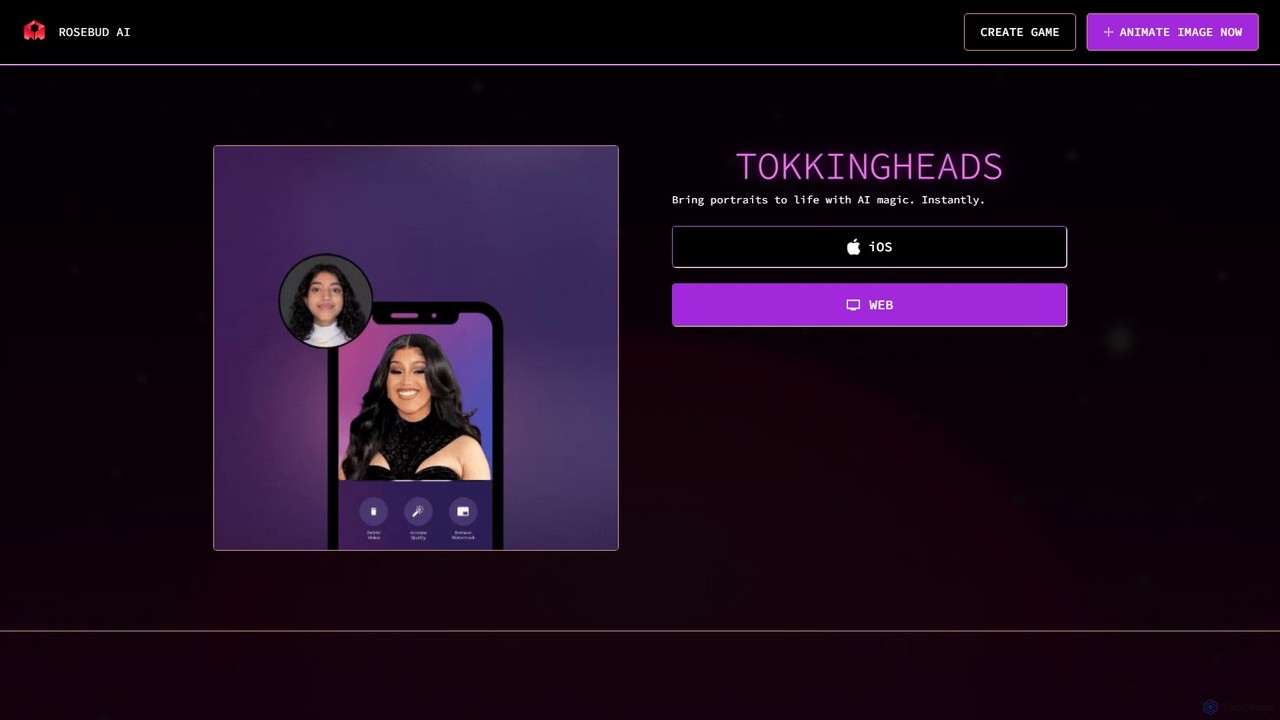
Tokkingheads
Tokkingheads is an AI-powered tool by Rosebud AI that instantly animates still photos and portraits. Turn any face—from photos of friends and family to historical figures or even drawings—into a lively, talking, and singing video. It's perfect for creating engaging social media content, memes, and personalized messages.
MemesAnimatives Categories
Animatives Embed Widget
Copy this embed code to place the badge on your blog, article, or product site and send readers directly to this ToolMage detail page.

Related AI tools

Glims
Glims is an intuitive web-based tool that magically transforms static images and short video clips into dynamic, fast-moving showreels and GIFs in seconds. Designed for busy creators, designers, and marketers, it simplifies video creation with features like music integration, visual effects, and local browser processing for enhanced privacy. It's the perfect solution for creating scroll-stopping social ads, professional work portfolios, and engaging personal moments.
Animation
Vidtoon
Vidtoon is a user-friendly 2D animated video creation software that allows anyone to create professional-quality explainer videos, marketing ads, and presentations without any technical skills. It features a simple drag-and-drop interface, a vast library of characters, backgrounds, and props, and a built-in text-to-speech engine to bring your stories to life quickly and affordably.
E Learning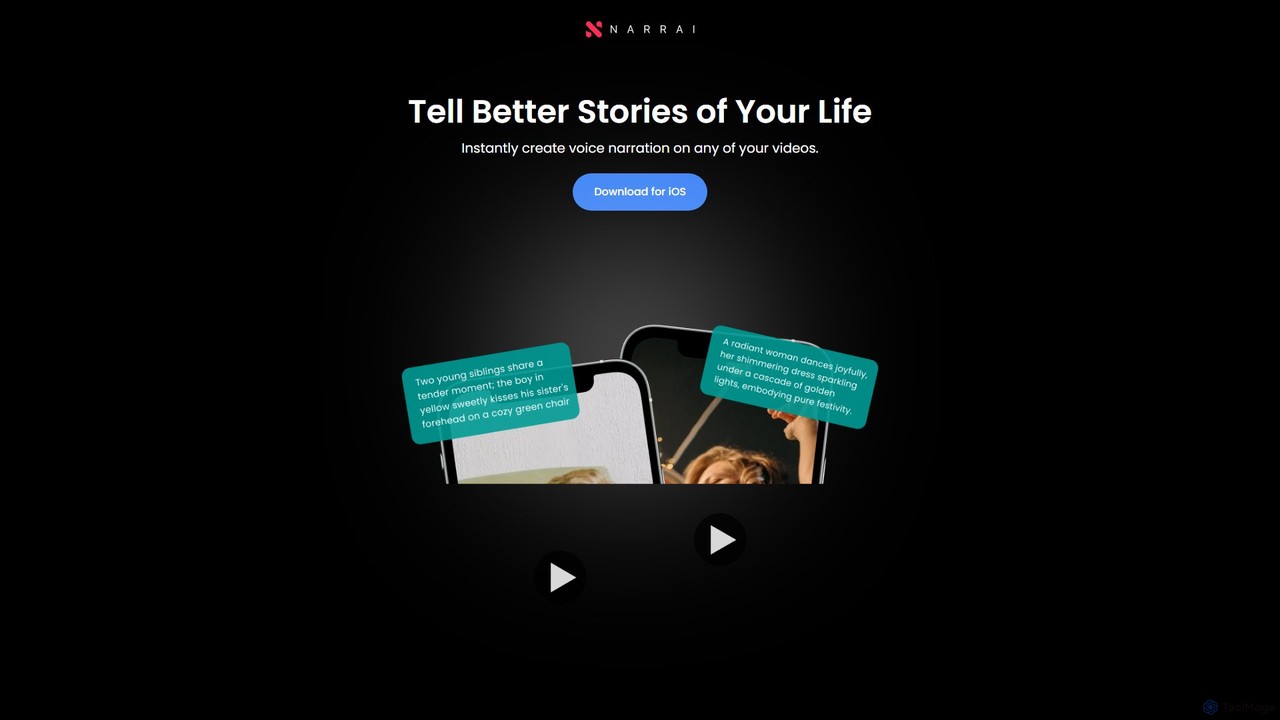
NarrAI
NarrAI is an iOS app that instantly adds AI-powered voice narration to your videos. It automatically generates a script based on your video's content, lets you choose from unique narrator personas, and adds background music. Perfect for creating engaging, viral content for social media, marketing, or personal storytelling, all from your phone.
Voice Generation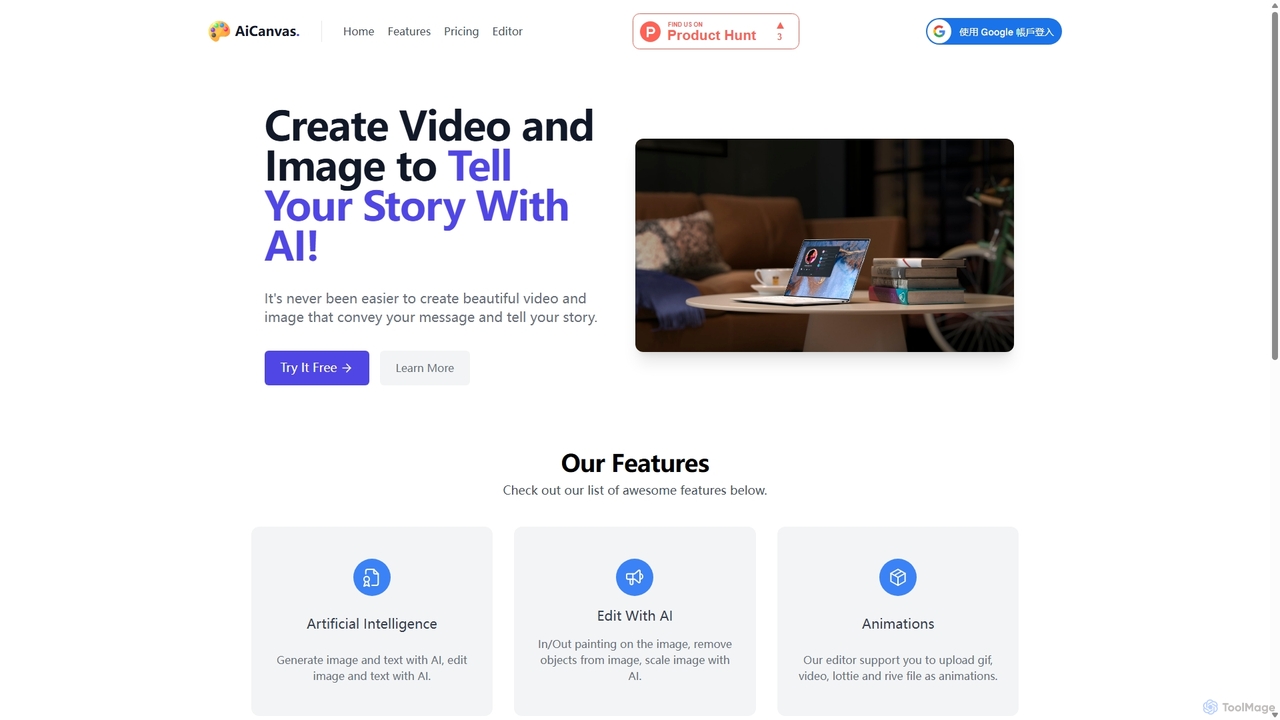
AiCanvas
AiCanvas is a free, web-based creative suite that combines a versatile canvas editor with powerful AI capabilities. Generate images from text, perform advanced AI edits like inpainting and object removal, and create dynamic videos and animations. It supports various media formats, making it an all-in-one solution for creating stunning visual content for social media, marketing, and personal projects without any cost.
Image GenerationCapCut
CapCut is a powerful, all-in-one AI video editor and creative suite. It simplifies content creation with intuitive tools for video editing, graphic design, and team collaboration. It offers a wide range of AI features like auto-captions, script-to-video, background removal, and video upscaling, making professional-quality content accessible to everyone, from beginners to pros, across web, desktop, and mobile platforms.
GraphicsBannerBoo
BannerBoo is an AI-powered online ad creation platform that enables users to design and animate professional HTML5, GIF, and video banners in minutes. With a user-friendly drag-and-drop editor, smart animation features, and a vast library of templates, it streamlines the ad creation process for marketers, agencies, and businesses of all sizes, no coding skills required.
Graphics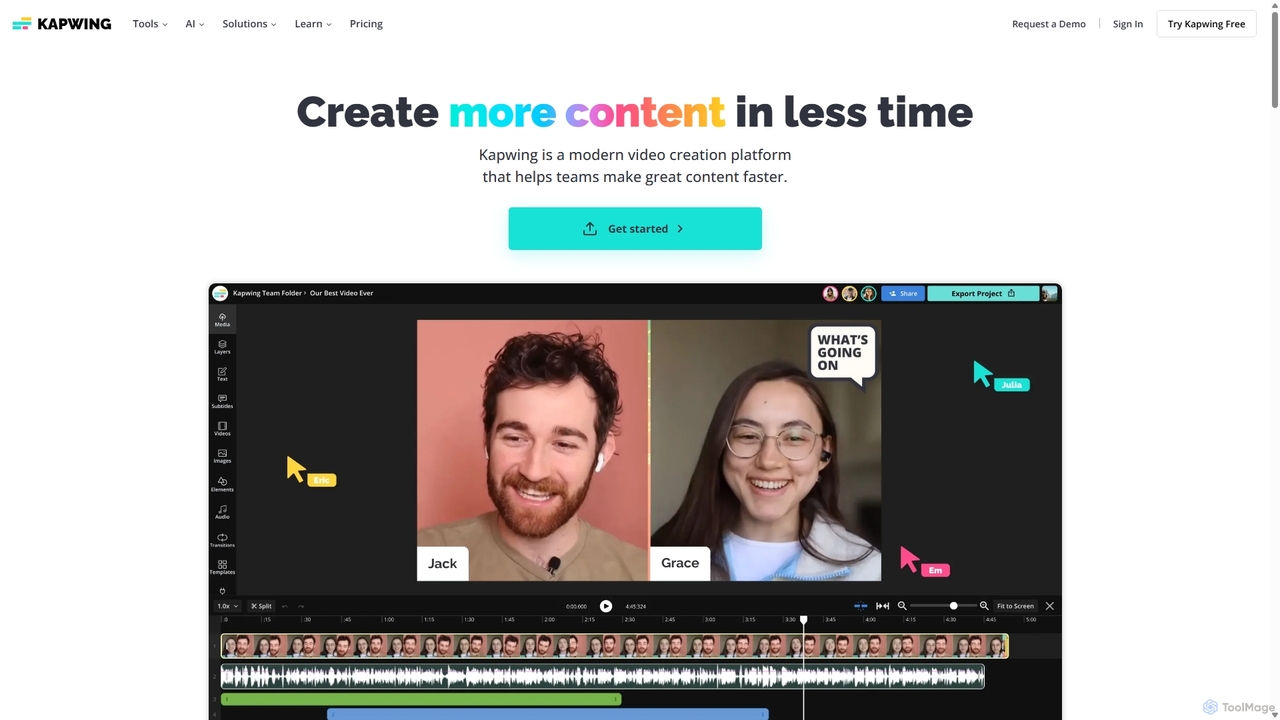
Kapwing
Kapwing is an AI-powered online video editor designed for teams and creators to produce high-quality content faster. It combines a full suite of editing tools with intelligent AI features like text-to-video, automatic subtitling, and background removal in a collaborative, browser-based platform, making video creation accessible to everyone.
Video Marketing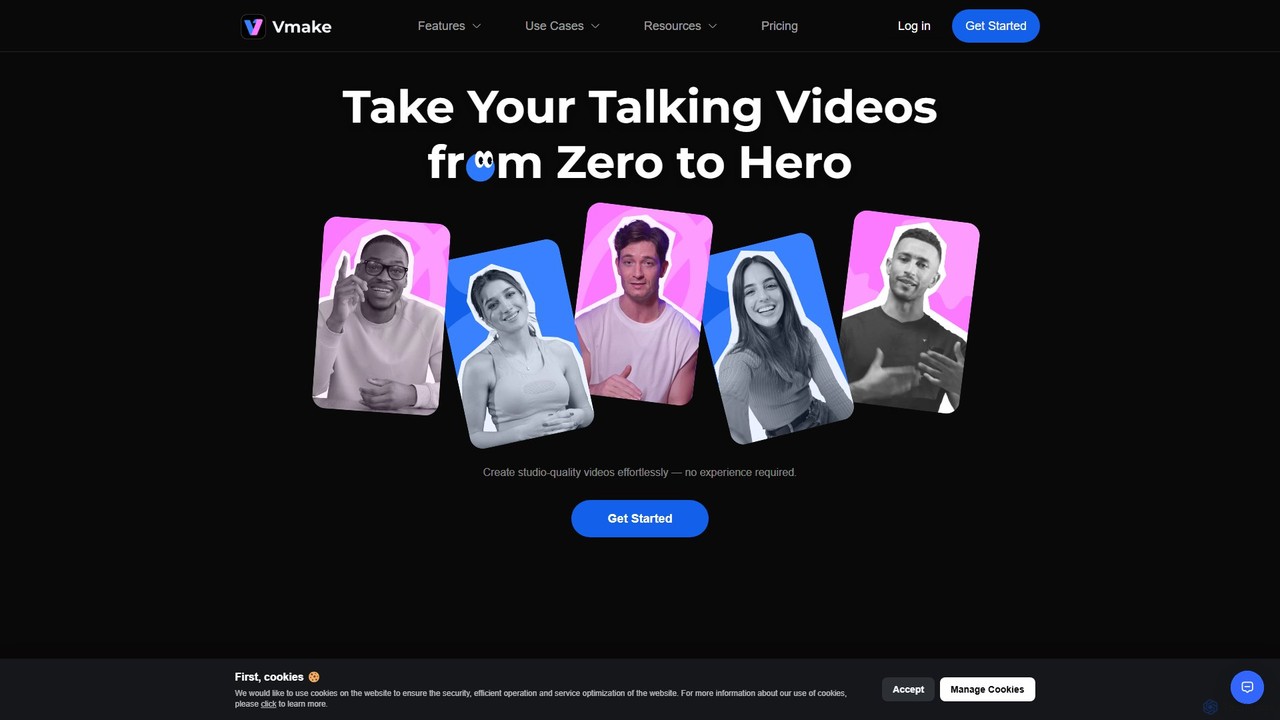
Vmake
Vmake is an all-in-one AI video solution designed for creators. It simplifies video production with features like watermark removal, auto-captions, background removal, and video enhancement. Effortlessly create studio-quality talking videos for social media and marketing without prior experience.
Transcription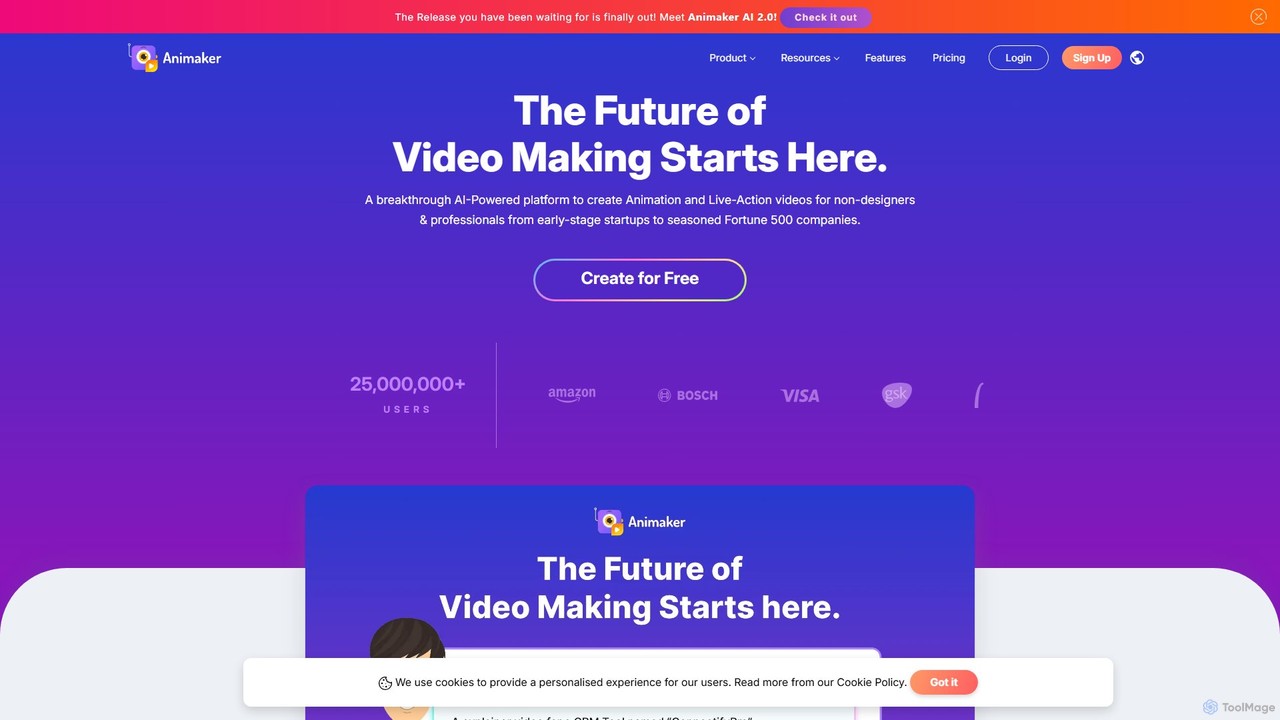
Animaker
Animaker is a powerful AI-driven online platform for creating studio-quality animated and live-action videos. Designed for both beginners and professionals, it features an advanced character builder, a vast asset library, and thousands of templates to produce engaging video content in minutes.
E Learning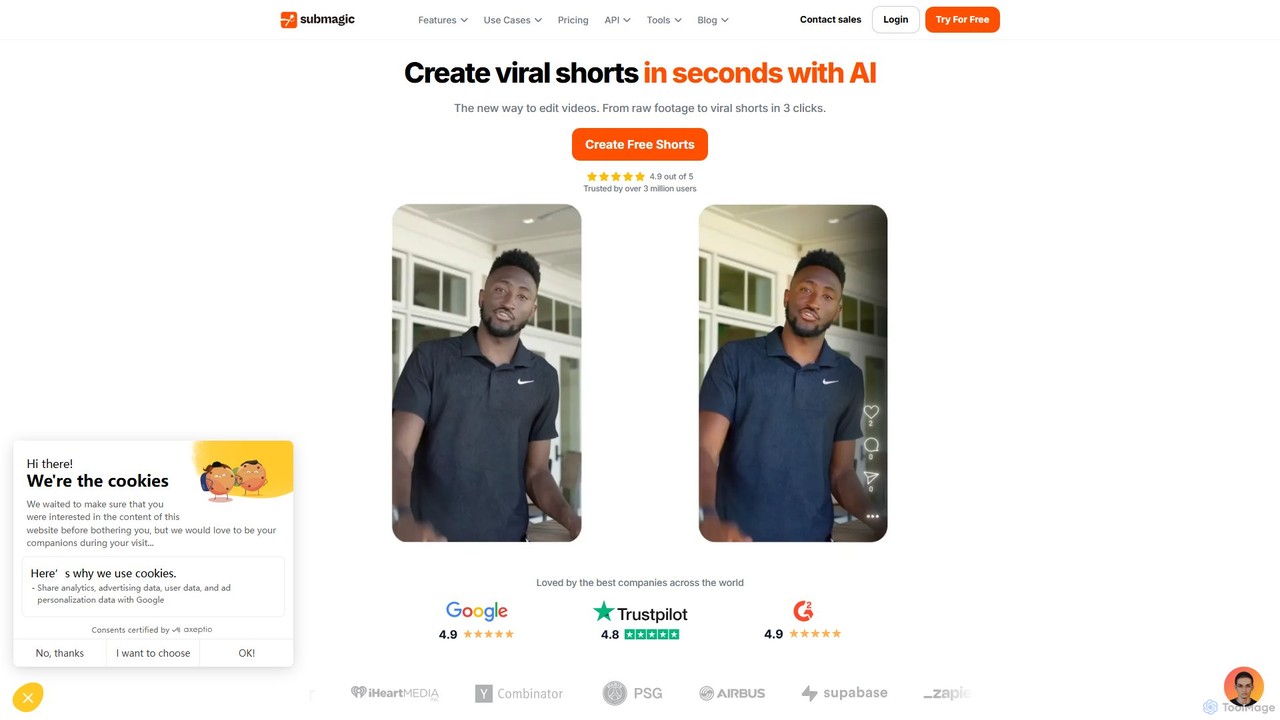
Submagic
Submagic is an all-in-one AI platform designed for creating viral short-form videos in seconds. It automates tedious editing tasks by generating trendy captions with emojis, adding dynamic B-rolls, creating smooth transitions, and extracting key moments from long videos. It's the perfect tool for content creators, marketers, and businesses looking to boost engagement and save time on video production.
Automation
InShot
InShot is a powerful all-in-one video and photo editor for mobile devices, packed with professional-grade features and AI-powered tools. It's designed for everyone from social media creators to beginners, offering an intuitive interface for easy editing, trimming, and enhancing videos. With features like AI auto-captions, advanced effects, a rich music library, and 4K export, InShot makes creating high-quality content for platforms like YouTube, Instagram, and TikTok simple and accessible.
Photo Editing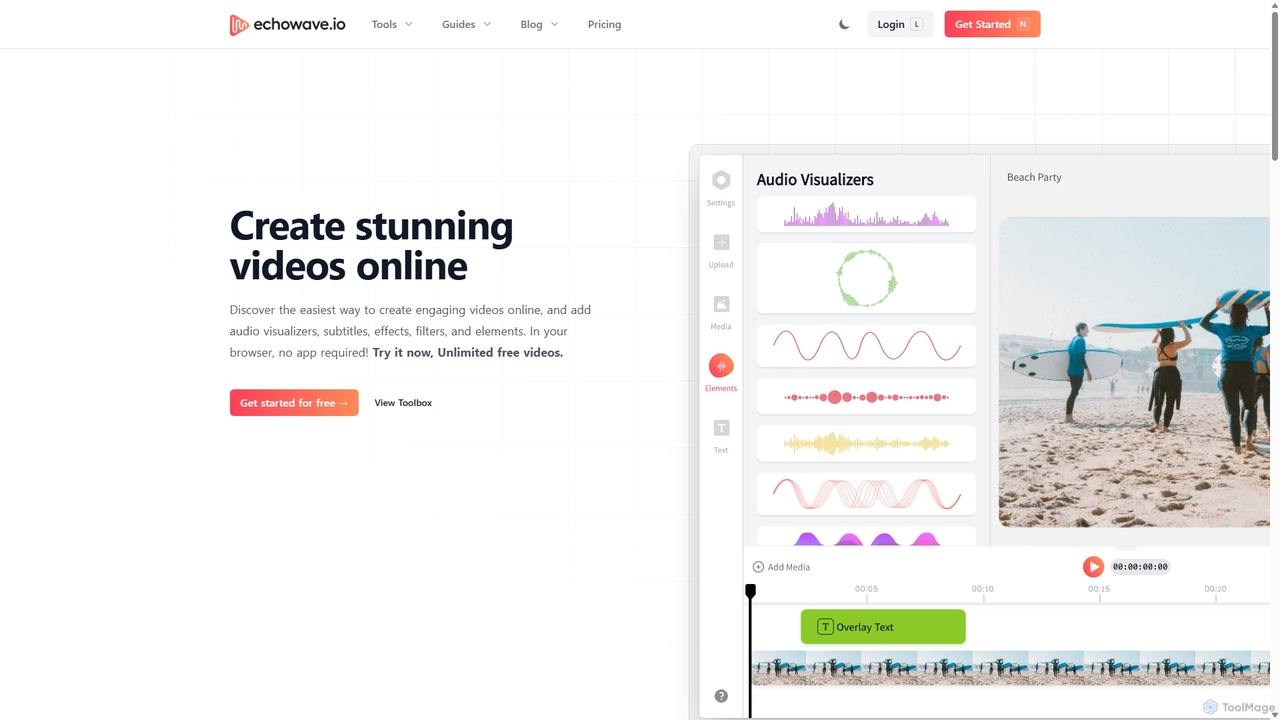
Echowave
Echowave is a free and simple online video editor designed for creators to easily convert audio files into engaging videos. It specializes in adding audio visualizers, automatic subtitles, and effects, making it perfect for podcasters, musicians, and social media managers to repurpose content for platforms like Instagram, YouTube, and Facebook.
Content Creation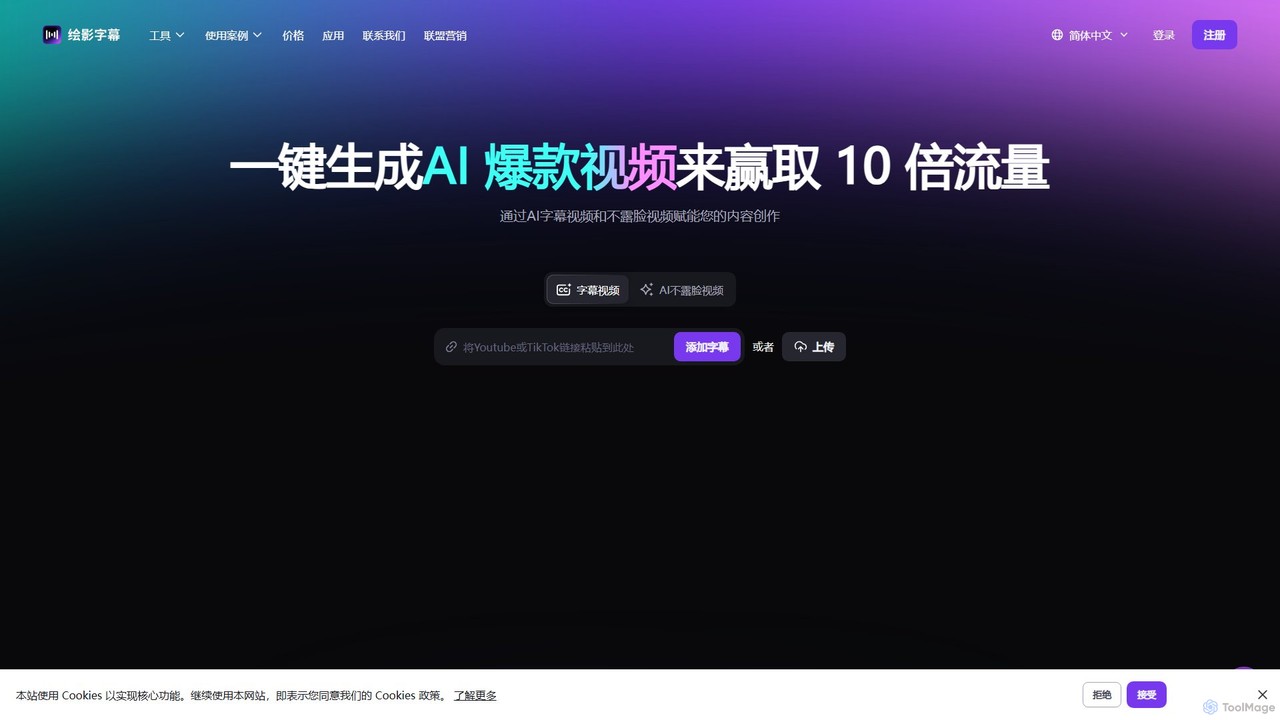
Zeemo
Zeemo is an all-in-one AI-powered video toolkit designed for content creators. It excels at automatic subtitle generation, transcription, and translation in over 95 languages with up to 98% accuracy. It also offers a suite of video editing tools, social media downloaders, and AI video generation features to streamline content creation and boost audience engagement.
Transcription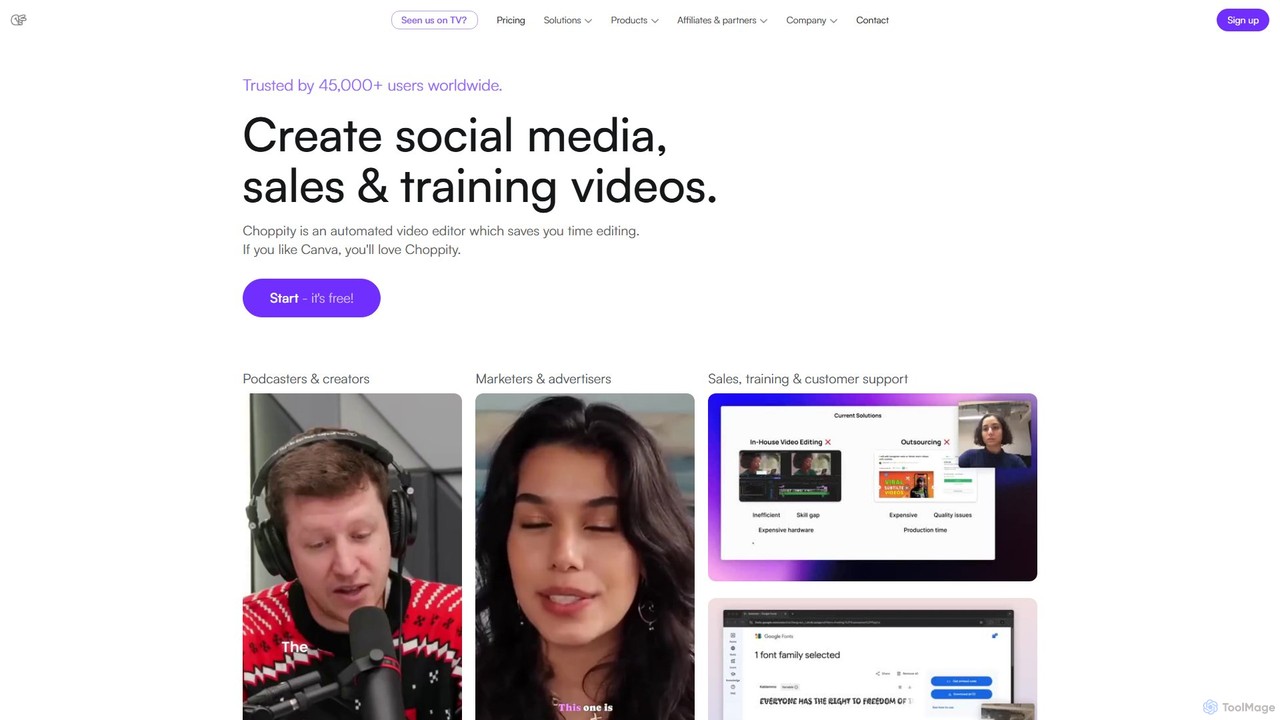
Choppity
Choppity is an AI-powered video editing platform designed to automate and accelerate the creation of short-form videos for social media and marketing. It automatically finds viral clips from long videos, adds customizable captions, reframes content for vertical formats, and applies consistent brand styling, allowing creators to produce more content with less editing effort.
Automation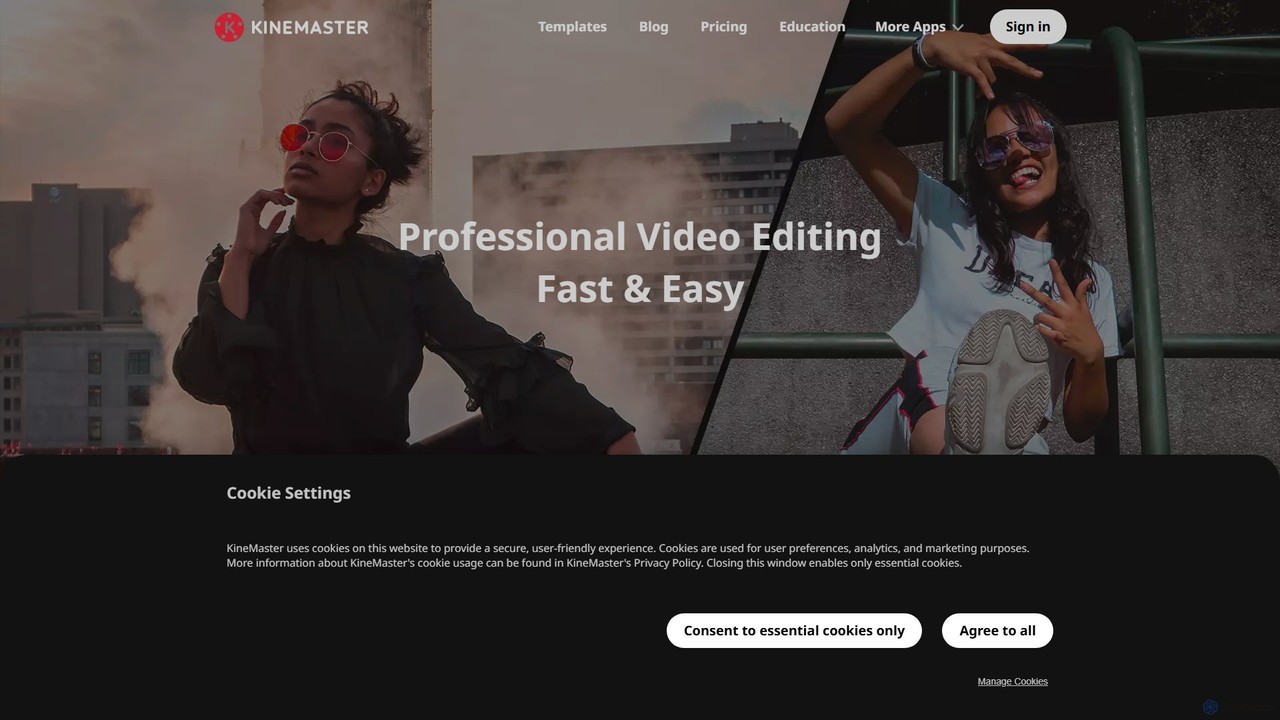
KineMaster
KineMaster is a professional-grade mobile video editing app packed with powerful AI features. It offers a multi-layer timeline, 4K export, and a vast library of templates and assets, making it easy to create stunning videos for social media, vlogs, and marketing directly on your phone.
Mobile Tools
Animatives Comments (0)
Sign in to comment.
Sign inNo comments yet.