

Atlas Overview
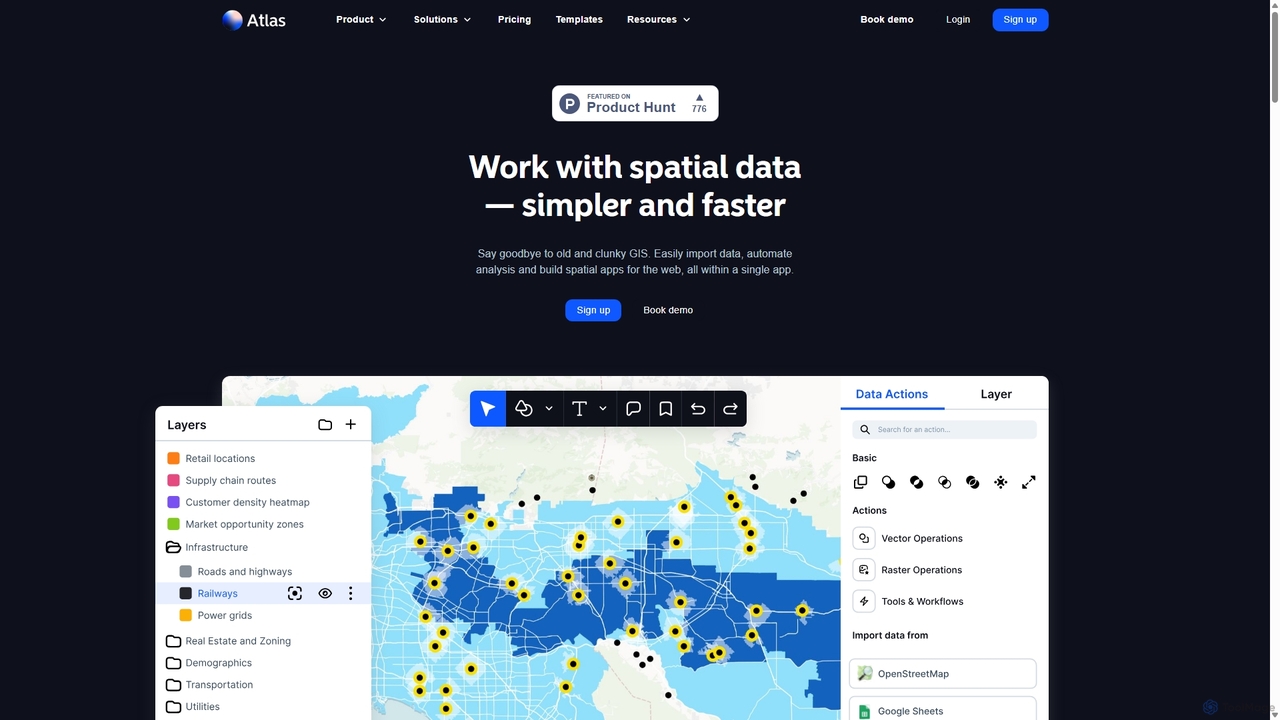
Atlas is a modern, all-in-one map builder and browser-based Geographic Information System (GIS) platform designed to make working with spatial data simpler and faster. It replaces old, clunky GIS software with an intuitive, accessible interface that empowers anyone to visualize, automate, and build with geospatial data. Whether you're mapping customer locations, optimizing sales territories, or analyzing environmental trends, Atlas provides the tools to turn raw location data into actionable insights, all within a single collaborative application.
How to use Atlas
Getting started with Atlas is a straightforward process designed for users of all skill levels:
- Sign Up & Create a Workspace: Begin by signing up for a free account. Once registered, you can create or join a workspace, which is a collaborative hub for your projects, files, and team members.
- Import Your Data: Atlas supports over 20 file formats, including CSV, GeoJSON, KML, and Shapefile. You can also connect directly to remote datasets via WMS, WMTS, and XYZ servers, or enrich your data by querying open sources like OpenStreetMap and Overture.
- Visualize and Style Your Map: Once your data is imported, you can create a wide variety of maps. Build thematic maps like choropleths to show patterns, heatmaps to visualize density, or contour maps for elevation data. Customize basemaps, color palettes, and icons to match your brand or story.
- Perform Spatial Analysis: Access a library of over 50 powerful analysis tools without needing to be a GIS expert. Run analyses such as travel time, buffer zones, Voronoi diagrams, spatial joins, and intersection analysis to uncover deeper relationships in your data.
- Collaborate and Share: Atlas is built for teamwork. Share your maps publicly via a simple link, where viewers and commenters can join for free. You can also embed your interactive maps directly into websites, blogs, or dashboards to engage stakeholders and the community.
Core Features of Atlas
- Versatile Data Import: Seamlessly import data from over 20 file formats, connect to remote servers (WMS, WMTS, XYZ), and integrate with open data platforms like OpenStreetMap.
- Advanced Spatial Analysis: An extensive library of over 50 user-friendly analysis tools, including buffer analysis, travel time calculations, heatmaps, spatial joins, slope analysis, and more.
- Powerful Visualization Tools: Create professional-grade maps such as choropleth, proportional symbol, and contour maps. Enjoy full control over styling with custom basemaps, color palettes, and icons.
- Collaborative Workspaces: Organize projects, files, and resources in a shared environment for your team. Manage access with project-level permissions and utilize shared datasets for consistency.
- Seamless Sharing and Embedding: Easily share maps with public links or embed interactive, live-updating maps into any webpage. Enterprise plans offer white-labeling for a fully branded experience.
- Builder Mode: A powerful feature for creating and deploying custom spatial web applications directly from the platform, simplifying the development process.
- Workflow Automation: Design and automate complex geospatial data workflows to save time, reduce manual error, and ensure consistent analysis across projects.
Use Cases for Atlas
Atlas is a versatile tool used across numerous industries for a wide range of applications:
- Business & Sales: Mapping sales territories, visualizing CRM data to identify customer clusters, analyzing market opportunities, and optimizing store locations.
- Real Estate & Urban Planning: Performing site selection analysis, evaluating property values based on proximity to amenities, visualizing zoning regulations, and mapping population density for urban development projects.
- Environmental & Climate Science: Analyzing climate risk, mapping biodiversity, tracking deforestation, visualizing environmental data from free sources, and performing slope and elevation analysis for land management.
- Marketing & Retail: Creating customer density heatmaps, defining trade areas with Voronoi diagrams, and planning location-based marketing campaigns.
- Public Service & Logistics: Mapping public resources like voting locations or parks, planning infrastructure projects, and optimizing delivery routes with travel time analysis.
Advantages of Atlas
- Accessibility for All: The intuitive, browser-based interface eliminates the steep learning curve of traditional GIS software, making spatial analysis accessible to everyone on the team.
- All-in-One Platform: It integrates data import, visualization, analysis, and app building into a single, cohesive workflow, removing the need for multiple disconnected tools.
- Built for Collaboration: With shared workspaces, unlimited free viewers, and simple sharing options, Atlas fosters teamwork and makes it easy to communicate insights.
- Scalable and Cost-Effective: The freemium model allows anyone to start for free, with affordable plans that scale with the needs of individuals, startups, and large enterprises.
- Speed and Efficiency: Automate repetitive tasks and perform complex analyses in minutes, dramatically accelerating the process of turning data into decision-ready maps.
Pricing and Plans
Atlas offers a flexible pricing structure to suit different needs:
- Starter (Free): Perfect for individuals starting out. Includes up to 3 projects, 3 editors, 1 GB file storage, and 1,000 geocoding runs per month.
- Pro ($23/seat/month): For professionals who need more capacity and features. Includes up to 10 projects, 10 GB storage, 25,000 geocoding runs, and options to export to image/PDF and use custom basemaps.
- Team ($72/seat/month): Designed for collaborative teams. Offers unlimited projects, unlimited free viewers, 50 GB storage, 100,000 geocoding runs, shared datasets, custom branding, and advanced sharing permissions.
- Enterprise (Custom): A tailored solution for large organizations. Includes unlimited file storage, dedicated training and support, white-labeled embeds, and early access to new features.
Traffic
Latest traffic
Status
Monthly traffic trend
- 2025-9: 208.5K
- 2026-1: 262.0K
- 2026-2: 224.0K
- 2026-3: 219.4K
- 2026-4: 228.5K
- 2026-5: 253.3K
Geography
Top 5 countries / regions
- 🇺🇸United States62.5%
- 🇻🇳Vietnam14.3%
- 🇮🇳India9.2%
- 🇮🇩Indonesia7.6%
- 🇧🇷Brazil6.3%
Traffic sources
| Source type | Percentage |
|---|---|
Direct | 85.3% |
Referral | 12.9% |
Email | 1.8% |
Top keywords
| Keyword | Cost per click |
|---|---|
| atlas | $1.13 |
| geofabrik | $1.70 |
| kmz to kml | $9.47 |
| mercator projection | $1.64 |
| usgs earth explorer | $1.03 |
Atlas Videos on YouTube



Aarush Rajkumar

Tutorials by Joe & Lisa

Pro Assistant


Atlas Alternatives
Rapid Editor
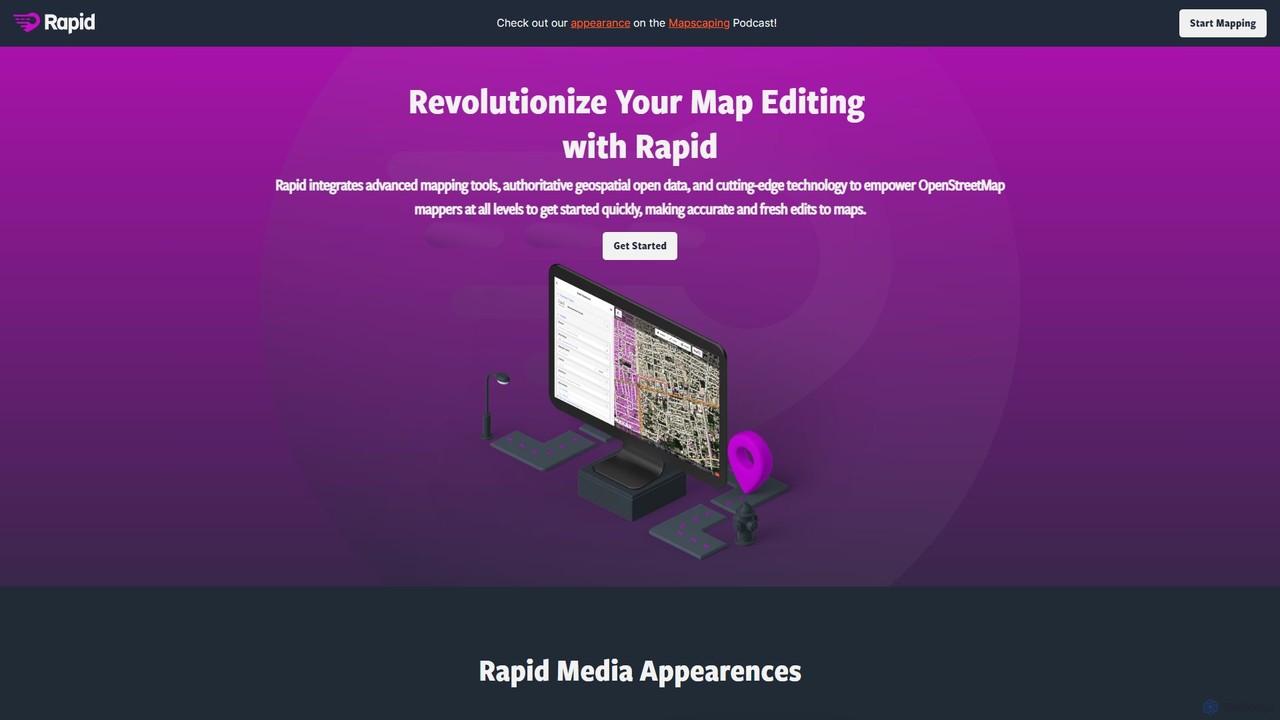
Rapid Editor is an AI-enhanced OpenStreetMap (OSM) editor designed to accelerate and simplify the mapping process. By leveraging AI-detected features from satellite imagery and integrating open data, it allows users to quickly add roads, buildings, and other geographical elements. Its intuitive interface makes it ideal for both beginners and experienced mappers, especially for humanitarian and community-driven mapping projects.
Geospatial Analysis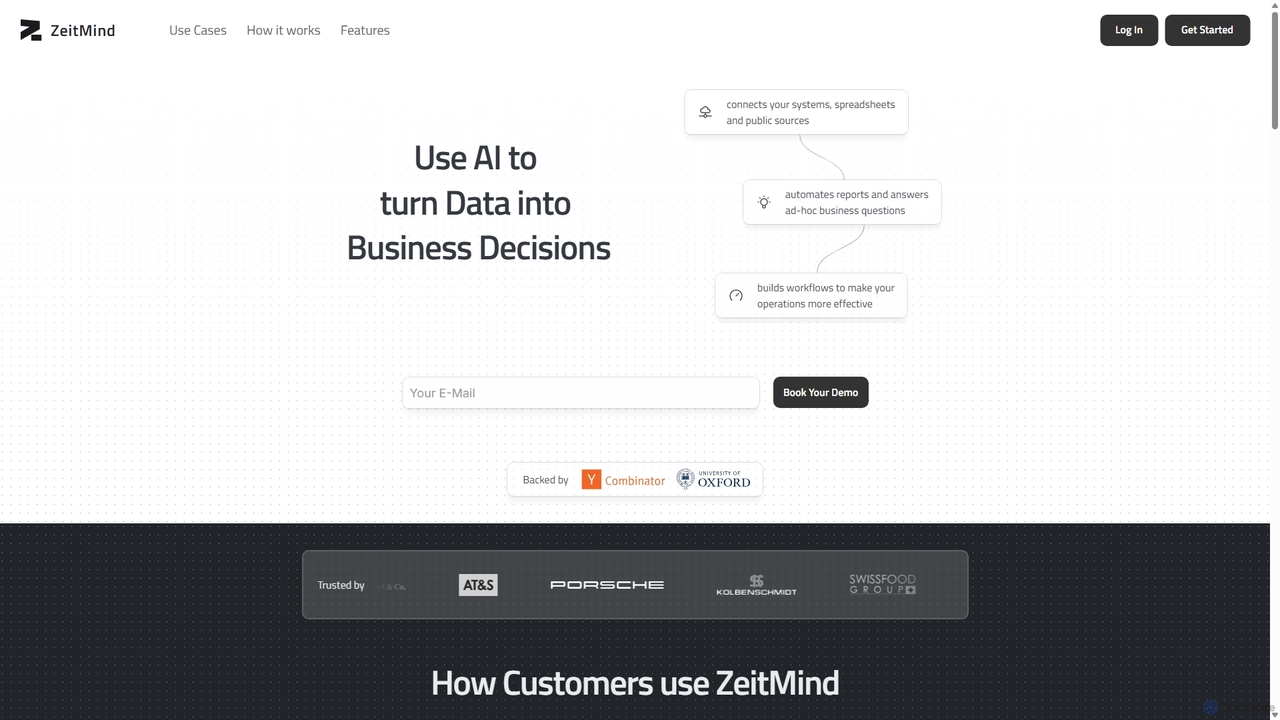
Zeit AI
Zeit AI is an advanced business intelligence platform that uses AI to transform your company's data into actionable decisions. Connect various data sources, ask questions in natural language, and receive automated, explainable reports and insights to optimize operations and drive strategic growth.
Business Intelligence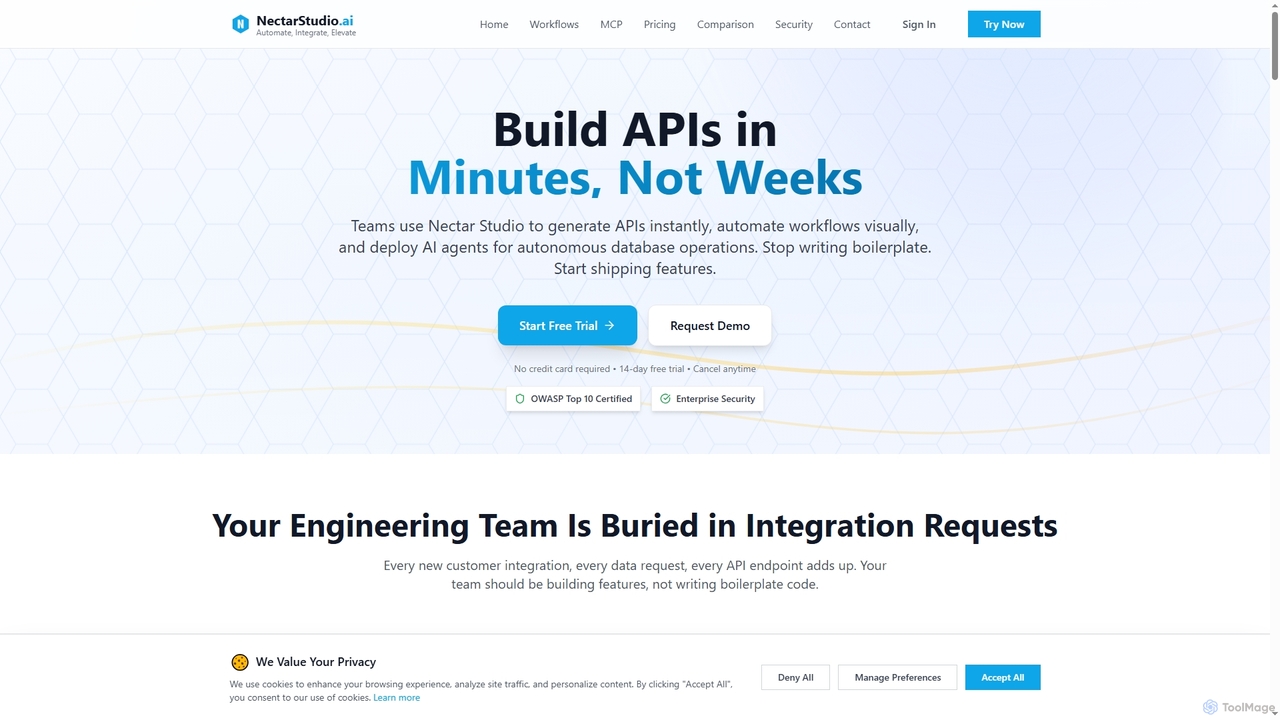
Nectarstudio
Nectarstudio is an AI-powered iPaaS platform designed for engineering teams to instantly generate bulk APIs from databases, automate workflows with a low-code visual builder, and deploy AI agents for autonomous database operations, reducing development time from weeks to minutes.
Business Intelligence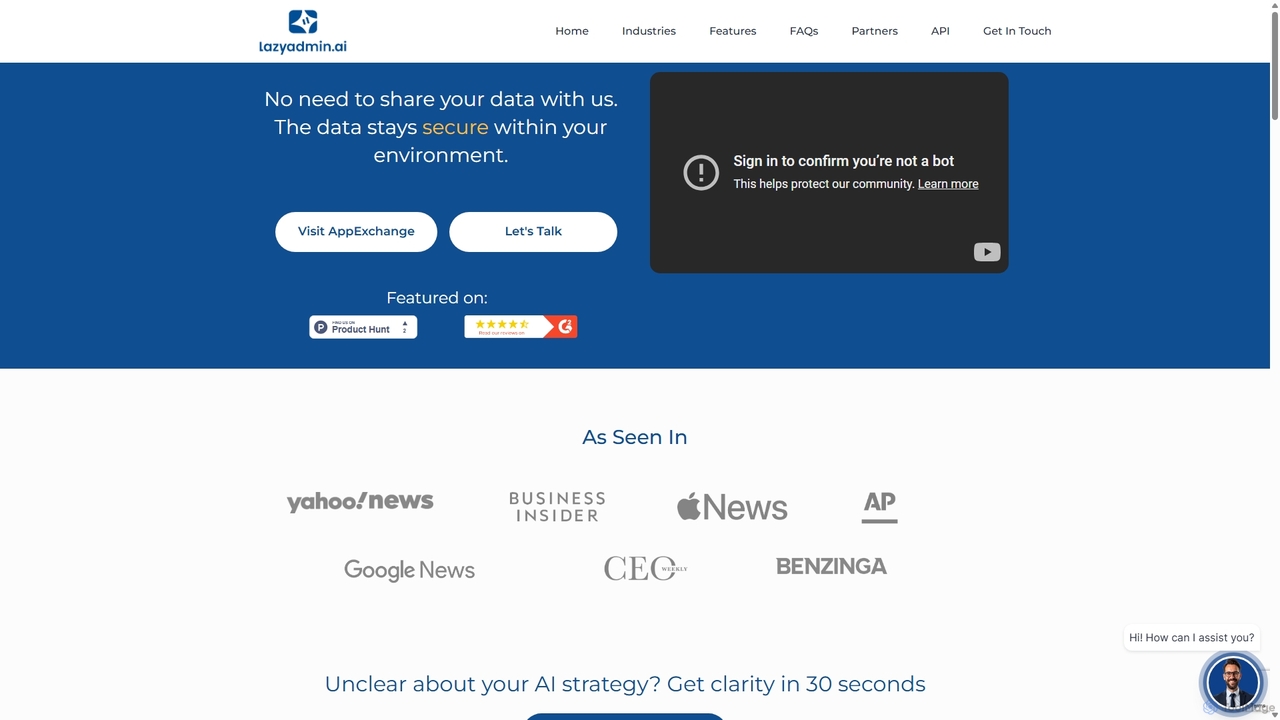
Lazy Admin
Lazy Admin is an AI-powered data analysis and reporting solution designed primarily for Salesforce. It enables users to query data, generate charts, and create dashboards using natural language. The tool emphasizes security by keeping all data within your environment and can be personalized to understand your specific business terminology, making data insights accessible to everyone on your team.
Business Intelligence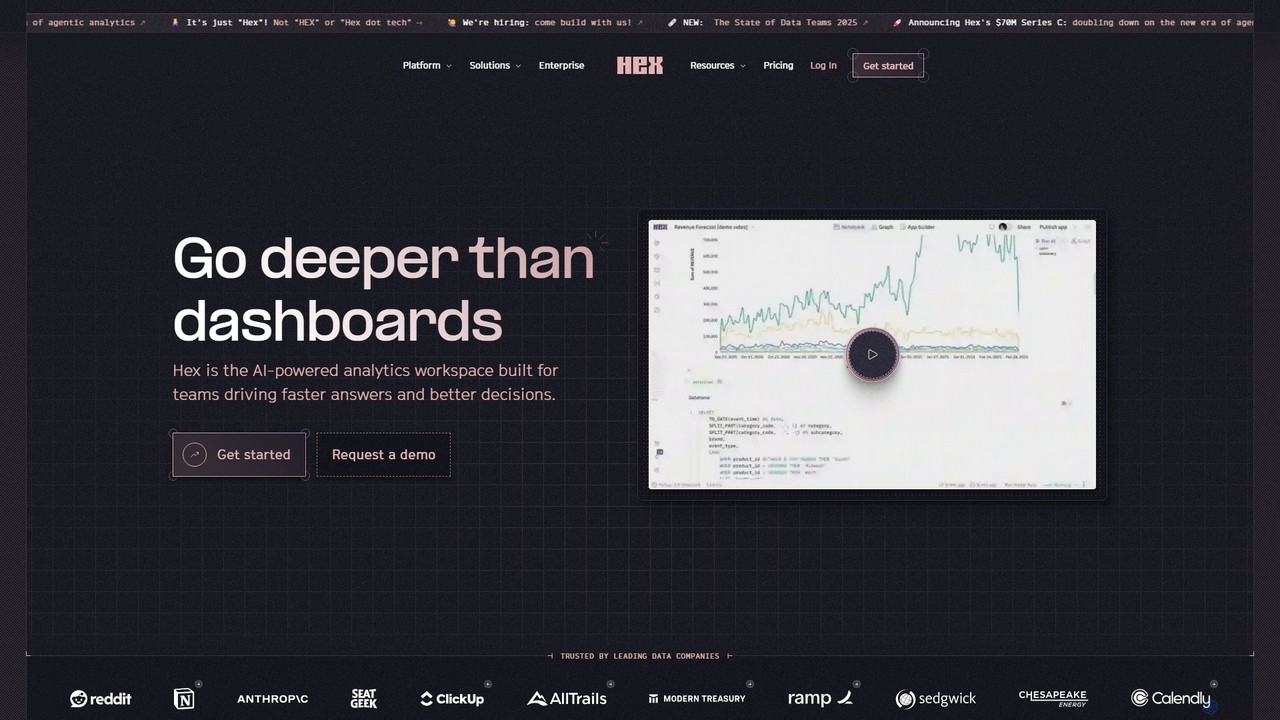
Hex
Hex is an AI-powered analytics workspace designed for teams. It integrates notebooks for Python and SQL, interactive data apps, and self-serve exploration into a single collaborative platform, enabling faster, data-driven decision-making.
Data ScienceAtlas Categories
Atlas Jobs
Atlas Embed Widget
Copy this embed code to place the badge on your blog, article, or product site and send readers directly to this ToolMage detail page.

Related AI tools
Zeit AI
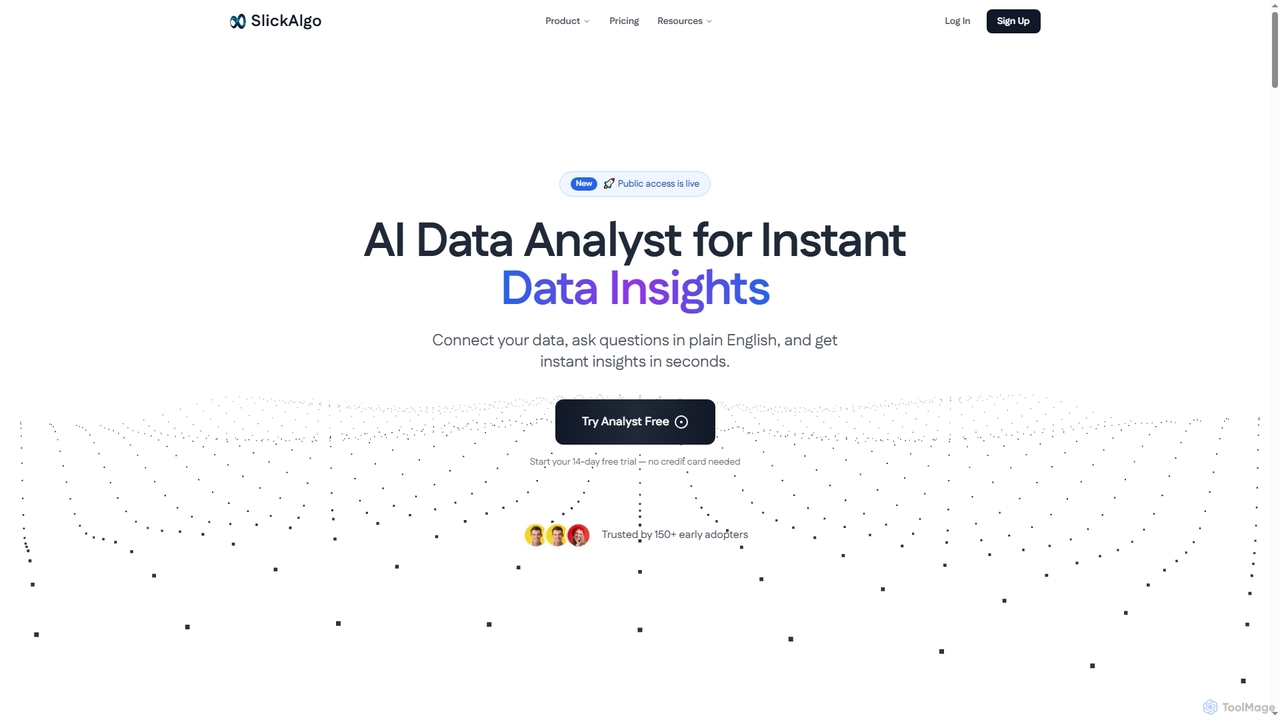
Zeit AI is an advanced business intelligence platform that uses AI to transform your company's data into actionable decisions. Connect various data sources, ask questions in natural language, and receive automated, explainable reports and insights to optimize operations and drive strategic growth.
Business Intelligence
Jyek
Jyek is an AI agent platform that understands objectives, creates execution plans, uses tools, and delivers verifiable results for complex, multi-step tasks.
AutomationLazy Admin
Lazy Admin is an AI-powered data analysis and reporting solution designed primarily for Salesforce. It enables users to query data, generate charts, and create dashboards using natural language. The tool emphasizes security by keeping all data within your environment and can be personalized to understand your specific business terminology, making data insights accessible to everyone on your team.
Business Intelligence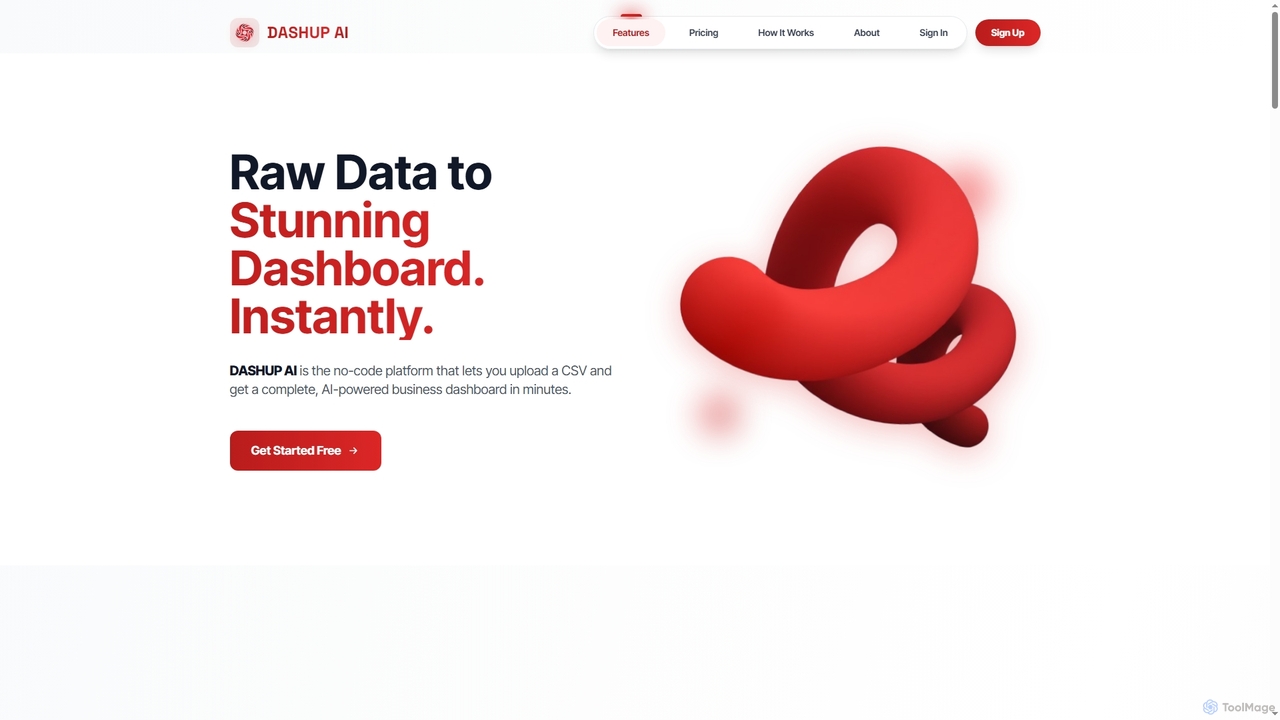
Dashup
Dashup is a no-code AI platform that instantly transforms raw CSV data into stunning, interactive business dashboards. Simply upload your file, choose a template, and let the AI suggest key metrics and visualizations. No SQL or technical skills required. Go from spreadsheet to actionable insights in minutes, making data-driven decisions faster and easier.
Business Intelligence
EasyAIBridge
EasyAIBridge transforms your spreadsheets into instant, actionable insights using advanced AI. Simply type your questions in natural language, and AI automatically generates charts, reports, and data extractions from Google Sheets, Excel, and CSV files, making complex data analysis effortless and secure.
Business Intelligence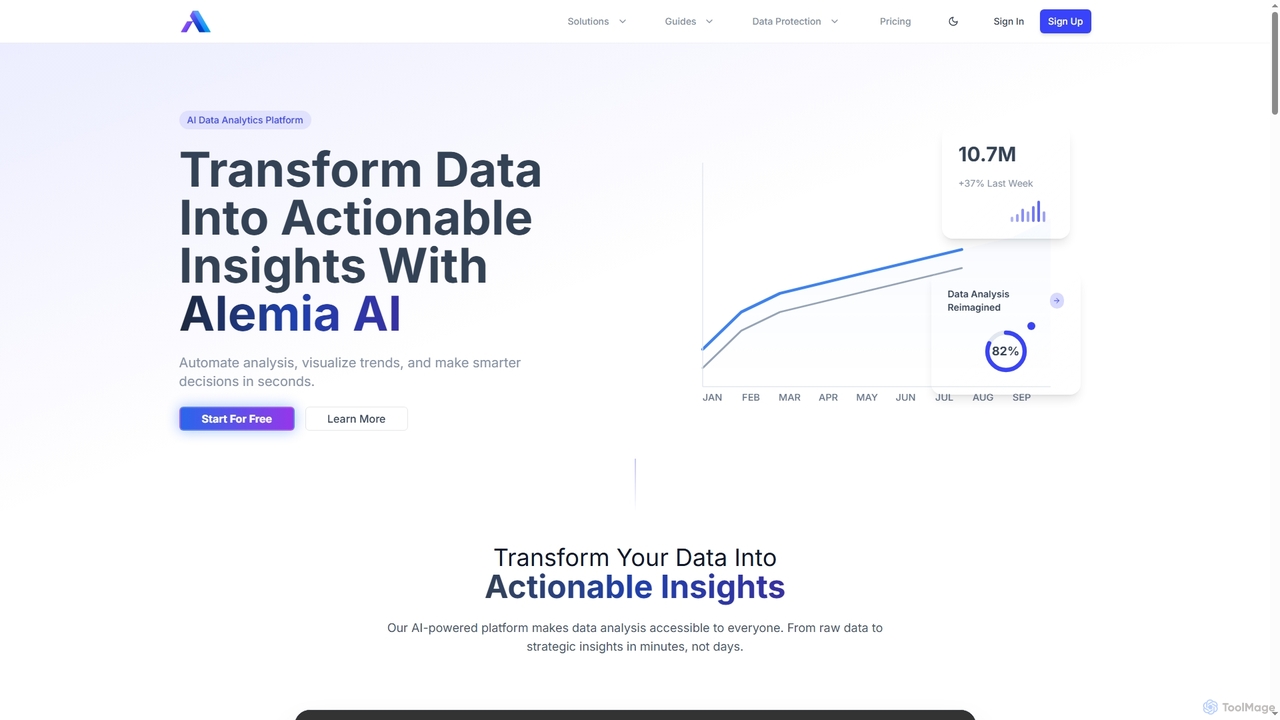
Alemia
Alemia is an AI-powered data analytics platform that transforms raw data into actionable insights, visualizations, and reports. It enables users to ask questions in plain English and receive instant, intelligent analysis, making data-driven decision-making accessible to everyone without requiring technical skills.
3D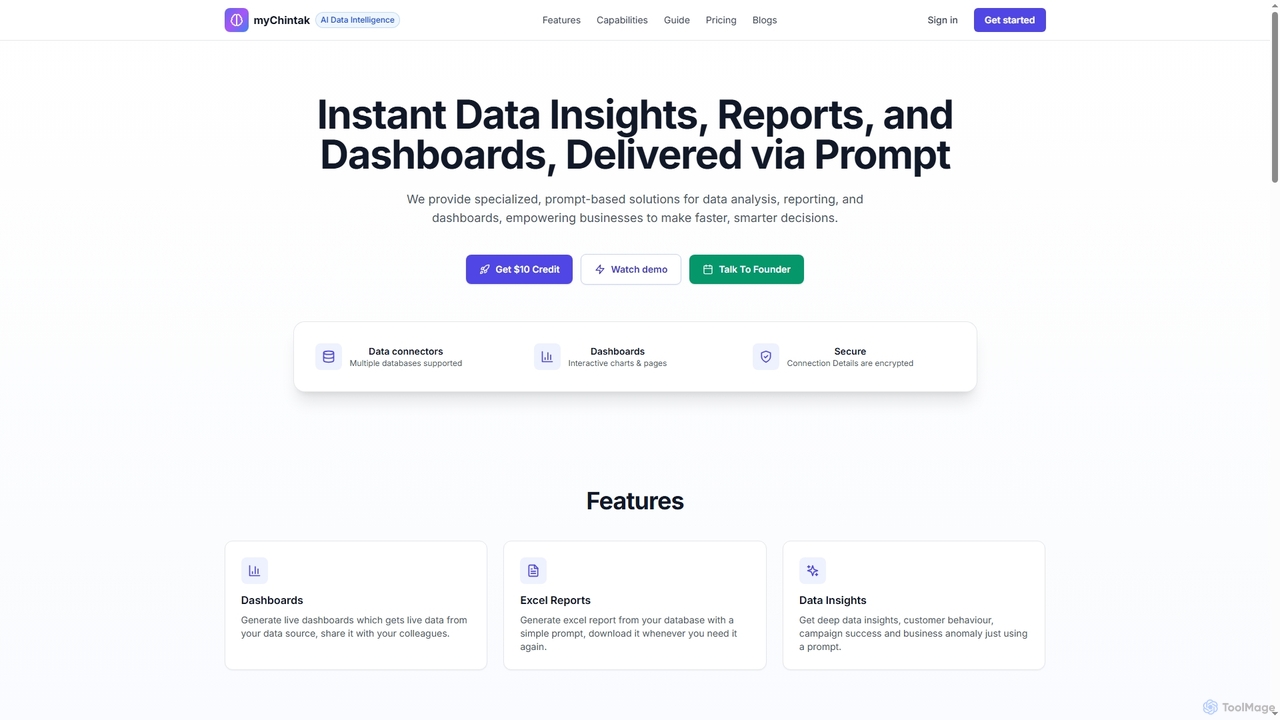
myChintak
myChintak is an AI-powered platform that transforms natural language prompts into instant data insights, dynamic reports, and interactive dashboards. It connects to various data sources, enabling businesses to quickly analyze performance, understand customer behavior, and make data-driven decisions without complex coding.
3D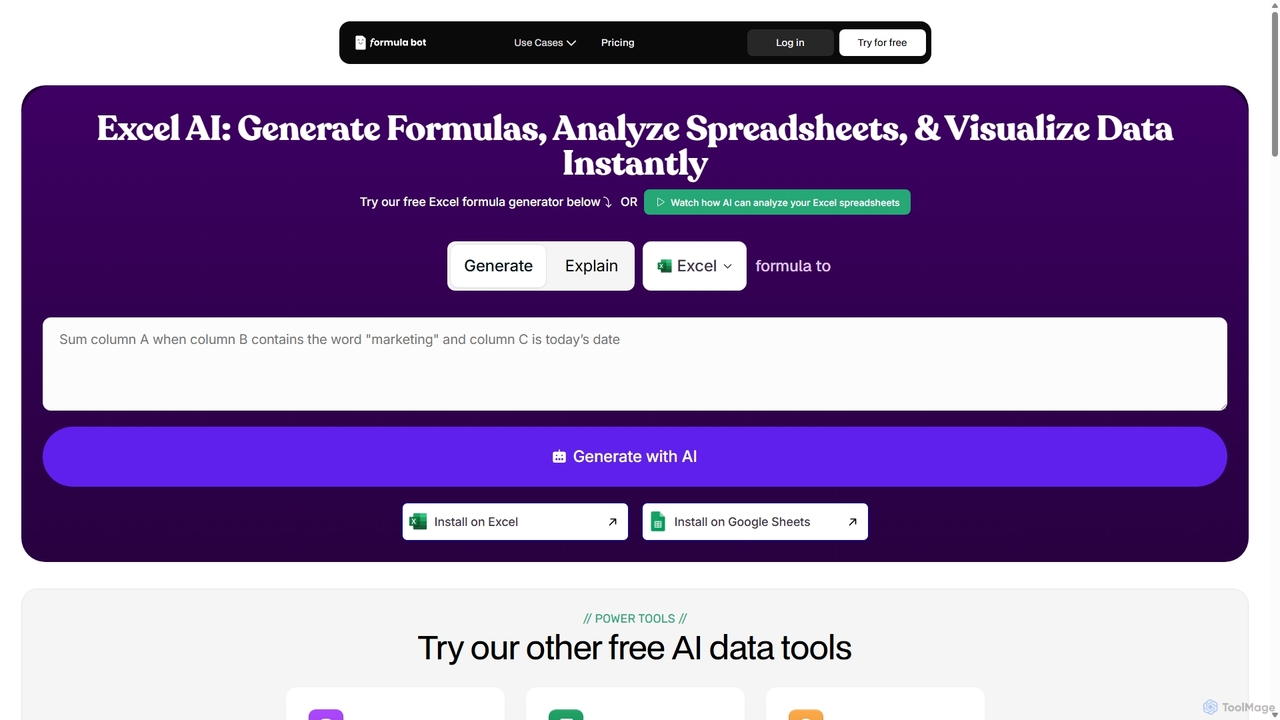
ExcelFormulaBot
ExcelFormulaBot is an AI-powered tool that generates complex Excel and Google Sheets formulas from text instructions in seconds. It also analyzes data, creates charts, generates VBA/SQL code, and explains formulas, making spreadsheet tasks faster and more accessible for everyone, from beginners to experts.
Data Analysis
Metatable
Metatable is an AI-powered data assistant that revolutionizes how you interact with spreadsheets and tabular data. Simply use natural language prompts to clean, analyze, transform, and visualize your data instantly. It eliminates complex formulas and manual tasks, making data analysis accessible to everyone, from data analysts to business managers.
Analytics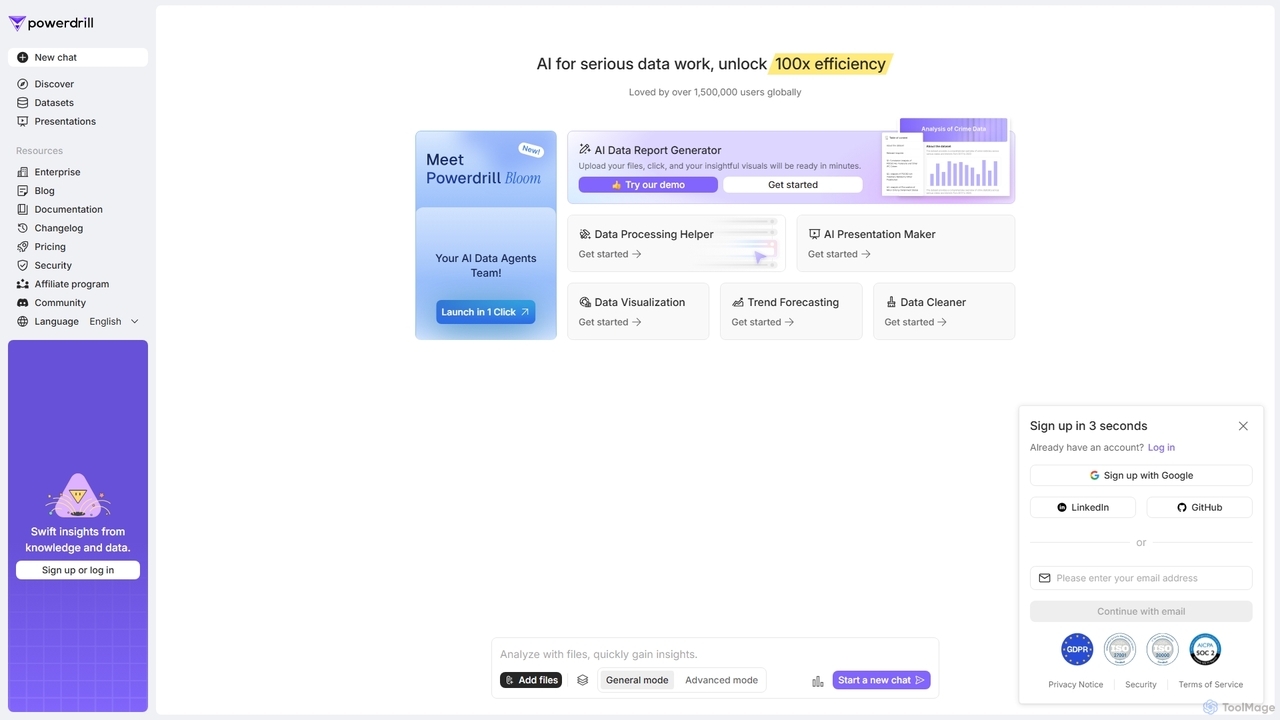
Powerdrill
Powerdrill is an AI-powered data analysis platform designed for serious data work, enabling users to unlock 100x efficiency. It automates the entire process from data processing and cleaning to visualization, report generation, and trend forecasting. Simply upload your files (Excel, CSV, PDF) or connect to a database, and let the AI generate actionable insights, interactive charts, and comprehensive presentations in minutes.
Business Intelligence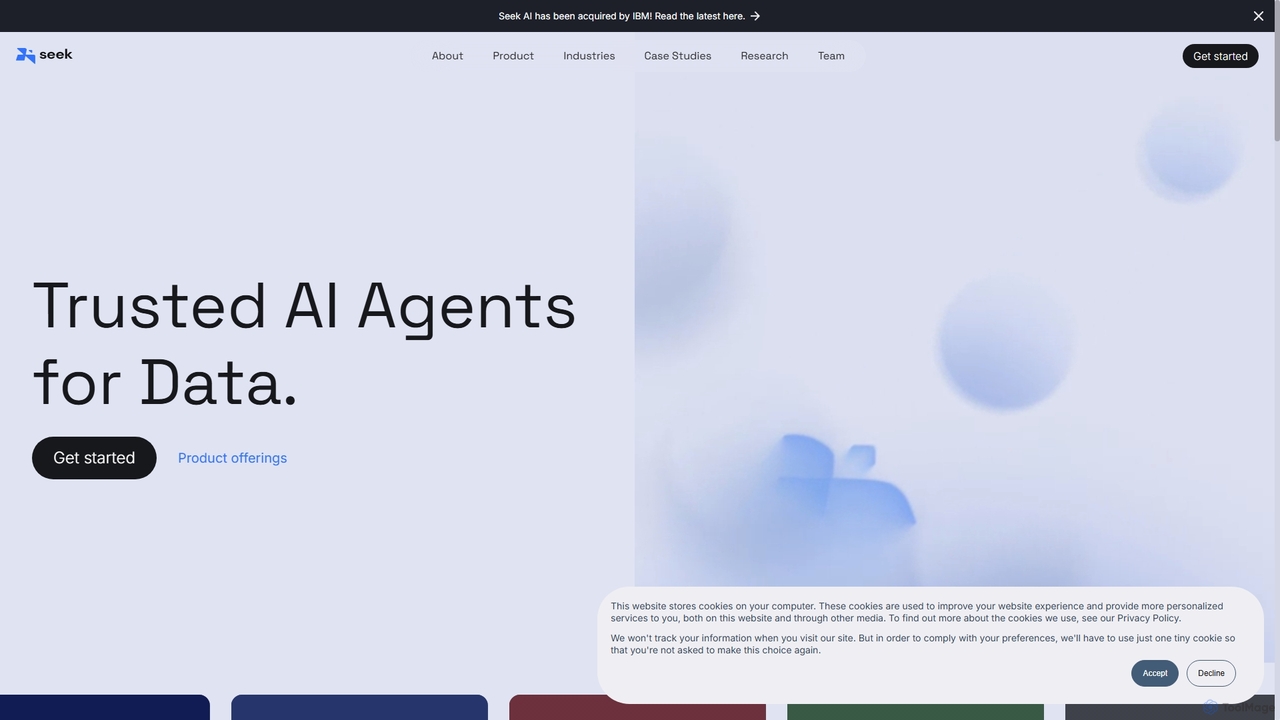
Seek AI
Seek AI is a generative AI platform for data analytics that empowers users to query databases, generate reports, and create visualizations using natural language. It automates the text-to-SQL process, making data accessible to non-technical users and accelerating insights for data teams.
Business Intelligence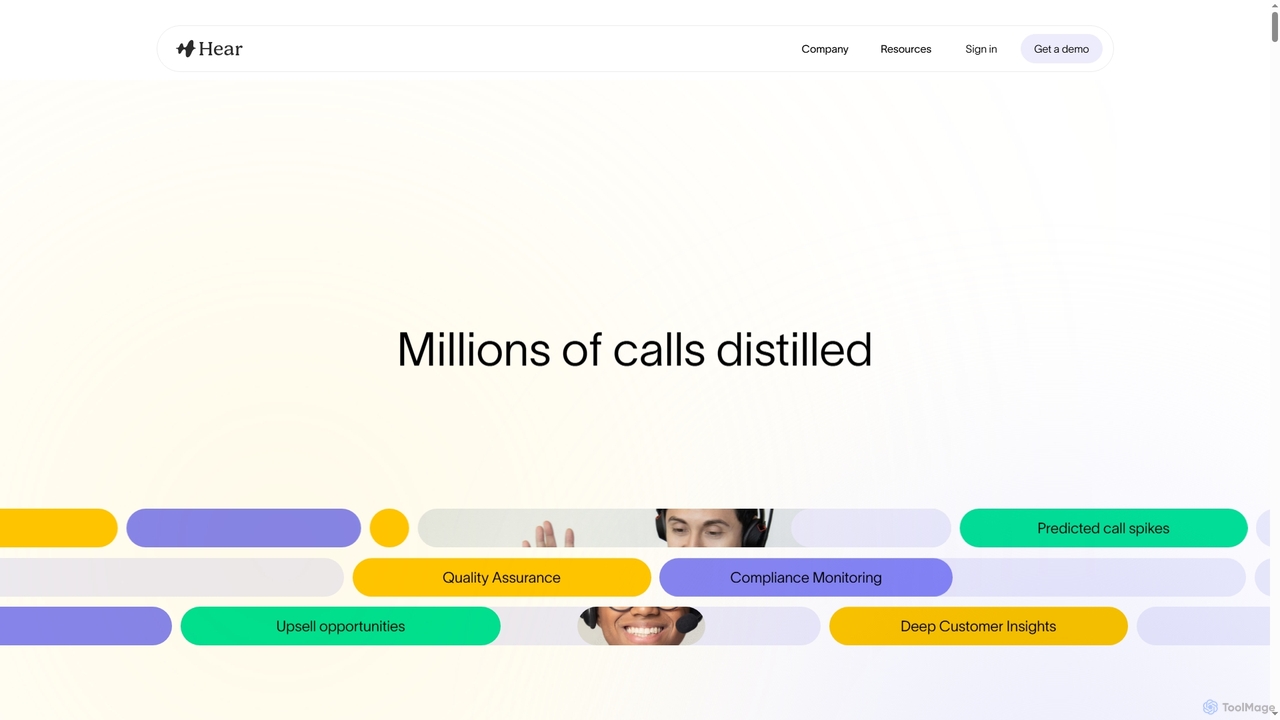
Hear
Hear is an AI-powered contact center intelligence platform that transforms customer interactions into actionable insights. It helps CX leaders automate quality assurance, monitor compliance, evaluate agent performance, and predict churn across all communication channels, driving operational efficiency and enhancing customer experience.
Analytics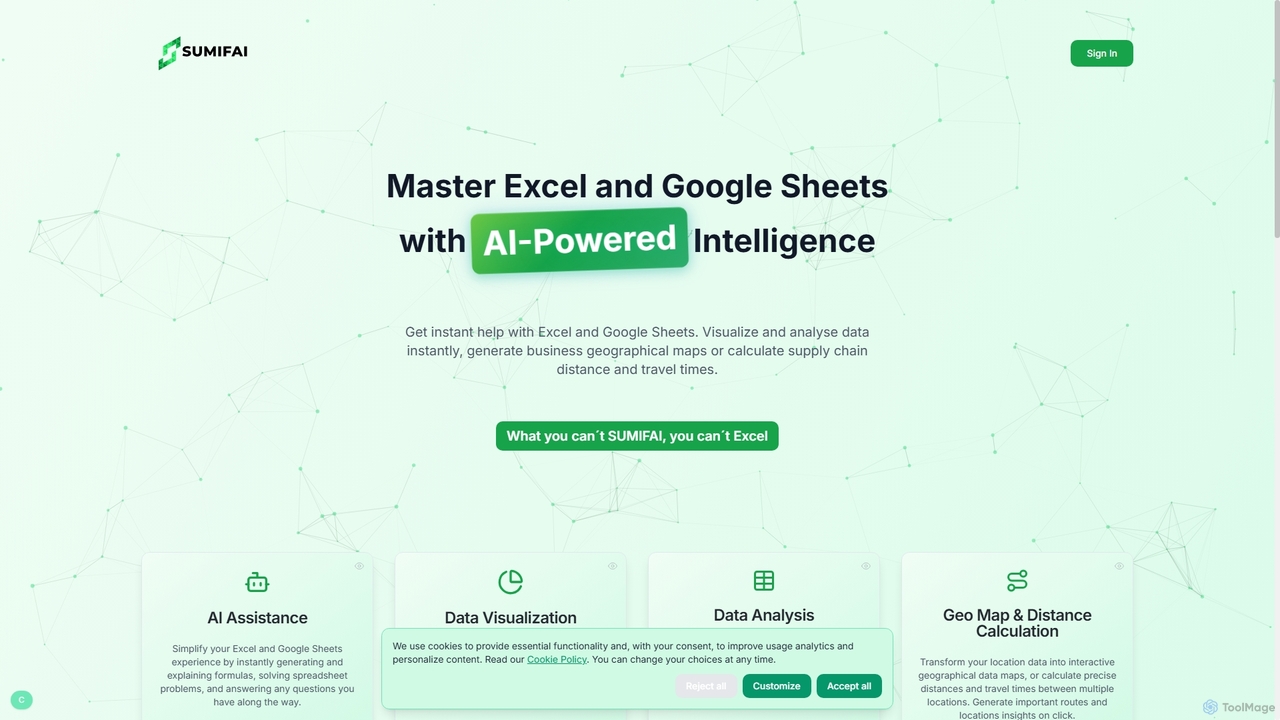
Sumifai
Sumifai is an AI-powered assistant for Excel and Google Sheets that simplifies spreadsheet tasks. It instantly generates and explains formulas, analyzes data, creates visualizations, and even builds interactive geographical maps from location data. Designed for all skill levels, it helps users uncover insights and streamline workflows without requiring technical expertise.
Business Intelligence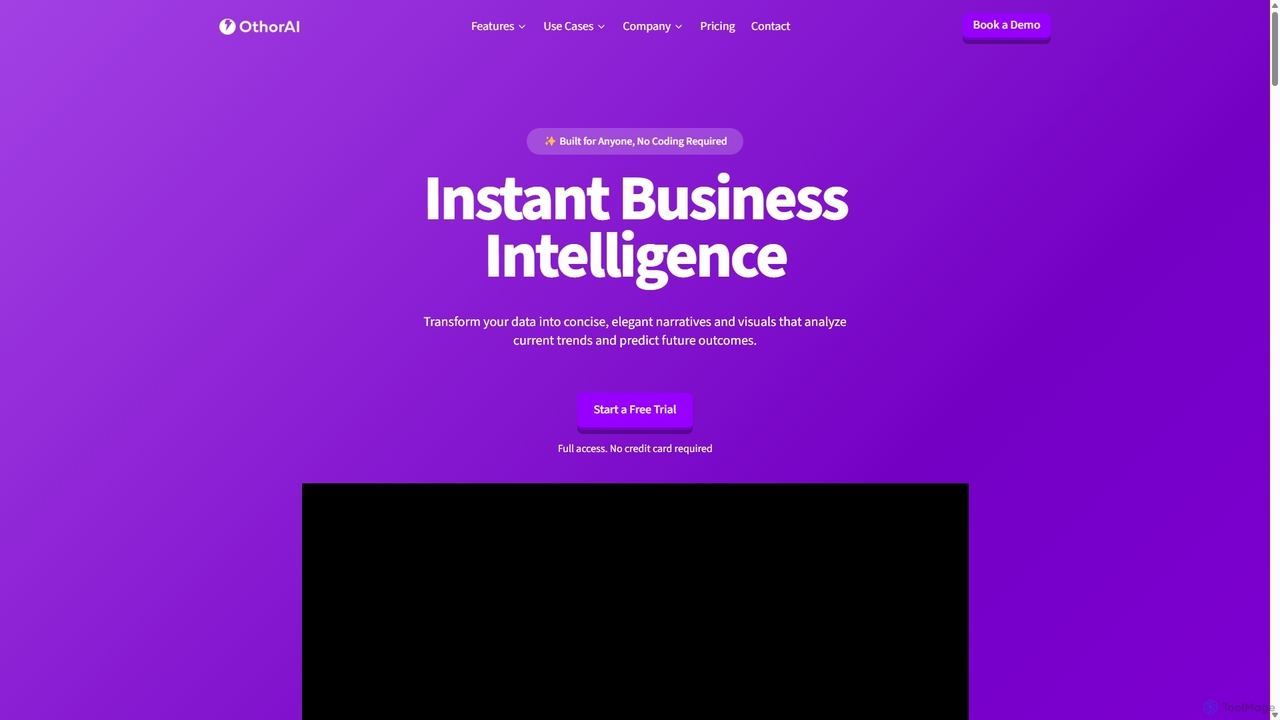
Othor AI
Othor AI is a no-code business intelligence platform that transforms your data into actionable insights in seconds. It automatically generates narrative-driven reports, smart charts, and predictive analytics, enabling anyone in your organization to make faster, data-driven decisions without technical expertise. Connect your data sources and get instant dashboards and executive summaries.
Business Intelligence
Atlas Comments (0)
Sign in to comment.
Sign inNo comments yet.