Data Best in category 2 results Mapping AI Tool

Popular AI tools in the Mapping field of Data include Atlas、Rapid Editor, etc., helping you quickly improve efficiency.

Atlas

Atlas

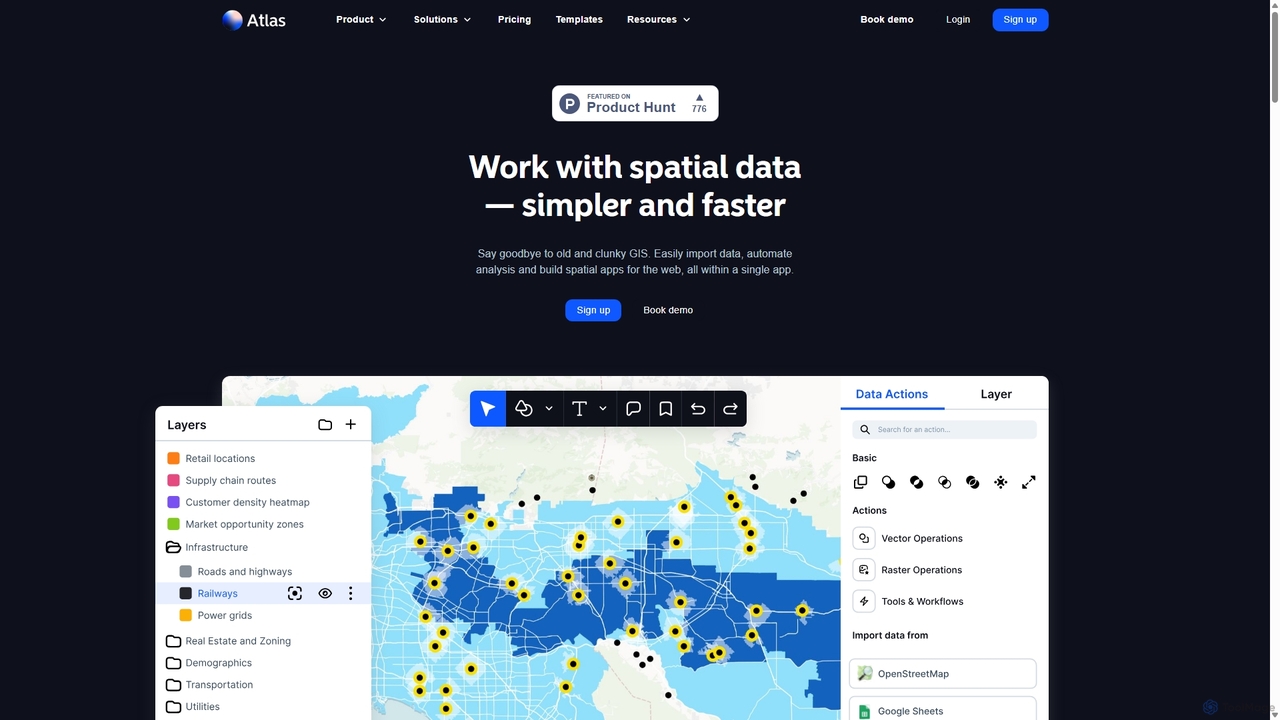
Atlas is an all-in-one, browser-based GIS platform that simplifies spatial data analysis and map creation. It enables users …

256.7K
Free
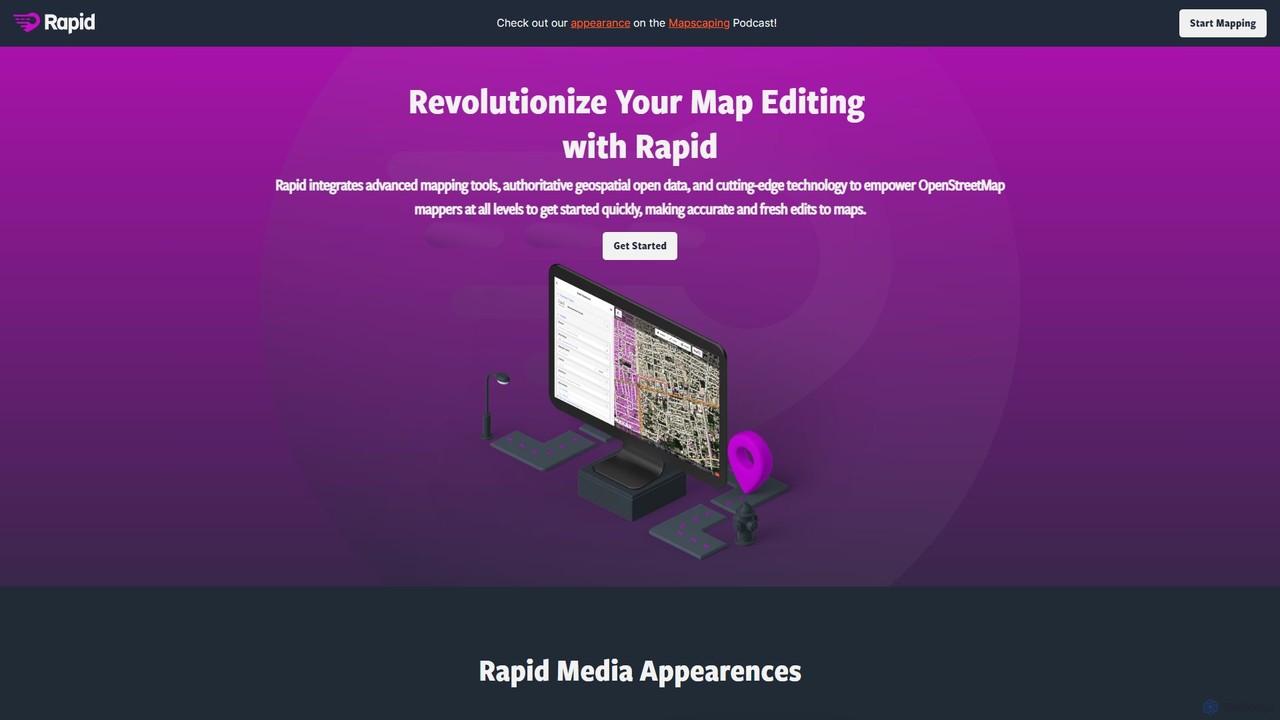
Rapid Editor

Rapid Editor

Rapid Editor is an AI-enhanced OpenStreetMap (OSM) editor designed to accelerate and simplify the mapping process. By leveraging …

8.6K

About Mapping

AI Mapping tools are a class of software that automatically generate visual or structural representations of relationships within data. They leverage algorithms like natural language processing (NLP) and graph theory to analyze unstructured text, code, or datasets and transform them into intuitive maps, such as mind maps, concept maps, or data flow diagrams. This process helps users quickly understand complex systems, uncover hidden connections, and organize information more effectively. These tools are particularly valuable for simplifying intricate data structures and accelerating knowledge discovery within the broader field of data analysis.

Core Features

  • Automated Concept Extraction: Automatically identifies key concepts, entities, and relationships from various data sources.
  • Interactive Visualization: Creates dynamic, navigable maps that users can explore, filter, and modify in real-time.
  • Multi-Format Input Support: Processes diverse inputs including documents (PDF, DOCX), code repositories, spreadsheets, and APIs.
  • Template-Based Mapping: Offers pre-built templates for common frameworks like process flows, SWOT analysis, or system architecture.
  • Collaborative Workspace: Enables multiple users to co-create and edit maps simultaneously for team-based projects.

Use Cases

These tools are widely used in research, software development, and business analysis. Researchers use them to map scientific literature, developers to visualize code architecture and dependencies, and business analysts to chart out organizational processes or customer journeys. They are essential for any role that requires distilling complex, interconnected information into a clear and understandable format.

How to Choose

When selecting an AI Mapping tool, first consider the types of data you'll be working with (e.g., text, structured data, code). Evaluate its visualization capabilities—does it offer the specific map types you need, such as mind maps or flowcharts? Assess its integration options with other platforms like project management or data storage services. Finally, consider the learning curve and whether the user interface is intuitive for your team's skill level.

MappingUse Cases

1

Automated Mind Map Generation from Documents

A researcher or student can upload a lengthy academic paper or a dense report into an AI Mapping tool. The tool's NLP engine processes the text to identify the main thesis, key arguments, supporting evidence, and related concepts. It then automatically organizes this information into a hierarchical mind map, with the central idea at the core and branching topics and sub-topics. This significantly reduces the time spent on manual note-taking and summarization, allowing the user to quickly grasp the document's structure and key takeaways for study or literature review.

2

Visualizing Codebase Architecture

A software developer onboarding to a new project with a complex, legacy codebase can connect an AI Mapping tool to the code repository. The tool analyzes the code, parsing classes, functions, and modules to map out their dependencies and interactions. It generates an interactive graph visualization of the entire architecture. This allows the developer to navigate the system visually, understand how different components are connected, identify potential circular dependencies, and locate relevant code sections for a new feature, accelerating their ramp-up time by days or even weeks.

3

Mapping Customer Feedback into Themes

A product manager can aggregate hundreds of customer reviews from app stores, support tickets, and survey responses. By feeding this unstructured text data into an AI Mapping tool, the system identifies recurring keywords and sentiment. It then clusters related feedback into thematic groups like 'UI/UX Issues,' 'Feature Requests,' or 'Performance Problems.' The resulting concept map visually displays these themes and their connections, allowing the product manager to quickly identify the most pressing user concerns and prioritize the product roadmap based on quantitative and qualitative data patterns.

4

Creating Interactive Knowledge Graphs

A knowledge manager in a large enterprise can use an AI Mapping tool to ingest various internal documents, such as project reports, employee wikis, and technical specifications. The tool extracts key entities (e.g., 'Project X,' 'Java,' 'Team Lead A') and the relationships between them ('uses,' 'managed by'). This builds a comprehensive, interactive knowledge graph of the organization's expertise and assets. An employee can then query this graph to find answers like 'Who are the experts in Java working on Project X?' or 'What documents are related to our Q3 marketing campaign?', facilitating knowledge sharing and reducing information silos.

5

Designing Business Process Flowcharts from Text

A business analyst can describe a workflow in plain language, such as: 'When a new support ticket is created, assign it to a Tier 1 agent. If the agent cannot resolve it within 24 hours, escalate it to Tier 2. Once resolved, send a confirmation email to the customer.' An AI Mapping tool can parse this description, identify the steps, decision points ('if...then'), and actors, and automatically generate a standard BPMN (Business Process Model and Notation) flowchart. This accelerates the documentation of processes and provides a clear visual model for analysis, optimization, and training.

6

Schema Mapping for Data Integration

A data engineer needs to migrate data from a legacy CRM to a new ERP system. The field names and data structures are different (e.g., 'Cust_ID' vs. 'CustomerID'). Using an AI Mapping tool, the engineer can upload both schemas. The tool analyzes the field names, data types, and sample data to suggest high-confidence mappings between the source and target systems. It can also flag potential conflicts, such as data type mismatches or differing validation rules. This automates a significant portion of the tedious and error-prone mapping process, reducing integration project timelines and improving data quality.

MappingFrequently Asked Questions