

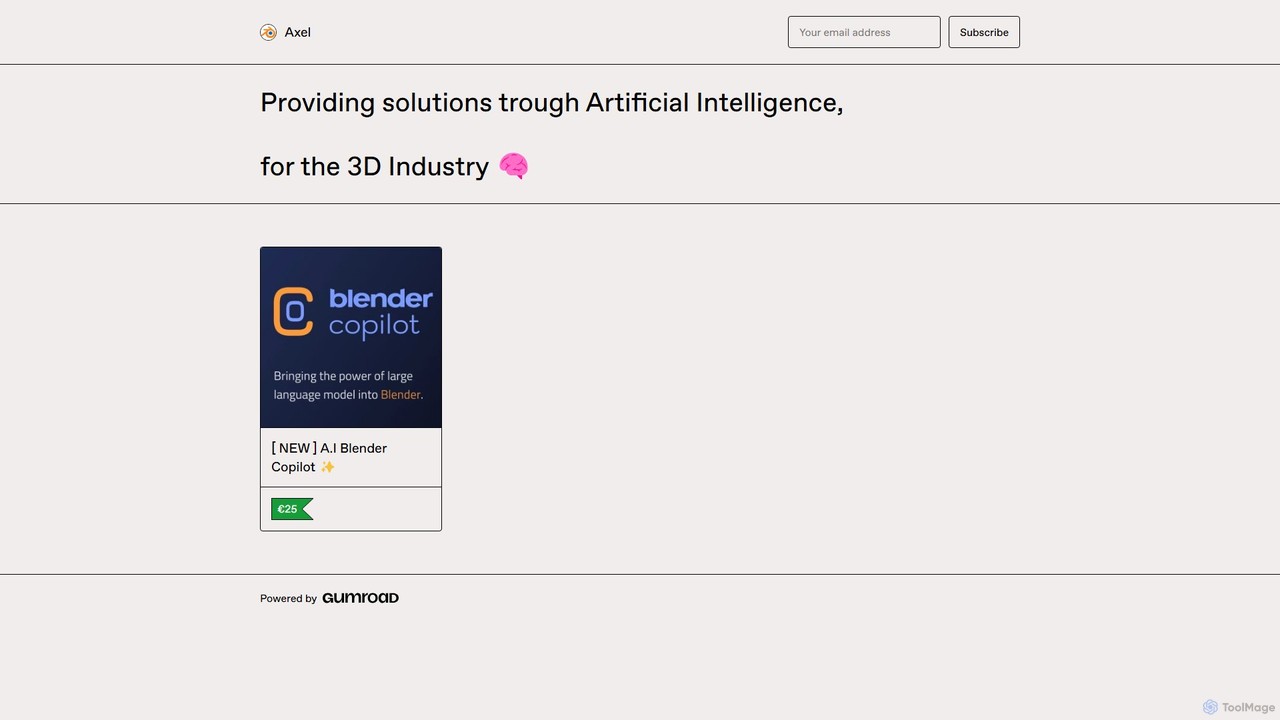
Blender Copilot Overview
Blender Copilot is a transformative AI-powered add-on designed to integrate seamlessly into the Blender 3D software. It serves as a creative partner for artists, animators, and game developers, aiming to eliminate the most tedious and time-consuming aspects of the 3D creation process. By leveraging the power of artificial intelligence, Blender Copilot handles complex technicalities, such as UV unwrapping and texture refinement, freeing up valuable time for users to focus on the core aspects of their artistic expression. With a community of over 1000 satisfied artists, this tool has proven to be a significant game-changer, streamlining workflows and igniting imagination.
How to use Blender Copilot
Getting started with Blender Copilot is a simple and straightforward process. First, you need an API key from OpenAI. After purchasing and downloading the Blender Copilot add-on (a .zip file), follow these steps:
- Open Blender and navigate to the Preferences menu by clicking on 'Edit' > 'Preferences'.
- In the Preferences window, select the 'Add-ons' tab.
- Click the 'Install' button located at the top right corner.
- Locate the downloaded .zip file for Blender Copilot on your computer and select it to install.
- Once installed, find Blender Copilot in the add-ons list and activate it by clicking the checkbox next to its name.
- In the add-on's configuration settings, paste your OpenAI API key into the designated 'API Key' field.
- You are now ready to use Blender Copilot within your projects. It integrates into your UI, allowing you to use natural language prompts to execute commands, generate assets, or automate tasks.
Core Features of Blender Copilot
- AI-Powered Task Automation: Intelligently handles repetitive and technical tasks. This includes creating complex UV maps with a single command, saving hours of manual work.
- AI Texture Generation: Generate high-quality, seamless textures directly within Blender using simple text prompts. Describe the material you want (e.g., "rough stone wall with moss"), and the AI brings it to life.
- Natural Language Scripting: Create Blender Python (bpy) scripts without writing a single line of code. Simply describe the function you need, and Blender Copilot will generate the script to automate your custom workflows.
- Seamless Integration: Functions as a native Blender add-on, designed to complement your existing projects and other add-ons without causing conflicts or disrupting your creative process.
- Creative Empowerment: Acts as an assistant, not a replacement. It takes care of the technical grunt work, allowing you to maintain full creative control and focus on your artistic vision.
Use Cases for Blender Copilot
Blender Copilot is versatile and beneficial for various creative professionals:
- Game Developers: Rapidly create and texture game assets, from character models to environmental props, significantly speeding up the development pipeline.
- 3D Artists & Animators: Experiment with different materials and looks in real-time. Automate rigging or animation-related scripting tasks to focus on performance and storytelling.
- Architectural Visualizers: Quickly generate realistic materials like wood, concrete, glass, and fabrics for architectural models and renderings.
- Hobbyists and Learners: A great tool for beginners to overcome technical hurdles and learn complex Blender functions by seeing how the AI executes tasks and generates scripts.
Advantages of Blender Copilot
The primary advantage of Blender Copilot is the massive boost in efficiency and creativity. It transforms the workflow by turning tedious manual labor into a simple, prompt-based command. This not only saves countless hours but also lowers the barrier to entry for complex 3D techniques. The one-time payment model for a lifetime license offers exceptional value compared to subscription-based services. Furthermore, its seamless integration ensures that it enhances, rather than replaces, your established workflow. The 30-day money-back guarantee makes it a risk-free investment in your creative future.
Pricing and Plans
Blender Copilot is available for a one-time investment of €25. This purchase grants you:
- A personal, lifetime license for Blender Copilot.
- Access to all future updates.
- Unlimited possibilities for effortless 3D artistry.
A 30-day money-back guarantee is offered, no questions asked, ensuring your complete satisfaction. A limited-time offer is also available, providing a 20% discount with the code 'PIONEER' at checkout.
Traffic
Latest traffic
Status
Monthly traffic trend
- 2025-7: 91
- 2025-8: 177
- 2025-9: 472
- 2026-3: 0
- 2026-4: 0
- 2026-5: 180
Geography
Top 5 countries / regions
- 🇩🇿Algeria54.9%
- 🇹🇭Thailand45.1%
Top keywords
| Keyword | Cost per click |
|---|---|
| blender copilot | $0.00 |
| lender copilot (blender addon) free download | $0.00 |
Blender Copilot Alternatives
Kaedim3D
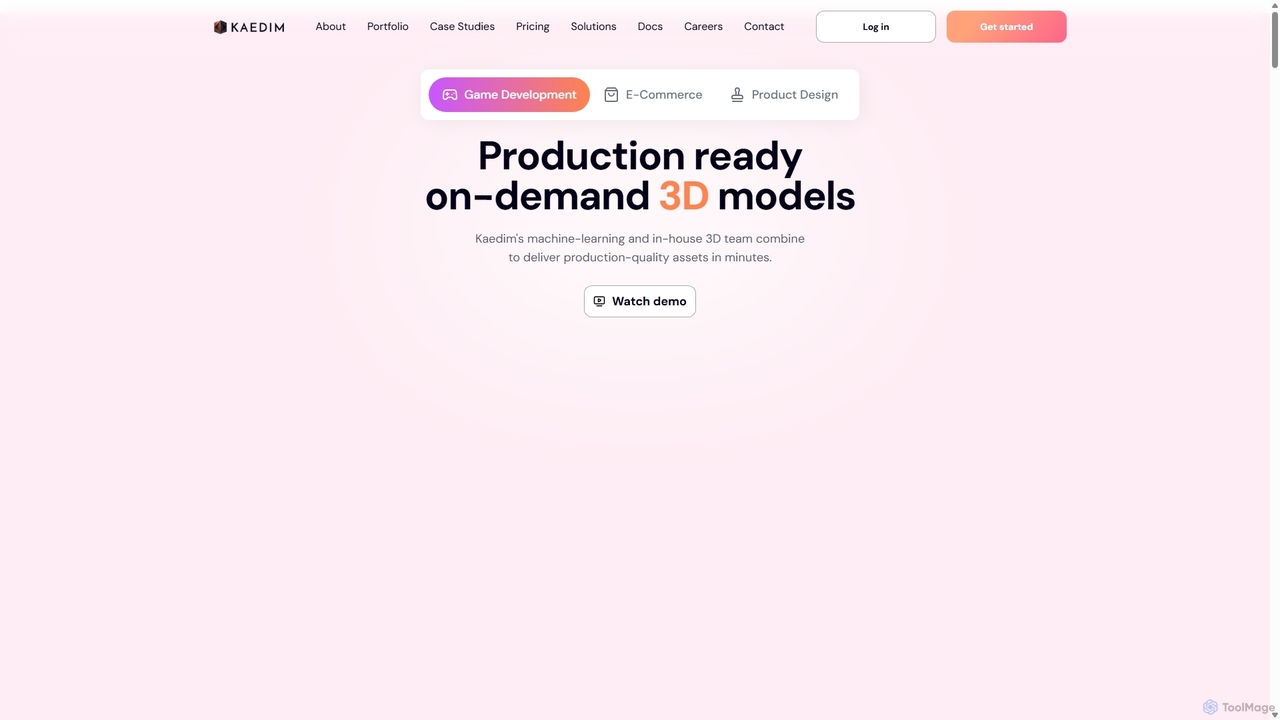
Kaedim3D is an AI-powered platform that accelerates 3D asset creation by transforming 2D images or text descriptions into production-ready 3D models. It combines machine learning with a team of in-house artists to deliver high-quality, optimized assets 10x faster for game development, e-commerce, and product design.
3D Modeling
Hypar
Hypar is a cloud-based generative design platform for the Architecture, Engineering, and Construction (AEC) industry. It empowers users to automate building design processes, rapidly generate and evaluate thousands of design options, and collaborate seamlessly in a data-driven environment.
3D Modeling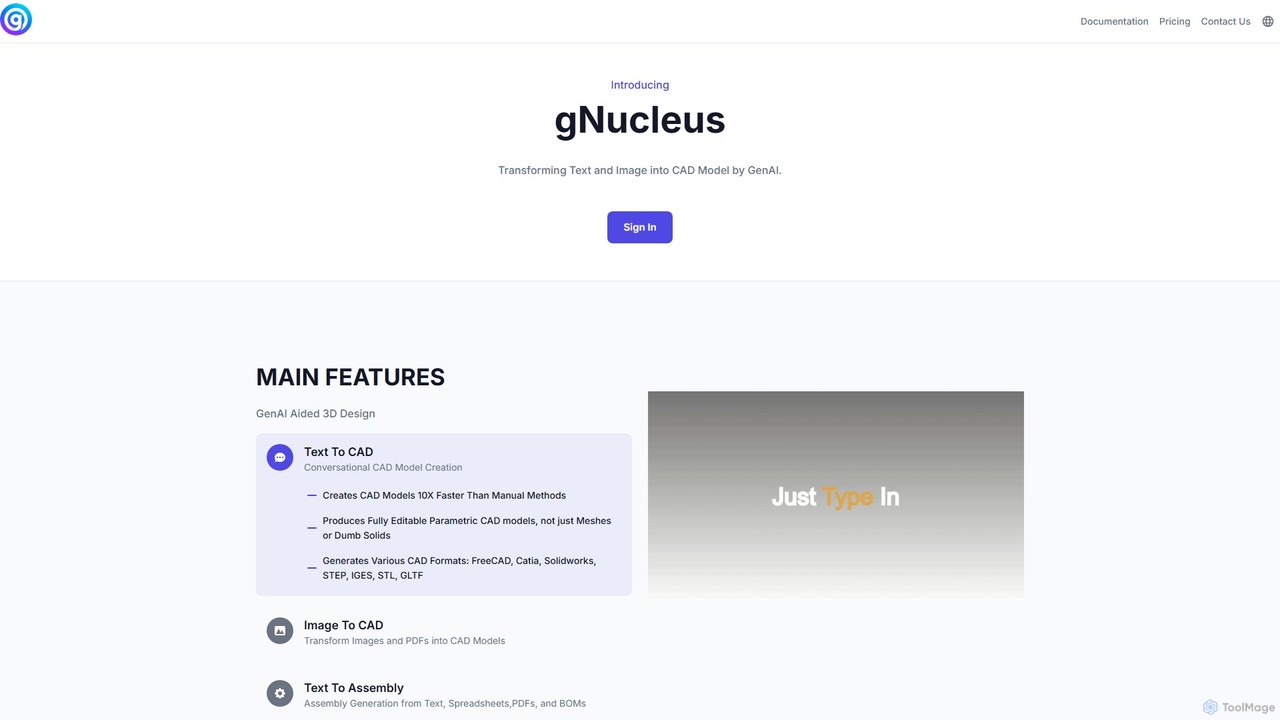
gNucleus
gNucleus is a generative AI platform that transforms text, images, and data into fully editable, parametric 3D CAD models. Designed for engineers and designers, it accelerates the design process by up to 10x, supporting various CAD formats and seamless integration with existing workflows.
3D Modeling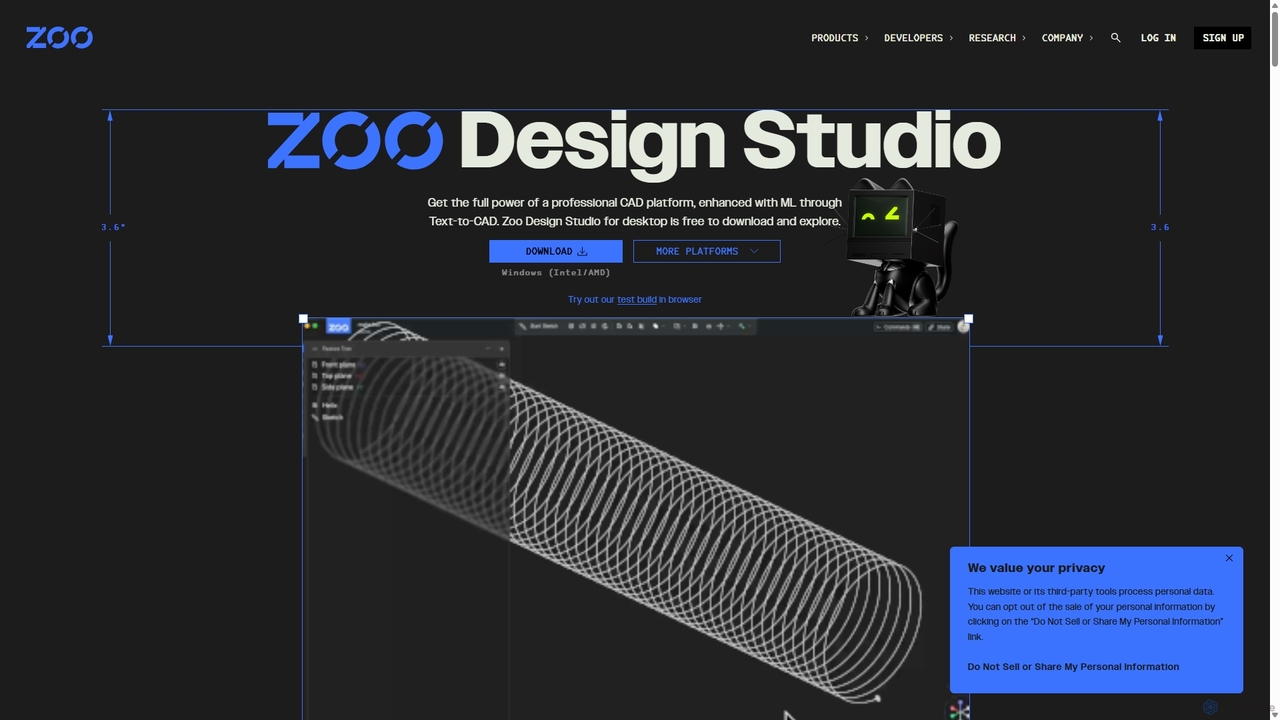
Zoo
Zoo is a next-generation, AI-powered CAD platform featuring Text-to-CAD technology. It combines traditional 3D modeling with machine learning and programmatic design, enabling engineers and designers to create complex mechanical models from simple text prompts. Built on a high-performance, GPU-accelerated geometry engine, Zoo accelerates the entire design workflow from concept to manufacturing.
3D Modeling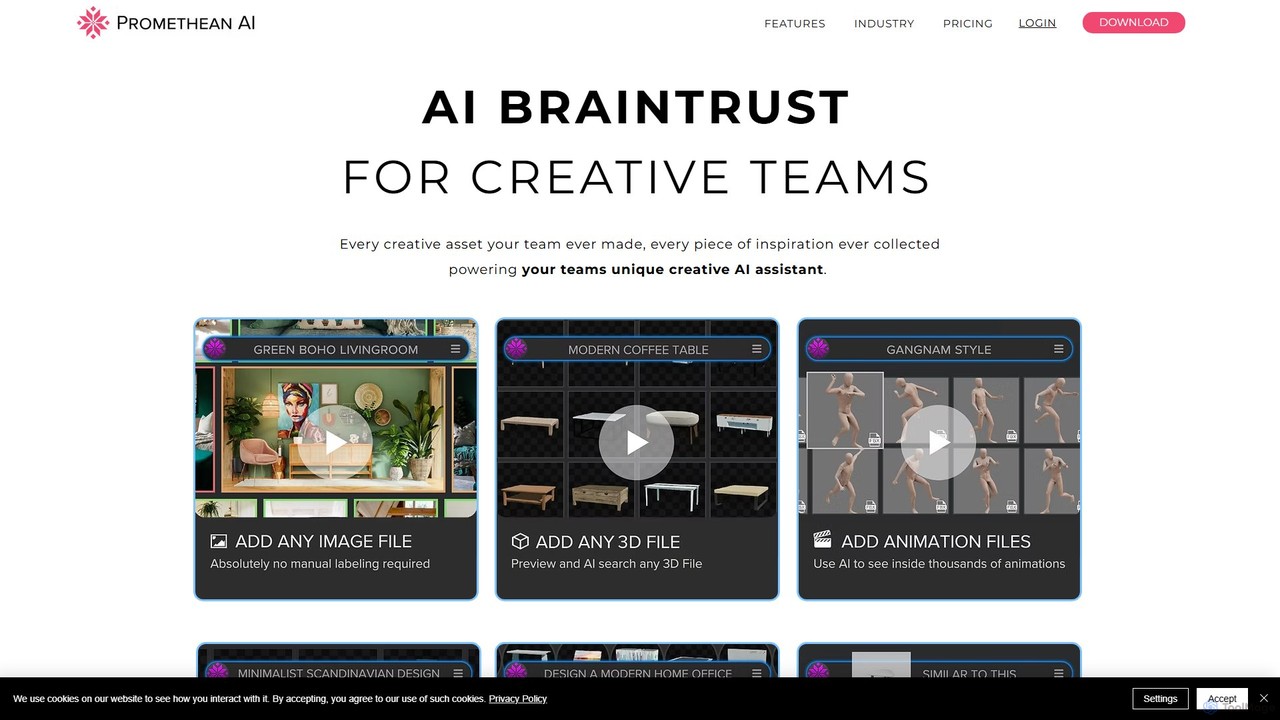
PrometheanAI
PrometheanAI is an enterprise-level AI assistant for creative teams, designed to accelerate digital art production and world-building. It integrates into existing workflows and editors, using a team's own assets to automate mundane tasks and enhance creativity without requiring cloud uploads.
Asset ManagementBlender Copilot Categories
Blender Copilot Embed Widget
Copy this embed code to place the badge on your blog, article, or product site and send readers directly to this ToolMage detail page.

Related AI tools
PrometheanAI
PrometheanAI is an enterprise-level AI assistant for creative teams, designed to accelerate digital art production and world-building. It integrates into existing workflows and editors, using a team's own assets to automate mundane tasks and enhance creativity without requiring cloud uploads.
Asset Management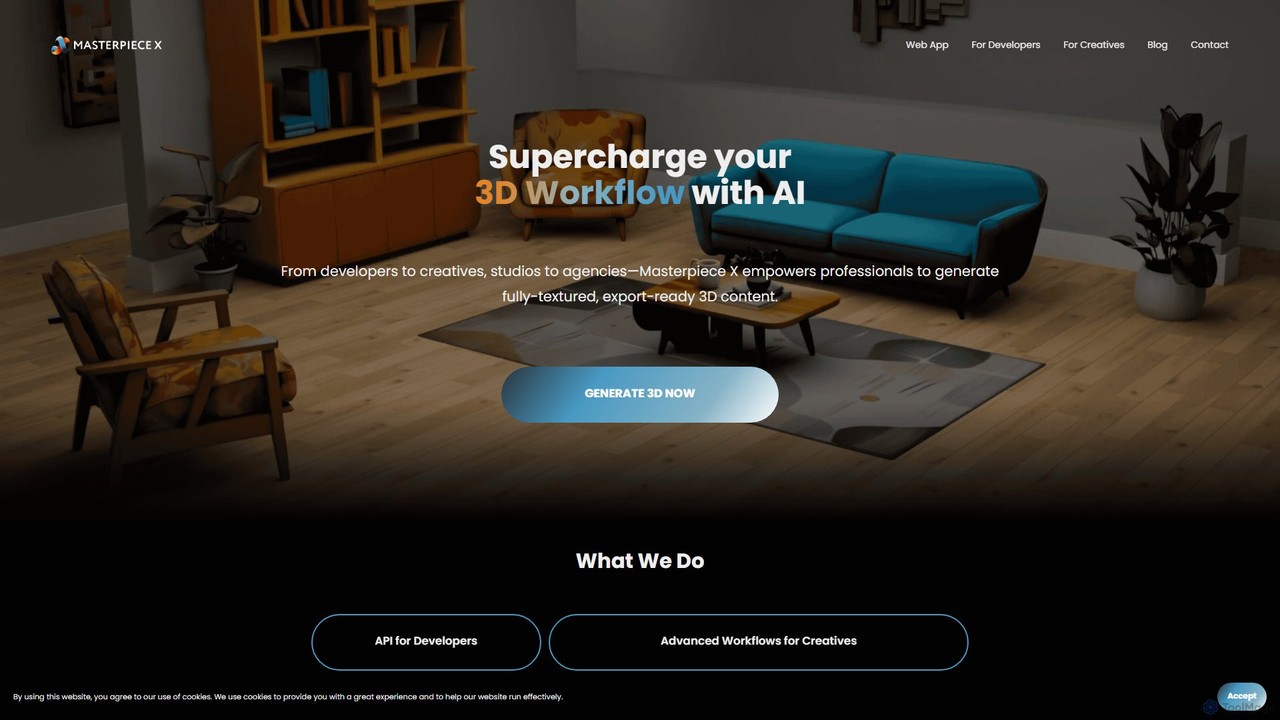
Masterpiece X
Masterpiece X is an advanced AI-powered 3D creation platform designed for professionals and creatives. It enables users to generate fully-textured, animated, and export-ready 3D models from simple text prompts or images, significantly accelerating workflows in game development, concept art, and metaverse creation.
3D Modeling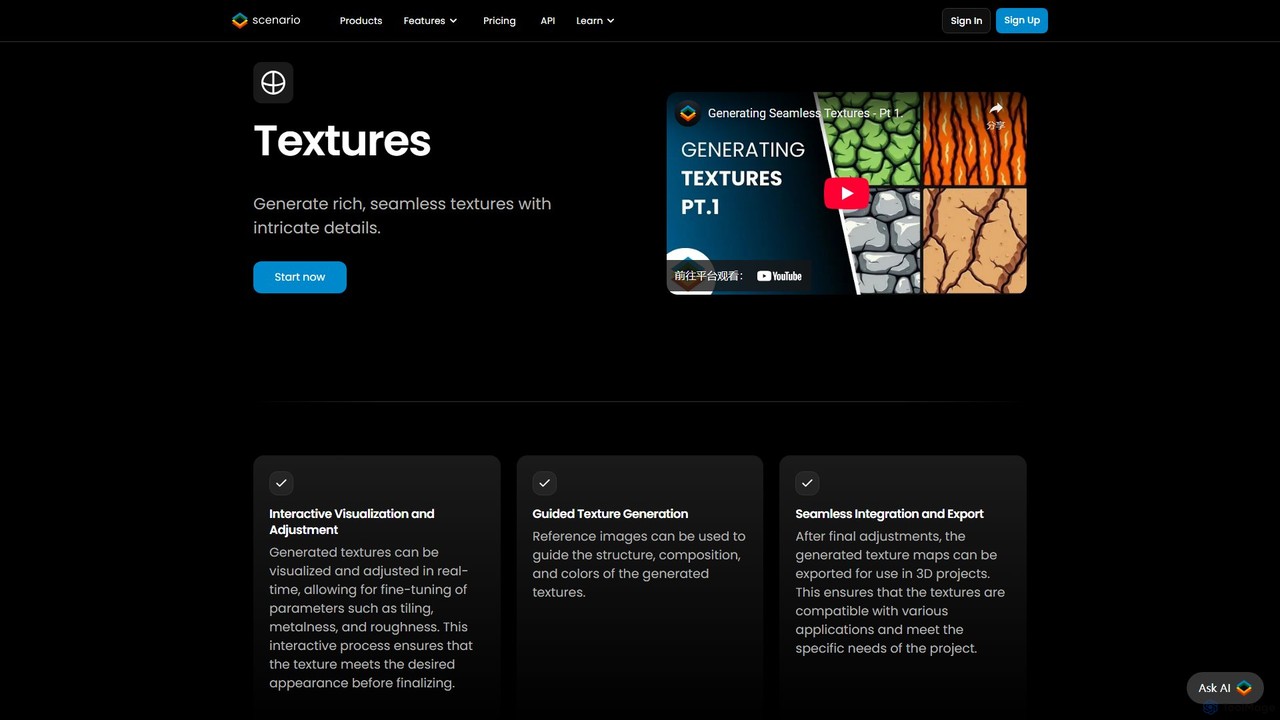
TextureLab
TextureLab is an AI-powered texture generation tool by Scenario, designed for game developers, 3D artists, and architects. It creates high-quality, seamless PBR materials from text or image prompts. Users can generate diverse textures and train custom AI models to maintain a consistent art style across projects, significantly accelerating creative workflows.
Generative Art
Monster Mash
Monster Mash is a free, web-based tool that transforms 2D sketches into fully animated 3D models. Simply draw a character, inflate it into a 3D mesh, and create animations using intuitive controls. It's perfect for artists, designers, and hobbyists looking for a quick and easy way to bring their creations to life without complex 3D software.
3D Modeling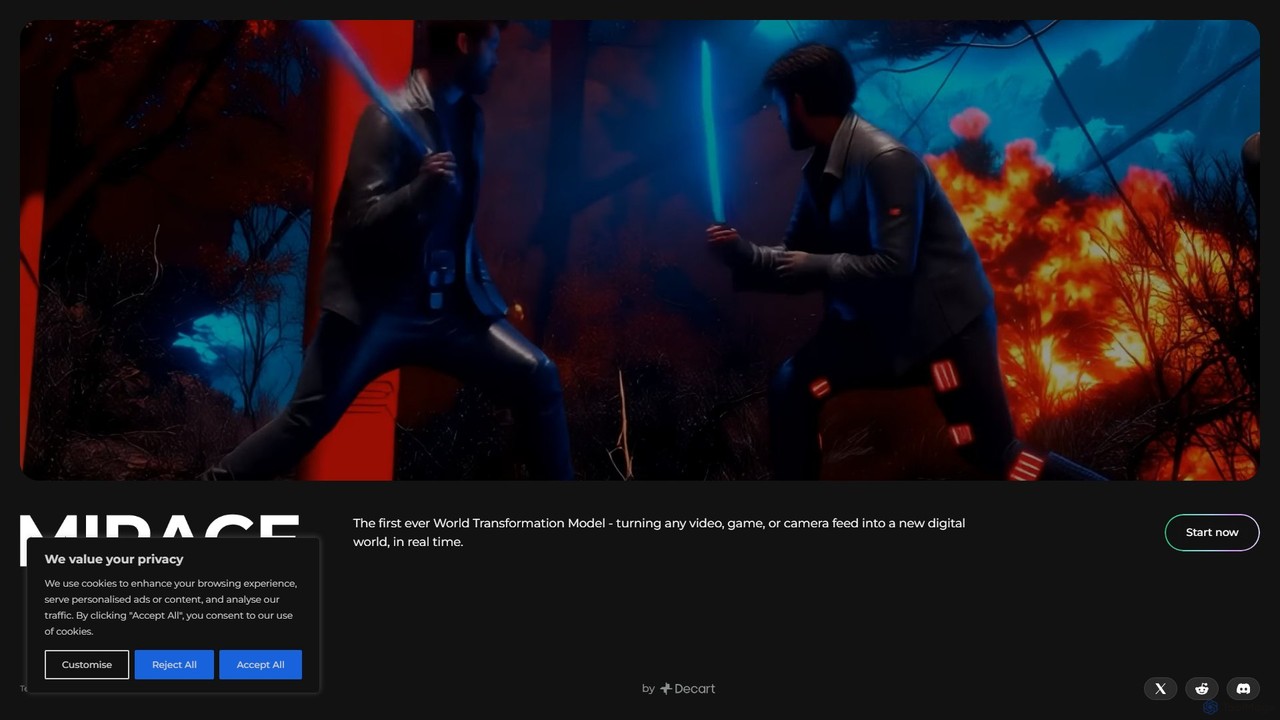
Mirage
Mirage by Decart.ai is an advanced AI-powered 3D content creation platform. It enables users to generate high-quality 3D models, textures, and entire scenes from simple text prompts or 2D images. Designed for game developers, 3D artists, and designers, Mirage streamlines the creative workflow, dramatically reducing the time and effort required to produce stunning 3D assets.
Generative Modeling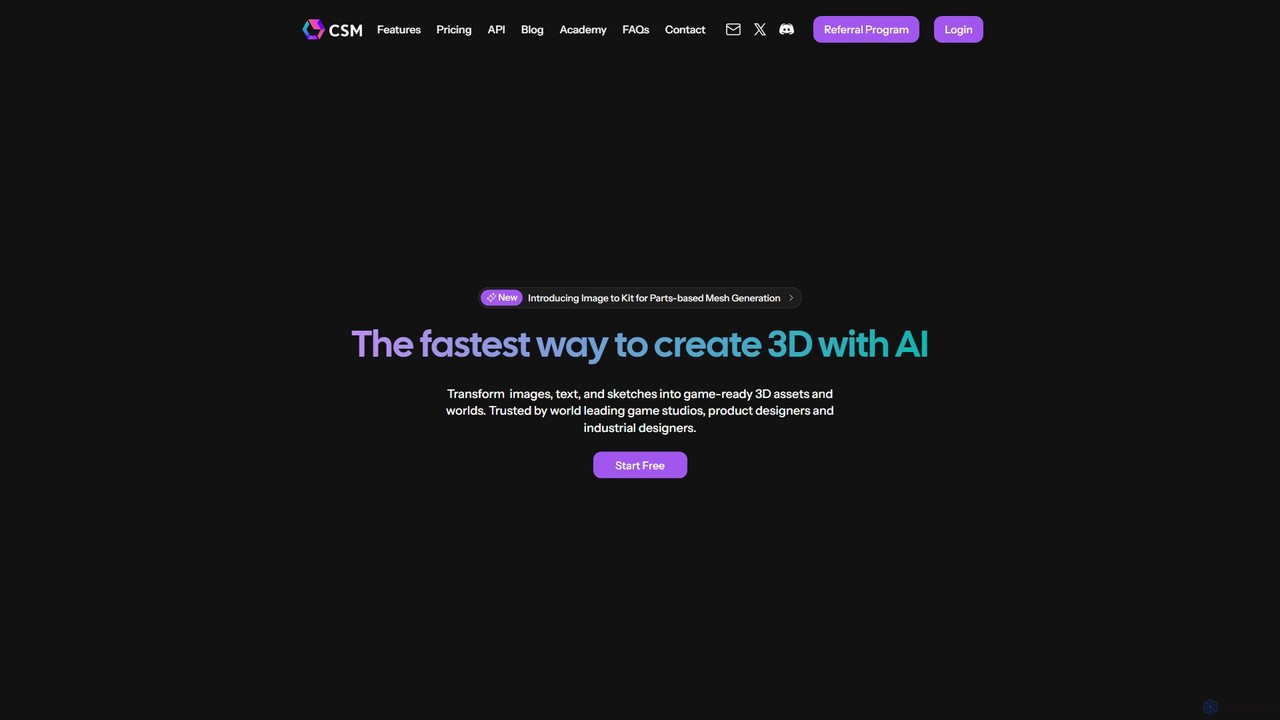
CSM
CSM is an advanced AI platform that rapidly transforms images, text, and sketches into game-ready 3D assets and worlds. It's designed for game developers, product designers, and 3D artists to supercharge their workflows in Unity, Unreal, and Blender with features like Image-to-Kit, AI Retexturing, and Text-to-4D generation.
3D ModelingKaedim3D
Kaedim3D is an AI-powered platform that accelerates 3D asset creation by transforming 2D images or text descriptions into production-ready 3D models. It combines machine learning with a team of in-house artists to deliver high-quality, optimized assets 10x faster for game development, e-commerce, and product design.
3D ModelingHypar
Hypar is a cloud-based generative design platform for the Architecture, Engineering, and Construction (AEC) industry. It empowers users to automate building design processes, rapidly generate and evaluate thousands of design options, and collaborate seamlessly in a data-driven environment.
3D ModelinggNucleus
gNucleus is a generative AI platform that transforms text, images, and data into fully editable, parametric 3D CAD models. Designed for engineers and designers, it accelerates the design process by up to 10x, supporting various CAD formats and seamless integration with existing workflows.
3D Modeling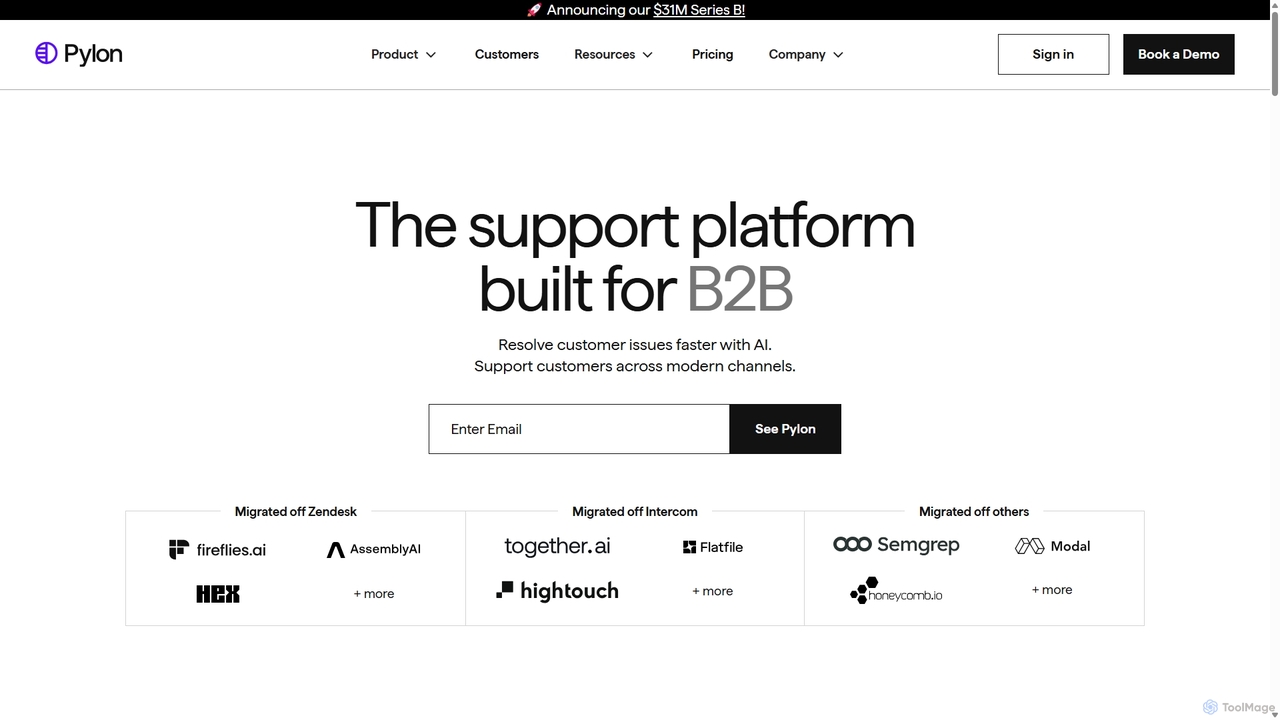
Pylon
Pylon is an AI-powered customer support platform built specifically for B2B companies. It unifies conversations from all channels like Slack, Teams, email, and chat into a single view. Pylon uses AI agents and assistants to automate ticket routing, draft replies, manage knowledge bases, and provide deep account intelligence, helping teams resolve issues faster and manage customer relationships proactively.
Customer Relationship Management
Rushchat
Rushchat is an AI-powered chatbot platform designed for businesses to automate customer support, generate leads, and enhance user engagement. Build and deploy intelligent, no-code chatbots on your website in minutes to provide instant, 24/7 responses and convert more visitors into customers.
Chatbot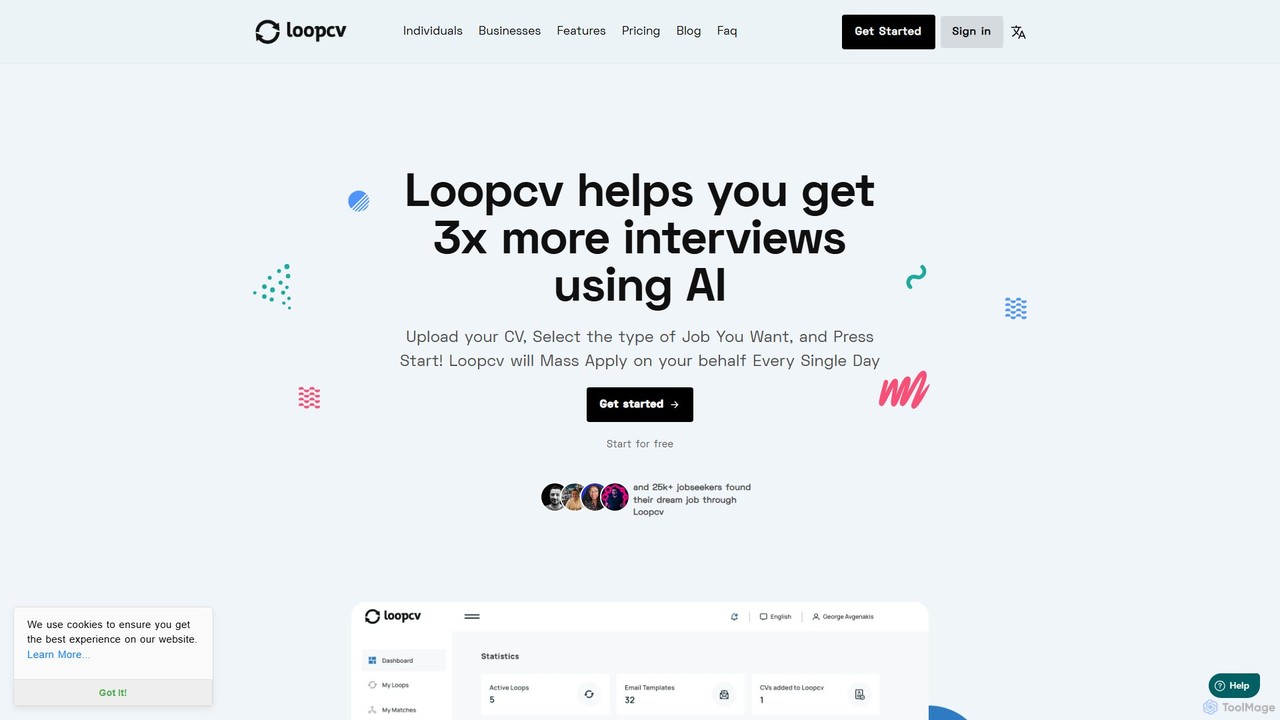
Loopcv
Loopcv is an AI-powered job search automation platform. It automates the entire process, from finding relevant positions across multiple job boards to auto-applying with your CV and contacting recruiters. It helps job seekers save hundreds of hours and increase their chances of landing an interview by leveraging AI for mass, targeted applications.
Job Search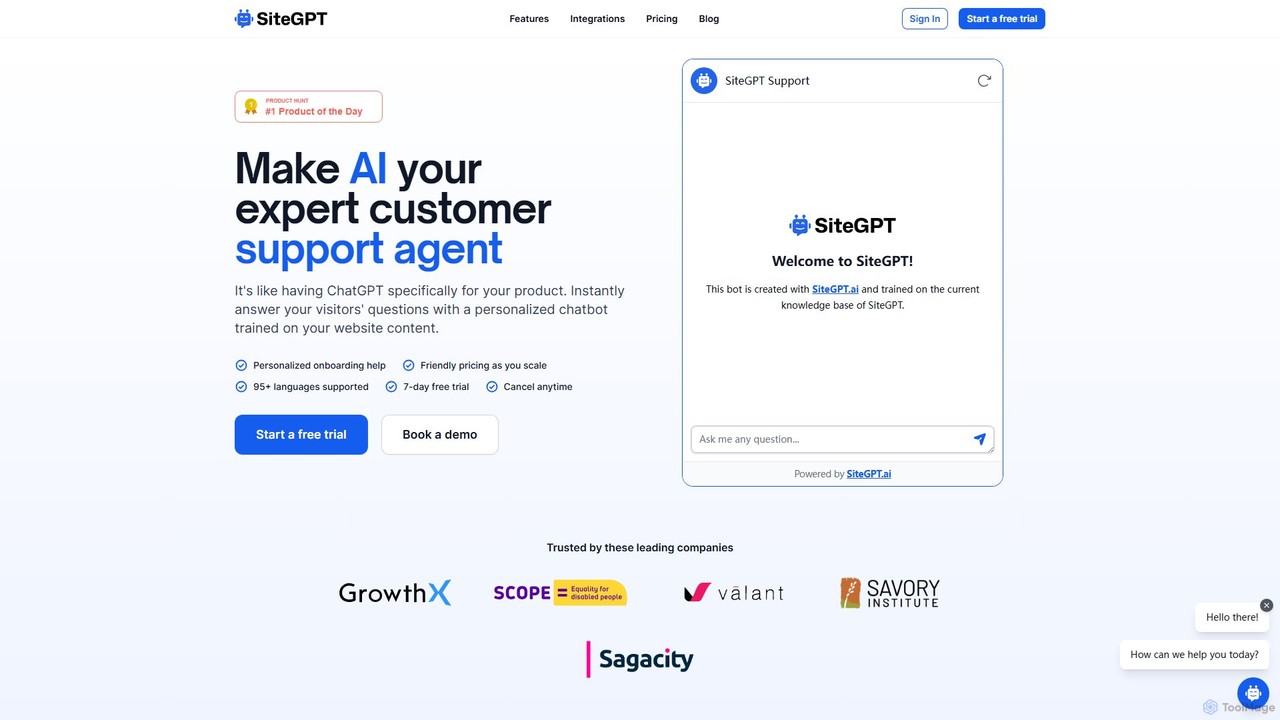
SiteGPT
SiteGPT is an AI-powered chatbot builder that creates a personalized customer support agent trained on your website content. It instantly answers visitor questions 24/7, automates support, generates leads, and integrates with your existing tools, supporting over 95 languages.
Chatbot
Sloneek
Sloneek is an all-in-one, AI-powered HR system designed to automate the entire employee lifecycle, from recruitment to offboarding. It streamlines routine HR processes, allowing teams to focus on people rather than paperwork. Key features include people analytics, performance management, and an AI assistant.
Analytics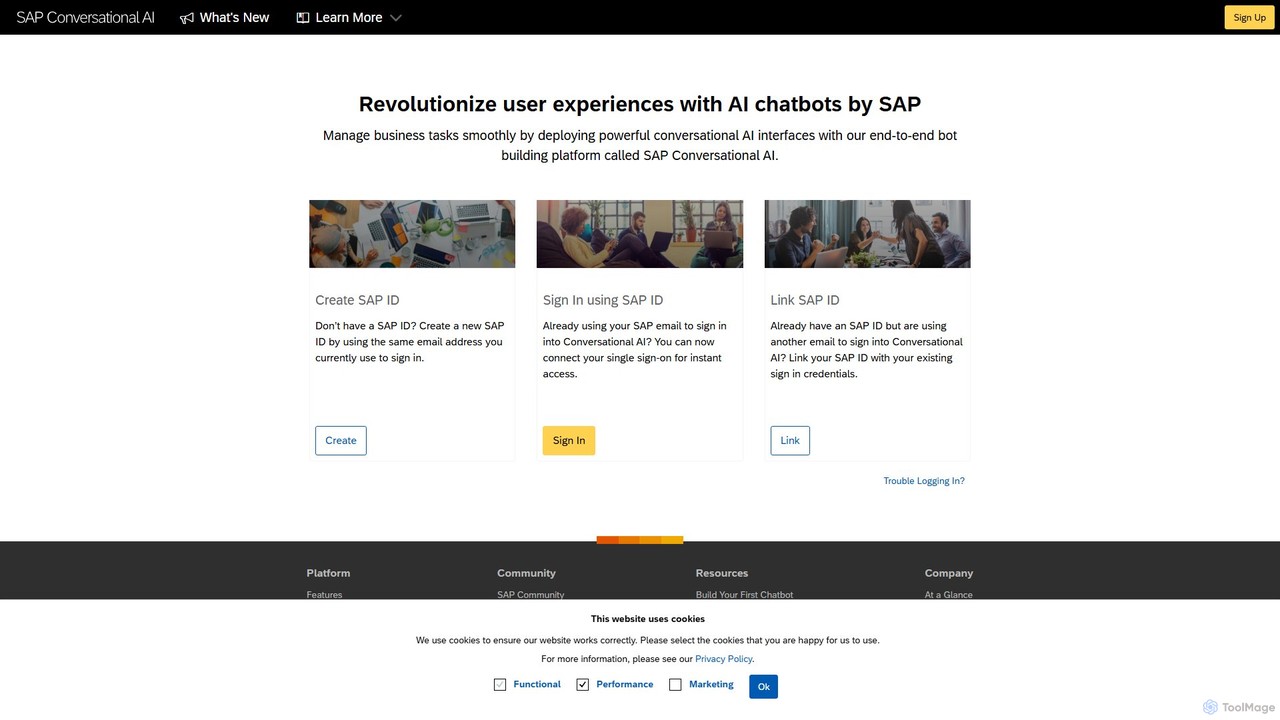
SAP Conversational AI
An end-to-end, low-code chatbot building platform by SAP, designed for enterprises to create powerful conversational AI interfaces. It enables seamless integration with SAP and other business systems to automate tasks and enhance user experiences.
Chatbot
Blender Copilot Comments (0)
Sign in to comment.
Sign inNo comments yet.