

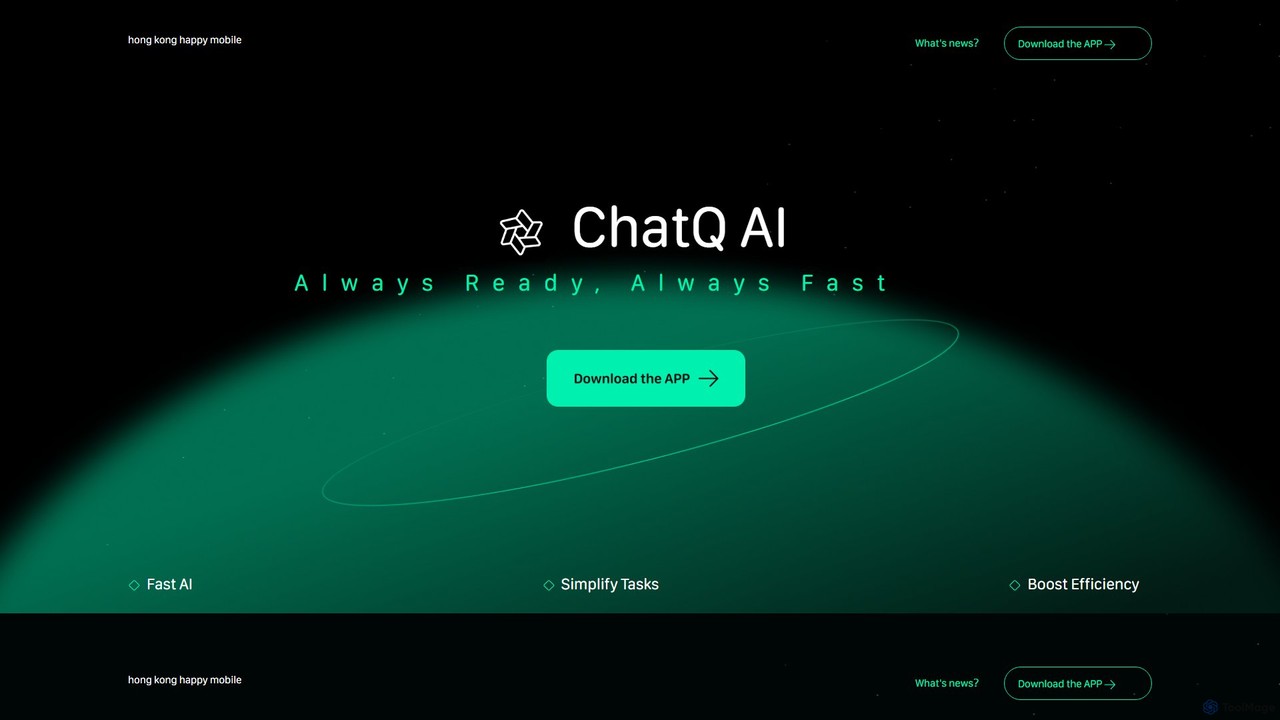
chatq Overview
chatq is a comprehensive and multi-functional AI suite designed to be your ultimate digital assistant. It consolidates a wide array of powerful AI tools into a single, intuitive platform, eliminating the need for multiple subscriptions and applications. Whether you're a student, a professional, a content creator, or simply someone looking to streamline daily tasks, chatq offers a solution. The platform's core is its intelligent AI Chat Buddy, which provides smart, context-aware responses for everything from casual conversation to complex problem-solving. Beyond chat, chatq empowers users to bring their creative ideas to life effortlessly. With its AI Video Creation and Magic Drawing features, you can generate professional-quality videos and stunning artwork from simple text descriptions. This makes content creation accessible to everyone, regardless of their technical skills.
Furthermore, chatq excels as a powerful research and productivity tool. The AI Web Search feature delivers smarter, faster, and more relevant results than traditional search engines. The platform can also interact with existing content; the 'Link & Ask' feature allows you to get instant answers from any webpage, while the 'Smart Video Summaries' tool condenses long videos into concise, key takeaways. For document management, the 'PDF Master' provides robust capabilities to merge, edit, and convert PDF files seamlessly. Finally, the 'AI Task Master' acts as a general-purpose assistant, capable of handling a wide range of tasks to boost your overall efficiency.
How to use chatq
Using chatq is designed to be a straightforward and intuitive process. Here’s a typical workflow:
- Sign Up: Visit the chatq website and create an account to get started.
- Choose Your Tool: From the main dashboard, select the specific AI tool you need for your task, such as 'AI Chat Buddy', 'AI Video Creation', or 'PDF Master'.
- Provide Input: Depending on the tool, you will provide input. For 'AI Magic Drawing', you'll type a descriptive prompt. For 'PDF Master', you'll upload your PDF file. For 'Link & Ask', you'll paste a URL.
- AI Processing: Let chatq's AI engine process your request. The platform works quickly to generate your desired output, whether it's an image, a video, a summarized text, or a modified document.
- Review and Refine: Once the output is generated, you can review it. If needed, you can refine your prompt or instructions to get a better result.
- Download and Use: Download your created content, save your summarized notes, or use the information provided by the AI chat for your projects.
Core Features of chatq
- AI Chat Buddy: Engage in intelligent, human-like conversations for brainstorming, writing assistance, coding help, and more.
- AI Video Creation: Automatically generate engaging videos from simple text prompts or ideas, complete with visuals and sound.
- AI Magic Drawing: Create unique, high-quality images and artwork by simply describing what you envision.
- AI Web Search: An advanced search engine that understands your queries and provides summarized, direct answers instead of just a list of links.
- PDF Master: A complete toolkit to merge, edit, convert, and interact with your PDF documents effortlessly.
- Link & Ask: Paste any URL to have the AI read the content and answer your specific questions about it.
- Smart Video Summaries: Get the essential points from long videos (e.g., lectures, meetings, documentaries) in minutes.
- AI Task Master: A versatile assistant that can automate and execute a variety of tasks, from scheduling to data entry.
Use Cases for chatq
chatq's versatility makes it suitable for a wide range of users:
- Content Creators & Marketers: Quickly generate blog post ideas, social media captions, ad copy, marketing videos, and custom images.
- Students & Researchers: Summarize academic papers, articles, and video lectures. Use the AI search for efficient research and compile information from various sources.
- Business Professionals: Draft emails, create presentations, analyze reports, manage PDF contracts, and automate repetitive administrative tasks.
- Developers: Use the AI Chat Buddy for debugging code, writing documentation, and exploring new programming concepts.
- Personal Use: Plan trips, get recipes, learn new skills, or simply explore creative ideas with the drawing and chat functions.
Advantages of chatq
The primary advantage of chatq is its all-in-one nature. By integrating multiple tools, it offers significant value:
- Cost-Effective: Replaces the need for separate subscriptions to a chatbot, video generator, image creator, and PDF tool.
- Increased Efficiency: A unified workflow means less time switching between different apps and websites, streamlining your projects from start to finish.
- User-Friendly: The platform is designed with a clean and intuitive interface, making powerful AI technology accessible to non-technical users.
- Versatility: With a broad set of features, it can adapt to nearly any digital task, from creative endeavors to analytical work.
- Speed: Leverages powerful AI to deliver results quickly, whether it's generating content or summarizing information.
Pricing and Plans
chatq operates on a freemium model, providing both free and paid options to suit different user needs.
- Free Plan: Ideal for casual users, this plan likely offers limited access to all tools with a monthly quota of credits or uses.
- Premium Plans (e.g., Pro, Business): For heavy users and professionals, these paid plans offer significantly more credits, access to advanced features, higher usage limits, faster processing speeds, and priority customer support.
For the most accurate and up-to-date pricing information, please visit the official chatq website.
Traffic
Latest traffic
Status
Monthly traffic trend
- 2025-9: 2.6K
- 2026-1: 1.9K
- 2026-2: 1.8K
- 2026-3: 2.0K
- 2026-4: 487
- 2026-5: 58
Geography
Top 5 countries / regions
- 🇦🇷Argentina100.0%
Top keywords
| Keyword | Cost per click |
|---|---|
| chatq | $0.40 |
chatq Alternatives
Hixx.ai
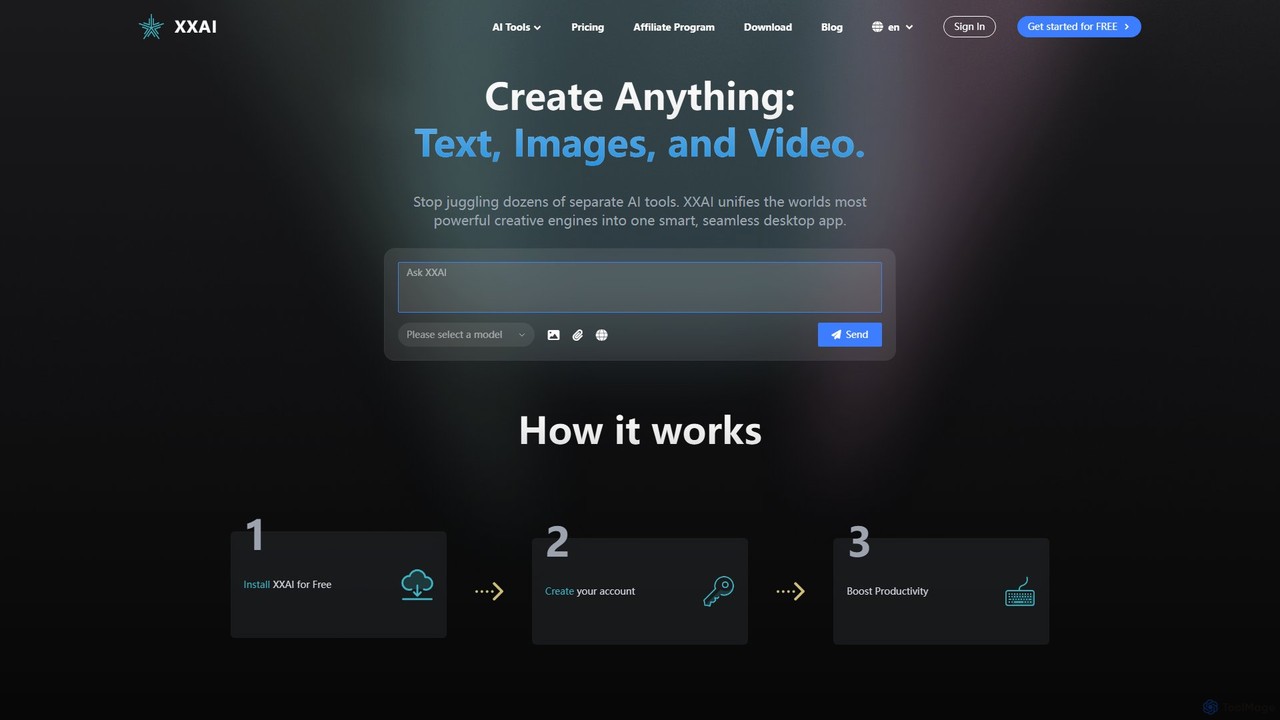
Hixx.ai is an all-in-one AI desktop application that unifies text, image, and video creation into a single, seamless platform. It acts as an AI copilot across all your apps and websites, providing access to top models like ChatGPT, DALL-E 3, and Runway to streamline your workflow, boost productivity, and eliminate the need for multiple separate AI tool subscriptions.
Image Generation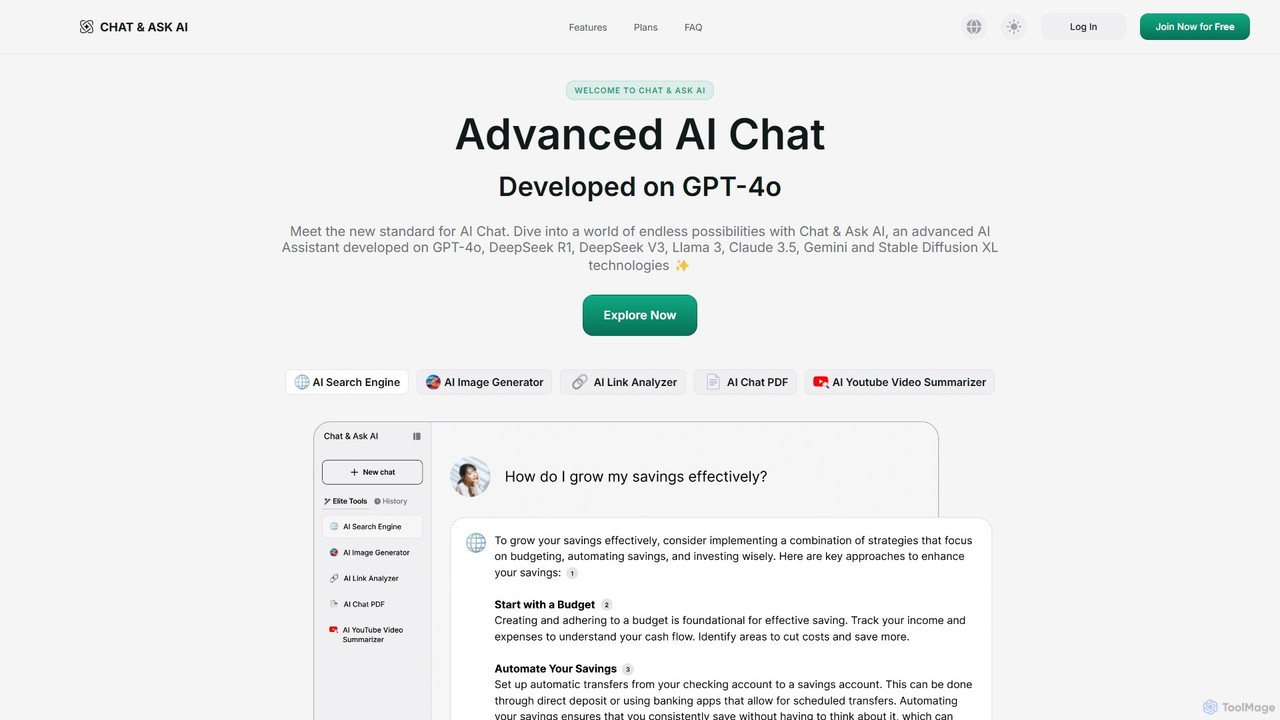
askaichat
askaichat is an all-in-one AI assistant powered by leading models like GPT-4o, Claude 3.5, and Llama 3. It integrates advanced AI chat with powerful tools for image generation, PDF and video summarization, web link analysis, and real-time search. It's designed to boost productivity and creativity for writers, researchers, and professionals by providing a single, versatile platform for diverse tasks.
Image Generator
getmerlin
getmerlin is a versatile AI assistant powered by top models like GPT-4o and Claude 3.5. Available as a browser extension and app, it integrates seamlessly into your workflow to summarize content, draft emails, generate text and images, and enhance research on any website. It acts as an all-in-one productivity tool, saving time and money by consolidating multiple AI services into a single subscription.
Chrome Extensions
Merlin AI
Merlin is an all-in-one AI assistant, available as a browser extension and app, that integrates top AI models like GPT-4, Claude 3, and Gemini. It allows you to research, write, summarize content, generate images, and code with a single click on any website, streamlining your workflow and boosting productivity without switching tabs.
Chrome Extensions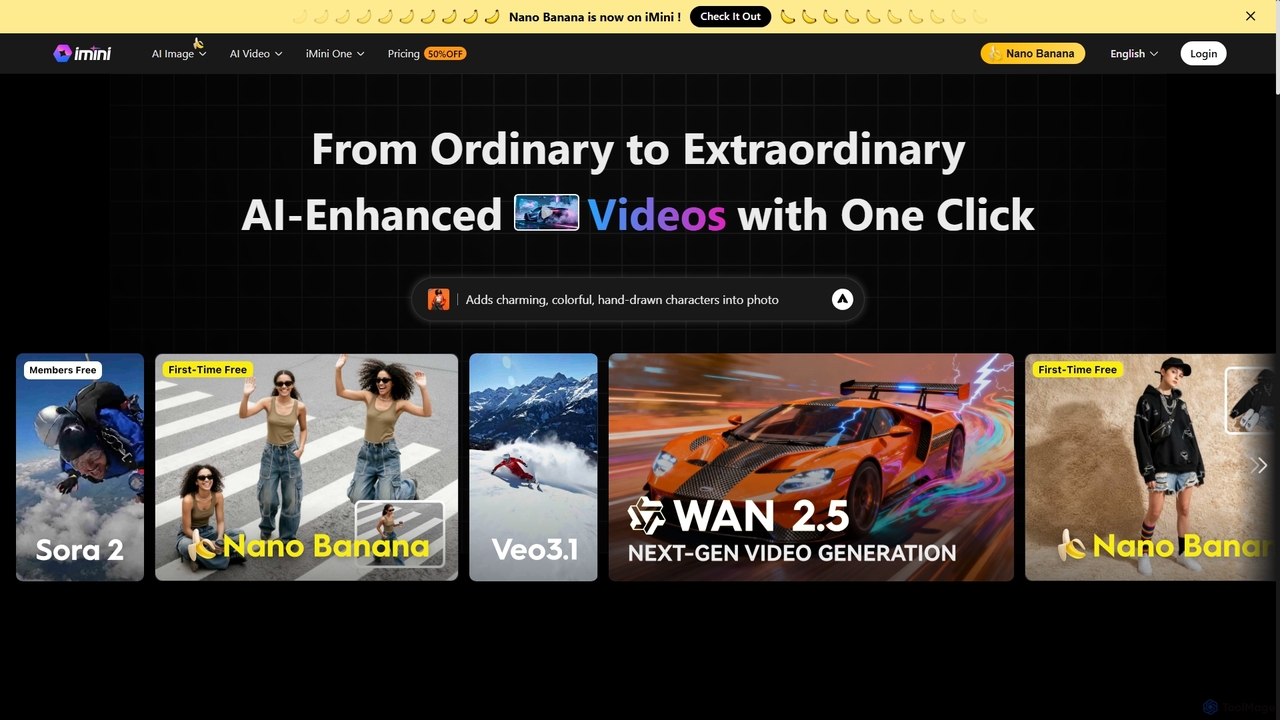
iMini
iMini is an all-in-one AI assistant and creation platform that integrates various AI agents for image generation, video creation, presentation slides, deep research, and document writing. It streamlines workflows, boosts productivity, and offers a unified chat interface for diverse creative and professional tasks.
Multifunctional Assistantchatq Categories
chatq Embed Widget
Copy this embed code to place the badge on your blog, article, or product site and send readers directly to this ToolMage detail page.

Related AI tools

Google Gemini
Google Gemini is a powerful, multimodal AI assistant designed to enhance creativity and productivity. It can understand and process text, code, images, and video to help you write, plan, learn, and create. Integrated with Google's ecosystem, it offers features like advanced content generation, deep research, and seamless collaboration within Google apps.
Image Generator
Chipmunks AI
Chipmunks AI is a comprehensive, all-in-one platform featuring over 20 AI tools. It empowers users to generate high-quality images, content, blogs, voiceovers, videos, and more. With over 240 templates and support for 20+ languages, it streamlines content creation, marketing, and productivity for creators, marketers, and businesses, all within a single, user-friendly interface.
Voice Generationaskaichat
askaichat is an all-in-one AI assistant powered by leading models like GPT-4o, Claude 3.5, and Llama 3. It integrates advanced AI chat with powerful tools for image generation, PDF and video summarization, web link analysis, and real-time search. It's designed to boost productivity and creativity for writers, researchers, and professionals by providing a single, versatile platform for diverse tasks.
Image Generatorgetmerlin
getmerlin is a versatile AI assistant powered by top models like GPT-4o and Claude 3.5. Available as a browser extension and app, it integrates seamlessly into your workflow to summarize content, draft emails, generate text and images, and enhance research on any website. It acts as an all-in-one productivity tool, saving time and money by consolidating multiple AI services into a single subscription.
Chrome ExtensionsMerlin AI
Merlin is an all-in-one AI assistant, available as a browser extension and app, that integrates top AI models like GPT-4, Claude 3, and Gemini. It allows you to research, write, summarize content, generate images, and code with a single click on any website, streamlining your workflow and boosting productivity without switching tabs.
Chrome Extensions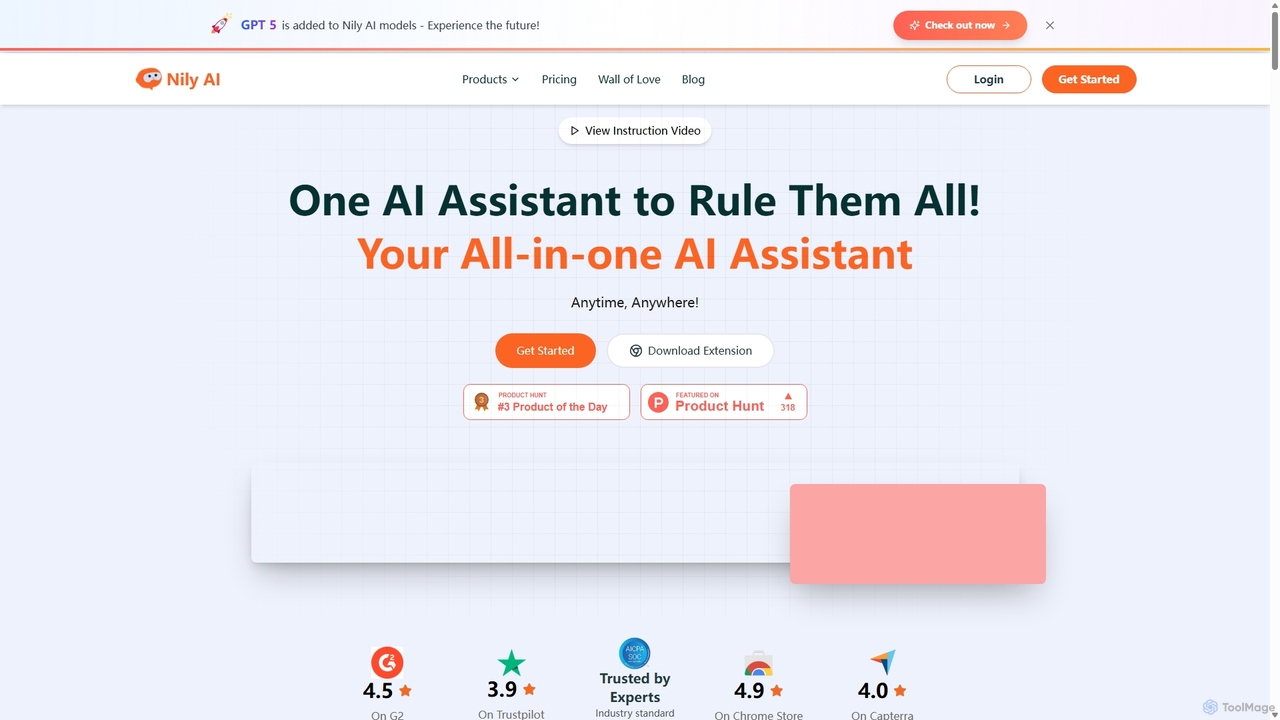
Nily AI
Nily AI is an all-in-one AI assistant designed to boost productivity. It integrates over 20 advanced AI tools into a single platform, accessible via a convenient Chrome sidebar. Key features include LLM comparison, AI writing, image generation, email assistance, and chatting with PDFs or YouTube videos, catering to a wide range of professionals.
Image Generation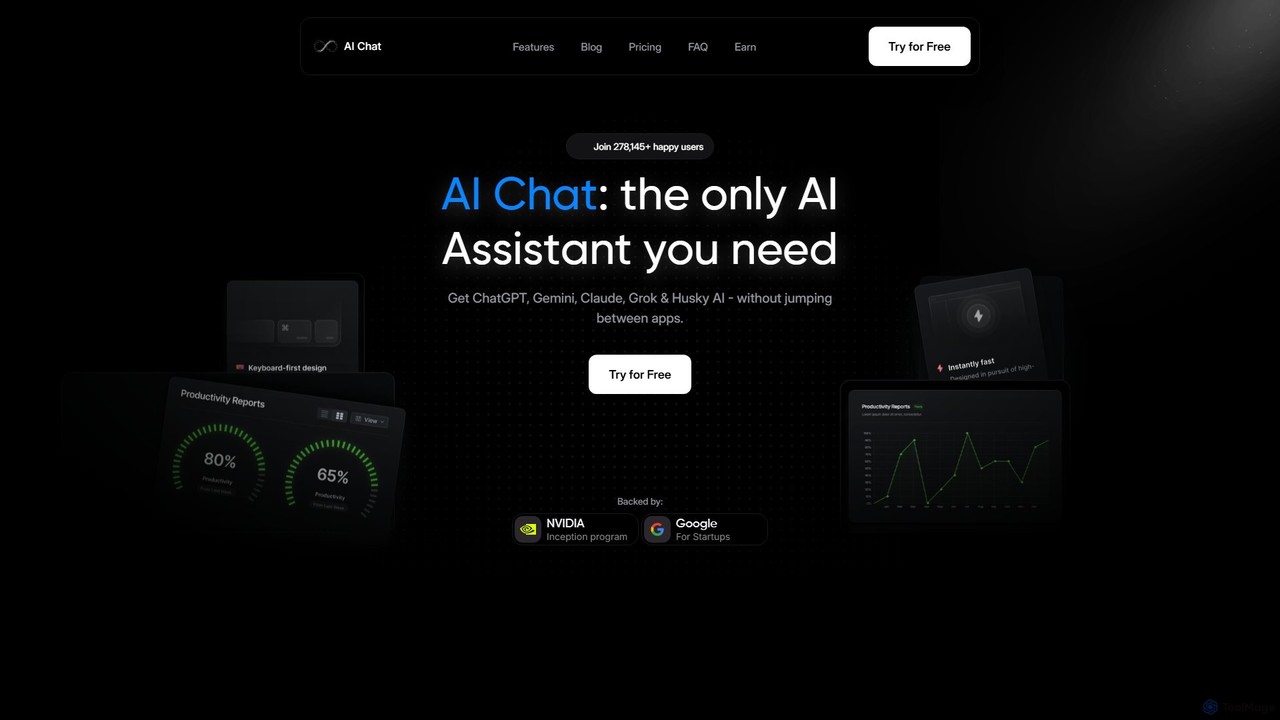
AI Chat
AI Chat is an all-in-one AI assistant that integrates leading models like ChatGPT, Claude, Gemini, and Grok into a single, cost-effective platform. It's a multi-modal tool for creating text, images, audio, and video, designed to boost productivity, streamline workflows, and enhance creativity for daily use.
Multi Model Chat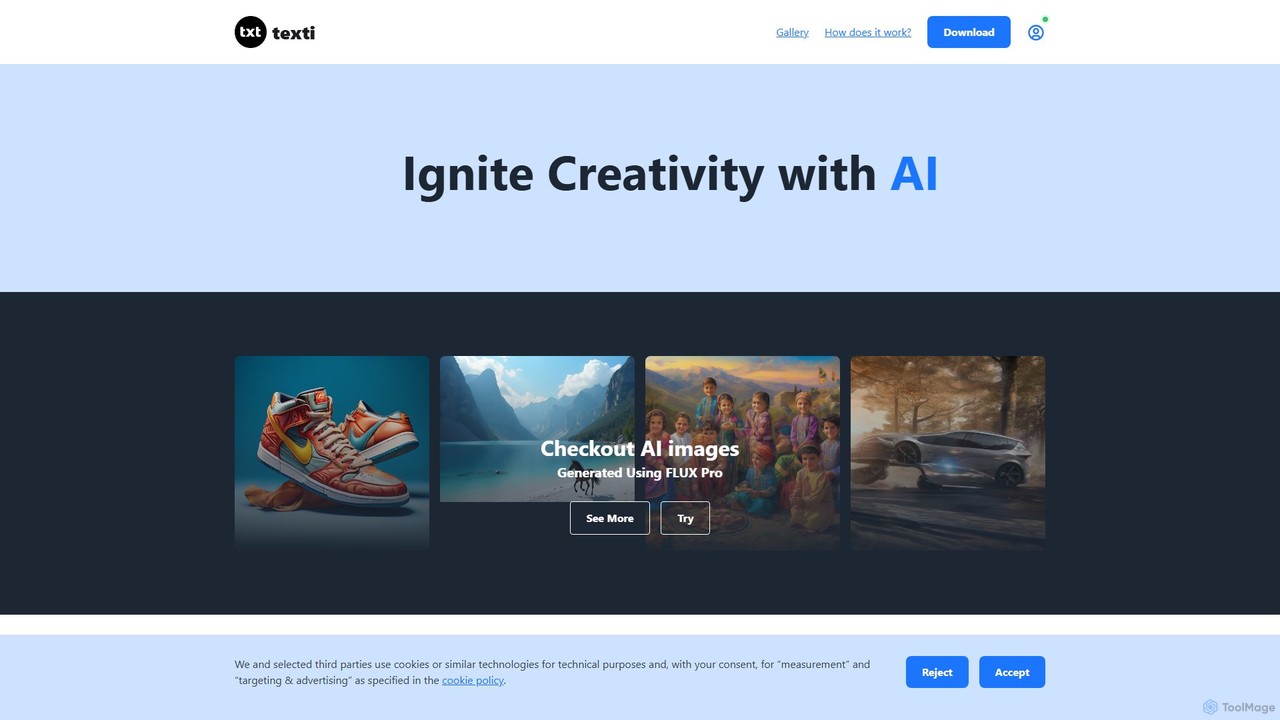
texti.app
texti.app is a versatile AI assistant designed to enhance creativity and productivity. It functions as a multi-purpose chatbot, capable of generating text, brainstorming ideas, answering questions, correcting emails, and even creating AI images. Accessible via a web browser and a convenient Chrome extension, it serves a global audience with extensive multilingual support.
ResearchHixx.ai
Hixx.ai is an all-in-one AI desktop application that unifies text, image, and video creation into a single, seamless platform. It acts as an AI copilot across all your apps and websites, providing access to top models like ChatGPT, DALL-E 3, and Runway to streamline your workflow, boost productivity, and eliminate the need for multiple separate AI tool subscriptions.
Image Generation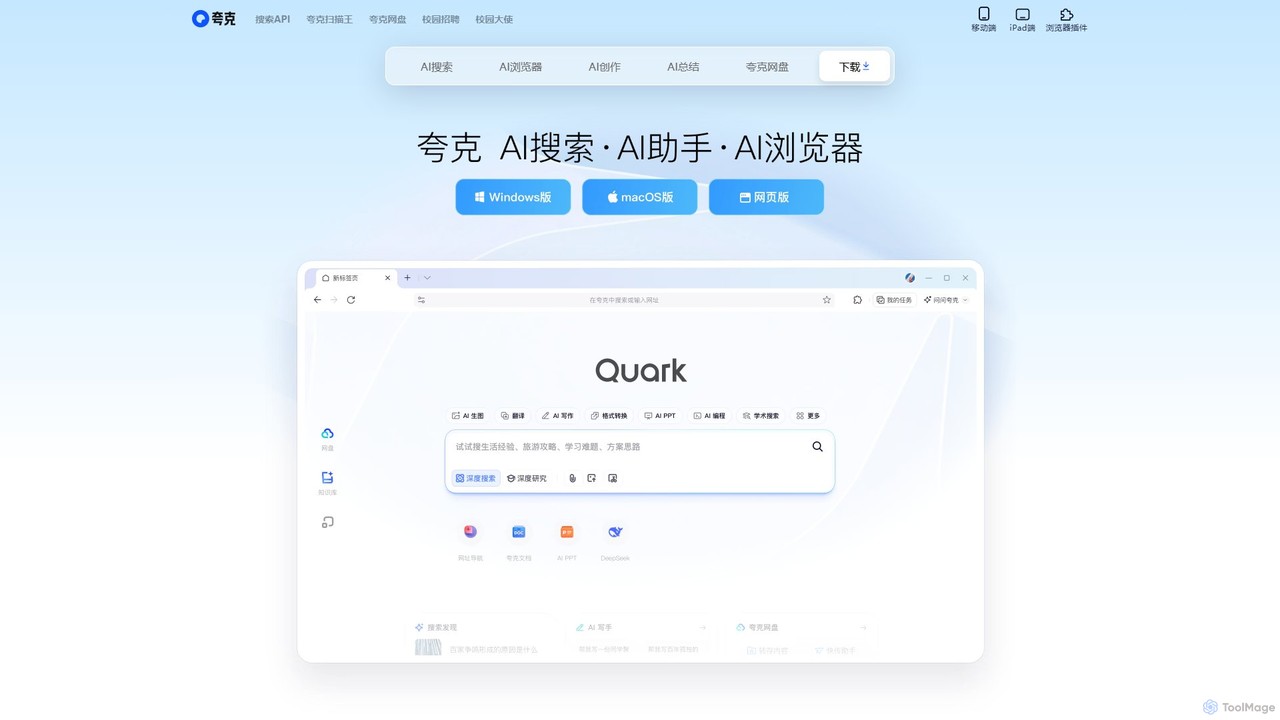
Quark
Quark is an all-in-one AI-powered suite from Alibaba, integrating a smart search engine, a fast browser, a massive cloud drive, and a suite of creative tools. It's designed to boost productivity for students and professionals with features like AI summarization, content generation, and seamless multi-device synchronization.
File Management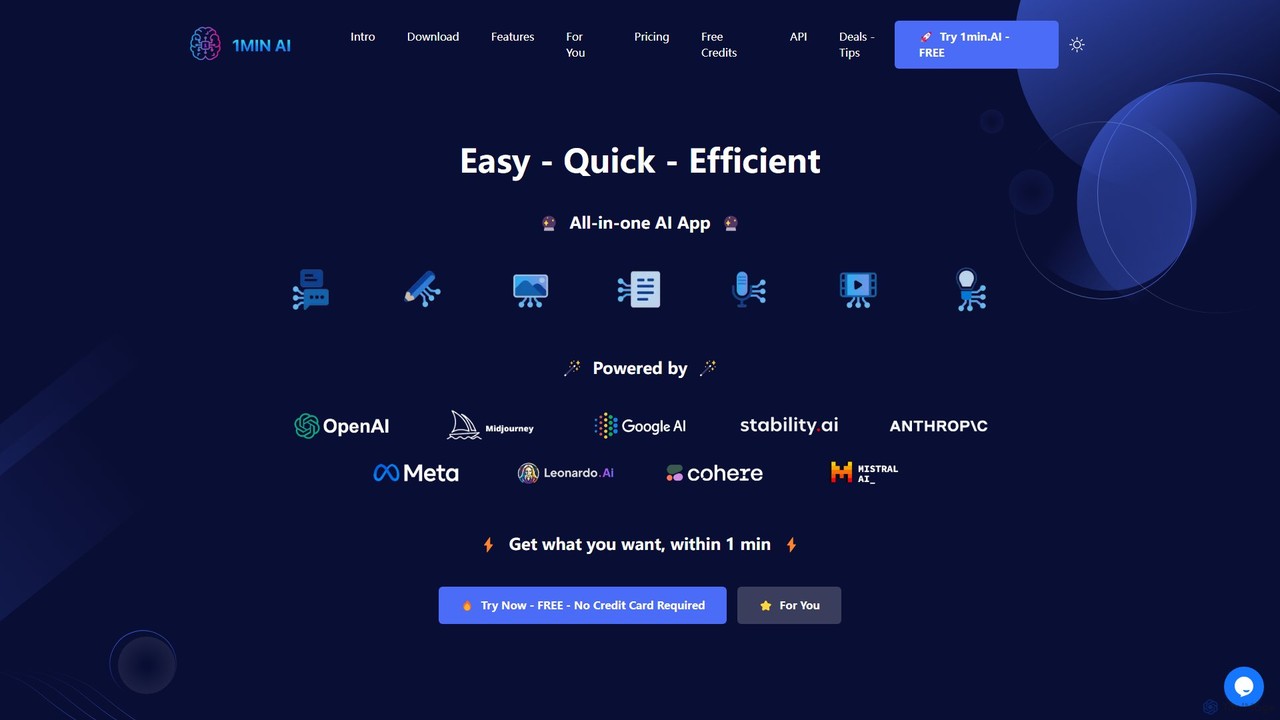
1min
1min is a comprehensive all-in-one AI platform that integrates a vast array of tools for text, image, audio, and video creation. It provides access to leading AI models like GPT-4, Claude 3, Midjourney, and Suno AI through a single, user-friendly interface. Users can generate content, edit media, translate languages, transcribe audio, and even write code, streamlining their creative and productive workflows without needing multiple separate subscriptions.
Music Generator
Cici
Cici is an intelligent AI assistant designed to enhance your productivity and creativity. It helps with writing, research, coding, and brainstorming through a versatile conversational interface. Seamlessly integrate Cici into your workflow to get instant answers, generate high-quality content, and automate repetitive tasks.
Code Assistant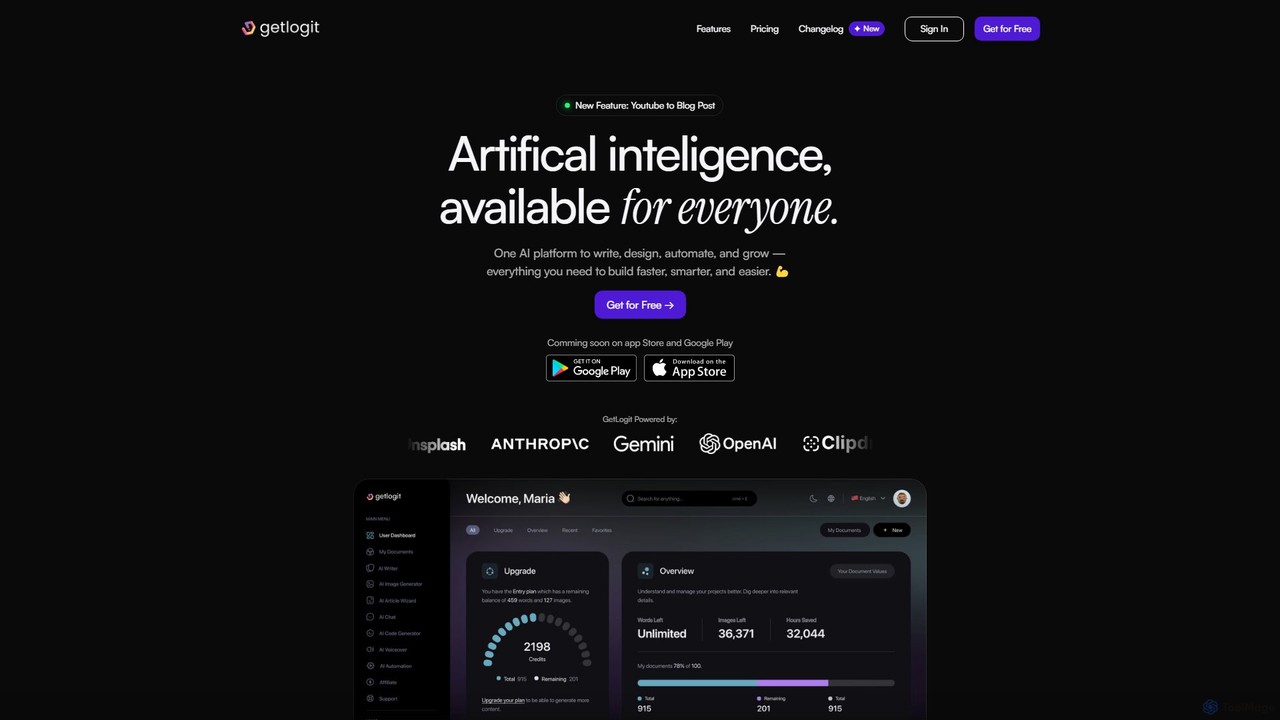
getlogit
getlogit is an all-in-one AI platform that consolidates over 35 tools for writing, design, automation, and growth. It enables users to create high-quality content, generate stunning visuals, build custom chatbots, and streamline workflows from a single, intuitive dashboard, aiming to replace the need for multiple specialized AI applications.
Chatbots
JimmyGPT
JimmyGPT is a friendly and versatile AI assistant designed to help with a wide range of tasks. From creating professional content like cover letters and essays to summarizing complex topics for learning and providing entertainment through jokes and stories, JimmyGPT acts as your all-in-one conversational AI partner.
Learning Assistant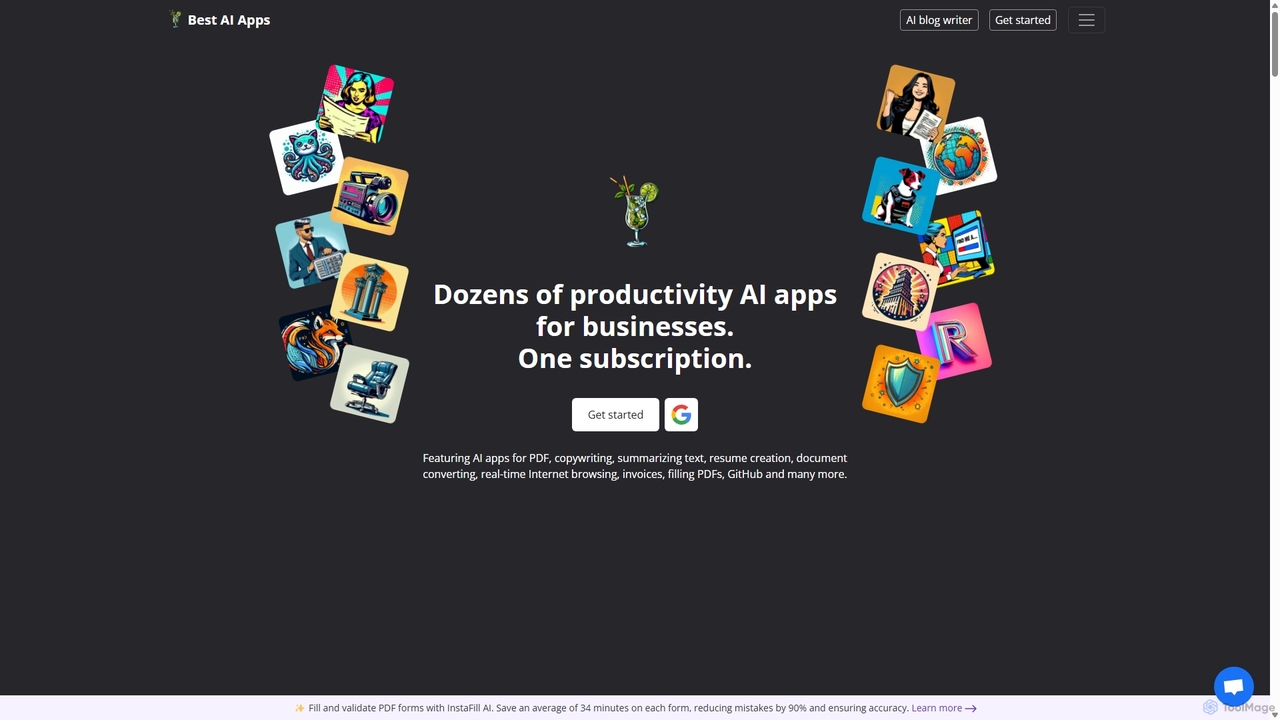
Copilot
Copilot by Best AI Apps is a comprehensive all-in-one suite of AI-powered tools designed to enhance productivity for individuals and businesses. It offers dozens of applications across various categories, including document analysis, content creation, job search assistance, business management, and image generation, all accessible through a single subscription.
Resume Builder
chatq Comments (0)
Sign in to comment.
Sign inNo comments yet.