


ClipSheet Overview
ClipSheet is an innovative AI-powered tool designed to revolutionize how learners and professionals process information. It efficiently converts extensive content such as webinars, lectures, audio transcripts, videos (YouTube, MP4), MP3s, PDFs, images, and raw text into highly visual, structured, and actionable cheat sheets within seconds. This eliminates the need for time-consuming manual note-taking and re-watching long videos, providing instant access to critical insights.
How to use ClipSheet
Using ClipSheet is a straightforward three-step process. First, users can upload any video or audio file, paste a transcript text, or provide a URL (e.g., YouTube link). Second, ClipSheet's advanced AI model analyzes the input to extract key insights and structure the information intelligently. Finally, users can download their one-page cheat sheet in seconds, ready for study or review.
Core Features of ClipSheet
- AI-Powered Analysis: Utilizes advanced AI technology for accurate content extraction and intelligent summarization, ensuring the most important points are captured.
- Multi-Format Support: Compatible with a wide range of input types including YouTube videos, MP4, MP3, PDFs, images, and plain text. Users can paste a URL or upload a file directly.
- Customizable Output: Offers flexibility to choose from multiple styles and modules, allowing users to tailor their cheat sheets to their specific learning or review preferences.
- Export & Share: Enables easy downloading of generated cheat sheets as PDFs for printing or digital study, and facilitates sharing with classmates or colleagues.
- Multi-Language Generation: Capable of generating cheat sheets in English, German, French, or Spanish, regardless of the source language of the input content.
- Fast Processing: Delivers your cheat sheet in under a minute, with Pro users benefiting from priority processing for even faster results.
Use Cases for ClipSheet
ClipSheet serves a diverse user base with various needs. Students can transform two-hour lectures into five-minute study guides, significantly aiding exam preparation without needing to re-watch entire videos. Professionals can instantly extract action items and key takeaways from webinars and meetings, eliminating the need for manual note-taking. Content creators can effortlessly repurpose video content into written summaries for blogs, newsletters, or social media posts, saving valuable time and effort.
Advantages of ClipSheet
The primary advantage of ClipSheet is its ability to save users countless hours by automating the summarization of lengthy content. It provides instant, actionable insights in a visually structured format, making information retention and review much easier. The tool's multi-format and multi-language support enhance its versatility, while its fast processing ensures efficiency. It empowers users to focus on understanding and applying information rather than spending time on tedious note-taking.
Pricing and Plans
ClipSheet offers a flexible pricing structure to accommodate different user needs:
- Free Plan: Available at $0 forever, this plan includes 3 Cheat Sheets per day, a maximum video length of 30 minutes, PDF export, and standard processing speed. No credit card is required to start.
- Pro Plan: Priced at $9 per month, the Pro plan offers 30 Cheat Sheets per day, a maximum video length of 120 minutes, faster processing, and priority support.
ClipSheet FAQ
Traffic
Latest traffic
Status
Monthly traffic trend
- 2026-1: 314
- 2026-2: 1.2K
- 2026-3: 4.2K
- 2026-4: 3.6K
- 2026-5: 4.8K
Geography
Top 5 countries / regions
- 🇺🇸United States70.1%
- 🇮🇳India21.5%
- 🇨🇦Canada8.4%
Top keywords
| Keyword | Cost per click |
|---|---|
| cheat sheet maker | $1.55 |
| cheatsheet maker | $0.00 |
| free cheatsheet maker based on lecture notes | $0.00 |
| one page cheat sheet maker | $0.00 |
| pdf to cheat sheet converter online | $0.00 |
ClipSheet Alternatives
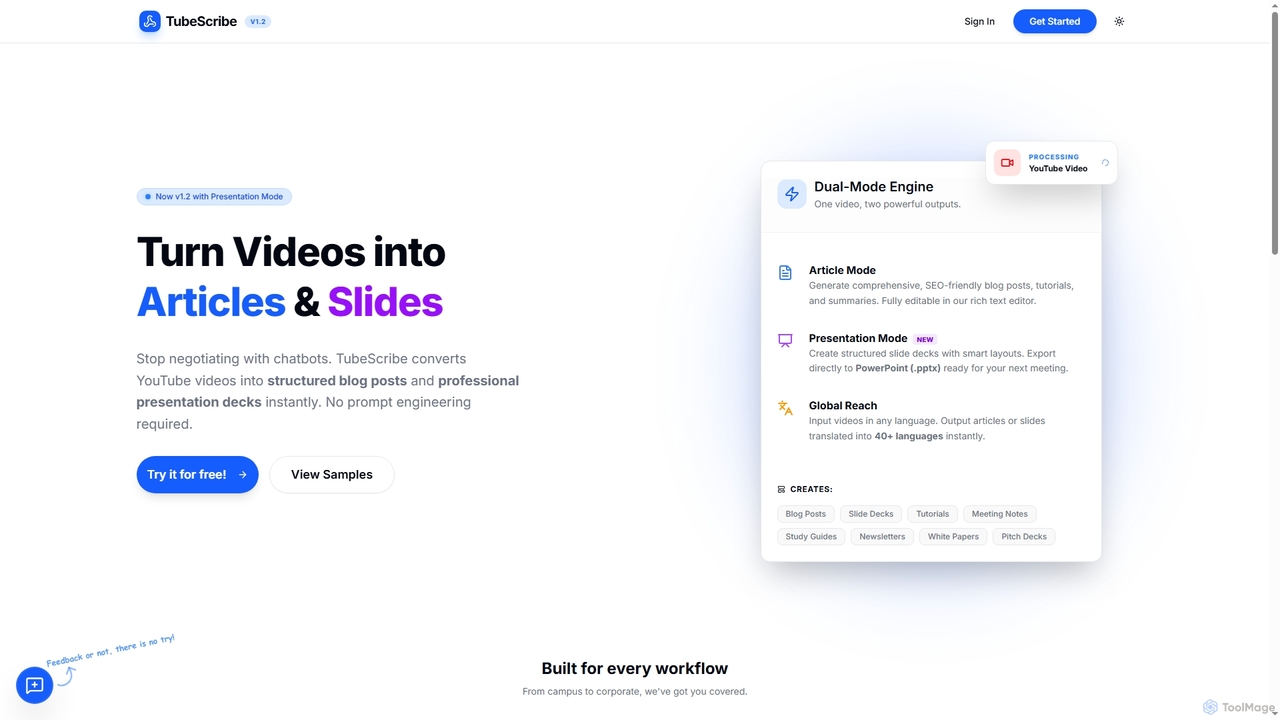
TubeScribe
TubeScribe is an AI-powered tool that transforms YouTube videos into structured, SEO-friendly blog posts and professional presentation slides instantly. It eliminates the need for manual transcription and complex prompt engineering, enabling users to repurpose video content efficiently for various needs, from academic study to corporate presentations and content marketing.
Content Creation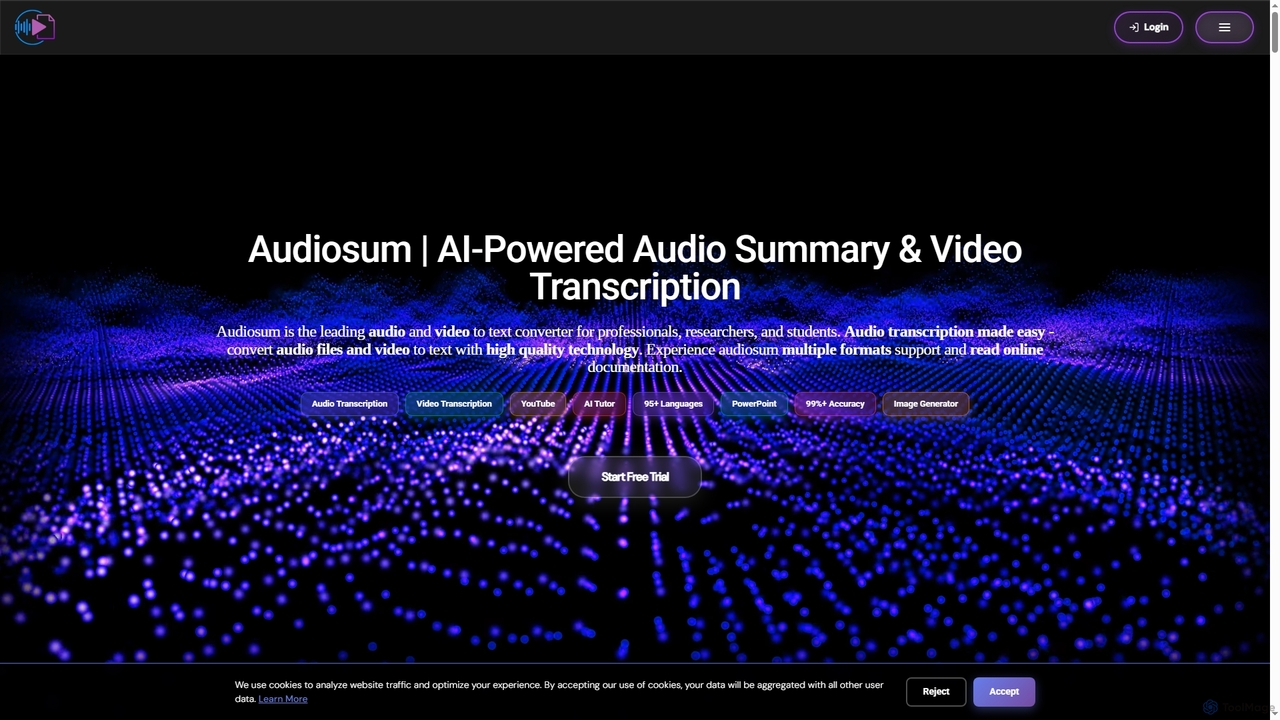
Audiosum
Audiosum is an advanced AI-powered platform designed for professionals, students, and researchers to efficiently process audio, video, and document content. It offers highly accurate transcription, intelligent summarization, and various content generation tools, saving users significant time by transforming lengthy media into concise, actionable insights across over 95 languages.
Meeting Management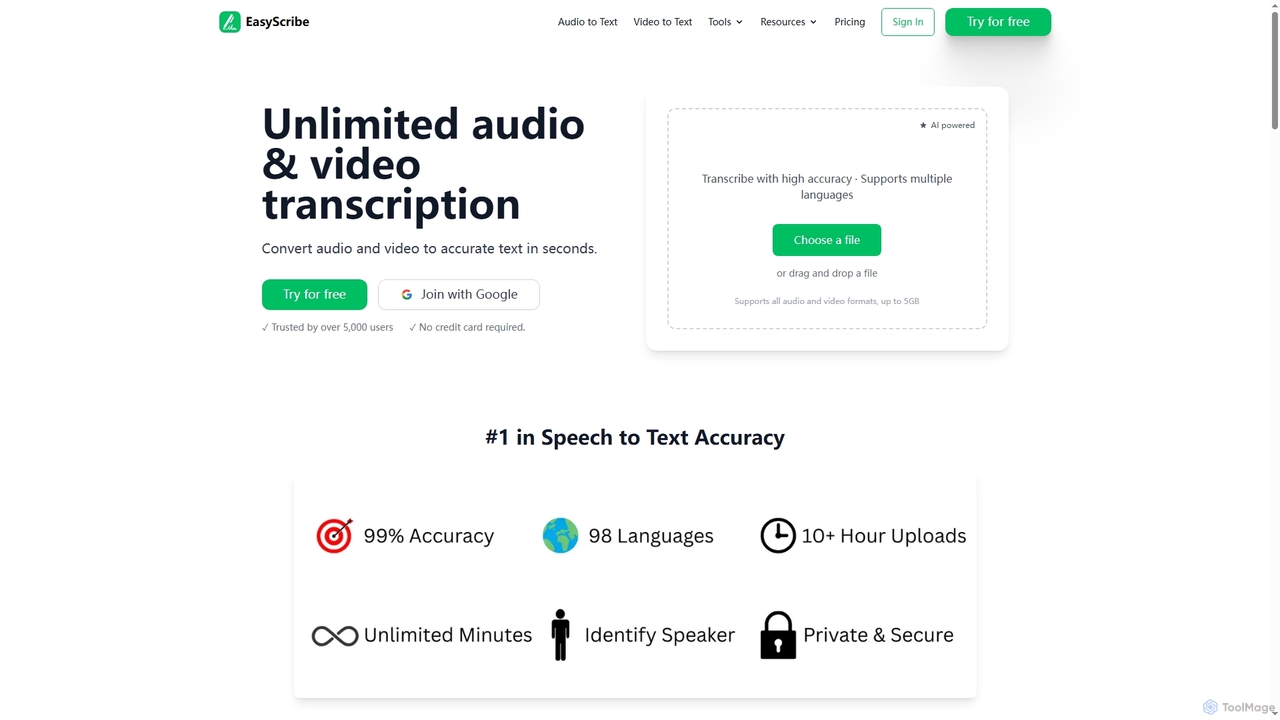
EasyScribe
EasyScribe is an AI-powered transcription tool that converts audio and video files into accurate text in seconds. It supports 98+ languages, offers speaker identification, and allows translation to 134+ languages, making it ideal for global communication and content creation.
Meeting Management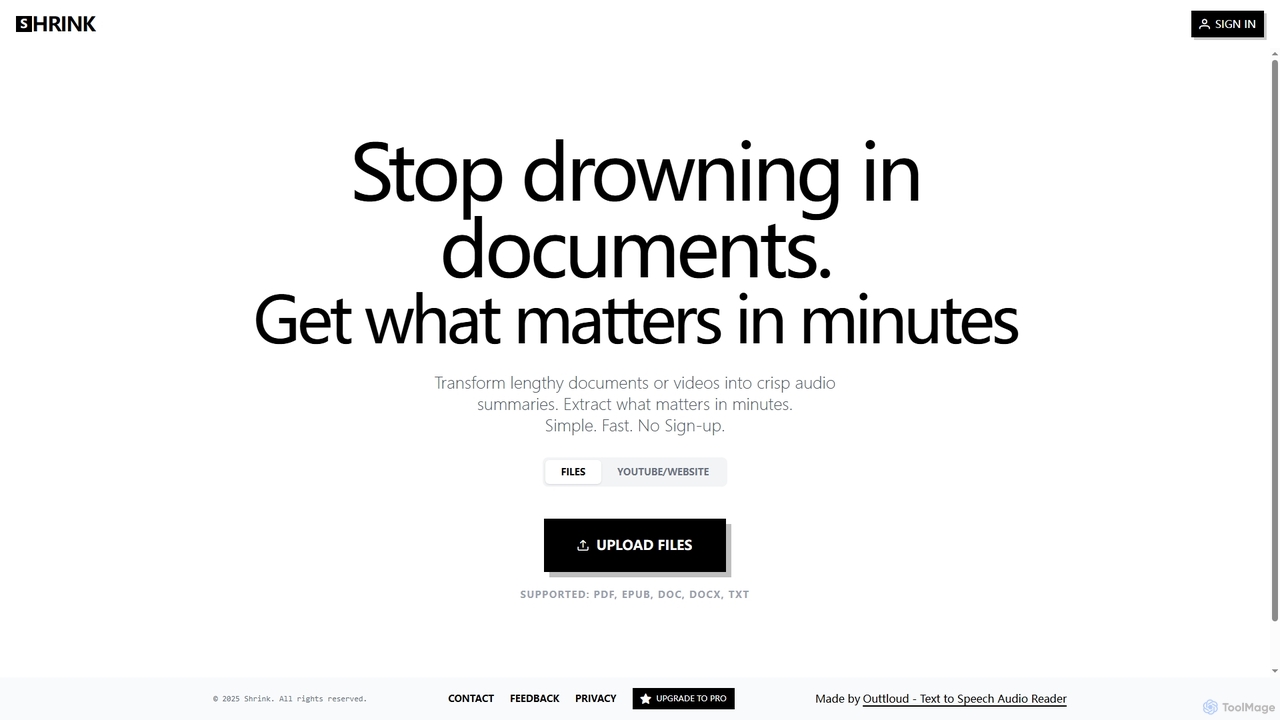
Shrink
Shrink is an AI-powered tool that transforms lengthy documents and videos into concise audio summaries. It supports various file types like PDF, EPUB, DOC, DOCX, TXT, and YouTube/website URLs, allowing users to quickly extract key information. With customizable audio settings and no sign-up required, Shrink offers a simple, fast, and efficient way to consume content on the go.
Text To Speech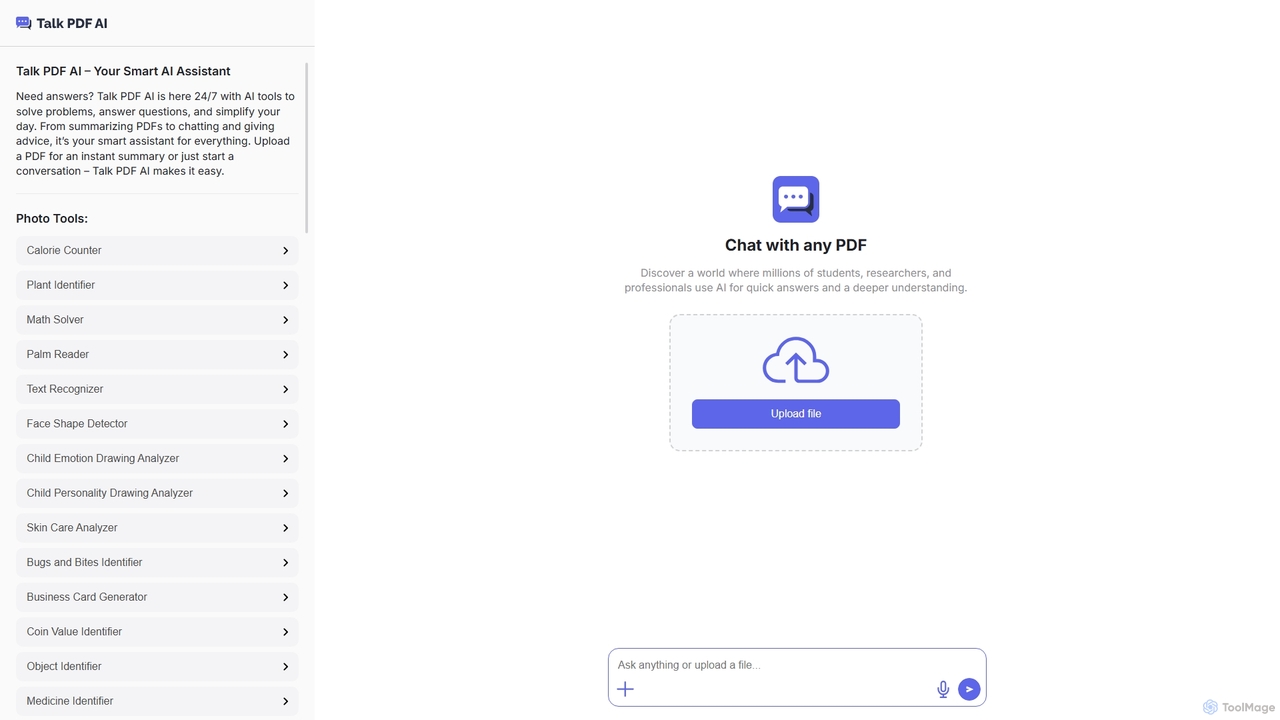
TalkPDF
TalkPDF is an intelligent AI assistant designed to simplify daily tasks by offering a wide array of tools. It excels at interacting with PDFs, providing instant summaries, answering questions, and facilitating conversations. Beyond PDF capabilities, it integrates numerous AI-powered photo, text, and audio tools for diverse needs.
Writing AssistantClipSheet Categories
ClipSheet Jobs
ClipSheet Embed Widget
Copy this embed code to place the badge on your blog, article, or product site and send readers directly to this ToolMage detail page.

Related AI tools
Video Transcriber AI
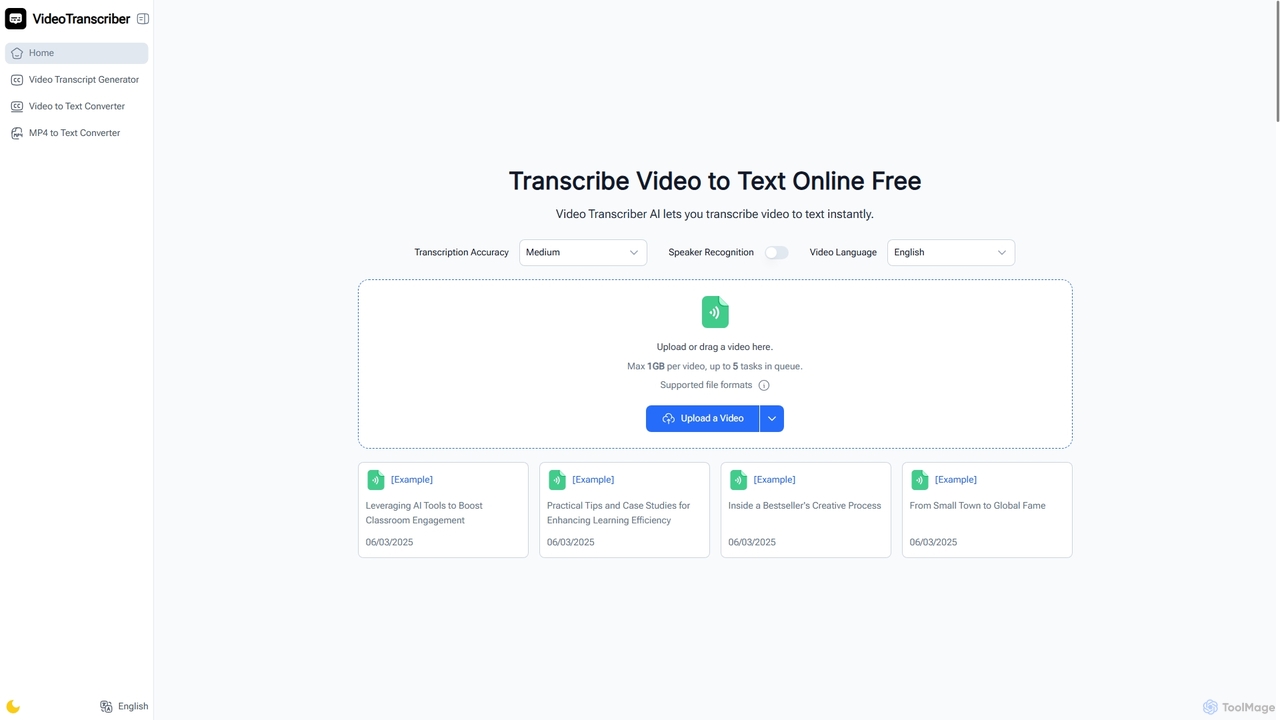
Video Transcriber AI is a free online tool that instantly converts video content into accurate, readable text. It supports various formats like MP4, YouTube links, and Zoom recordings, making it ideal for students, professionals, and content creators to quickly get transcripts without any sign-up.
Meeting ToolsEasyScribe
EasyScribe is an AI-powered transcription tool that converts audio and video files into accurate text in seconds. It supports 98+ languages, offers speaker identification, and allows translation to 134+ languages, making it ideal for global communication and content creation.
Meeting Management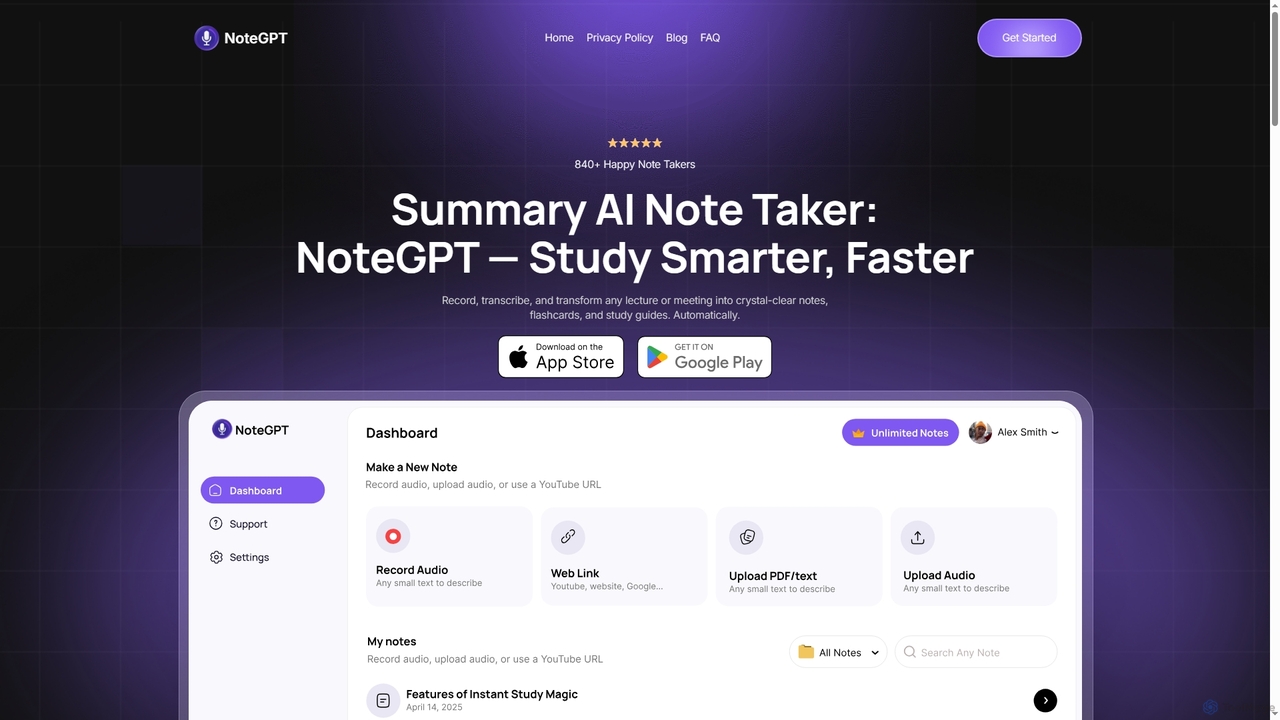
NoteGPT
NoteGPT is an AI-powered note-taking and study tool that records, transcribes, and transforms lectures, meetings, videos, and PDFs into crystal-clear notes, summaries, flashcards, and quizzes. It supports over 100 languages, helping students and professionals study smarter and faster.
SummarizationAudiosum
Audiosum is an advanced AI-powered platform designed for professionals, students, and researchers to efficiently process audio, video, and document content. It offers highly accurate transcription, intelligent summarization, and various content generation tools, saving users significant time by transforming lengthy media into concise, actionable insights across over 95 languages.
Meeting ManagementTalkPDF
TalkPDF is an intelligent AI assistant designed to simplify daily tasks by offering a wide array of tools. It excels at interacting with PDFs, providing instant summaries, answering questions, and facilitating conversations. Beyond PDF capabilities, it integrates numerous AI-powered photo, text, and audio tools for diverse needs.
Writing Assistant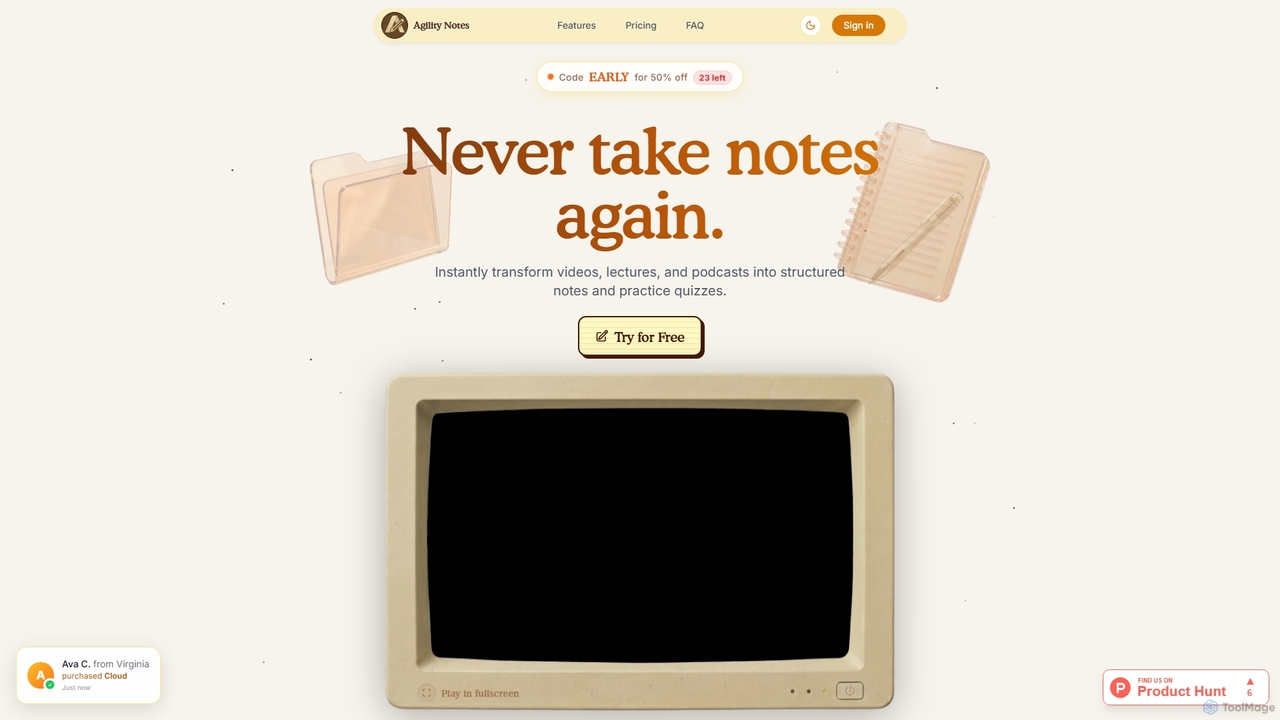
Agility Notes
Agility Notes is an AI-powered study tool that transforms videos, lectures, and podcasts into structured notes and interactive practice quizzes. Designed for students and professionals, it eliminates manual note-taking, helping users efficiently capture key information, organize knowledge, and reinforce learning across various subjects and academic levels.
Study Tools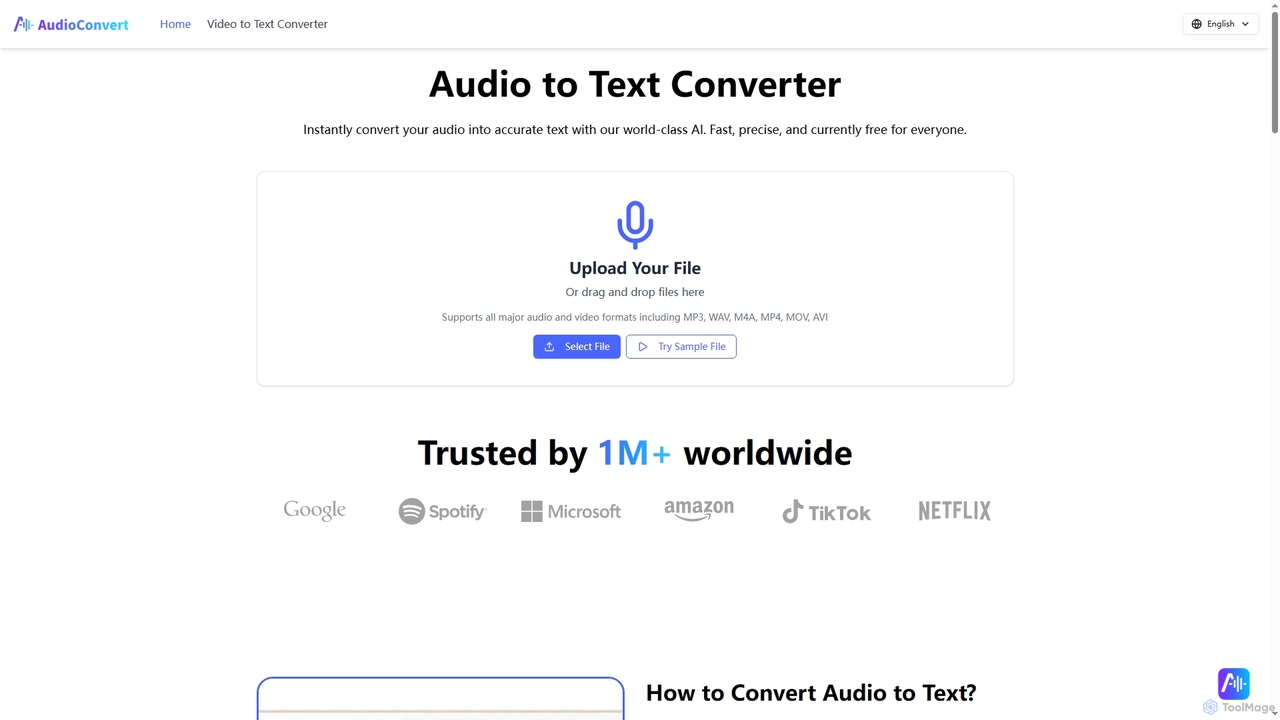
Audioconvert
Audioconvert is an AI-powered tool that swiftly and accurately converts audio and video files into text transcripts. It supports major formats, identifies multiple speakers, provides precise timestamps, and offers various export options like TXT, DOCX, and SRT, all currently available for free.
Meeting Management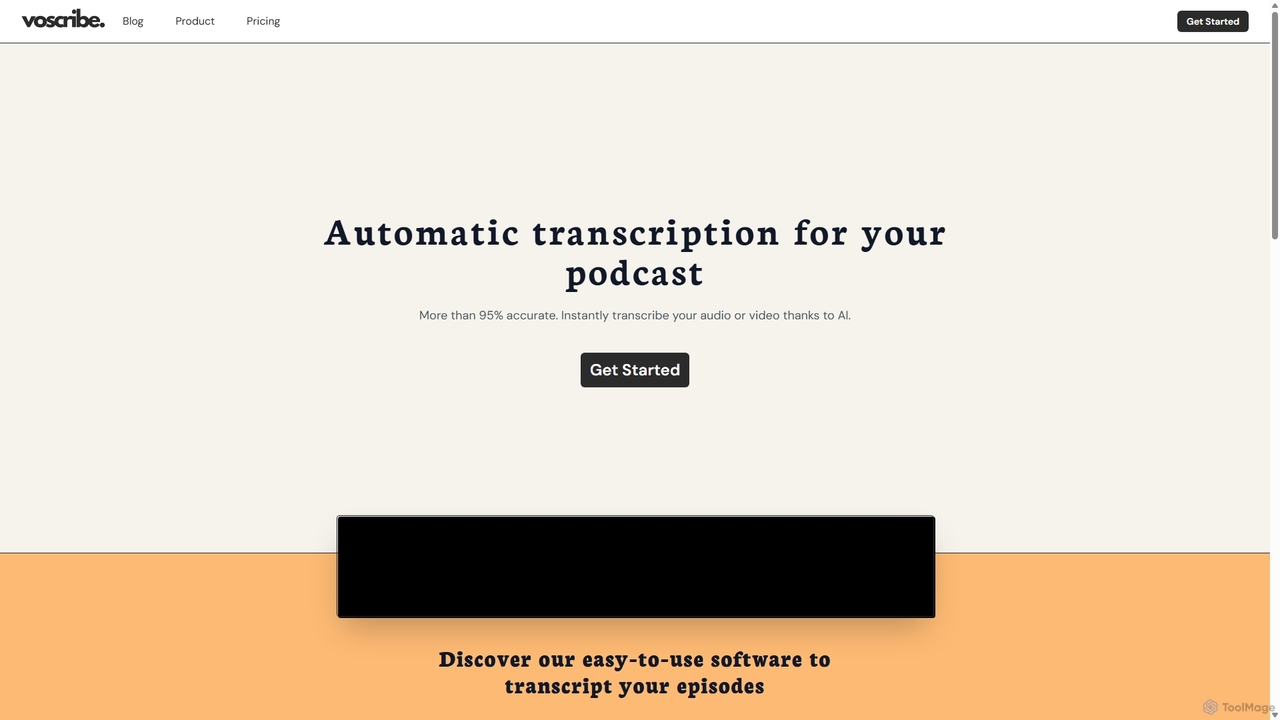
Voscribe
Voscribe is an AI-powered suite for podcasters and video creators, offering highly accurate, fast, and automatic transcription services. It converts audio and video to text in minutes, provides an intuitive editor to sync and edit transcripts, and generates subtitles (SRT) effortlessly. Ideal for content repurposing, enhancing accessibility, and saving valuable production time.
Transcription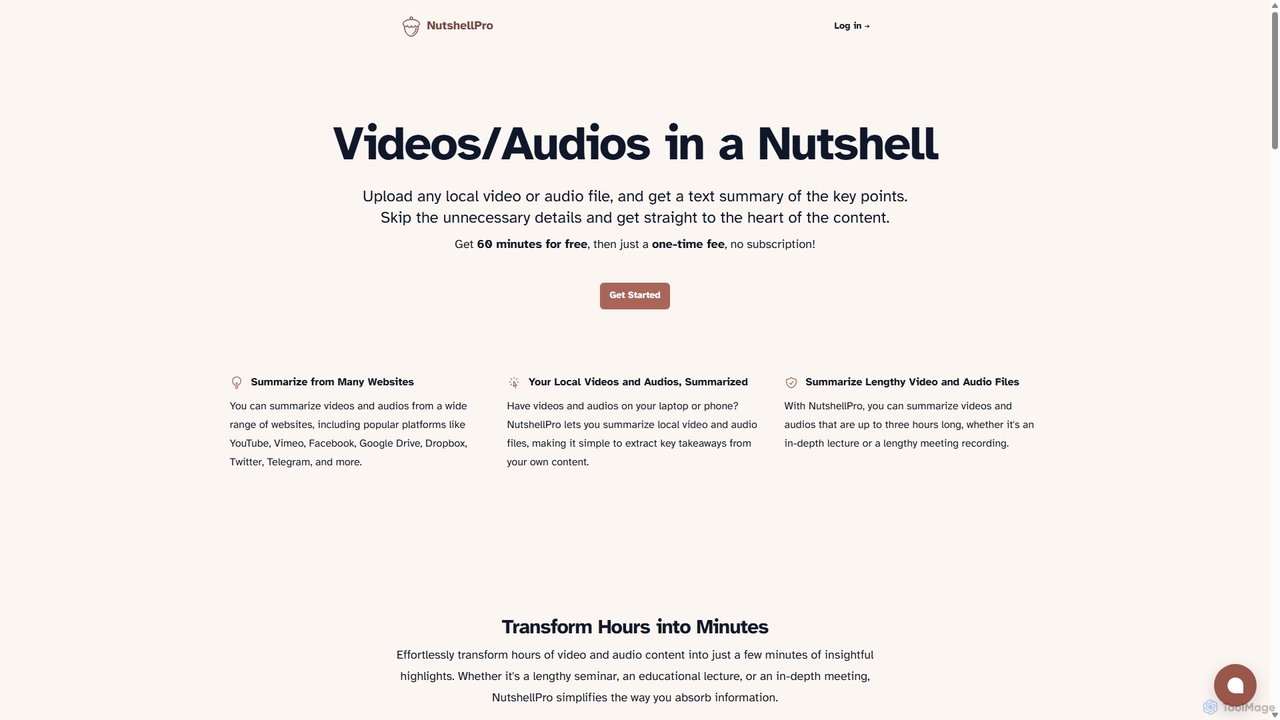
NutshellPro
NutshellPro is an AI-powered tool that efficiently summarizes any video or audio file. It supports both local files and content from various websites like YouTube, Vimeo, and Google Drive. By extracting key points, it transforms hours of content into concise text summaries, saving you significant time and effort. It offers a free trial and flexible, one-time payment plans without a subscription.
Note Taking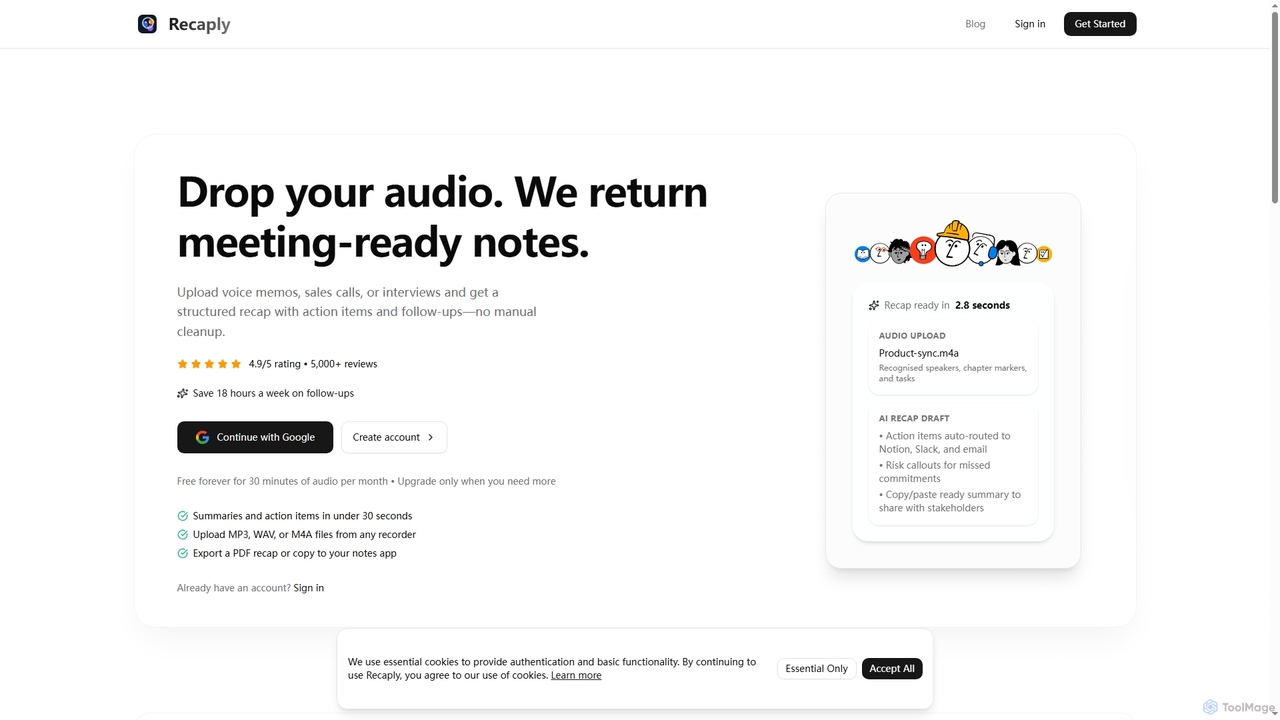
Recaply
Recaply is an AI-powered tool that transforms voice memos, sales calls, and interviews into structured, actionable notes with summaries, action items, and follow-ups. It streamlines post-meeting tasks, saving significant time on manual cleanup and ensuring team alignment.
Sales Enablement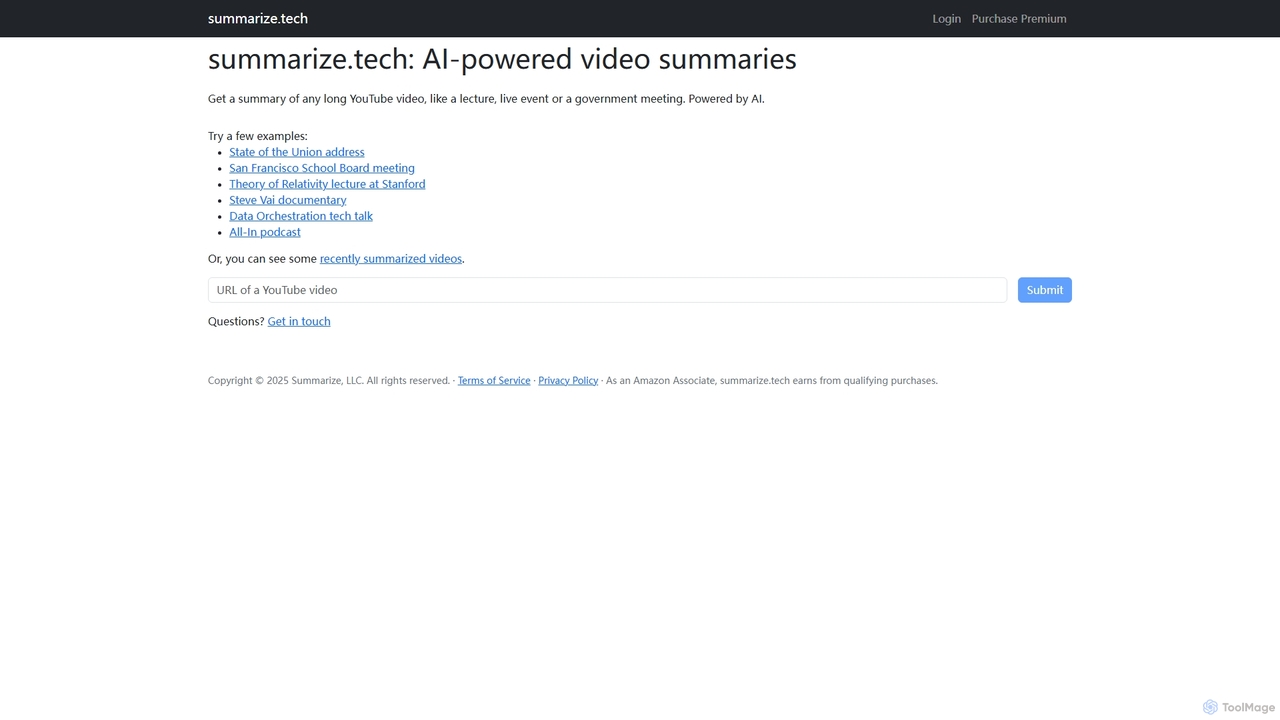
Summarize.tech
Summarize.tech is an AI-powered tool that instantly generates concise text summaries of long YouTube videos. Ideal for students, researchers, and professionals, it helps you quickly grasp the key points of lectures, live events, government meetings, and documentaries without watching them in their entirety. Simply paste a YouTube URL to save time and boost your learning and research efficiency.
Learning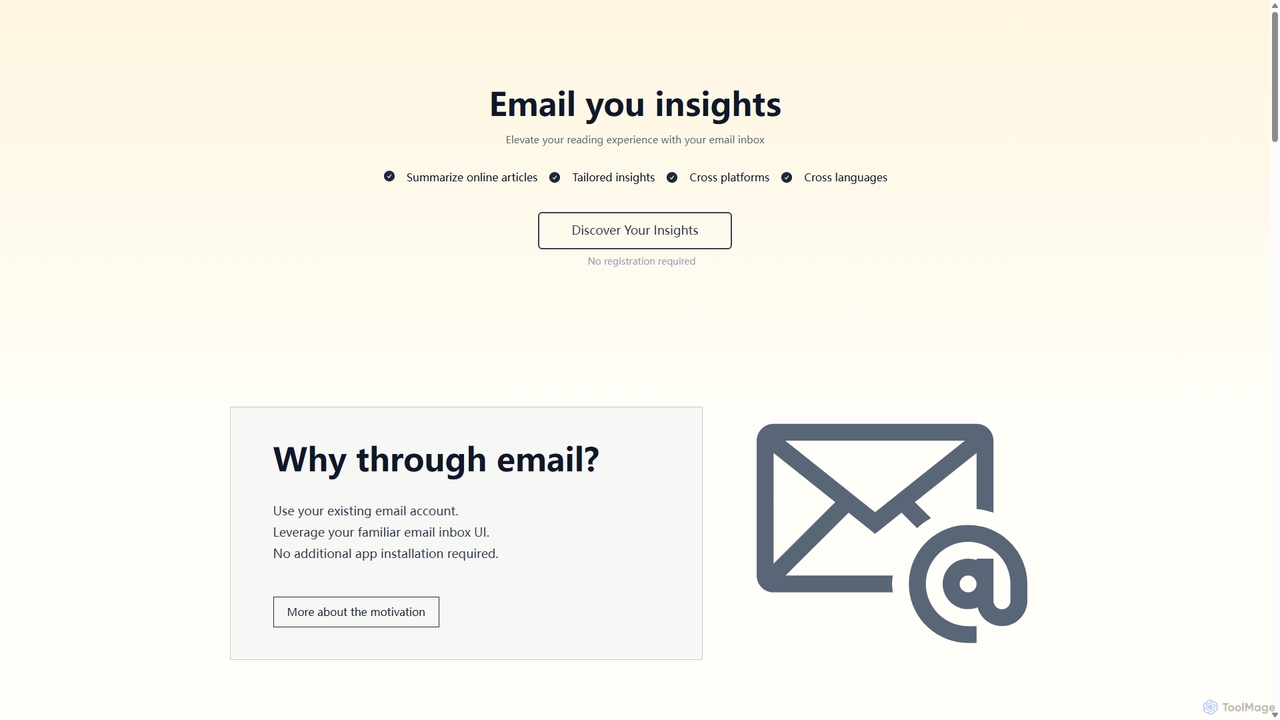
Wuko
Wuko is an AI-powered insight engine that works entirely through your email. Send any URL—articles, PDFs, or YouTube videos—to receive an instant summary. Dive deeper by replying with questions to get tailored insights, all without leaving your inbox. No registration or new apps needed.
Learning Assistant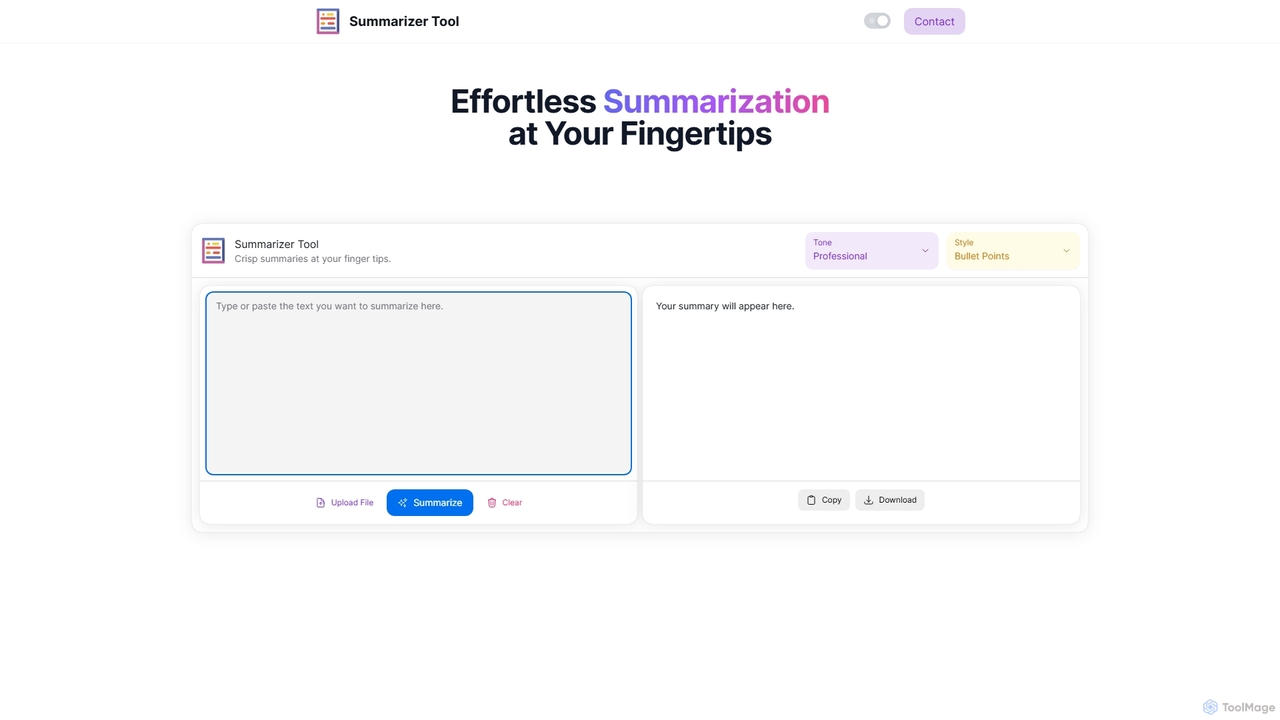
Summarizer Tool
Summarizer Tool is an AI-powered online platform that instantly condenses long texts, articles, or documents into concise, easy-to-digest summaries. It offers customization options for tone (Professional, Friendly, Sarcastic) and format (Paragraph, Bullet Points), supporting both text input and file uploads to enhance productivity for students, professionals, and writers.
ResearchTubeScribe
TubeScribe is an AI-powered tool that transforms YouTube videos into structured, SEO-friendly blog posts and professional presentation slides instantly. It eliminates the need for manual transcription and complex prompt engineering, enabling users to repurpose video content efficiently for various needs, from academic study to corporate presentations and content marketing.
Content Creation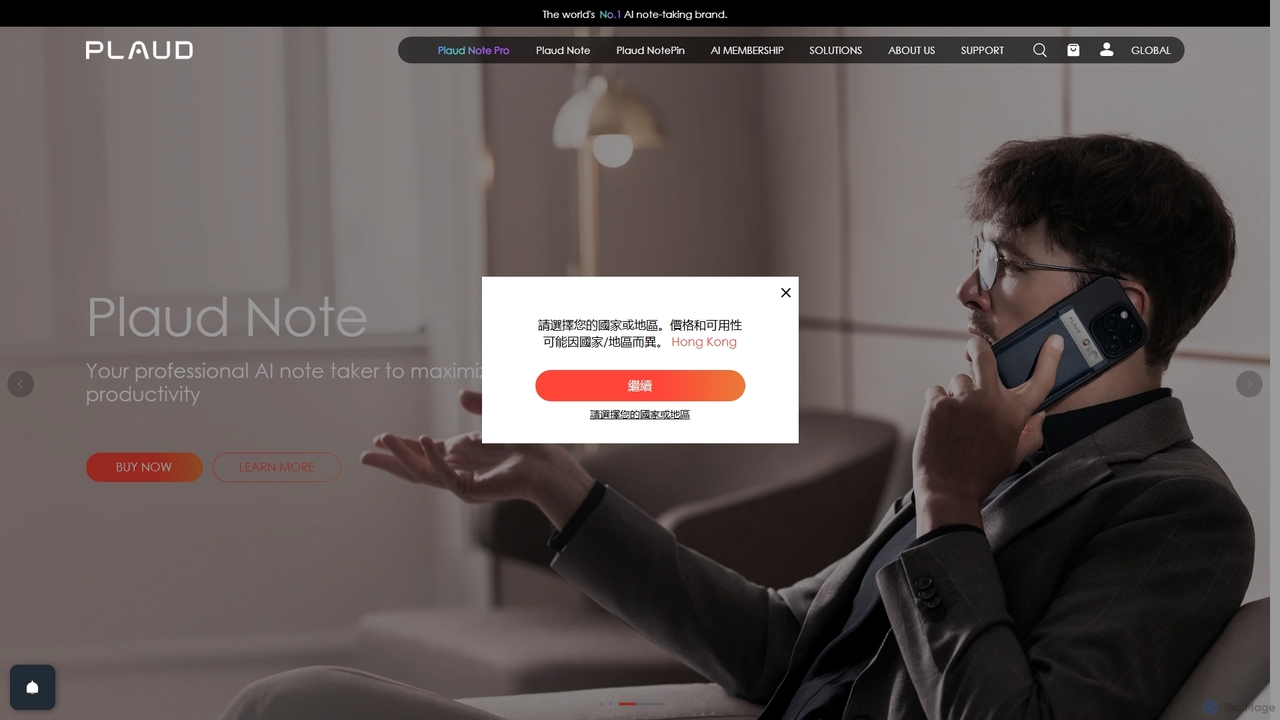
Plaud
Plaud is an innovative AI note-taking solution combining a sleek hardware voice recorder with a powerful AI app. It captures conversations, transcribes them with high accuracy, and generates structured summaries, mind maps, and action items. Designed for professionals, students, and creators, Plaud streamlines the documentation of meetings, lectures, and interviews, saving hours of manual work and ensuring no critical detail is missed.
Transcription
ClipSheet Comments (0)
Sign in to comment.
Sign inNo comments yet.