
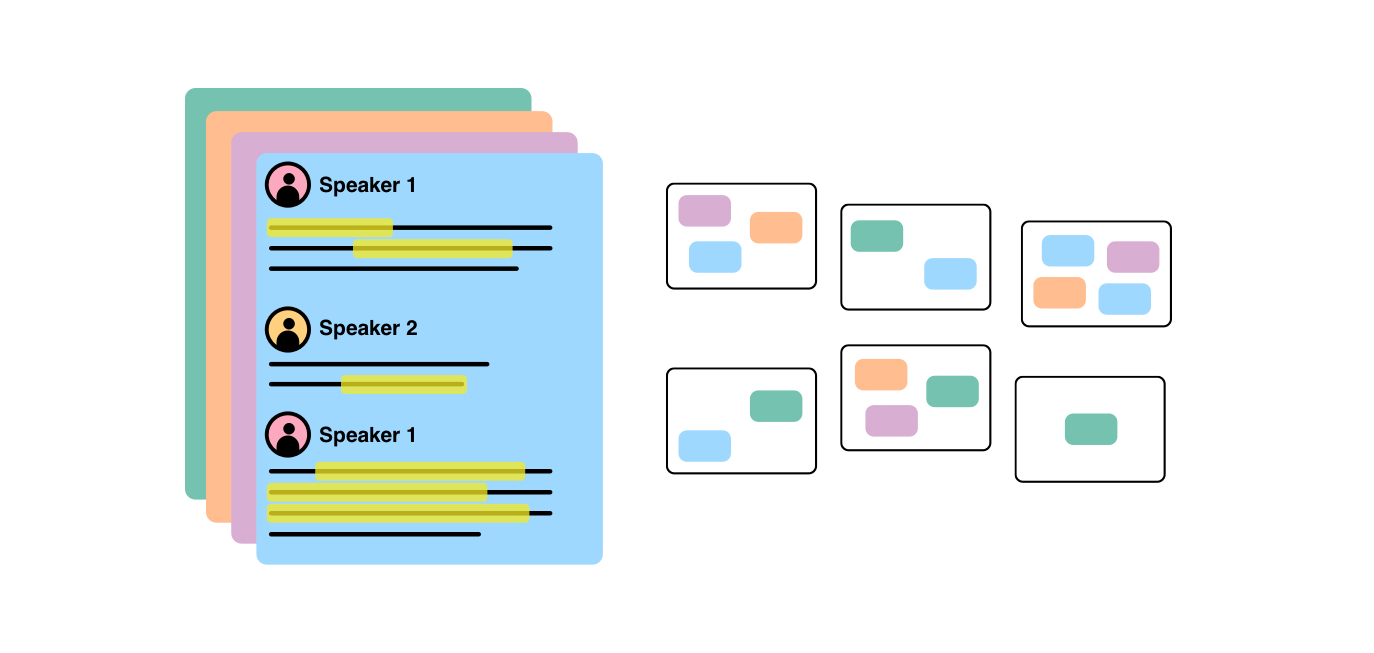
Gems Overview
Gems is a comprehensive AI-driven platform built to streamline the entire qualitative research workflow, from raw data to final report. It empowers researchers, product teams, founders, and storytellers to bypass tedious manual work and dive directly into the core of their analysis. By leveraging advanced AI, Gems transforms hours of interview recordings and notes into clear, structured, and actionable insights, enabling users to understand their subjects deeply and make data-informed decisions faster than ever before.
The platform is designed around an intuitive, three-step process that guides users from initial data collection to insightful reporting. It starts by processing audio and video files, turning them into accurate, editable transcripts. From there, AI tools help users identify key patterns and themes across multiple data sources, effectively automating the challenging process of thematic analysis. Finally, Gems assists in synthesizing these findings into compelling narratives and professional reports, ensuring that the valuable insights discovered are communicated effectively.
How to use Gems
The workflow in Gems is simple and powerful, designed to maximize efficiency and insight discovery:
- Analyze Interviews: Begin by uploading your audio or video recordings. Gems quickly generates highly accurate, multi-language transcriptions. The platform doesn't just stop at text; it provides AI-generated summaries of each interview, highlighting key points and pulling out timestamped quotes. You can also interact with your transcripts by asking direct questions, such as "What were the main pain points mentioned?" or "Give me all quotes related to pricing," and receive instant, context-aware answers.
- Develop Themes: Move from individual interviews to cross-case analysis. Gems' AI analyzes your notes and transcript highlights, suggesting logical groupings and potential themes. This AI-powered note clustering feature acts as a digital affinity mapping assistant, helping you spot patterns, connections, and overarching topics across your entire dataset without the manual effort of sorting through sticky notes.
- Report Findings: Once your themes are established, Gems helps you synthesize them into a coherent narrative. The platform includes AI-assisted writing and editing tools to help you draft topline summaries, detailed findings, and full reports. It helps structure your arguments, pull in supporting evidence (quotes), and refine your language, ensuring your final output is polished and impactful.
Core Features of Gems
- AI-Powered Transcription: Fast and accurate audio-to-text conversion in multiple languages (including English, Spanish, German, French, and Italian).
- AI Summaries & Highlights: Automatically generate concise summaries and identify the most important moments in your interviews.
- Natural Language Query: Ask questions directly to your interview data and get instant answers, complete with source quotes.
- AI Thematic Analysis: Features like AI note clustering, cluster descriptions, and cluster titles automate the process of finding patterns and developing themes.
- Assisted Coding: AI suggests relevant codes (tags) for your notes based on content, which can be accepted or modified, speeding up the coding process.
- Sentence & Note Similarity: Discover related ideas and quotes across different interviews to strengthen your thematic connections.
- AI-Assisted Reporting: Get help with content synthesis and text editing to write insightful reports more efficiently.
- Integrated Workspace: Use Boards and Canvases to organize notes, visualize connections, and manage your research project in one place.
Use Cases for Gems
Gems is a versatile tool for anyone working with qualitative data:
- UX Researchers: Rapidly analyze user interviews to identify pain points, validate hypotheses, and inform product design improvements.
- Startup Founders: Conduct efficient customer discovery and market research to find problem-solution fit and build products people truly want.
- Journalists: Sift through hours of in-depth interviews to uncover key narratives, find compelling quotes, and build evidence for complex stories.
- Academic Researchers: Streamline the analysis of qualitative data for research papers and studies, saving months of manual labor.
- Students & Lifelong Learners: Analyze lectures, seminars, and research materials to deepen understanding and synthesize knowledge for personal growth.
Advantages of Gems
The primary advantage of Gems is its massive time-saving potential, allowing researchers to focus on strategic thinking instead of manual tasks. The platform calculates a significant return on investment by reducing the hours spent on re-listening, transcribing, and manual coding. Its AI not only speeds up the process but also enhances the quality of analysis by uncovering subtle connections that might be missed. By providing an all-in-one environment, it eliminates the need to switch between multiple tools for transcription, note-taking, analysis, and reporting.
Pricing and Plans
Gems offers a freemium model with plans tailored to different needs:
- Basic (Free): Designed for casual users or those new to qualitative analysis. Includes 3 audio transcriptions, 10 notes, and core AI features.
- Standard ($29/month): Ideal for quick analysis and small-sized studies. Offers increased limits, such as 10 audio transcriptions and 50 notes.
- Advanced ($45/month): Suited for rigorous analysis and mid-sized studies, with limits raised to 30 audio transcriptions and 150 notes.
- Professional ($59/month): For in-depth analysis and extensive report writing, providing unlimited or very generous limits on all features.
Each paid tier unlocks progressively higher usage limits for features like audio transcription, note import, AI clustering, and more, providing a scalable solution for individuals and teams.
Gems Alternatives

decio
Decio is an AI-powered platform for qualitative data analysis. It automates the process of analyzing unstructured text from interviews, surveys, and customer feedback to rapidly uncover key themes, sentiments, and actionable insights, empowering data-driven decisions.
Summarizer
Umbrellabird
Umbrellabird is an AI-powered platform designed for product teams and UX researchers to streamline user interview analysis. It automatically transcribes audio/video recordings, extracts key insights like user pains, gains, and desired outcomes, and generates comprehensive product documents. This accelerates the process from raw data to actionable insights, enabling faster, more effective product decisions.
Transcription
Dovetail
Dovetail is an AI-native customer insights hub designed to help teams build better products. It centralizes and analyzes all customer interactions—from sales calls and support tickets to surveys and usability tests. Using powerful AI, it automatically transcribes, summarizes, and identifies key themes, turning raw data into actionable intelligence. This allows product, research, and design teams to make faster, evidence-backed decisions and foster a truly customer-centric culture.
Customer Support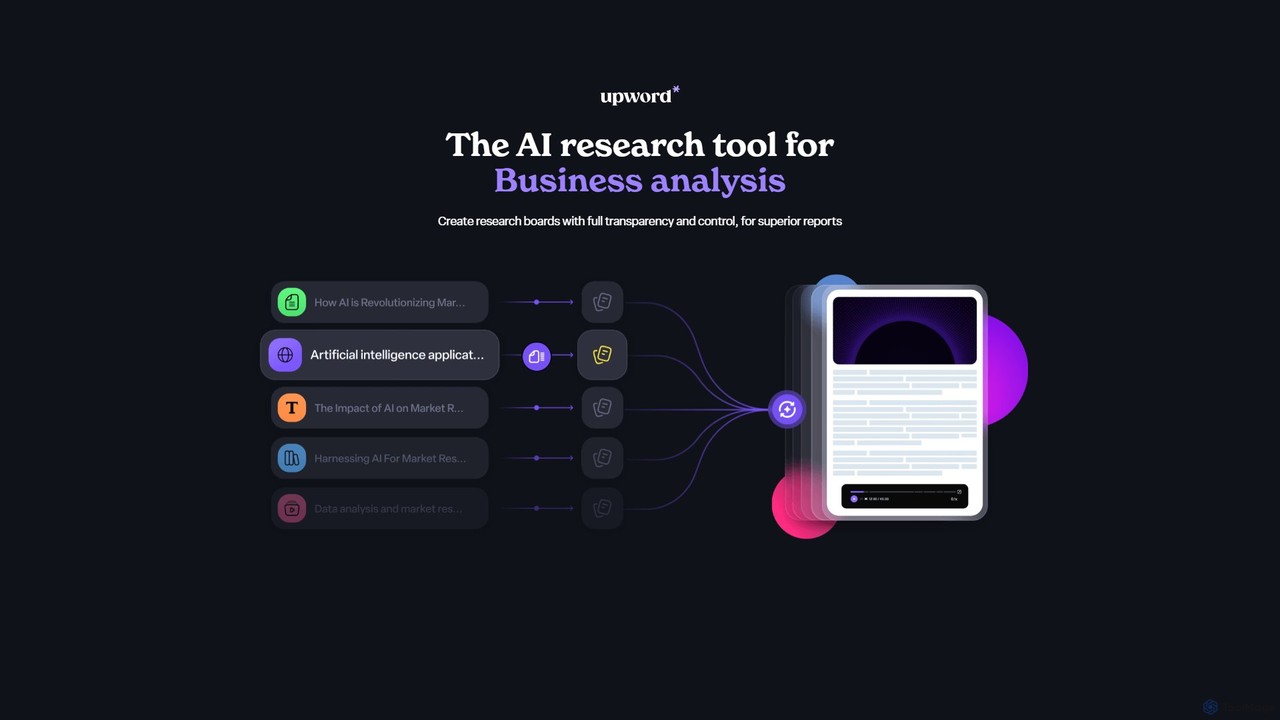
Upword
Upword is an AI-powered research platform designed for business analysis and knowledge management. It helps users summarize content from various sources like PDFs, URLs, and YouTube videos, create detailed reports with AI assistance, and organize all research in a centralized, collaborative library. It offers full control over the AI process, ensuring transparent and trustworthy results.
Analysis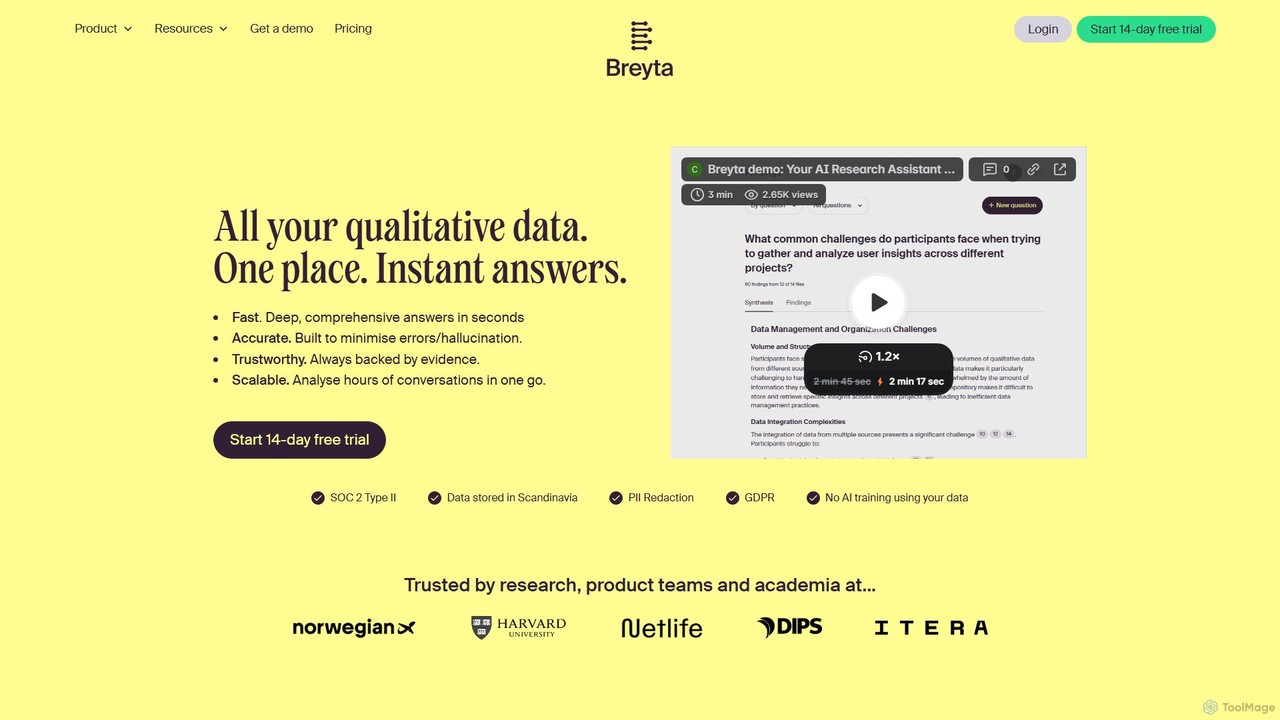
Breyta
Breyta is an AI-powered research platform designed to analyze vast amounts of qualitative data instantly. It helps research, product, and academic teams search across unlimited files, synthesize insights from hours of interviews, and get evidence-backed answers. With features like automatic transcription, PII redaction, and direct quote referencing, Breyta streamlines the qualitative analysis process, ensuring accuracy and saving significant time.
Customer FeedbackGems Categories
Gems Embed Widget
Copy this embed code to place the badge on your blog, article, or product site and send readers directly to this ToolMage detail page.

Related AI tools
Dovetail
Dovetail is an AI-native customer insights hub designed to help teams build better products. It centralizes and analyzes all customer interactions—from sales calls and support tickets to surveys and usability tests. Using powerful AI, it automatically transcribes, summarizes, and identifies key themes, turning raw data into actionable intelligence. This allows product, research, and design teams to make faster, evidence-backed decisions and foster a truly customer-centric culture.
Customer SupportBreyta
Breyta is an AI-powered research platform designed to analyze vast amounts of qualitative data instantly. It helps research, product, and academic teams search across unlimited files, synthesize insights from hours of interviews, and get evidence-backed answers. With features like automatic transcription, PII redaction, and direct quote referencing, Breyta streamlines the qualitative analysis process, ensuring accuracy and saving significant time.
Customer Feedbackdecio
Decio is an AI-powered platform for qualitative data analysis. It automates the process of analyzing unstructured text from interviews, surveys, and customer feedback to rapidly uncover key themes, sentiments, and actionable insights, empowering data-driven decisions.
Summarizer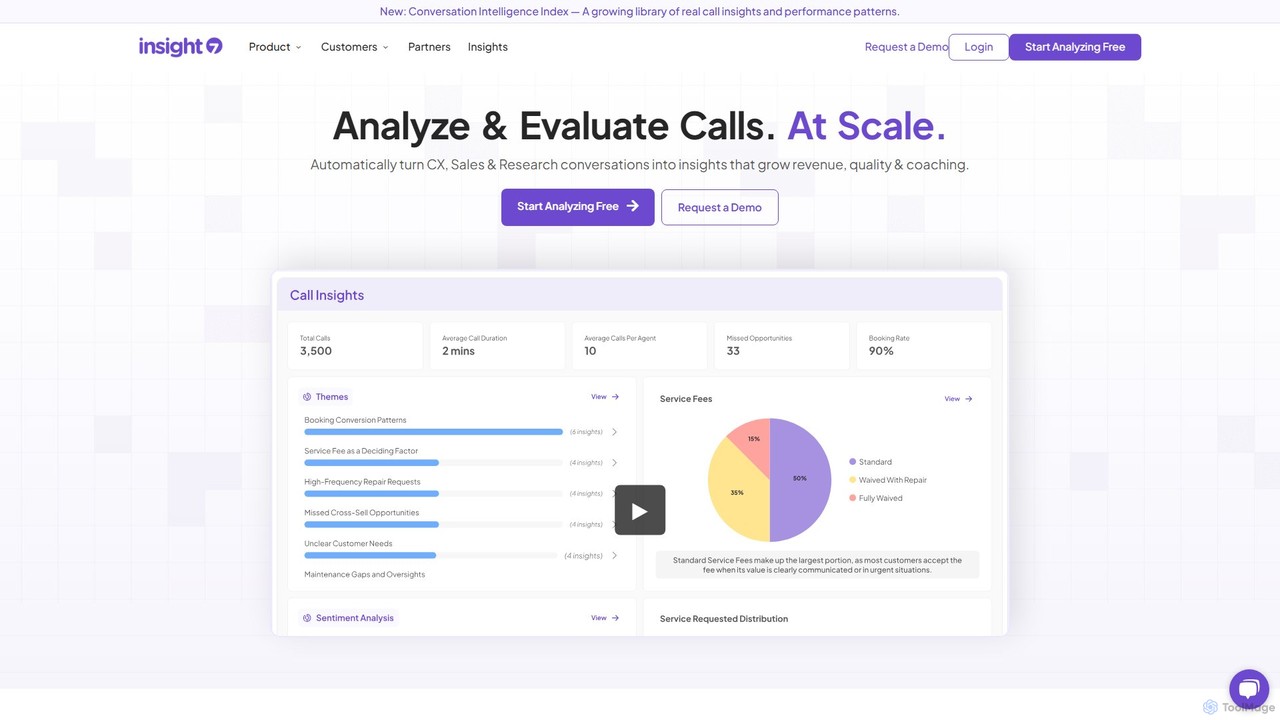
insight7
insight7 is an AI-powered platform designed for in-depth qualitative data analysis. It automatically transcribes, analyzes, and visualizes conversations from interviews, sales calls, customer feedback, and surveys. The tool helps teams extract actionable insights, identify key themes, and understand sentiment at scale, accelerating decision-making and eliminating manual analysis.
Market Research
Condens
Condens is an AI-powered user research platform that centralizes all customer insights. It helps teams store, analyze, and share research data like interviews, feedback, and notes. With features like AI transcription, sentiment analysis, and collaborative tagging, Condens streamlines the qualitative analysis process, making it faster to uncover actionable insights and foster a customer-centric culture.
Customer Support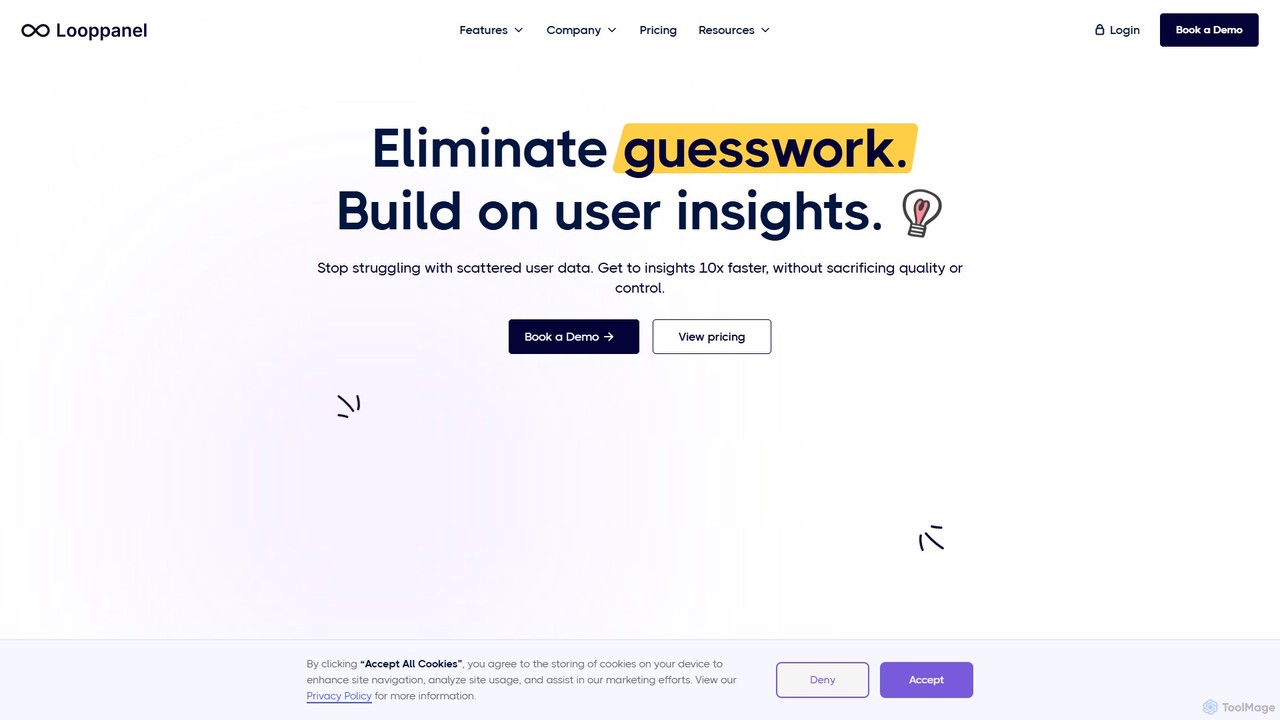
Looppanel
Looppanel is an AI-powered platform for UX researchers and product teams to analyze qualitative data 10x faster. It automates transcription, note-taking, and thematic analysis from user interviews, helping you uncover actionable insights, build a centralized research repository, and make data-driven product decisions with ease.
Customer Support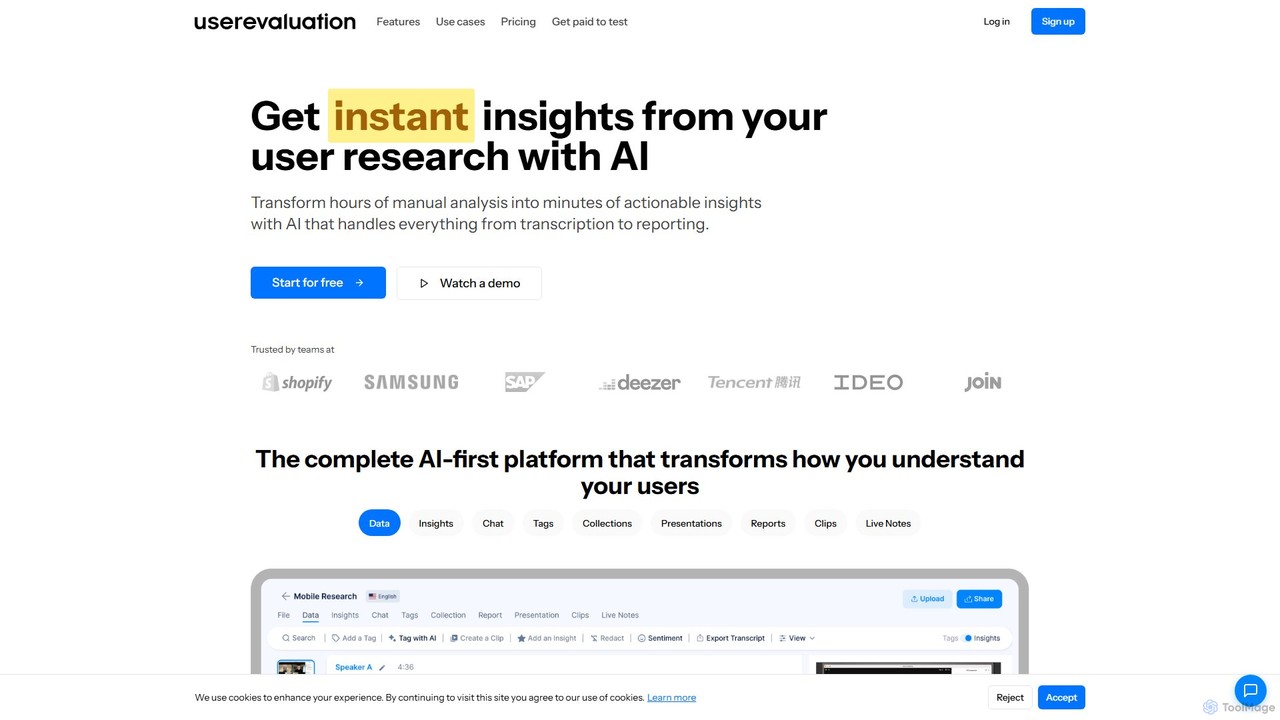
User Evaluation
User Evaluation is an AI-first user research platform designed to transform qualitative and quantitative data into actionable insights. It automates transcription, analysis, and reporting from audio, video, and text, enabling teams to understand their users faster and make data-driven decisions with confidence.
Customer Support
Jyek
Jyek is an AI agent platform that understands objectives, creates execution plans, uses tools, and delivers verifiable results for complex, multi-step tasks.
Automation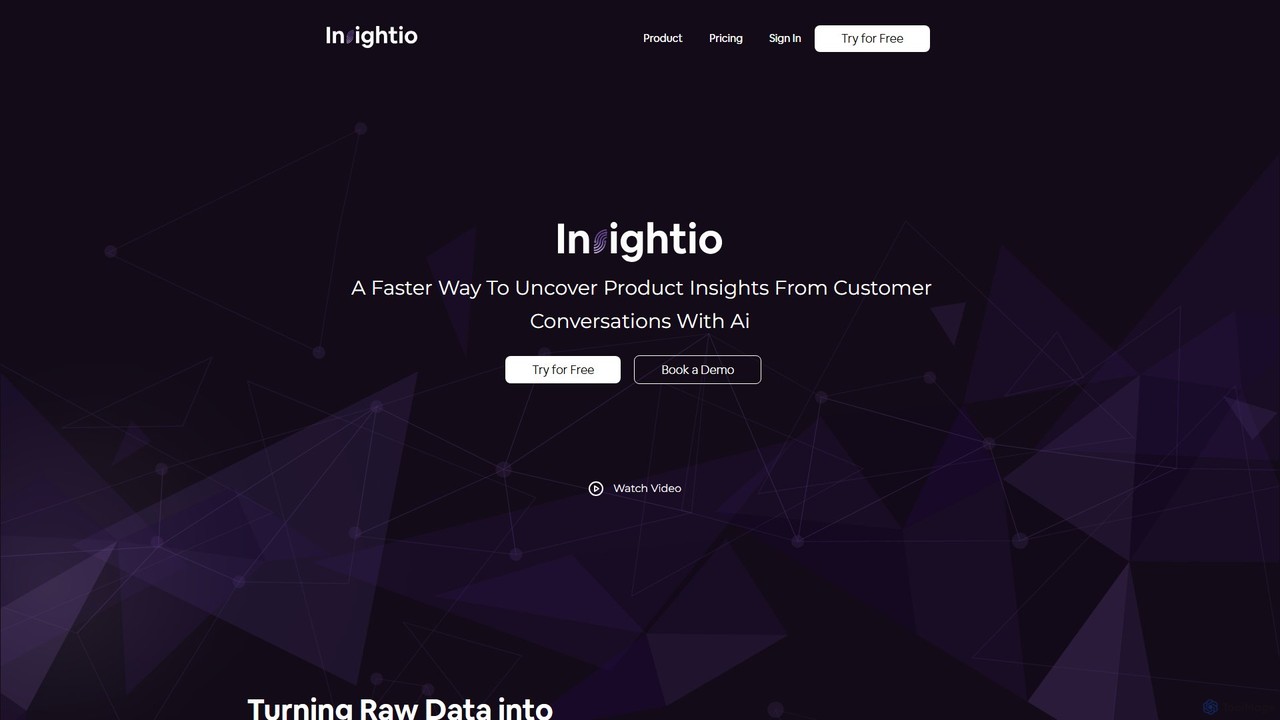
Insightio
Insightio is an AI-powered platform that analyzes customer conversations from audio, video, or text to uncover actionable product insights. It automates transcription and analysis, helping teams quickly identify user pain points, needs, and opportunities to build better products.
Customer Feedback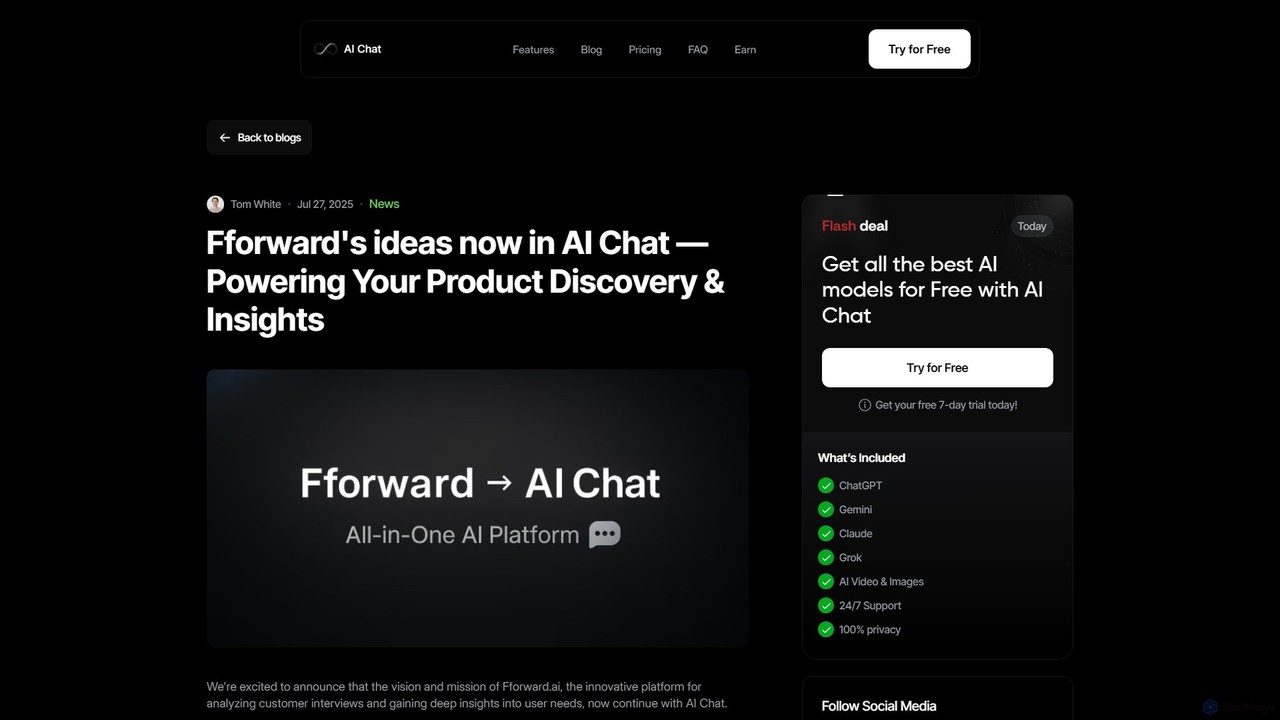
Fforward
Fforward is an advanced AI-powered platform designed for product managers, UX researchers, and founders to analyze customer interviews, uncover deep user insights, and accelerate product discovery. It automates the synthesis of qualitative data to identify key needs, themes, and actionable opportunities.
Customer SupportUmbrellabird
Umbrellabird is an AI-powered platform designed for product teams and UX researchers to streamline user interview analysis. It automatically transcribes audio/video recordings, extracts key insights like user pains, gains, and desired outcomes, and generates comprehensive product documents. This accelerates the process from raw data to actionable insights, enabling faster, more effective product decisions.
Transcription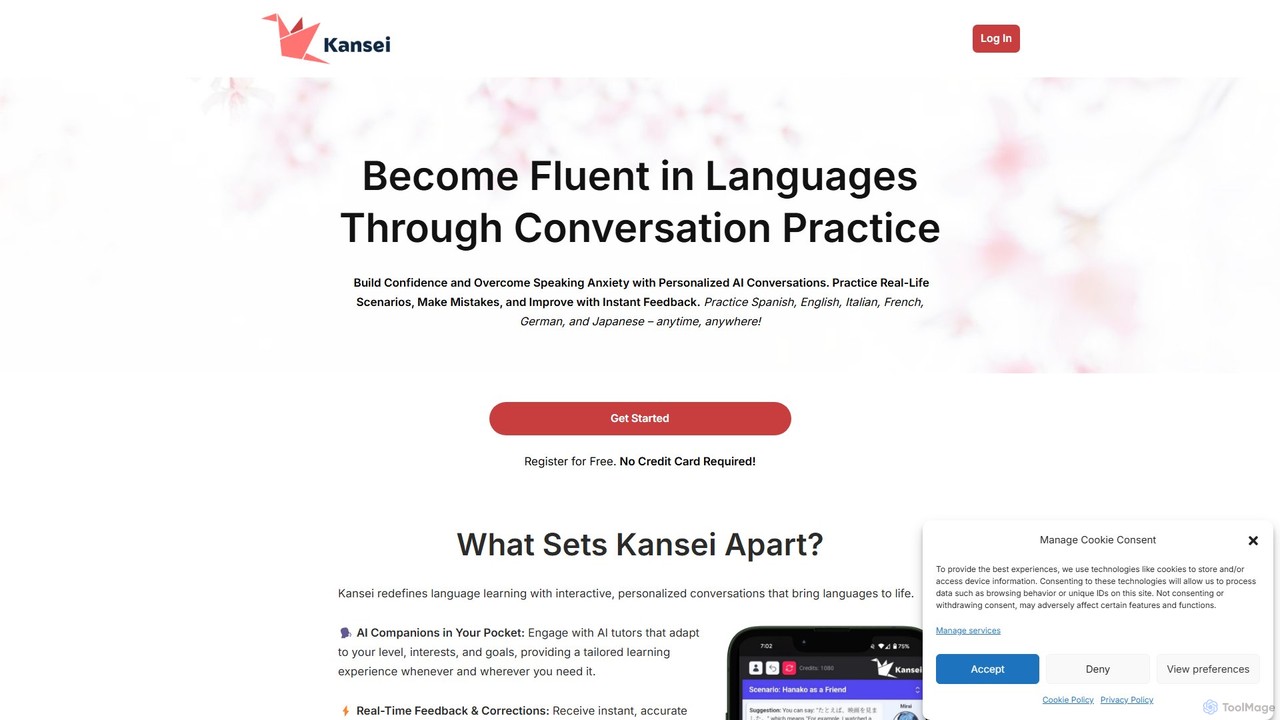
kansei
kansei is an AI-powered platform designed for user research and qualitative data analysis. It helps teams automatically analyze and synthesize vast amounts of user feedback from sources like interviews, surveys, and support tickets to uncover actionable insights, identify pain points, and track user sentiment.
Customer Support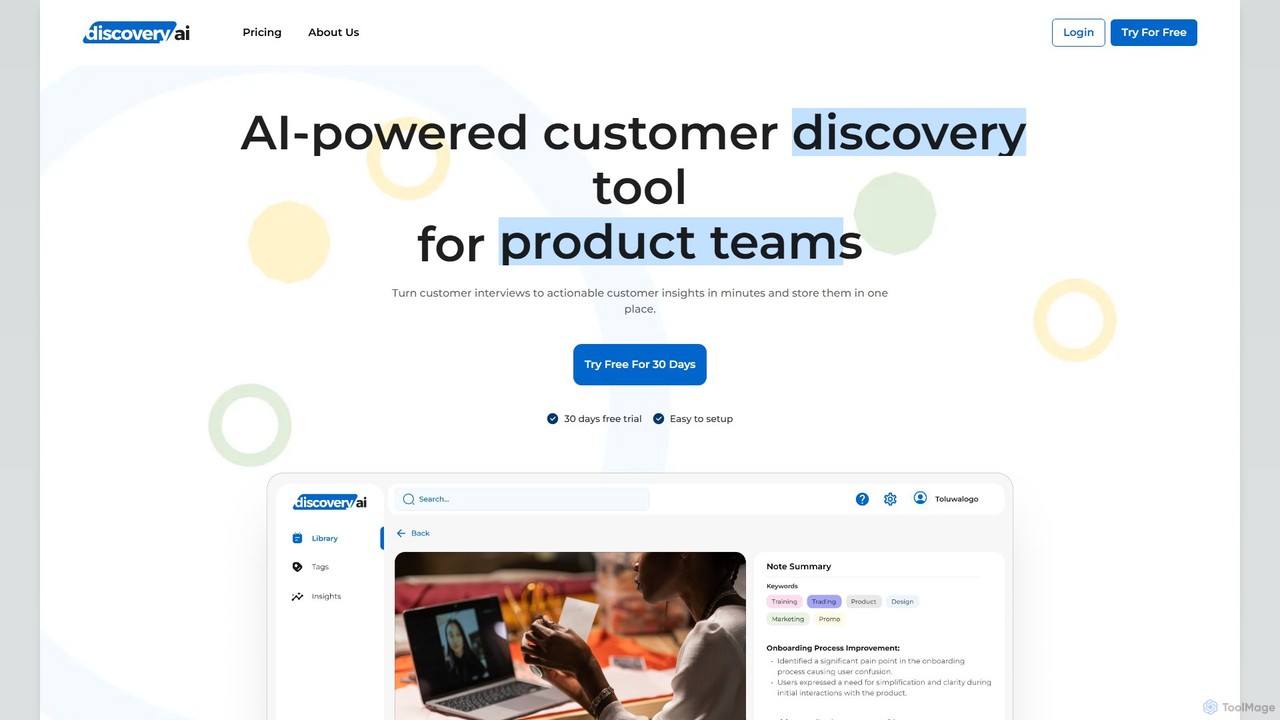
Discovery AI
Discovery AI is an AI-powered platform for product teams to analyze customer interviews and centralize insights. It automatically transcribes and summarizes audio/video recordings, allowing teams to tag key moments, score opportunities, and share actionable feedback. This streamlines the product discovery process, ensuring data-driven decisions and a customer-centric approach.
Transcription
Notably
Notably is an AI-powered synthesis platform designed for user research. It helps teams of all sizes transform hours of qualitative data, such as interviews and feedback, into actionable customer insights instantly. With its AI research assistant, Posty, it automates transcription, tagging, and thematic analysis, streamlining the entire research workflow.
Customer Support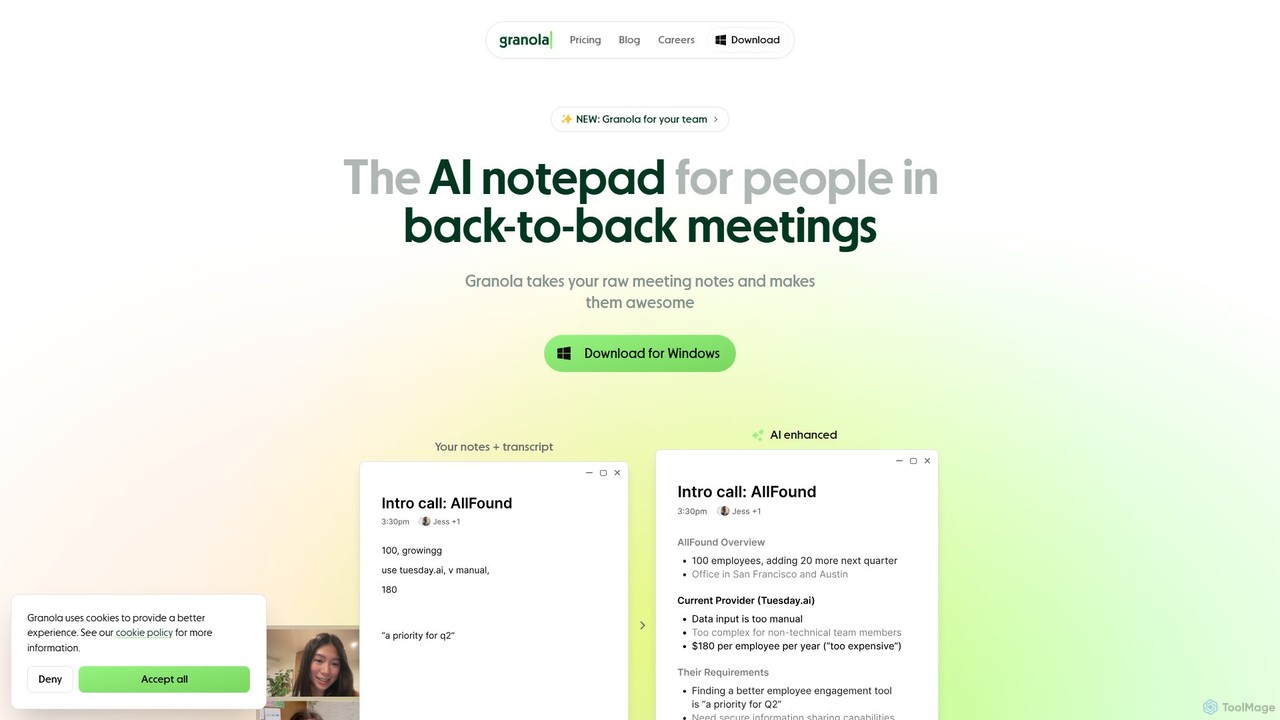
Granola
Granola is an AI-powered notepad designed for professionals in back-to-back meetings. It operates locally on your computer to transcribe meeting audio without bots, enhances your notes with AI-generated insights, and helps create summaries, action items, and follow-up content, boosting meeting productivity.
Meetings
Gems Comments (0)
Sign in to comment.
Sign inNo comments yet.