

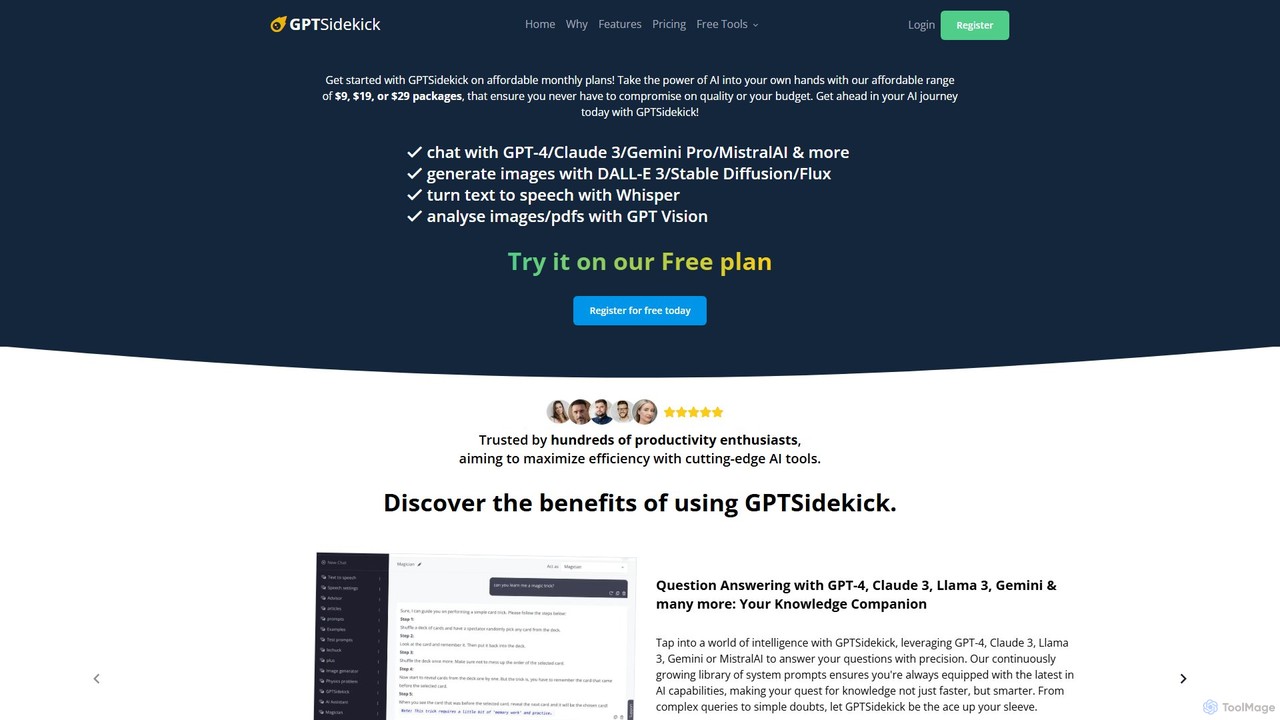
GPTSidekick Overview
GPTSidekick is a powerful and affordable all-in-one AI assistant platform designed to maximize productivity and creativity. It consolidates access to a wide array of leading AI models, including GPT-4, Claude 3, Llama 3, Gemini Pro, and MistralAI, into a single, user-friendly interface. This eliminates the need for multiple subscriptions and allows users to leverage the best AI technology for any task, from complex question answering and content generation to stunning image creation and data analysis. With its flexible pricing, including a generous free plan, GPTSidekick makes cutting-edge AI accessible to everyone, from students and content creators to professionals and productivity enthusiasts.
How to use GPTSidekick
Getting started with GPTSidekick is straightforward. Users can begin by signing up for a free plan without needing a credit card. Once registered, you can immediately start interacting with the AI. The main interface is a chat window where you can type or speak your prompts. You can easily switch between different large language models (like GPT-4 or Claude 3) from a dropdown menu to find the best fit for your query. For image generation, simply describe the visual you want, and models like DALL-E 3 or Stable Diffusion will create it. To analyze a document, you can upload an image or PDF, and the AI will extract text and insights. The platform also includes a vast prompt library to help you get started with specific tasks, and you can customize chat settings to tailor the experience to your needs.
Core Features of GPTSidekick
- Multi-Model Access: Seamlessly switch between top-tier LLMs like GPT-4, Claude 3, Llama 3, Gemini, and MistralAI to get the best results for any task.
- AI Image Generation: Create stunning visuals from text prompts using powerful models such as DALL-E 3, Stable Diffusion, and Flux.
- Image and PDF Analysis: Upload images and PDF documents for in-depth analysis, text extraction, and insight generation powered by GPT-4 Vision.
- Speech-to-Text & Text-to-Speech: Interact with the AI by speaking your questions and convert generated text into natural-sounding audio for podcasts, voiceovers, or accessibility.
- Expansive Prompt Library: Access a comprehensive collection of pre-built prompts for various roles and tasks, including content creation, coaching, and travel planning.
- Customizable Chat Settings: Tailor your interactions by choosing your preferred model, setting a system prompt, and managing conversation history.
- Trackable Token Usage: A transparent system that shows how many tokens are used for each message, helping you manage your plan efficiently.
- Free AI Study Guide Generator: A dedicated free tool to create customized study guides, flashcards, quizzes, and summaries for any subject and difficulty level without requiring a sign-up for basic use.
Use Cases for GPTSidekick
GPTSidekick is versatile and caters to a wide range of users:
- Students and Educators: Generate comprehensive study guides, practice questions, and flashcards for subjects like Mathematics, History, and Computer Science. Analyze research papers in PDF format.
- Content Creators and Marketers: Draft compelling blog posts, social media content, and marketing copy. Generate unique images for branding, articles, and ad campaigns. Create audio versions of written content.
- Developers and Tech Enthusiasts: Experiment with and compare the outputs of different leading AI models. Generate code snippets and debug technical problems.
- Business Professionals: Prepare pitches, summarize reports, analyze data from graphs in PDFs, and draft professional correspondence.
- Creative Individuals: Write stories, compose letters, design posters, and bring imaginative concepts to life through AI-generated art.
Advantages of GPTSidekick
GPTSidekick stands out by offering a unique combination of quality, flexibility, and affordability. The primary advantage is providing access to a suite of premium AI models under one affordable subscription, which is significantly more cost-effective than subscribing to each service individually. The platform's flexibility allows users to choose the right tool for the job, whether it's the nuanced understanding of Claude 3 or the creative power of DALL-E 3. Its user-friendly interface, complete with token tracking and a prompt library, ensures both beginners and advanced users can maximize their efficiency. The inclusion of a robust free plan makes it a risk-free entry point into the world of advanced AI tools.
Pricing and Plans
GPTSidekick offers a tiered pricing structure to suit different needs and budgets, with both monthly and discounted yearly options available.
- Free Plan: $0/month. Includes 10,000 tokens per month and 10 MB of disk space. Perfect for trying out the platform.
- Starter Plan: $9/month (or $5/month billed annually). Includes 100,000 tokens per month and 75 MB of disk space. Ideal for beginners and light users.
- Professional Plan: $19/month (or $10/month billed annually). Includes 250,000 tokens per month and 150 MB of disk space. Designed for advanced users with regular needs.
- Premium Plan: $29/month (or $15/month billed annually). Includes 400,000 tokens per month and 250 MB of disk space. Unleashes the full potential for power users and professionals.
No credit card is required to start with the Free Plan.
Traffic
Latest traffic
Status
Monthly traffic trend
- 2025-8: 0
- 2025-9: 742
- 2026-2: 0
- 2026-3: 0
- 2026-4: 14
- 2026-5: 44
Top keywords
| Keyword | Cost per click |
|---|---|
| instagram assistant | $0.00 |
| sidekick ai | $2.79 |
| sidekick ai web | $0.00 |
GPTSidekick Alternatives
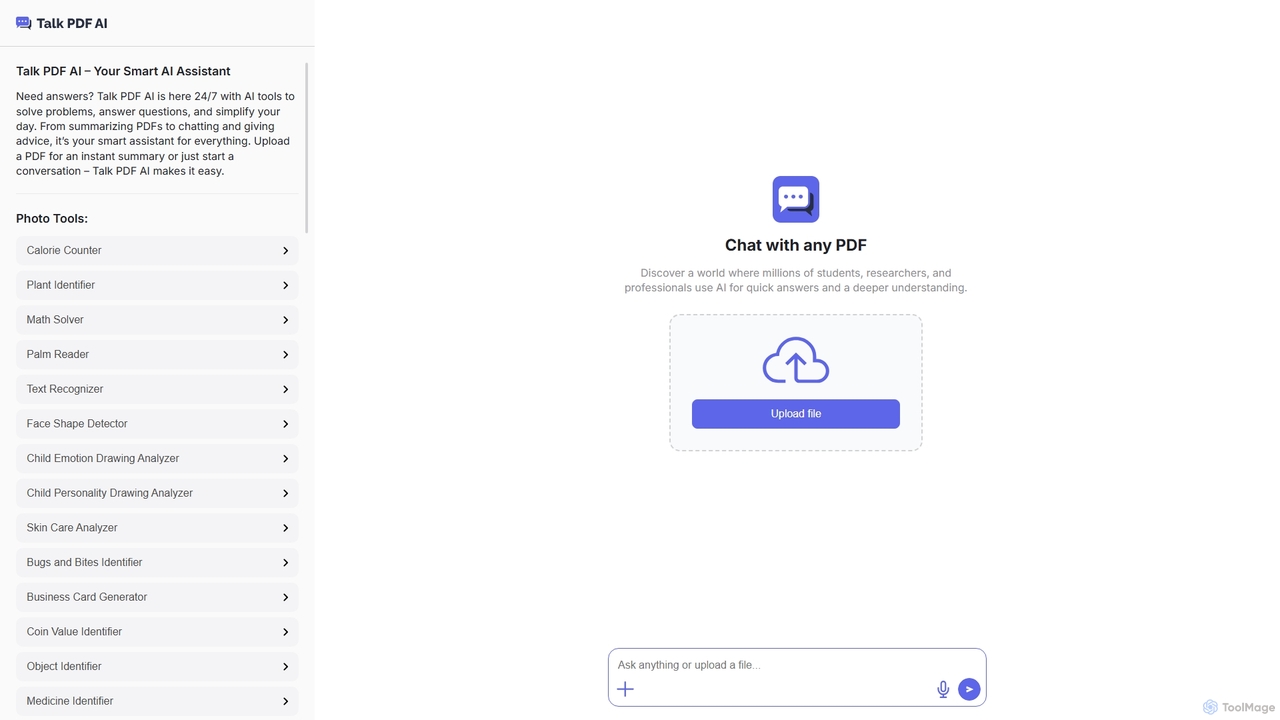
TalkPDF
TalkPDF is an intelligent AI assistant designed to simplify daily tasks by offering a wide array of tools. It excels at interacting with PDFs, providing instant summaries, answering questions, and facilitating conversations. Beyond PDF capabilities, it integrates numerous AI-powered photo, text, and audio tools for diverse needs.
Writing Assistant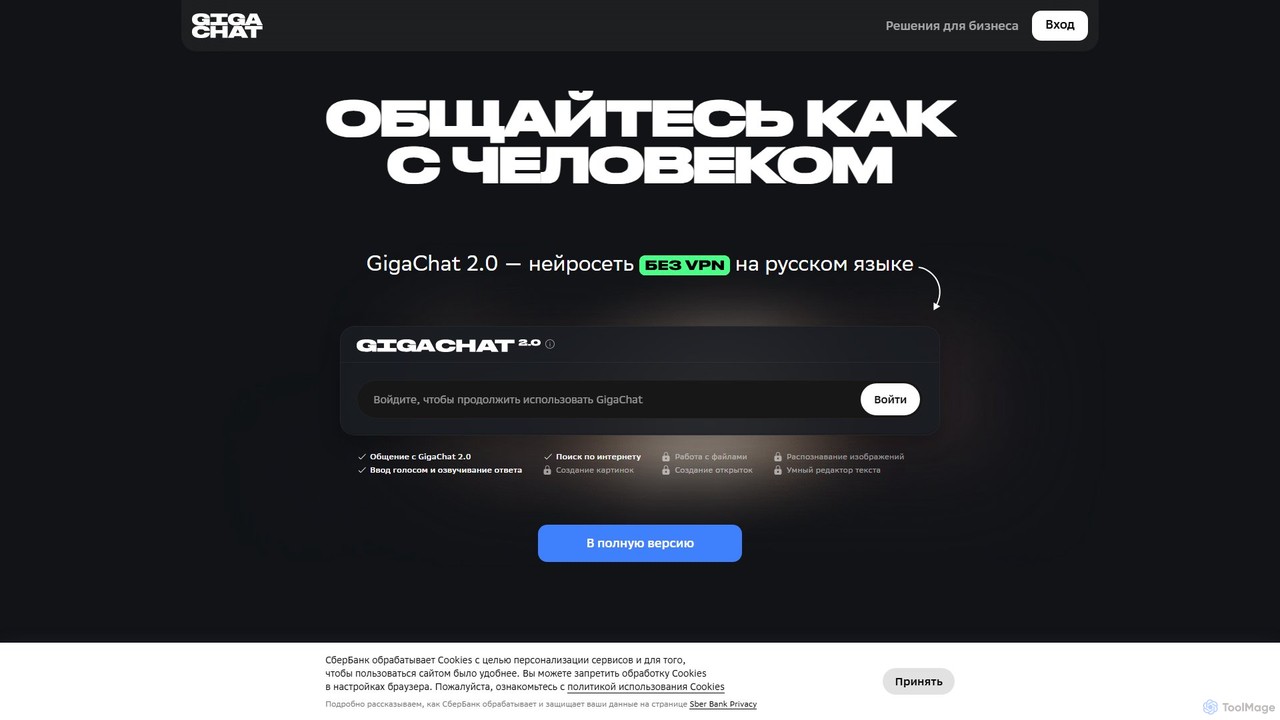
GigaChat
GigaChat is a powerful multimodal AI assistant developed by Sber, primarily focused on the Russian language. It excels at human-like conversation, generating text and images, analyzing files and web links, and writing code. With different models for everyday and professional tasks, GigaChat serves as a versatile tool for work, study, and creative projects, offering features like voice interaction, internet search, and deep data analysis.
Image Generator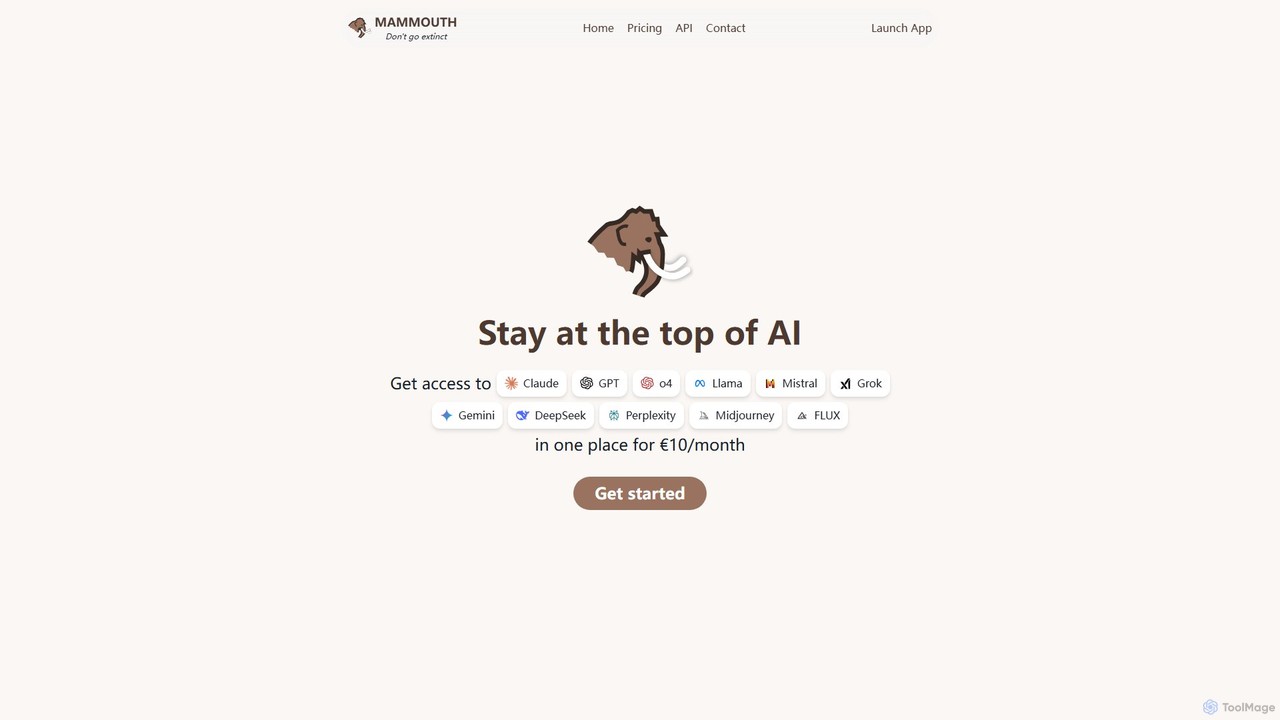
Mammouth AI
Mammouth AI is an all-in-one platform providing access to leading AI models like GPT-4o, Claude, Gemini, and Midjourney for a single monthly fee. It streamlines your AI workflow by allowing you to compare outputs, generate text and images, and organize projects in one place, ensuring you stay at the forefront of AI technology without multiple subscriptions.
All In One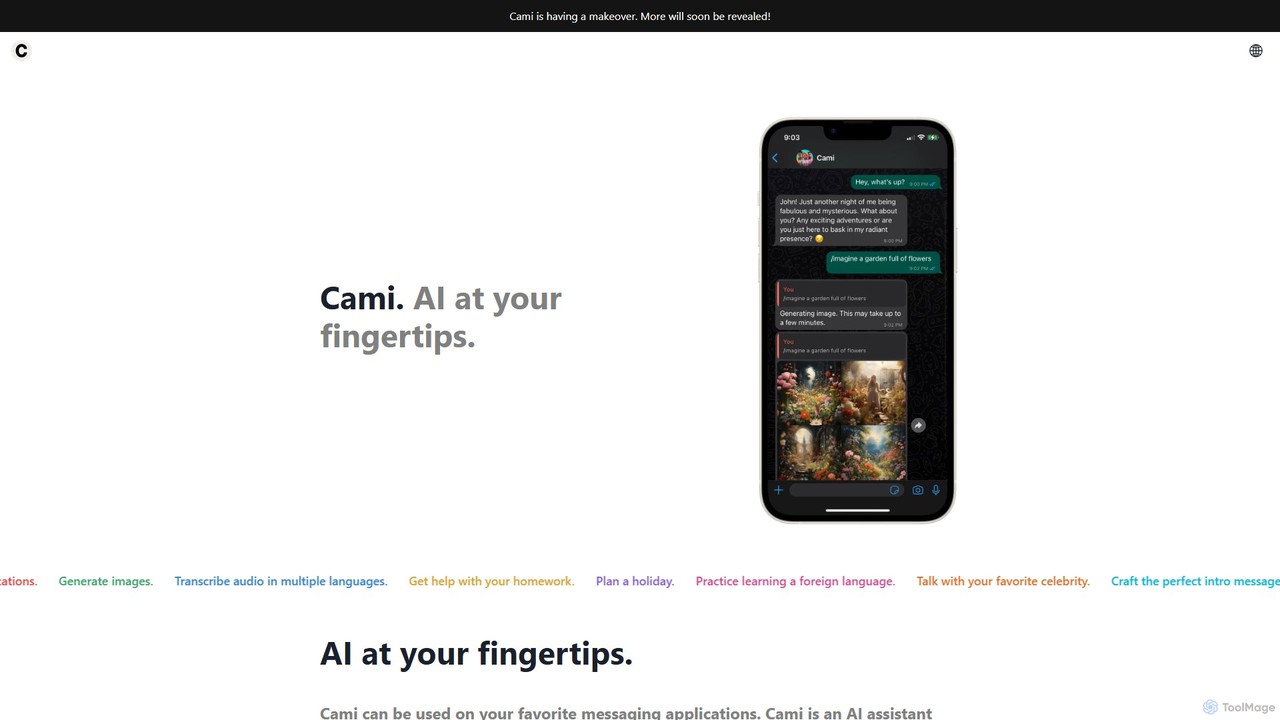
heycami
heycami is a versatile AI assistant integrated into your favorite messaging apps. It leverages advanced models like GPT-4 and Stable Diffusion to provide conversational help, generate stunning images, transcribe audio in multiple languages, and even adopt custom personalities. Access AI power directly from your chats for productivity and fun.
Transcription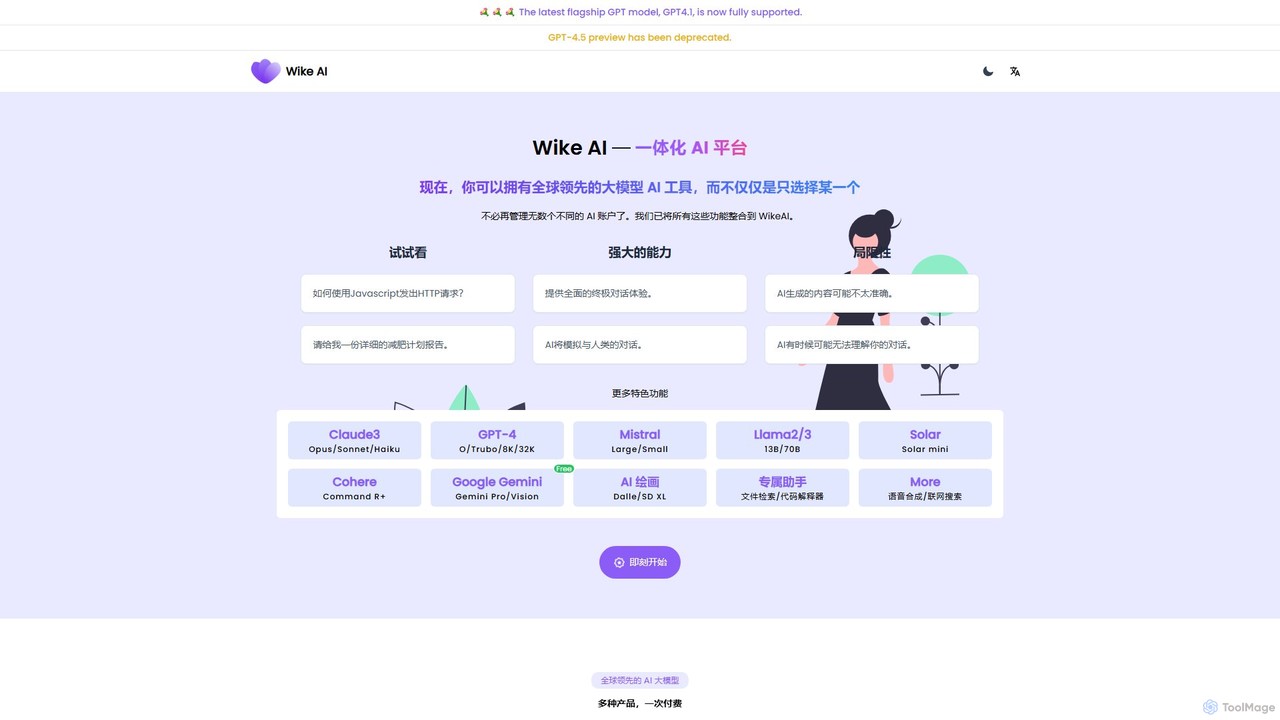
WikeAI
WikeAI is an all-in-one AI platform integrating leading models like GPT-4, Claude 3, Mistral, and Llama into a single interface. It offers AI chat, content generation, image creation with DALL-E 3 and Stable Diffusion, code interpretation, and web search. With a unified, token-based payment system, users can access a wide range of advanced AI capabilities without managing multiple subscriptions, making it a cost-effective and powerful solution for writers, developers, and creators.
Code AssistantGPTSidekick Categories
GPTSidekick Embed Widget
Copy this embed code to place the badge on your blog, article, or product site and send readers directly to this ToolMage detail page.

Related AI tools
WikeAI
WikeAI is an all-in-one AI platform integrating leading models like GPT-4, Claude 3, Mistral, and Llama into a single interface. It offers AI chat, content generation, image creation with DALL-E 3 and Stable Diffusion, code interpretation, and web search. With a unified, token-based payment system, users can access a wide range of advanced AI capabilities without managing multiple subscriptions, making it a cost-effective and powerful solution for writers, developers, and creators.
Code Assistant
GizAI
GizAI is an all-in-one AI platform that unifies a vast suite of creative and productivity tools. It provides access to leading AI models like GPT-4.1, Claude 3.7, and Gemini 2.5 for generating text, images, video, and audio. The platform also integrates AI-enhanced notes and cloud storage, offering a comprehensive and cost-effective solution to replace multiple separate subscriptions.
Voice Generation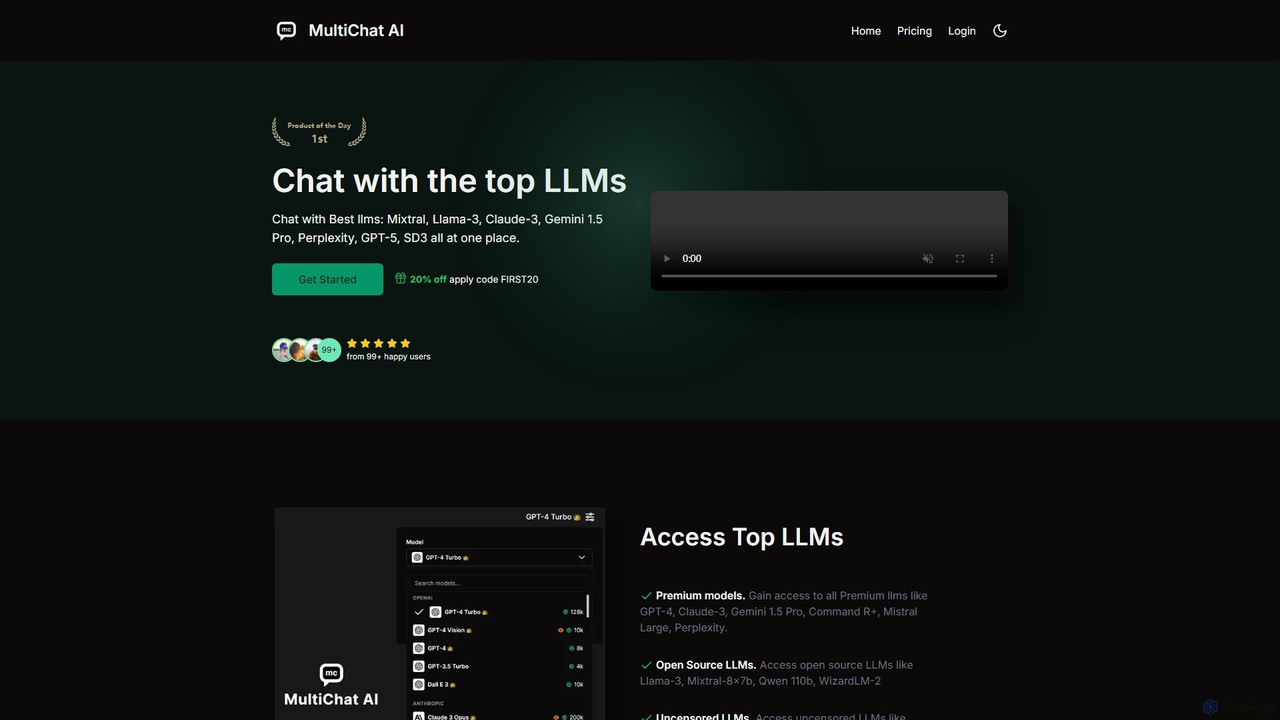
MultiChat AI
An all-in-one AI platform providing access to top-tier LLMs like GPT-4, Claude 3, and Llama 3, as well as AI image generators like DALL-E 3 and Stable Diffusion. It offers a unified dashboard for text generation, image creation, and specialized uncensored/roleplay chatbots.
Ai Chatbot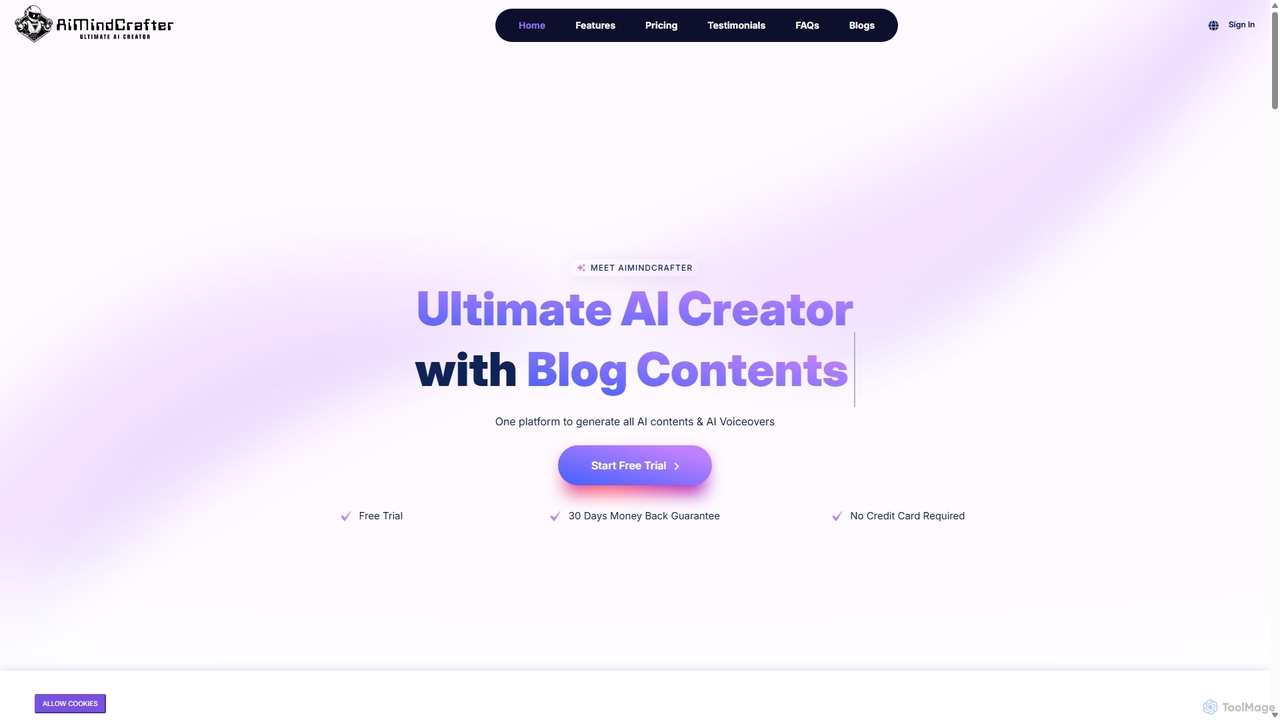
Aimindcrafter
Aimindcrafter is an ultimate all-in-one AI platform designed to streamline content creation. It integrates a powerful article and content generator with over 70 templates, an AI image creator using DALL-E 3 and Stable Diffusion, a text-to-speech engine with 540+ voices, speech-to-text transcription, an AI code assistant, and trainable AI chatbots. It's a comprehensive solution for marketers, creators, and developers to enhance productivity and creativity.
Image Generation
AIWritingPal
AIWritingPal is a versatile AI-powered assistant for content and image creation. It offers over 60 templates for writing articles, ads, and social media posts, an AI image generator using DALL-E 3, text-to-speech, and specialized AI chatbots. Supporting 30+ languages, it helps writers, marketers, and businesses create high-quality, unique content smarter and faster.
Image Generation
Merlin AI
Merlin is an all-in-one AI assistant, available as a browser extension and app, that integrates top AI models like GPT-4, Claude 3, and Gemini. It allows you to research, write, summarize content, generate images, and code with a single click on any website, streamlining your workflow and boosting productivity without switching tabs.
Chrome Extensions
Bing
Bing is an AI-powered search engine by Microsoft, integrated with Copilot to provide direct answers, content creation, and image generation. It goes beyond traditional search by offering conversational AI to help users research, write, plan, and create, all in one place.
Generative Ai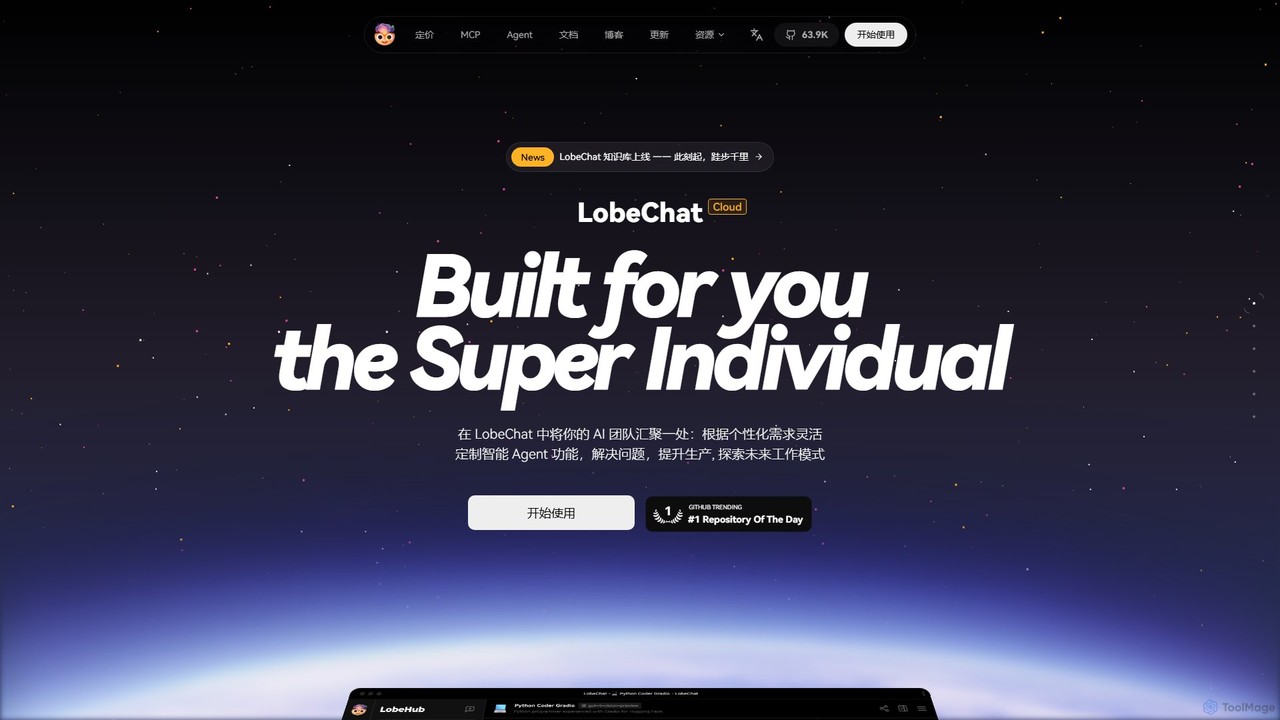
LobeHub
LobeHub is an all-in-one AI platform that allows you to build and manage a personalized team of AI Agents. It offers a superior user experience to standard LLM interfaces like ChatGPT, with support for numerous models, plugins, and multi-modal interactions. Create, share, and use specialized agents for tasks ranging from coding and writing to academic research and daily life, all within a single, intuitive chat interface.
Chatbot Platform
getmerlin
getmerlin is a versatile AI assistant powered by top models like GPT-4o and Claude 3.5. Available as a browser extension and app, it integrates seamlessly into your workflow to summarize content, draft emails, generate text and images, and enhance research on any website. It acts as an all-in-one productivity tool, saving time and money by consolidating multiple AI services into a single subscription.
Chrome Extensions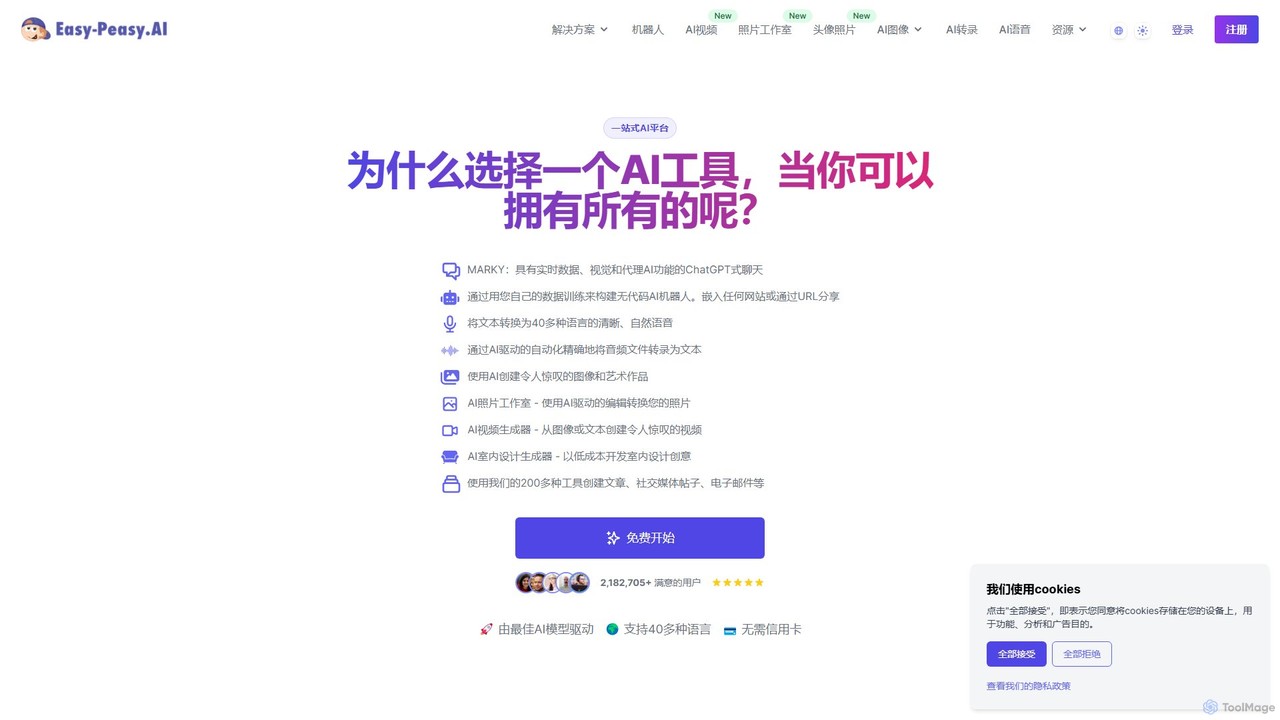
easy_peasy.ai
Easy-Peasy.AI is an all-in-one AI platform that empowers users to create content, generate images, build custom chatbots, transcribe audio, and more. Featuring over 200 templates and powered by leading models like GPT-4o and Claude 3, it streamlines productivity for marketers, writers, and businesses. It offers a comprehensive suite of tools, including an AI Photo Studio, Video Generator, and Text-to-Speech in over 40 languages, all accessible through a user-friendly interface.
Transcription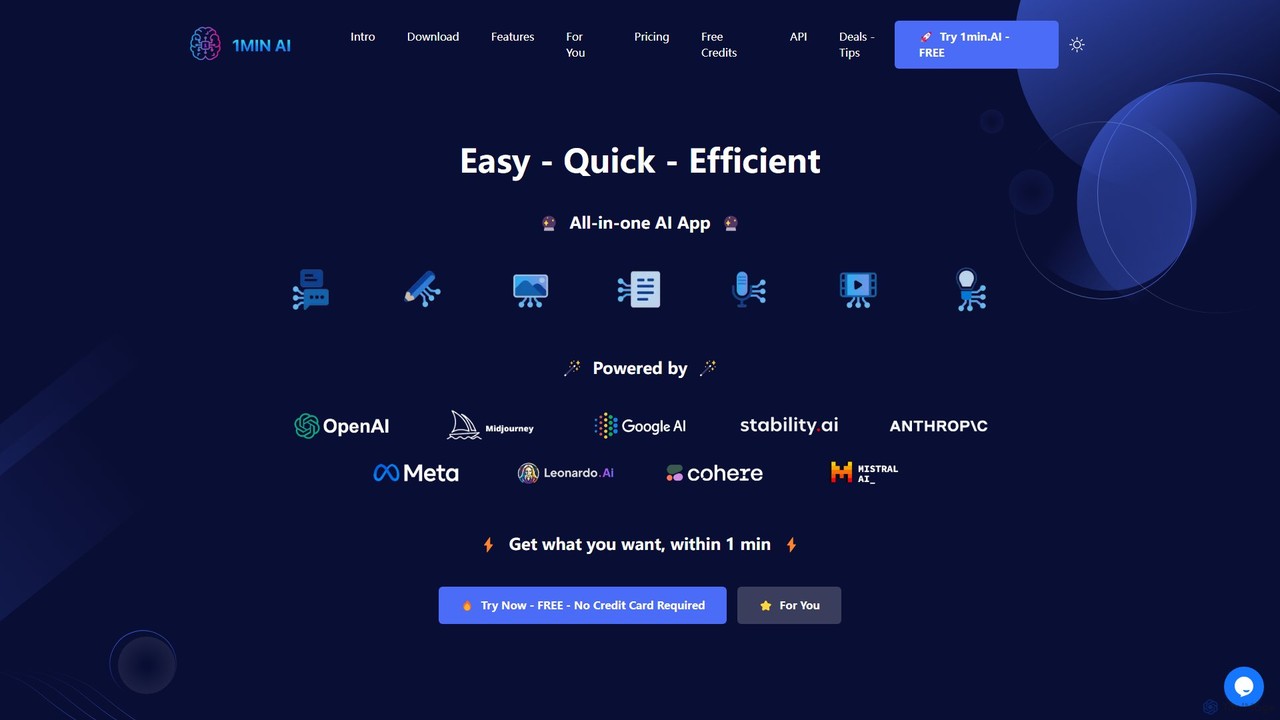
1min
1min is a comprehensive all-in-one AI platform that integrates a vast array of tools for text, image, audio, and video creation. It provides access to leading AI models like GPT-4, Claude 3, Midjourney, and Suno AI through a single, user-friendly interface. Users can generate content, edit media, translate languages, transcribe audio, and even write code, streamlining their creative and productive workflows without needing multiple separate subscriptions.
Music Generator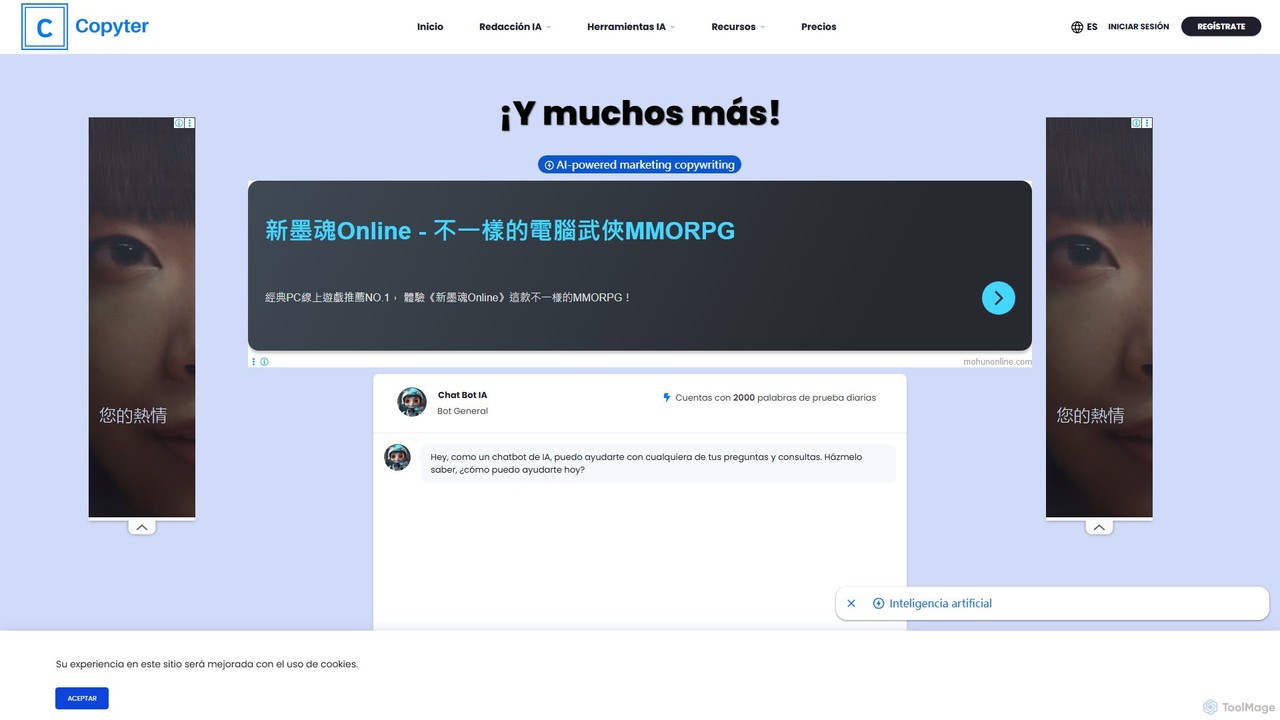
Copyter
Copyter is an all-in-one AI content creation platform designed for marketers, bloggers, and businesses. It integrates an AI text generator, image generator, text-to-speech converter, and code generator into a single intuitive interface. With features like SEO optimization, Brand Voice, WordPress integration, and access to multiple AI models including GPT-4o and Claude 3, Copyter streamlines the entire content workflow, from idea to publication.
Text To Speech
Jyek
Jyek is an AI agent platform that understands objectives, creates execution plans, uses tools, and delivers verifiable results for complex, multi-step tasks.
Automation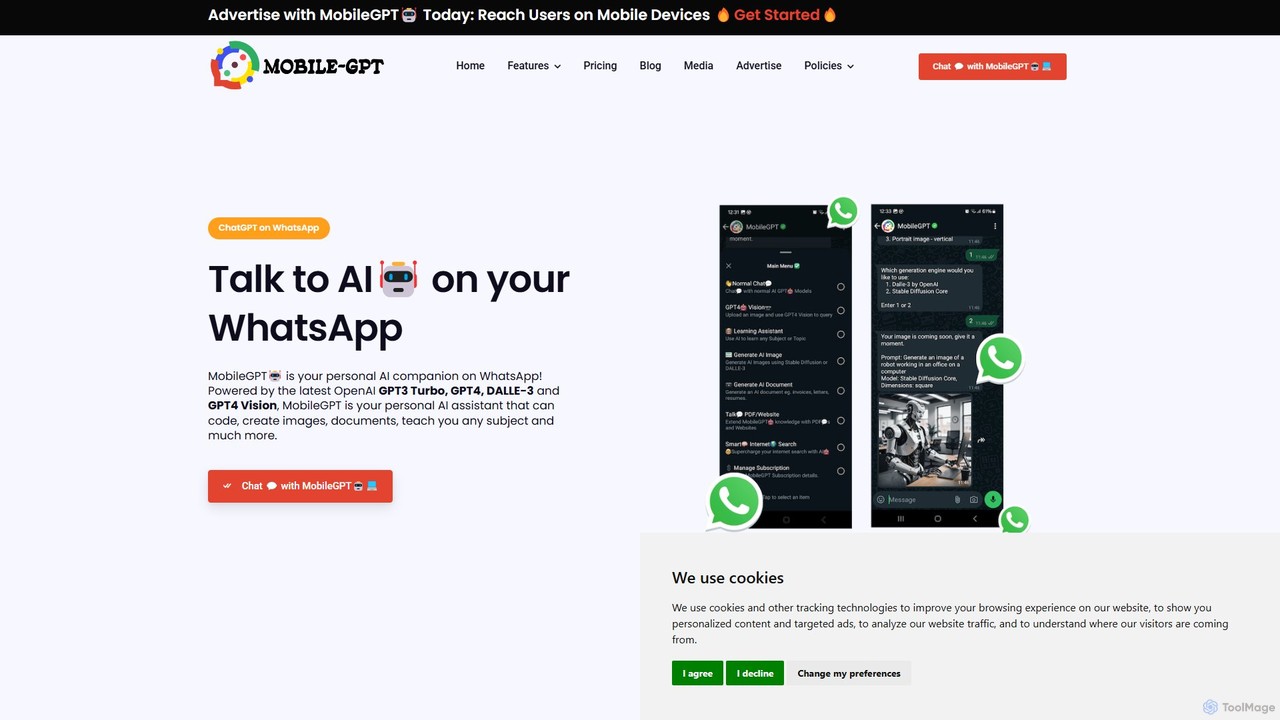
MobileGPT
MobileGPT is a powerful AI assistant integrated directly into WhatsApp. Powered by advanced models like GPT-4, DALL-E 3, and GPT-4 Vision, it allows users to chat, generate documents, create images, analyze PDFs and websites, and even learn new subjects. It acts as a personal AI companion, available 24/7 on your mobile device for enhanced productivity, learning, and creativity.
Virtual Assistant
Thinkbuddy
Thinkbuddy is a native desktop AI client designed for fast, secure, and organized interaction with multiple AI models. It acts as a unified workspace, allowing you to switch between models like GPT-4o, Claude 3, and Llama 3, manage conversations in projects, and save prompts in a library for a streamlined workflow.
Code Assistant
GPTSidekick Comments (0)
Sign in to comment.
Sign inNo comments yet.