
Jector Overview
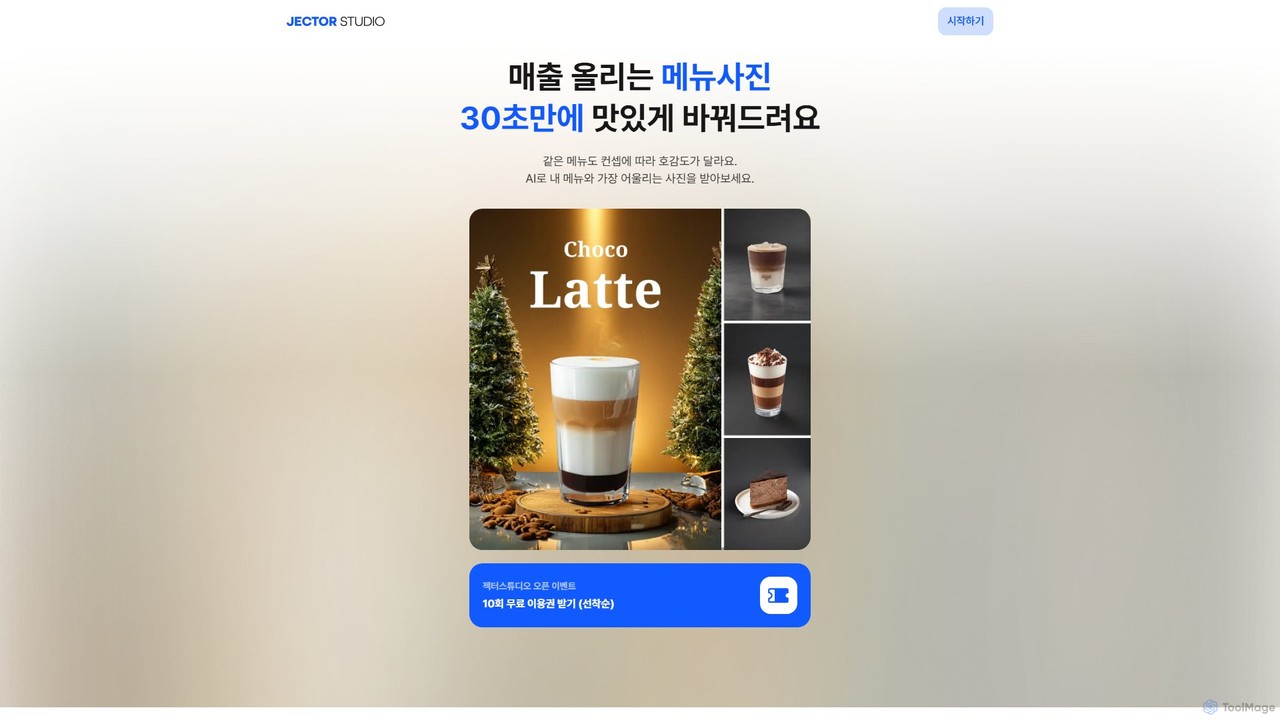
Jector is a revolutionary AI-powered design studio specifically created for the food and beverage industry. It empowers restaurant owners, cafe managers, and food entrepreneurs to effortlessly transform standard menu photos into stunning, professional-grade culinary visuals. The core mission of Jector is to make high-quality food photography accessible and affordable, eliminating the need for expensive photoshoots and professional stylists. By simply uploading a photo of a dish, users can leverage AI to automatically remove the existing background and place the food into a new, beautifully crafted scene that enhances its appeal and aligns with a specific concept or cuisine type.
The platform is designed for simplicity and speed, allowing users to generate mouth-watering images in as little as 30 seconds. This efficiency is crucial for busy business owners who need to constantly update their online menus on delivery platforms, refresh their social media feeds, or create promotional materials. Jector understands that the visual presentation of food is directly linked to customer perception and sales, offering a powerful tool to make any dish look irresistible.
How to use Jector
Using Jector is an intuitive and straightforward process, requiring no prior design or photography experience:
- Upload Your Photo: Start by taking a photo of your menu item using your smartphone or uploading an existing image from your gallery. The quality doesn't have to be perfect; Jector's AI is designed to work with standard photos.
- Choose a Concept: The AI automatically removes the background from your dish. You can then browse through a vast library of concepts and backgrounds. These are categorized by cuisine (e.g., Korean, Japanese, Western, Cafe & Desserts) and style to help you find the perfect setting for your food.
- Generate and Customize: Select your desired background, and the AI will instantly generate the new image. From there, you can use the integrated editor to make further refinements. Add props, adjust lighting effects, or overlay text to create a unique and polished look.
- Download and Deploy: Once you are satisfied with the result, you can download the final image. Jector automatically optimizes the image size and dimensions for various platforms, including major delivery apps (like Uber Eats, DoorDash), social media (Instagram, Facebook), and local business listings (Google My Business, Naver Place), ensuring your photos are always perfectly formatted and ready to use.
Core Features of Jector
- AI Background Generation: Intelligently creates and suggests a wide variety of high-quality, context-aware backgrounds suitable for different types of food.
- Automatic Background Removal: Instantly and cleanly removes the background from any food photo with a single click.
- Concept Finder: A recommendation engine that helps users discover the most effective visual concepts and styles to boost sales for specific menu items.
- Advanced Editing Suite: A comprehensive set of tools to add digital props, adjust lighting and shadows, add custom text, and make fine-tuned adjustments.
- Partial Eraser Tool: Allows for precise removal of unwanted parts of an image or background.
- 4x AI Upscaler: Enhances the resolution of your images up to four times, transforming them into sharp, high-definition visuals suitable for print and large displays.
- Platform-Specific Optimization: Automatically formats images to meet the specific requirements of delivery apps, social media platforms, and websites, preventing rejection issues.
Use Cases for Jector
Jector is a versatile tool for various professionals in the food industry:
- Restaurant and Cafe Owners: To create appetizing photos for menus on delivery apps, websites, and in-store digital displays, driving more orders.
- Social Media Managers: To produce a consistent stream of eye-catching content for food-related brands on platforms like Instagram and Facebook.
- Food Bloggers and Content Creators: To elevate the quality of their food photography without investing in expensive equipment and studio time.
- Marketing Professionals: To design compelling visuals for promotional materials such as posters, flyers, and online advertisements.
Advantages of Jector
Jector offers significant advantages over traditional methods:
- Cost-Effective: Drastically reduces the high costs associated with hiring professional food photographers and stylists.
- Time-Saving: Generates professional-quality images in minutes, not hours or days.
- User-Friendly: Its intuitive interface makes it accessible to everyone, regardless of their technical or design skills.
- Increased Sales and Engagement: High-quality visuals are proven to attract more customers and increase conversion rates on online platforms.
- Brand Consistency: Helps maintain a cohesive and professional visual identity across all marketing channels.
Pricing and Plans
Jector operates on a freemium model, making it easy to get started. New users receive a free trial, which includes 10 complimentary image generation credits (referred to as "Kong"). After the trial, users can purchase more "Kong" credits to continue using the service. Each image generation consumes one credit. This pay-as-you-go system offers flexibility for businesses of all sizes. Purchased credits are valid for 90 days from the date of purchase. Refunds are available for unused credits within 7 days of the transaction.
Jector Alternatives
Food Camera
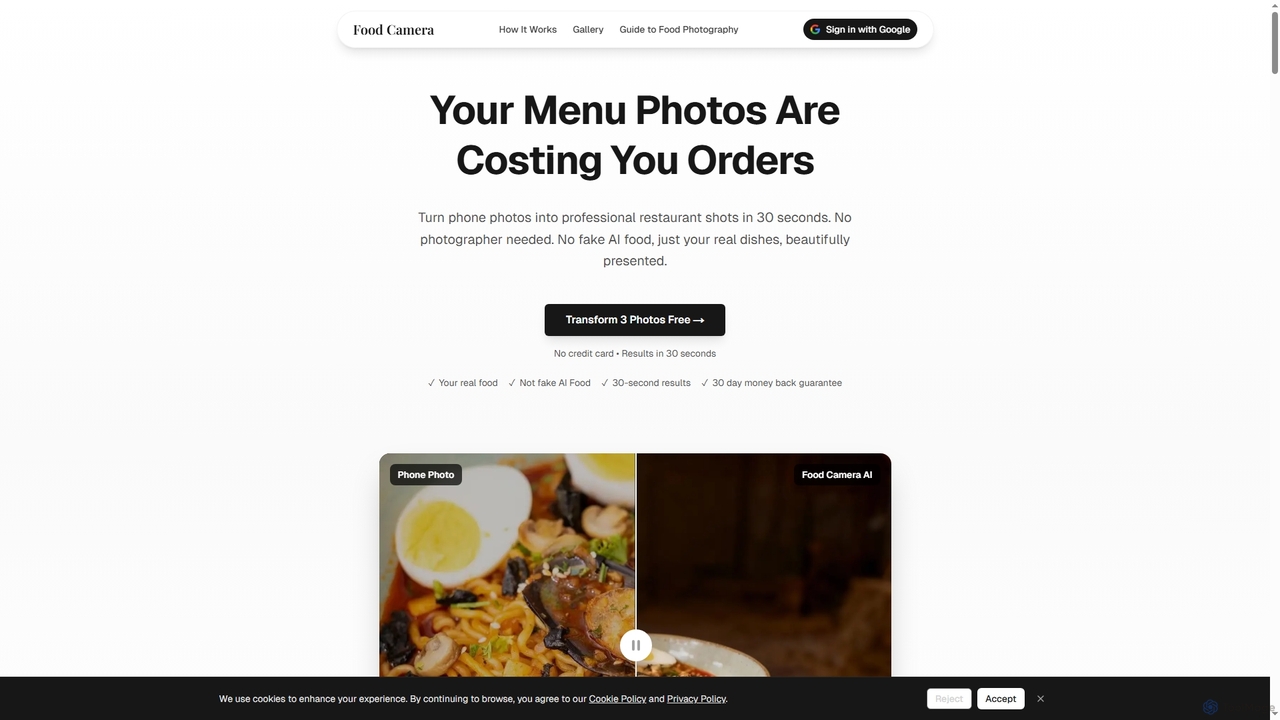
Food Camera is an AI-powered tool that transforms ordinary phone photos of food into professional, studio-quality images in just 30 seconds. It enhances lighting, styling, and composition without altering the real dish, making it perfect for menus, delivery apps, and social media.
Small Business Tools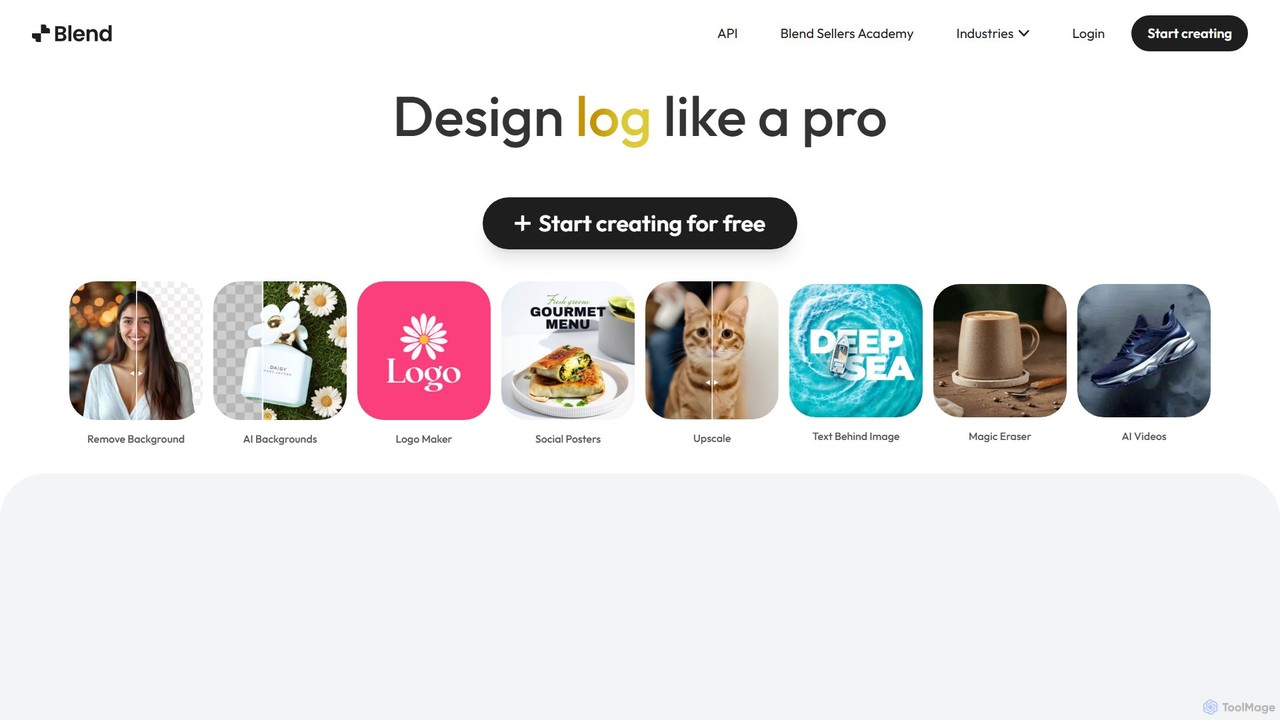
Blend
Blend is an AI-powered visual design platform for e-commerce, offering tools like an instant background remover, AI photoshoot generator, and logo maker. It helps businesses create professional product photos, social media content, and brand assets in seconds, eliminating the need for expensive photoshoots and complex software.
Logo Generation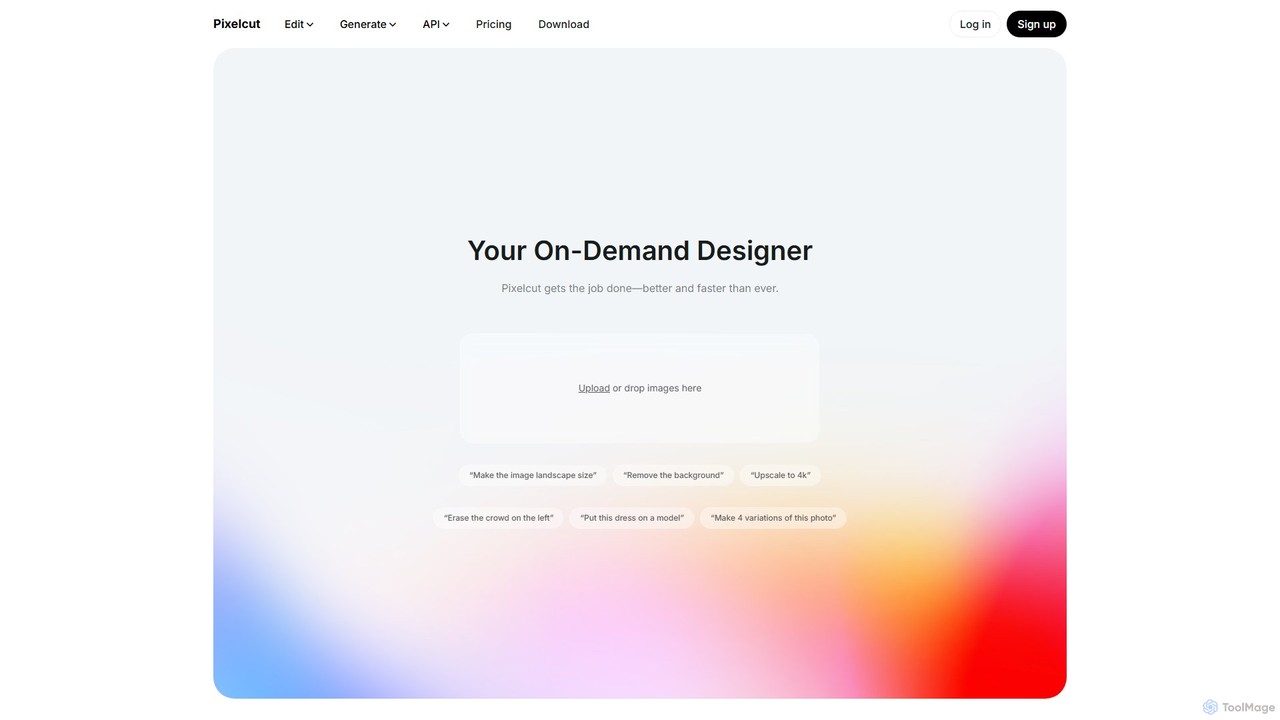
Pixelcut
Pixelcut is an all-in-one AI-powered creative suite for photo and video editing. It enables users to instantly remove backgrounds, upscale images to 4K, erase objects, generate images and videos from text prompts, and collaborate with teams. It's designed for creators, brands, and businesses to produce professional-quality content quickly and easily.
Image Editing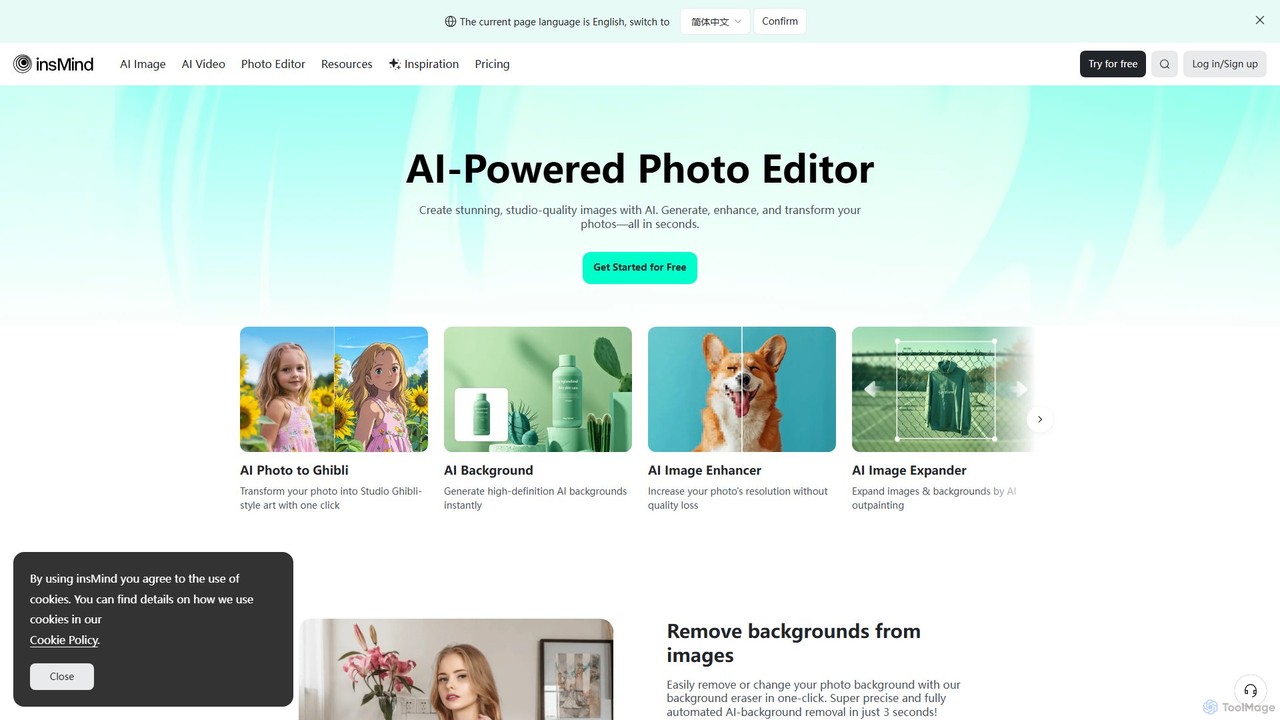
insmind
insmind is an AI-powered photo editor designed for e-commerce and marketing. It offers a comprehensive suite of tools to instantly remove backgrounds, generate realistic scenes, enhance image quality, erase unwanted objects, and create professional product photos, social media posts, and headshots in seconds. It's built to be user-friendly for both beginners and professionals, streamlining the entire image creation workflow.
3D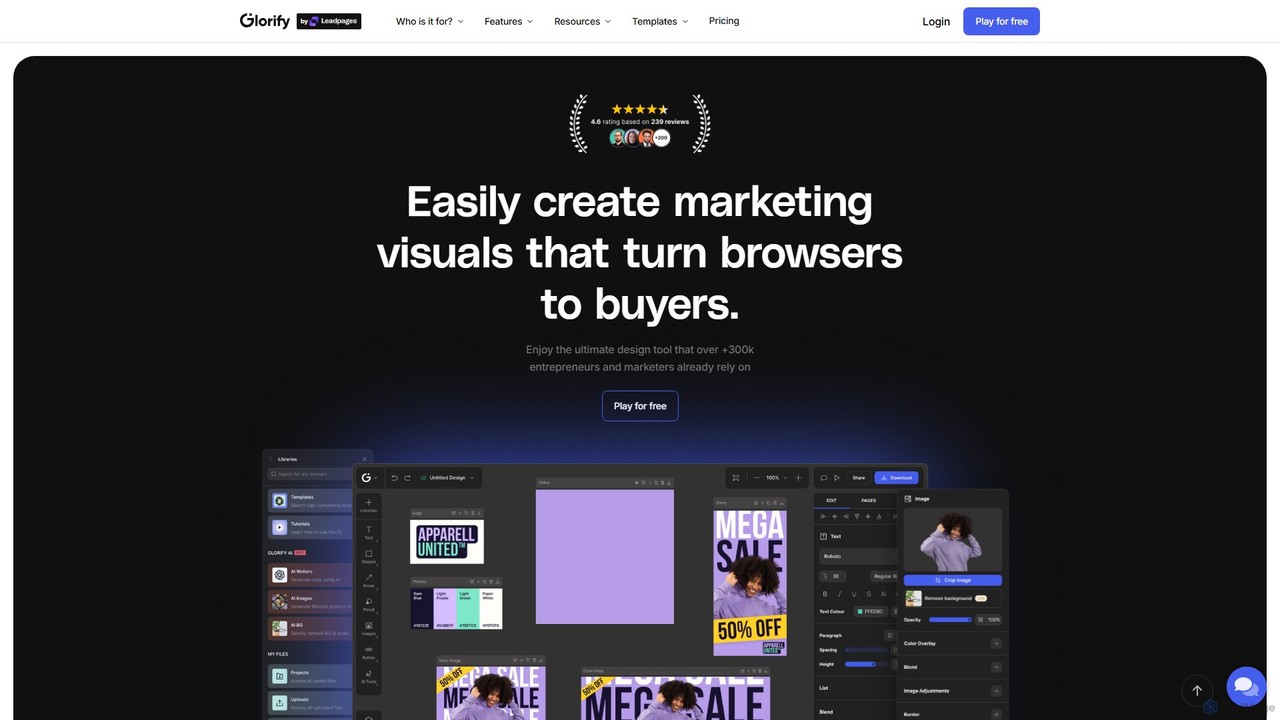
Glorify
Glorify is an all-in-one AI-powered graphic design tool built specifically for e-commerce entrepreneurs and marketers. It simplifies the creation of high-converting product images, social media posts, ads, and other marketing visuals. With features like one-click background removal, AI image generation, realistic mockups, and a vast template library, Glorify helps users produce professional-quality designs quickly, without needing advanced design skills.
Graphic DesignJector Categories
Jector Embed Widget
Copy this embed code to place the badge on your blog, article, or product site and send readers directly to this ToolMage detail page.

Related AI tools
Food Camera
Food Camera is an AI-powered tool that transforms ordinary phone photos of food into professional, studio-quality images in just 30 seconds. It enhances lighting, styling, and composition without altering the real dish, making it perfect for menus, delivery apps, and social media.
Small Business ToolsBlend
Blend is an AI-powered visual design platform for e-commerce, offering tools like an instant background remover, AI photoshoot generator, and logo maker. It helps businesses create professional product photos, social media content, and brand assets in seconds, eliminating the need for expensive photoshoots and complex software.
Logo GenerationPixelcut
Pixelcut is an all-in-one AI-powered creative suite for photo and video editing. It enables users to instantly remove backgrounds, upscale images to 4K, erase objects, generate images and videos from text prompts, and collaborate with teams. It's designed for creators, brands, and businesses to produce professional-quality content quickly and easily.
Image Editinginsmind
insmind is an AI-powered photo editor designed for e-commerce and marketing. It offers a comprehensive suite of tools to instantly remove backgrounds, generate realistic scenes, enhance image quality, erase unwanted objects, and create professional product photos, social media posts, and headshots in seconds. It's built to be user-friendly for both beginners and professionals, streamlining the entire image creation workflow.
3DGlorify
Glorify is an all-in-one AI-powered graphic design tool built specifically for e-commerce entrepreneurs and marketers. It simplifies the creation of high-converting product images, social media posts, ads, and other marketing visuals. With features like one-click background removal, AI image generation, realistic mockups, and a vast template library, Glorify helps users produce professional-quality designs quickly, without needing advanced design skills.
Graphic Design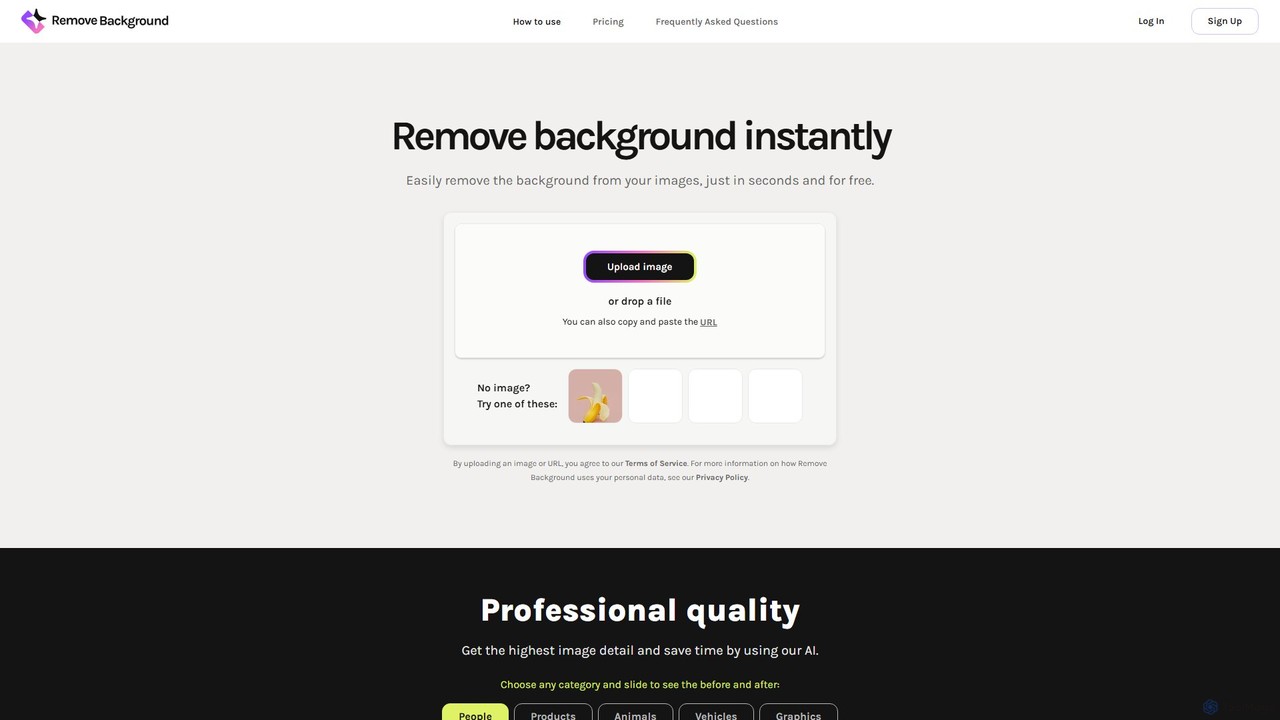
remove_background
An AI-powered tool to instantly remove image backgrounds for free. It creates high-quality transparent backgrounds, offers advanced editing tools, and can even generate custom backgrounds using AI prompts. Ideal for e-commerce, social media, and professional designs.
Editing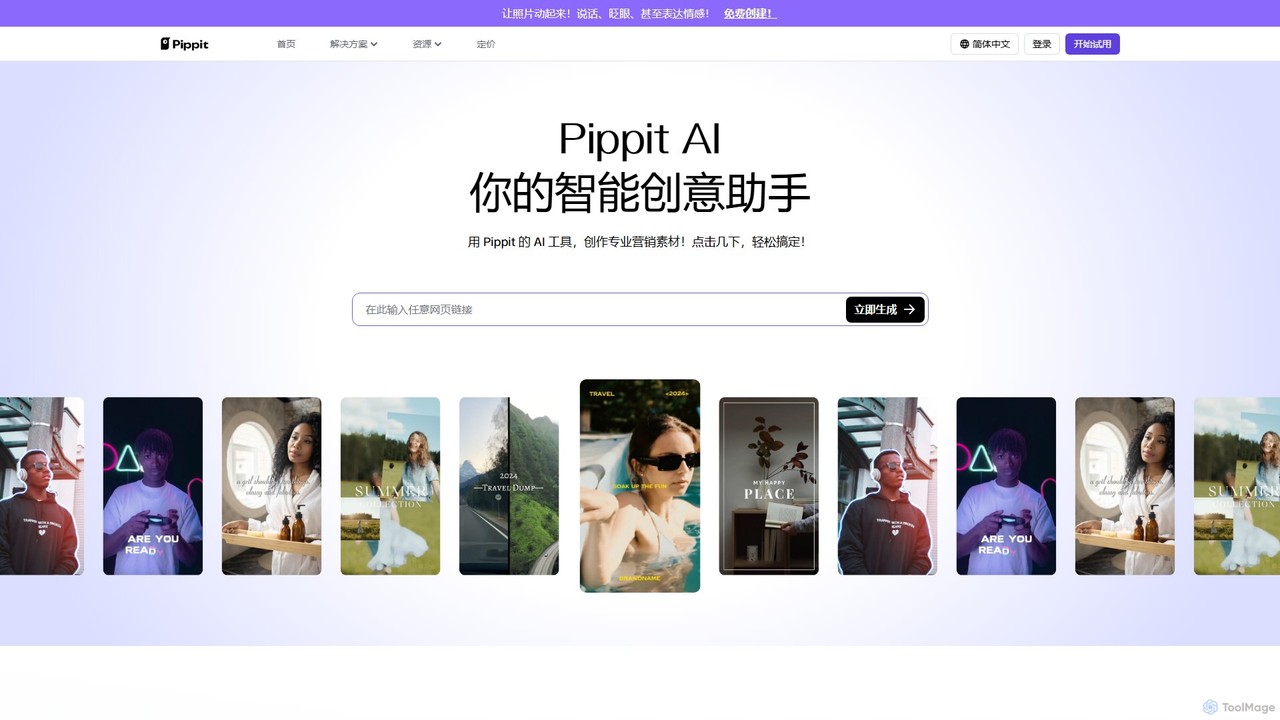
Pippit AI
Pippit AI, powered by CapCut, is an all-in-one AI creative suite for e-commerce. It transforms product links or images into engaging marketing videos, generates professional product photos with AI models, and creates talking avatars. With features like batch creation, social media auto-publishing, and a vast commercial asset library, Pippit AI streamlines content production, helping businesses boost their online presence and sales effortlessly.
Product Visualization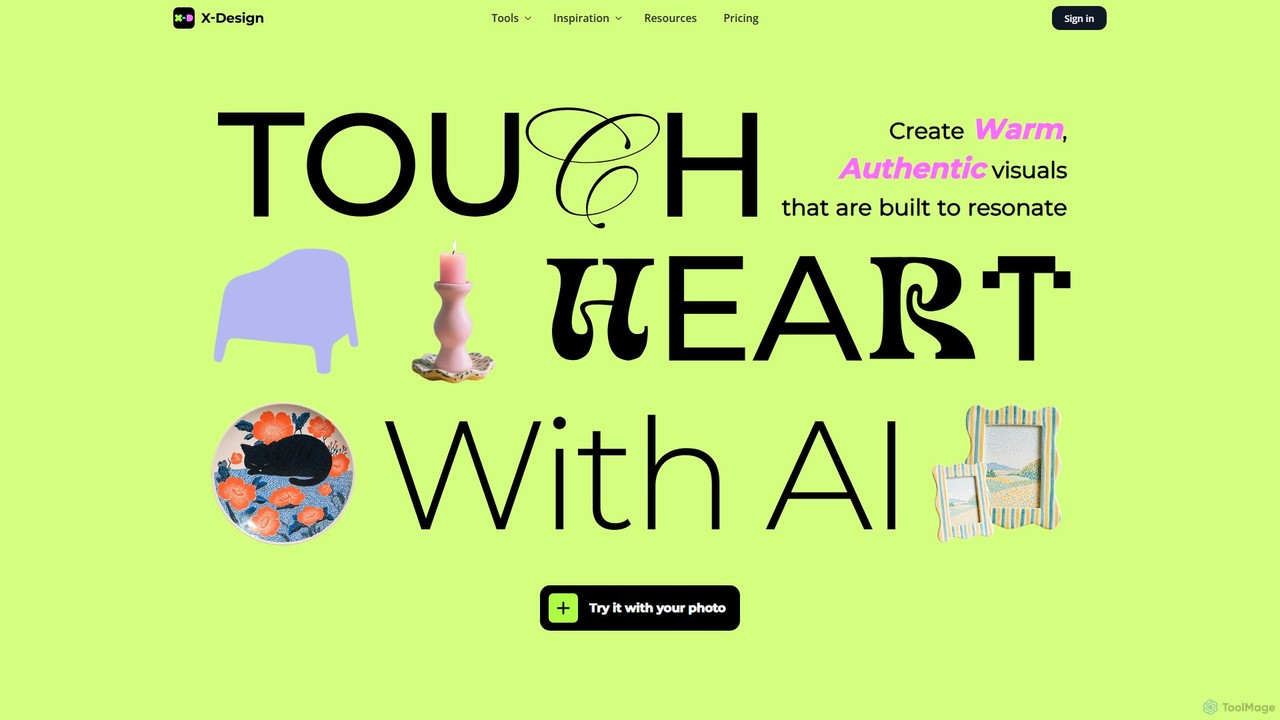
x_design
x_design is an AI-powered photo and video editing studio designed for marketing and e-commerce. It helps users create warm, authentic visuals by offering tools for background removal, image enhancement, object removal, and generating realistic lifestyle scenes with AI models and props.
Product Visuals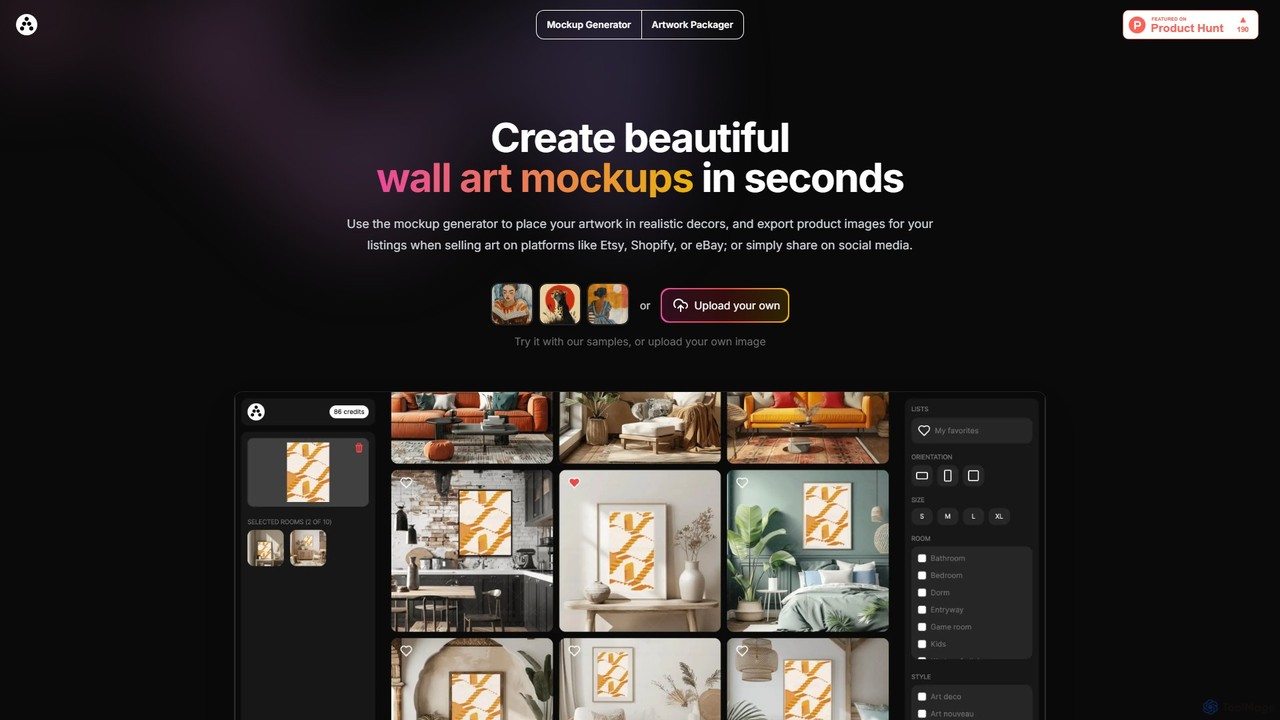
Artadum
Artadum is an AI-powered mockup generator designed for artists and photographers. It allows users to instantly create beautiful, realistic wall art mockups by placing their artwork in hundreds of diverse room settings. Ideal for creating professional product listings for e-commerce platforms like Etsy, Shopify, and eBay, or for crafting engaging content for social media. The tool offers bulk generation, a wide variety of decor styles, and flexible pricing options to streamline the art promotion process.
Mockup Generation
Jyek
Jyek is an AI agent platform that understands objectives, creates execution plans, uses tools, and delivers verifiable results for complex, multi-step tasks.
Automation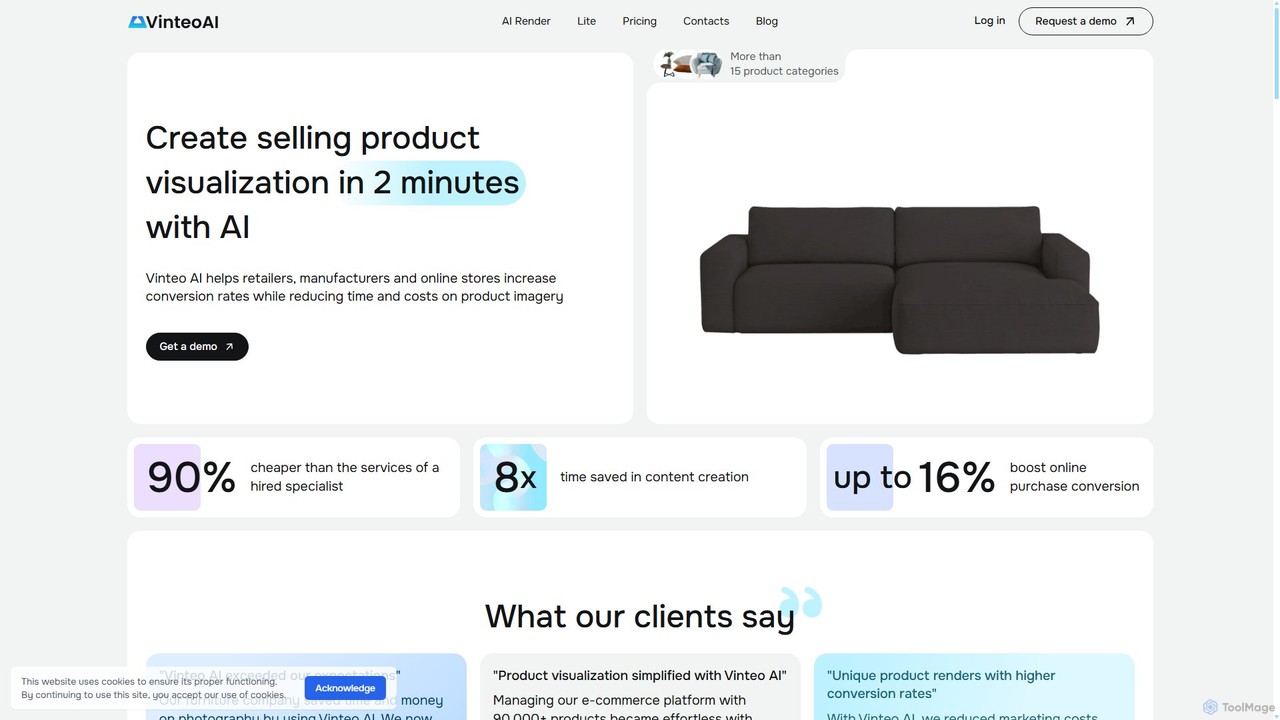
Vinteo AI
Vinteo AI is an AI-powered product photography platform for e-commerce. It enables businesses to create high-quality, professional product visualizations in minutes. Users can upload product images, place them in custom AI-generated scenes or pre-styled interiors, adjust lighting, colors, and download high-resolution images, significantly reducing photography costs and time while boosting conversion rates.
Product Visualization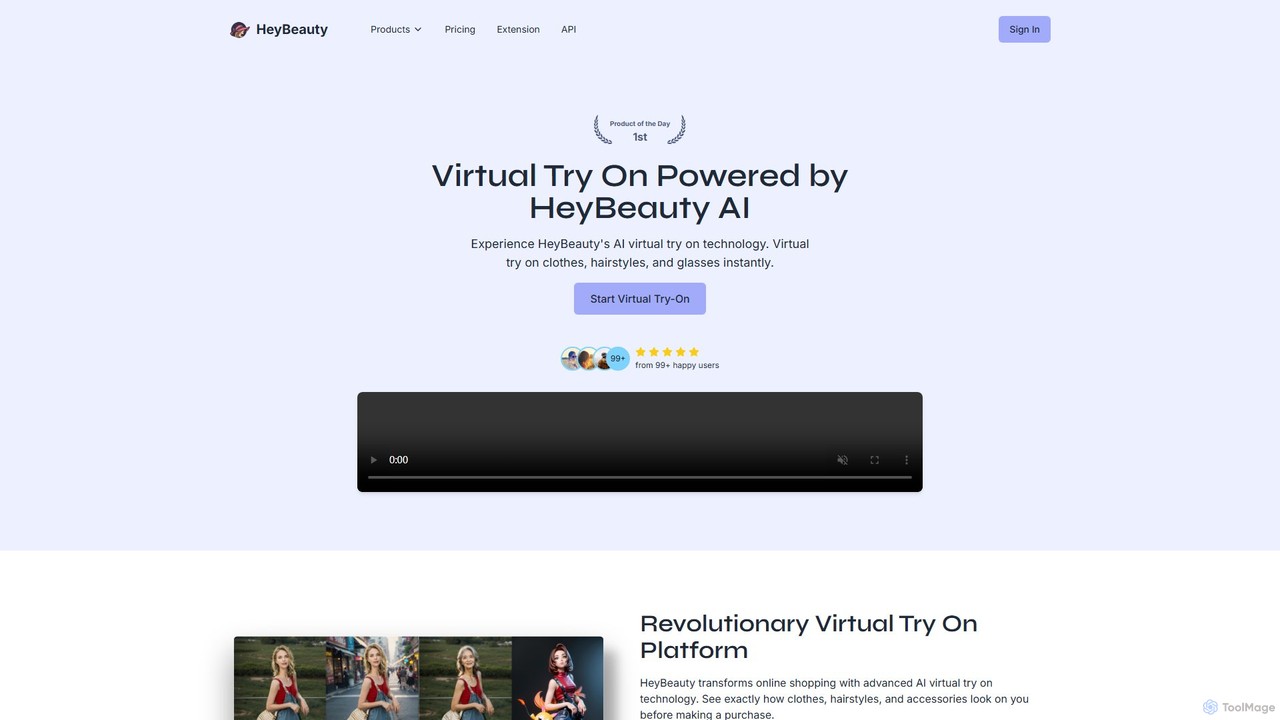
HeyBeauty
HeyBeauty is an AI-powered platform for virtual try-on and image enhancement. It allows users to instantly try on clothes, hairstyles, and glasses on their photos. It also offers advanced features like AI model generation, product imaging, background removal, and object removal for e-commerce, fashion, and creative projects.
Product Photos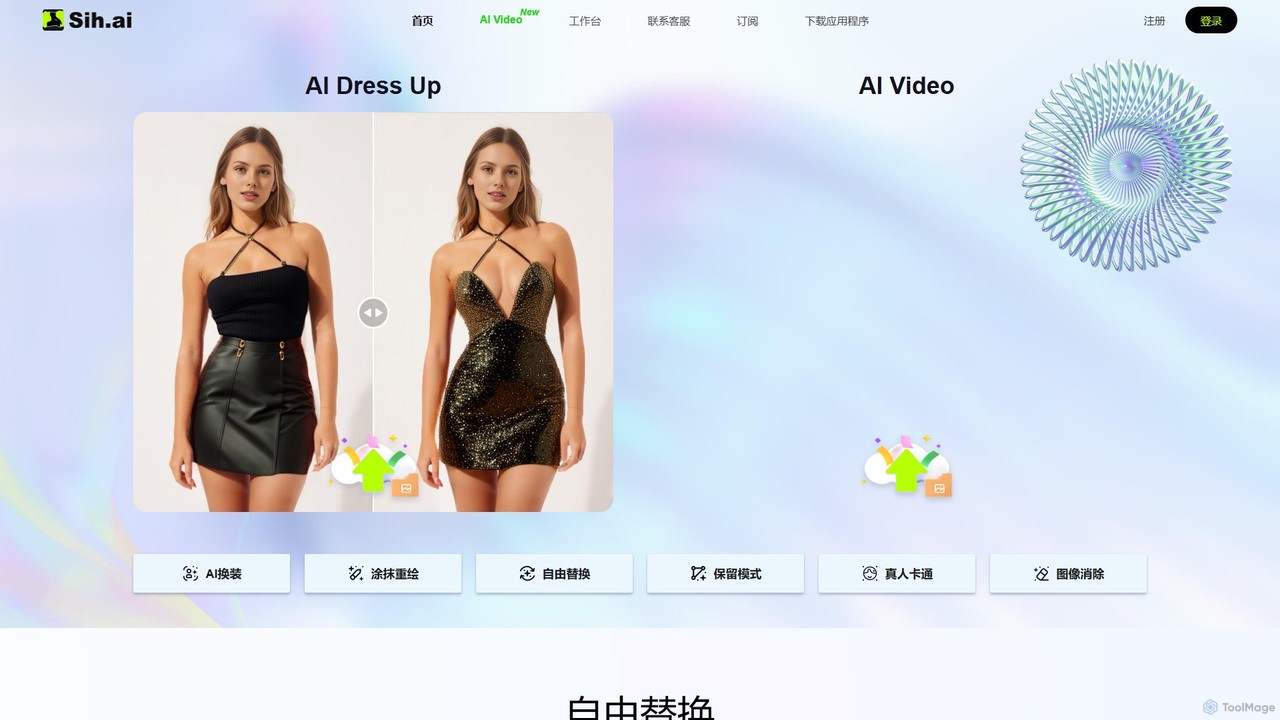
Sih.Ai
Sih.Ai is a free, comprehensive AI image editing and redrawing toolkit. It specializes in advanced inpainting, allowing users to effortlessly change clothes, hairstyles, backgrounds, and even replace models in photos. It also offers powerful photo restoration and enhancement features.
Image Generation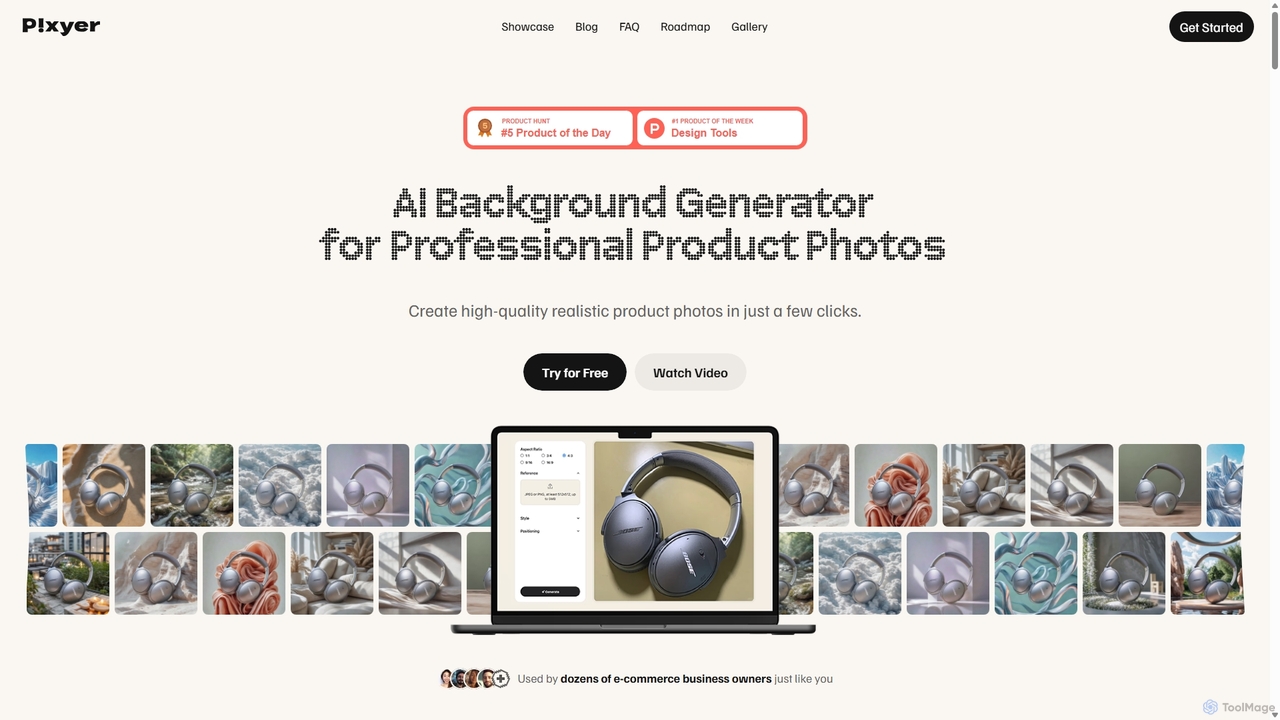
Pixyer
Pixyer is an AI-powered background generator designed for e-commerce, enabling users to create professional, studio-quality product photos in seconds. Simply upload an image, and the tool automatically removes the background and generates realistic, context-aware scenes with perfect lighting. It eliminates the need for expensive photoshoots, offering a fast, simple, and cost-effective solution for creating high-converting visuals for any platform.
3D
unrealmeal
UnrealMeal is an AI-powered platform for generating hyper-realistic and imaginative food images and recipes from text prompts. It's designed for chefs, food bloggers, marketers, and anyone looking to visualize culinary ideas instantly, bridging the gap between imagination and reality.
Recipe Generation
Jector Comments (0)
Sign in to comment.
Sign inNo comments yet.