

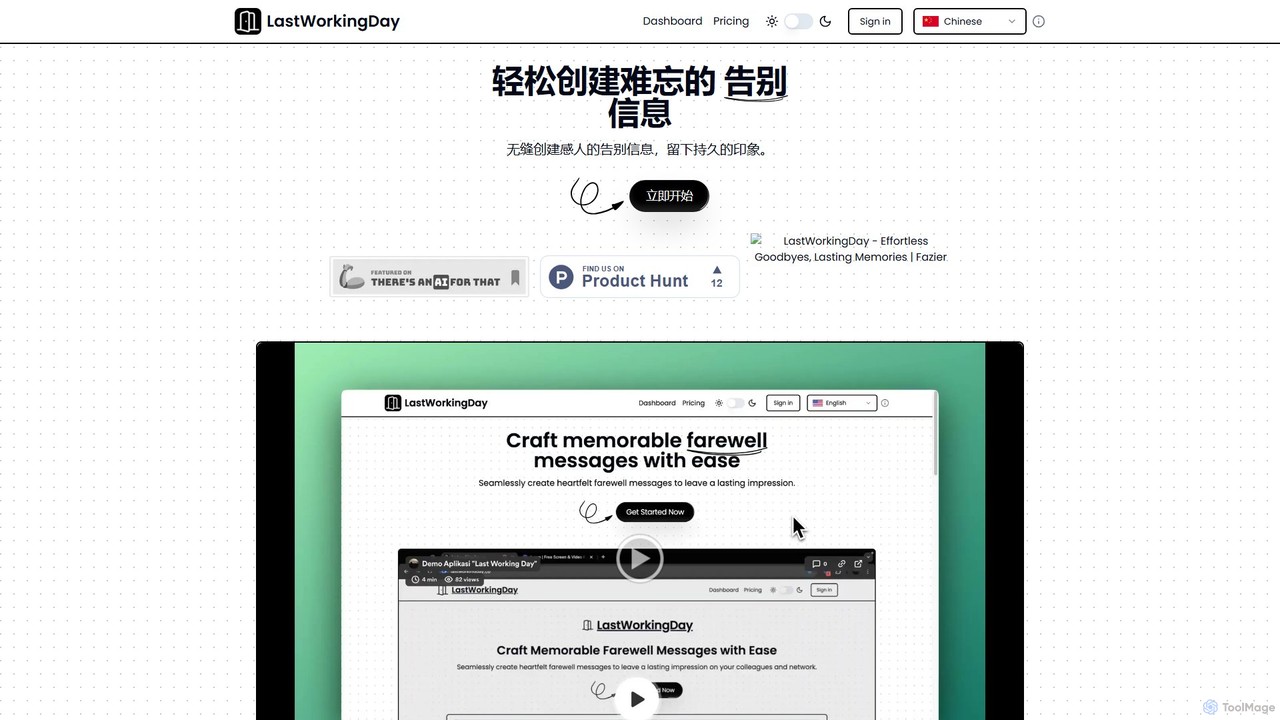
lastworkingday Overview
lastworkingday is an innovative AI-powered platform designed to simplify the often emotional and time-consuming task of writing farewell messages. Whether you're leaving a company, transitioning to a new role, or saying goodbye to your professional network, this tool helps you craft the perfect message that leaves a lasting positive impression. By leveraging the advanced capabilities of OpenAI's GPT-4, lastworkingday generates articulate, personalized, and emotionally resonant content in seconds.
The platform is built to be intuitive and user-centric. It removes the writer's block associated with finding the right words, allowing you to focus on the sentiment you wish to convey. With a clean interface and thoughtful features, it transforms a potentially stressful task into a seamless and even enjoyable experience. A unique feature is the inclusion of relaxing nature sounds, creating a calm environment for you to compose your thoughts.
How to use lastworkingday
Using lastworkingday is a simple, step-by-step process designed for maximum efficiency and personalization:
- Select Message Type: Begin by choosing the context for your farewell. Options include a general company-wide announcement, a post for your professional network (like LinkedIn), or a custom message for a specific person or group.
- Provide Key Information: Input essential details that the AI will use to personalize the message. This can include your name, the company you're leaving, your tenure, key achievements, and perhaps a hint about your future endeavors. You can type this information or use the convenient voice input feature.
- Adjust the Tone: Tailor the emotional feel of your message. Use a slider or predefined options to set the tone, ranging from strictly professional to deeply heartfelt, friendly, or even humorous.
- Generate the Message: With a single click, the AI generates a draft based on your inputs and desired tone.
- Edit and Refine: The generated message is fully editable. You can tweak the wording, add personal anecdotes, or restructure sentences. Use the built-in formatting tools (bold, italics, bullet points) to enhance readability and add emphasis.
- Add Emojis and Finalize: Integrate emojis to add a touch of personality. Once you are satisfied with the final message, you can easily copy it to your clipboard for use in emails, social media posts, or messaging apps.
Core Features of lastworkingday
- AI-Powered Content Generation: Utilizes OpenAI's GPT-4 to create high-quality, context-aware, and meaningful farewell messages instantly.
- Voice Input with Whisper: Features speech-to-text functionality powered by OpenAI's Whisper, allowing you to dictate your thoughts easily in multiple languages.
- Adjustable Tone Control: Provides fine-grained control over the message's tone, ensuring it aligns with your personality and relationship with the recipients.
- Multiple Message Templates: Offers dedicated options for company-wide emails, LinkedIn posts, and custom messages to suit various needs.
- Rich Text Editor: An integrated editor allows for full customization with formatting options like bold, italics, and bulleted lists.
- Emoji Integration: Easily add and adjust the use of emojis to make your message more personal and engaging.
- Multi-Language Support: The voice input supports various languages, making it accessible to a global user base.
- Ambient Nature Sounds: A unique feature that plays relaxing sounds to create a calm and focused writing environment.
Use Cases for lastworkingday
lastworkingday is ideal for any professional navigating a career change:
- Employees Leaving a Job: Quickly draft a comprehensive and thoughtful farewell email to send to colleagues and the entire company.
- Professionals on Social Media: Craft a polished and engaging post for LinkedIn to announce a career move and thank your network.
- Managers and Team Leads: Write personalized and supportive farewell messages for departing team members, acknowledging their contributions.
- HR Professionals: Streamline the offboarding process by creating standardized yet personal farewell announcements for departing employees.
- Freelancers and Contractors: Write professional closing messages to clients at the end of a project.
Advantages of lastworkingday
The primary advantage of lastworkingday is its ability to save significant time and reduce the emotional stress of writing a goodbye message. It helps users overcome writer's block, ensures a high level of professionalism, and allows for deep personalization that generic templates cannot offer. The intuitive interface and innovative features like voice input and ambient sounds create a superior user experience, helping you leave your role on a high note with a perfectly crafted message.
Pricing and Plans
lastworkingday is currently available for free. Users can visit the website and start generating farewell messages immediately without any cost or subscription. This makes it an accessible tool for all professionals during their career transitions.
lastworkingday Alternatives
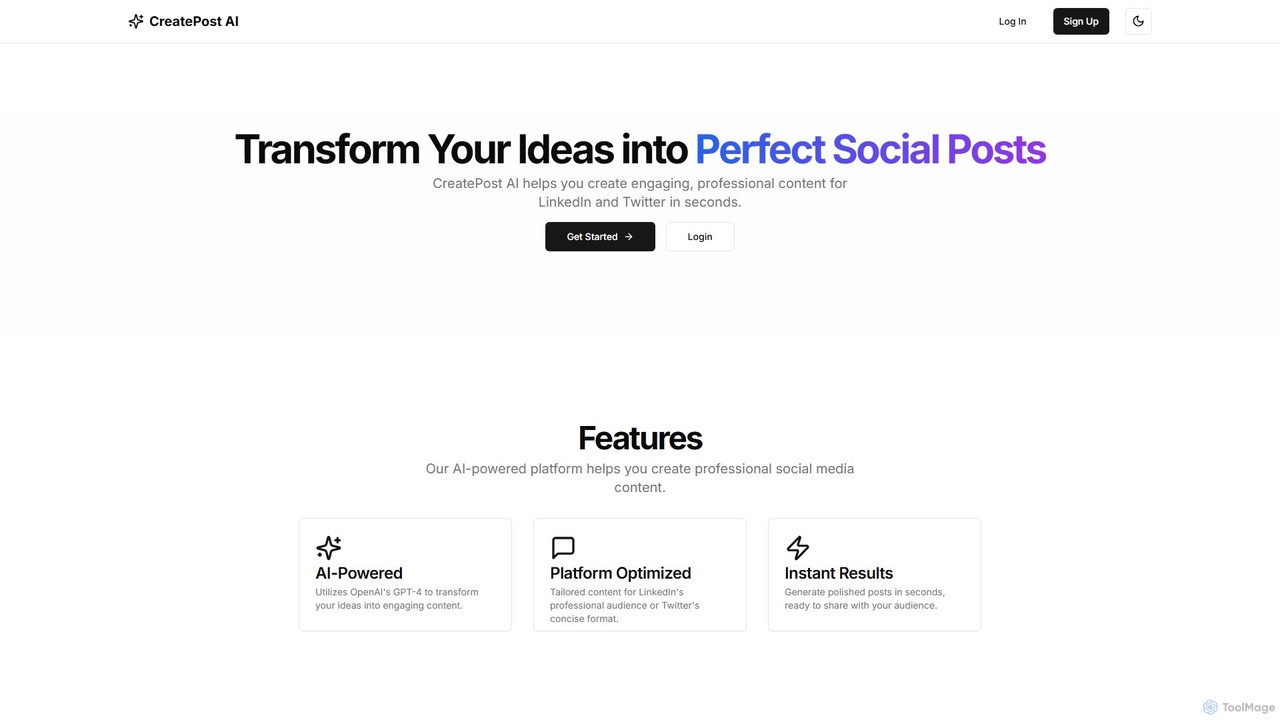
CreatePost AI
CreatePost AI is an AI-powered tool that helps users generate engaging and professional social media posts for LinkedIn and Twitter in seconds. Powered by OpenAI's GPT-4, it transforms simple ideas into platform-optimized content, saving time and enhancing your online presence.
Social Media Marketing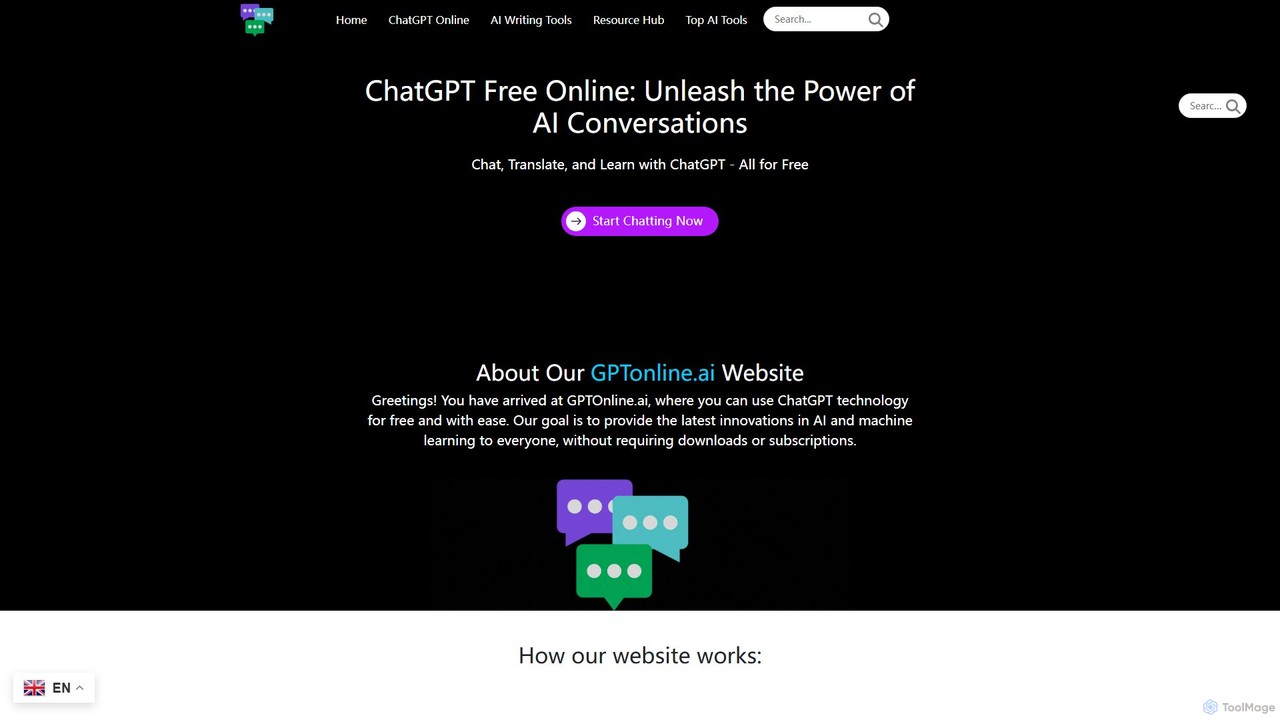
gptonline.ai
gptonline.ai offers free, unlimited access to advanced AI chatbots like ChatGPT without requiring any registration or subscription. It provides a user-friendly platform for conversations, language translation, and content creation. The service also includes a suite of over 50 specialized AI writing tools to assist with various personal and professional writing tasks, all powered by the latest GPT models.
Ai Chat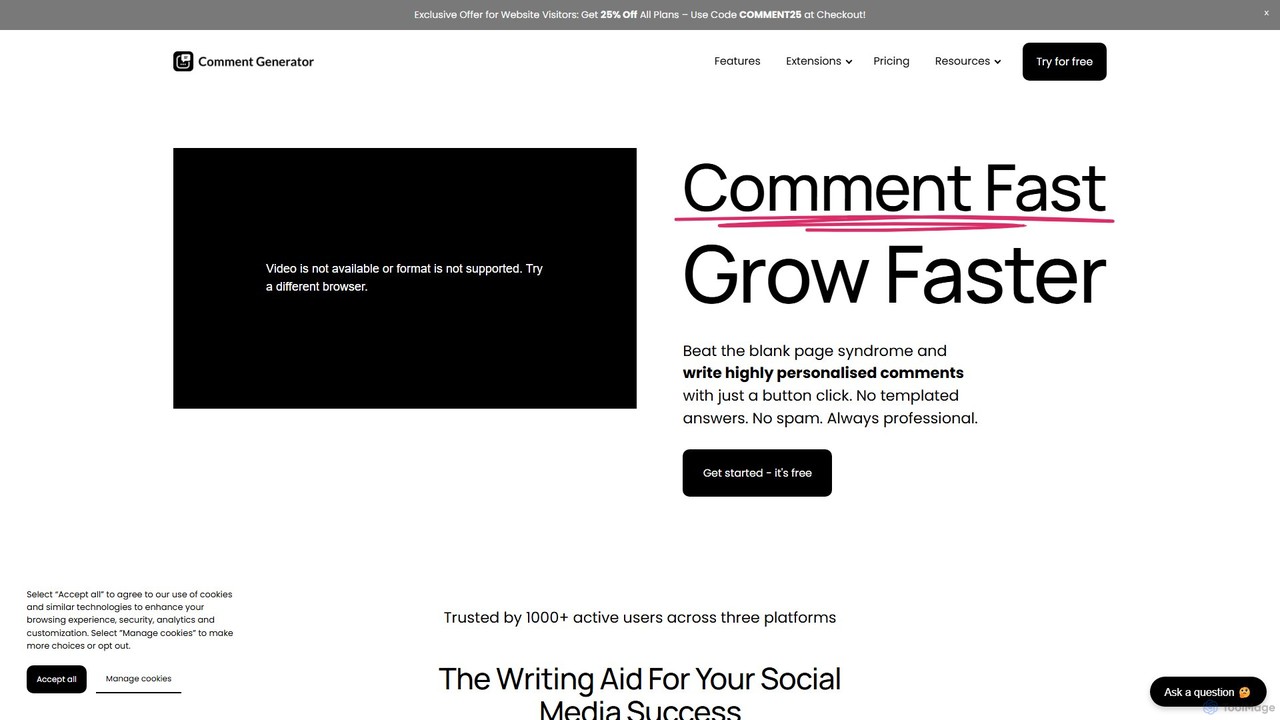
Comment Generator
An AI-powered Chrome extension that generates personalized, human-like comments for Instagram, LinkedIn, and Threads. It helps users save time, boost engagement, and overcome writer's block by creating authentic replies based on post captions.
Social Media Marketing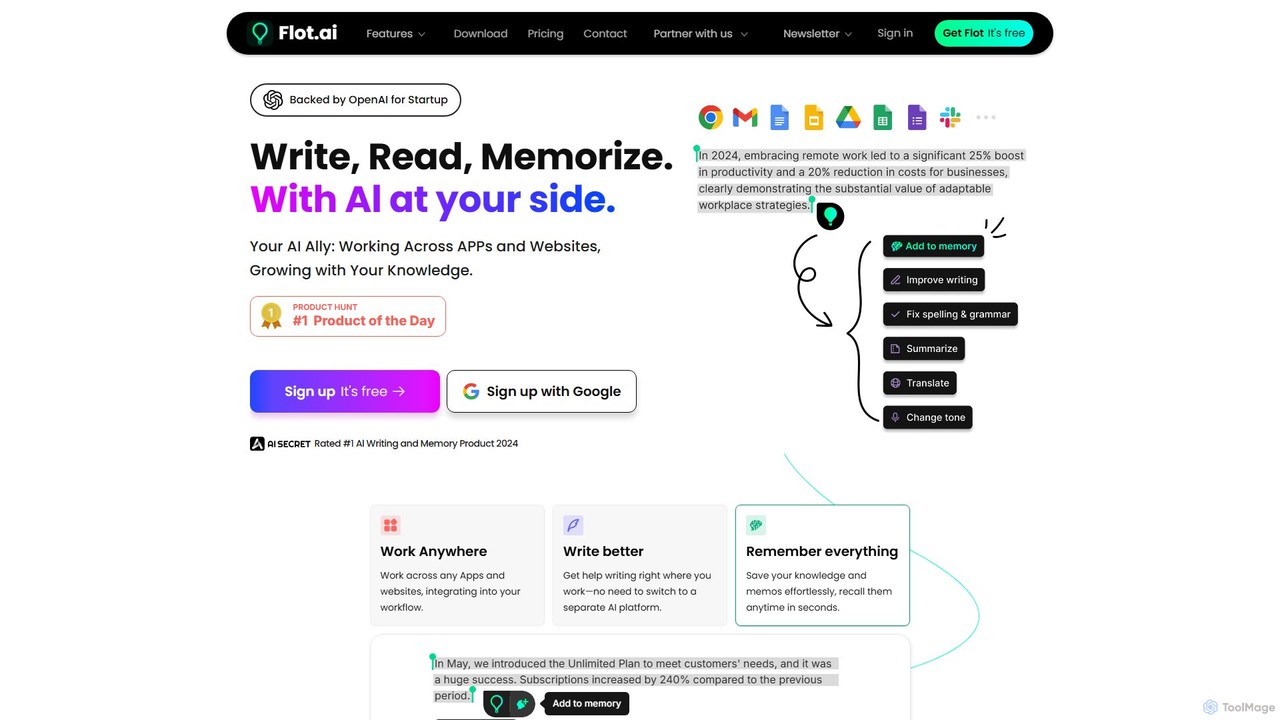
Flot.ai
Flot.ai is a versatile AI copilot designed to enhance your productivity across all applications and websites. It acts as your personal assistant for writing, reading, and memorization. Improve your text, get summaries, translate languages, and build a searchable personal knowledge base ("AI Memory") without ever leaving your current workflow.
Text Editor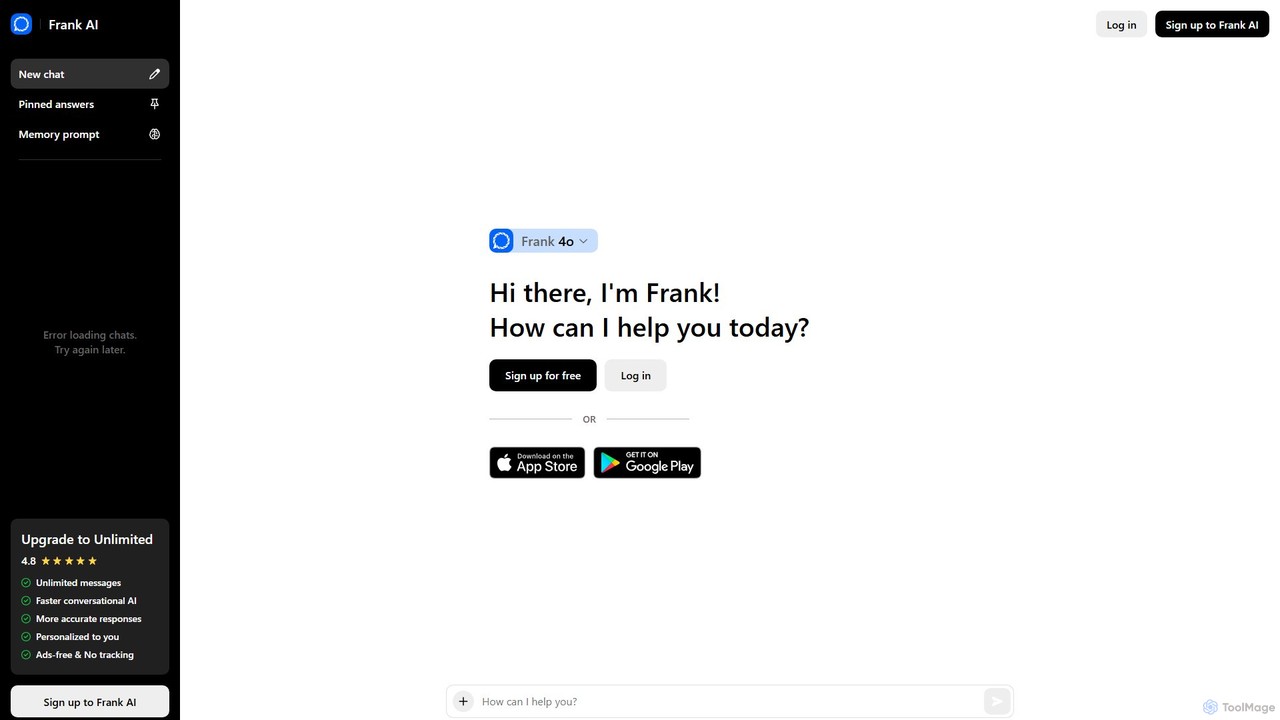
Frank AI
Frank AI is an advanced AI writing assistant and chatbot powered by GPT-4o and ChatGPT. It helps users write essays, emails, and scripts, brainstorm ideas, and analyze information. With features like memory prompts for personalization, cross-device sync, and a commitment to privacy, Frank AI acts as a versatile digital personal assistant for students, professionals, and everyday users seeking to enhance their productivity and creativity.
Essay Writerlastworkingday Categories
lastworkingday Embed Widget
Copy this embed code to place the badge on your blog, article, or product site and send readers directly to this ToolMage detail page.

Related AI tools
CreatePost AI
CreatePost AI is an AI-powered tool that helps users generate engaging and professional social media posts for LinkedIn and Twitter in seconds. Powered by OpenAI's GPT-4, it transforms simple ideas into platform-optimized content, saving time and enhancing your online presence.
Social Media Marketinggptonline.ai
gptonline.ai offers free, unlimited access to advanced AI chatbots like ChatGPT without requiring any registration or subscription. It provides a user-friendly platform for conversations, language translation, and content creation. The service also includes a suite of over 50 specialized AI writing tools to assist with various personal and professional writing tasks, all powered by the latest GPT models.
Ai ChatComment Generator
An AI-powered Chrome extension that generates personalized, human-like comments for Instagram, LinkedIn, and Threads. It helps users save time, boost engagement, and overcome writer's block by creating authentic replies based on post captions.
Social Media MarketingFlot.ai
Flot.ai is a versatile AI copilot designed to enhance your productivity across all applications and websites. It acts as your personal assistant for writing, reading, and memorization. Improve your text, get summaries, translate languages, and build a searchable personal knowledge base ("AI Memory") without ever leaving your current workflow.
Text EditorFrank AI
Frank AI is an advanced AI writing assistant and chatbot powered by GPT-4o and ChatGPT. It helps users write essays, emails, and scripts, brainstorm ideas, and analyze information. With features like memory prompts for personalization, cross-device sync, and a commitment to privacy, Frank AI acts as a versatile digital personal assistant for students, professionals, and everyday users seeking to enhance their productivity and creativity.
Essay Writer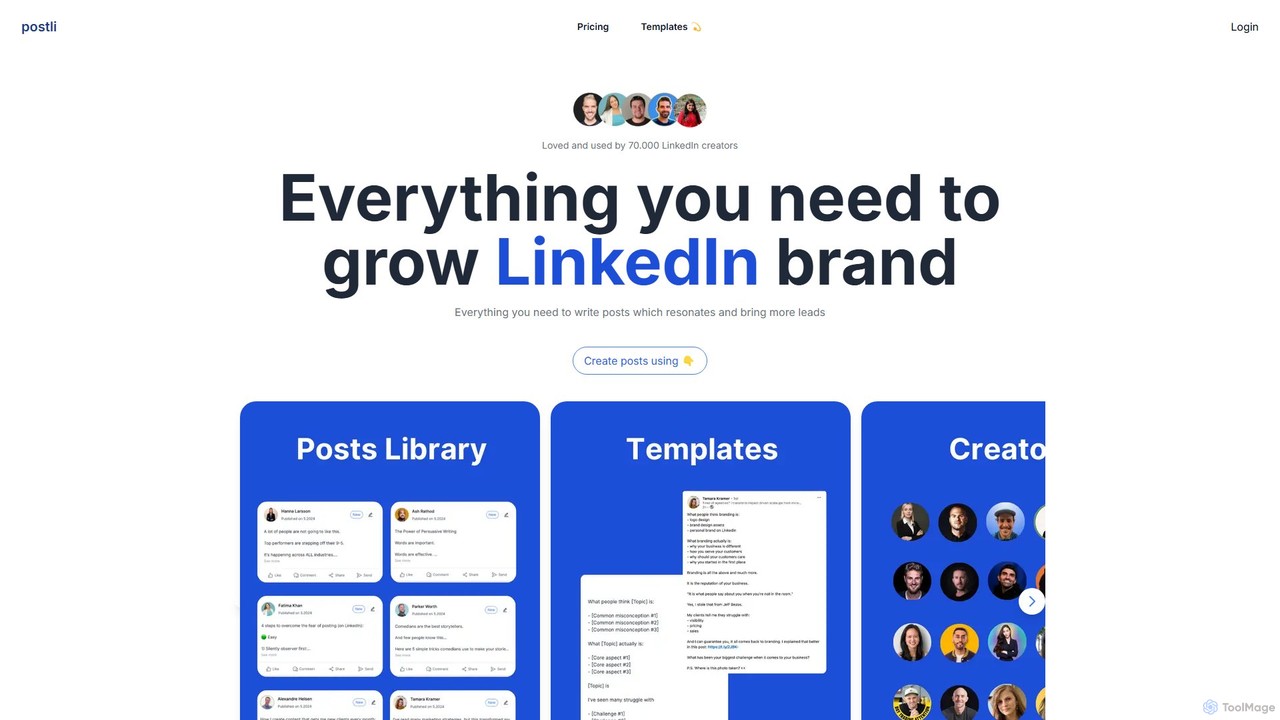
postli
postli is an AI-powered platform designed for LinkedIn creators to generate engaging posts effortlessly. It provides a vast library of viral post templates and content from top influencers, helping users grow their personal brand, increase engagement, and generate more leads.
Content Marketing
ProMind AI
ProMind AI is a versatile AI-powered content creation suite. Leveraging advanced GPT models, it helps users generate high-quality blog posts, social media content, marketing copy, and code snippets in seconds. It's designed for marketers, developers, and writers to boost productivity and streamline their creative workflow.
Code Assistant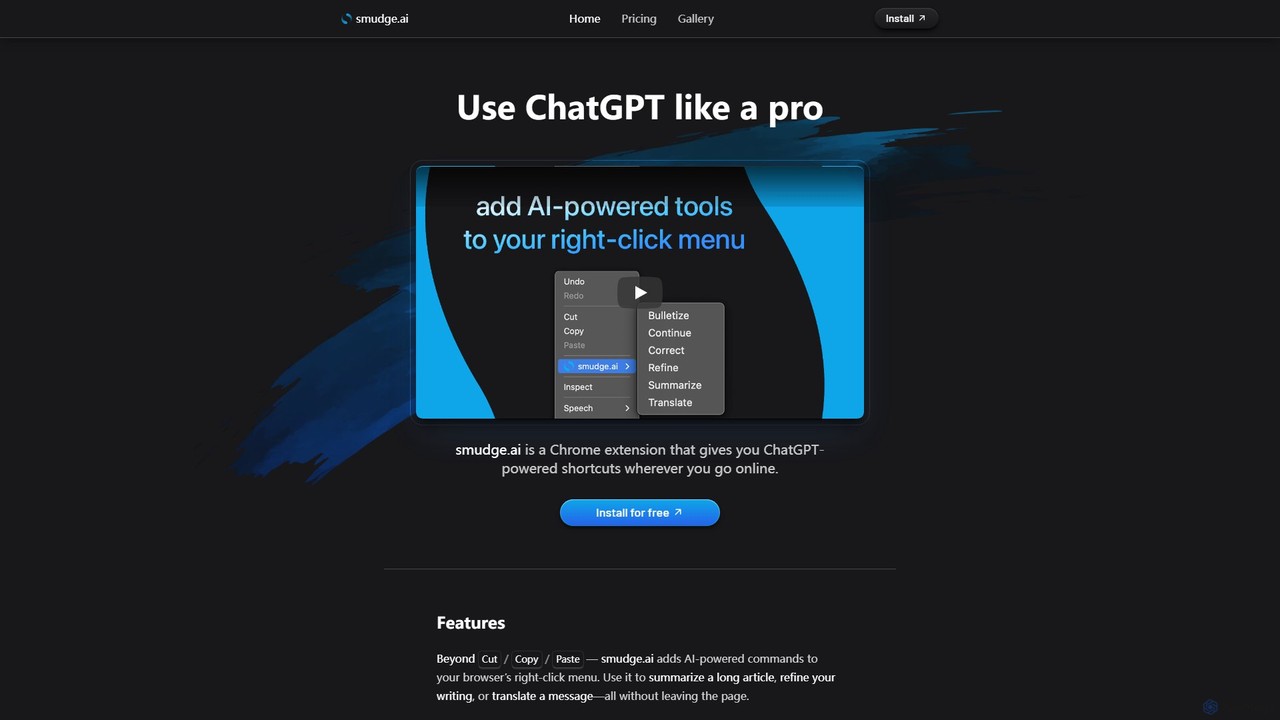
smudge.ai
smudge.ai is a powerful Chrome extension that integrates ChatGPT-powered shortcuts directly into your browser's right-click menu. Instantly summarize articles, refine your writing, translate text, and create custom commands without ever leaving your current page, streamlining your online workflow.
Chrome Extensions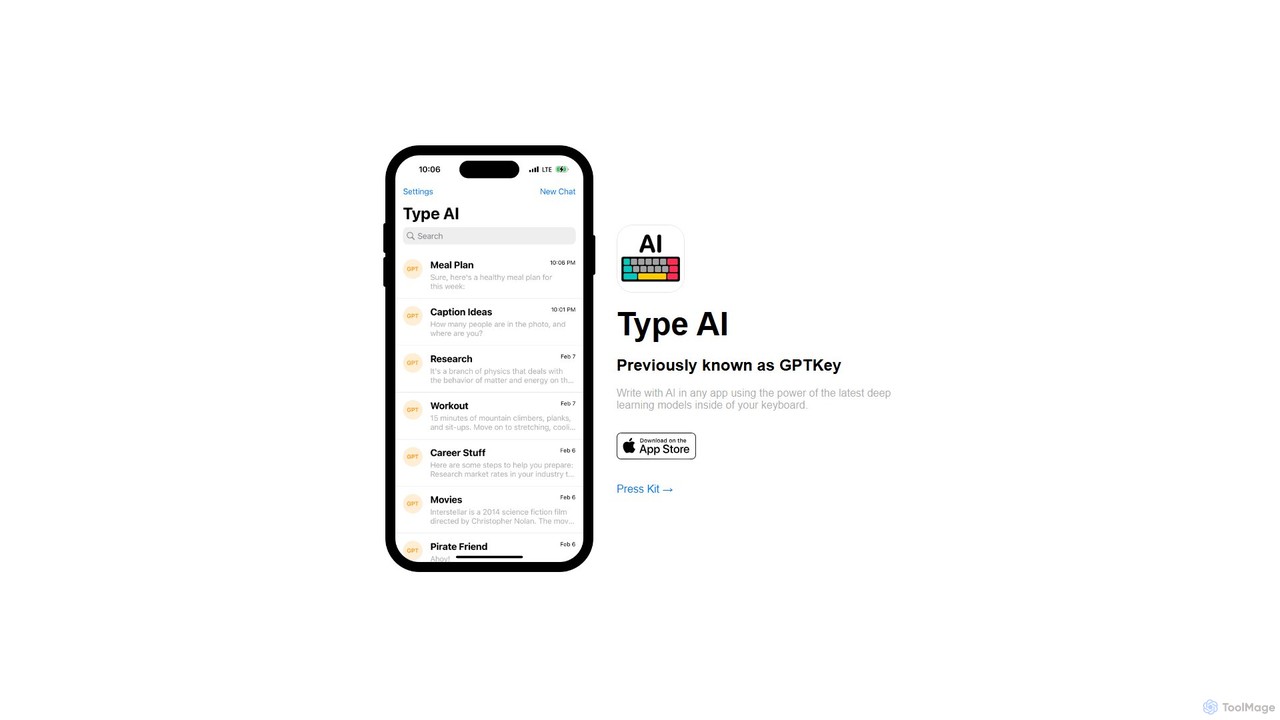
Type AI
Type AI is a revolutionary AI keyboard for iOS that integrates the power of advanced language models, like ChatGPT, directly into any app. Write, reply, rephrase, and translate text seamlessly without switching applications, boosting your productivity and creativity on the go.
Ios Apps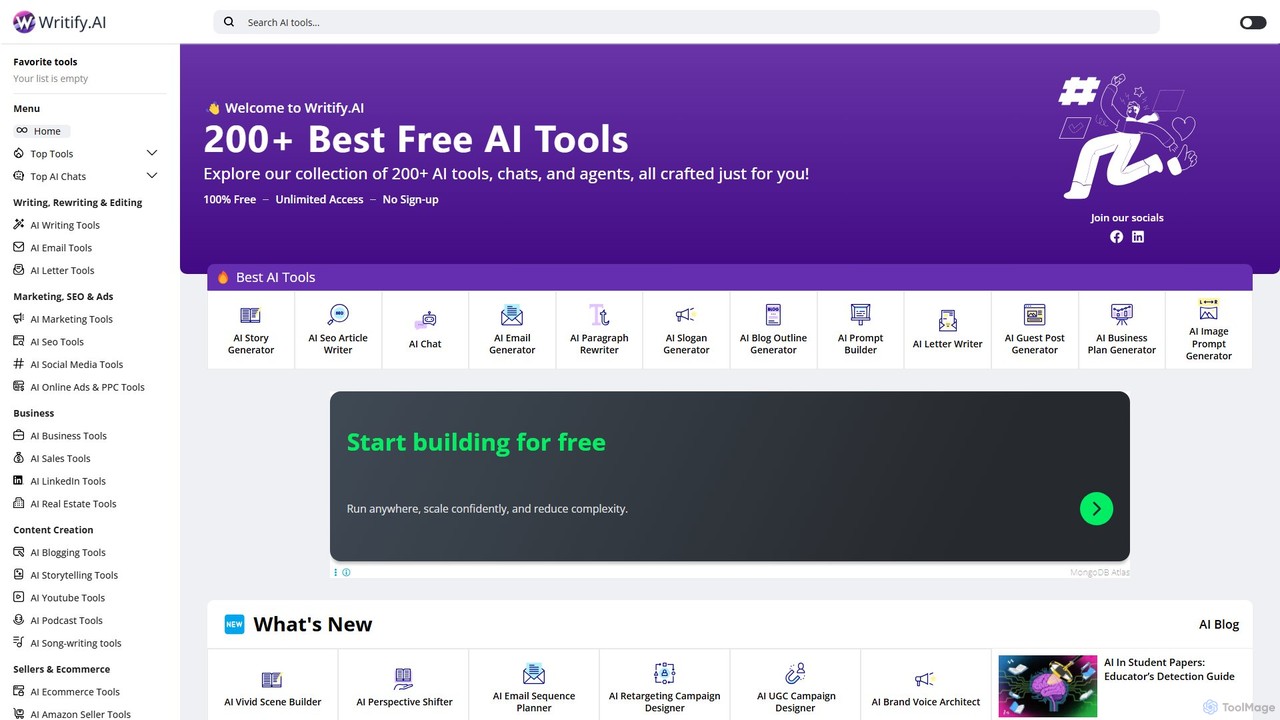
Writify.AI
Writify.AI is a comprehensive suite of over 200 free, specialized AI tools for writing, marketing, SEO, and education. It provides unlimited access to a vast library of content generators without requiring any sign-up or payment. Users can instantly create everything from blog posts and social media content to business plans and lesson outlines, making it an incredibly accessible and versatile platform for a wide range of professionals and creators.
Lesson Planning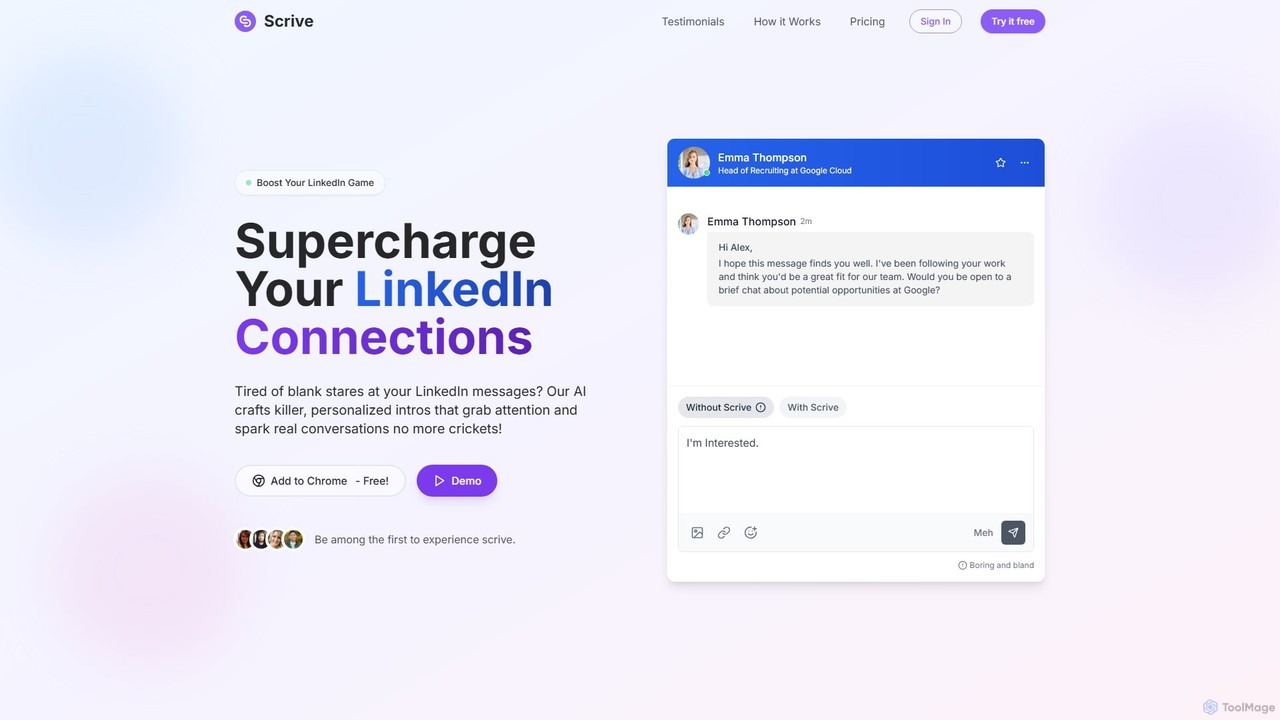
Scrive
Scrive is an AI-powered LinkedIn message assistant designed to boost your networking and outreach efforts. As a Chrome extension, it helps you craft highly personalized, compelling messages that grab attention and significantly increase response rates. Ideal for sales professionals, recruiters, and anyone looking to build meaningful connections, Scrive saves time and eliminates writer's block by generating and refining messages directly within the LinkedIn interface.
Writing Assistant
Jyek
Jyek is an AI agent platform that understands objectives, creates execution plans, uses tools, and delivers verifiable results for complex, multi-step tasks.
Automation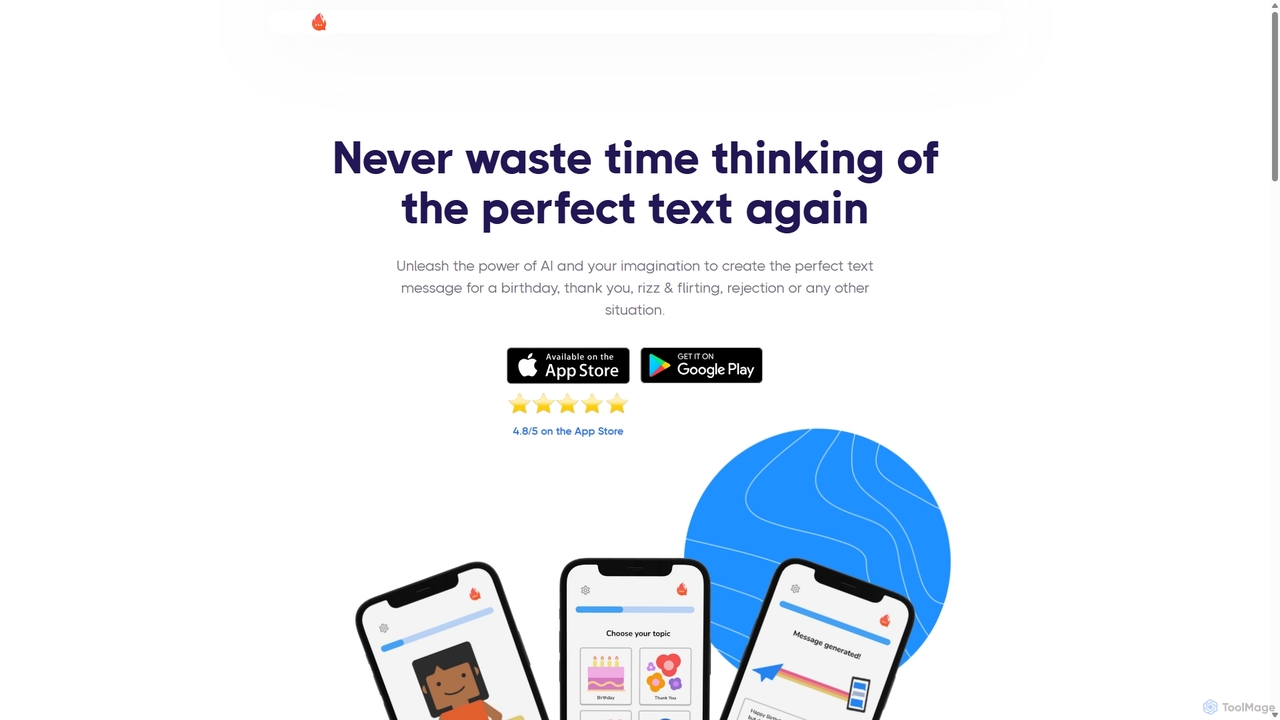
FireTexts
FireTexts is an AI-powered mobile app designed to help you craft the perfect text message for any situation. Leveraging GPT-4, it generates personalized and creative texts for birthdays, thank-yous, flirting (rizz), rejections, and more. It's a fast, lightweight, and intuitive tool for enhancing your daily communication.
Dating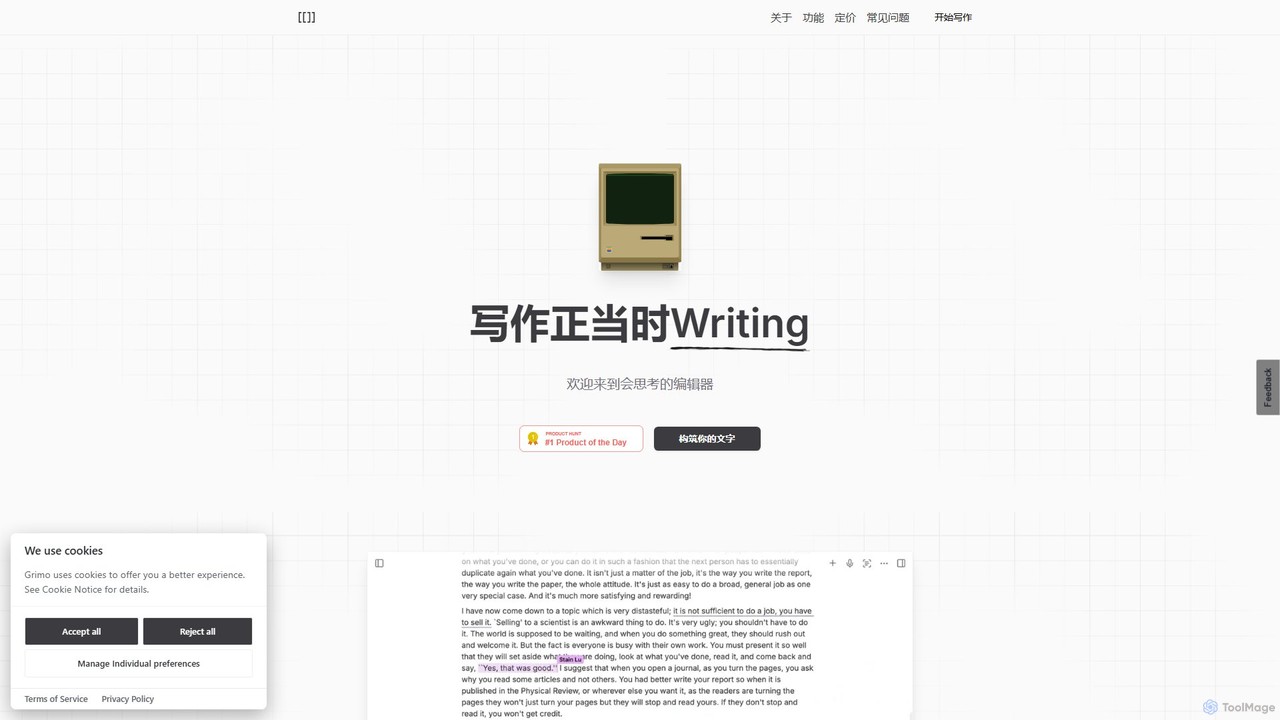
Grimo
Grimo is an AI-powered writing partner and intelligent editor designed for co-creation. It integrates top language models like GPT, Claude, and Gemini, along with voice input, integrated research, and real-time collaboration to transform your writing and productivity workflow.
Document Editing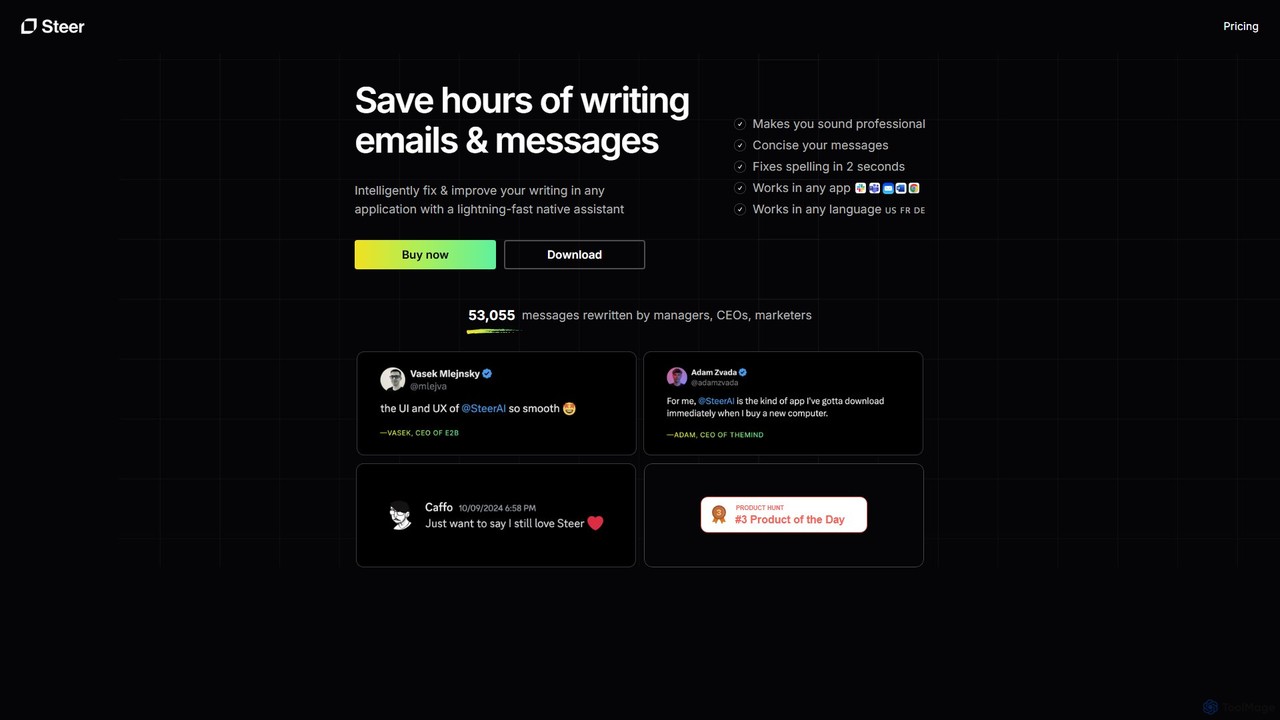
Steer
Steer is a native AI writing assistant for macOS and Windows that helps you save hours on writing. It intelligently fixes grammar, improves tone, and enhances your messages to sound professional, all directly within any application without interrupting your workflow.
Email Assistant
lastworkingday Comments (0)
Sign in to comment.
Sign inNo comments yet.