

Microsoft Designer Overview
Microsoft Designer is a revolutionary graphic design application that leverages cutting-edge artificial intelligence to empower users to create professional-quality visuals with unprecedented ease and speed. Integrated into the Microsoft ecosystem and powered by OpenAI's DALL-E 3, Designer transforms your text descriptions into stunning, fully-editable designs in seconds. It's built for everyone—from small business owners and social media managers to students and individuals who need to create compelling visuals without a steep learning curve.
The core principle of Designer is simplicity. Instead of starting with a blank canvas, you start with an idea. The AI acts as your creative partner, offering a variety of design suggestions, layouts, and imagery that you can then refine and customize. This approach dramatically accelerates the creative process, eliminating the need for complex software or professional design skills.
How to use Microsoft Designer
Using Microsoft Designer is an intuitive, three-step process:
- Describe Your Design: Start by typing a description of what you want to create in the prompt box. Be as descriptive as possible. For example, instead of "a post about coffee," try "an Instagram post for a new artisanal coffee shop opening, featuring a minimalist aesthetic with warm, earthy tones." You can also upload your own image to start.
- Choose Your Favorite: The AI will instantly generate a range of unique design options based on your prompt, complete with professional layouts, fonts, and AI-generated images. Simply scroll through the suggestions and select the one that best fits your vision.
- Customize and Refine: Once you've chosen a design, you can enter the full-featured editor to customize every element. Change text, swap images, apply your brand colors, or use powerful AI tools like Generative Erase to remove unwanted objects from photos or Background Removal to create clean cutouts.
- Download and Share: When your design is perfect, you can download it in various formats (PNG, JPG, PDF) or use the built-in AI-powered caption and hashtag generator to share it directly to your social media platforms.
Core Features of Microsoft Designer
- Design Creator: The primary feature that generates complete design templates from a simple text prompt.
- Image Creator: Integrated DALL-E 3 technology allows you to generate photorealistic or artistic images from text descriptions.
- Generative Erase: Seamlessly remove unwanted objects or people from your photos. Just brush over the area, and the AI will intelligently fill in the background.
- Background Removal: Instantly remove the background from any image with a single click, perfect for creating professional product shots or profile pictures.
- Sticker Creator: Turn any idea or photo into a fun, shareable sticker for your messages and social media.
- Brand Kit Creator: Automatically create a brand kit by analyzing your website, ensuring all your designs remain consistent with your brand's colors, fonts, and logos.
- AI-Powered Captions & Hashtags: Get help with the writing part. Designer can suggest engaging captions and relevant hashtags for your social media posts.
Use Cases for Microsoft Designer
Microsoft Designer is versatile and can be used for a wide range of personal and professional projects:
- Social Media Marketing: Quickly create eye-catching posts, stories, reels, and banners for Instagram, Facebook, LinkedIn, and other platforms.
- Business & Marketing Materials: Design flyers, posters, digital brochures, and advertisements for your products or services.
- Events & Invitations: Craft beautiful digital invitations, announcements, and greeting cards for weddings, birthdays, and corporate events.
- Personal Projects: Create unique wallpapers, vision boards, or personalized graphics for your hobbies and personal brand.
- Presentations & Documents: Generate compelling visuals and infographics to enhance your PowerPoint presentations and Word documents.
Advantages of Microsoft Designer
Microsoft Designer stands out with several key advantages. Its biggest strength is its accessibility; it empowers non-designers to produce high-quality work. The deep integration with the Microsoft ecosystem, including Copilot and Microsoft 365, creates a seamless workflow. By using the latest DALL-E 3 model, it offers state-of-the-art image generation capabilities. The speed at which it generates multiple design options significantly boosts productivity, allowing users to focus on ideas rather than technical execution.
Pricing and Plans
Microsoft Designer operates on a freemium model:
- Free Plan: Available to anyone with a Microsoft account. This plan includes the core design features and a generous number of free 'boosts' (15 per day) for faster AI image generation with Image Creator.
- Copilot Pro: For users who need more power and features, the Copilot Pro subscription ($20/month per user) offers everything in the free plan plus 100 boosts per day, priority access to the latest AI models during peak times, and advanced integration with Microsoft 365 apps like Word, Excel, PowerPoint, and Outlook.
Traffic
Latest traffic
Status
Monthly traffic trend
- 2025-9: 3.3M
- 2026-1: 2.1M
- 2026-2: 1.8M
- 2026-3: 1.9M
- 2026-4: 1.8M
- 2026-5: 1.7M
Geography
Top 5 countries / regions
- 🇺🇸United States44.7%
- 🇮🇳India21.0%
- 🇧🇷Brazil14.2%
- 🇯🇵Japan10.6%
- 🇬🇧United Kingdom9.6%
Traffic sources
| Source type | Percentage |
|---|---|
Direct | 76.5% |
Referral | 21.0% |
Email | 2.5% |
Top keywords
| Keyword | Cost per click |
|---|---|
| designer | $1.10 |
| designer microsoft | $0.81 |
| microsoft ai image generator | $1.50 |
| microsoft designer | $0.69 |
| ms designer | $0.57 |
Microsoft Designer Alternatives
TopDesign AI
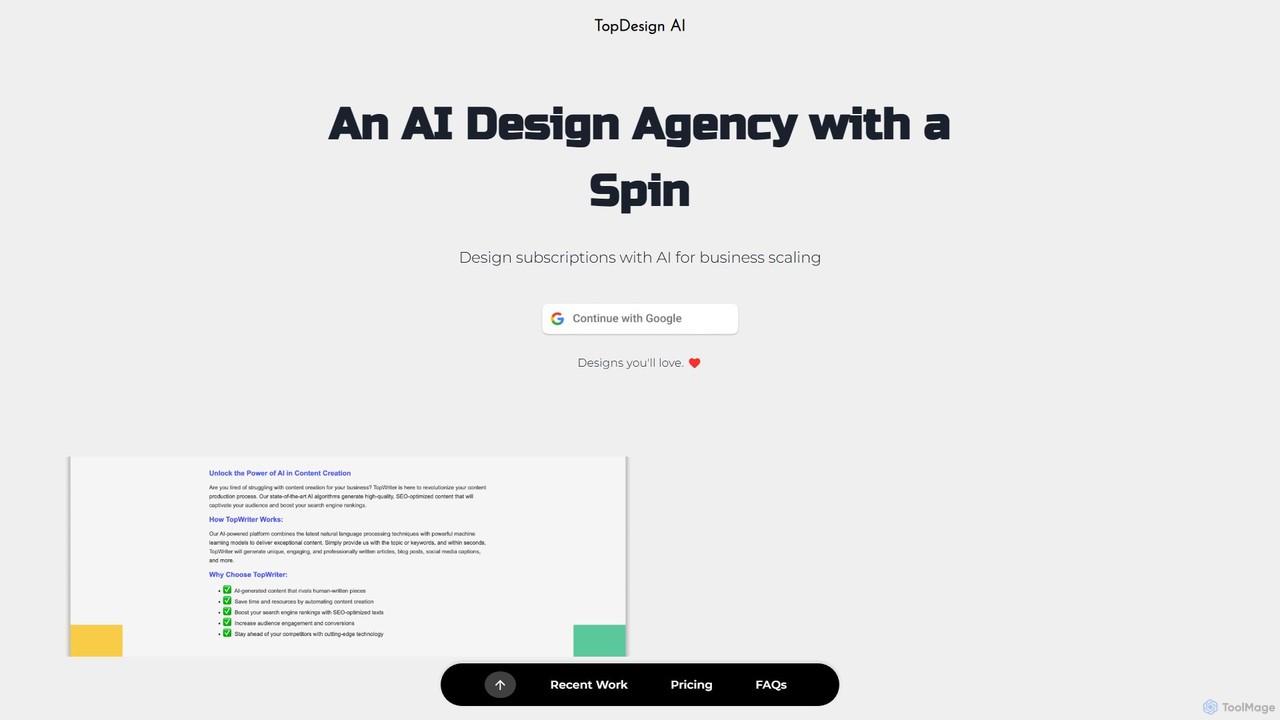
TopDesign AI is an all-in-one AI-powered design platform that enables users to effortlessly create stunning graphics, logos, presentations, and marketing materials. By leveraging advanced AI, it transforms simple text prompts into professional-quality visuals in minutes, making high-end design accessible to everyone, regardless of skill level.
Graphic Design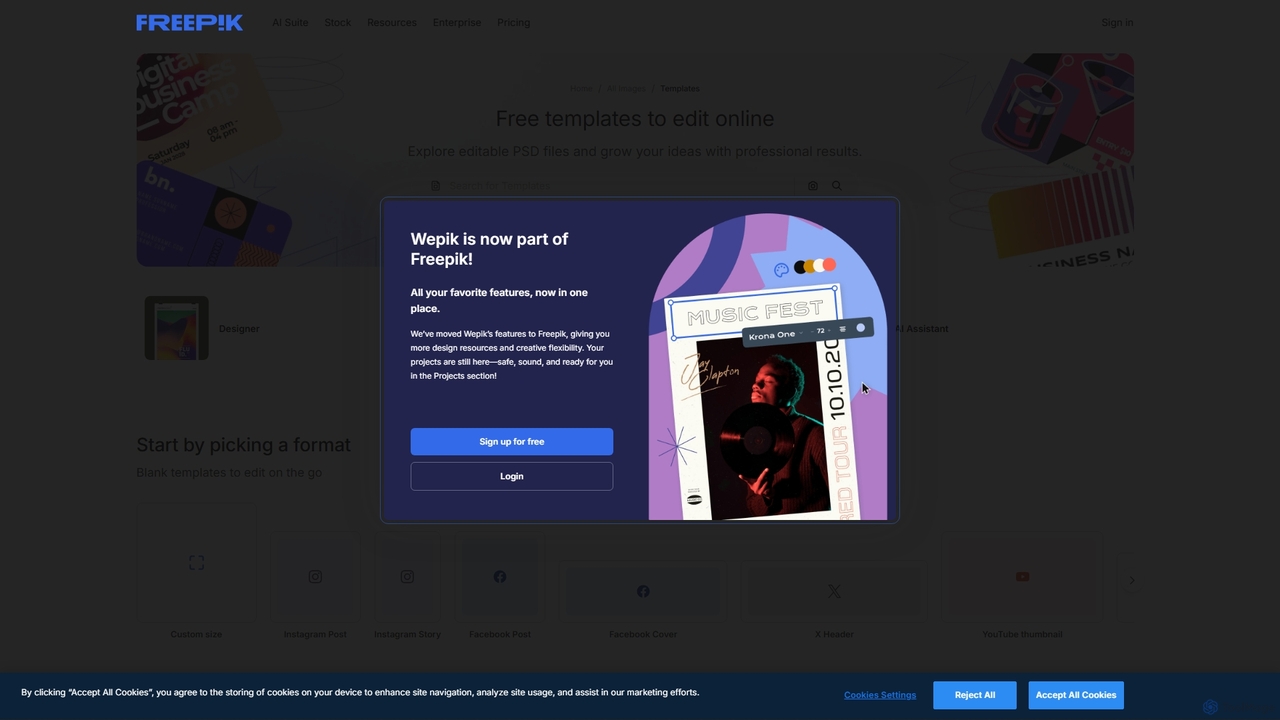
Wepik
Wepik is a free, all-in-one online design editor from Freepik. It empowers users to create professional graphics with thousands of customizable templates and powerful AI tools. Features include an AI Image Generator, AI Writer, and a one-click Background Remover, making design accessible to everyone, regardless of skill level.
Image Generation
pixcanva
Pixcanva is an AI-powered design platform that combines a text-to-image generator with an intuitive, Canva-like editor. Effortlessly create stunning graphics, social media posts, marketing materials, and unique artwork from simple text prompts. It's the all-in-one solution for designers, marketers, and creators to streamline their visual content creation process.
Graphic Design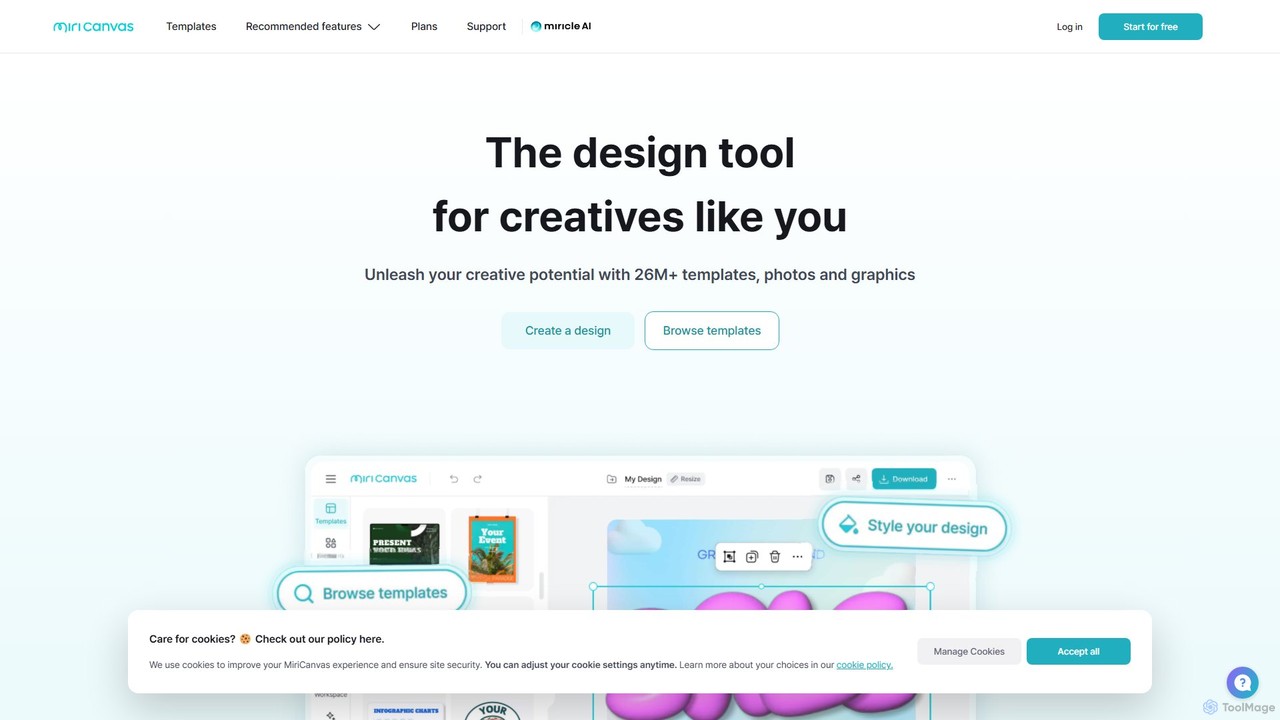
MiriCanvas
MiriCanvas is a versatile, AI-powered online design platform that makes graphic design accessible to everyone. It offers a vast library of over 26 million templates and assets for creating presentations, social media content, videos, and more. With intuitive AI tools like an AI presentation generator, background remover, and AI image generator, users can produce professional-quality designs quickly and effortlessly, across any device.
Image Generation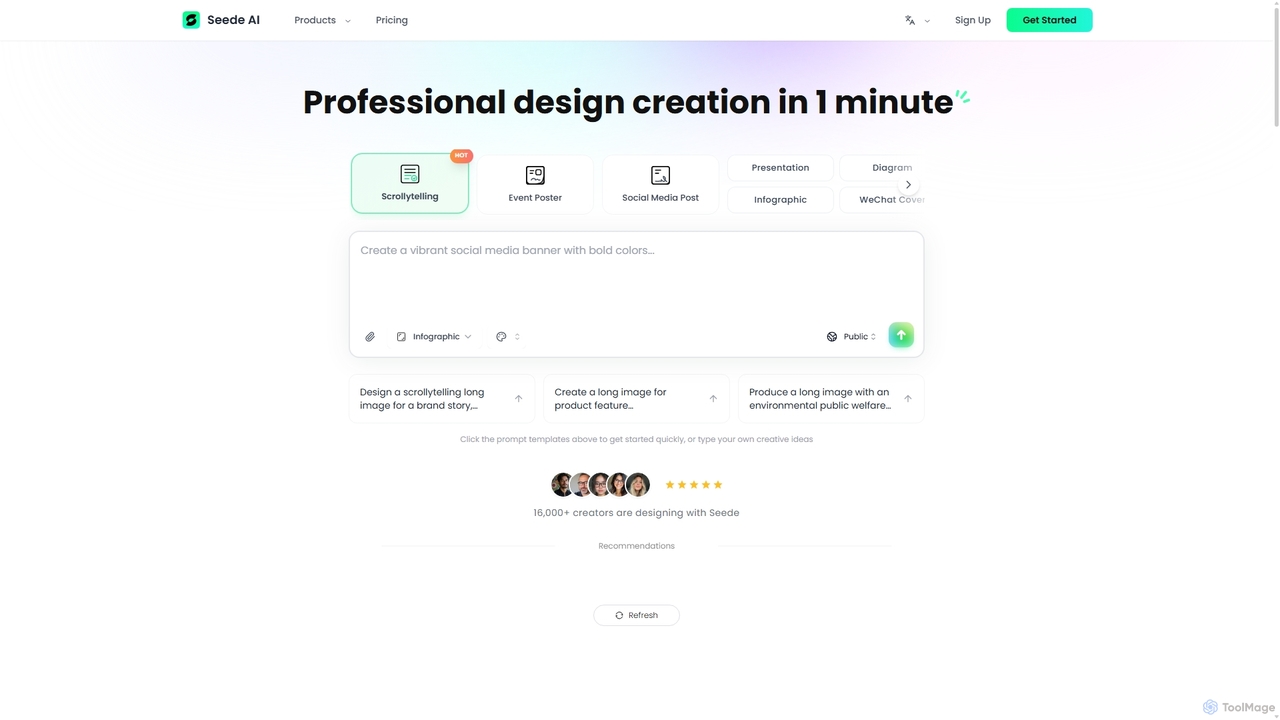
Seede AI
Seede AI is an AI-powered graphic design platform that enables users to create professional-quality visuals in just one minute. It transforms text prompts or reference images into a wide range of designs, including social media posts, posters, and presentations. With an intuitive interface and layered editing capabilities, Seede AI makes creative design accessible to everyone, regardless of their technical skills.
Graphic DesignMicrosoft Designer Categories
Microsoft Designer Embed Widget
Copy this embed code to place the badge on your blog, article, or product site and send readers directly to this ToolMage detail page.

Related AI tools
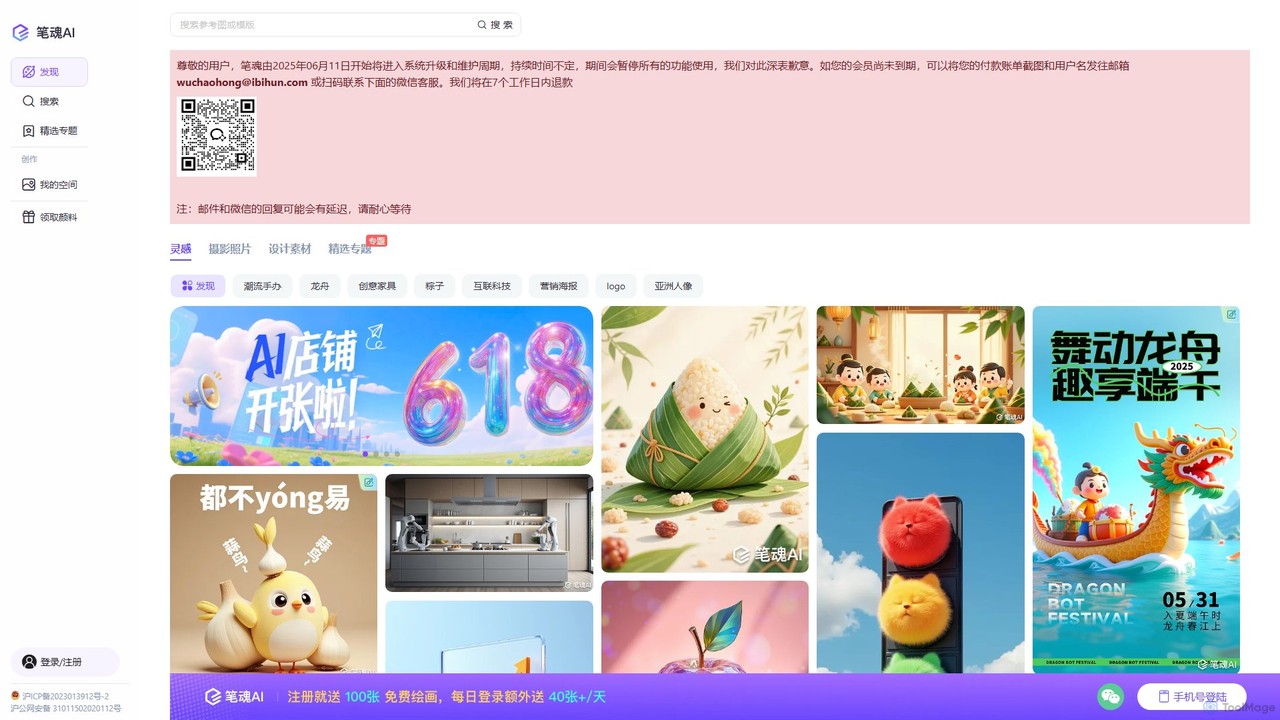
ibihun
ibihun (笔魂) is a versatile AI image generation and design platform. It empowers users to create high-quality images, illustrations, and design assets from text prompts. Featuring a wide range of styles, an AI editor for templates, and extensive inspiration galleries, it's tailored for designers, marketers, and content creators.
Graphic Design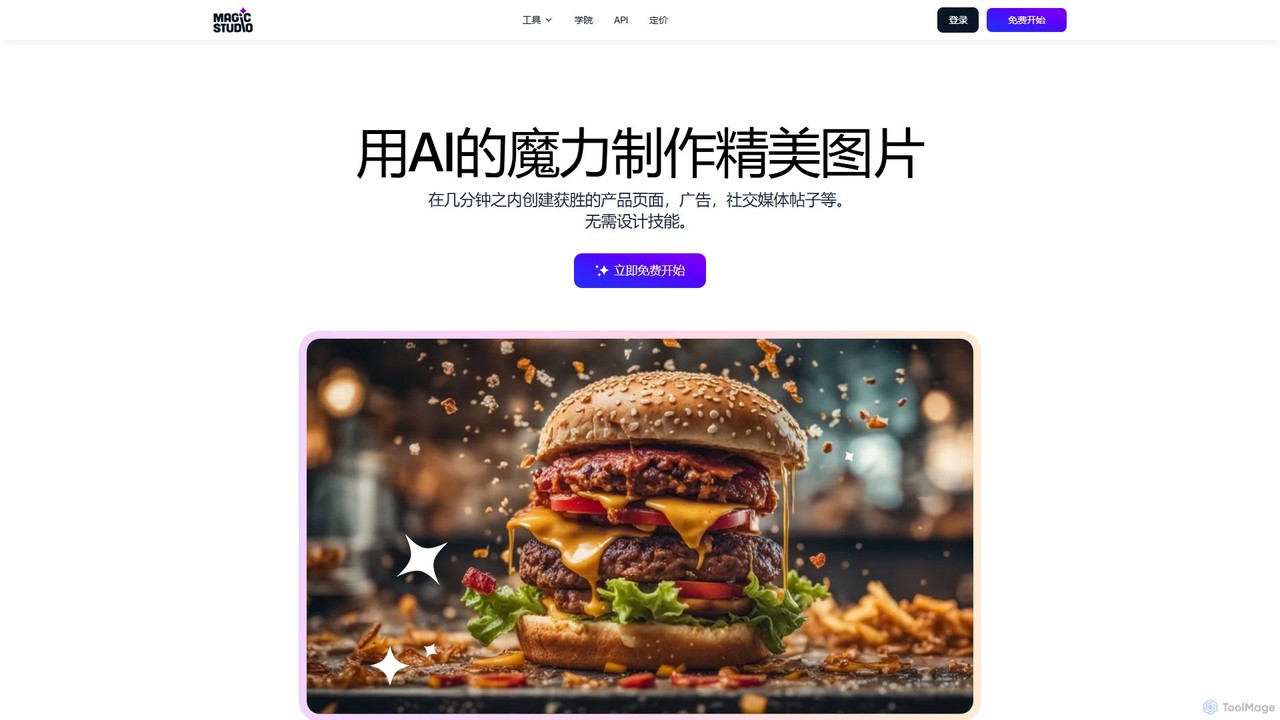
Magic Studio
Magic Studio is an all-in-one AI-powered image editing suite designed for everyone. It allows users to effortlessly create stunning visuals, remove unwanted objects, change backgrounds, generate images from text, and enhance photo quality in seconds, no design skills required.
Product Photos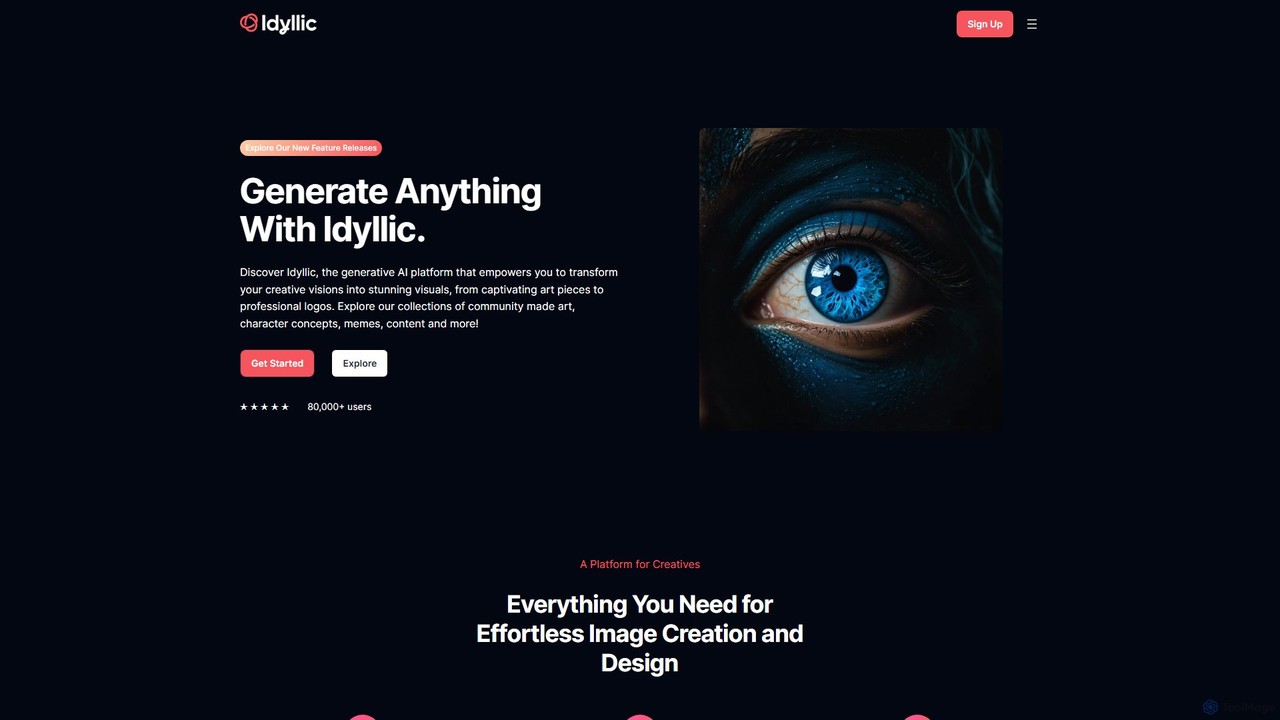
idyllic
Idyllic is a generative AI platform that transforms text descriptions into stunning visuals. It empowers users to create, edit, and remix images, from art and logos to marketing materials, using intuitive conversational commands and powerful blending features. It's designed for both creatives and professionals, requiring no prior design skills.
Ai Art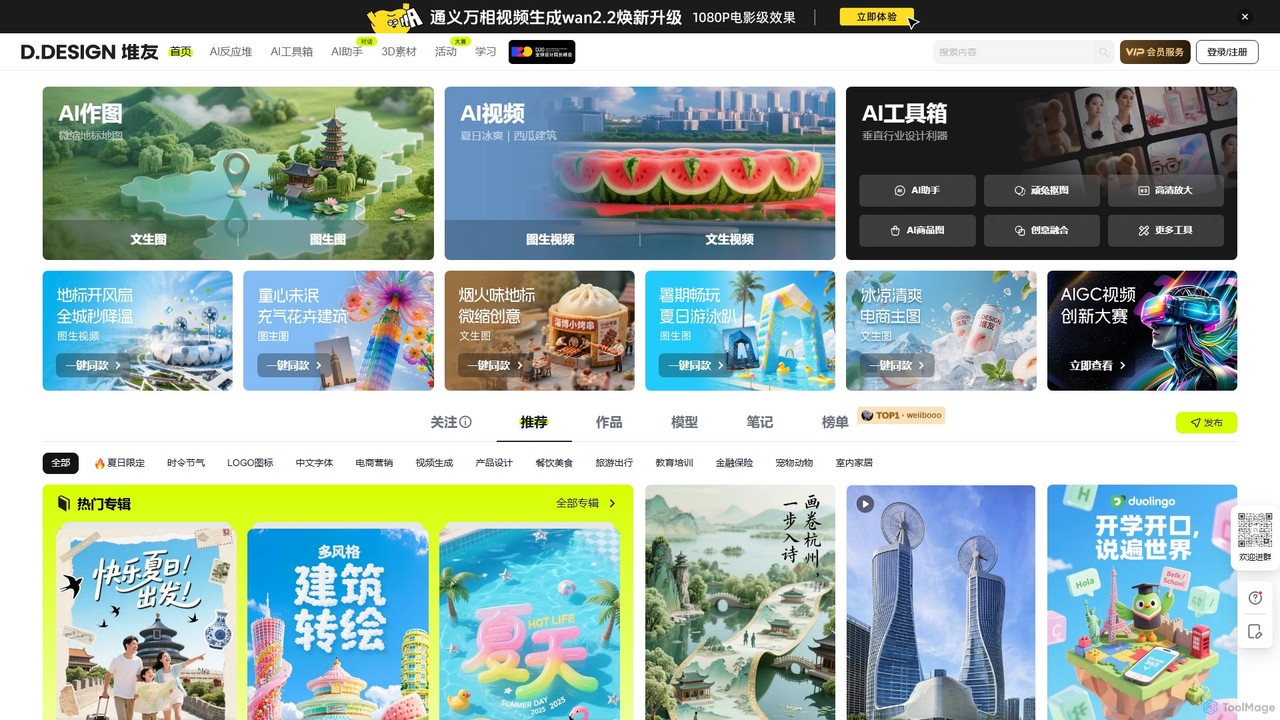
DuiYou
DuiYou (d.design) is an all-in-one AI creative platform by Alibaba. It integrates multi-style AI image and video generation, a comprehensive toolbox for editing, custom model training, and a vibrant community. It's designed for designers, marketers, and creators to streamline their workflow and unleash creativity.
Graphic Design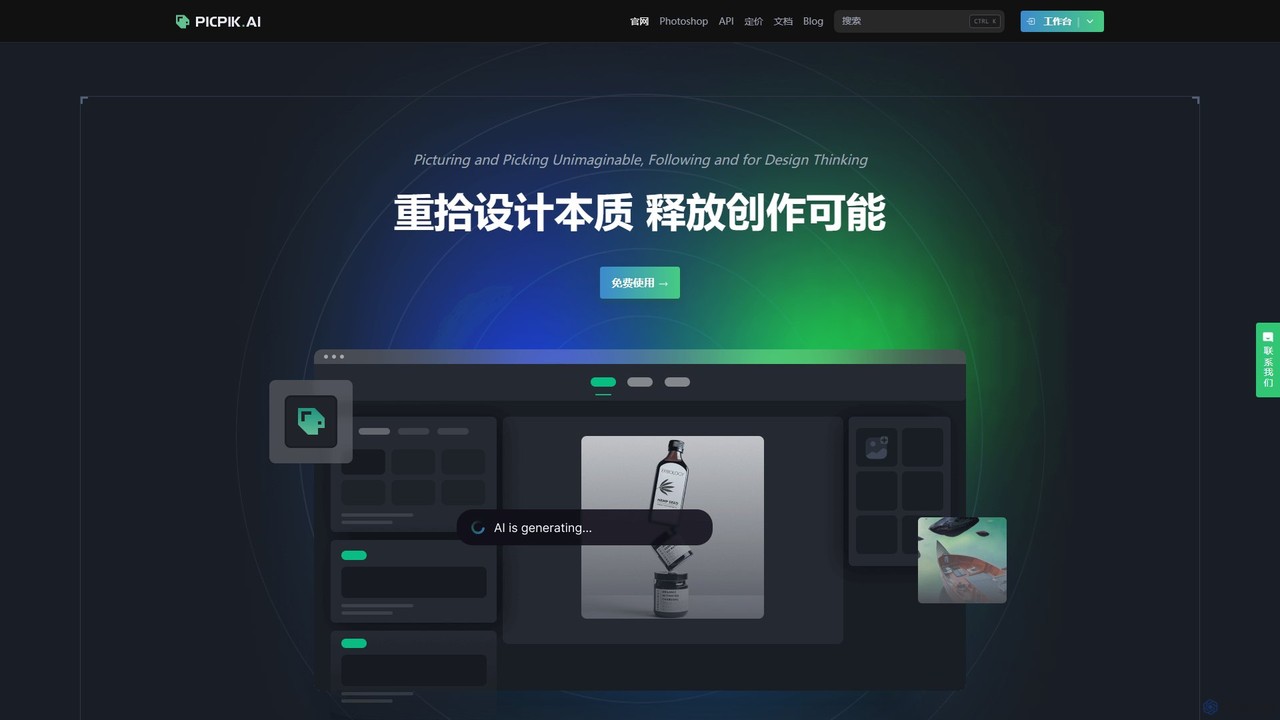
PicPik.ai
PicPik.ai is a professional-grade AI art generator and Photoshop plugin designed for designers and creative teams. It offers high-quality image generation with pre-optimized models, custom LoRA model training, seamless workflow integration, and a suite of powerful AI tools like face swapping, HD upscaling, and background removal.
Graphic Design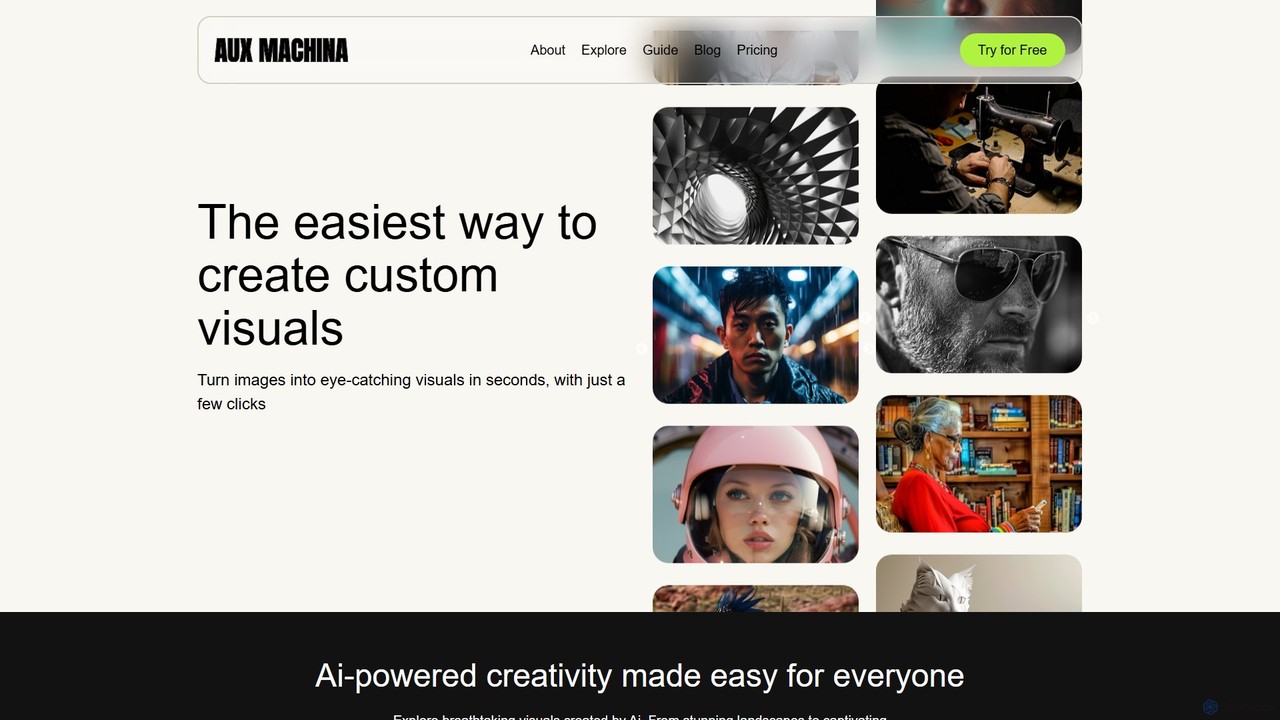
Aux Machina
Aux Machina is an AI-powered platform designed to effortlessly create and edit high-quality, custom visuals. It allows users to generate unique, royalty-free images from text prompts in seconds. Integrating top models like DALL-E 3 and Midjourney, it's an affordable and intuitive solution for marketers, designers, and content creators to bring their ideas to life without licensing restrictions.
Graphics
Jyek
Jyek is an AI agent platform that understands objectives, creates execution plans, uses tools, and delivers verifiable results for complex, multi-step tasks.
Automation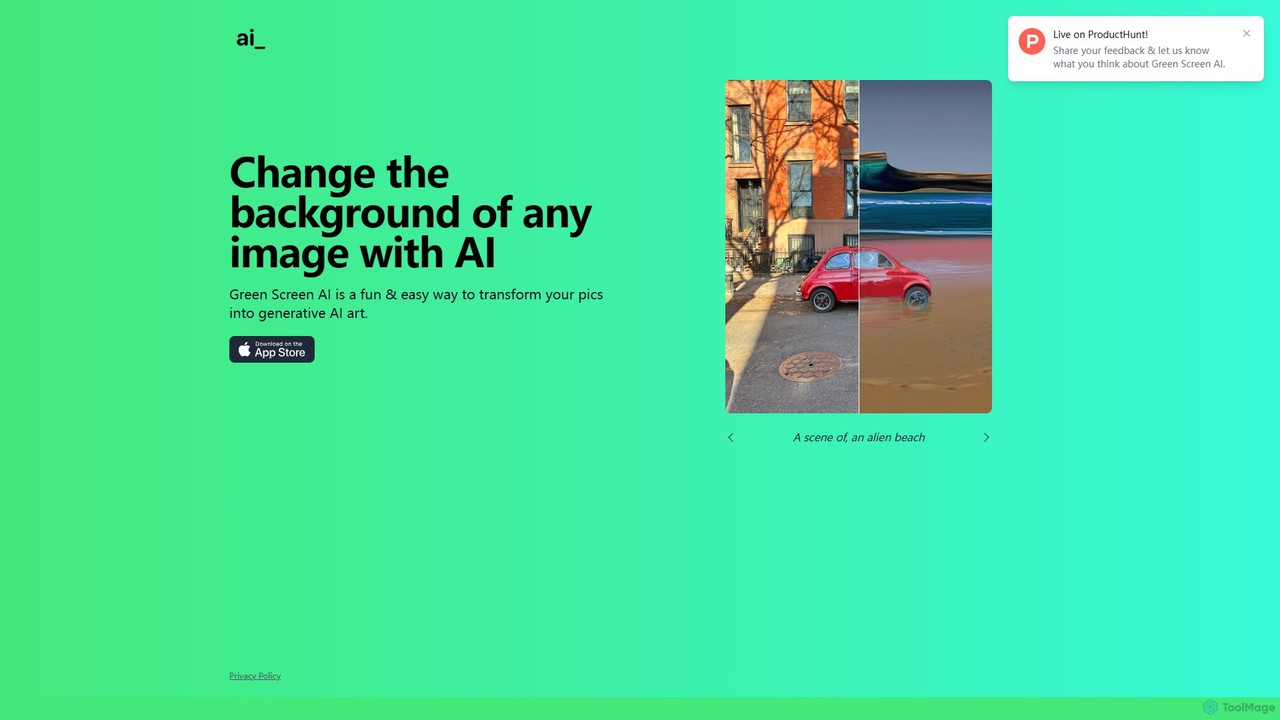
Green Screen AI
Green Screen AI is a fun and powerful tool that uses generative AI to instantly change the background of any image. Simply upload a photo, describe the new scene you want, and watch as the AI creates a unique, high-quality background for you.
Background Removal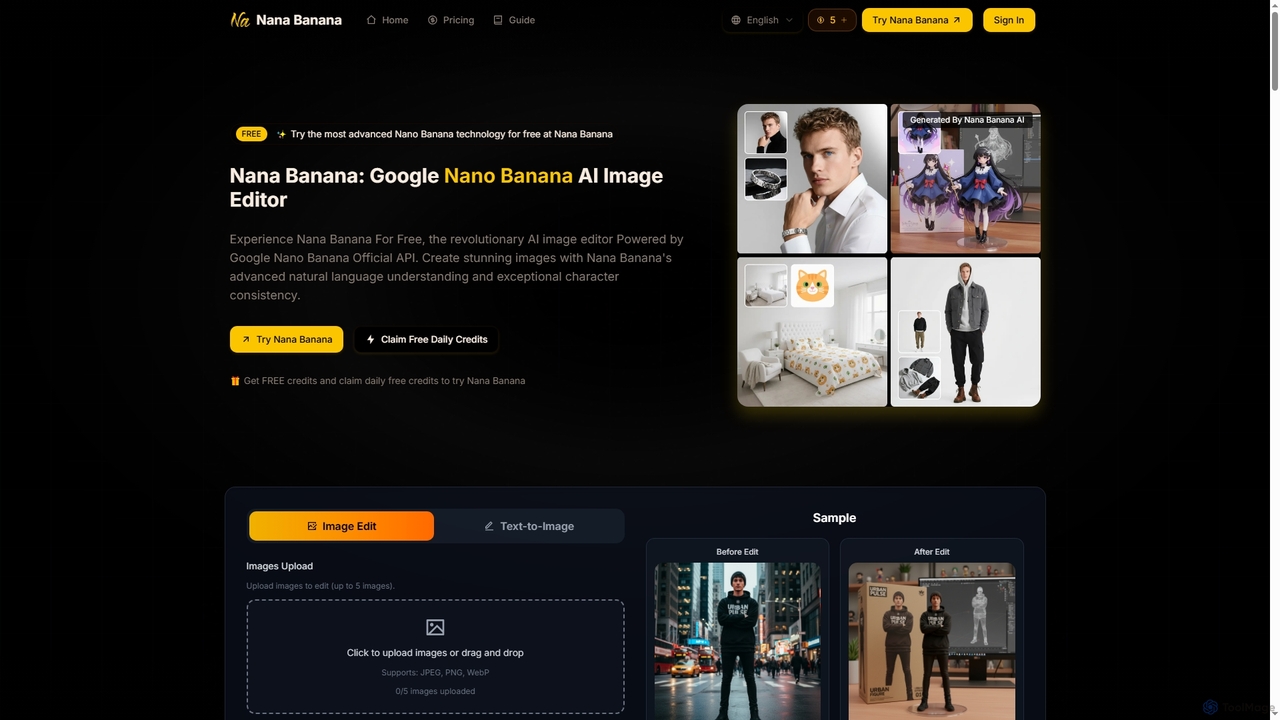
Nana Banana
Nana Banana is an advanced AI image editor and generator powered by Google's cutting-edge Gemini 2.5 Flash Image model. It enables users to create stunning visuals from text prompts or by editing existing images with exceptional natural language understanding, character consistency, and one-shot editing capabilities, delivering professional-grade 4K+ output rapidly.
Graphic DesignTopDesign AI
TopDesign AI is an all-in-one AI-powered design platform that enables users to effortlessly create stunning graphics, logos, presentations, and marketing materials. By leveraging advanced AI, it transforms simple text prompts into professional-quality visuals in minutes, making high-end design accessible to everyone, regardless of skill level.
Graphic Design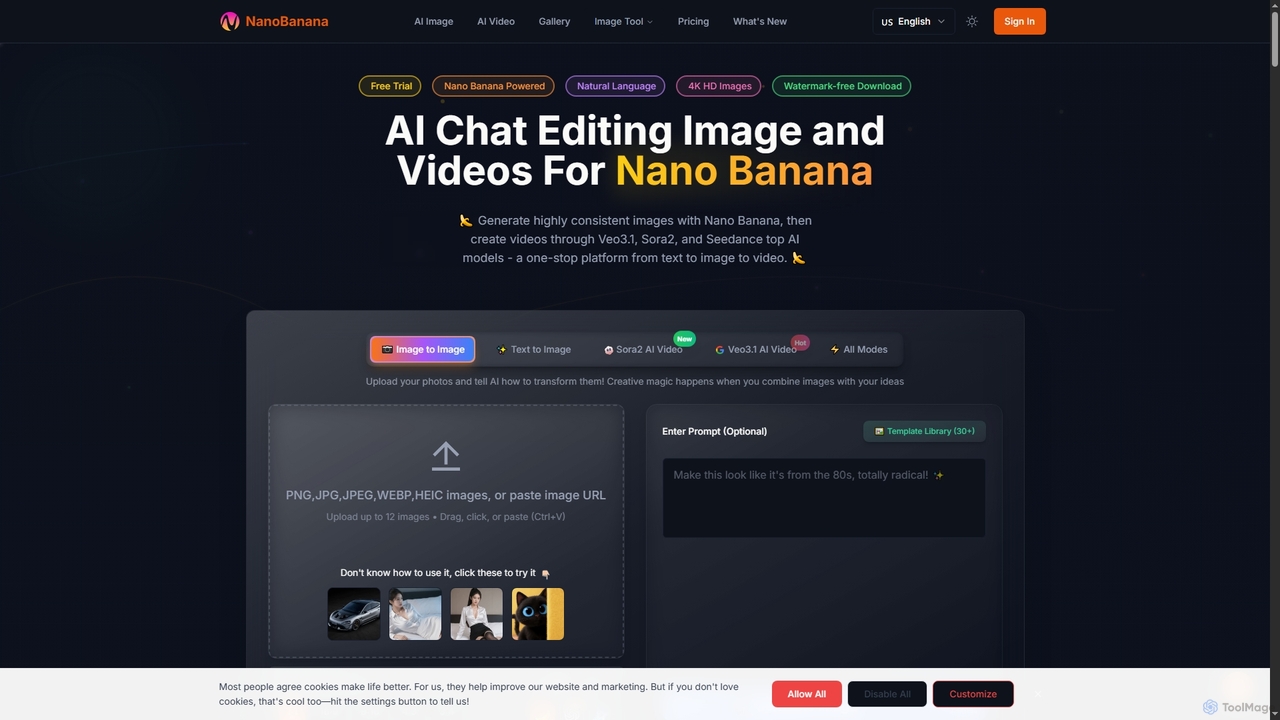
NanoBanana
NanoBanana is an advanced AI-powered platform for generating and editing images and videos using natural language. It offers lightning-fast creation, high-resolution outputs, and a wide array of creative modes, making professional-quality visual content accessible to everyone from beginners to seasoned creators.
Digital Art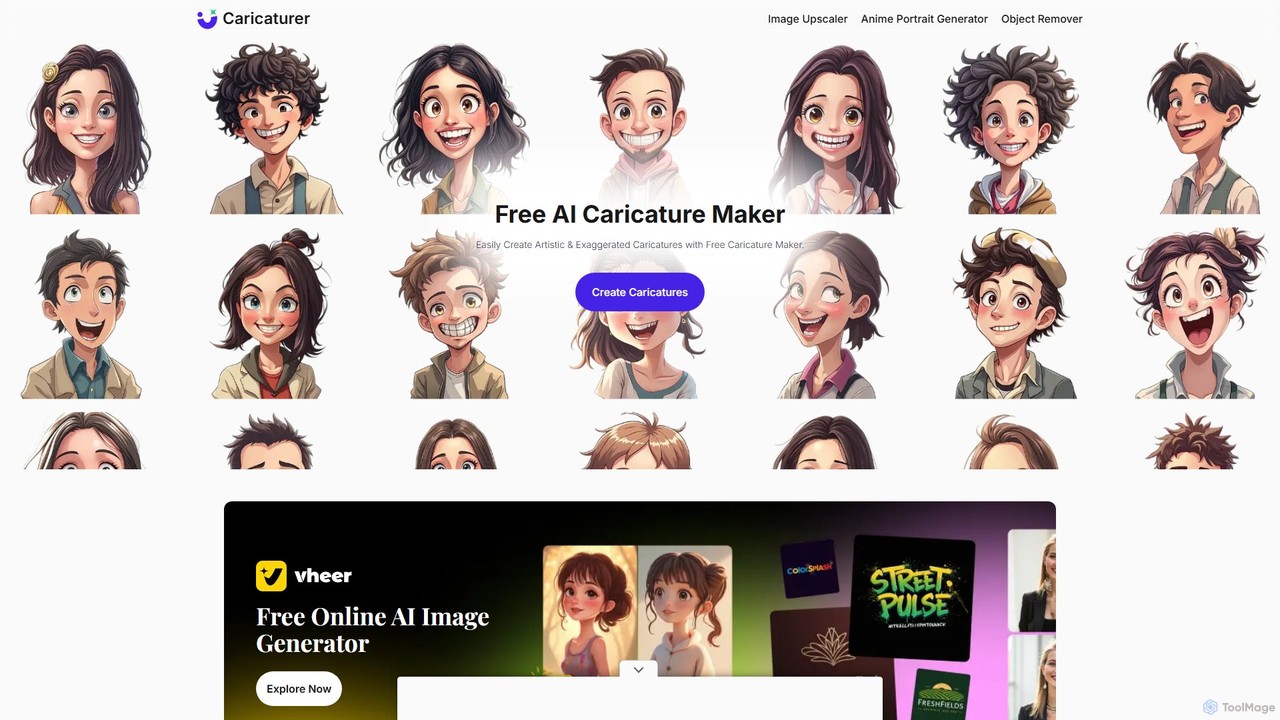
caricaturer
caricaturer is a free AI-powered tool that instantly transforms photos into fun, exaggerated caricatures. Simply upload an image, use text prompts to define the style, and generate high-quality, watermark-free caricatures in seconds. No artistic skills, registration, or payment required. Perfect for social media avatars, personalized gifts, and creative branding.
Image Generation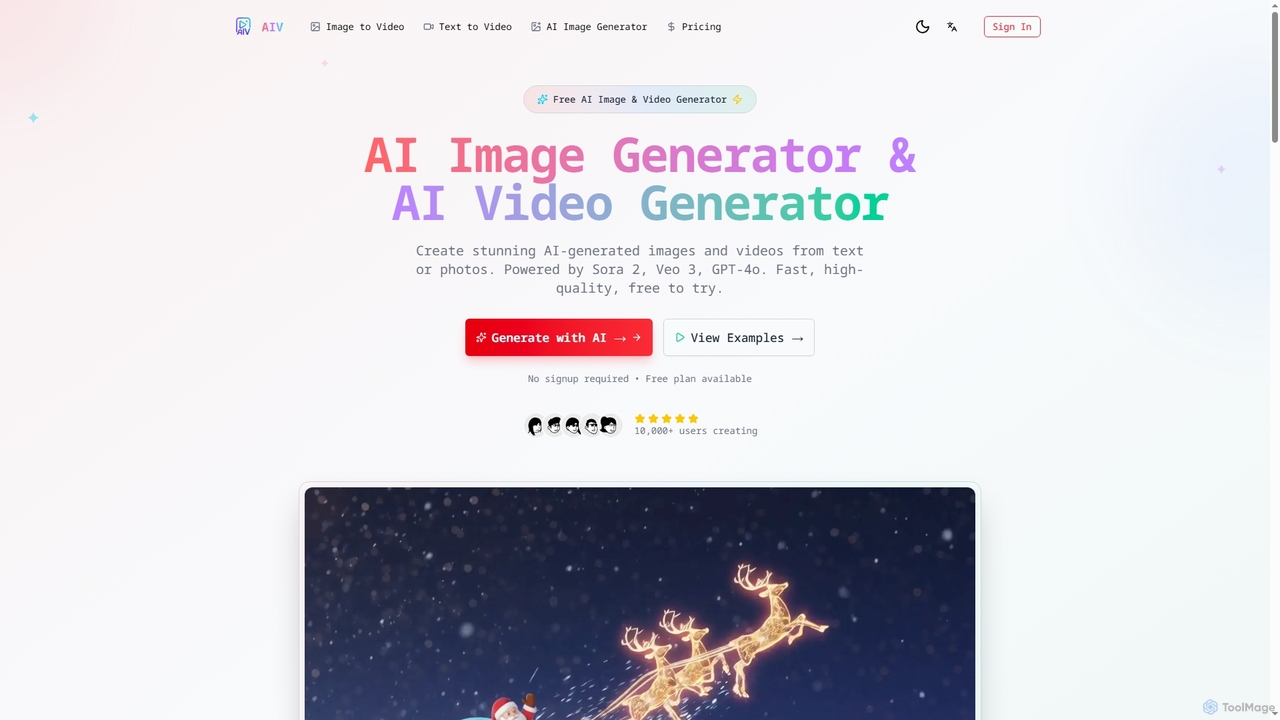
AI Image Video
AI Image Video is a powerful platform that leverages advanced AI models like Sora 2, Veo 3, and GPT-4o to generate stunning images and cinematic videos from text prompts or existing photos. It offers fast, high-quality content creation for various needs, from social media to professional marketing, with an easy-to-use interface and commercial use rights.
Content Creation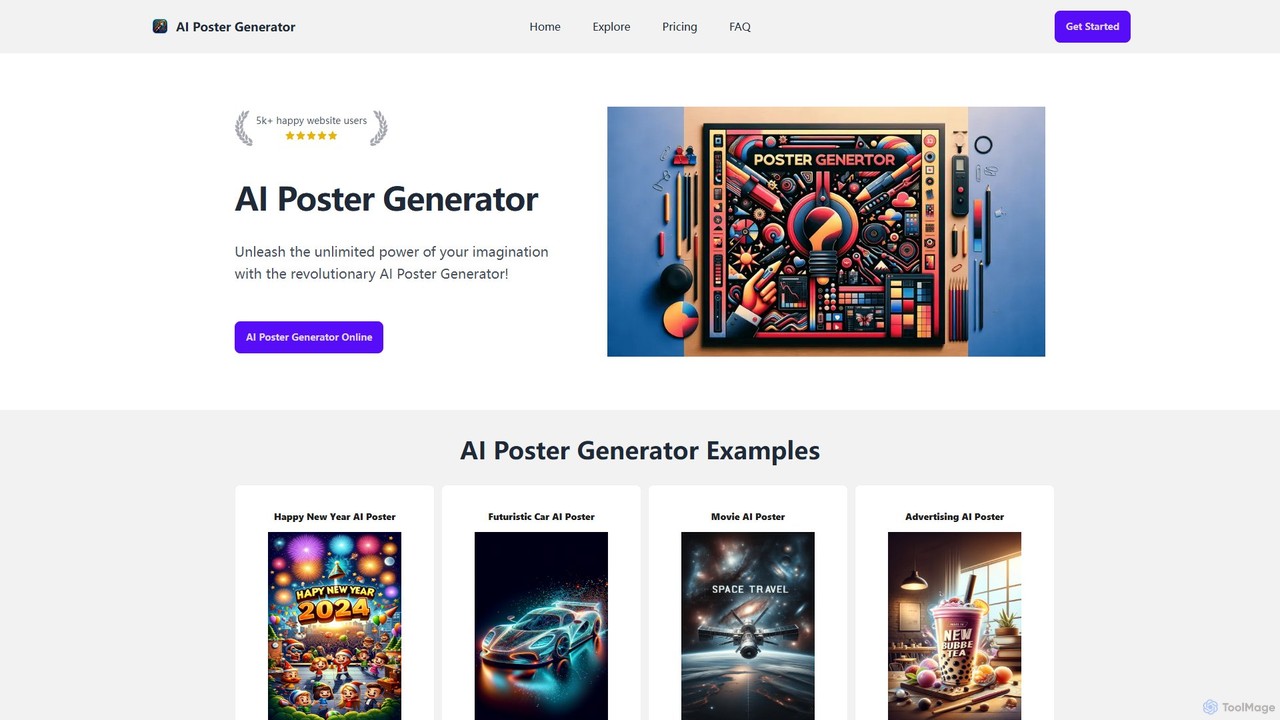
AI Poster Generator
AI Poster Generator is an innovative online tool that leverages the power of DALL-E 3 to transform your text prompts into stunning, professional-quality posters. Instantly create visuals for marketing, events, education, or personal projects without any design experience. Simply describe your idea, choose a style, and let the AI bring your vision to life in minutes.
Creative Tools
movieaiposter
An AI-powered platform that enables users to effortlessly generate professional-quality movie posters. By simply inputting text descriptions, including genre, plot, and character details, users can create stunning, unique visual art for their film projects. It's designed for independent filmmakers, marketers, and creative enthusiasts who need high-impact visuals quickly and affordably.
Graphic Design
Microsoft Designer Comments (0)
Sign in to comment.
Sign inNo comments yet.