


OctopusAI Overview
OctopusAI emerges as a central nervous system for modern businesses, designed to tackle the pervasive challenge of fragmented data and disconnected applications. In today's digital ecosystem, companies rely on a multitude of specialized tools for CRM, marketing, project management, and communication. While each is powerful, they often create data silos, leading to inefficiencies and incomplete business insights. OctopusAI, with its powerful integration capabilities, acts like an octopus's tentacles, reaching out to all your disparate systems, unifying them into a single, intelligent, and automated platform.
The core philosophy behind OctopusAI is to empower teams to build complex, multi-step workflows without writing a single line of code. It transforms repetitive manual tasks into streamlined, automated processes, freeing up valuable human resources to focus on strategic initiatives. Whether it's nurturing a new lead from your CRM or repurposing a blog post into a multi-platform social media campaign, OctopusAI handles the heavy lifting with precision and reliability.
How to use OctopusAI
Getting started with OctopusAI is designed to be intuitive and straightforward, allowing users to automate their processes in just a few steps:
- Connect Your Tools: Begin by navigating to the 'Integrations' dashboard. Here, you can securely connect your favorite applications by authorizing OctopusAI. The platform supports hundreds of popular apps, including Salesforce, HubSpot, Google Workspace, Slack, Mailchimp, Trello, and more.
- Build Your Workflow: Use the drag-and-drop visual workflow builder. Start by selecting a 'Trigger' – an event that initiates the automation (e.g., 'New Form Submission in Typeform'). Then, add a series of 'Actions' – the tasks you want OctopusAI to perform (e.g., 'Create a new contact in HubSpot,' 'Send a notification to a Slack channel,' and 'Add a task in Asana for the sales team').
- Incorporate AI Logic: Enhance your workflows with AI-powered conditional logic. You can add steps that analyze data and make decisions. For example, 'If the lead's company size is over 500, assign it to the enterprise sales team; otherwise, assign it to the SMB team.'
- Activate and Monitor: Once your workflow is built, simply activate it. You can monitor all active automations from a central dashboard, which provides real-time insights into task execution, success rates, and data flow. This allows for easy troubleshooting and optimization.
Core Features of OctopusAI
- Extensive App Integration Library: Seamlessly connect with hundreds of leading SaaS applications across CRM, marketing, e-commerce, finance, and productivity categories.
- No-Code Visual Workflow Builder: An intuitive drag-and-drop interface that allows anyone, regardless of technical skill, to design, build, and manage complex automations.
- AI-Powered Decision Engine: Go beyond simple 'if-this-then-that' logic. OctopusAI's AI can analyze text, categorize data, and make intelligent routing decisions within your workflows.
- Unified Data Dashboard: Consolidate key metrics and KPIs from all your connected applications into a single, customizable dashboard for a 360-degree view of your business operations.
- Automated Content Repurposing: A unique feature that takes a single piece of content (like a blog post) and uses AI to automatically generate variations for different platforms, such as Twitter threads, LinkedIn posts, and email newsletter summaries.
- Advanced Error Handling & Logging: Robust systems that monitor workflow health, provide detailed logs for troubleshooting, and automatically retry failed tasks to ensure reliability.
Use Cases for OctopusAI
OctopusAI is versatile and can be adapted to countless business needs:
- Marketing Automation: Automate lead nurturing sequences, sync data between your ad platforms and CRM, and manage social media scheduling and reporting across all channels.
- Sales Operations: Instantly route new leads to the correct salesperson, enrich contact data in your CRM with information from other sources, and automate follow-up reminders.
- Business Intelligence: Aggregate performance data from sales, marketing, and support tools into a single daily or weekly report delivered directly to your inbox or Slack.
- Customer Support: Create automated ticketing workflows. When a customer mentions your brand on Twitter, automatically create a ticket in Zendesk and notify the support team.
- HR & Onboarding: Streamline the new employee onboarding process by automatically creating accounts, sending welcome documents, and scheduling introductory meetings.
Advantages of OctopusAI
Choosing OctopusAI provides a significant competitive edge. Its primary advantage is its ability to create a single source of truth by breaking down data silos. This leads to enhanced operational efficiency, as hours of manual work are eliminated. The platform's intelligence layer offers smarter automation than competitors, enabling more sophisticated and context-aware workflows. It is highly scalable, supporting businesses from small startups to large enterprises, and its flexibility allows for fully customized solutions tailored to unique operational needs.
Pricing and Plans
OctopusAI offers a flexible pricing structure to suit different needs:
- Free Plan: Perfect for individuals and small projects. Includes a limited number of tasks and active workflows to get started.
- Starter Plan ($29/month): Designed for small businesses and startups. Offers a higher volume of tasks, more complex multi-step workflows, and access to standard app integrations.
- Pro Plan ($79/month): The most popular choice for growing businesses. Includes advanced features like conditional AI logic, faster polling times, and access to premium app integrations.
- Enterprise Plan (Custom Pricing): A tailored solution for large organizations. Provides unlimited tasks, dedicated support, advanced security features, team collaboration, and API access.
OctopusAI Alternatives
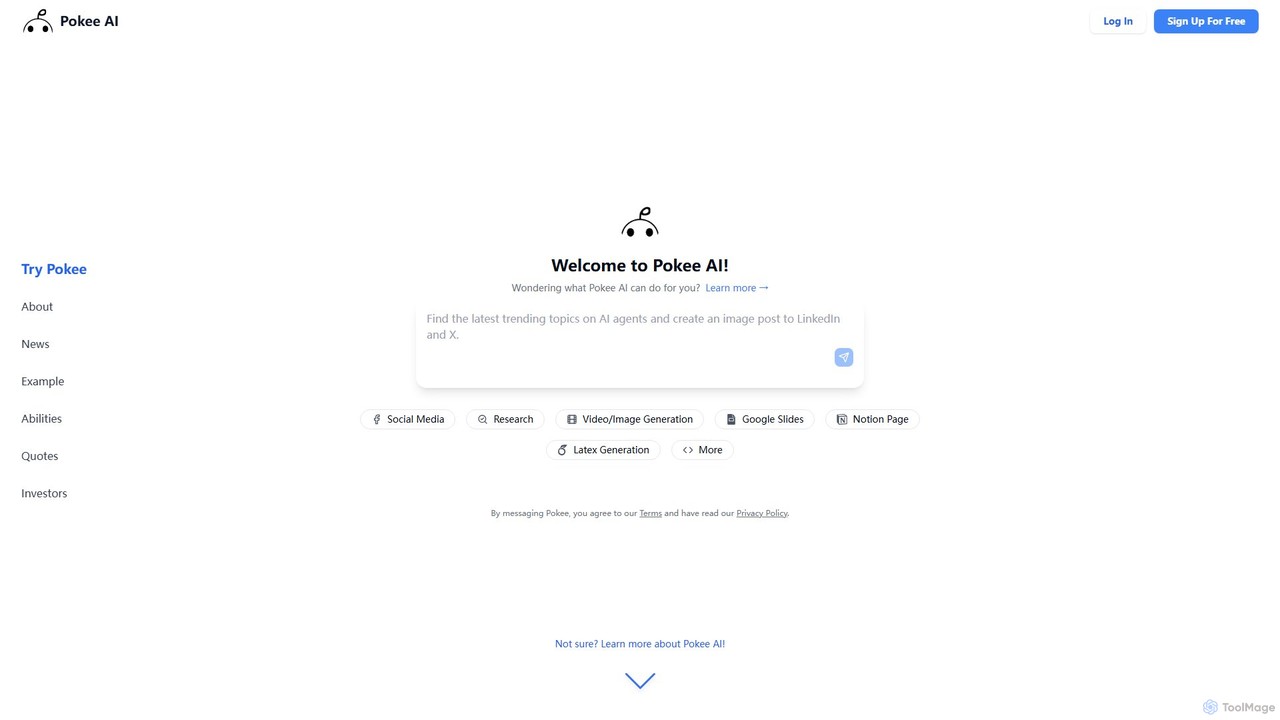
Pokee AI
Pokee AI is a next-generation foundation AI agent designed to revolutionize digital productivity. It automates complex workflows by leveraging advanced planning, reasoning, and seamless integration with thousands of digital tools, from Google Workspace to social media platforms and project management software.
Automation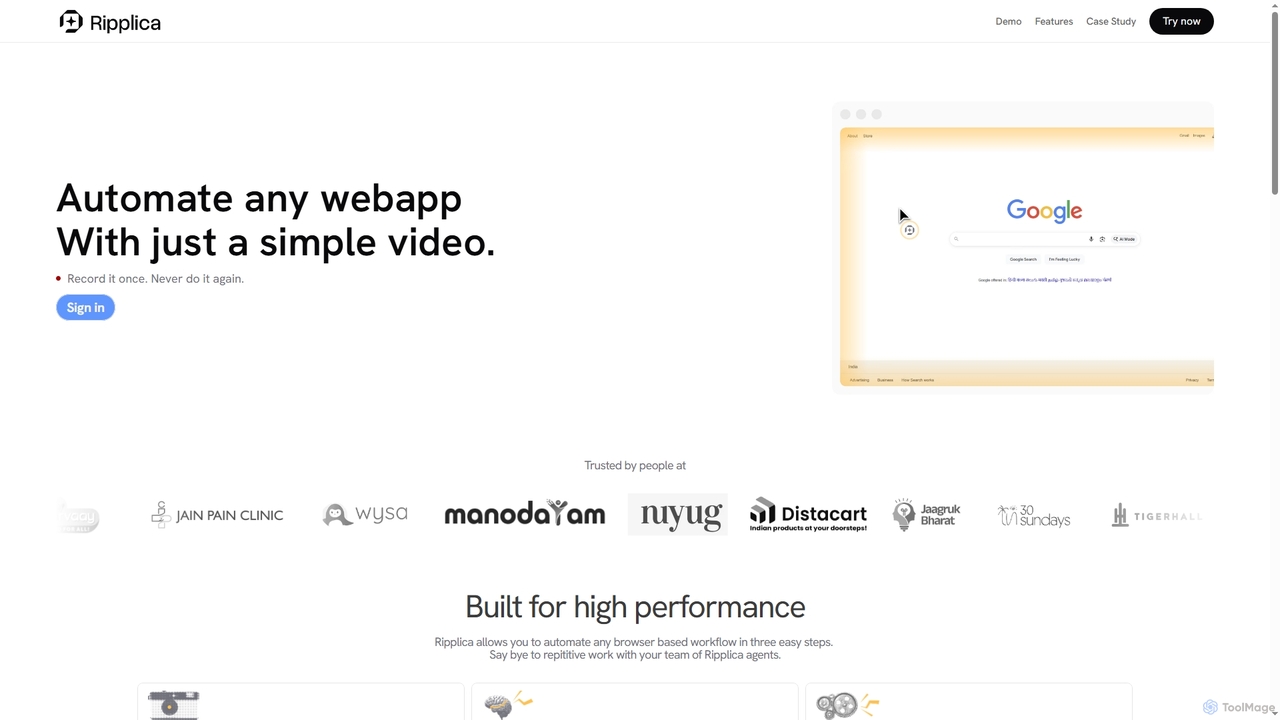
Ripplica
Ripplica is an AI-powered automation platform that turns simple screen recordings into executable workflows. It enables users to automate any browser-based task without needing APIs, compatible with both modern and legacy systems. By intelligently interpreting on-screen context, Ripplica handles repetitive work, allowing teams to boost productivity and focus on high-value activities.
Social Media Management
itsimple
itsimple is an AI-powered no-code platform that simplifies business process automation. It enables users to connect various applications, automate repetitive tasks, and create complex workflows without writing any code, boosting productivity and operational efficiency for teams of all sizes.
Data Integration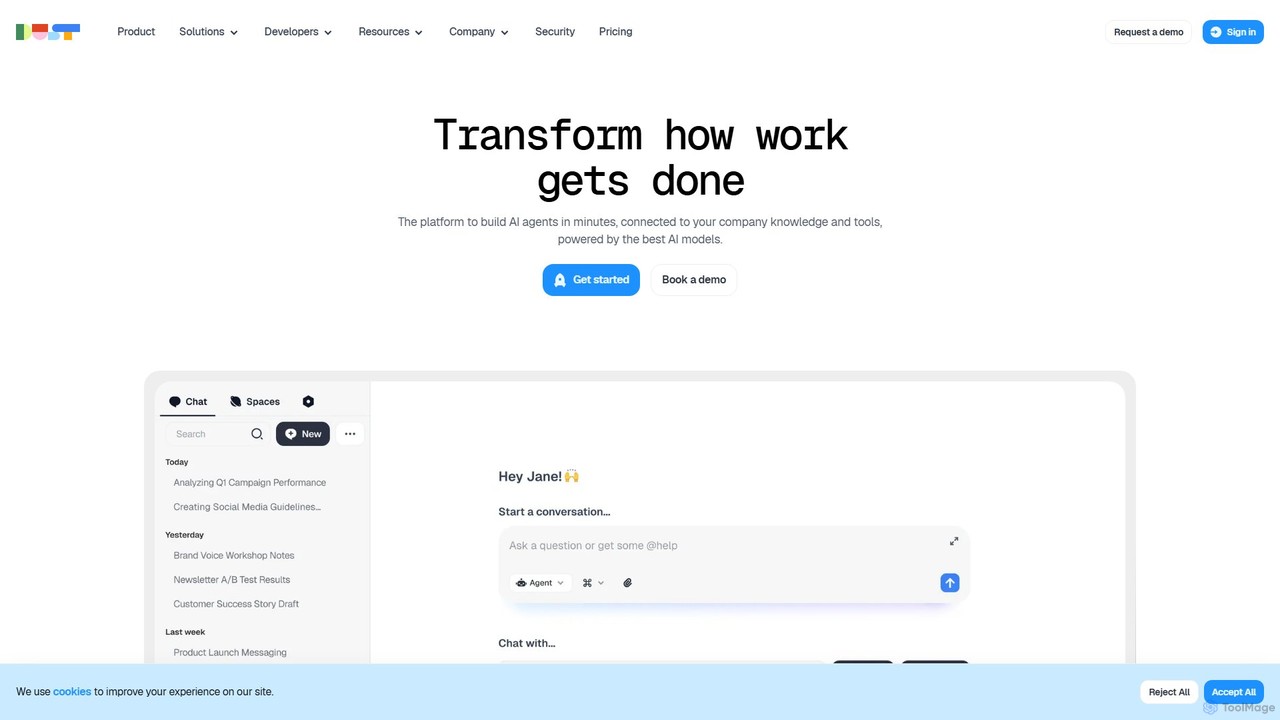
Dust
Dust is an enterprise-grade platform for building custom AI agents in minutes. It connects to your company's knowledge and tools, allowing you to automate workflows, enhance productivity, and break down data silos without writing any code. It's a secure, model-agnostic solution trusted by over 1,000 organizations.
Knowledge Management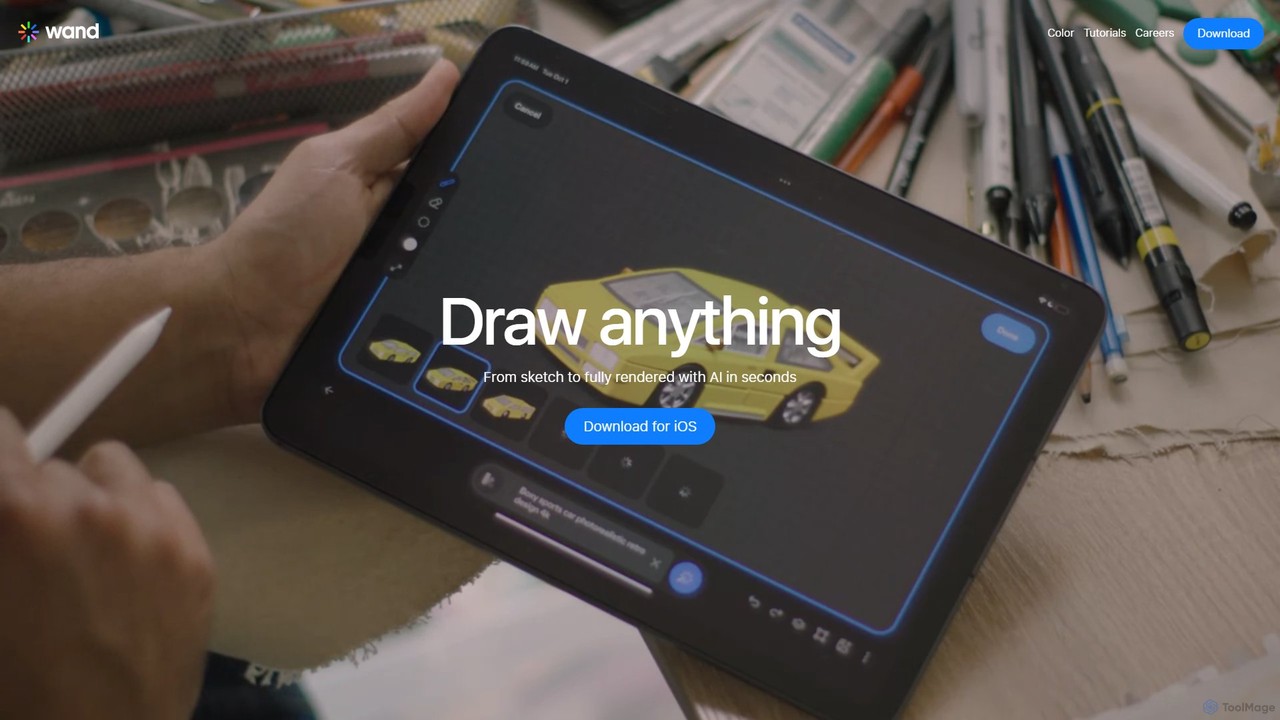
Wand
Wand is an enterprise-grade operating system for creating and managing a hybrid workforce of humans and AI agents. It provides a unified platform to manage, execute, and create autonomous agents, enabling seamless collaboration, process automation, and scalable operations across the entire organization.
Agent ManagementOctopusAI Categories
OctopusAI Embed Widget
Copy this embed code to place the badge on your blog, article, or product site and send readers directly to this ToolMage detail page.

Related AI tools
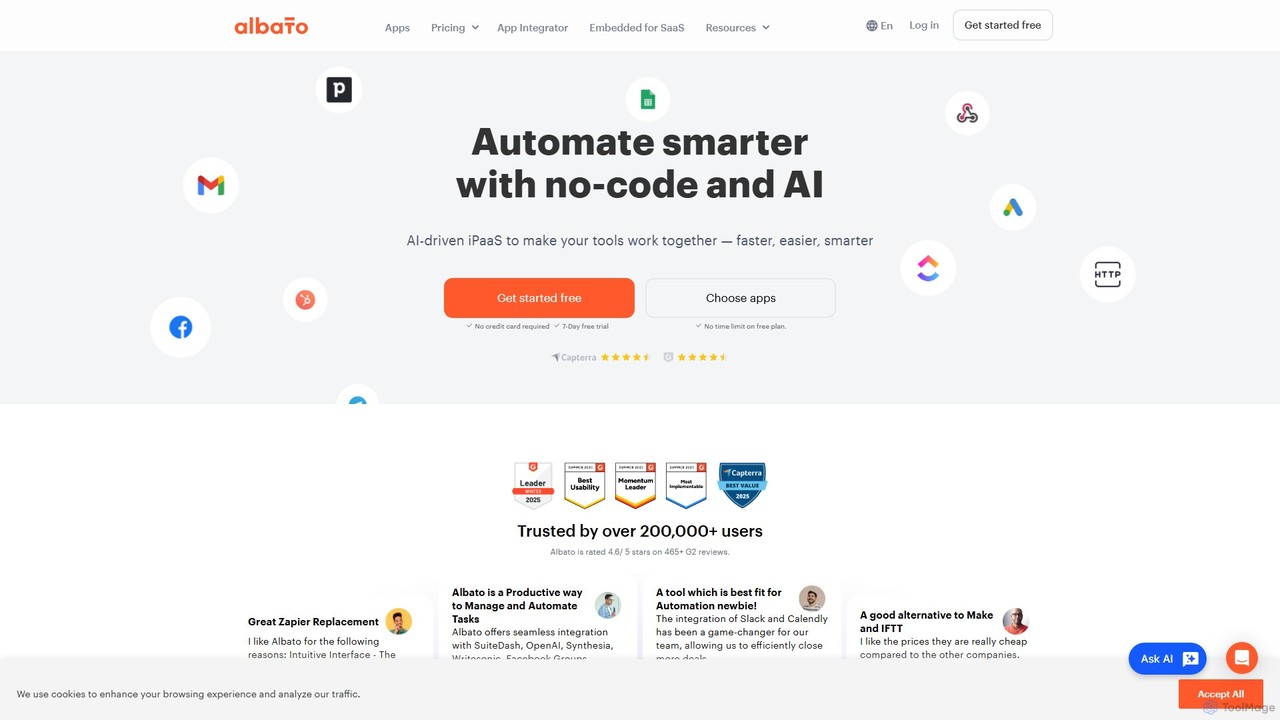
Albato
Albato is an AI-driven, no-code integration platform (iPaaS) that empowers users to connect over 800 applications and automate complex workflows effortlessly. It serves as a powerful alternative to Zapier and Make, offering an intuitive interface, extensive app library, and the ability to build custom integrations. Ideal for businesses of all sizes, Albato simplifies data synchronization, task automation, and process management, enhancing productivity and efficiency without requiring any coding knowledge.
Workflow Management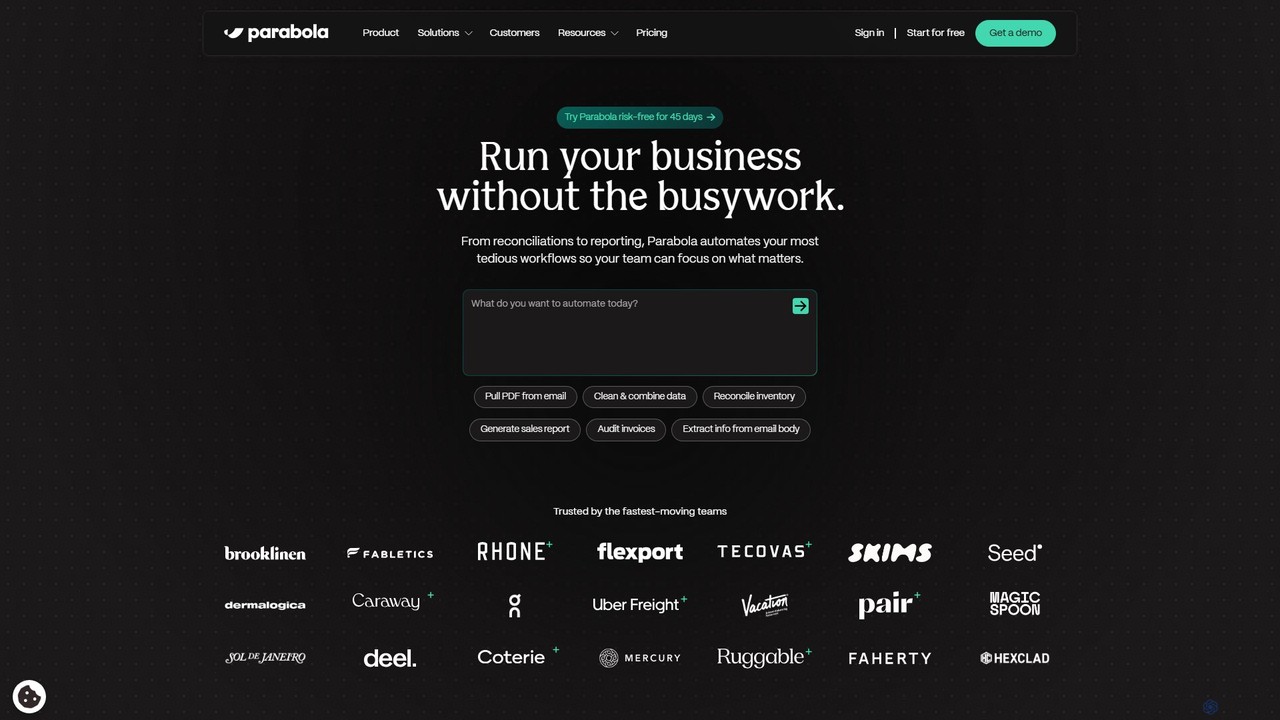
Parabola
Parabola is an AI-powered, no-code platform that automates complex data workflows. It enables teams to pull data from messy sources like PDFs, emails, and spreadsheets, then clean, transform, and integrate it without writing any code. It's designed for operations, finance, and logistics professionals to eliminate manual tasks and build scalable, automated processes.
Data Analysis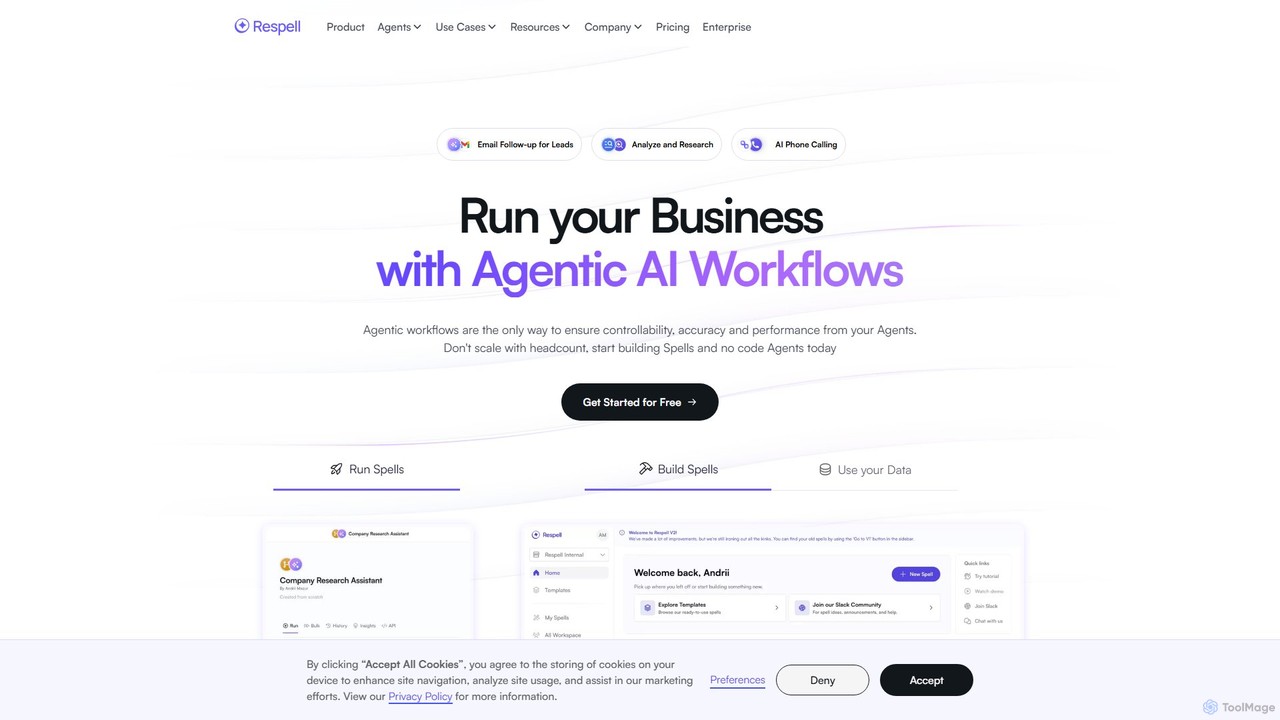
Respell
Respell is a no-code platform for building and deploying agentic AI workflows to automate complex business processes. It integrates with hundreds of apps like Salesforce and Slack, allowing teams in sales, marketing, and support to automate tasks like lead generation, data analysis, and customer outreach, thereby increasing efficiency and reducing manual work.
Workflow Management
doflow.io
doflow.io is an AI-native workflow automation platform designed to connect your apps and automate complex tasks. It allows you to build intelligent workflows using a visual canvas, integrating powerful AI models to streamline marketing, sales, and operational processes without writing any code.
Business Intelligence
xantonai
xantonai is an AI-powered, no-code platform designed for business process automation. It enables users to build intelligent workflows, create custom AI agents, and integrate hundreds of applications to streamline operations, enhance productivity, and reduce manual errors without writing a single line of code.
Workflow ManagementDust
Dust is an enterprise-grade platform for building custom AI agents in minutes. It connects to your company's knowledge and tools, allowing you to automate workflows, enhance productivity, and break down data silos without writing any code. It's a secure, model-agnostic solution trusted by over 1,000 organizations.
Knowledge ManagementWand
Wand is an enterprise-grade operating system for creating and managing a hybrid workforce of humans and AI agents. It provides a unified platform to manage, execute, and create autonomous agents, enabling seamless collaboration, process automation, and scalable operations across the entire organization.
Agent Management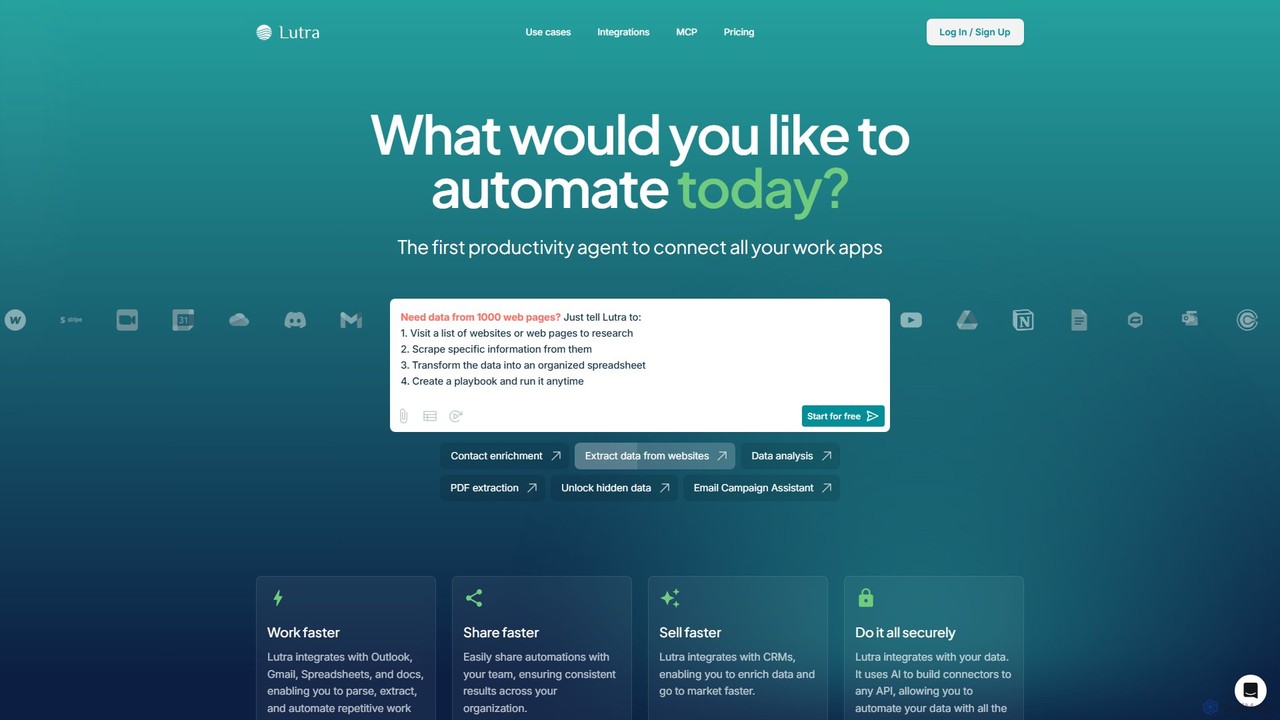
Lutra AI
Lutra AI is a productivity agent that automates workflows by connecting all your work apps. It transforms natural language instructions into code to perform tasks like data extraction from PDFs, contact enrichment, data analysis, and email campaign management. By integrating with tools like Google Workspace, HubSpot, and Slack, Lutra streamlines repetitive processes, allowing users to build and share custom automations, called Playbooks, to enhance efficiency across sales, marketing, and operations.
Data Extraction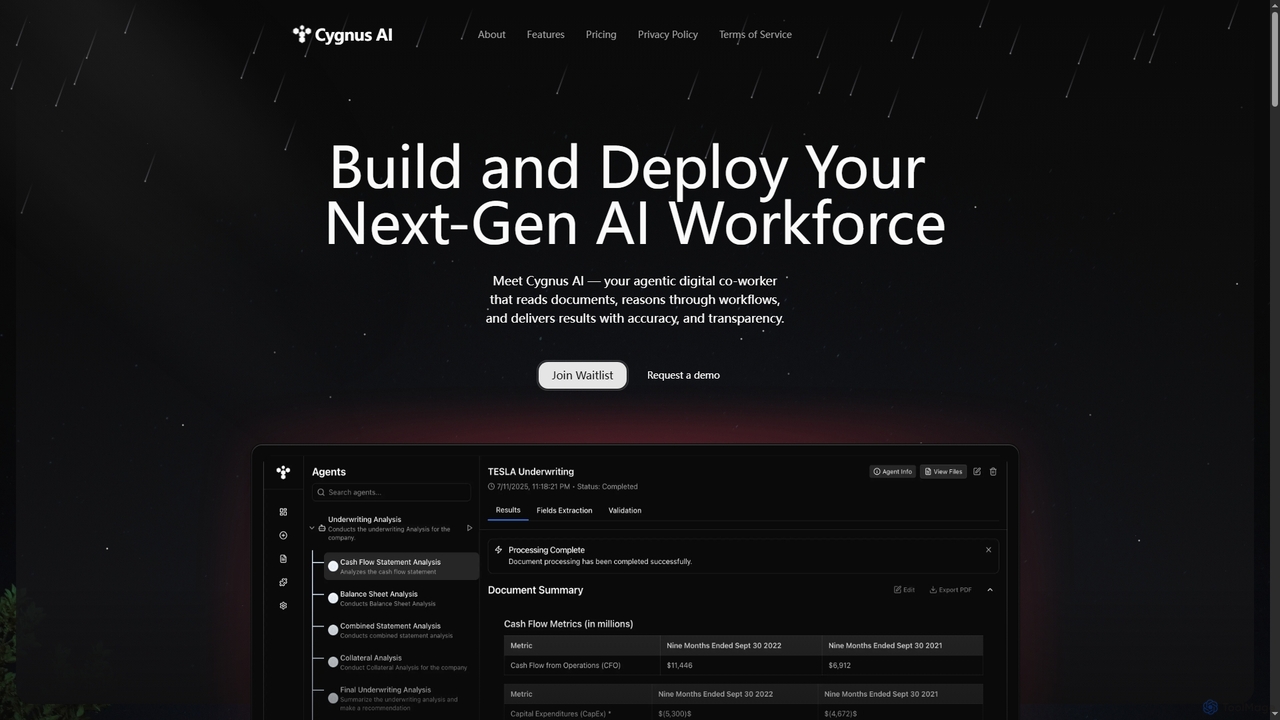
Cygnus AI
Cygnus AI is a platform for building and deploying an agentic digital workforce. Create AI agents that read documents, reason through complex workflows, and execute tasks autonomously with accuracy and transparency, all through a no-code interface.
Autonomous Agents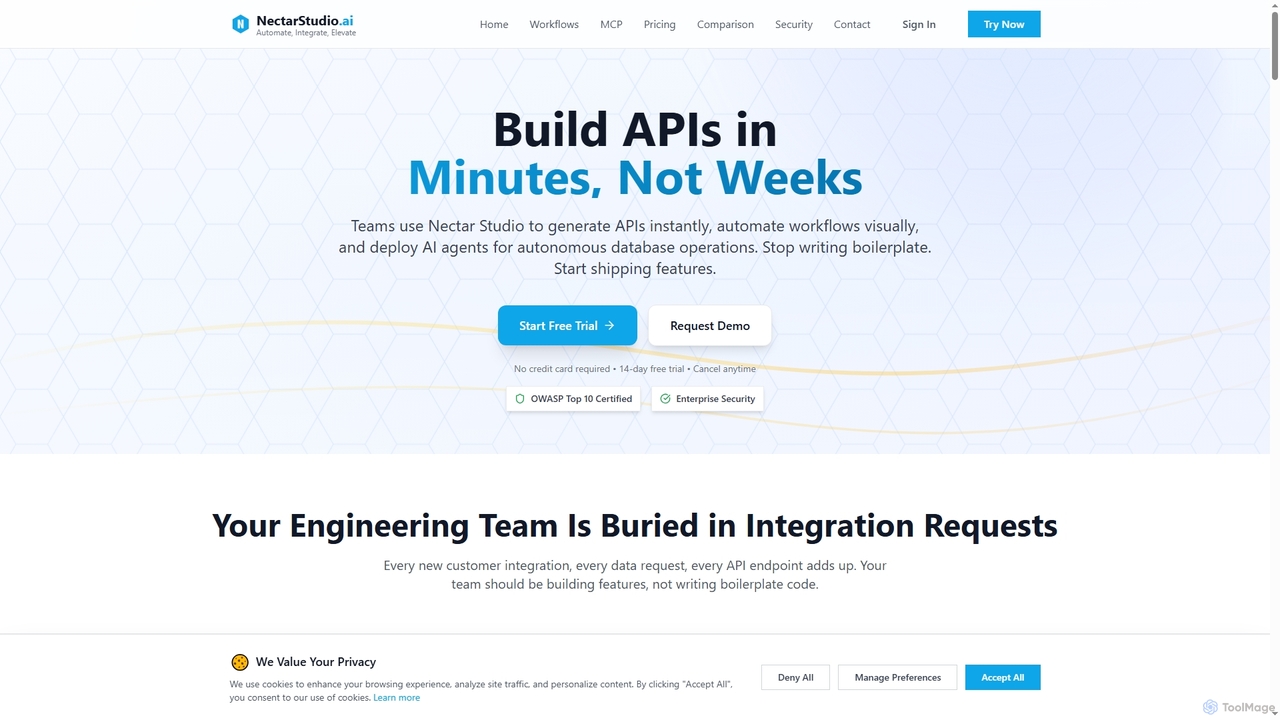
Nectarstudio
Nectarstudio is an AI-powered iPaaS platform designed for engineering teams to instantly generate bulk APIs from databases, automate workflows with a low-code visual builder, and deploy AI agents for autonomous database operations, reducing development time from weeks to minutes.
Business Intelligence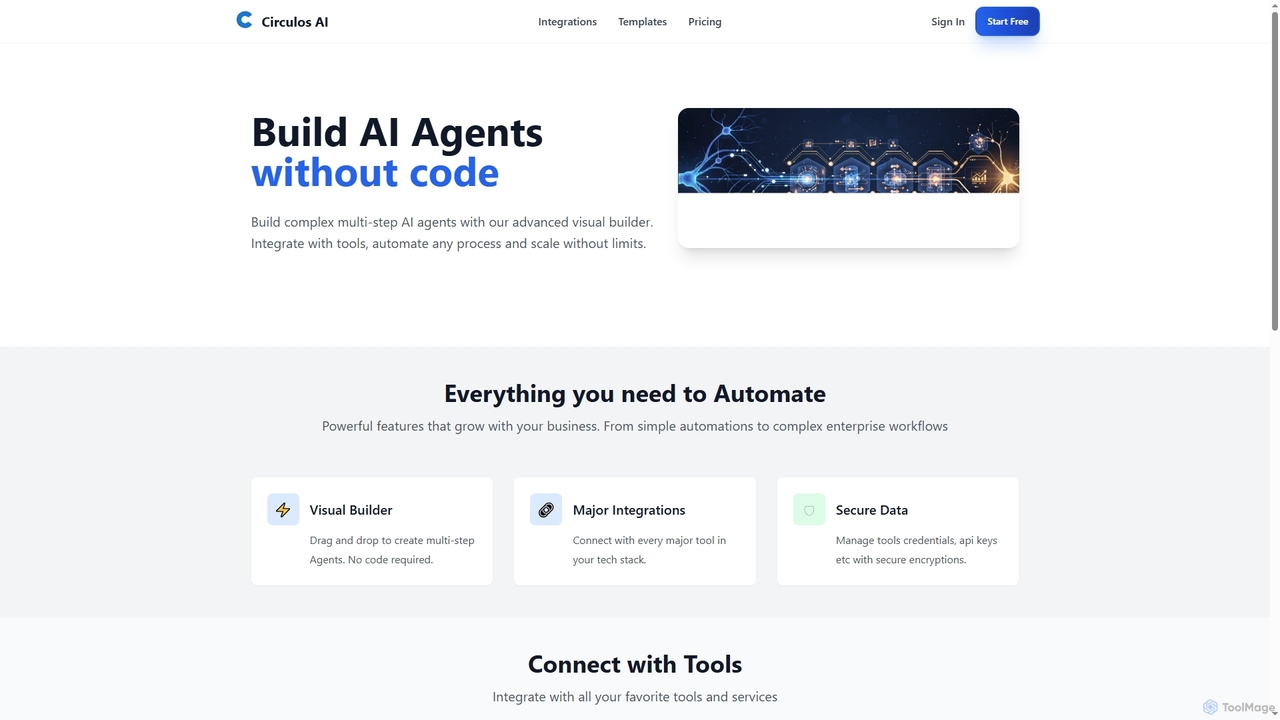
Circulos
Circulos is a no-code AI automation platform that empowers businesses to build complex, multi-step AI agents using an intuitive visual builder. It integrates with over 100 popular tools, automates diverse workflows, and offers scalable solutions for various business needs, from lead qualification to social media publishing.
Ai Automation
intellisyncai
IntelliSyncAI is an intelligent automation and data synchronization platform designed to connect your business applications, automate workflows, and unlock data-driven insights. It seamlessly integrates with hundreds of apps, allowing you to build complex, multi-step automations without writing any code. Leverage AI to analyze data, predict outcomes, and streamline your operations for maximum efficiency.
Business Intelligence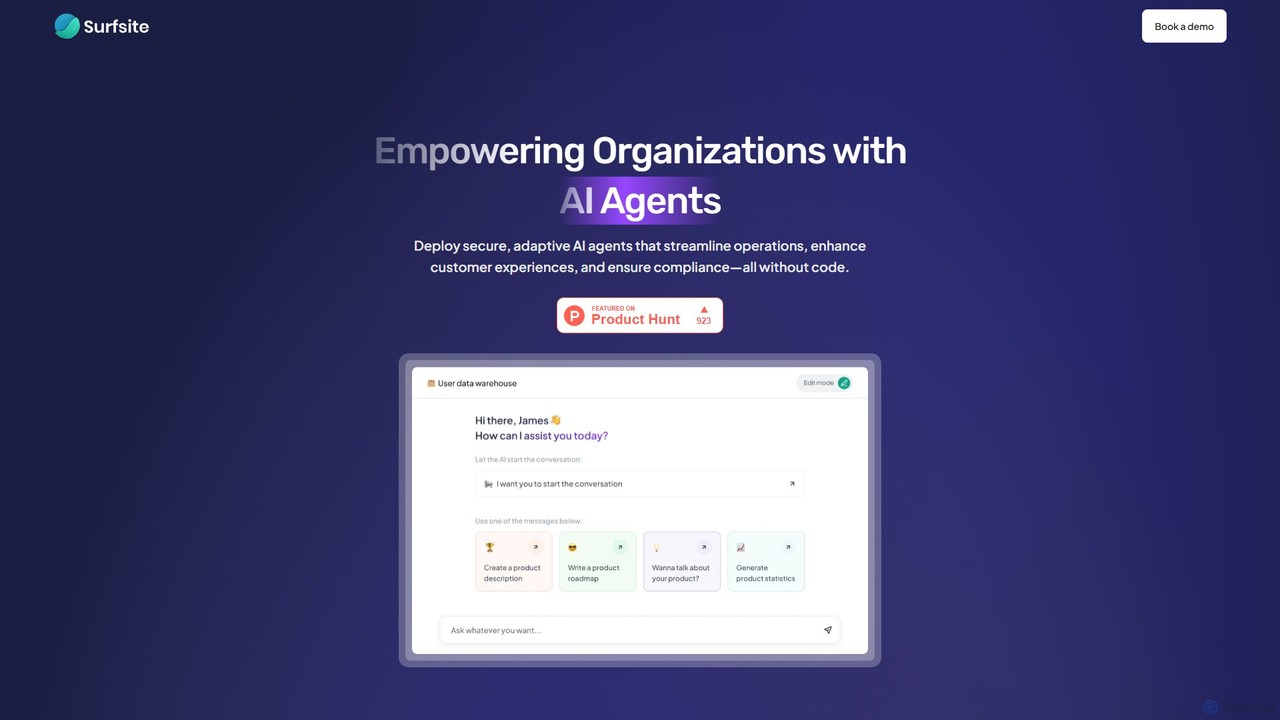
Surfsite
Surfsite is a no-code platform that empowers organizations to build and deploy secure, adaptive AI agents. These agents integrate with your existing tools and data, streamlining operations, enhancing customer experiences, and providing real-time analytics. It's designed for product managers, marketers, and founders to automate workflows and make data-driven decisions without writing any code.
Customer Support
relayed.ai
relayed.ai is an AI-powered automation platform that intelligently connects your apps and workflows. It automates the process of relaying information, tasks, and data between services like Slack, email, CRMs, and project management tools, ensuring seamless communication and operational efficiency.
Communication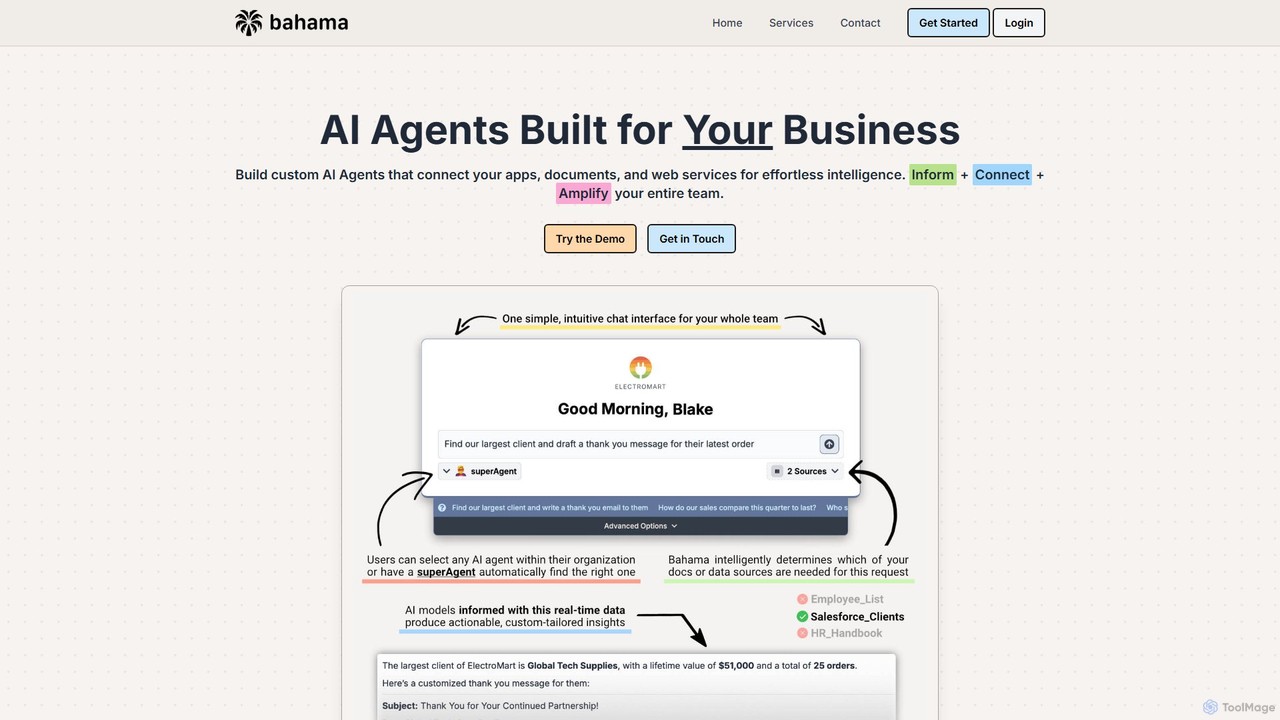
bahama
Bahama is a no-code platform for building custom AI agents for businesses. It connects to your existing apps, documents, and web services (like Salesforce and Zendesk) to create intelligent assistants. These agents help teams automate workflows, retrieve data instantly, and improve customer support through a simple chat interface, making AI adoption easy and secure.
Ai Agent Builder
OctopusAI Comments (0)
Sign in to comment.
Sign inNo comments yet.