

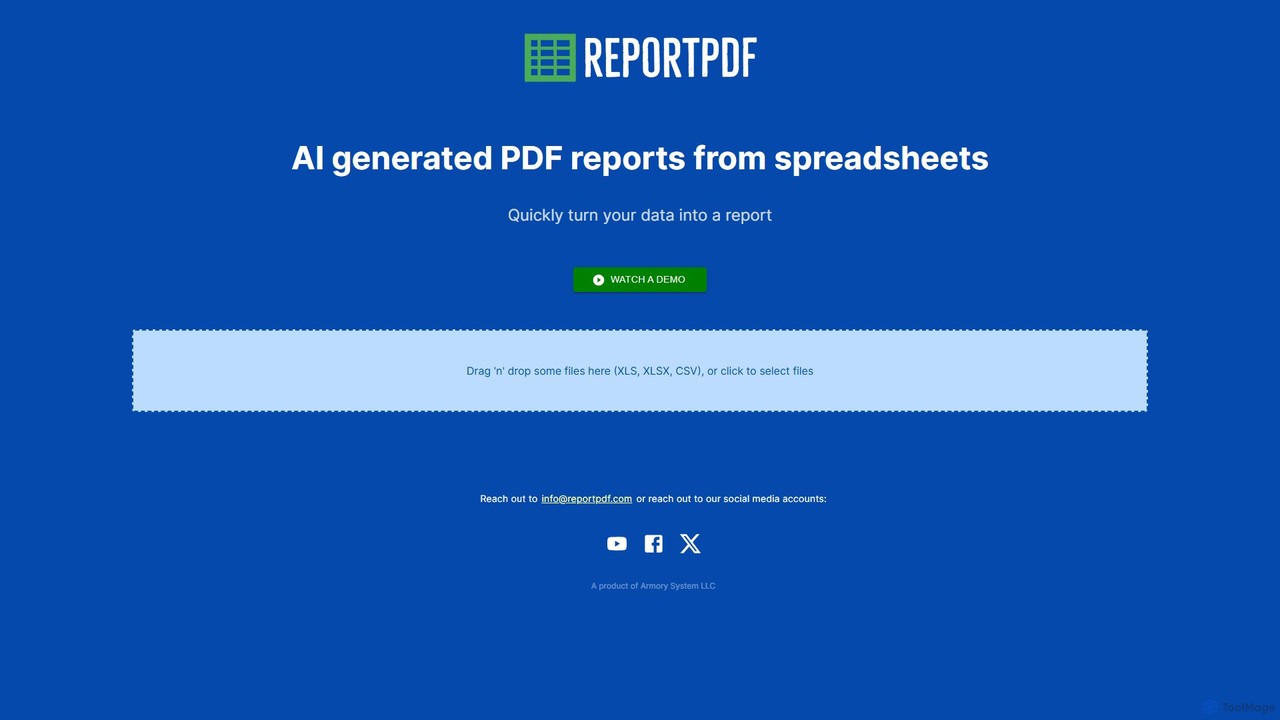
ReportPDF Overview
ReportPDF is an innovative, AI-driven platform designed to revolutionize the way professionals create reports from raw data. In today's data-centric world, the ability to quickly and effectively communicate insights is crucial. However, the process of manually converting complex spreadsheets into comprehensible, well-designed PDF reports is often tedious, time-consuming, and prone to errors. ReportPDF directly addresses this challenge by automating the entire workflow. By simply uploading a spreadsheet (in XLS, XLSX, or CSV format), users can leverage the power of artificial intelligence to generate comprehensive and professional reports in minutes, not hours.
The platform's core technology analyzes the structure and content of your data, identifying key trends, patterns, and metrics. It then intelligently visualizes this information using appropriate charts and tables, and even generates natural language summaries to highlight the most important findings. This not only accelerates the reporting process but also enhances the quality of the insights presented, making data more accessible and actionable for any audience.
How to use ReportPDF
Using ReportPDF is designed to be an intuitive and straightforward process, requiring no technical expertise in data analysis or graphic design. The workflow can be broken down into a few simple steps:
- Upload Your Data: Begin by navigating to the ReportPDF website. You can either drag and drop your spreadsheet file (XLS, XLSX, CSV) directly onto the designated area or click to browse and select the file from your computer.
- AI Analysis & Processing: Once uploaded, the AI engine gets to work. It automatically scans your data, interpreting columns, rows, and values to understand the context. It identifies potential metrics, dimensions, and time-series information.
- Customize Your Report (Optional): While the AI provides a fully generated report, you have the option to customize it. You can typically select from various report templates, adjust chart types (e.g., bar, line, pie), modify color schemes, and add your company's logo for branding.
- Generate and Review: After the AI processing and any custom adjustments, click the 'Generate' button. The platform will compile all the elements—text summaries, data visualizations, and tables—into a cohesive, professionally formatted PDF document.
- Download and Share: Your final report is ready for download. You can save the PDF to your local device and share it with colleagues, clients, or stakeholders via email or other platforms.
Core Features of ReportPDF
- AI-Powered Data Interpretation: The system intelligently analyzes spreadsheet data to automatically identify key insights, trends, and anomalies without manual configuration.
- Automated Report Generation: Instantly converts raw data from CSV, XLS, and XLSX files into structured, multi-page PDF reports.
- Smart Data Visualization: Automatically selects and generates the most appropriate charts (bar graphs, line charts, pie charts) and tables to represent your data effectively.
- Natural Language Summaries: The AI generates human-like text summaries and highlights, explaining what the data means in plain English, making reports easy to understand.
- Customizable Templates: Offers a selection of pre-designed templates tailored for different use cases, such as financial summaries, sales performance, marketing analytics, and project status updates.
- Branding Options: Users can easily add their own company logo and customize color palettes to ensure reports align with their corporate identity.
- Simple Drag-and-Drop Interface: An intuitive user experience that makes report creation accessible to everyone, regardless of their technical skills.
Use Cases for ReportPDF
ReportPDF is a versatile tool suitable for a wide range of professionals and departments:
- Business Analysts: Quickly generate weekly or monthly business performance reports to track KPIs and present findings to management.
- Sales Managers: Create detailed sales reports showing team performance, revenue by region, and progress against targets for internal reviews or client presentations.
- Marketing Teams: Automate the creation of campaign performance reports from exported analytics data, visualizing metrics like click-through rates, conversions, and ROI.
- Project Managers: Compile clear and concise project status reports, highlighting milestones achieved, budget tracking, and resource allocation.
- Financial Professionals: Streamline the creation of financial summaries, expense reports, and profit-and-loss statements for stakeholders.
- Researchers and Academics: Efficiently visualize research data and generate summaries for papers, presentations, and publications.
Advantages of ReportPDF
The primary advantage of ReportPDF is its massive efficiency gain. It transforms a task that could take hours of manual work in spreadsheet and design software into a process of a few minutes. This frees up valuable time for professionals to focus on analysis and decision-making rather than report formatting. Furthermore, it ensures a high level of quality and consistency across all reports, reinforcing a professional brand image. The AI-driven insights can also help uncover trends that might be missed during a manual review, adding an extra layer of value to the data. Its ease of use makes powerful data reporting accessible to non-technical users, democratizing data analysis within an organization.
Pricing and Plans
ReportPDF likely operates on a freemium model to cater to different user needs. (Note: The following is a representative model based on industry standards.)
- Free Plan: Ideal for individuals or occasional use. This plan might include up to 3 reports per month, access to basic templates, and reports with a ReportPDF watermark.
- Pro Plan: Designed for professionals and small businesses. This tier would typically offer a higher number of reports (e.g., 30 per month), access to all premium templates, no watermarks, and custom branding options (logo and colors).
- Business/Enterprise Plan: A comprehensive solution for teams and large organizations. This plan would provide unlimited report generation, team collaboration features, priority support, and potentially API access for integrating ReportPDF into existing business workflows and applications.
ReportPDF Alternatives

Microsoft Power BI
Microsoft Power BI is a leading business analytics and data visualization platform that empowers users to connect to, model, and visualize their data. It leverages AI-powered features like natural language Q&A and automated insights to uncover hidden patterns, create interactive reports and dashboards, and facilitate data-driven decision-making across an organization.
Business Intelligence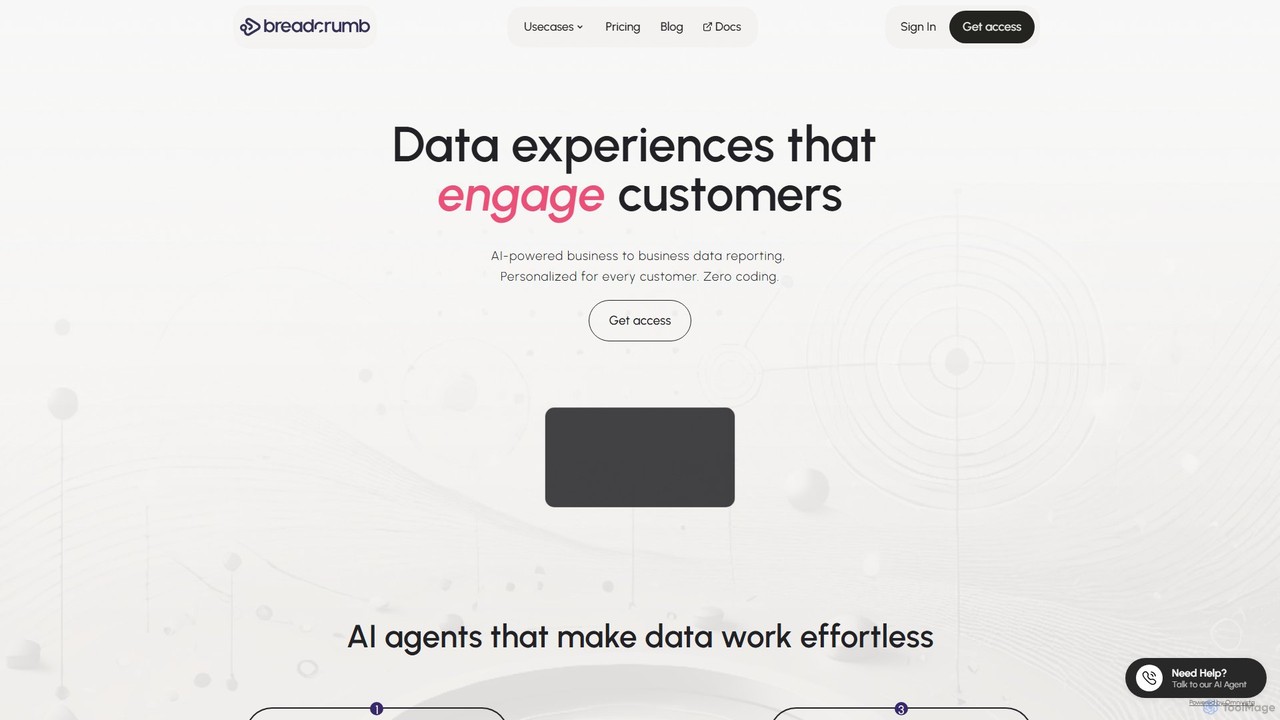
Breadcrumb.ai
Breadcrumb.ai is an AI-powered, no-code platform for scalable B2B data reporting. It automates the entire data workflow, from ingestion and cleaning to analysis and visualization. Users can ask questions in natural language to generate interactive, narrative-driven reports and embed them directly into websites or applications, empowering customers with self-serve insights.
Business Intelligence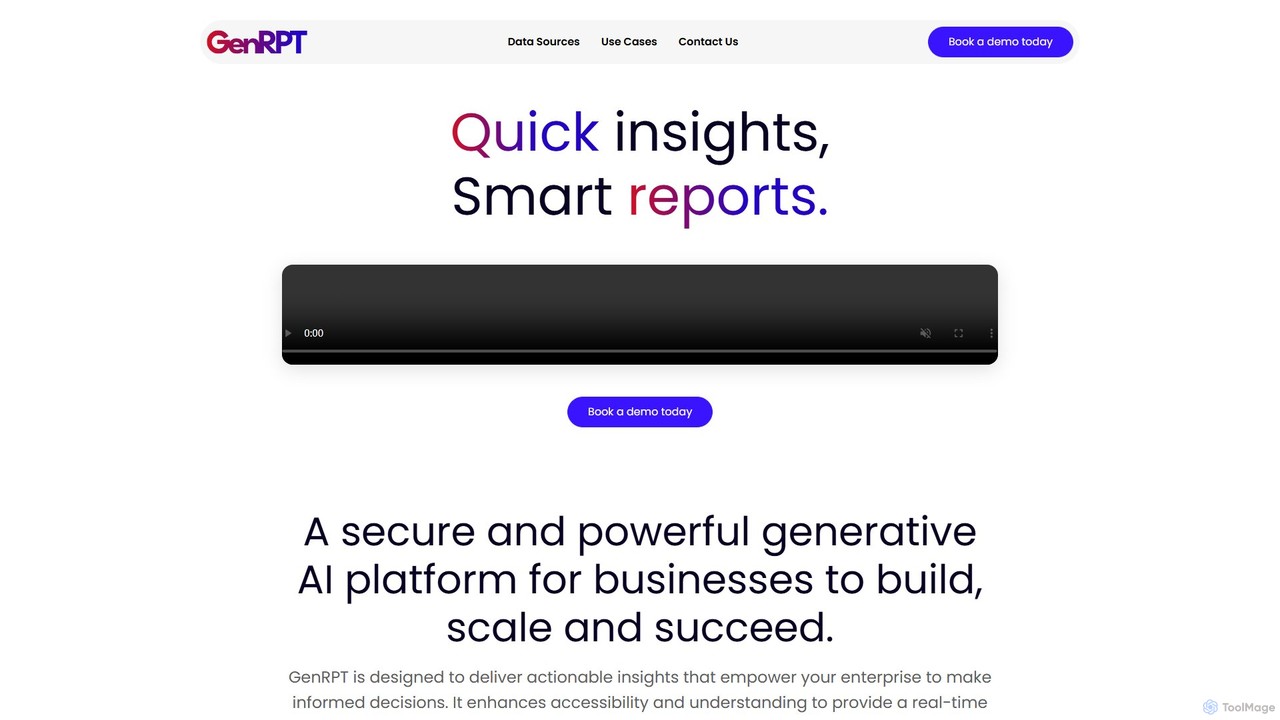
GenRPT
GenRPT is an AI-powered platform that transforms data from SQL, PDF, and Excel into actionable insights and reports. Connect your data sources, ask questions in natural language, and receive instant analysis, summaries, and visualizations to accelerate data-driven decision-making.
Business Intelligence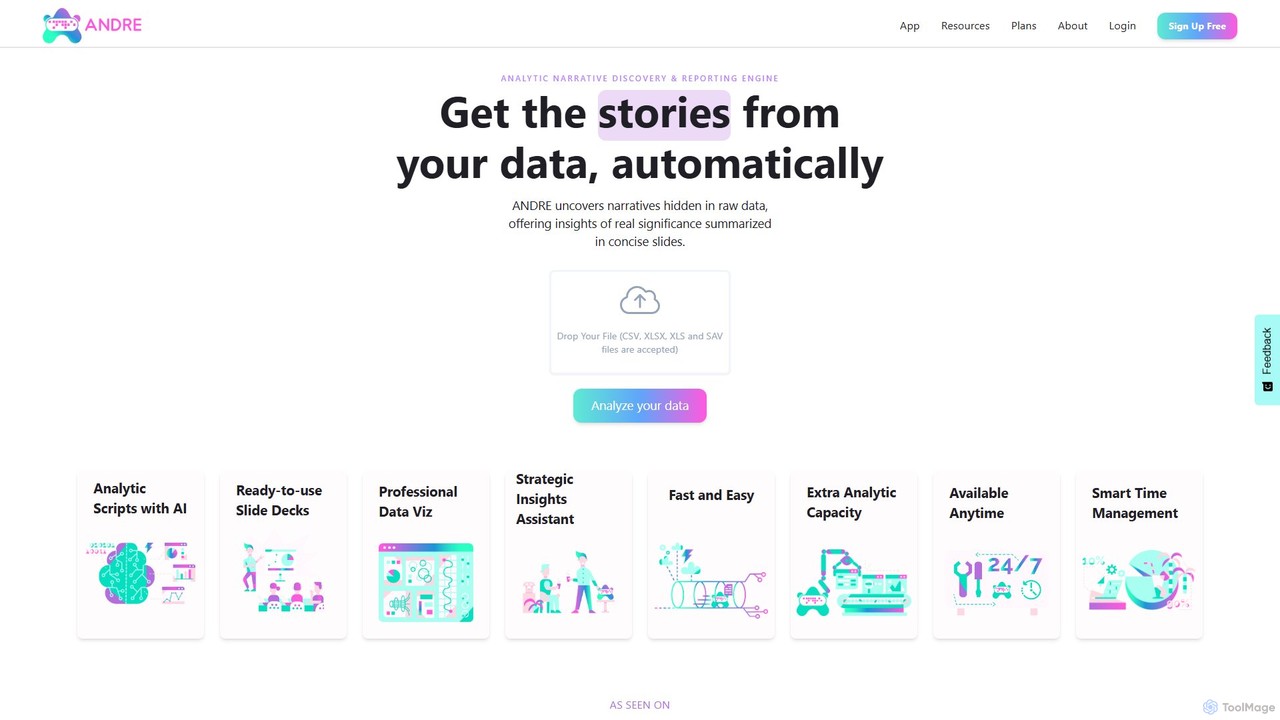
ANDRE
ANDRE is an AI-powered data analyst that transforms raw survey and business data into actionable insights and presentation-ready reports. It automates the process of discovering hidden narratives, generating data visualizations, and summarizing key conclusions. Designed for market researchers, CX managers, and business analysts, ANDRE significantly reduces analysis time, making expert-level data storytelling accessible to everyone.
Business Intelligence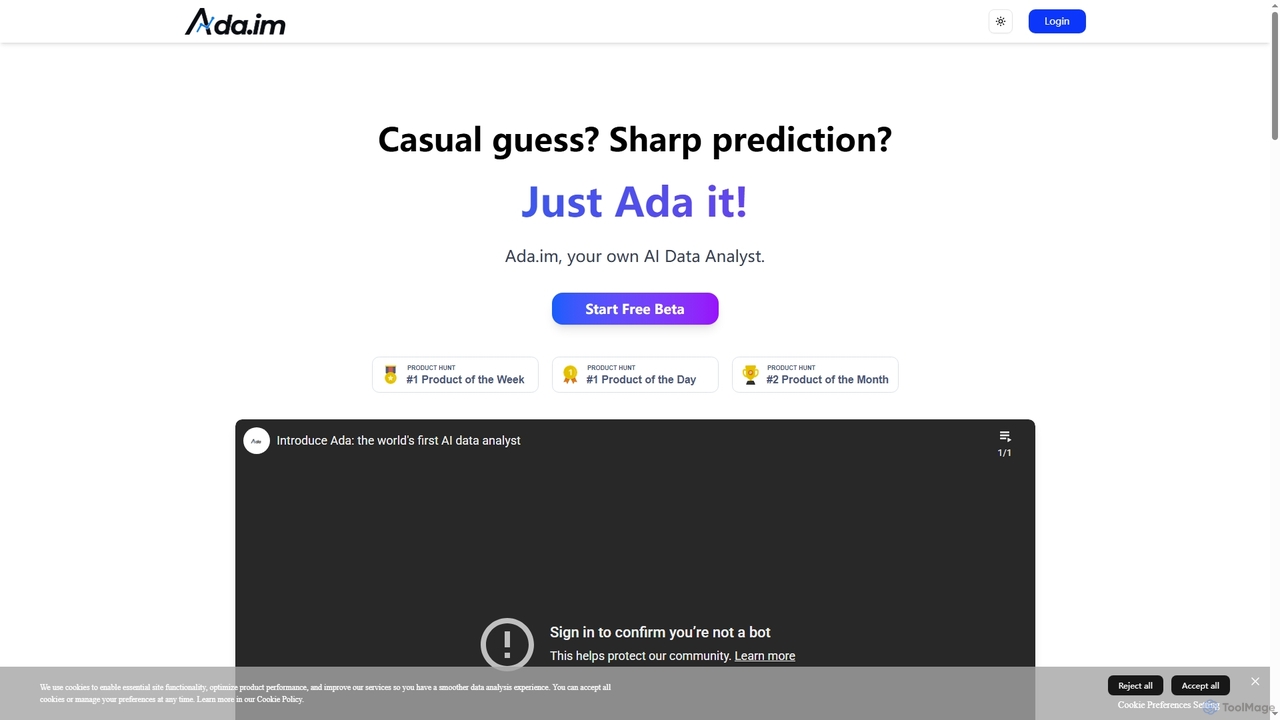
Ada
Ada is an AI-powered data analyst platform that connects to diverse data sources to automatically generate enterprise-grade reports. It transforms complex data into visual insights and strategic recommendations in minutes, featuring a flexible editor for human refinement.
Business IntelligenceReportPDF Categories
ReportPDF Embed Widget
Copy this embed code to place the badge on your blog, article, or product site and send readers directly to this ToolMage detail page.

Related AI tools

Ajelix
Ajelix is an AI-powered suite of tools designed to enhance productivity for Excel and Google Sheets users. It acts as an AI data analyst, automating tasks, generating formulas and VBA scripts, creating insightful reports, and providing advanced data analysis through a simple chat interface.
Business Intelligence
table.studio
table.studio is an AI-powered data workspace that combines the simplicity of a spreadsheet with the power of a database and AI. Use natural language to query, analyze, and visualize your data, automating tedious tasks and uncovering insights instantly. It's designed for teams to collaborate on data projects in real-time.
Database Management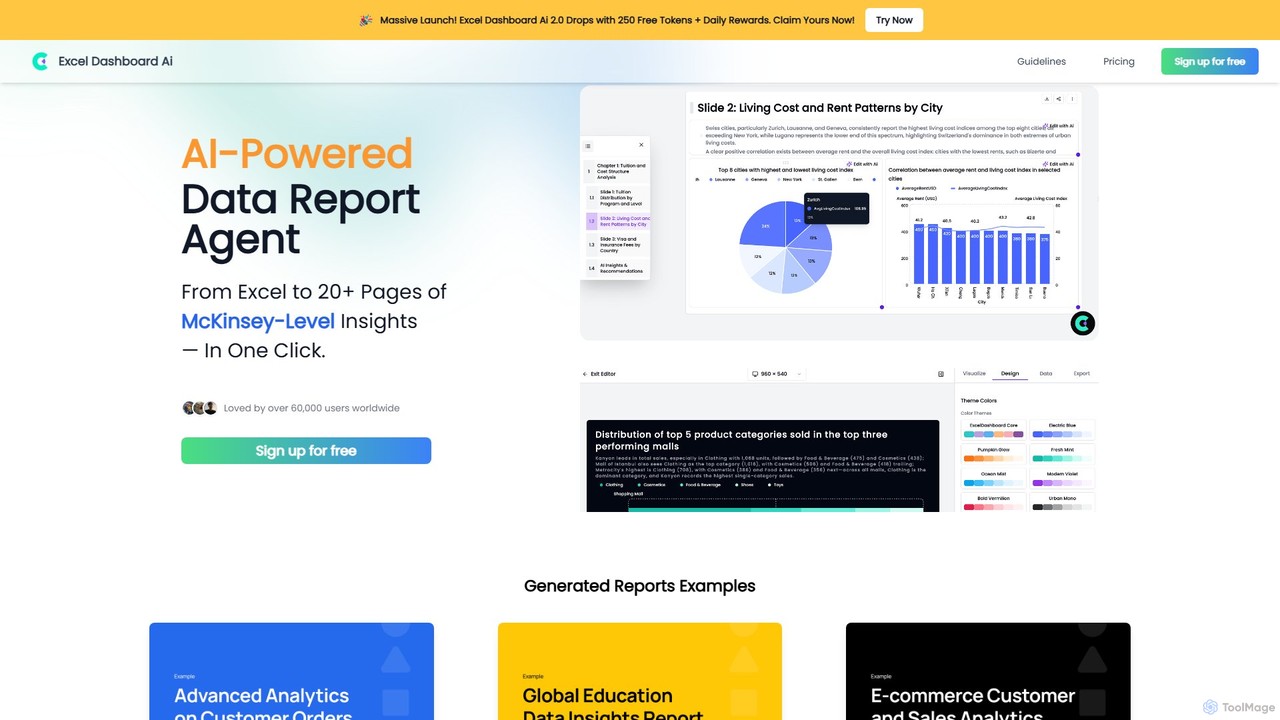
ExcelDashboard.ai
ExcelDashboard.ai is an AI-powered data analysis tool that instantly transforms raw Excel or CSV files into interactive dashboards and comprehensive, multi-page reports. With a single click, it generates deep, McKinsey-level insights, visualizes data, and allows users to explore information using natural language commands. It's designed for users of all skill levels to make data-driven decisions without needing programming expertise.
Business Intelligence
ReByte
ReByte is an autonomous AI data agent that connects to your data sources, understands natural language queries, and performs complex research and analysis. It automates the entire data workflow, from collection to generating insightful reports and interactive dashboards, making data science accessible to everyone.
Business Intelligence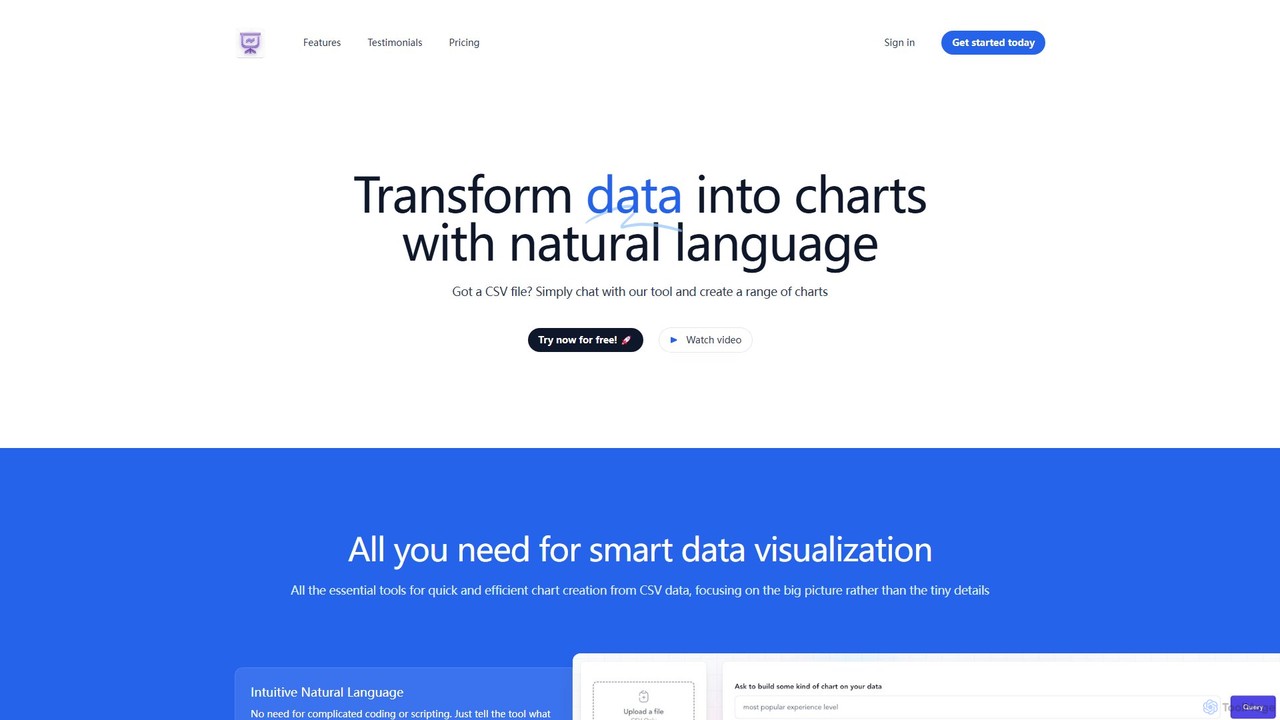
chat2csv
chat2csv is an AI-powered data visualization tool that transforms CSV files into various charts using simple, natural language commands. No coding is required. Just upload your data, chat with the AI, and instantly generate bar charts, pie charts, line graphs, and more. It's designed for quick, intuitive analysis while prioritizing user data privacy.
Business Intelligence
Bodh
Bodh is a unified AI platform that centralizes knowledge, data, and creative tools. It integrates leading AI models like ChatGPT, Claude, and Gemini, allowing you to search across all your connected apps, analyze data, generate images, and automate workflows from a single interface. Transform scattered information into an intelligent, searchable knowledge base to boost productivity and collaboration.
Business Intelligence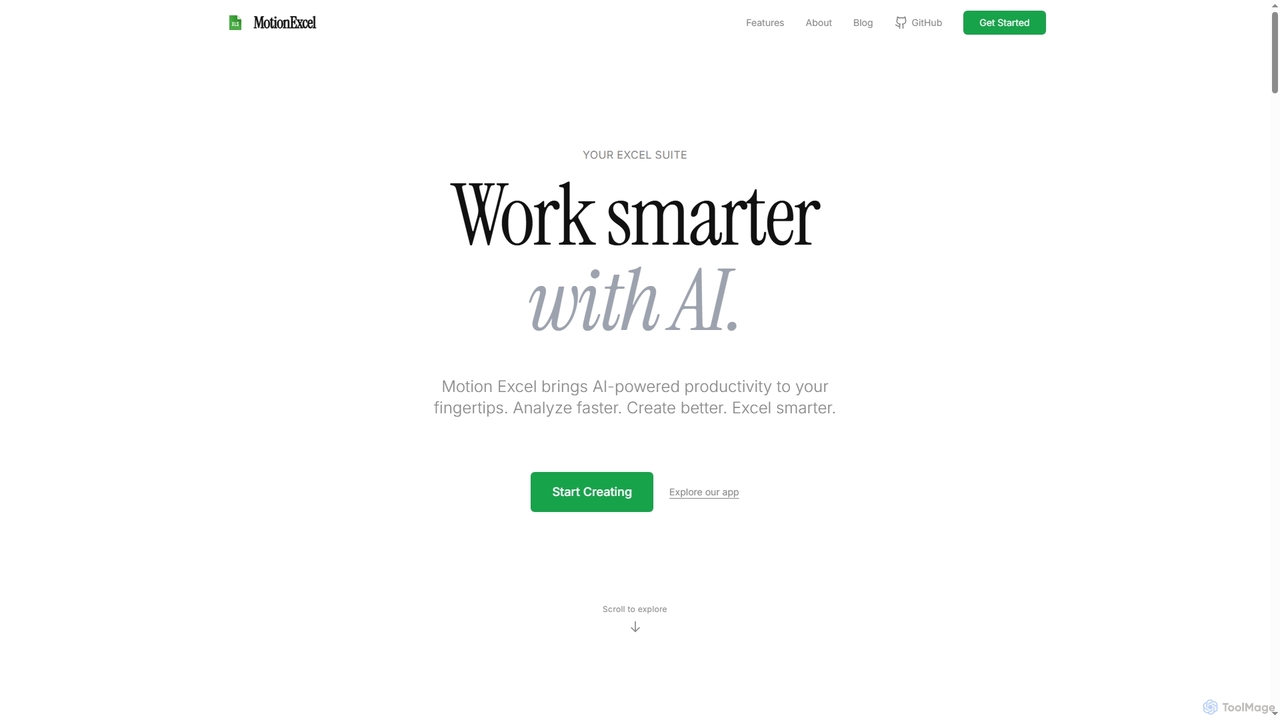
MotionExcel
MotionExcel is an AI-powered spreadsheet editor that integrates artificial intelligence, Python, and SQL to transform data analysis and automation. It helps users analyze data faster, create better insights, and work smarter with intelligent agents and advanced features.
Spreadsheet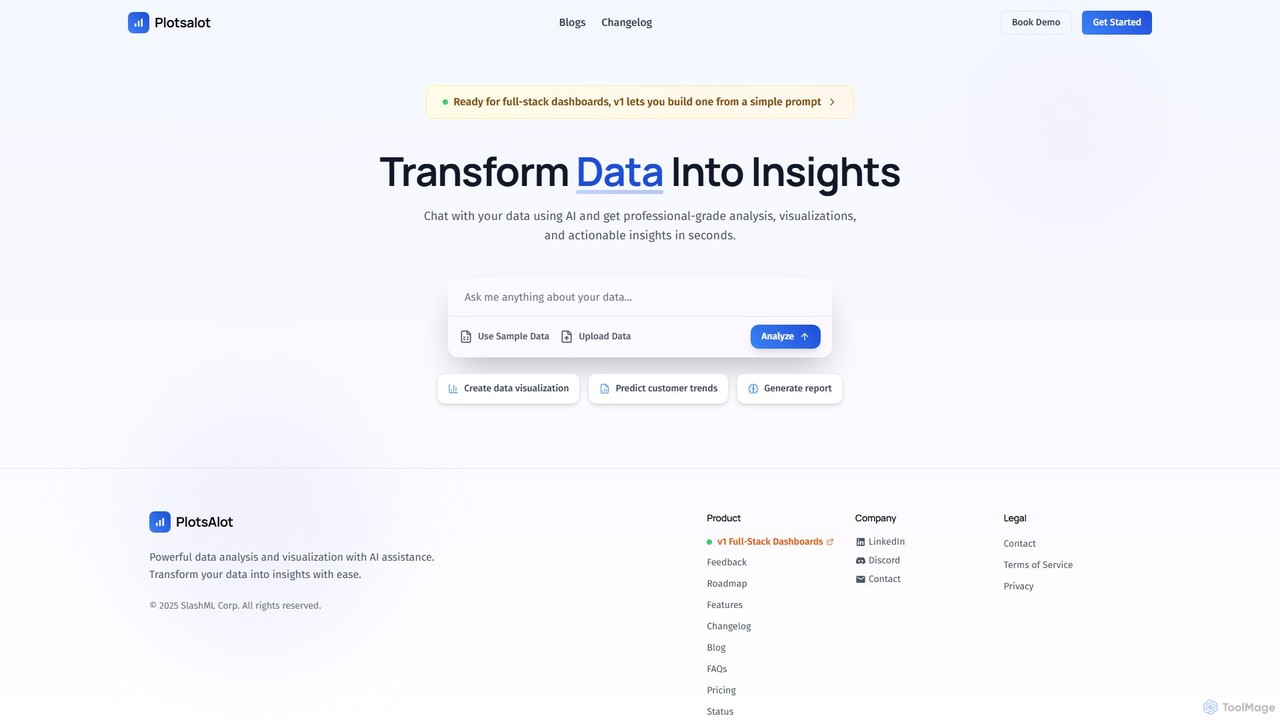
PlotsAlot
PlotsAlot is an AI-powered data analysis and visualization platform that transforms raw data into professional-grade charts, dashboards, and actionable insights. Simply upload your data and use natural language prompts to chat with it, perform advanced analysis, and predict trends in seconds.
Business Intelligence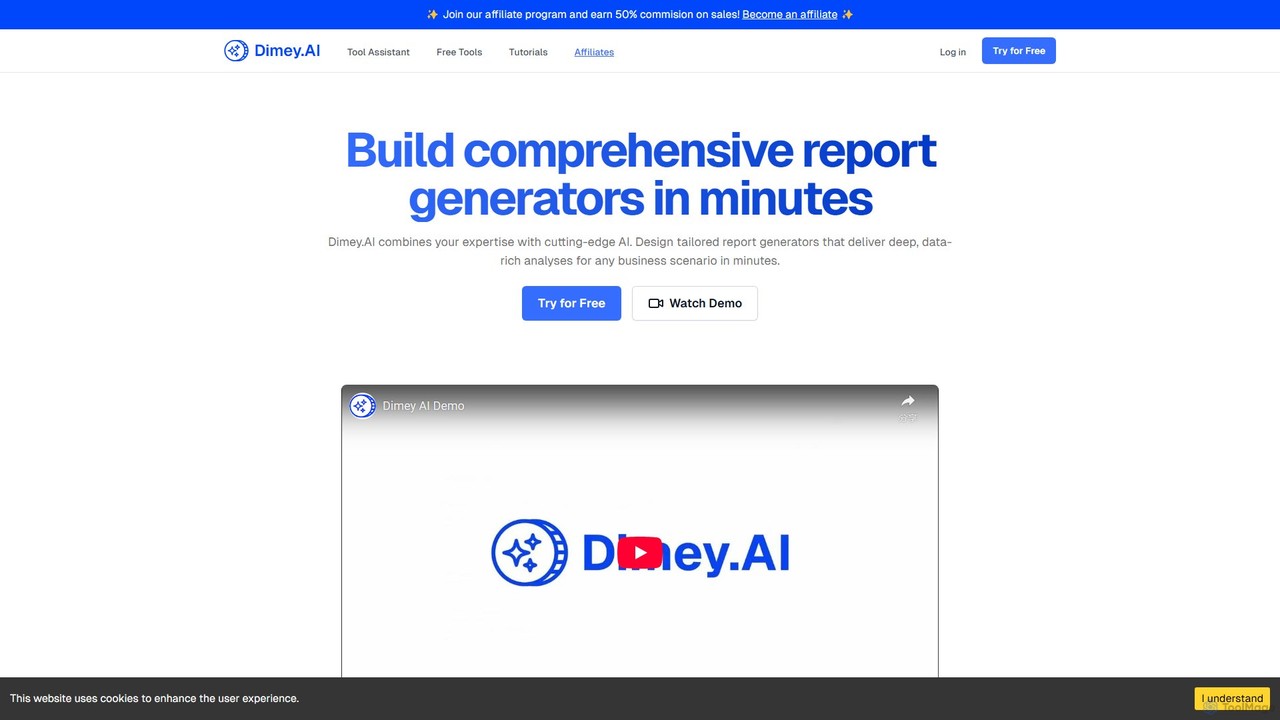
dimey
Dimey is a no-code AI platform that empowers users to build custom report generators in minutes. Transform your expertise into powerful, white-labeled AI tools that deliver deep, data-rich analyses for any business scenario, serving as powerful lead magnets to pre-qualify and engage your audience.
Report Generation
Metatable
Metatable is an AI-powered data assistant that revolutionizes how you interact with spreadsheets and tabular data. Simply use natural language prompts to clean, analyze, transform, and visualize your data instantly. It eliminates complex formulas and manual tasks, making data analysis accessible to everyone, from data analysts to business managers.
Analytics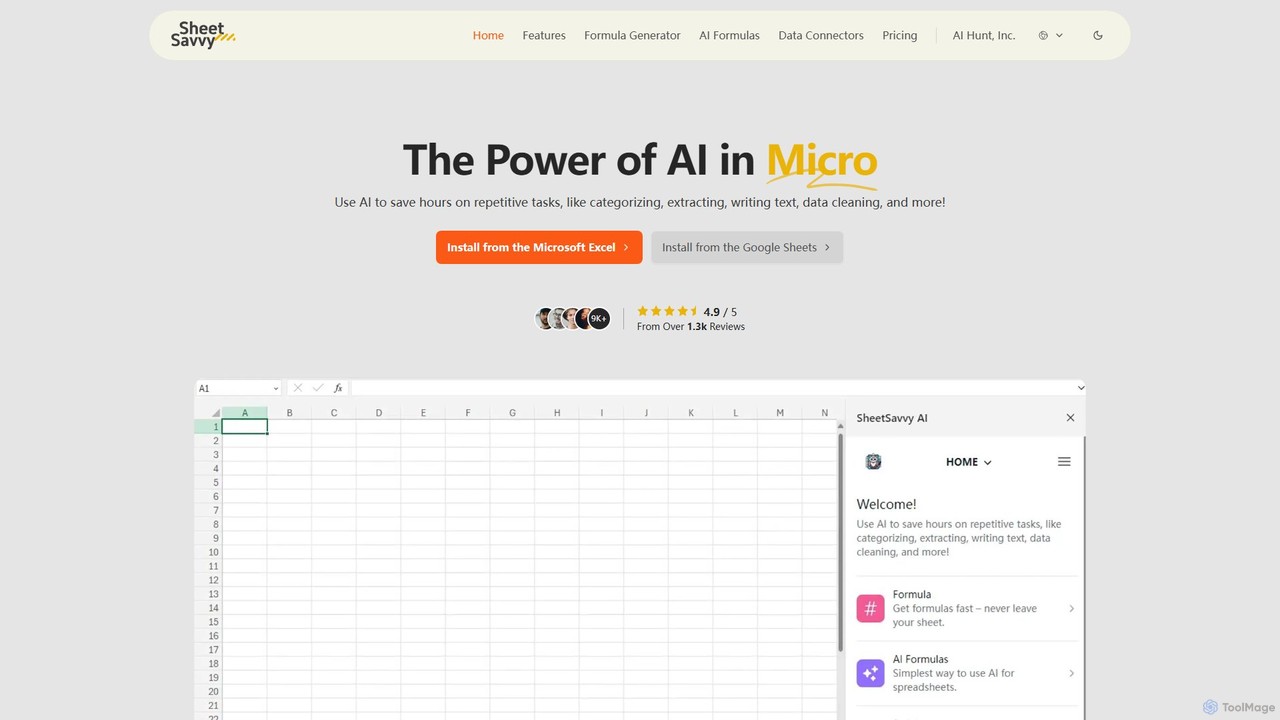
SheetSavvy AI
SheetSavvy AI is an AI-powered assistant for Google Sheets and Microsoft Excel, designed to automate repetitive tasks. It features a formula generator, AI-driven formulas for data cleaning and analysis, and seamless data connectors to import live data, significantly boosting spreadsheet productivity.
FinanceMicrosoft Power BI
Microsoft Power BI is a leading business analytics and data visualization platform that empowers users to connect to, model, and visualize their data. It leverages AI-powered features like natural language Q&A and automated insights to uncover hidden patterns, create interactive reports and dashboards, and facilitate data-driven decision-making across an organization.
Business IntelligenceBreadcrumb.ai
Breadcrumb.ai is an AI-powered, no-code platform for scalable B2B data reporting. It automates the entire data workflow, from ingestion and cleaning to analysis and visualization. Users can ask questions in natural language to generate interactive, narrative-driven reports and embed them directly into websites or applications, empowering customers with self-serve insights.
Business IntelligenceGenRPT
GenRPT is an AI-powered platform that transforms data from SQL, PDF, and Excel into actionable insights and reports. Connect your data sources, ask questions in natural language, and receive instant analysis, summaries, and visualizations to accelerate data-driven decision-making.
Business IntelligenceANDRE
ANDRE is an AI-powered data analyst that transforms raw survey and business data into actionable insights and presentation-ready reports. It automates the process of discovering hidden narratives, generating data visualizations, and summarizing key conclusions. Designed for market researchers, CX managers, and business analysts, ANDRE significantly reduces analysis time, making expert-level data storytelling accessible to everyone.
Business Intelligence
ReportPDF Comments (0)
Sign in to comment.
Sign inNo comments yet.