

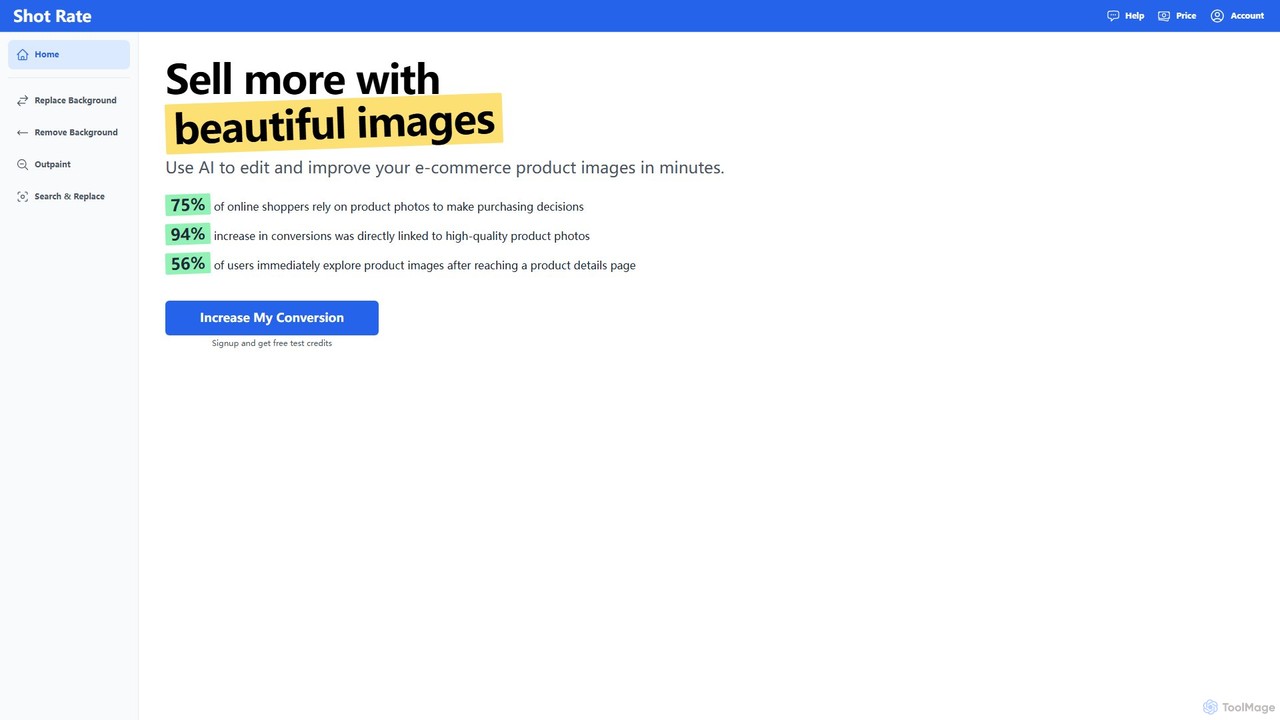
Shotrate Overview
Shotrate is a specialized AI-driven image editing tool built to empower e-commerce businesses and online sellers. In a digital marketplace where product visuals are paramount, Shotrate provides a suite of powerful features to transform standard product photos into professional, eye-catching images that drive sales. Recognizing that 75% of online shoppers depend on product photos for their purchasing decisions, the platform is designed to be fast, intuitive, and cost-effective, eliminating the need for expensive photoshoots and complex editing software.
The core of Shotrate's offering is its ability to manipulate and generate image backgrounds with remarkable realism. It can seamlessly place products into any imaginable scene, from a clean studio setting to a vibrant lifestyle environment, while automatically adjusting lighting and shadows to ensure the final image looks natural and convincing. This allows brands to showcase their products in context, helping customers visualize how they would use them in real life.
How to use Shotrate
Using Shotrate is a straightforward process designed for users of all skill levels:
- Sign Up & Upload: Create a free account to receive complimentary test credits. Then, simply drag and drop your product images (PNG, JPG, or WEBP) or click to upload them to the platform.
- Choose Your Tool: From the dashboard, select the desired editing function. The main tools include Replace Background, Remove Background, Outpaint, and Search & Replace.
- Edit with AI:
- For Replace Background, the AI will automatically isolate your product. You can then describe the new background you want (e.g., 'on a marble countertop next to a plant') and the AI will generate it, matching the lighting.
- Remove Background instantly creates a clean, transparent background, perfect for marketplace listings or graphic design.
- Outpaint allows you to expand the canvas of your image, letting the AI intelligently fill in the new space to create wider shots or different aspect ratios.
- Search & Replace is a powerful generative feature that lets you select an element within your photo and replace it with something else described via text. - Download & Deploy: Once you are satisfied with the result, download the high-quality image and use it on your e-commerce store, social media, or marketing campaigns.
- Bulk Processing: For users with large product catalogs, Shotrate offers a bulk processing service. You can contact their team to import products from a CSV file or directly from your website for automated editing.
Core Features of Shotrate
- AI Background Replacement: Instantly swap out boring backgrounds with custom, AI-generated scenes. The tool automatically adjusts lighting and shadows for a photorealistic finish.
- One-Click Background Removal: Create professional-looking product images with transparent backgrounds, ideal for Amazon, Shopify, and other e-commerce platforms.
- AI Outpainting (Image Expansion): Extend your product photos to fit any format or aspect ratio without cropping the subject. Perfect for creating ad banners and social media content.
- Generative Search & Replace: A unique feature to modify scenes by replacing specific objects within the image using simple text prompts.
- Bulk Image Editing: Process hundreds or thousands of product images at once through a managed service, saving countless hours of manual work.
- Intuitive User Interface: A simple, clean interface that requires no prior photo editing experience.
Use Cases for Shotrate
Shotrate is versatile and serves various professionals in the e-commerce space:
- E-commerce Store Owners: Create a consistent and professional look across their entire product catalog on platforms like Shopify or WooCommerce.
- Marketplace Sellers: Easily meet the strict image guidelines of marketplaces like Amazon and eBay, such as requiring pure white backgrounds.
- Marketing and Social Media Managers: Quickly generate a variety of lifestyle images and ad creatives from a single product photo for different campaigns and platforms.
- Product Photographers and Agencies: Speed up their post-production workflow, offering clients more creative options at a lower cost.
Advantages of Shotrate
Shotrate offers a significant competitive edge by providing a solution that is:
- Cost-Effective: Dramatically reduces expenses by eliminating the need for physical photoshoots, props, and locations.
- Extremely Fast: Transforms images in minutes, allowing businesses to update their product listings and launch marketing campaigns much faster.
- Conversion-Focused: High-quality, contextual images are proven to increase user engagement and boost conversion rates significantly.
- Creatively Limitless: AI generation unlocks endless possibilities for product presentation, enabling A/B testing of different visual styles.
- Accessible: No technical skills are needed. The platform is designed for marketers and entrepreneurs, not just graphic designers.
Pricing and Plans
Shotrate offers a freemium model with a simple, credit-based subscription system. New users receive free credits to test the platform.
- Free Trial: Sign up for a free account to get test credits.
- Light Plan: $19.9/Month for 100 credits.
- Pro Plan: $39.9/Month for 400 credits.
- Growth Plan: $65/Month for 800 credits.
One credit is used for each image generated or edited. All paid plans provide full access to all tools and features. Subscriptions can be canceled easily from the account settings page, and a refund is offered if you're not satisfied.
Shotrate Alternatives
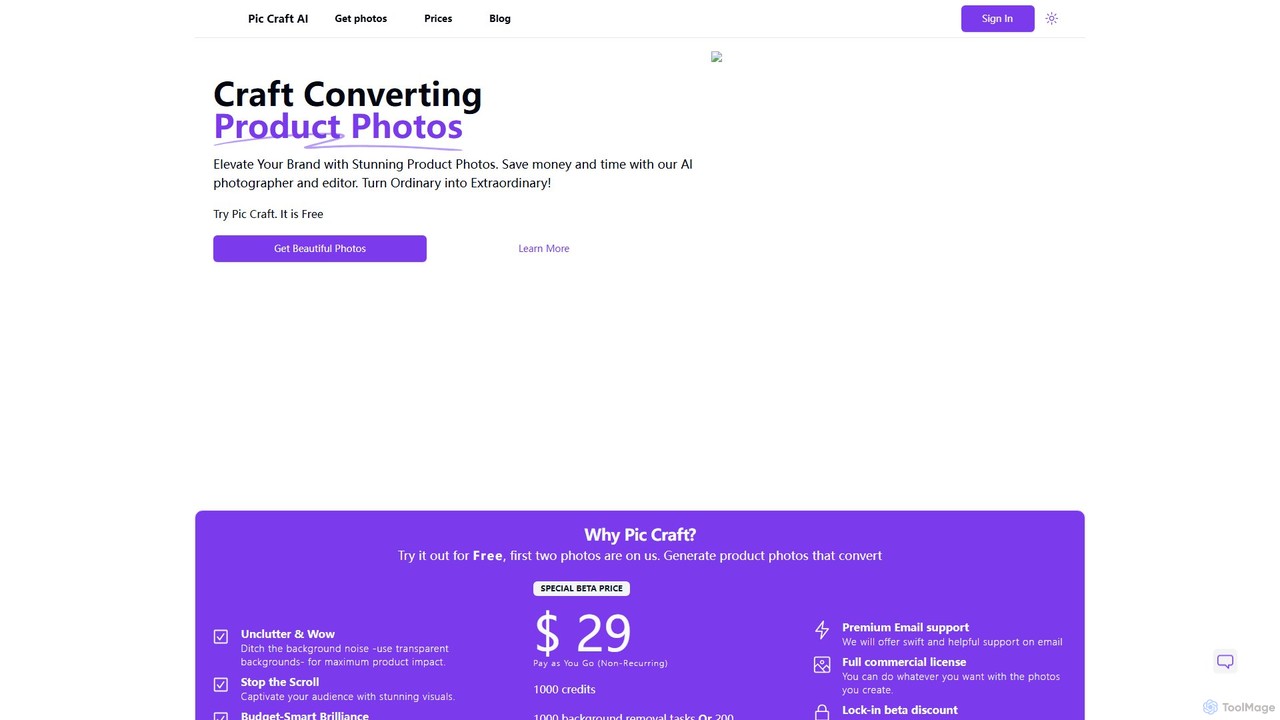
PicCraftAI
PicCraftAI is an AI-powered photographer and editor designed to create stunning, high-converting product photos. It allows users to instantly remove backgrounds or generate unique, AI-crafted scenes for their products. Ideal for e-commerce businesses, marketers, and content creators, it saves significant time and money compared to traditional photoshoots, helping brands elevate their visual presence and captivate audiences.
3D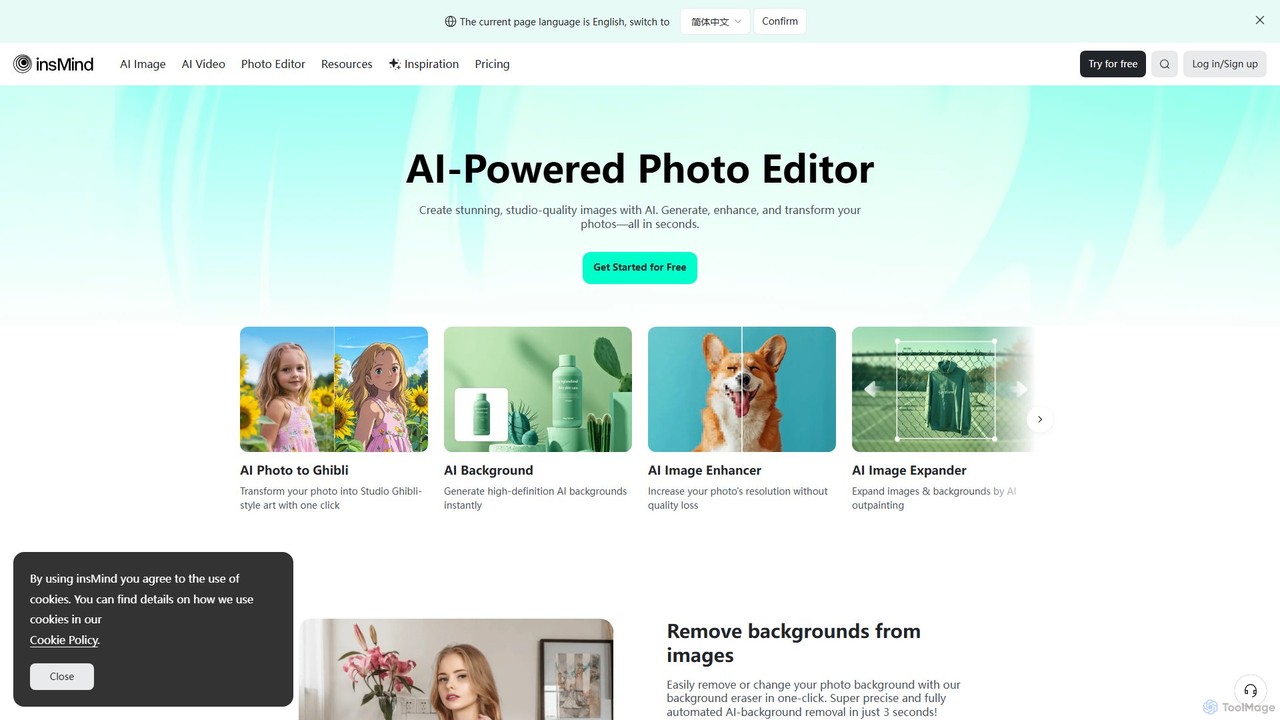
insmind
insmind is an AI-powered photo editor designed for e-commerce and marketing. It offers a comprehensive suite of tools to instantly remove backgrounds, generate realistic scenes, enhance image quality, erase unwanted objects, and create professional product photos, social media posts, and headshots in seconds. It's built to be user-friendly for both beginners and professionals, streamlining the entire image creation workflow.
3D
Designify
Designify is an AI-powered tool that automatically transforms any photo into a professional design. It removes backgrounds, enhances colors, and adds smart shadows to create stunning visuals for e-commerce, marketing, and social media in seconds. It also offers batch editing and API access for workflow automation.
3D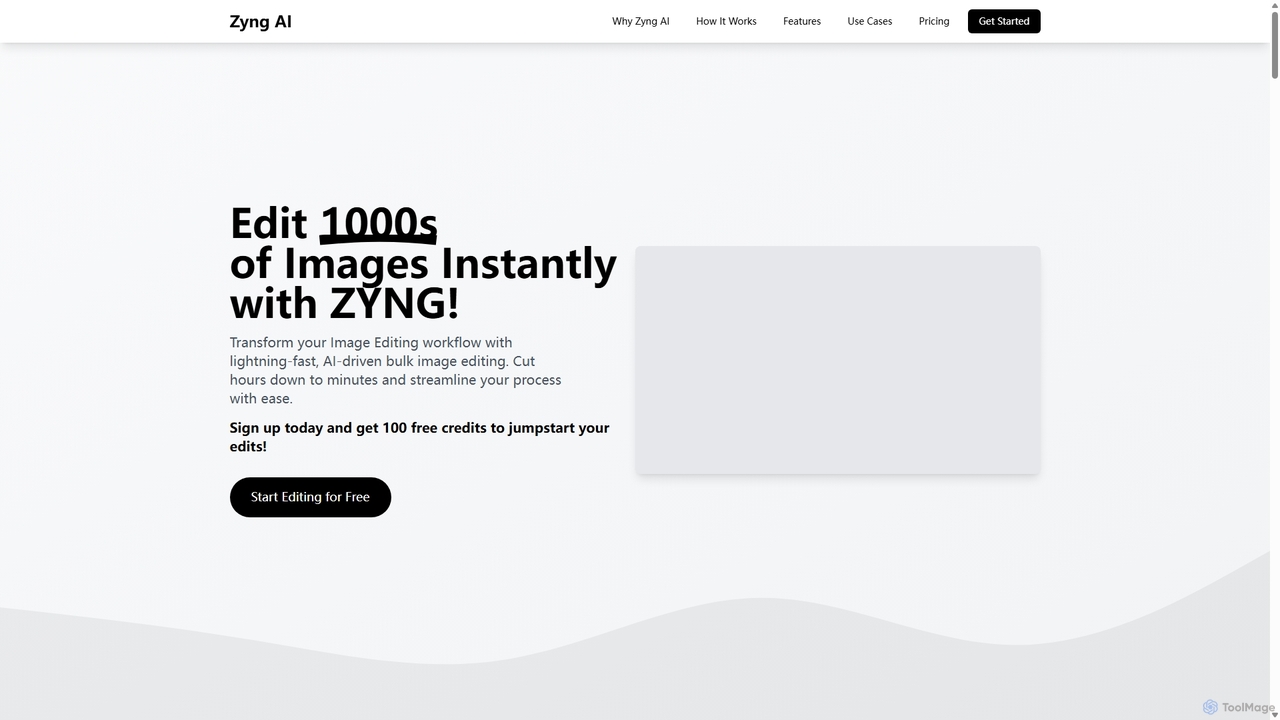
Zyng AI
Zyng AI is a powerful, AI-driven platform for bulk image editing, specifically catering to e-commerce businesses, photographers, and marketing teams. It automates tedious editing tasks, allowing users to process thousands of images in minutes. Key features include background removal, model swapping, smart cropping, face retouching, and AI-generated backgrounds. Zyng AI streamlines workflows, reduces costs, and helps create high-quality, consistent visuals for online stores and marketing campaigns, supporting resolutions up to 8K.
3D
WIME AI
WIME AI is an all-in-one AI-powered platform for e-commerce design and marketing. It automates the creation of commercial product photos, marketing posters, product detail pages, and offers innovative features like virtual try-on, background removal, and AI copywriting to streamline workflows and reduce costs.
Graphic DesignShotrate Categories
Shotrate Embed Widget
Copy this embed code to place the badge on your blog, article, or product site and send readers directly to this ToolMage detail page.

Related AI tools
Spark Tech AI
Spark Tech AI (AdGPT) is an AI-powered platform that revolutionizes digital advertising by generating high-converting ad creatives. It specializes in replacing product image backgrounds with stunning, contextually relevant visuals, helping to lower CPC and boost campaign performance.
Product Visualization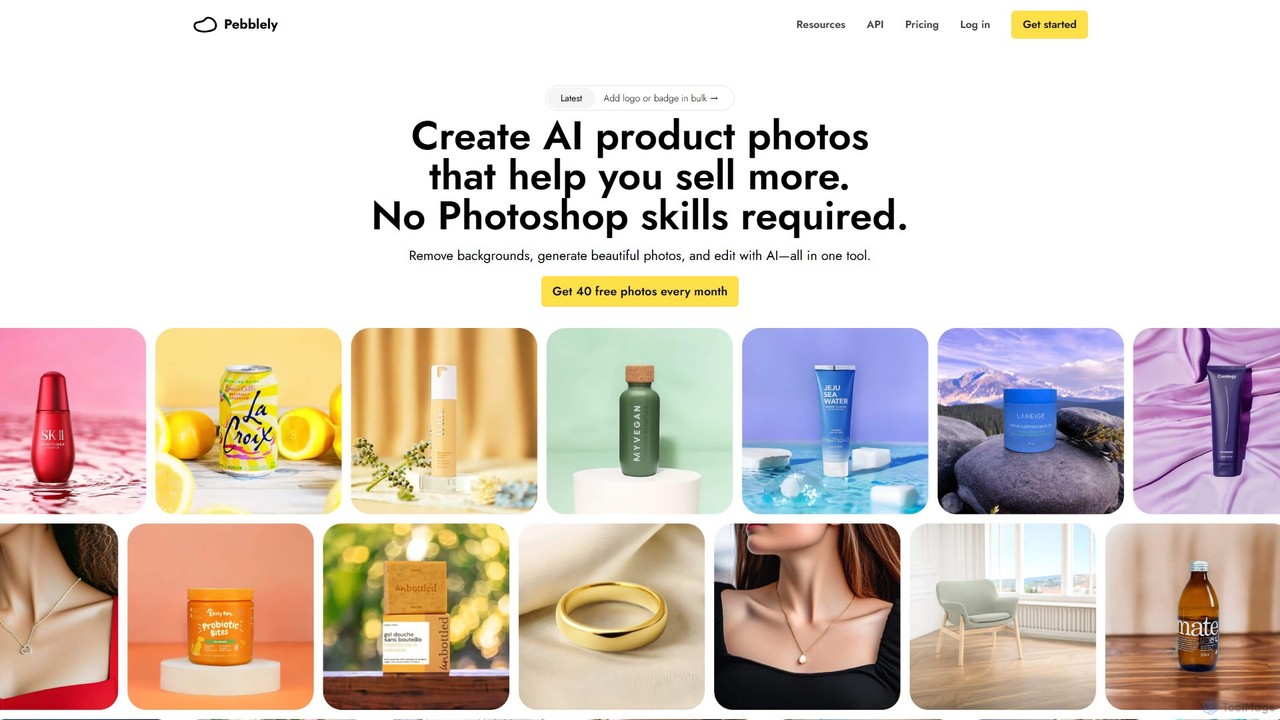
Pebblely
Pebblely is an AI-powered tool that transforms standard product images into stunning, professional-grade photographs in seconds. It automatically removes backgrounds, generates realistic new scenes from text prompts or themes, and adds appropriate lighting and shadows. Ideal for e-commerce businesses, marketers, and designers, it streamlines content creation for websites, social media, and ads without requiring any design skills. Get 40 free images every month.
Graphics
ShopImageAI
ShopImageAI is an AI-powered platform designed for e-commerce businesses to create stunning, studio-quality product photos and lifestyle images in seconds. It eliminates the need for expensive photoshoots by generating realistic backgrounds, virtual models, and marketing visuals from a single product image, helping to boost sales and brand presence.
GraphicsPicCraftAI
PicCraftAI is an AI-powered photographer and editor designed to create stunning, high-converting product photos. It allows users to instantly remove backgrounds or generate unique, AI-crafted scenes for their products. Ideal for e-commerce businesses, marketers, and content creators, it saves significant time and money compared to traditional photoshoots, helping brands elevate their visual presence and captivate audiences.
3D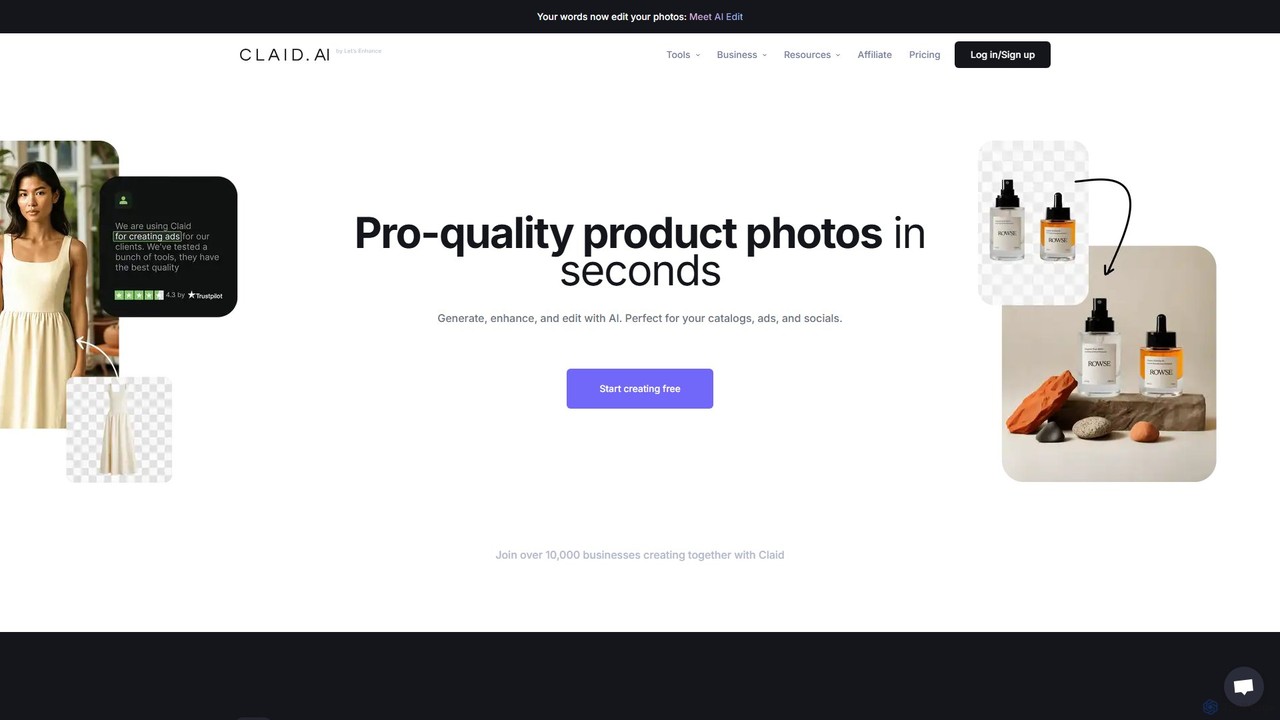
Claid.ai
Claid.ai is an all-in-one AI product photography suite designed for e-commerce and marketing. It allows users to generate, enhance, and edit professional-quality product photos in seconds. Key features include AI background generation, AI fashion models, image upscaling, and automated editing workflows, helping businesses improve conversions and streamline content creation without needing technical skills.
3D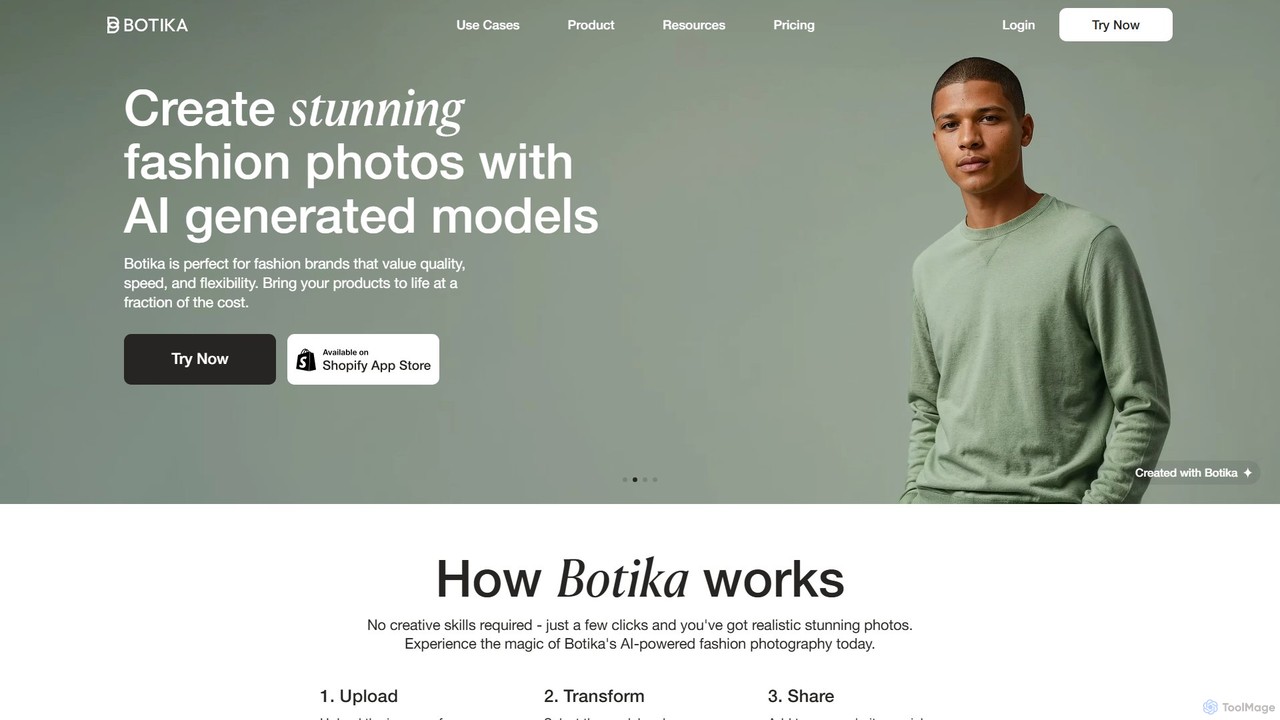
Botika
Botika is a generative AI platform for the fashion industry, transforming product photos into high-quality, on-model images. Using a diverse portfolio of 100% AI-generated models, it enables brands to create realistic fashion photography in minutes, drastically reducing production costs and time-to-market. It's an ideal solution for e-commerce stores and designers to enhance visual content, increase diversity, and boost sales without traditional photoshoots.
Product Images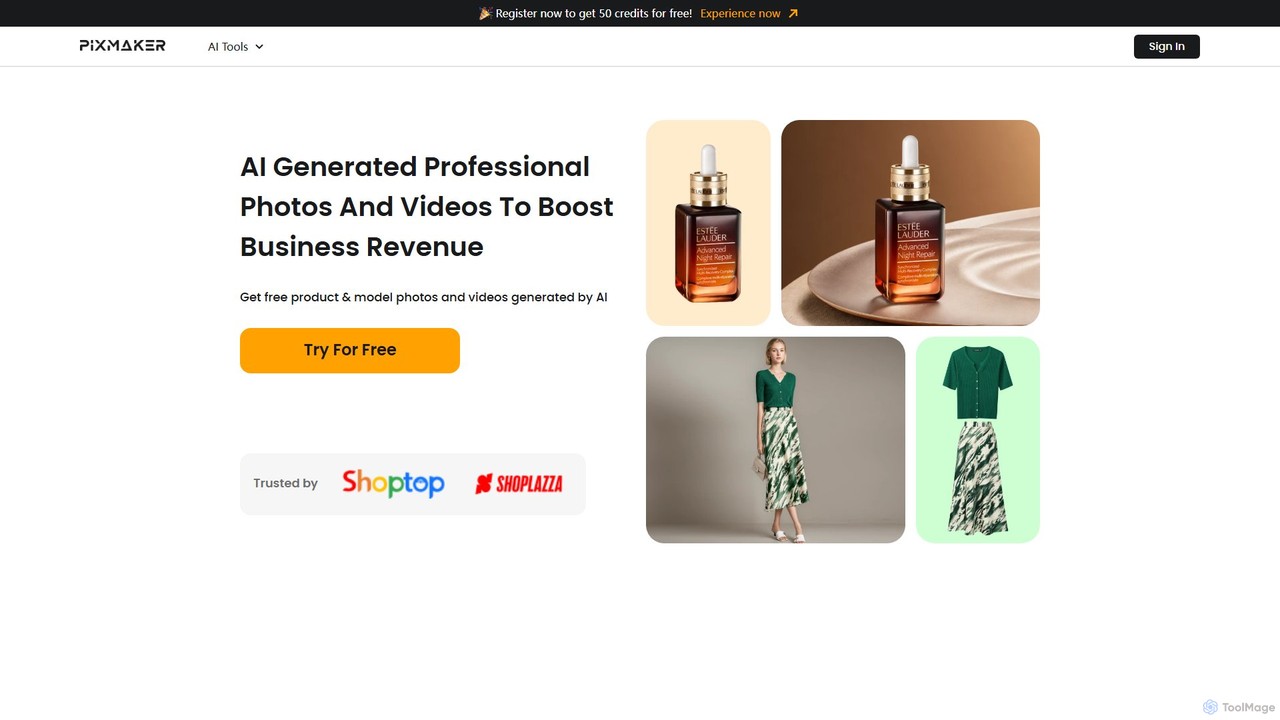
Pixmaker
Pixmaker is an AI-powered platform designed for e-commerce, enabling users to create professional product photos and videos effortlessly. It features AI model generation, realistic background creation, and one-click background removal, helping businesses enhance their visual marketing, reduce costs, and boost sales revenue without needing professional design skills.
3D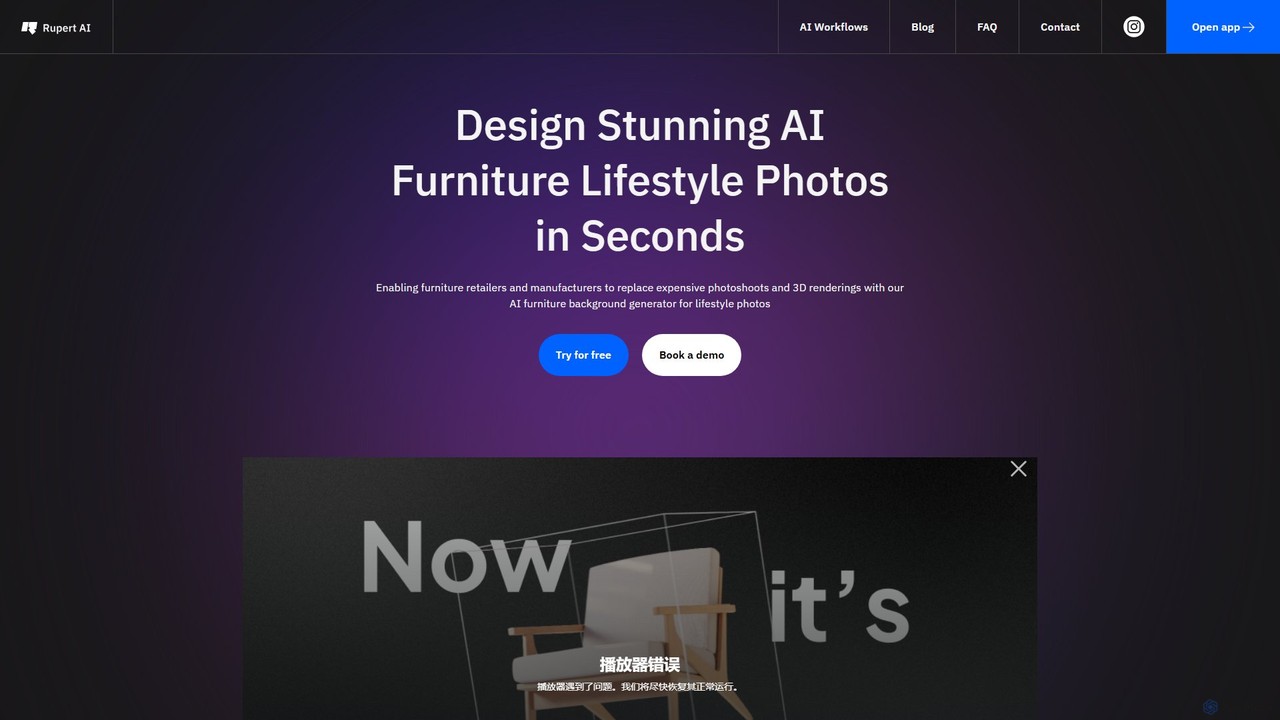
getrupert
getrupert is an AI-powered platform for creating stunning product photography, lifestyle images, and fashion model photos in seconds. It helps e-commerce brands and marketers generate high-quality visuals, test ad creatives, and optimize campaigns without the need for physical photoshoots.
Product Photography
Reica
Reica is a generative AI content editor designed for marketing and e-commerce. It transforms ideas into unique, realistic photos using an intuitive "no-prompt" builder. Easily create professional product shots, ad banners, and consistent brand visuals, eliminating the need for complex prompts or expensive photoshoots.
Product Photos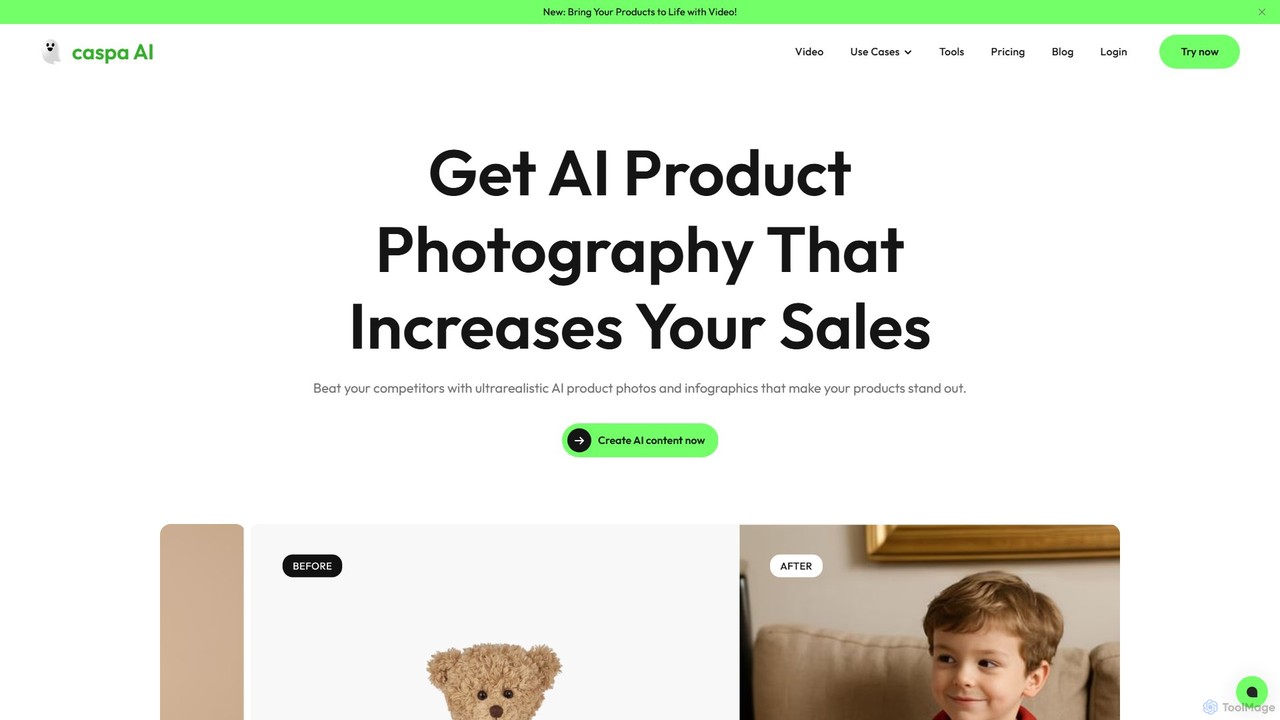
Caspa AI
Caspa AI is an AI-powered platform for creating ultra-realistic product photography and videos. It helps e-commerce businesses generate high-quality lifestyle photos, infographics, and A+ content with AI models (human and animal) to boost sales and streamline content creation, replacing traditional photoshoots.
Product Listing Optimization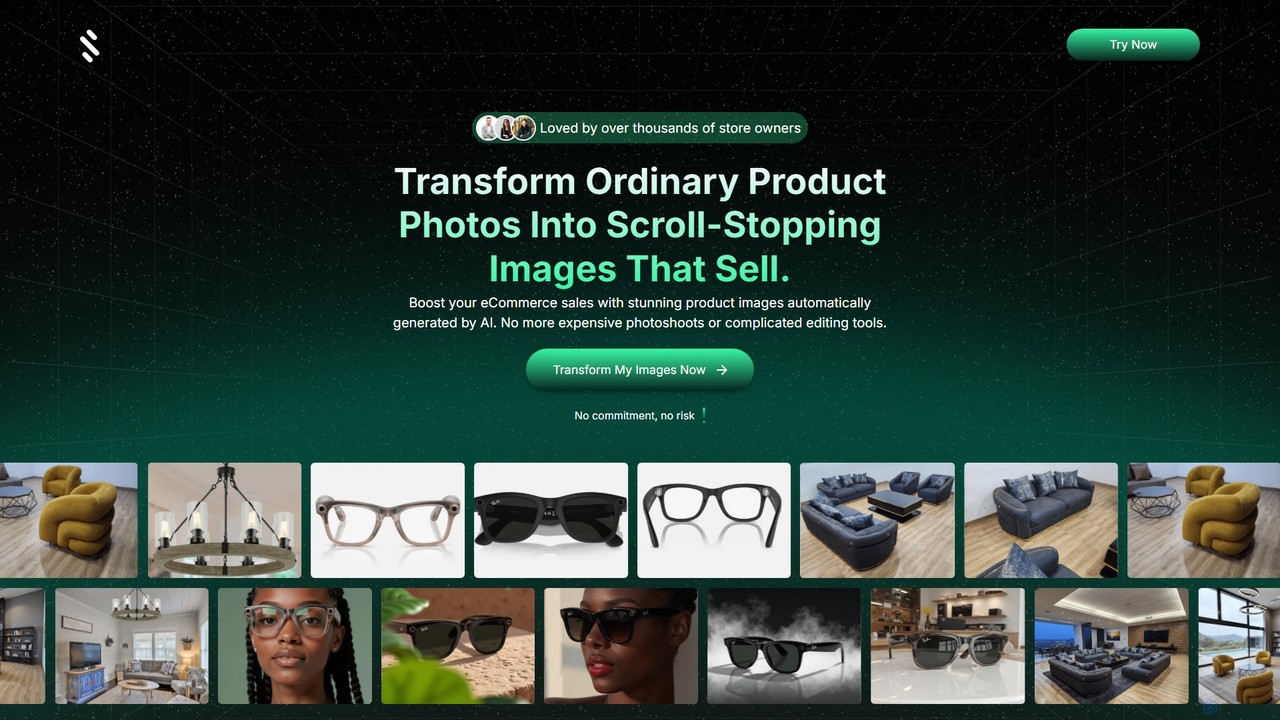
Simplicity AI
Simplicity AI is an AI-powered tool designed for e-commerce businesses to transform basic product photos into stunning, professional-grade images and model shots. It automates the creation of high-quality visuals, eliminating the need for expensive photoshoots and complex editing software, ultimately helping to boost sales and conversions.
Marketing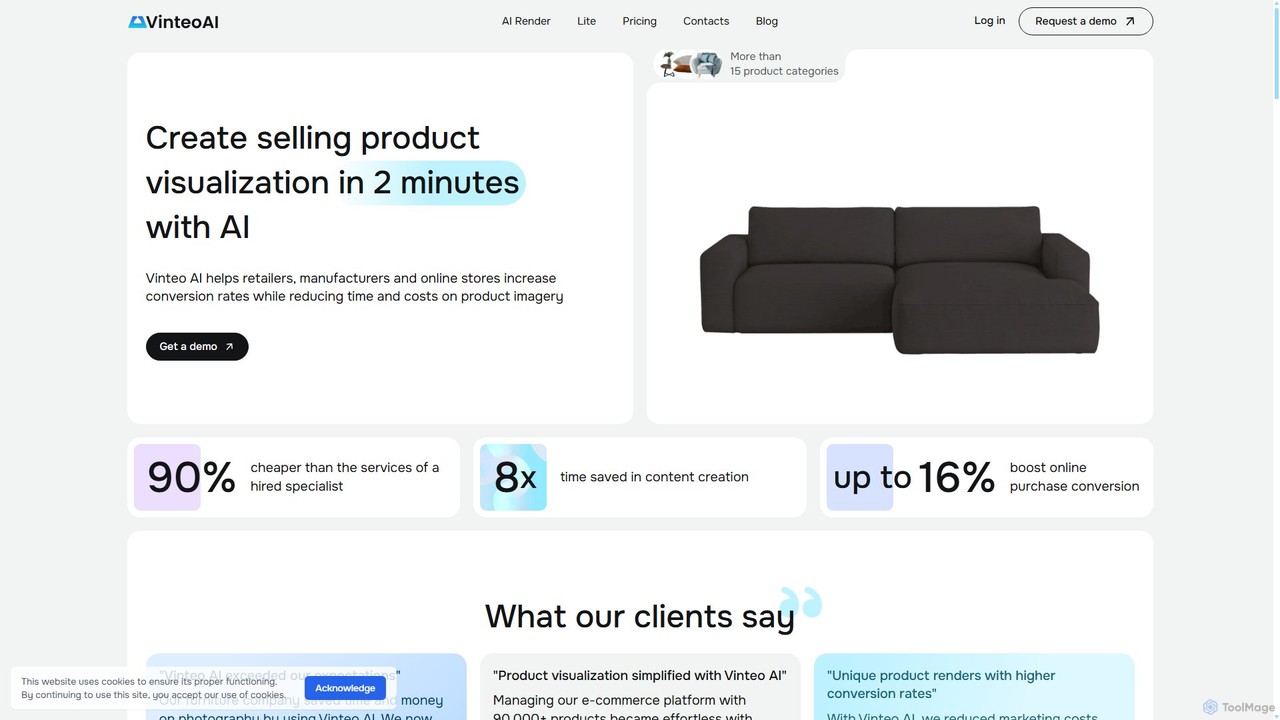
Vinteo AI
Vinteo AI is an AI-powered product photography platform for e-commerce. It enables businesses to create high-quality, professional product visualizations in minutes. Users can upload product images, place them in custom AI-generated scenes or pre-styled interiors, adjust lighting, colors, and download high-resolution images, significantly reducing photography costs and time while boosting conversion rates.
Product Visualization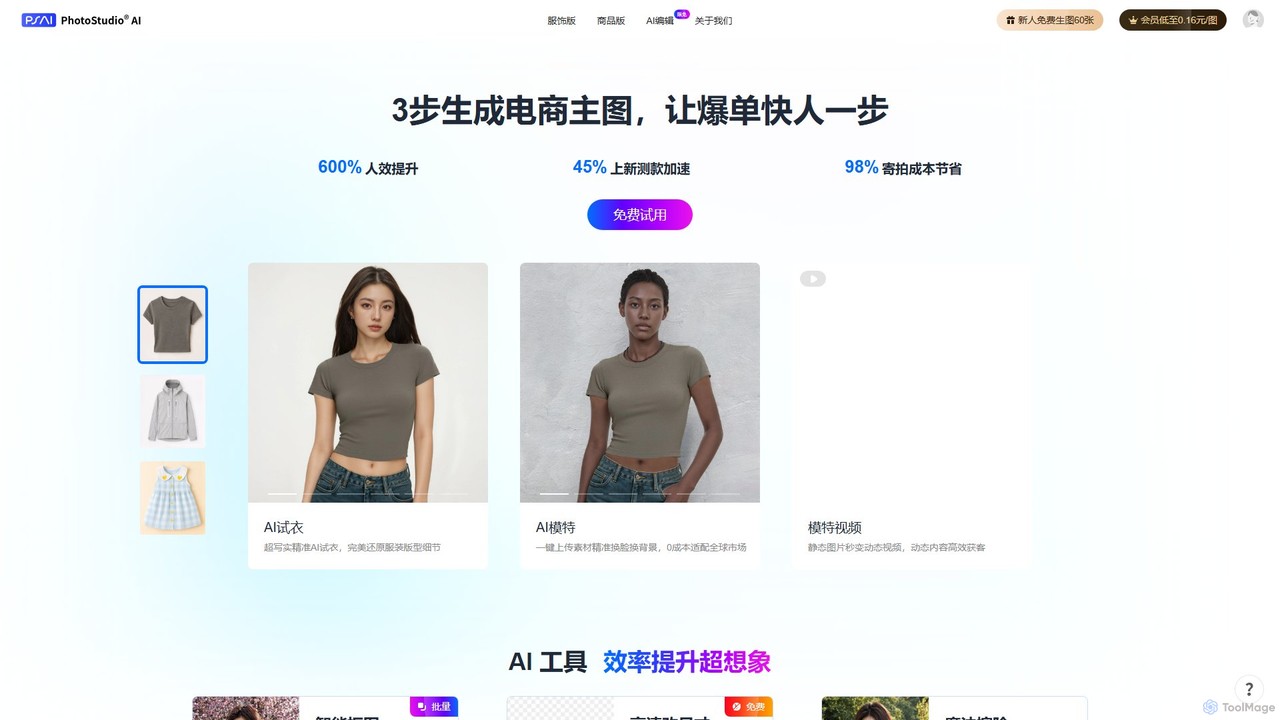
PhotoStudio AI
PhotoStudio AI is a generative AI platform by ArcSoft, designed for e-commerce. It creates professional product and fashion photoshoots instantly, featuring AI models, virtual try-on, and powerful editing tools. This helps businesses dramatically reduce photography costs, accelerate product launches, and enhance marketing visuals.
Image Generation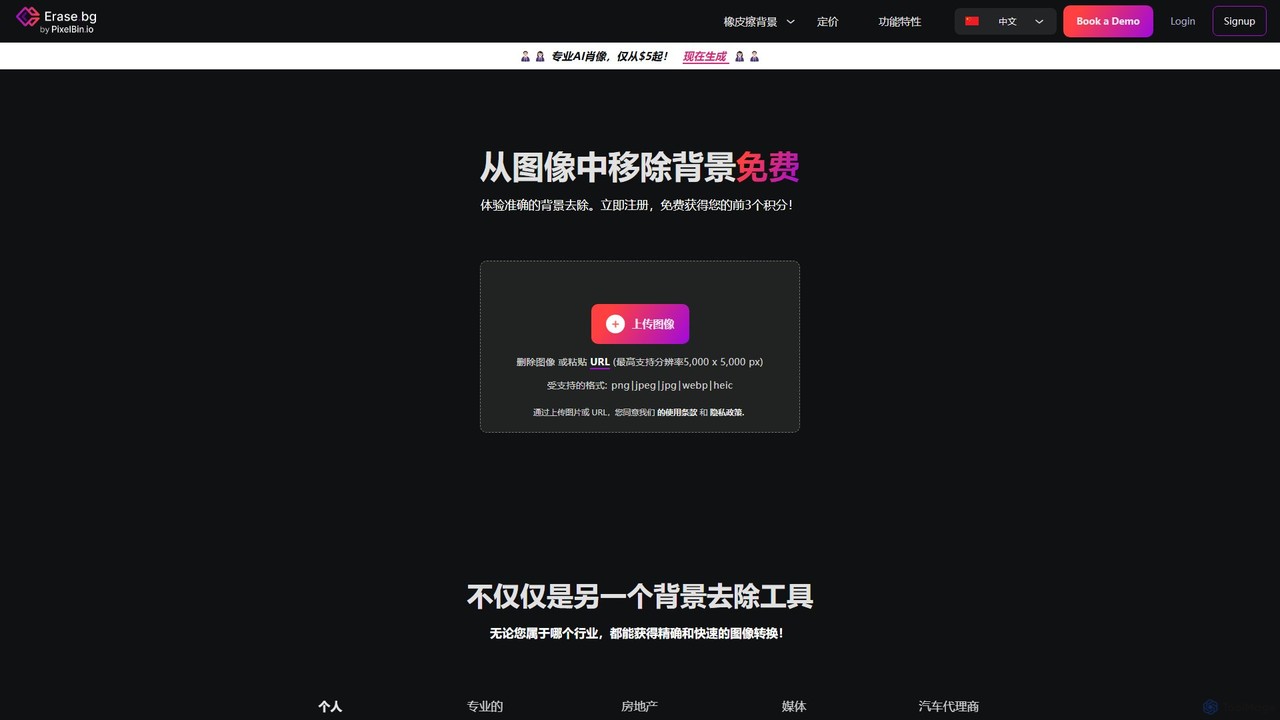
Erase.bg
Erase.bg is an AI-powered tool that automatically removes backgrounds from images in seconds. It's designed for a wide range of users, from individuals creating social media content to e-commerce businesses needing clean product photos. The tool supports various formats, offers high-resolution output, and provides simple editing options to add new backgrounds. It is accessible via web and mobile apps, with an API for developers.
Editing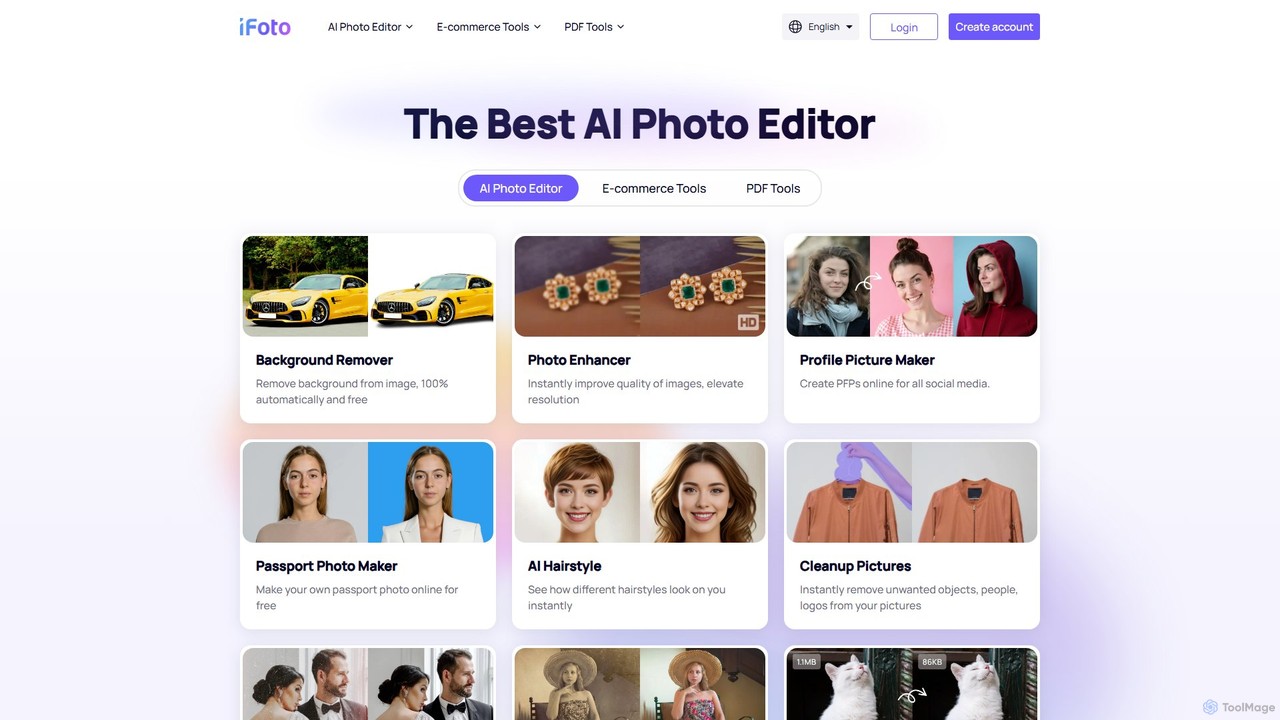
iFoto
iFoto is an all-in-one AI-powered photo studio designed to revolutionize e-commerce visuals. It offers a comprehensive suite of tools for AI fashion models, product photography, background removal, photo enhancement, and even PDF management. It empowers businesses and creators to produce high-quality, professional images effortlessly, saving significant time and cost compared to traditional methods.
3D
Shotrate Comments (0)
Sign in to comment.
Sign inNo comments yet.