

SurveySlack Overview
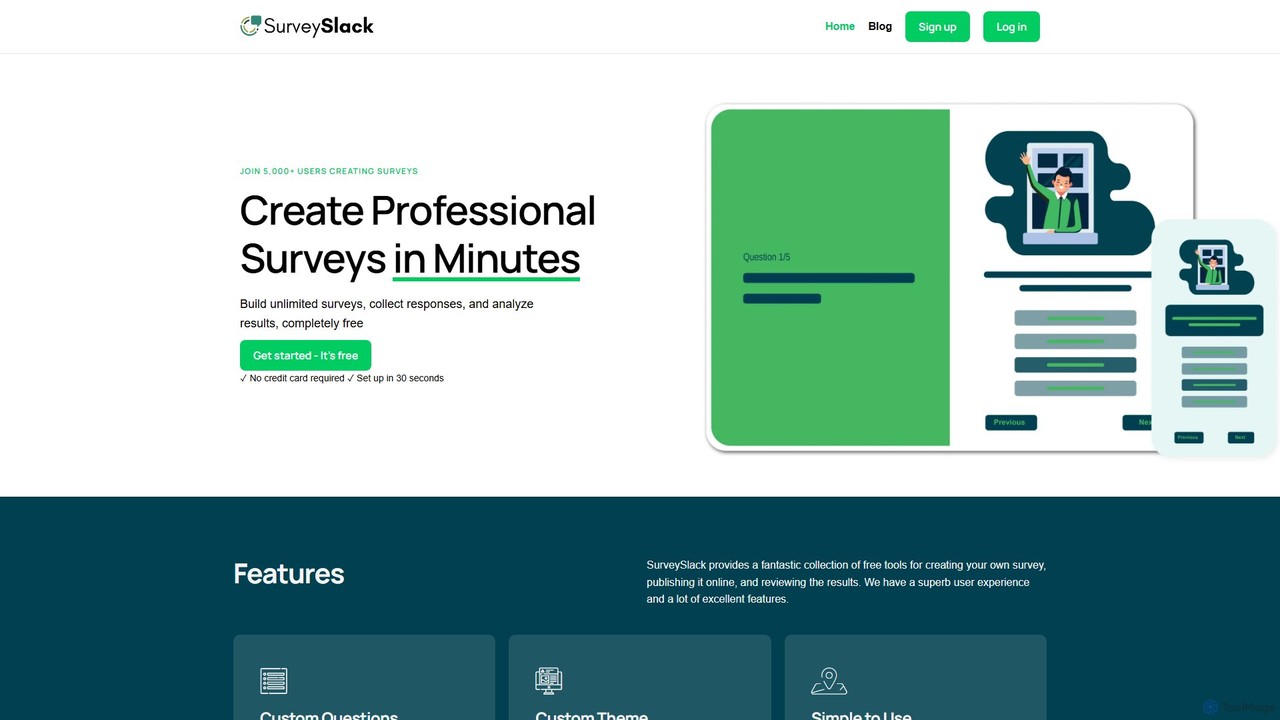
SurveySlack is a dynamic and intuitive online survey platform designed to empower users to create professional and engaging surveys in minutes. It positions itself as a powerful, user-friendly, and cost-effective alternative to established tools like SurveyMonkey. By integrating artificial intelligence and offering a rich set of features, SurveySlack aims to streamline the entire survey process, from question generation to data analysis, making it accessible for businesses, researchers, and individuals alike.
The platform is built around a core philosophy of simplicity and efficiency. It provides a superb user experience with a clean and straightforward interface, ensuring that even users with no prior experience can design and launch effective surveys. Whether you're looking to gather customer feedback, conduct market research, measure employee engagement, or plan an event, SurveySlack provides the necessary tools to collect honest and valuable insights quickly.
How to use SurveySlack
Using SurveySlack is a simple, multi-step process designed for maximum efficiency:
- Create Your Survey: Start from scratch or choose from a variety of pre-built survey templates. Use the AI Survey Questions Generator to get a head start with relevant and well-formulated questions tailored to your topic.
- Customize Questions and Design: Easily add, edit, and arrange questions. The platform supports various question types. Customize the look and feel of your survey by selecting from different themes, colors, fonts, and background images to match your brand identity.
- Implement Advanced Logic: Use conditional survey branching (skip logic) to create a dynamic and personalized experience for respondents. This feature shows or hides questions based on previous answers, making the survey more relevant and reducing survey fatigue.
- Add Your Branding: Enhance your survey's professionalism by adding your company logo, linking to your website, and setting up a custom success URL to redirect participants after completion.
- Publish and Share: Once your survey is ready, you can publish it and share it via a direct link, embed it on your website, or distribute it through various channels.
- Analyze Results: Track responses in real-time. The platform provides tools to analyze the collected data, helping you turn raw numbers into actionable insights and reports.
Core Features of SurveySlack
- AI Survey Questions Generator: Automatically generate relevant and high-quality survey questions to save time and improve the quality of your questionnaire.
- Custom Questions & Themes: Offers full control over the survey's content and appearance. Users can create custom questions and, on Pro plans, design unique themes with specific colors, fonts, and backgrounds.
- Conditional Survey Branching (Skip Logic): Creates intelligent survey paths where respondents only see questions relevant to them, improving completion rates and data quality.
- Custom Branding: Allows users to add their own logo, link to their website, and use a custom redirect URL upon survey completion, reinforcing brand identity.
- Anonymous Surveys: Provides options to create anonymous surveys, which is crucial for collecting honest and unbiased feedback, especially for sensitive topics like employee satisfaction.
- Real-time Collaboration and Analysis: Work with your team on creating surveys and analyze incoming results as they happen, allowing for quick insights and decision-making.
- Unlimited Surveys: The free plan allows users to create an unlimited number of surveys, making it highly accessible for various projects.
Use Cases for SurveySlack
SurveySlack is versatile and can be applied in numerous scenarios:
- Customer Feedback: Create Net Promoter Score (NPS), Customer Satisfaction (CSAT), and other feedback surveys to understand your customers' needs and improve your products or services.
- Employee Engagement: Conduct anonymous internal surveys to gauge employee morale, gather feedback on company culture, and identify areas for improvement in the workplace.
- Market Research: Launch surveys to test new product ideas, understand market trends, and define your target audience's demographics and preferences.
- Academic Research: A valuable tool for students and academics to collect data for research projects, with features supporting complex question structures.
- Event Planning: Gather information from attendees before an event (like a family reunion or conference) to tailor the experience, or collect post-event feedback for future improvements.
Advantages of SurveySlack
SurveySlack stands out due to its combination of user-friendliness, powerful features, and affordability. Its primary advantages include its intuitive interface that makes survey creation fast and enjoyable, the AI question generator that boosts efficiency, and the robust free plan that offers significant value. The high degree of customization for branding and survey logic makes it a flexible tool for a wide range of professional needs.
Pricing and Plans
SurveySlack operates on a freemium model. It offers a Free Forever Plan which includes:
- Unlimited surveys
- Up to 100 responses per month
- No credit card required for signup
While the free plan is very generous, SurveySlack also offers Pro plans for users who need advanced features, such as more extensive theme customization and potentially higher response limits, though specific details on paid tiers are provided upon deeper engagement with the platform.
SurveySlack Alternatives
SurveyMars
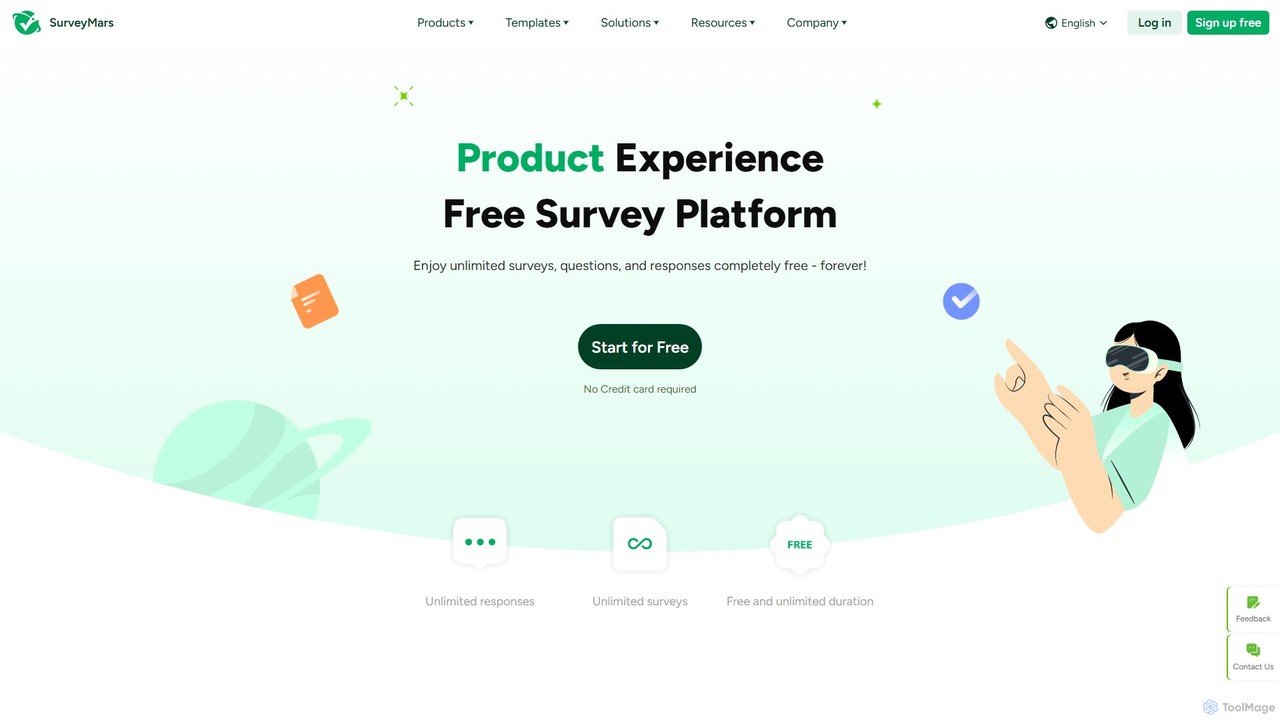
SurveyMars is a powerful, AI-driven survey platform that is completely free. It allows users to create unlimited surveys, polls, quizzes, and forms with unlimited questions and responses. Featuring AI-powered question generation, advanced data analysis, and seamless integrations, it's designed for market research, customer feedback, and employee engagement.
Customer Support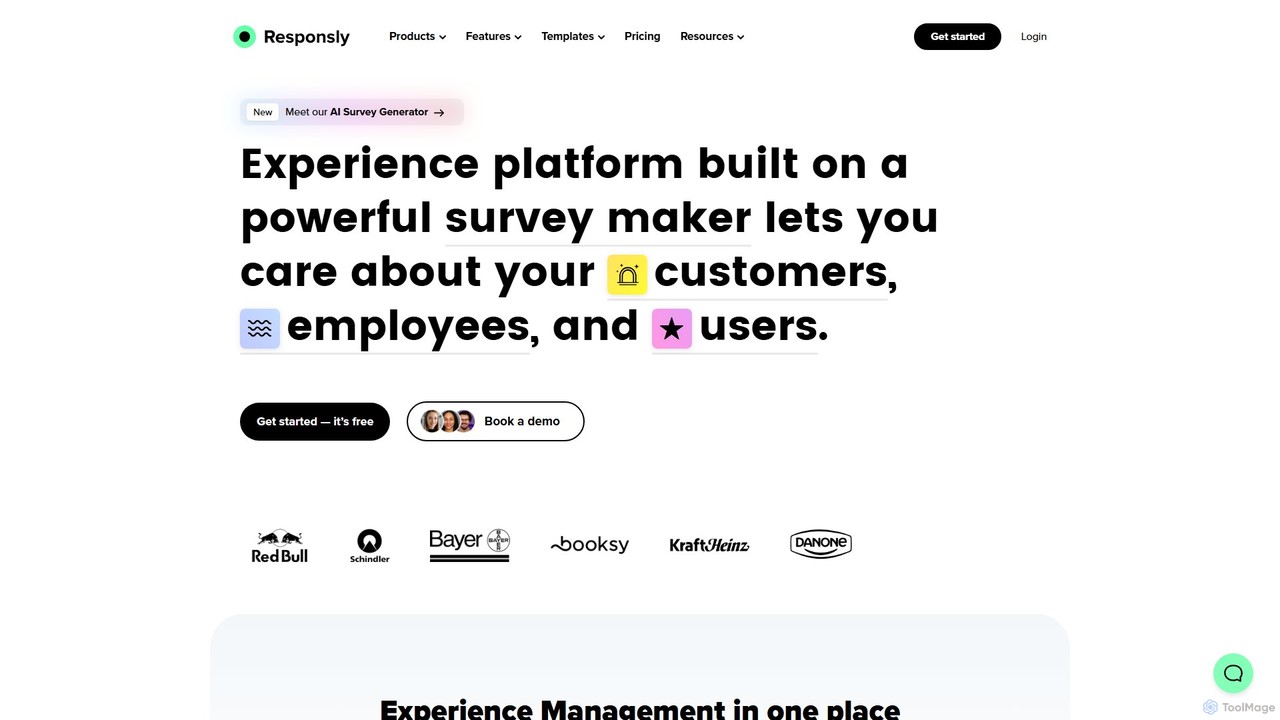
Responsly
Responsly is an AI-powered experience management platform designed to create advanced surveys, quizzes, and forms. It helps businesses gather insights on customer (CX), employee (EX), and product (PX) experiences, featuring an AI survey generator, extensive integrations, and robust security.
Customer Feedback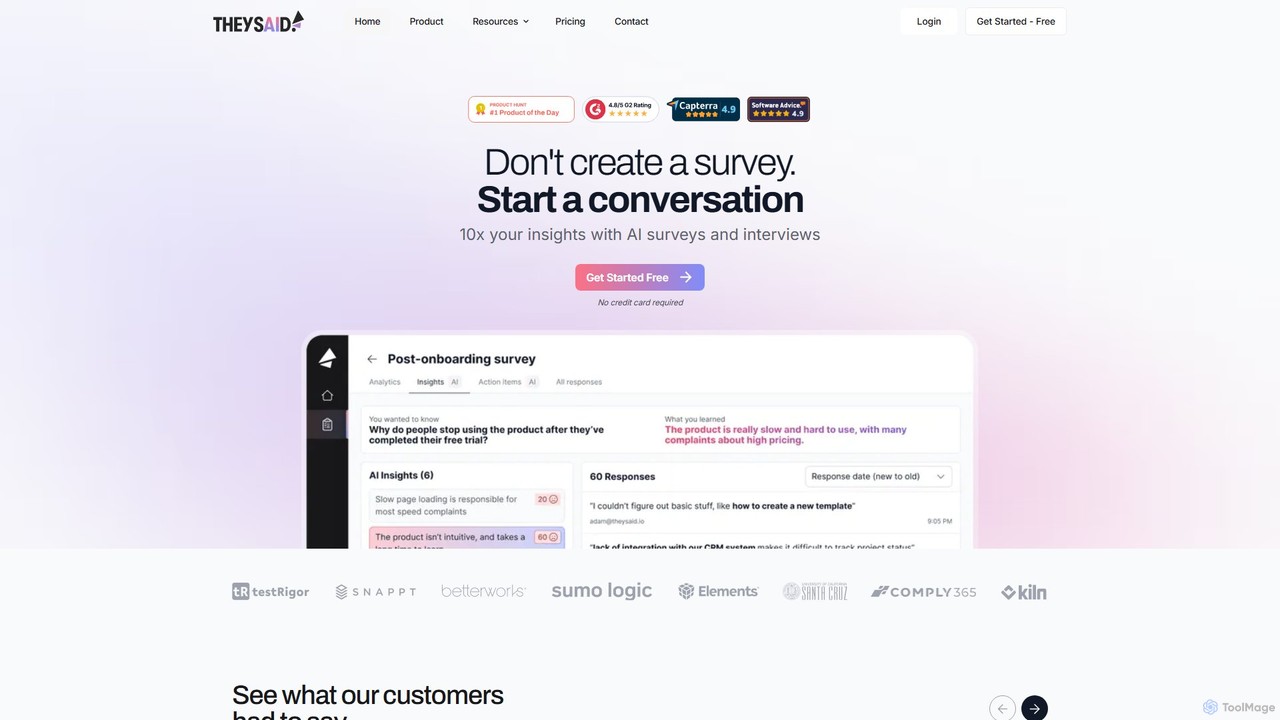
theysaid
theysaid is an AI-powered survey platform that transforms traditional data collection into dynamic, conversational experiences. It helps businesses gather deep qualitative feedback at scale through AI-driven surveys, interviews, and forms, automatically analyzing responses to uncover actionable insights and themes.
Customer Experience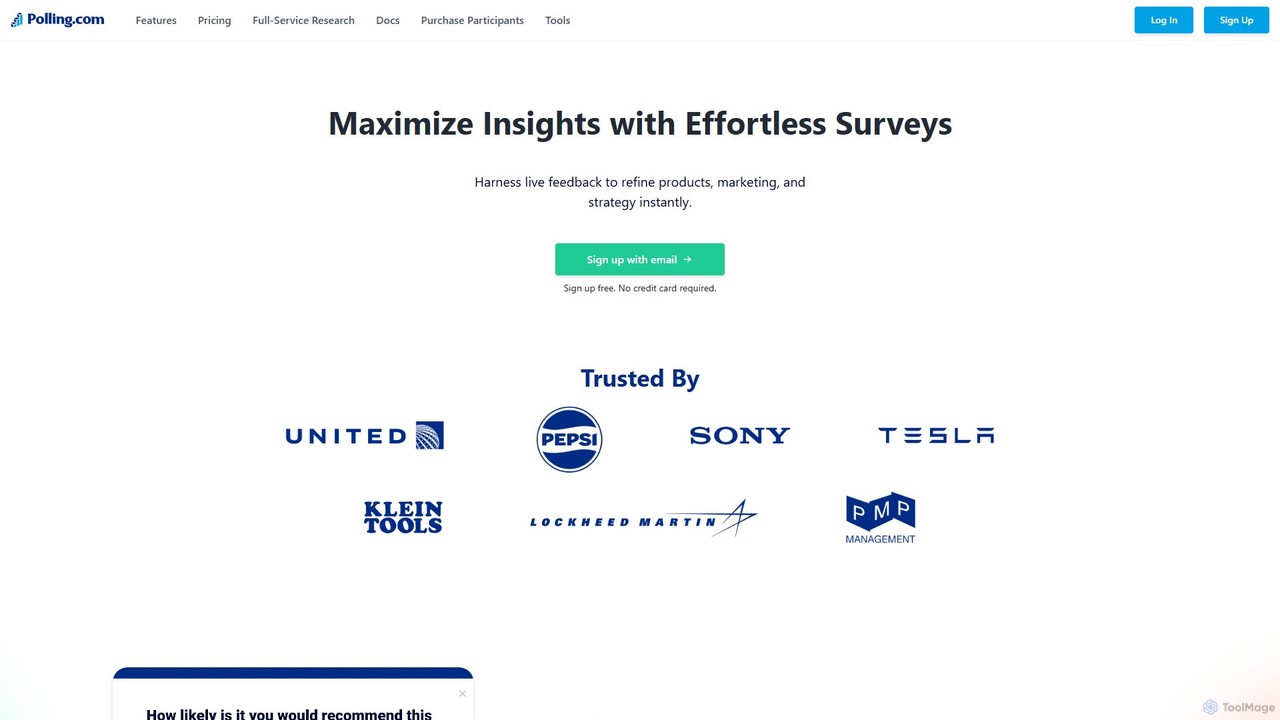
Polling.com
Polling.com is an AI-powered survey and poll creation platform designed to gather instant, actionable feedback. It enables users to refine products, marketing, and strategy through intuitive, enterprise-grade research tools. The platform offers seamless integrations, advanced targeting, and powerful analytics, positioning itself as a superior alternative to tools like SurveyMonkey and Typeform.
Market Research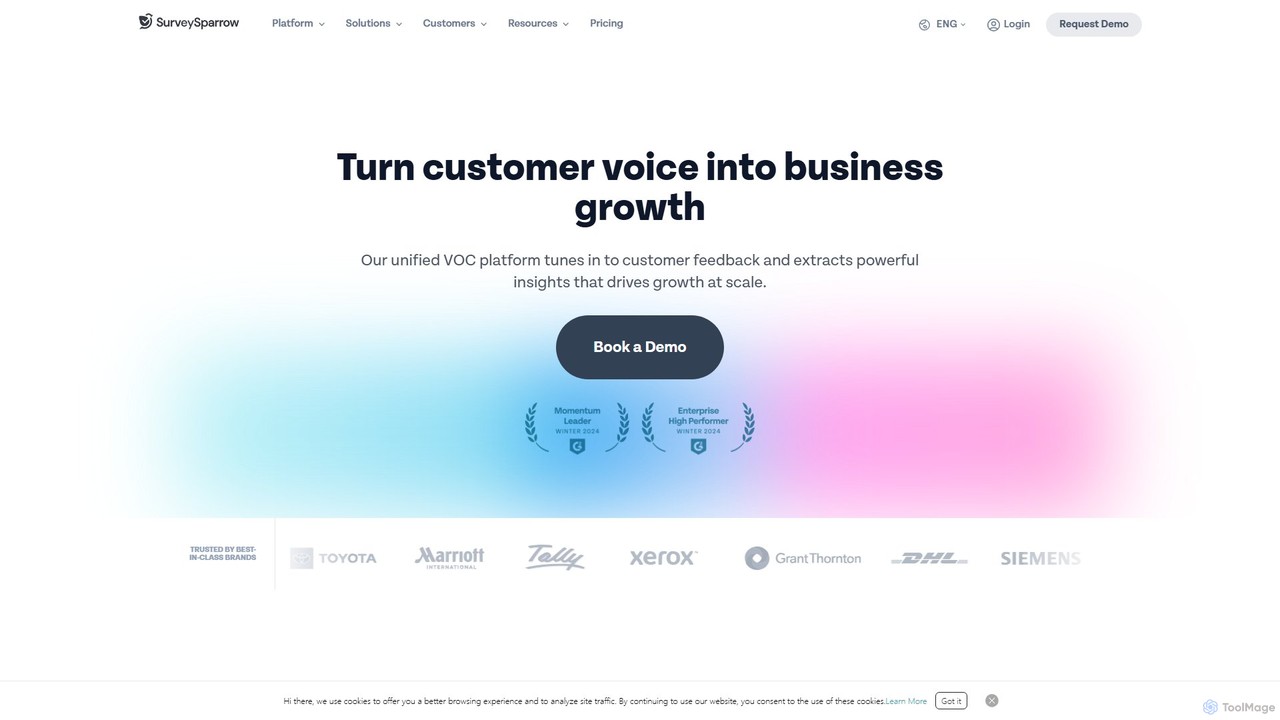
SurveySparrow
SurveySparrow is an omnichannel experience management platform that transforms feedback collection with engaging, conversational surveys. It leverages AI-powered analytics to turn customer voice into actionable insights, helping businesses enhance customer experience, manage reputation, and drive growth.
Feedback CollectionSurveySlack Categories
SurveySlack Embed Widget
Copy this embed code to place the badge on your blog, article, or product site and send readers directly to this ToolMage detail page.

Related AI tools
SurveyMars
SurveyMars is a powerful, AI-driven survey platform that is completely free. It allows users to create unlimited surveys, polls, quizzes, and forms with unlimited questions and responses. Featuring AI-powered question generation, advanced data analysis, and seamless integrations, it's designed for market research, customer feedback, and employee engagement.
Customer Supporttheysaid
theysaid is an AI-powered survey platform that transforms traditional data collection into dynamic, conversational experiences. It helps businesses gather deep qualitative feedback at scale through AI-driven surveys, interviews, and forms, automatically analyzing responses to uncover actionable insights and themes.
Customer Experience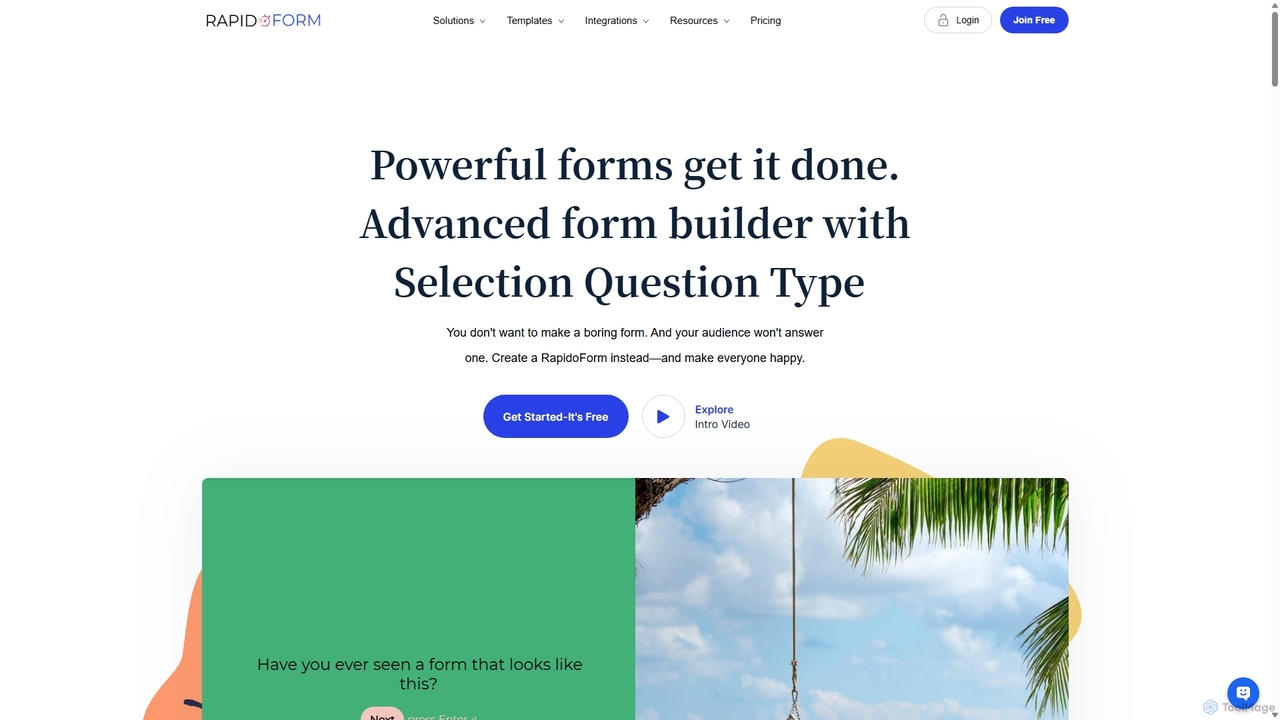
RapidoForm
RapidoForm is an advanced AI-powered form and survey builder designed to create engaging, people-friendly experiences. It moves beyond traditional forms by incorporating unique question types like audio, video, and even live coding environments. This approach helps increase response rates, gather richer qualitative data, and streamline workflows for marketing, research, and recruitment.
Feedback Collection
Jyek
Jyek is an AI agent platform that understands objectives, creates execution plans, uses tools, and delivers verifiable results for complex, multi-step tasks.
Automation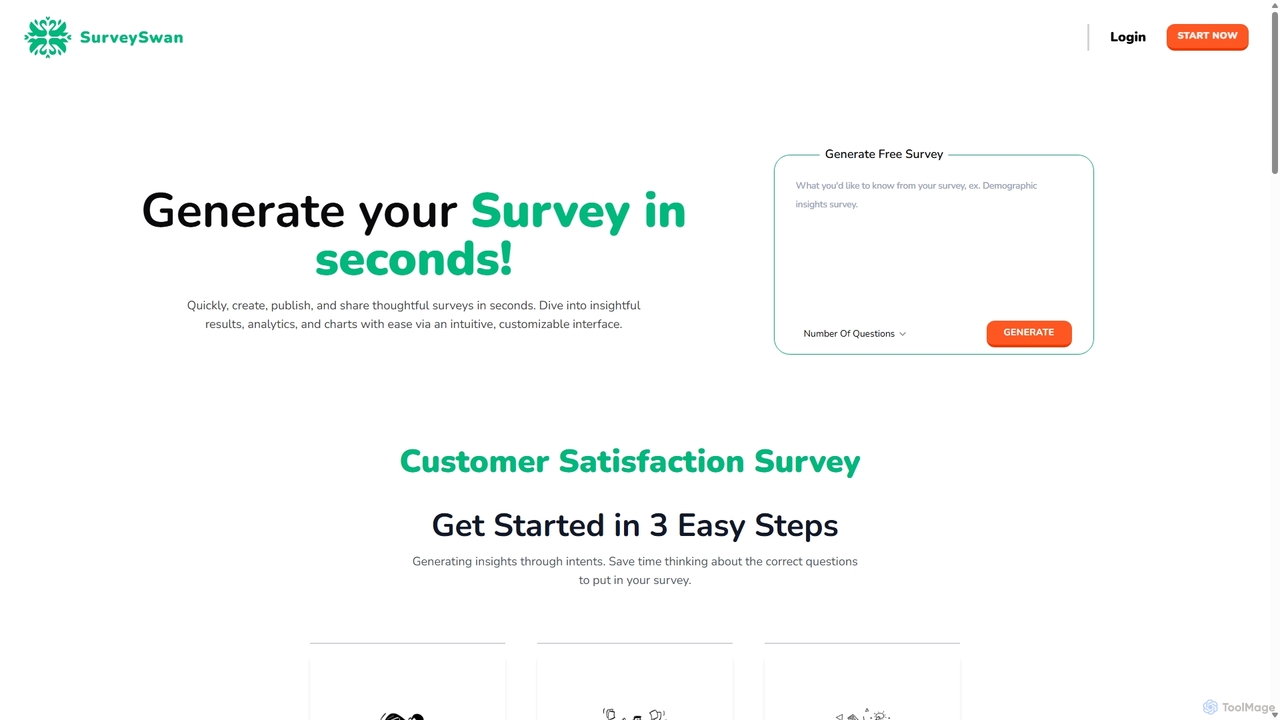
SurveySwan
SurveySwan is an AI-powered survey builder that automates question creation. Simply describe the insights you need, and the tool generates thoughtful, high-quality survey questions in seconds. It's designed for professionals to quickly create, share, and analyze surveys with features like sentiment analysis and intuitive analytics, saving significant time and effort.
Data Analysis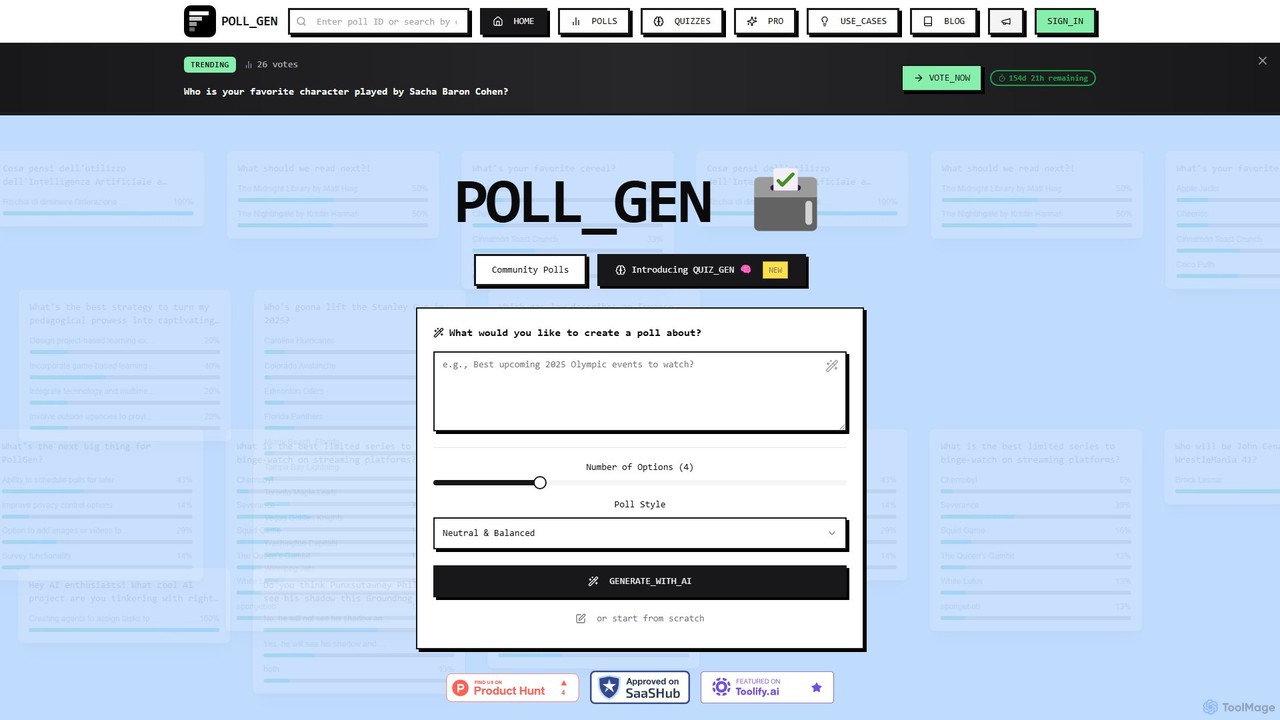
PollGen
PollGen is an AI-powered platform for instantly creating and sharing engaging polls and quizzes. Simply describe your topic in natural language, and the AI generates optimized questions and options. It's designed for educators, marketers, and community managers to gather real-time feedback with beautiful visualizations and powerful analytics.
Teaching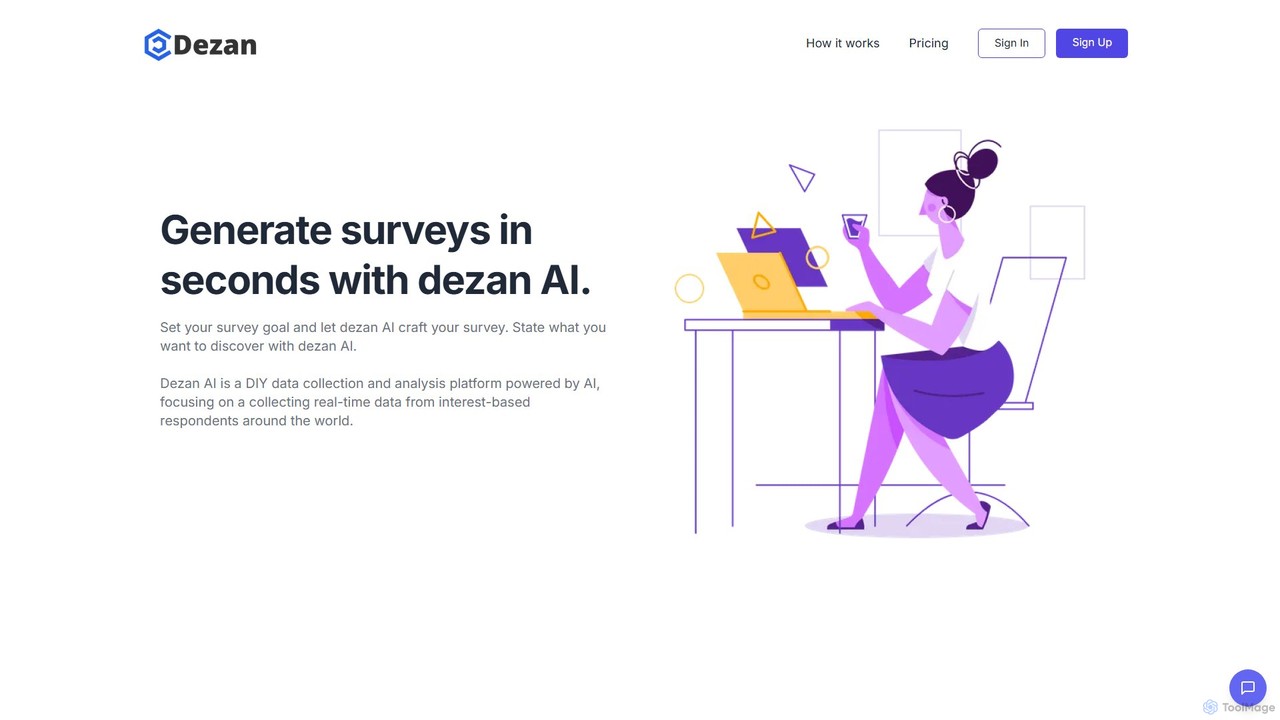
dezan
dezan is an AI-powered platform that enables users to generate targeted surveys in seconds. It automates the entire process from question creation to data collection and analysis, leveraging interest-based audience targeting to gather real-time, high-quality insights from specific respondent groups.
Customer FeedbackPolling.com
Polling.com is an AI-powered survey and poll creation platform designed to gather instant, actionable feedback. It enables users to refine products, marketing, and strategy through intuitive, enterprise-grade research tools. The platform offers seamless integrations, advanced targeting, and powerful analytics, positioning itself as a superior alternative to tools like SurveyMonkey and Typeform.
Market Research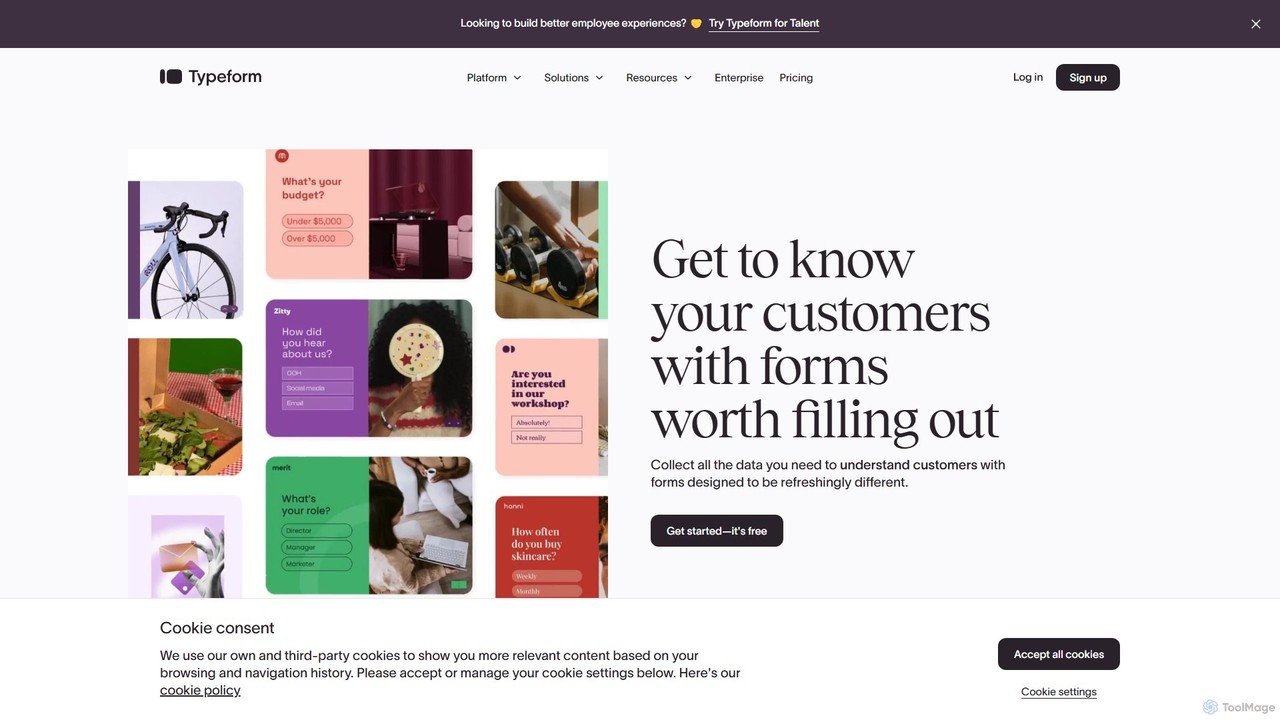
Typeform
Typeform is an AI-powered, conversational data collection platform that allows users to create beautiful, engaging, and intuitive forms, surveys, and quizzes. It focuses on a one-question-at-a-time interface to increase response rates, making data collection feel more like a conversation. Ideal for marketing, HR, and customer feedback, it helps businesses gather better data and deeper insights.
Feedback Collection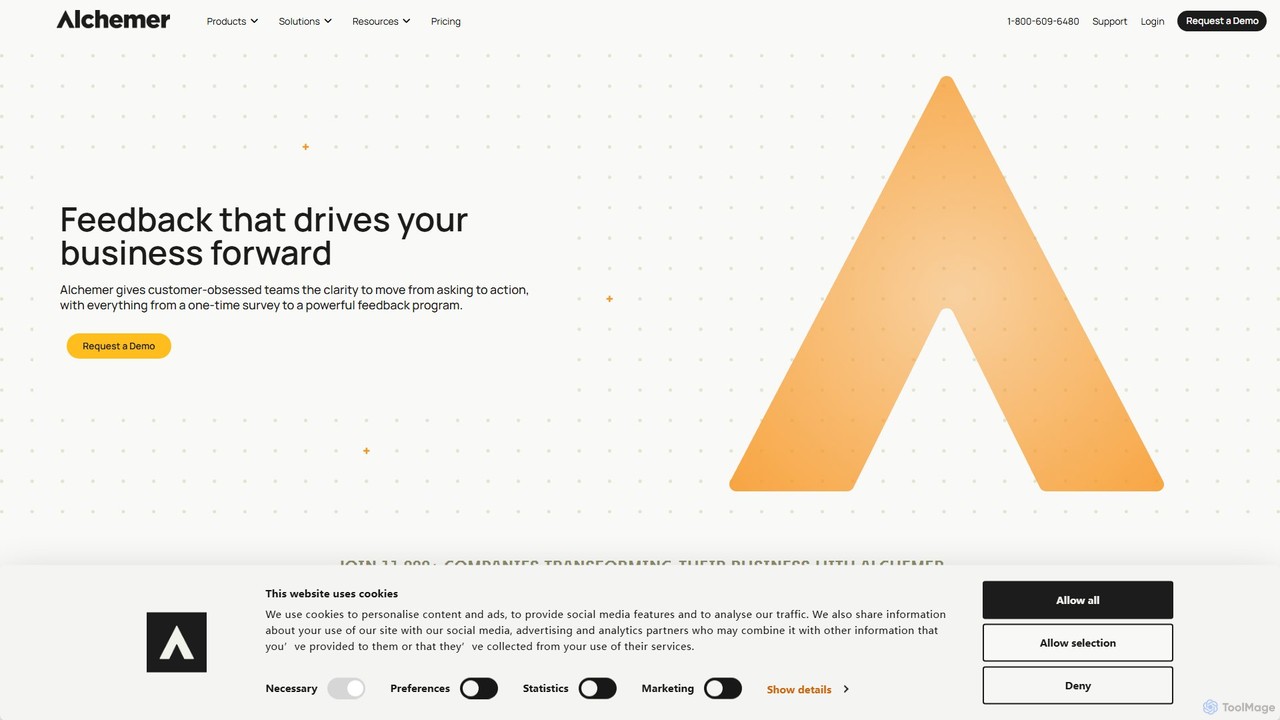
Alchemer
Alchemer is a powerful online survey and feedback management platform that helps businesses collect and analyze customer, market, and employee data. Leveraging AI-powered text analytics, it transforms open-ended feedback into actionable insights. Ideal for customer experience, market research, and employee engagement, Alchemer offers a flexible, scalable, and secure solution for organizations of all sizes to make data-driven decisions.
Feedback Management
Ansy.ai
Ansy.ai is an AI-powered market research and customer insights platform. It helps businesses make data-driven decisions by analyzing customer feedback, market trends, and competitor data to provide clear, actionable answers to critical business questions. It automates data collection and analysis, turning complex information into intuitive reports and visualizations.
Market Research
BlockSurvey
BlockSurvey is an AI-powered, privacy-first survey and form builder. It offers end-to-end encryption, ensuring you own your data. Features include AI survey generation, AI data analysis, anonymous data collection, and Web3 capabilities like token-gated surveys. Ideal for market research, employee feedback, and secure data collection, it helps build trust and save time while providing deep, actionable insights.
Market Research
UserCue
UserCue is an AI-powered platform that revolutionizes market research by deploying intelligent agents to conduct dynamic, human-like interviews at scale. It can interview up to 1,000 experts or target users in an hour, delivering comprehensive reports in minutes and drastically reducing research timelines from weeks to days.
Customer Feedback
Formshare
Formshare is a free, AI-powered form builder that transforms data collection. Simply describe your needs in natural language to create engaging, conversational forms, surveys, and quizzes. It offers unlimited forms and responses, multi-language support, and seamless integrations, making it a powerful alternative to traditional form builders.
Feedback Collection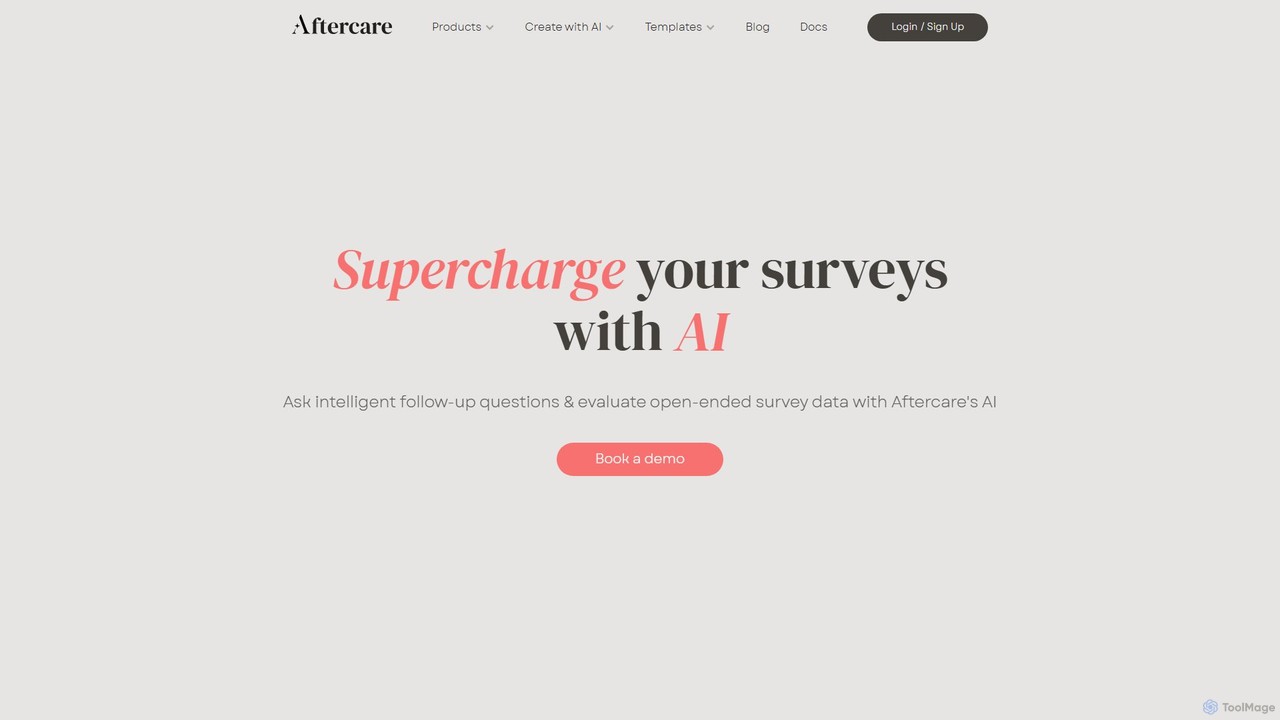
getaftercare
getaftercare is an AI-powered survey platform that supercharges your research by asking intelligent follow-up questions to open-ended responses. It helps you gather deeper, more nuanced insights, automatically flags data quality issues, and streamlines qualitative data analysis with AI-powered coding and categorization. Ideal for market researchers, product teams, and businesses seeking to truly understand their audience.
Customer Feedback
SurveySlack Comments (0)
Sign in to comment.
Sign inNo comments yet.