

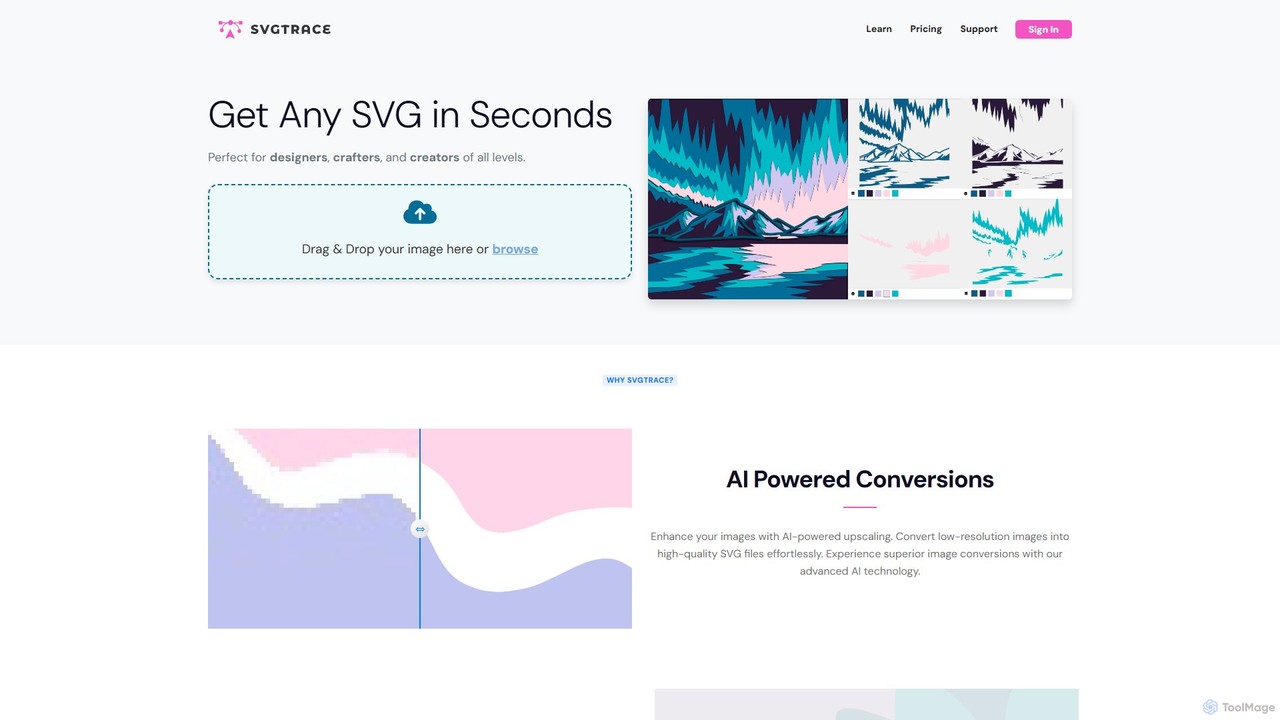
SvgTrace Overview
SvgTrace is a powerful and user-friendly online platform designed to convert any raster image (such as JPG or PNG) into a clean, scalable vector graphic (SVG) in seconds. Leveraging advanced AI technology, the tool excels at transforming low-resolution images into high-quality, multi-layered SVG files, making it an indispensable asset for a wide range of creative professionals and hobbyists. Whether you're a graphic designer needing scalable logos, a crafter preparing files for a cutting machine like Cricut, or an Etsy seller creating digital products, SvgTrace streamlines the vectorization process, saving significant time and effort.
The platform stands out with its ability to create color-layered SVGs, which are essential for projects requiring separate components, such as 3D layered art, plywood cutting, and intricate paper crafts. The AI not only traces the outlines but also intelligently separates colors into distinct layers, which can be easily manipulated in the built-in editor or other vector software. This feature simplifies complex workflows that would otherwise require manual tracing and layer separation.
How to use SvgTrace
Using SvgTrace is designed to be a simple and intuitive process, accessible even to users with no prior design experience. The workflow is straightforward:
- Upload Your Image: Begin by dragging and dropping your PNG, JPG, or other raster image file directly onto the SvgTrace website, or use the browse button to select a file from your computer.
- AI Processing & Color Selection: The AI engine automatically analyzes your image. For creating color-layered SVGs, you can use the integrated eyedropper tool to select the specific colors you want to include in the final vector file. The right-side panel allows you to verify and manage these selected colors.
- Convert: Once you are satisfied with the color selection and preview, simply click the 'Convert' button. The AI will process the image and generate the SVG.
- Edit and Refine (Pro Feature): Pro users can access the built-in SVG editor to make fine-tune adjustments, edit paths, change colors, or simplify the design before exporting.
- Download: Download your high-quality, scalable SVG file. Pro users also have access to additional export formats and can use the bulk conversion feature to process multiple files at once.
Core Features of SvgTrace
- AI-Powered Conversion: Utilizes advanced AI to accurately trace images, converting them into clean and scalable vector graphics.
- Color-Layered SVG Creation: Effortlessly generates SVGs with distinct, editable color layers, perfect for multilayered crafts and designs.
- AI Image Upscaling: Enhances the resolution of low-quality source images before conversion to ensure a more precise and detailed vector output.
- Built-in SVG Editor (Pro): A professional editor that allows users to fine-tune vector paths, adjust colors, and perfect their graphics directly on the platform.
- Bulk Conversion (Pro): Saves time by processing multiple images into SVGs simultaneously.
- Commercial Use License (Pro): Pro plans include a license for using the converted graphics in commercial projects.
- Multiple Export Formats (Pro): In addition to SVG, Pro users can export their files in other useful formats.
- Ad-Free Experience (Pro): Pro subscribers can work without interruptions from ads.
Use Cases for SvgTrace
SvgTrace is a versatile tool suitable for various applications:
- Crafting and DIY Projects: Ideal for creating cut files for machines like Cricut and Silhouette for vinyl decals, heat-transfer vinyl (HTV) for t-shirts, paper crafts, and stencils.
- Layered Art: Perfect for designing 3D layered art, such as mandalas, shadow boxes, and intricate plywood or paper cutting projects.
- Graphic Design: Quickly convert raster logos, icons, and illustrations into vector format for use in branding, marketing materials, and digital media where scalability is crucial.
- Web Design: Generate lightweight, high-quality SVG icons and graphics that load quickly and look sharp on any screen size.
- E-commerce: Etsy sellers and small business owners can create professional-quality digital products and marketing assets without needing expensive software.
Advantages of SvgTrace
SvgTrace offers several key advantages. Its primary benefit is the immense time savings it provides by automating the vectorization process. The AI-driven technology ensures high-quality, professional-grade results that are often superior to simple auto-tracing tools. The platform is highly accessible, with a generous free plan for hobbyists and affordable Pro plans for professionals. Its specialized features, like color-layered SVG creation, cater directly to the needs of the growing crafting community, setting it apart from generic file converters.
Pricing and Plans
SvgTrace offers a flexible pricing structure to suit different user needs:
- Free Plan: $0/month. Ideal for hobbyists, it includes basic SVG conversion, a limit of 5 conversions per day, standard support, and access to the SVG editor. This plan is supported by ads.
- Pro Plan: $7.99/month (with a 40% discount available for annual billing). Perfect for small businesses and serious crafters, this plan offers unlimited SVG conversions, AI-enhanced conversion, full access to the SVG editor, bulk conversion, a commercial use license, priority support, an AI image resizer, additional export formats, and an ad-free experience.
- Business Plan: Custom pricing. Tailored for larger enterprises, this plan provides custom SVG solutions, top-priority support, and flexible billing options. Interested parties can contact SvgTrace for a quote.
Traffic
Latest traffic
Status
Monthly traffic trend
- 2025-9: 163.7K
- 2026-1: 205.1K
- 2026-2: 152.6K
- 2026-3: 163.8K
- 2026-4: 150.4K
- 2026-5: 178.6K
Geography
Top 5 countries / regions
- 🇺🇸United States65.5%
- 🇧🇷Brazil12.7%
- 🇩🇪Germany9.3%
- 🇻🇳Vietnam6.4%
- 🇬🇧United Kingdom6.2%
Traffic sources
| Source type | Percentage |
|---|---|
Direct | 70.9% |
Referral | 28.6% |
Email | 0.5% |
Top keywords
| Keyword | Cost per click |
|---|---|
| jpg to svg | $0.59 |
| png to svg | $0.39 |
| svg converter | $0.81 |
| svg trace | $0.92 |
| svgtrace | $0.81 |
SvgTrace Alternatives
Vectorizer
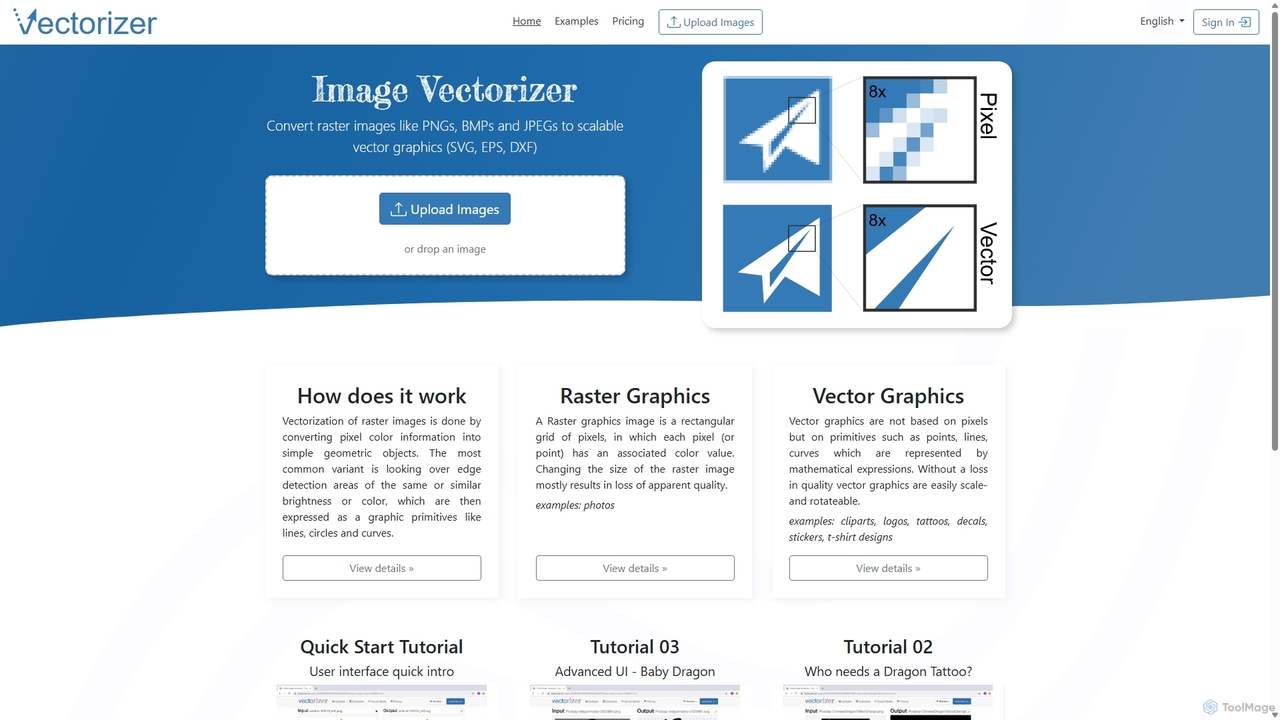
Vectorizer is an AI-powered online tool that converts raster images like JPEGs and PNGs into high-quality, scalable vector graphics (SVG, EPS, PDF). It automates the image tracing process, making it ideal for designers, marketers, and creators who need clean, resizable graphics for logos, T-shirts, and large-format printing.
Graphics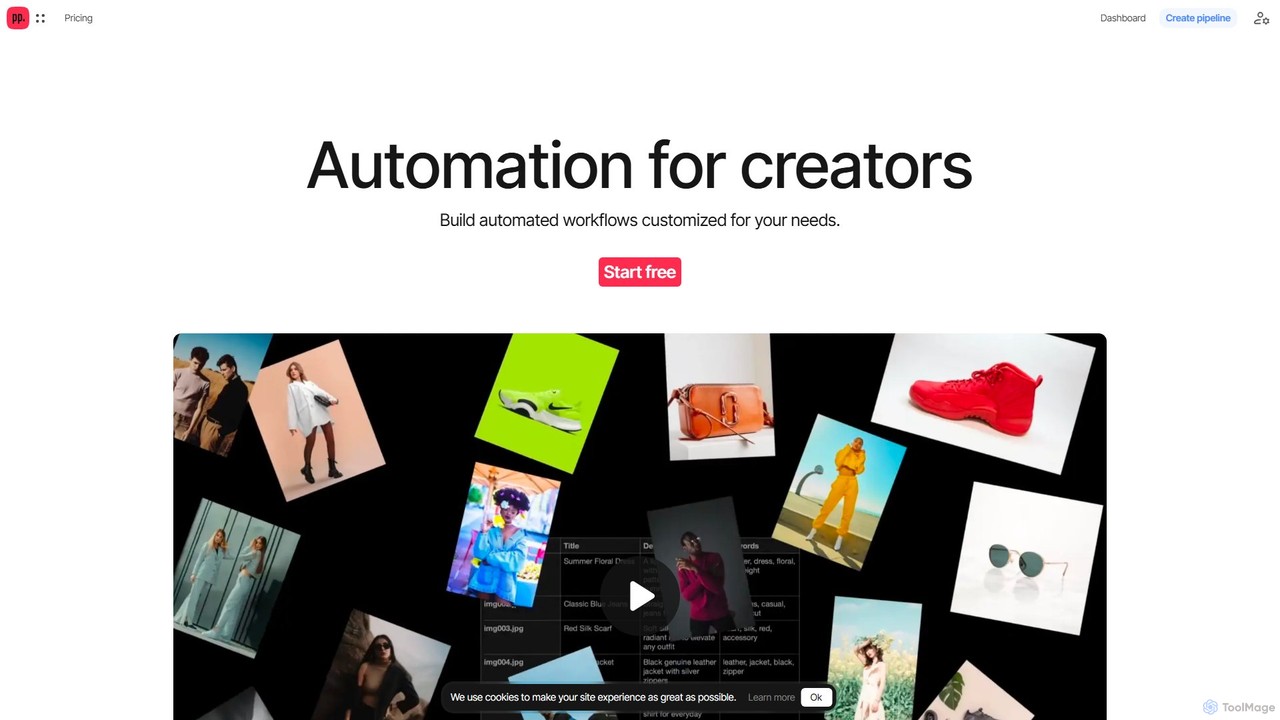
Ceacle Pipeline
Ceacle Pipeline is an AI-powered automation platform for creators. It enables the creation of custom workflows to automate repetitive tasks in image processing, content generation, and design. Build pipelines using natural language or templates to save time and boost productivity.
Graphics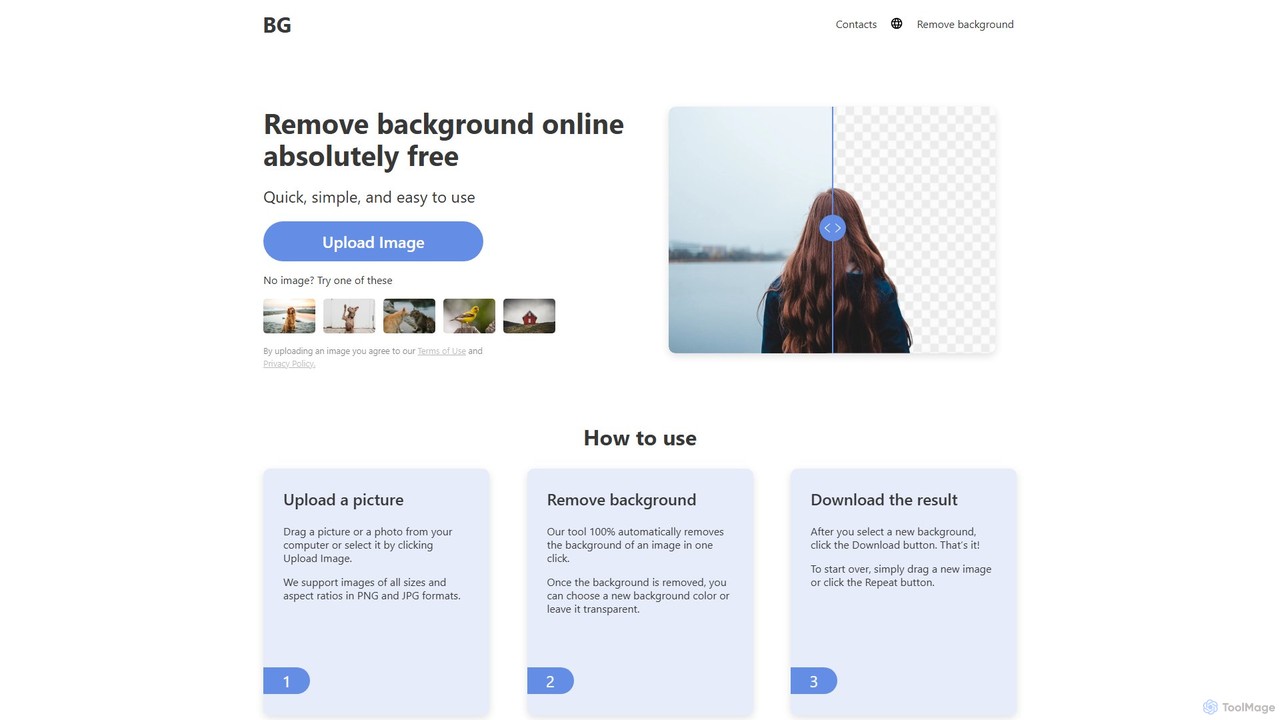
background_remover
background_remover is a free, AI-powered online tool that automatically removes the background from any image in a single click. It requires no registration or software installation. Simply upload your JPG or PNG image to get a high-quality, transparent background instantly. Ideal for e-commerce, graphic design, and personal projects, it supports high-resolution images and works on any device.
3D
Image Boost AI
Image Boost AI is a powerful AI-driven tool designed to automatically enhance and upscale your images. Effortlessly increase resolution, sharpen details, correct colors, and remove noise to transform your photos into professional-quality visuals. Ideal for photographers, designers, and marketers seeking stunning results with minimal effort.
Graphics
Photiu.ai
Photiu.ai is an AI-powered online image editing suite designed to simplify complex photo manipulation tasks. It offers a set of powerful tools, including a precise background remover, an intelligent object eraser for cleaning up images, and a high-quality image upscaler. This platform is perfect for e-commerce store owners, marketers, photographers, and social media creators who need professional-looking images quickly and without the need for advanced software skills.
3DSvgTrace Categories
SvgTrace Embed Widget
Copy this embed code to place the badge on your blog, article, or product site and send readers directly to this ToolMage detail page.

Related AI tools
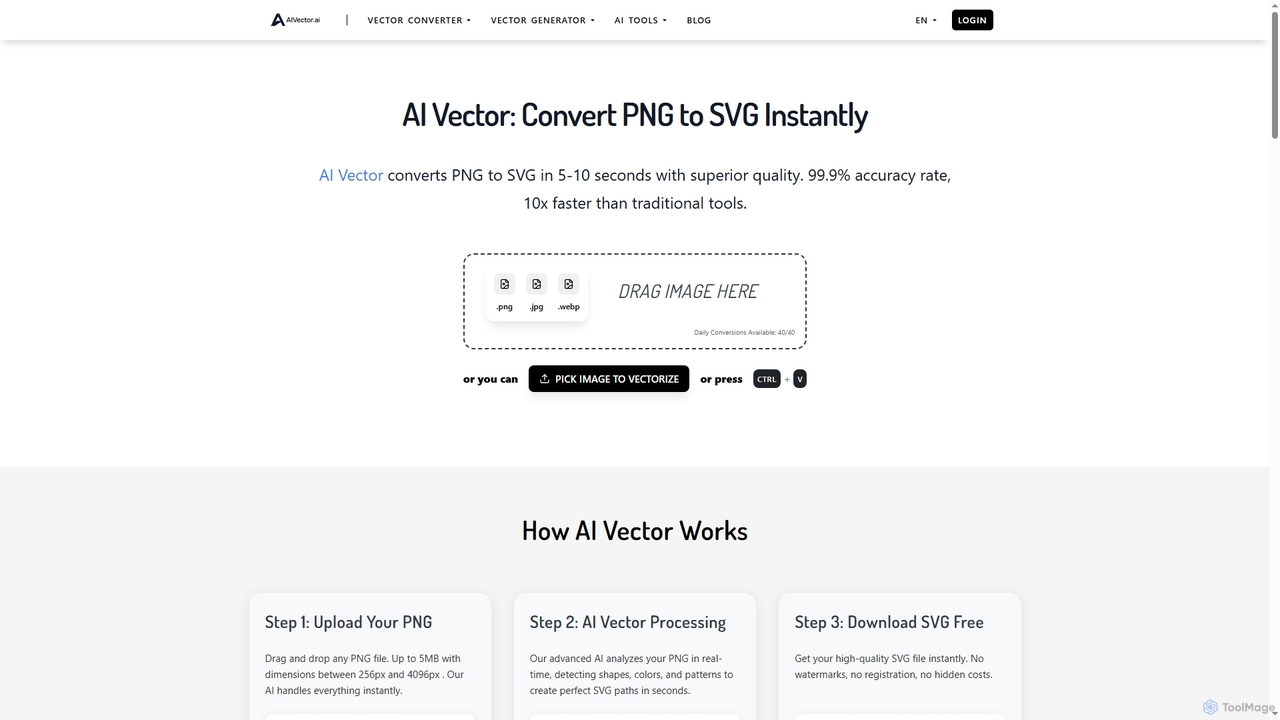
AIVector
AIVector is an advanced AI-powered online tool that offers instant, high-quality conversion of raster images (PNG, JPG, WEBP) to scalable vector graphics (SVG) and generates new vector art from text descriptions. It's designed for speed, precision, and ease of use, providing professional results without requiring registration or hidden costs.
Image Editing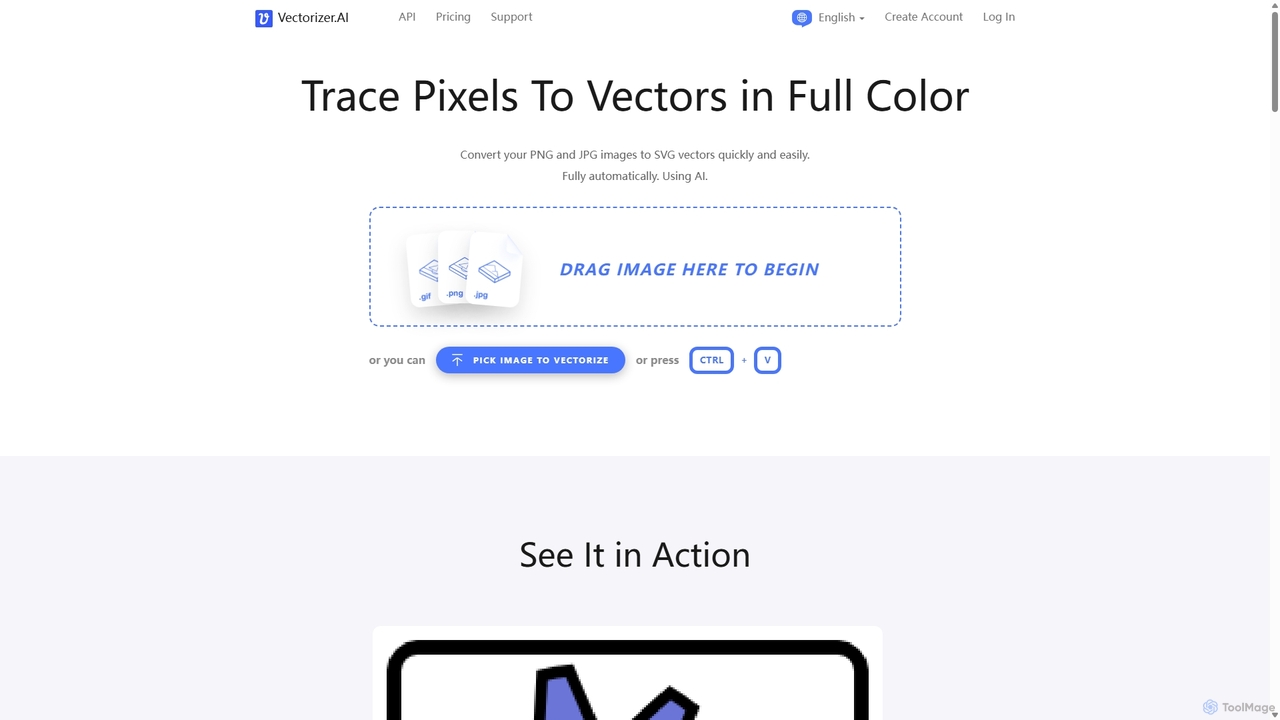
Vectorizer.AI
Vectorizer.AI is an advanced online tool that uses deep learning AI to convert raster images (PNG, JPG, GIF) into high-quality, scalable vector graphics (SVG, PDF, EPS, DXF). It excels at capturing fine details missed by traditional methods, making it ideal for designers, printers, and creators who need clean, editable vector files for logos, illustrations, and various printing processes.
Image Editing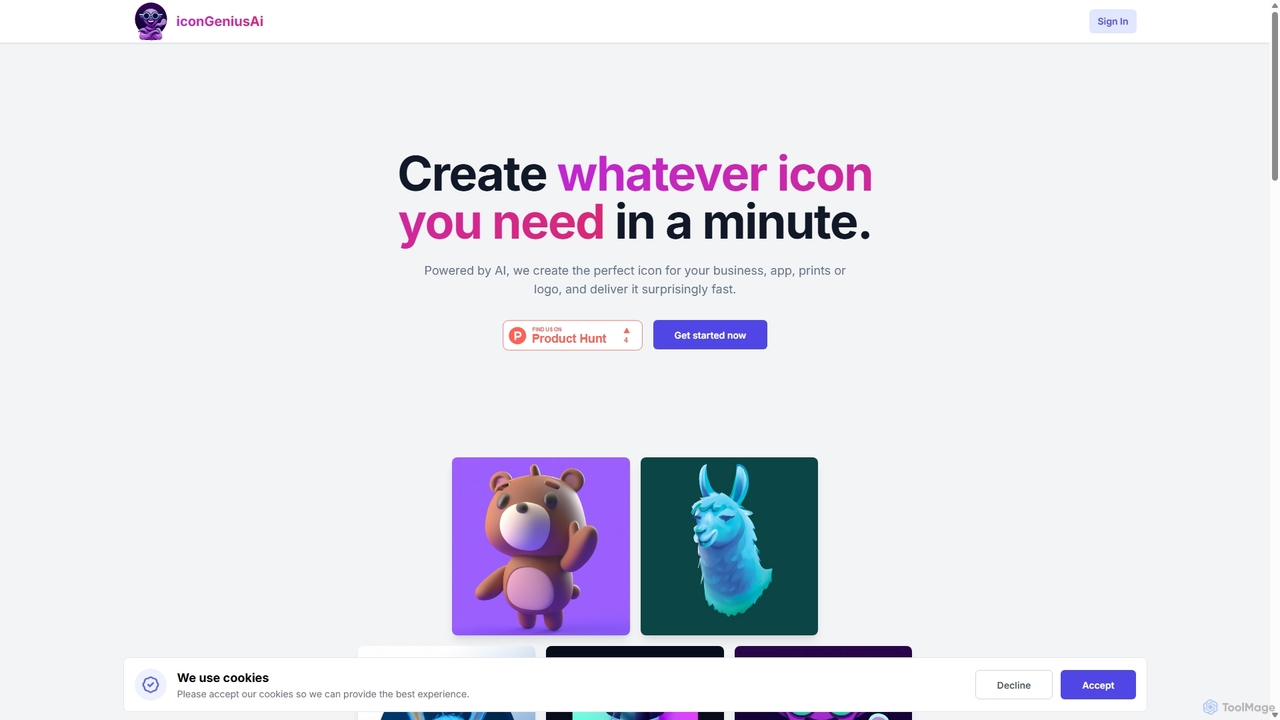
IconGeniusAi
iconGeniusAi is an AI-powered tool that allows users to create custom, high-resolution icons in minutes. Simply describe your desired icon, choose a color and style, and the AI generates unique visuals for your business, app, or personal projects. It offers a flexible, credit-based system instead of a recurring subscription.
Graphics
Picsart
Picsart is an all-in-one AI-powered creative platform for photo and video editing. It offers a comprehensive suite of tools, including AI image generation, background removal, photo enhancement, and a vast library of templates and stock content. Designed for everyone from beginners to professionals, Picsart simplifies the creation of stunning visuals for social media, marketing, and personal projects, accessible on both web and mobile.
3D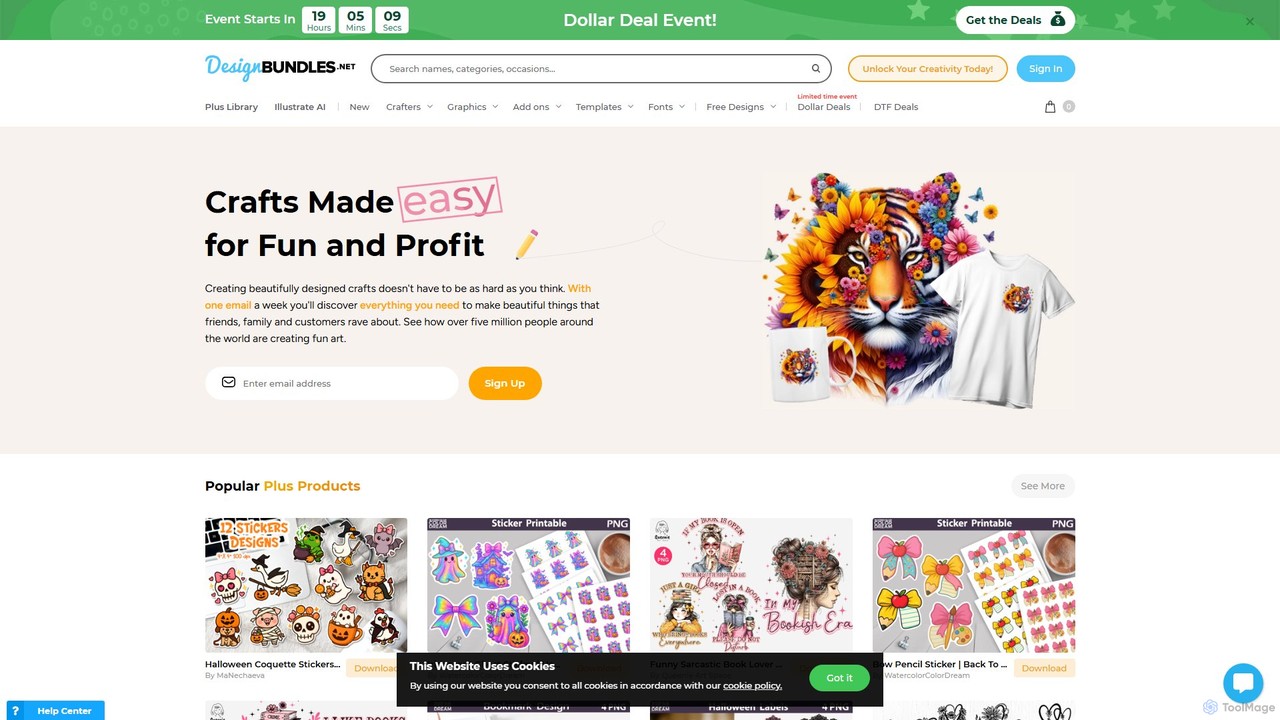
Design Bundles
Design Bundles is a comprehensive marketplace for high-quality design resources, offering over 1.6 million assets like SVGs, fonts, and templates. It uniquely features 'Illustrate AI', an integrated AI art generator, allowing creators to produce unique images from text prompts. With a flexible Plus membership, commercial licenses, and extensive free tutorials, it's an all-in-one platform for crafters, designers, and businesses.
Image Generation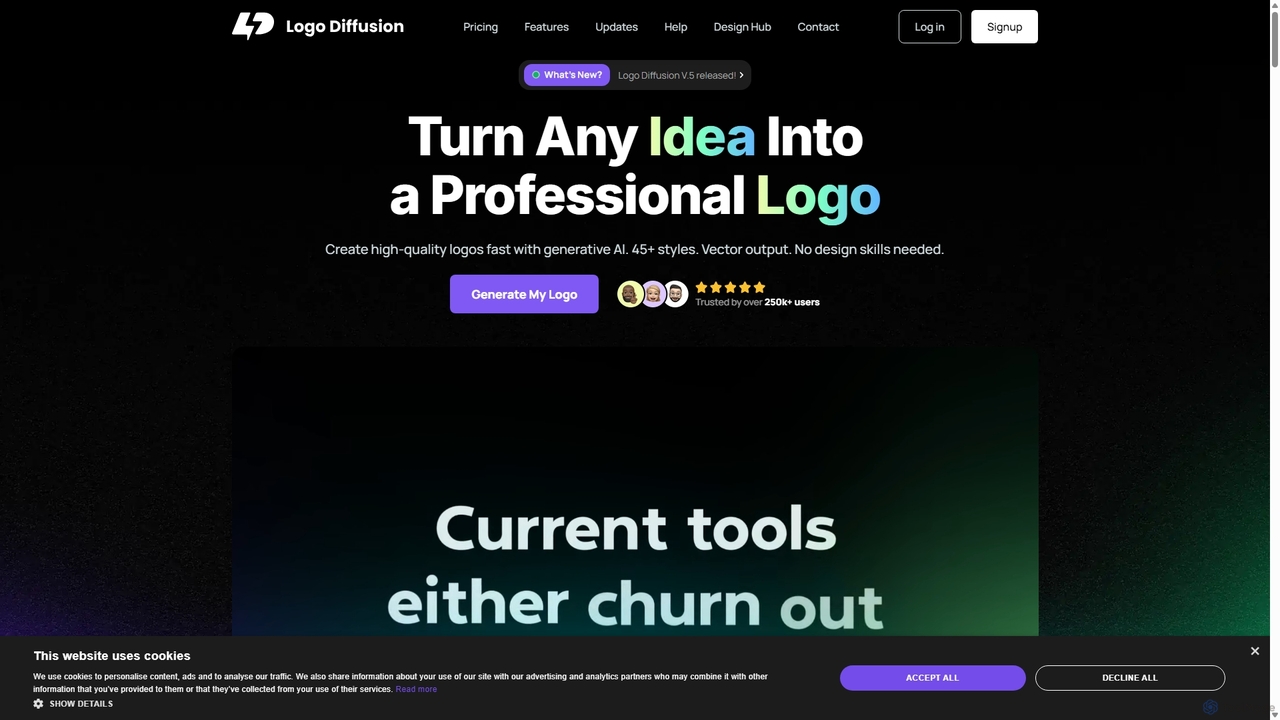
Logo Diffusion
Logo Diffusion is an AI-powered platform for creating professional logos and brand assets. It offers multiple creation methods, including text-to-logo, sketch-to-logo, and logo redesign. With over 45 styles, vector export, and a suite of tools like background removal and 2D-to-3D conversion, it empowers users without design skills to generate high-quality, unique brand identities quickly.
Image Generation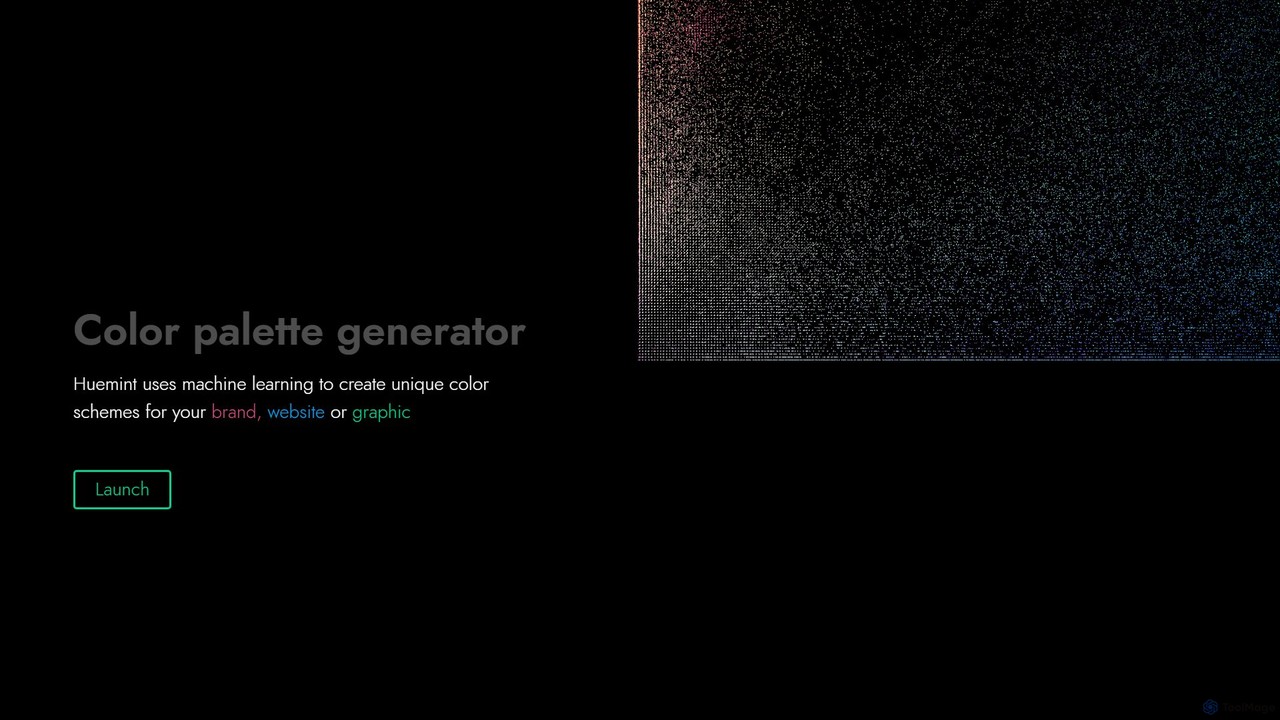
Huemint
Huemint is an AI-powered color palette generator that uses machine learning to create unique and harmonious color schemes for brands, websites, graphics, and illustrations. It provides contextual previews to visualize how colors work together in real-world applications.
Inspiration
Jyek
Jyek is an AI agent platform that understands objectives, creates execution plans, uses tools, and delivers verifiable results for complex, multi-step tasks.
Automation
Khroma
Khroma is an AI-powered color tool for designers that learns your personal aesthetic preferences. By training a neural network with colors you like, it generates an infinite number of unique and beautiful color palettes, which can be viewed as typography, gradients, or on custom images. It's a powerful assistant for discovering, searching, and saving color combinations for any design project.
Generative Art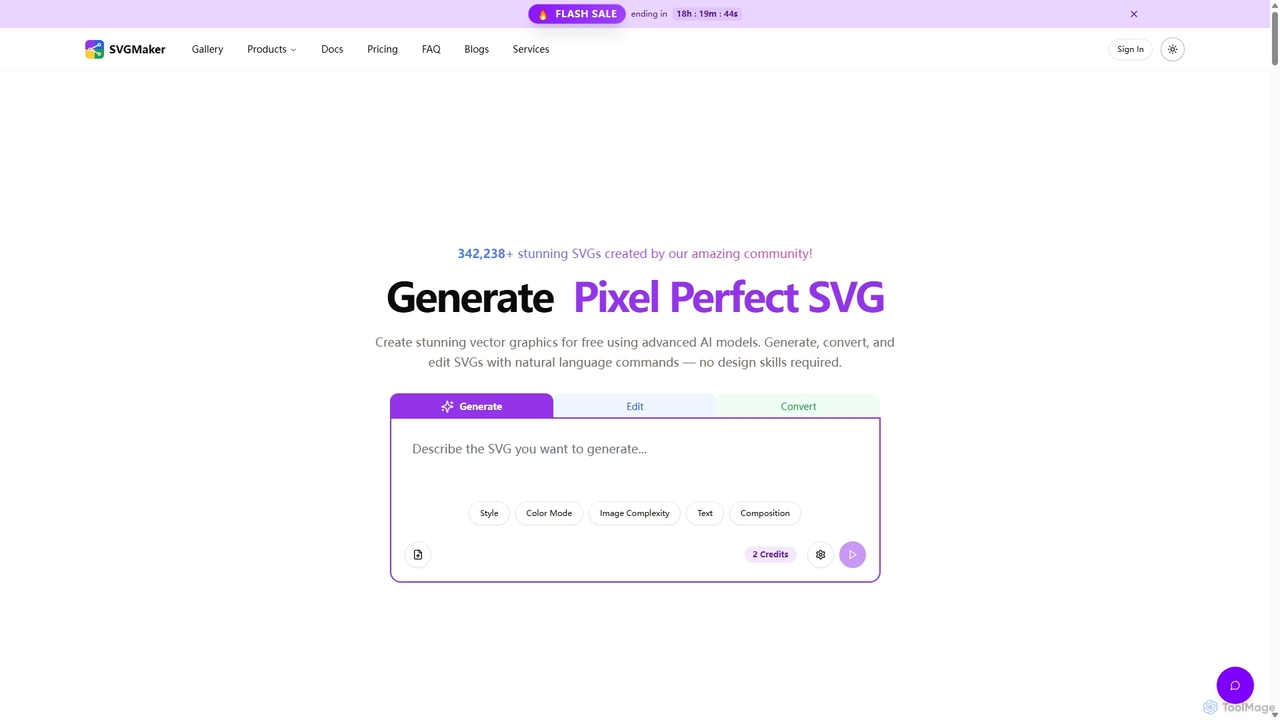
SVGMaker
SVGMaker is an AI-powered platform for generating, editing, and converting SVG vector graphics. Effortlessly create pixel-perfect logos, icons, and illustrations from text prompts, convert raster images into scalable SVGs, and refine your designs with natural language commands. Ideal for designers, developers, and creators without requiring advanced design skills.
Vector Graphics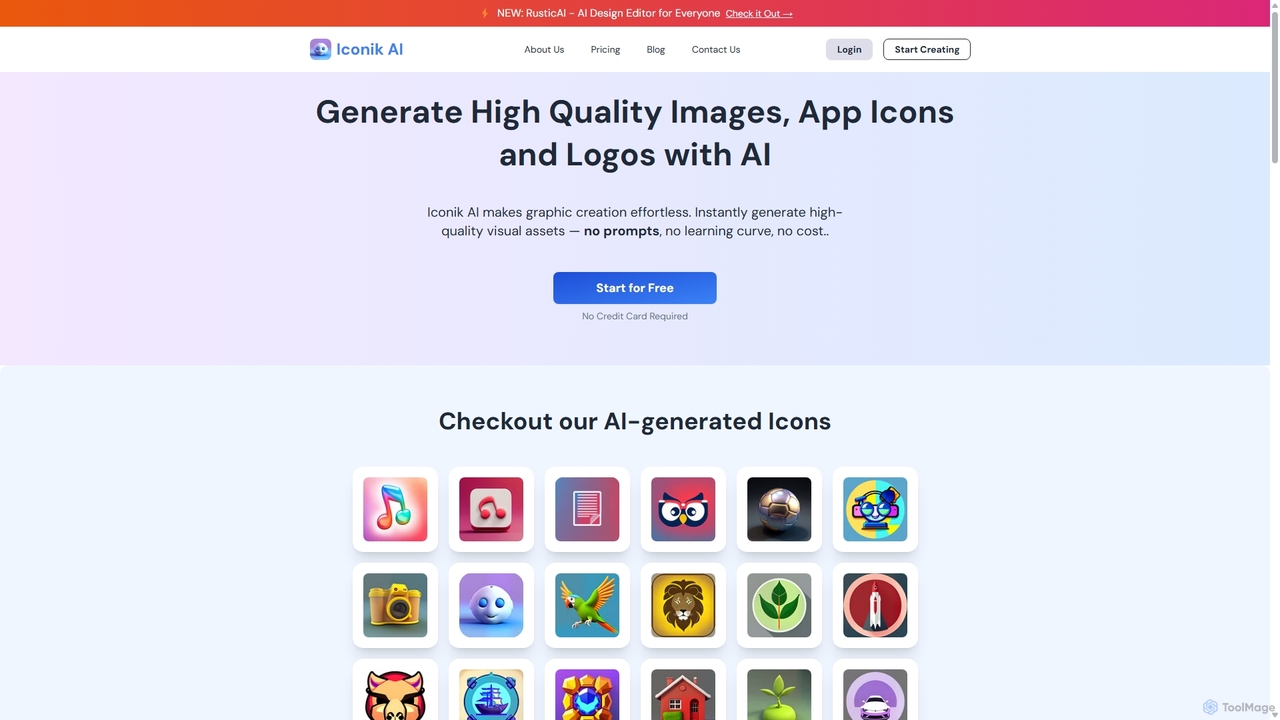
Iconik AI
Iconik AI is an AI-powered platform for effortlessly creating high-quality app icons, logos, and images. Designed for developers, designers, and e-commerce owners, it requires no design skills or complex prompts. Generate unique, professional visual assets that comply with Apple and Google guidelines, and enjoy full commercial rights to your creations.
Icon Generation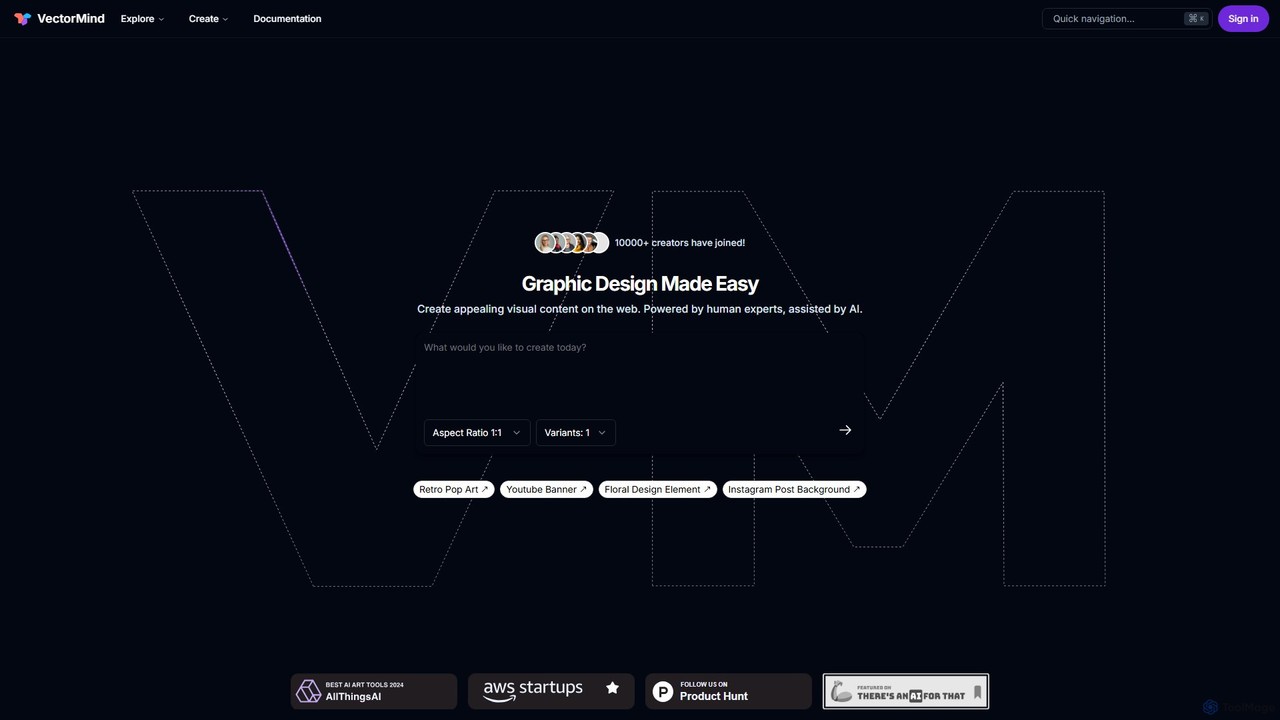
VectorMind
VectorMind is an AI-powered graphic design suite that simplifies the creation of visual content. It offers a range of tools, including an AI Art Generator, Vectorizer, Upscaler, Background Remover, and Product Scene Generator. Designed for creators, marketers, and businesses, it streamlines workflows, enhances creativity, and produces professional-quality graphics, from scalable vectors to stunning product mockups, all within a user-friendly web interface.
Vector Graphics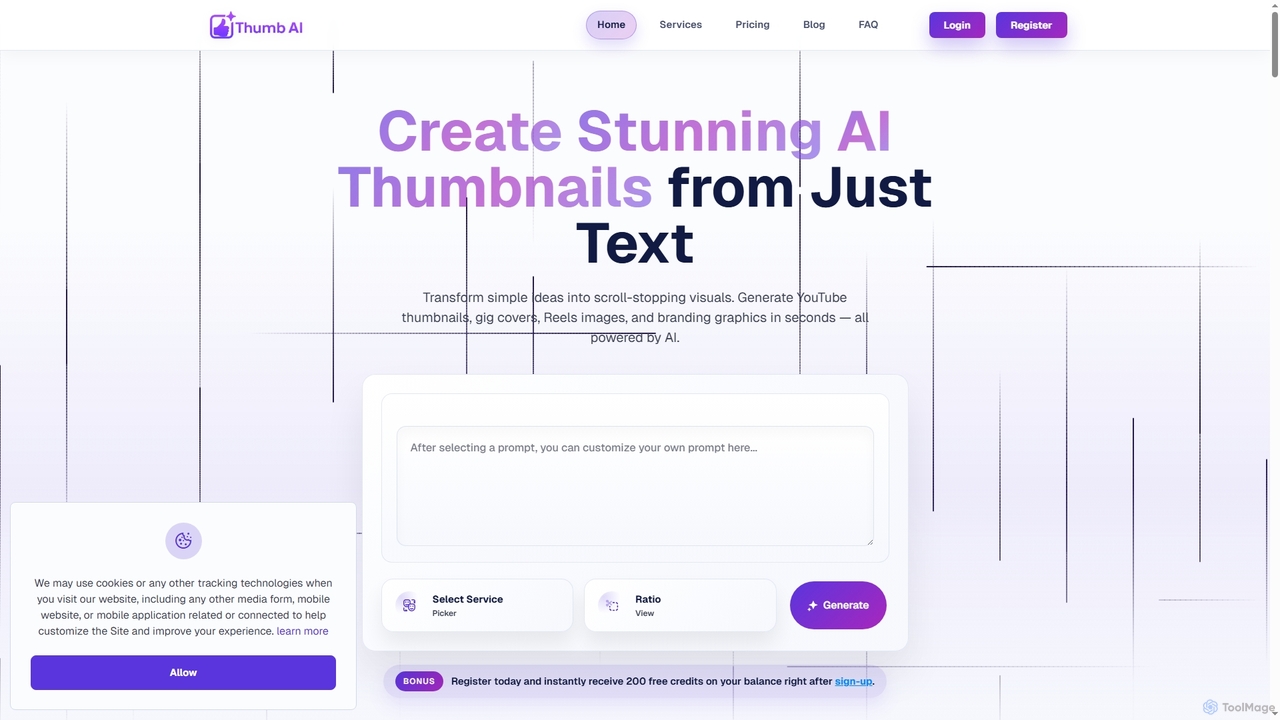
Thumb
Thumb is an AI-powered design tool that generates stunning, platform-optimized thumbnails, covers, and branding visuals in seconds. It's designed for creators, marketers, freelancers, and businesses to effortlessly transform text ideas into scroll-stopping graphics for YouTube, social media, e-commerce, and more, without requiring any design experience.
Logo Design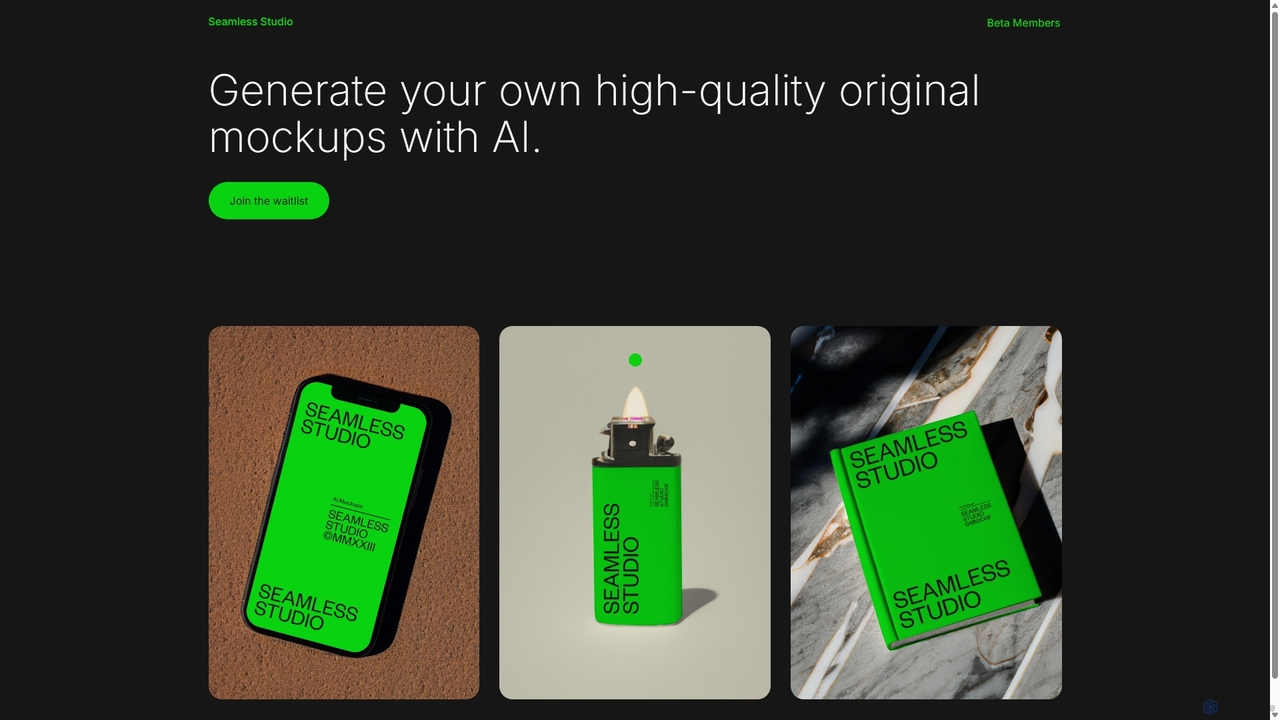
Seamless Studio
Seamless Studio is an AI-powered platform designed to generate high-quality, original mockups in seconds. It helps designers, marketers, and e-commerce owners create unique and realistic product visuals without the need for expensive photoshoots or complex software.
Mockup Generation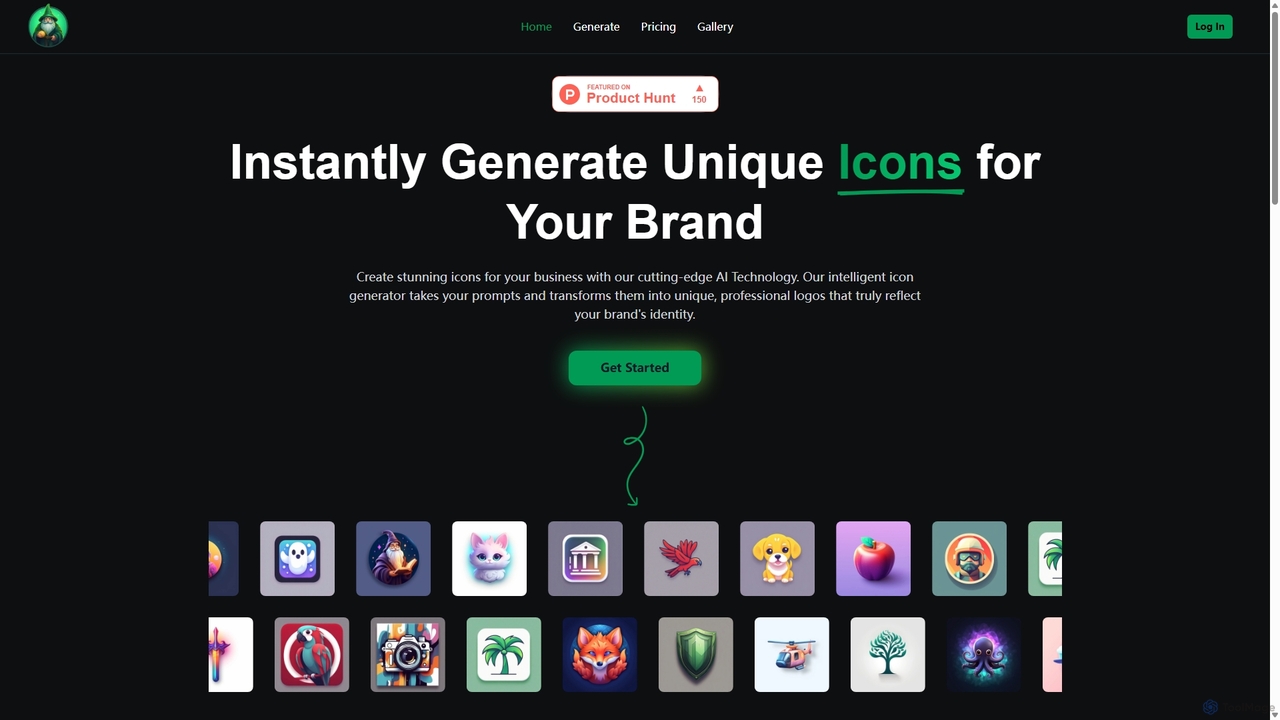
IconWizardAI
IconWizardAI is an AI-powered icon generator that allows users to create stunning, unique, and professional icons from simple text prompts. It offers a streamlined process, customization options for color and style, and is designed for developers, designers, and marketers to produce high-quality visual assets quickly and cost-effectively.
Image Generation
SvgTrace Comments (0)
Sign in to comment.
Sign inNo comments yet.