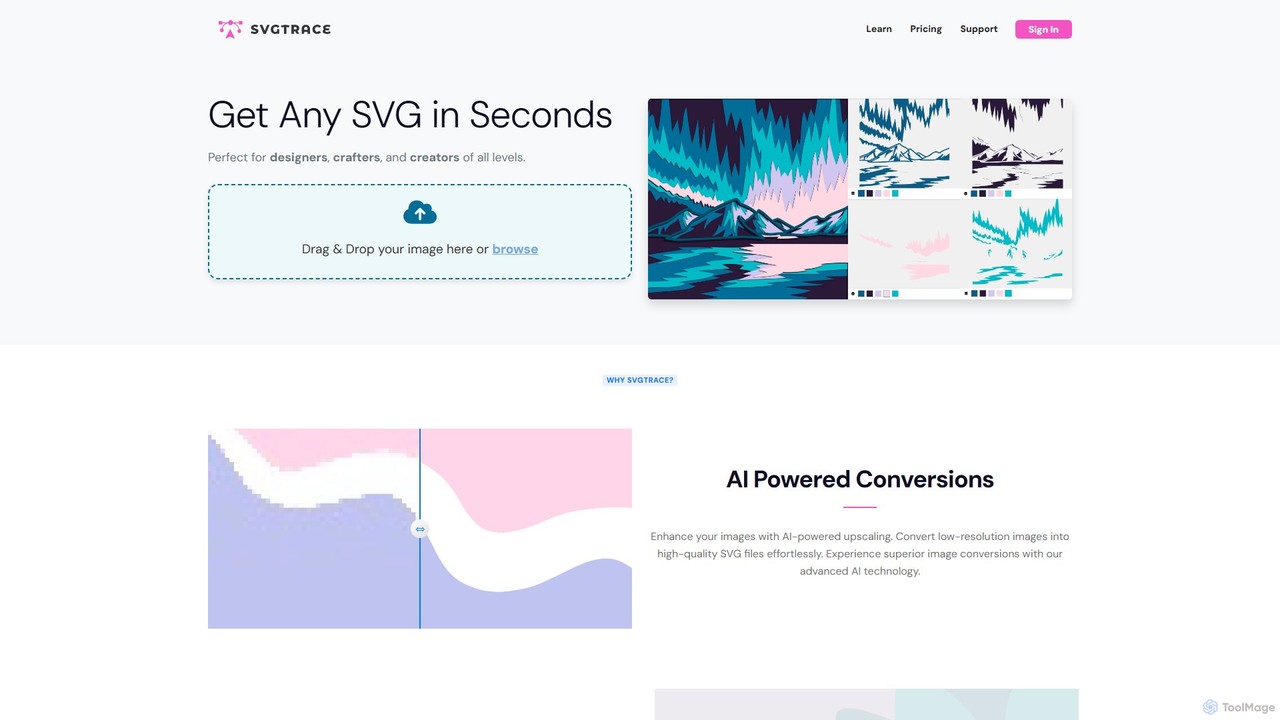
Vectorize tools are AI-powered solutions designed to convert raster (pixel-based) images into vector (path-based) graphics. These tools leverage advanced algorithms to detect shapes, lines, and colors within an image, transforming them into scalable mathematical paths. The primary value lies in enabling images to be resized infinitely without any loss of quality or pixelation, making them indispensable for professional design, printing, and web development workflows.
Core Features
- Automatic Tracing: Converts pixel data into smooth, editable vector paths with high precision.
- Customizable Settings: Offers control over color reduction, detail level, curve smoothness, and thresholding for optimal results.
- Output Formats: Supports various vector formats like SVG, EPS, AI, PDF, ensuring compatibility with design software.
- Batch Processing: Allows users to vectorize multiple images simultaneously, saving significant time and effort.
- Image Optimization: Includes pre-processing features for noise reduction and edge enhancement to improve vectorization accuracy.
Use Cases
Professionals in graphic design, marketing, and manufacturing frequently utilize vectorization tools. They are crucial for recreating low-resolution logos into crisp, scalable brand assets, preparing artwork for large-format printing like billboards, and transforming hand-drawn sketches into editable digital illustrations for web or print.
How to Choose
When selecting a vectorization tool, consider its accuracy in converting complex images, the range of supported input and output formats, and the level of customization offered for vectorization settings. Evaluate its batch processing capabilities for efficiency, ease of integration with existing design workflows, and the overall user interface for intuitive operation.