ToolMage
Sign in

Best 9 3D Modeling AI tools for 3D

Popular 3D Modeling AI tools in 3D include Krea, Hyper3D, cgdream, OpalAi, Playabl, SuperCraft, Masterpiece Studio, CSM, and DiverseShot, helping you work more efficiently.

Playabl
Freemium

Playabl

Playabl is an AI-powered platform for creating cross-game assets. It allows users to turn ideas into characters, weapons, and 3D models that can be used across various gaming environments, embodying a 'create once, play everywhere' philosophy.

3D Modeling
Visits 22.3KFavorites 117Likes 130

Hyper3D
Freemium

Hyper3D

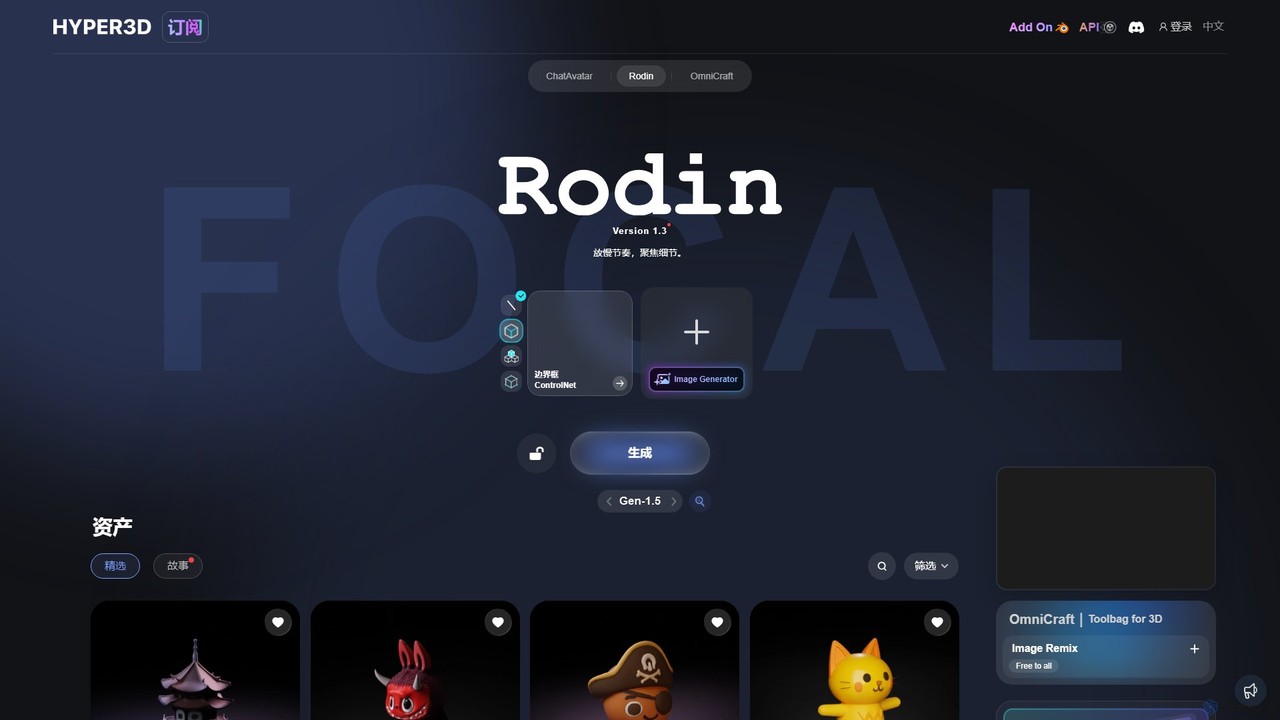
Hyper3D is a comprehensive AI-powered 3D creation suite. Its core tool, Rodin, generates high-quality 3D models from single images, multi-view photos, or text prompts. The platform also includes the OmniCraft toolbag for mesh editing, texture generation, and more, streamlining the entire 3D asset creation workflow for designers, game developers, and animators.

3D Modeling
Visits 1.3MFavorites 115Likes 118
cgdream
Freemium

cgdream

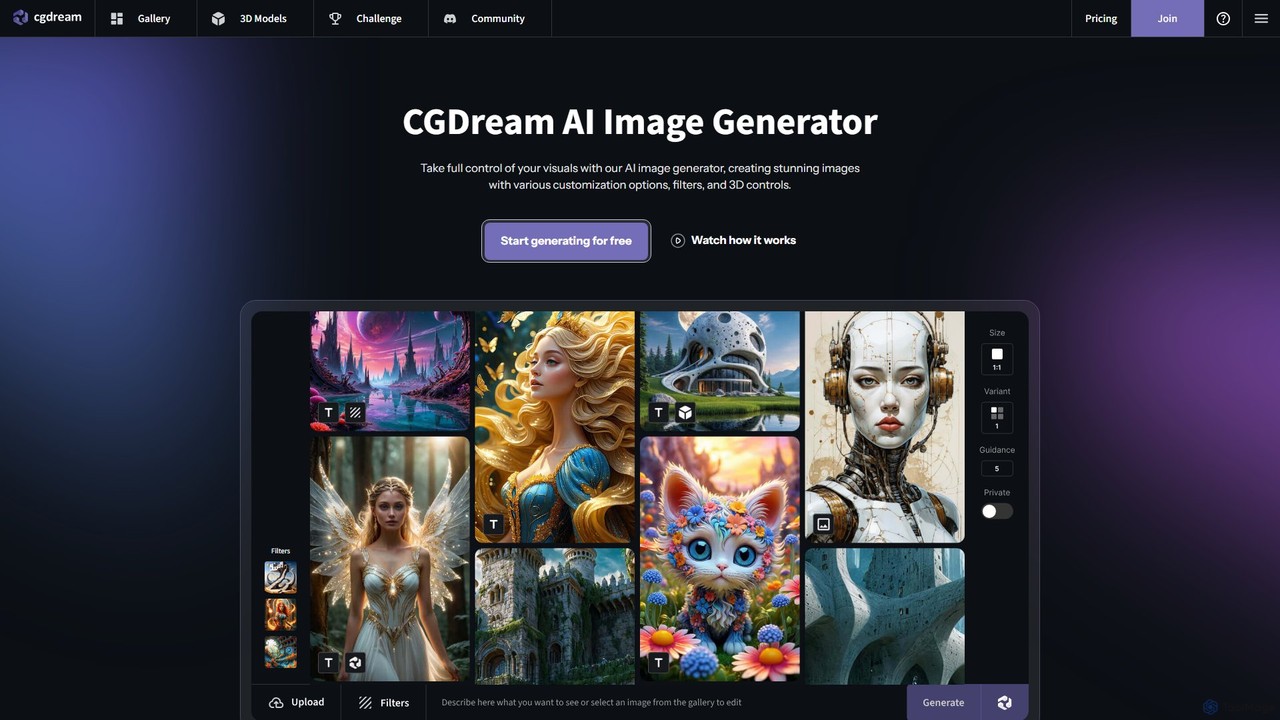
cgdream is a versatile AI creative suite that empowers users to visualize their ideas through a wide range of tools. It excels in generating high-quality images from text or other images, creating 3D models, and offers specialized generators for anime, logos, characters, and more. With a generous free plan and scalable premium options, it caters to hobbyists, artists, designers, and marketing professionals.

3D Modeling
Visits 196.8KFavorites 94Likes 111
Krea
Freemium

Krea

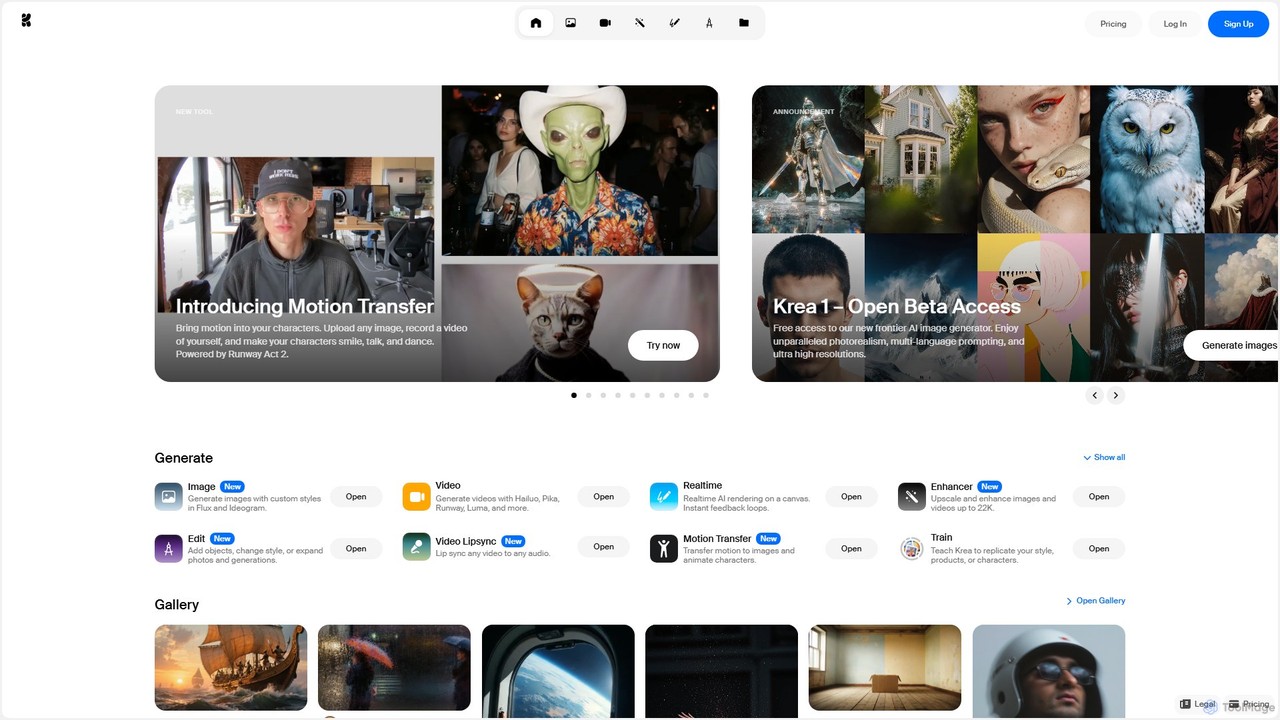
Krea is an all-in-one AI creative suite that empowers users to generate and edit images, videos, and 3D assets in real-time. It integrates multiple state-of-the-art AI models, offering unparalleled control, photorealism, and high-resolution outputs. From real-time canvas rendering to custom model training, Krea is designed to be an intuitive co-pilot for creatives of all levels.

3D Modeling
Visits 4.9MFavorites 93Likes 104
SuperCraft
Freemium

SuperCraft

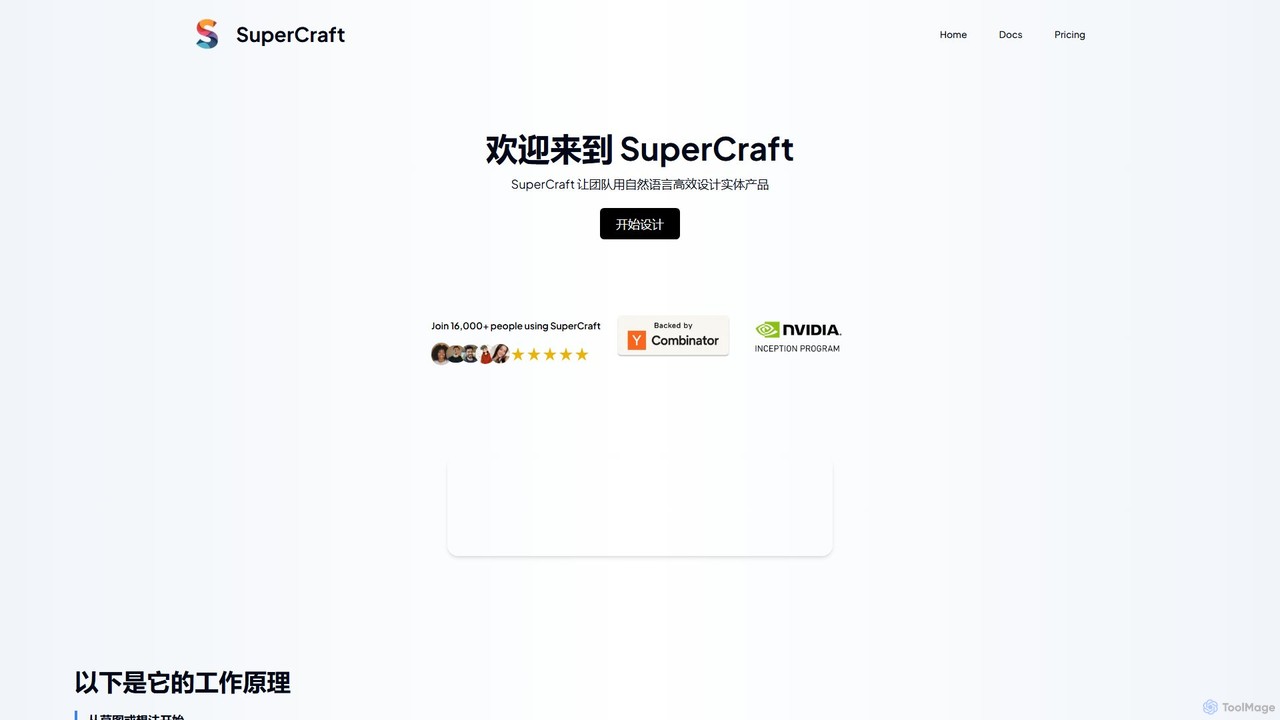
SuperCraft is an AI-powered design platform that enables teams to create and iterate on physical products using natural language. From initial sketches or text prompts, users can generate realistic product renders, explore design variations, create 3D models, and collaborate in real-time on an infinite canvas. It's built for speed and intuitive workflows, streamlining product, packaging, and industrial design.

3D Modeling
Visits 13.1KFavorites 133Likes 137
Masterpiece Studio
Freemium

Masterpiece Studio

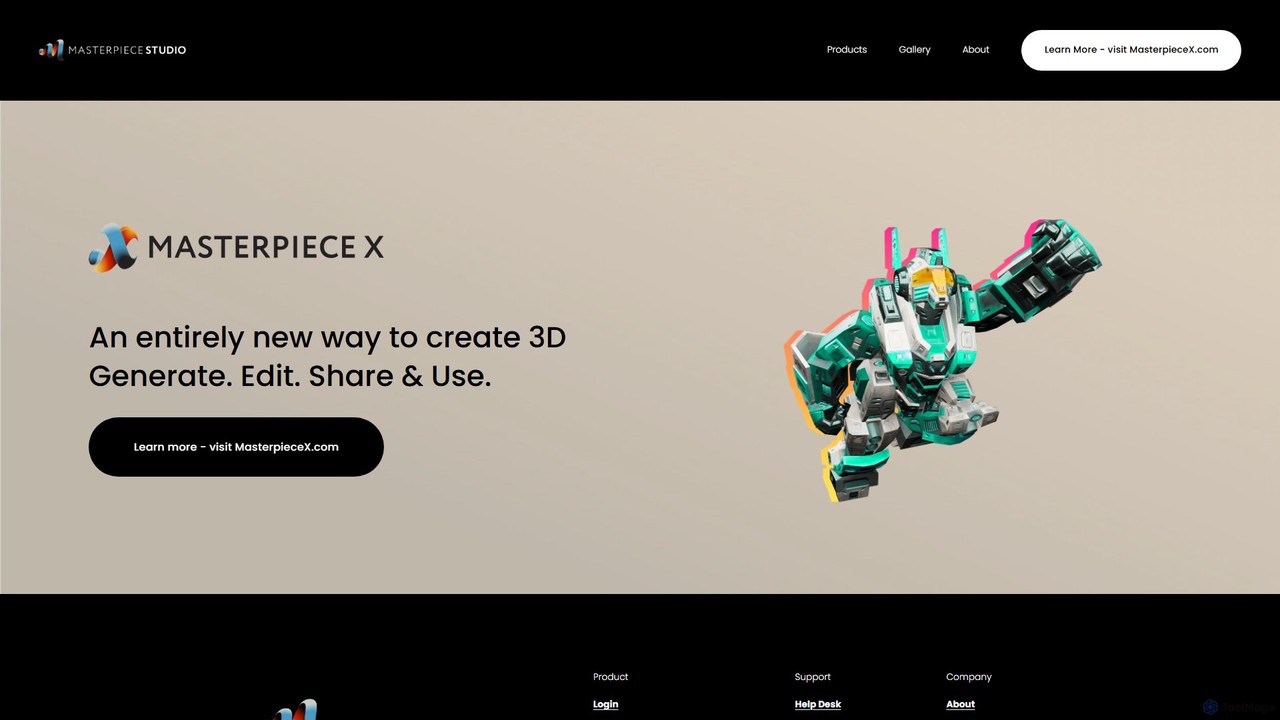
Masterpiece Studio is an AI-powered 3D creation platform that simplifies the entire workflow from generation to editing and sharing. It's designed for creators of all levels, enabling them to produce high-quality 3D models, characters, and animations effortlessly for games, VR/AR, and other digital media.

3D Modeling
Visits 7.8KFavorites 129Likes 140
OpalAi
Paid

OpalAi

OpalAi is an advanced Spatial AI platform that transforms complex spatial, visual, textual, and audio data into actionable insights for enterprises. It leverages cutting-edge technologies like Vision Language Models (VLMs) and 3D reconstruction to offer specialized solutions for industries such as PropTech, InsurTech, transportation, and wildfire management, accelerating data-driven decision-making.

3D Modeling
Visits 27.8KFavorites 156Likes 127
CSM
Freemium

CSM

CSM is an advanced AI platform that rapidly transforms images, text, and sketches into game-ready 3D assets and worlds. It's designed for game developers, product designers, and 3D artists to supercharge their workflows in Unity, Unreal, and Blender with features like Image-to-Kit, AI Retexturing, and Text-to-4D generation.

3D Modeling
Visits 6.7KFavorites 116Likes 105

About 3D Modeling

AI 3D Modeling tools are a class of software that uses artificial intelligence to generate and assist in the creation of three-dimensional digital models. These tools typically leverage generative models, such as diffusion or GANs, to interpret text prompts, 2D images, or sketches and transform them into complex 3D geometry. Their primary value lies in dramatically accelerating the concepting and asset creation process, making 3D creation more accessible to non-experts and serving as a powerful co-pilot for professional artists. This technology enables rapid prototyping, diverse asset generation, and creative exploration with unprecedented speed.

Core Features

  • Text-to-3D Generation: Creates 3D models directly from descriptive text prompts, ideal for conceptualization.
  • Image-to-3D Conversion: Transforms a single 2D image, sketch, or photograph into a three-dimensional object.
  • AI-Assisted Sculpting: Provides intelligent suggestions and automates repetitive tasks like mesh refinement and detail addition.
  • Procedural Asset Generation: Automatically generates variations of complex objects like buildings, terrain, or vegetation based on rules.
  • Automated Texturing & UV Unwrapping: Uses AI to simplify the complex process of applying textures to a 3D model's surface.

Use Cases

These tools are widely used in game development for rapid asset prototyping, in product design for quick concept visualization, and in architecture for populating scenes with entourage elements. They also serve content creators for AR/VR experiences, VFX artists for background assets, and hobbyists looking to bring their ideas to life in 3D without a steep learning curve.

How to Choose

When selecting an AI 3D Modeling tool, evaluate the quality and topology of the generated mesh, as clean geometry is crucial for further editing. Consider the supported input methods (text, image, video) and the available export formats (e.g., OBJ, FBX, GLB) for compatibility with your existing workflow. Also, assess the generation speed, control over the output, and the platform's pricing model (subscription vs. credits).

3D Modeling use cases

1

Rapid Prototyping for Game Developers

An indie game developer needs various environmental assets for a new level but has limited time and budget. Instead of manually modeling each object, they use a text-to-3D tool. By inputting prompts like "glowing fantasy mushroom" or "ancient stone altar with moss," they generate dozens of unique, game-ready assets in minutes. This allows for rapid iteration on level design and visual style, significantly reducing production time compared to traditional modeling workflows.

2

Concept Visualization for Product Designers

An industrial designer has a rough sketch of a new ergonomic chair. To quickly evaluate its form and present it to stakeholders, they use an image-to-3D tool. By uploading the sketch, the AI generates a foundational 3D model. While not production-ready, this model is perfect for initial visualizations, 3D printing a small-scale prototype, and gathering early feedback, all within a fraction of the time it would take to model from scratch in CAD software.

3

Creating Custom AR/VR Assets

A developer is building an AR application for a museum that overlays historical artifacts onto the real world. They have 2D photos of these artifacts but lack 3D models. Using an AI image-to-3D tool, they convert each photo into a low-polygon, textured 3D model suitable for real-time rendering on mobile devices. This automates the creation of a large library of digital assets, making it feasible to develop immersive AR experiences without a team of 3D artists.

4

Architectural Visualization Scene Population

An architect is creating a render of a new residential building but the scene looks empty. They need to add realistic furniture, plants, and cars to make it feel lived-in. Using a procedural AI modeling tool, they can quickly generate hundreds of variations of these assets. This allows them to populate the entire scene with diverse, non-repetitive objects in hours instead of days, adding a high level of realism and detail to their final presentation renders.

5

Character Base Mesh Creation for Animators

A hobbyist animator wants to create a unique cartoon character but lacks advanced 3D sculpting skills. They use an AI model generator, providing a text prompt like "a friendly robot character with a round body and long arms, in a Pixar style." The AI produces several base meshes that match the description. The animator can then select the best option and import it into software like Blender for minor adjustments, rigging, and animation, bypassing the most difficult initial modeling phase.

6

360-Degree Product Models for E-commerce

An online retailer wants to enhance their product pages with interactive 360-degree views of their shoes. Manually creating 3D models for hundreds of products is too expensive. They use an AI tool that takes a short video of the product or a series of photos from different angles. The AI reconstructs these images into a clean, textured 3D model. This model can then be embedded directly into their website, providing customers with a much more engaging and informative shopping experience.

3D Modeling FAQ

What is AI 3D Modeling?

AI 3D Modeling refers to the use of artificial intelligence algorithms to create or assist in the creation of three-dimensional digital models. Unlike traditional methods that require manual manipulation of vertices and polygons, AI tools can generate complex 3D shapes from simple inputs like text descriptions (text-to-3D) or 2D images (image-to-3D). These tools automate repetitive tasks, lower the technical barrier for beginners, and accelerate the workflow for professionals in fields like game development, animation, and product design.

How does AI 3D Modeling differ from traditional 3D software like Blender or Maya?

The primary difference lies in the creation process. Traditional software like Blender or Maya are toolkits that require an artist to manually build, sculpt, and texture a model from the ground up. AI 3D Modeling tools, on the other hand, act as generators. The user provides a high-level prompt (text or image), and the AI generates a complete model. Traditional software offers precise, granular control, while AI tools offer speed and automation, often serving as a starting point that can be refined later in traditional software.

What kind of quality can I expect from AI-generated 3D models?

The quality of AI-generated 3D models varies significantly between tools and is rapidly improving. Currently, many models are best suited for conceptualization, rapid prototyping, or as background assets, as they may have imperfect topology (the structure of the mesh) or low-resolution textures. However, for many applications like AR/VR or creating game assets, the quality is often sufficient. For high-end film or product visualization, models generated by AI usually require manual cleanup and refinement by a 3D artist in traditional software.

Who should use AI 3D Modeling tools?

AI 3D Modeling tools are beneficial for a wide range of users. They are ideal for:

  • Beginners and Hobbyists: Who want to create 3D models without the steep learning curve of traditional software.
  • Game Developers: For rapidly prototyping assets and populating game worlds.
  • Concept Artists and Designers: To quickly visualize ideas in 3D.
  • Architects and Marketers: For creating entourage elements for scenes or generating product models for e-commerce.
  • Professional 3D Artists: As a creative starting point or a way to accelerate parts of their workflow.
What should I look for when choosing an AI 3D Modeling tool?

When selecting a tool, consider the following factors:

  • Input Method: Does it work from text, images, or video? Choose one that matches your source material.
  • Output Quality & Topology: Look for examples of generated models. Is the mesh clean and usable for your purpose?
  • Export Formats: Ensure it can export in formats compatible with your main software (e.g., .FBX for Unity/Unreal, .OBJ for general use).
  • Control and Iteration: How much control do you have over the output? Can you easily iterate on a design?
  • Speed and Cost: Compare generation times and pricing models (e.g., subscription vs. per-model credits) to find what fits your budget and needs.