
describepicture
describepicture is a versatile AI platform that instantly generates detailed descriptions for images and videos. It excels at …
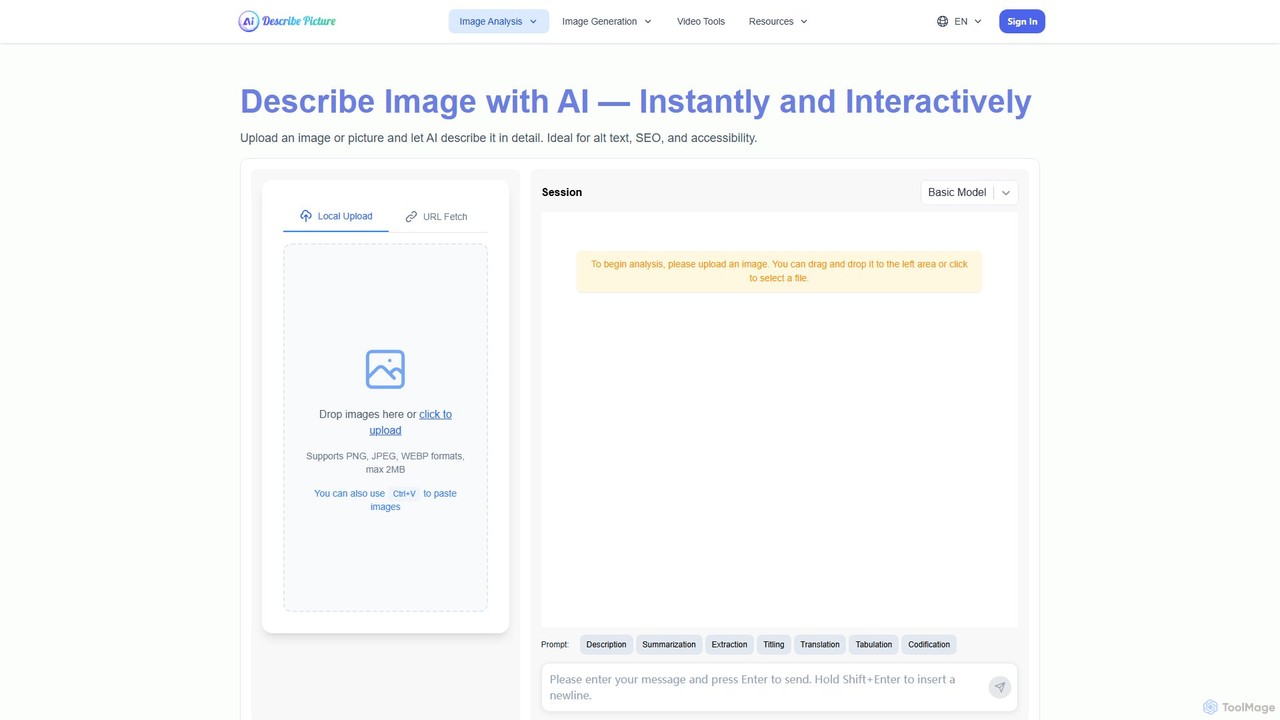
describepicture is a versatile AI platform that instantly generates detailed descriptions for images and videos. It excels at creating alt text for SEO and accessibility, extracting text from images (OCR), converting web screenshots into code (HTML/CSS/JS), and transforming image content into Markdown. It's an all-in-one tool for content creators, developers, and marketers to enhance productivity and make digital content more inclusive.
About Screen Readers
Screen readers are AI-powered tools designed to convert digital text and visual elements on a screen into speech or braille output. These tools leverage advanced natural language processing and computer vision to interpret complex user interfaces, making digital content accessible to individuals with visual impairments. They enable independent navigation and interaction with websites, documents, and applications, significantly enhancing digital inclusion.
Core Features
- Text-to-Speech Conversion: Reads aloud on-screen text, including web pages, documents, and application interfaces, with customizable voices and speeds.
- Braille Output Integration: Connects with refreshable braille displays to provide tactile representation of on-screen information.
- Object Recognition: Identifies and describes images, icons, and other non-textual elements using AI, providing contextual information.
- Interactive Navigation: Allows users to navigate elements like links, headings, and forms using keyboard commands or gestures, providing auditory feedback.
- Customizable Settings: Offers extensive options for voice, reading speed, verbosity, and specific application settings to suit individual preferences.
Use Cases
Screen readers are indispensable for individuals with blindness or low vision, enabling them to access education, employment, and daily digital services. They are also used by accessibility testers to ensure websites and applications meet WCAG standards, and by developers to build inclusive digital products.
How to Choose
When selecting a screen reader, consider compatibility with your operating system and frequently used applications, the quality and naturalness of the speech synthesis, and support for braille displays. Evaluate the ease of navigation, customization options, and the availability of community support or training resources.
Screen ReadersUse Cases
Students with visual impairments accessing online courses
Visually impaired students use screen readers to navigate learning management systems, read textbooks, participate in online discussions, and complete assignments. The tool reads out lecture notes, quiz questions, and web content, ensuring full participation in digital education.
Professionals reviewing reports and emails
Lawyers, researchers, or administrators with visual impairments utilize screen readers to efficiently review lengthy legal documents, research papers, and daily email correspondence. The tool reads content aloud, allowing them to identify key information, proofread, and respond effectively, maintaining productivity in their roles.
Individuals navigating websites and online services
People with visual impairments use screen readers to independently browse the internet, shop online, manage banking, and access news. The screen reader vocalizes links, headings, form fields, and image descriptions, providing a comprehensive understanding of web page content and interactive elements.
Software application interaction for developers or office workers
Visually impaired developers employ screen readers to interact with Integrated Development Environments (IDEs), writing and debugging code. Similarly, office workers use them with word processors, spreadsheets, and presentation software. The screen reader describes interface elements and provides feedback on input, enabling complex software usage.
Content creators authoring accessible documents
Content creators, including writers and editors, can use screen readers to review their own work from an accessibility perspective. By listening to their documents, they can identify areas that might be confusing or inaccessible to visually impaired users, ensuring their content is inclusive and well-structured.
QA testers evaluating website accessibility
Quality assurance professionals and web developers use screen readers to test the accessibility of websites and applications. They simulate the experience of a visually impaired user, identifying navigation issues, missing alt text, or poorly structured content, ensuring compliance with accessibility standards like WCAG.