
ToolMage
Sign in

Best 1 Sign Language AI tools for Accessibility

Popular Sign Language AI tools in Accessibility include Sign AI, helping you work more efficiently.

Sign AI

Sign AI

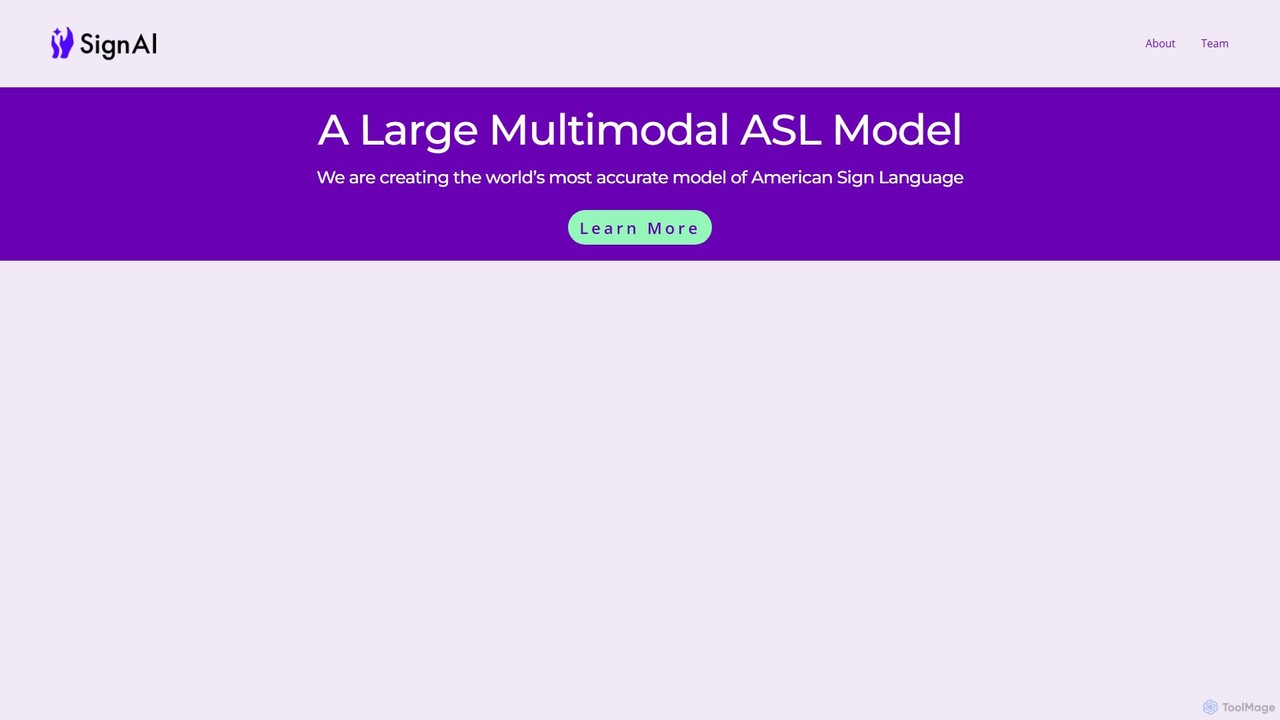
Sign AI is developing the world's most accurate large multimodal model for American Sign Language (ASL). It aims to provide real-time, bi-directional interpretation, enhance accessibility for the Deaf community, and ensure ASL is fully represented in the AI revolution, with development led by Deaf experts.

Sign Language
Visits 4.5KFavorites 101Likes 90

About Sign Language

AI Sign Language tools are a specialized class of software that uses artificial intelligence to translate between spoken or written languages and sign languages. These tools leverage advanced computer vision and machine learning models to recognize and interpret hand gestures, facial expressions, and body movements from a video feed. Their primary purpose is to break down communication barriers for the Deaf and hard-of-hearing community, fostering greater inclusivity. As a critical part of digital accessibility, they enable more seamless, real-time interaction in various personal and professional settings.

Core Features

  • Real-time Translation: Instantly converts sign language into spoken/written text, or vice versa, facilitating live conversations.
  • Sign Language Avatars: Generates 3D animated avatars that perform signs based on text or speech input, making digital content accessible.
  • Learning & Practice Feedback: Utilizes camera input to analyze a user's signing and provides corrective feedback to aid in learning sign language.
  • Multi-Language Support: Supports various sign languages (e.g., ASL, BSL) and their regional dialects, along with numerous spoken languages.
  • Custom Sign Recognition: Allows for the training of the AI model to recognize specific jargon, names, or custom signs relevant to a particular context.

Use Cases

These tools are invaluable in educational environments for both deaf students and those learning sign language. In healthcare, they facilitate clear communication between medical staff and patients. Businesses use them in customer service and team meetings to create an inclusive environment. They are also used by content creators to add sign language interpretations to videos, making information accessible to a wider audience.

How to Choose

When selecting an AI Sign Language tool, prioritize translation accuracy and speed, as these are critical for effective communication. Verify which specific sign languages and spoken languages are supported. Consider the platform's ease of use and compatibility with your devices (web, mobile). Finally, review the provider's data privacy policy, especially concerning how video data is handled and stored.

Featured tool rankings

Sign Language use cases

1

Facilitating Inclusive Virtual Meetings

A deaf or hard-of-hearing professional joins a remote team meeting via video conference. They use an AI Sign Language tool integrated into the platform. As colleagues speak, the tool's AI model transcribes the speech to text and then converts it into a real-time 3D sign language avatar displayed in a window on their screen. This allows the professional to follow the conversation seamlessly without relying solely on lip-reading or waiting for post-meeting transcripts, ensuring they can participate actively and contribute their ideas in real-time.

2

Interactive Sign Language Learning

A student learning American Sign Language (ASL) uses an AI-powered mobile app for practice. The app presents a word or phrase, and the student signs it to their phone's camera. The tool's computer vision model analyzes their hand shape, position, and movement in real-time. It then provides immediate, specific feedback, such as 'Raise your dominant hand slightly' or 'Your handshape for 'B' is correct.' This interactive process accelerates learning by offering personalized coaching that is available 24/7, supplementing traditional classroom instruction.

3

Accessible Customer Service via Video Chat

A company integrates an AI sign language translation API into its video customer support platform. When a deaf customer initiates a video call, they can choose to communicate in their preferred sign language. The AI tool captures their signs and translates them into text for the customer service agent. The agent's spoken responses are converted back into a sign language avatar for the customer. This creates a direct and natural communication channel, significantly improving the customer experience and ensuring equitable access to support services without needing to pre-book a human interpreter.

4

Improving Doctor-Patient Communication

In a clinical setting, a doctor needs to explain a complex diagnosis to a deaf patient. Using a tablet equipped with an AI sign language app, the doctor speaks into the device. The app translates their explanation into an accurate sign language avatar in real-time. The patient can then sign their questions back to the tablet's camera, which translates the signs into text for the doctor to read. This technology helps bridge a critical communication gap in healthcare, ensuring patients can fully understand their medical situation and give informed consent.

5

Creating Accessible Educational Videos

A content creator produces online courses and wants to make them accessible to the Deaf community. Instead of hiring an interpreter for every video, they use a text-to-sign-language tool. After finalizing the video's script, they upload the text to the AI tool. The tool generates a video file of a 3D avatar signing the entire script. The creator can then overlay this avatar video onto their original educational content as a picture-in-picture element, providing a built-in sign language interpretation and expanding their audience reach.

6

Real-time Interpretation at Public Events

An organizer of a large conference wants to provide accessibility for deaf attendees. They set up a system where the audio from the main stage speakers is fed directly into an AI sign language translation service. The service generates a real-time sign language avatar, which is displayed on large screens next to the stage. This automated solution provides immediate access to the content for attendees who use sign language, complementing human interpreters and ensuring comprehensive coverage throughout the event, especially for breakout sessions or unexpected announcements.

Sign Language FAQ

What are AI Sign Language tools?

AI Sign Language tools are software applications that use artificial intelligence, primarily computer vision and machine learning, to translate between sign language and spoken/written language. They work by analyzing video input to recognize gestures, facial expressions, and body movements, or by converting text/speech into animated sign language avatars. The main goal is to facilitate real-time communication and make digital information more accessible to the Deaf and hard-of-hearing community.

How do I choose the right AI Sign Language tool?

To choose the right tool, consider these factors:

  • Accuracy and Latency: How precise and fast is the translation? Look for reviews or demos that showcase its real-world performance.
  • Language Support: Ensure it supports the specific sign language (e.g., ASL, BSL, LSF) and spoken/written language you need.
  • Features: Do you need sign-to-text, text-to-avatar, or both? Do you require learning feedback features?
  • Platform and Integration: Check if it's available as a mobile app, web service, or API for integration into your own applications.
  • Privacy Policy: Understand how your video and personal data are collected, used, and protected.
Can AI tools replace human sign language interpreters?

Currently, AI tools are best viewed as a supplement to, not a replacement for, human interpreters. While AI offers significant advantages in terms of availability and cost for specific tasks, it often lacks the nuanced understanding of context, culture, and emotion that a professional human interpreter provides. Human interpreters excel in complex, high-stakes situations like legal proceedings or mental health counseling. AI is highly effective for more straightforward, transactional conversations or for making static digital content accessible.

What are the main features of AI Sign Language tools?

Most AI Sign Language tools offer a combination of the following core features:

  • Sign-to-Text/Speech: Using a device's camera, the tool recognizes sign language and converts it into written text or synthesized speech.
  • Text/Speech-to-Sign: The tool takes written text or spoken words as input and generates an animated 3D avatar that performs the corresponding signs.
  • Real-time Translation: Enables live, two-way conversations by combining the two features above.
  • Educational Modules: Provides lessons, quizzes, and interactive feedback to help users learn and practice sign language.
Who can benefit from using AI Sign Language tools?

A wide range of individuals and organizations can benefit from these tools. This includes:

  • Deaf and hard-of-hearing individuals: For easier communication in daily interactions, accessing digital content, and participating in meetings or classes.
  • Family, friends, and colleagues: To communicate more effectively with Deaf or hard-of-hearing people in their lives.
  • Sign language students: As an interactive tool for practice and receiving immediate feedback.
  • Businesses and public services: To improve accessibility in customer service, healthcare, and public announcements.
  • Content creators: To make their videos and online materials accessible to a wider audience.