ToolMage
Sign in

Best 5 Computer Vision AI tools for Ai

Popular Computer Vision AI tools in Ai include Imagga, Segments.ai, ibex_ai, trexlabel, and Raman Labs, helping you work more efficiently.

Raman Labs

Raman Labs

Raman Labs provides a high-performance SDK with pre-trained machine learning modules for developers. It specializes in real-time computer vision tasks that run efficiently on consumer-grade CPUs, offering a simple Python API for easy integration into various applications without requiring powerful GPUs.

Computer Vision
Visits 7.1KFavorites 153Likes 163
ibex_ai

ibex_ai

Ibex is a leading AI-powered cancer diagnostics platform for pathology. It assists pathologists by improving the accuracy and efficiency of breast, prostate, and gastric cancer detection. The platform uses advanced deep learning algorithms to analyze tissue slides, identify cancerous cells, and provide critical diagnostic insights, acting as a trusted digital assistant in the lab.

Computer Vision
Visits 19.1KFavorites 145Likes 146
Segments.ai
Freemium

Segments.ai

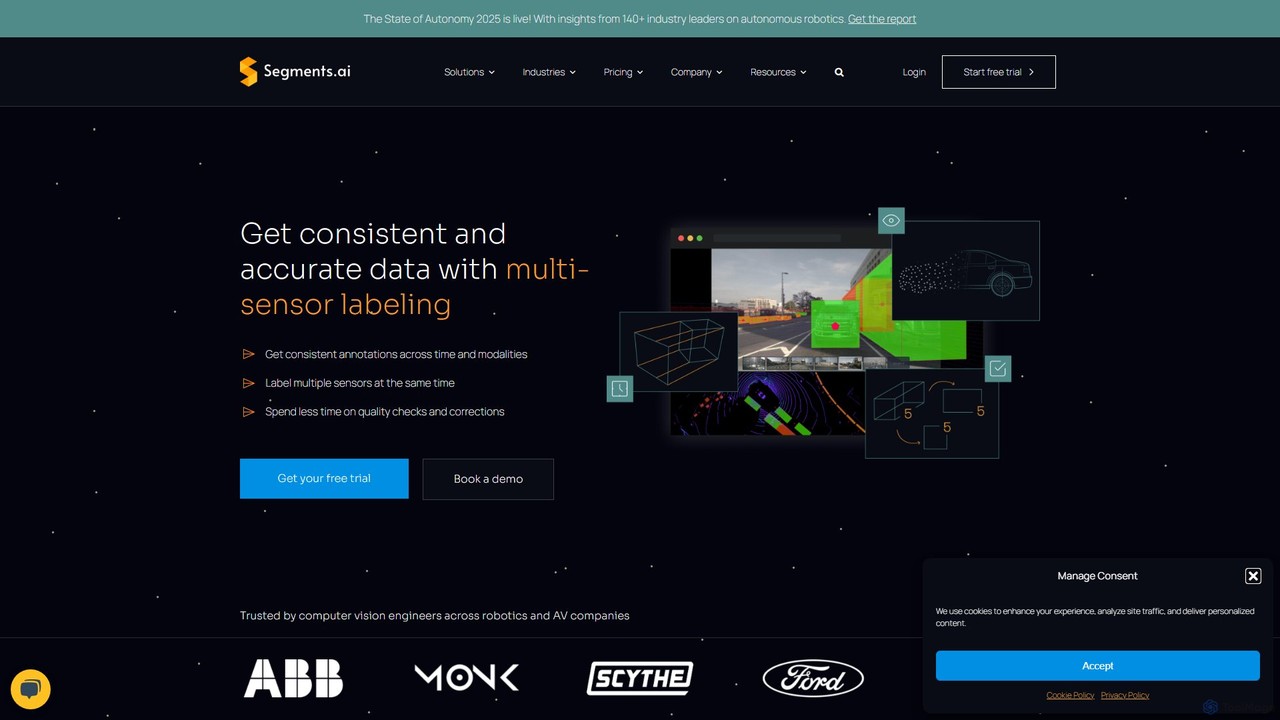
Segments.ai is an advanced data labeling platform designed for multi-sensor data, specializing in robotics and autonomous vehicles. It streamlines the annotation of 2D images and 3D point clouds with ML-powered tools, ensuring high-quality, consistent data to accelerate computer vision model development.

Computer Vision
Visits 28.8KFavorites 140Likes 125
trexlabel
Freemium

trexlabel

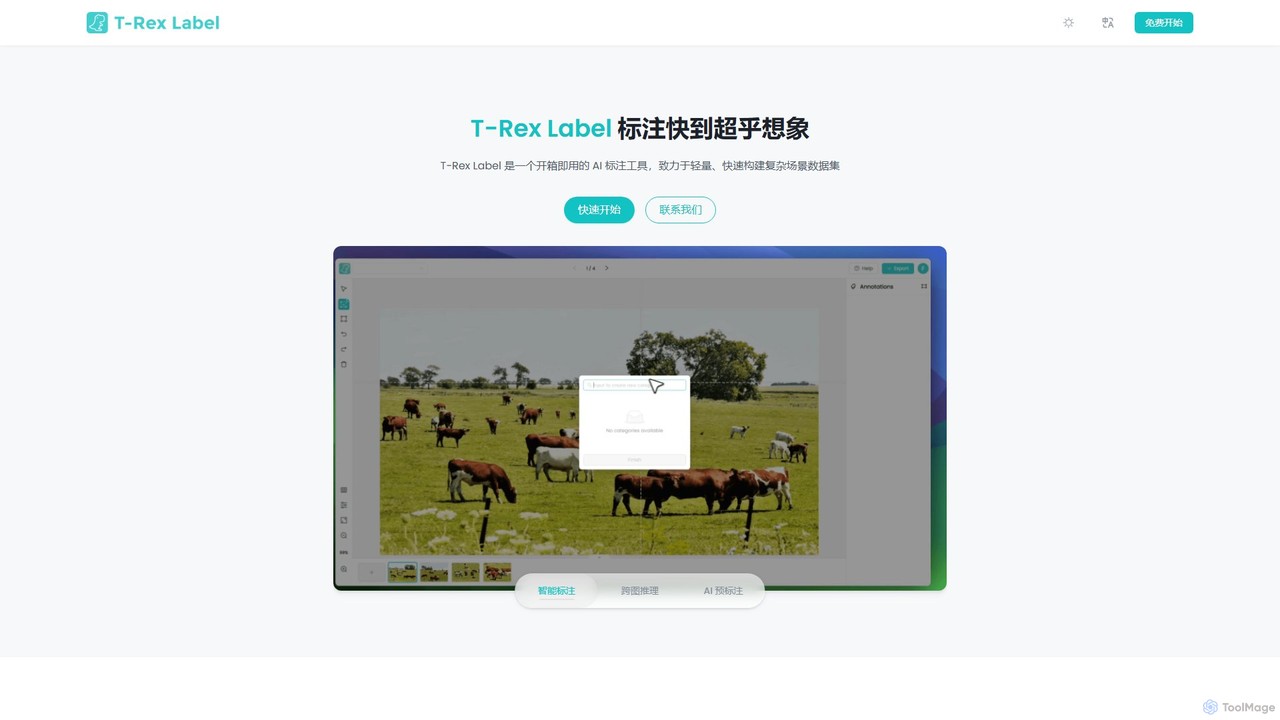
trexlabel is an out-of-the-box AI image annotation tool designed for rapid dataset creation. It leverages a zero-shot, open-set detection model (T-Rex2) to enable visual prompting and cross-image batch annotation without any model fine-tuning, significantly accelerating computer vision workflows.

Computer Vision
Visits 10.4KFavorites 122Likes 139
Imagga
Freemium

Imagga

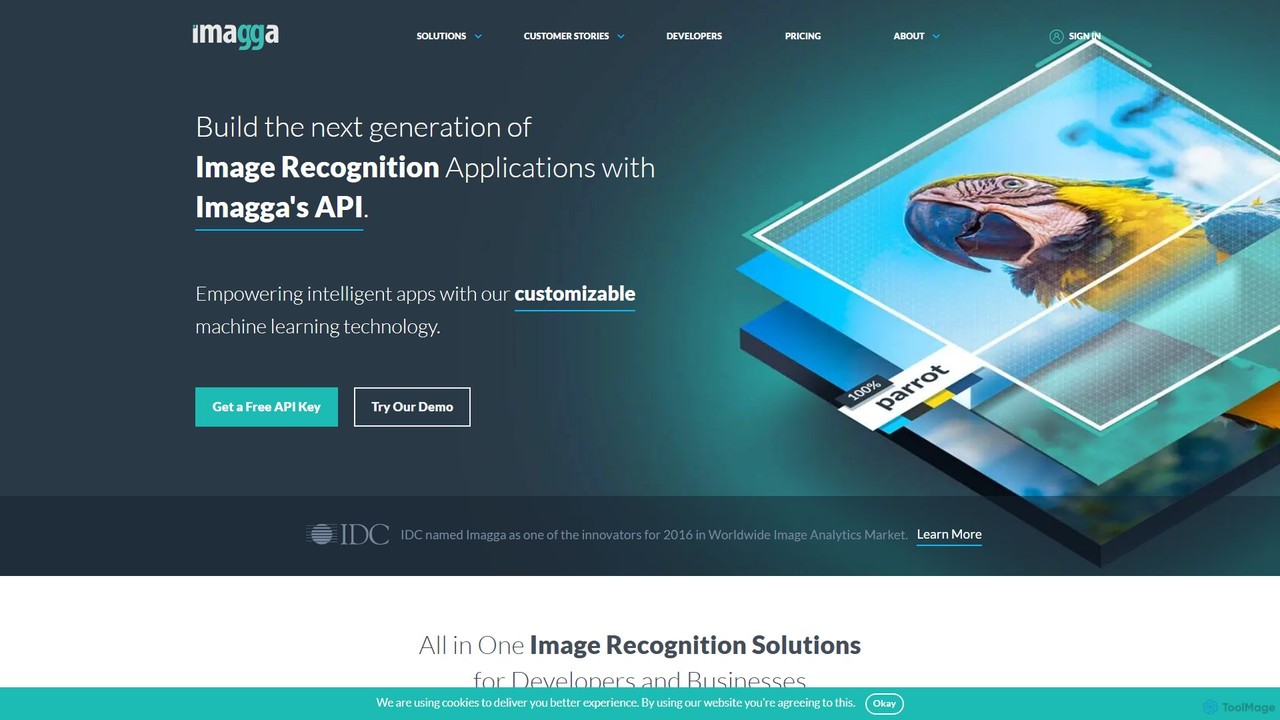
Imagga offers a comprehensive suite of image recognition and computer vision AI tools via a powerful API. It enables developers and businesses to implement features like automatic image tagging, visual search, content moderation, facial recognition, and color analysis. Ideal for automating image organization, enhancing product discovery, and ensuring platform safety.

Computer Vision
Visits 34.5KFavorites 106Likes 108

About Computer Vision

Computer Vision tools are AI-powered technologies that enable computers to interpret and understand visual information from images and videos. These tools leverage advanced algorithms, often based on deep learning and neural networks, to process, analyze, and make sense of visual data. They provide capabilities crucial for automating tasks, enhancing security, improving quality control, and extracting valuable insights from the visual world.

Core Features

  • Object Detection: Identifies and locates specific objects within an image or video frame.
  • Image Classification: Categorizes entire images into predefined classes based on their content.
  • Facial Recognition: Identifies or verifies individuals by analyzing unique facial features.
  • Semantic Segmentation: Divides an image into segments, assigning a class label to each pixel.
  • Optical Character Recognition (OCR): Extracts text from images, converting it into machine-readable format.

Use Cases

Computer Vision is widely adopted across various industries. In manufacturing, it automates quality inspection by detecting defects on assembly lines. For retail, it analyzes customer traffic patterns and product engagement. In healthcare, it assists in diagnosing diseases by analyzing medical scans. Its ability to process visual data at scale makes it indispensable for tasks requiring visual interpretation.

How to Choose

When selecting Computer Vision tools, consider the specific task requirements, such as the type of visual data (images, video, real-time), required accuracy, and processing speed. Evaluate integration capabilities with existing systems, scalability for future needs, and the level of technical expertise required for implementation. Data privacy and security features are also critical, especially for sensitive applications.


Computer Vision use cases

1

Automated Quality Inspection in Manufacturing

Manufacturing companies utilize Computer Vision to automatically detect defects on production lines. AI cameras capture images of products, and the vision system analyzes them in real-time to identify anomalies, scratches, or missing components. This significantly reduces manual inspection time, improves product consistency, and ensures higher quality control standards before products reach consumers.

2

Customer Behavior Analysis in Retail Stores

Retailers deploy Computer Vision systems to analyze customer movement and engagement within physical stores. These tools track foot traffic, identify popular product displays, measure dwell times, and understand demographic patterns (anonymously). This data helps optimize store layouts, personalize marketing efforts, and improve overall shopping experiences, leading to increased sales and operational efficiency.

3

Object Detection for Autonomous Vehicles

Autonomous vehicle developers rely heavily on Computer Vision for real-time environmental perception. Systems detect and classify objects like other vehicles, pedestrians, traffic signs, and lane markings from camera feeds. This critical information allows self-driving cars to navigate safely, make informed decisions, and react appropriately to dynamic road conditions, ensuring passenger safety.

4

Assisted Diagnosis in Medical Imaging

Healthcare professionals use Computer Vision to enhance the analysis of medical images such as X-rays, MRIs, and CT scans. AI algorithms can highlight subtle abnormalities, detect early signs of diseases like cancer or retinopathy, and quantify disease progression. This assists radiologists and clinicians in making more accurate and timely diagnoses, improving patient outcomes and reducing diagnostic errors.

5

Enhanced Security Surveillance and Access Control

Security teams implement Computer Vision for advanced surveillance and access control. Systems can perform facial recognition for authorized entry, detect unusual activities or unauthorized objects, and monitor large areas for potential threats. This automates security monitoring, provides real-time alerts, and significantly strengthens physical security measures in corporate buildings, public spaces, and residential areas.

6

Crop Health Monitoring in Agriculture

Farmers and agricultural businesses leverage Computer Vision, often via drone or satellite imagery, to monitor crop health and identify issues across large fields. AI analyzes images to detect signs of disease, pest infestations, nutrient deficiencies, or water stress. This enables precision agriculture, allowing targeted interventions, optimizing resource use (water, fertilizer), and maximizing crop yields efficiently.

Computer Vision FAQ

What is Computer Vision?

Computer Vision is a field of Artificial Intelligence that trains computers to "see" and interpret visual information from the world, much like humans do. It involves developing methods for acquiring, processing, analyzing, and understanding digital images and videos. Its core purpose is to enable machines to extract meaningful information from visual data, allowing them to automate tasks, make decisions, and interact with their environment based on what they "see."

How do Computer Vision tools work?

Computer Vision tools typically work by employing machine learning models, especially deep learning neural networks, trained on vast datasets of images and videos. These models learn to recognize patterns, objects, and features. When presented with new visual data, the tools apply these learned patterns to perform tasks like identifying objects, classifying images, detecting faces, or segmenting scenes. The process often involves data acquisition, pre-processing, feature extraction, model training, and inference.

What are the main applications of Computer Vision?

Computer Vision has a wide range of applications across various sectors. Key areas include automated quality control in manufacturing, where it detects product defects; autonomous vehicles, for real-time object detection and navigation; medical imaging analysis, assisting in disease diagnosis; security and surveillance, for facial recognition and anomaly detection; and retail analytics, for understanding customer behavior and optimizing store layouts.

What are the challenges or limitations of Computer Vision?

Despite rapid advancements, Computer Vision faces several challenges. These include the need for massive, high-quality labeled datasets for training, which can be expensive and time-consuming to acquire. Performance can be sensitive to lighting conditions, occlusions, varying viewpoints, and image quality. Ethical concerns like data privacy and potential biases in facial recognition systems also present significant limitations that require careful consideration and mitigation strategies.

How do I choose the right Computer Vision tool for my project?

Choosing the right Computer Vision tool depends on your specific project needs. First, define the exact task (e.g., object detection, classification, OCR) and the required accuracy. Consider the type and volume of data you'll be processing, whether real-time performance is critical, and your budget. Evaluate the tool's ease of integration with existing systems, its scalability, vendor support, and compliance with data privacy regulations. Open-source options versus commercial solutions also present different trade-offs in terms of flexibility and support.