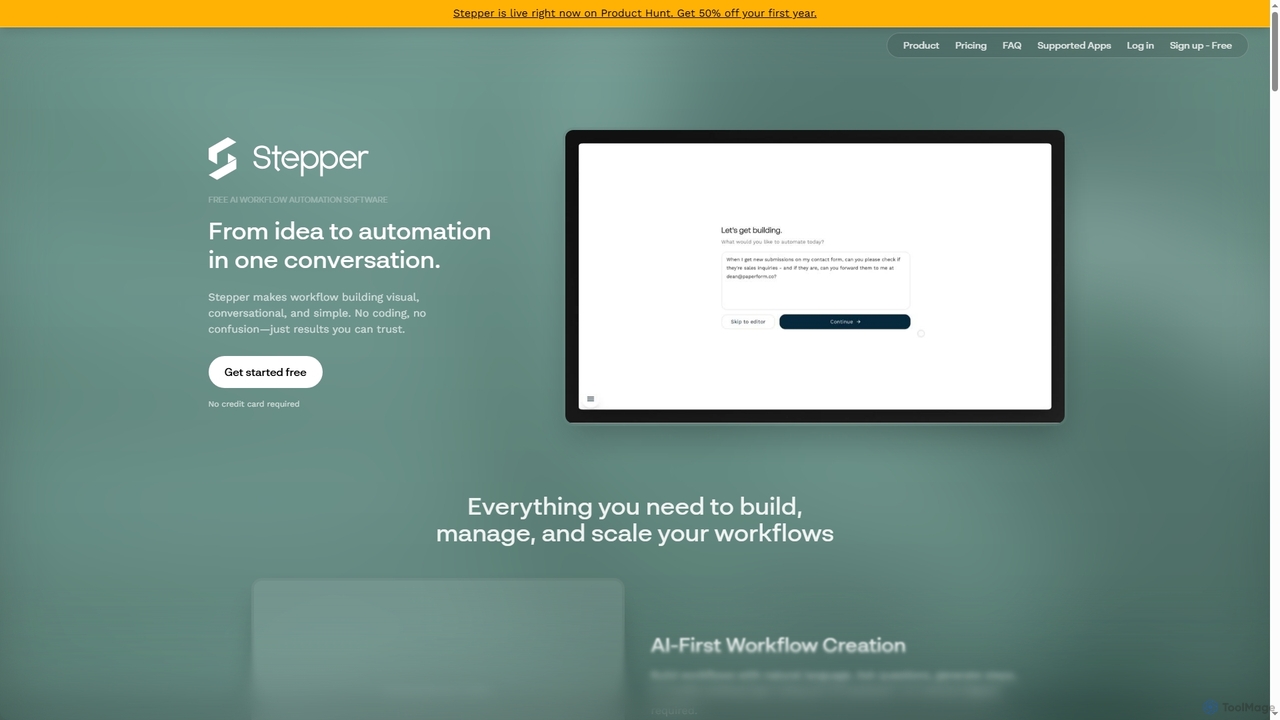
No-Code Development platforms are tools that enable users to build applications and automate workflows using visual interfaces instead of traditional programming. These platforms utilize drag-and-drop components, pre-built templates, and graphical logic builders to translate user actions into functional code. This approach significantly lowers the technical barrier, empowering business users, entrepreneurs, and designers to create websites, mobile apps, and internal tools independently. The core value lies in accelerating development cycles and democratizing software creation for non-technical creators.
Core Features
- Visual Drag-and-Drop Editor: Build user interfaces and application layouts by arranging pre-made components on a canvas.
- Workflow Automation Builder: Define application logic and business processes visually by connecting triggers and actions in a flowchart-style interface.
- Integrated Database Management: Create and manage data structures, collections, and user accounts directly within the platform without writing SQL.
- API & Third-Party Integrations: Connect to external services, databases, and applications through visual connectors and pre-built integrations.
- One-Click Deployment: Publish web and mobile applications to the cloud with a single click, handling hosting and server management automatically.
Use Cases
No-Code Development tools are widely used by startups to rapidly build and test Minimum Viable Products (MVPs). They are also popular among business departments (like Marketing, HR, and Operations) for creating custom internal tools, such as project management dashboards or employee onboarding systems. Freelancers and small agencies use them to build client websites and simple applications more efficiently.
How to Choose
When selecting a No-Code Development platform, first evaluate its scalability and performance limitations to ensure it can support your expected user load. Consider the extent of its integration ecosystem and API capabilities to connect with your existing tools. Examine the platform's data ownership policies and export options to avoid vendor lock-in. Finally, compare pricing models, which can be based on users, app features, or workflow executions, to find one that aligns with your budget and growth plans.