ToolMage
Sign in

Best 2 No Code Platform for Ai

Popular No Code Platform in Ai include Pipefy and DeepOpinion, helping you work more efficiently.

Freemium

DeepOpinion

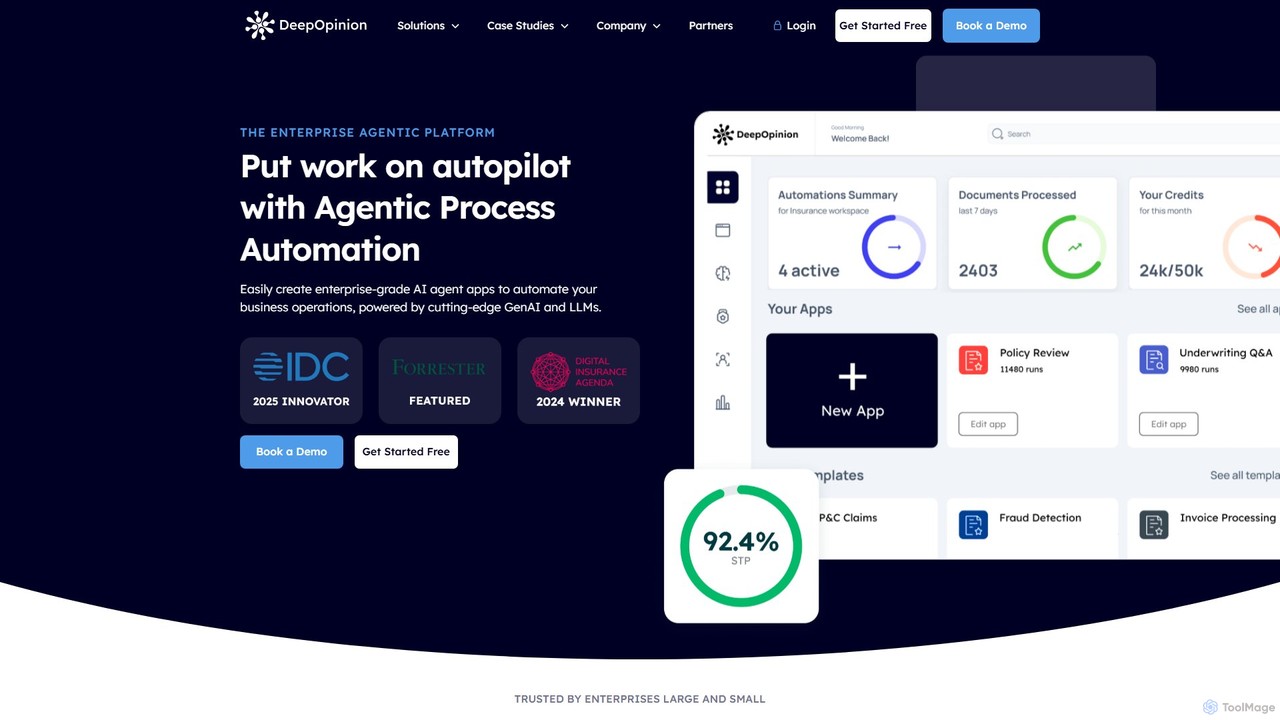
DeepOpinion is an enterprise-grade Agentic Process Automation (APA) platform that uses Generative AI and LLMs to automate complex business operations. It provides a no-code environment for building AI agent apps to handle text and document-heavy workflows, achieving over 90% end-to-end automation with high accuracy and security.

No Code Platform
Visits 8KFavorites 108Likes 110
Freemium

Pipefy

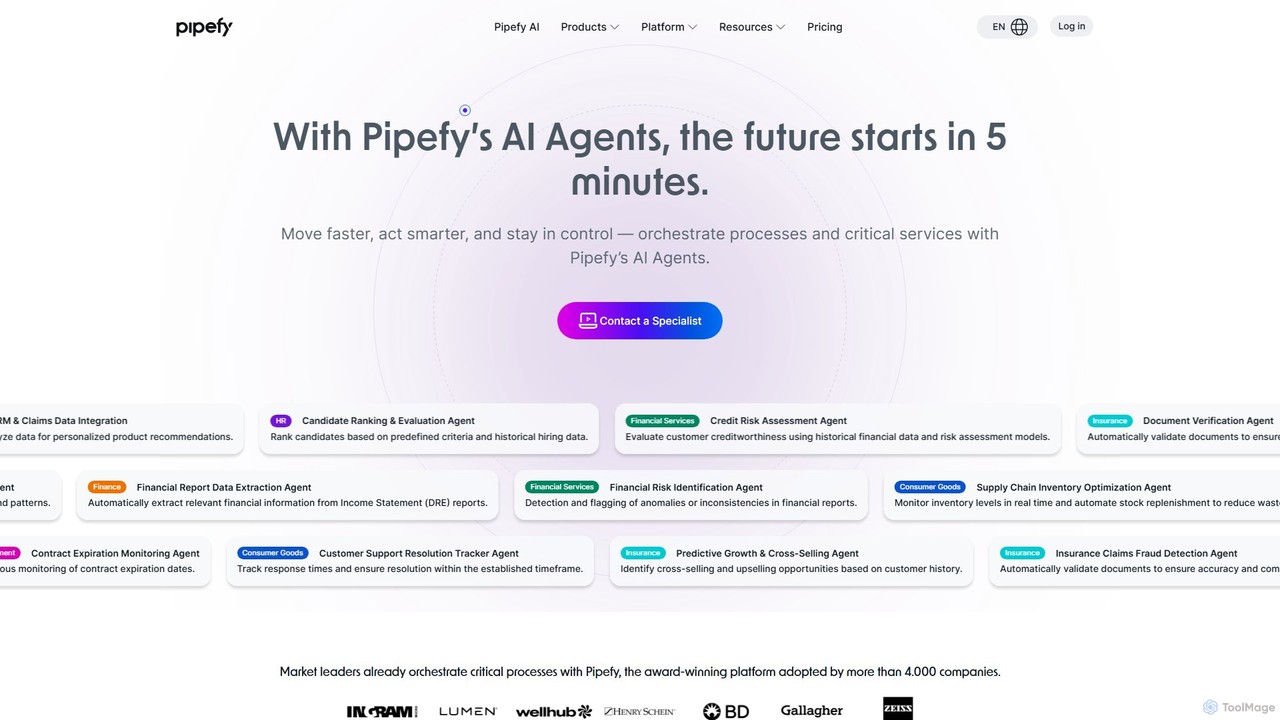
Pipefy is an AI-driven, low-code process automation platform that empowers teams to build, manage, and scale workflows without technical expertise. Using autonomous AI Agents, it automates tasks, centralizes operations, and integrates with existing systems to enhance efficiency, reduce errors, and accelerate business growth across departments like HR, Finance, and Procurement.

No Code Platform
Visits 2.6MFavorites 90Likes 87

About No Code Platform

No Code Platforms are visual development environments that enable users to create applications, websites, and automated workflows without writing a single line of code. These tools utilize intuitive drag-and-drop interfaces, pre-built components, and visual logic builders to abstract away programming complexities. This empowers non-technical individuals, such as business owners and marketers, to build and deploy functional digital solutions rapidly. Many modern No Code Platforms also integrate AI capabilities, allowing for the creation of intelligent applications for data analysis, customer support, and process automation.

Core Features

  • Visual Interface Builder: Design user interfaces for web and mobile apps by dragging and dropping elements.
  • Workflow Automation: Create complex business logic and automate processes using visual flowcharts.
  • Database Management: Visually create and manage data structures and content without needing to write SQL queries.
  • API Integration: Connect to third-party services and data sources through pre-built connectors and visual API managers.
  • One-Click Deployment: Publish and host applications on the web with a single click, handling server management automatically.

Use Cases

No Code Platforms are widely used by entrepreneurs to build Minimum Viable Products (MVPs), small businesses to create internal tools like custom CRMs or project managers, and marketing teams to launch landing pages and automate campaigns. They are ideal for situations where development speed and cost-effectiveness are prioritized over highly complex, custom-coded functionalities.

How to Choose

When selecting a No Code Platform, consider the type of application you want to build (e.g., web app, mobile app, automation). Evaluate its scalability to ensure it can handle future growth in users and data. Check its integration ecosystem to confirm it connects with your existing tools. Finally, assess the platform's learning curve and pricing model to ensure it aligns with your team's skills and budget.

Featured tool rankings

No Code Platform use cases

1

Build a Custom Internal CRM

A sales manager in a small business finds managing leads and customer data in spreadsheets inefficient and prone to errors. Using a no-code platform, they can design and build a simple CRM application tailored to their specific sales process. This involves creating a database for contacts and deals, designing forms for data entry, and setting up a dashboard to visualize the sales pipeline. They can also automate tasks like sending follow-up email reminders when a deal stage changes. The result is a centralized, streamlined system that improves team collaboration and data accuracy without the cost of a developer.

2

Launch a Minimum Viable Product (MVP)

A startup founder needs to validate a new business idea quickly without a large upfront investment in custom development. They use a no-code platform to build the core features of a web application, such as user registration and login, a form for users to submit data, and a dashboard to display results. This allows them to launch a functional prototype in a matter of weeks instead of months. By gathering real user feedback on this MVP, they can iterate on the product, test market demand, and secure investor interest before committing to a full-scale, coded solution.

3

Automate Marketing & Lead Nurturing Workflows

A marketing specialist spends hours each week manually handling new leads from website forms, sending welcome emails, and adding them to a mailing list. Using a no-code automation platform, they create a workflow that triggers whenever a new form is submitted. The workflow automatically sends a personalized welcome email, waits a day, then sends a follow-up resource. It also adds the lead's information to the company's CRM and notifies the sales team in Slack. This automation saves significant time, ensures immediate and consistent lead follow-up, and improves overall lead conversion rates.

4

Create a Client Portal for a Service Business

A freelance consultant manages multiple client projects simultaneously, and communication via email becomes disorganized. To provide a better experience, they build a secure, password-protected client portal using a no-code platform. Each client gets a unique login to a personalized dashboard where they can view project progress, access shared files, review and pay invoices, and communicate through a dedicated messaging system. This portal centralizes all project-related information, reduces administrative overhead for the consultant, and offers clients a professional, transparent, and organized way to interact with the business.

5

Develop a Community or Membership Website

A content creator wants to build a dedicated online space for their audience, offering exclusive content and fostering interaction. Using a no-code platform with built-in membership features, they create a website with user registration, different subscription tiers, and content gating (restricting access to paying members). They also integrate a forum or discussion board feature to allow members to connect with each other. This approach allows them to monetize their content and build a loyal community without the complexity and cost of custom web development, managing everything from a single, user-friendly interface.

6

Build an AI-Powered Data Entry Tool

An operations analyst is tasked with reducing the time spent on manually extracting information from hundreds of invoices each month. They use a no-code platform to build a simple application. The workflow is as follows: a user uploads an invoice PDF, the platform sends the file to an external AI service (via API) for optical character recognition (OCR) and data extraction. The AI identifies and returns key fields like invoice number, date, and total amount. The no-code application then automatically populates these fields into a central database. This AI-integrated tool drastically reduces manual data entry, minimizes human error, and frees up the team for more valuable analytical work.

No Code Platform FAQ

What is a No Code Platform?

A No Code Platform is a type of software that allows users to build applications and automate workflows using a visual, drag-and-drop interface instead of traditional programming. The core principle is to empower people without coding skills (often called 'citizen developers') to create their own functional software solutions. These platforms typically provide pre-built templates, UI components, and logic builders to handle everything from the user interface to database management and deployment, significantly speeding up the development process.

What is the difference between No-Code and Low-Code platforms?

The primary difference lies in their target audience and the degree of customization allowed. No-Code platforms are designed for non-technical users and completely eliminate the need for coding. Low-Code platforms are aimed at developers or IT professionals to accelerate development, providing visual tools but also allowing them to write custom code for more complex logic or integrations. In short:

  • No-Code: Zero coding required. Ideal for business users building straightforward applications.
  • Low-Code: Minimal coding required. Ideal for developers needing to build complex, scalable applications faster.
How do I choose the right No Code Platform?

Choosing the right platform depends on your specific needs. Consider these key factors:

  • Project Type: What are you building? A website, a mobile app, an internal tool, or an automation workflow? Different platforms specialize in different areas.
  • Scalability: Can the platform handle your expected number of users and data volume as you grow? Check their pricing tiers and performance limits.
  • Integration Capabilities: Does it easily connect with the other tools you use, such as your CRM, email marketing service, or payment gateway?
  • Customization and Flexibility: How much control do you have over the design and functionality? Can you export your code or data if you decide to leave the platform?
Are there limitations to using No Code Platforms?

Yes, while powerful, No Code Platforms have trade-offs. Common limitations include less control over performance optimization, potential 'vendor lock-in' where it's difficult to move your application to another host, and constraints on building highly unique or complex functionalities that fall outside the platform's pre-built capabilities. They are best suited for projects where speed of development and ease of use are more critical than complete customization and granular control over the underlying code and infrastructure.

How do No Code Platforms use AI?

No Code Platforms integrate AI in several ways to enhance the applications built on them. This is often done through pre-built AI modules or seamless API connections to third-party AI services. Common AI-powered features include:

  • AI Chatbots: Adding conversational AI agents to websites for customer support.
  • Data Analysis: Using AI to analyze data within the application and generate predictions or insights.
  • Content Generation: Automatically creating text or images based on user inputs.
  • Intelligent Automation: Building workflows that use AI to make decisions, such as classifying support tickets or approving requests based on certain criteria.