ToolMage
Sign in

Best 1 Requirements Management AI tools for Ai Tools

Popular Requirements Management AI tools in Ai Tools include Write Me Specs, helping you work more efficiently.

Write Me Specs
Freemium

Write Me Specs

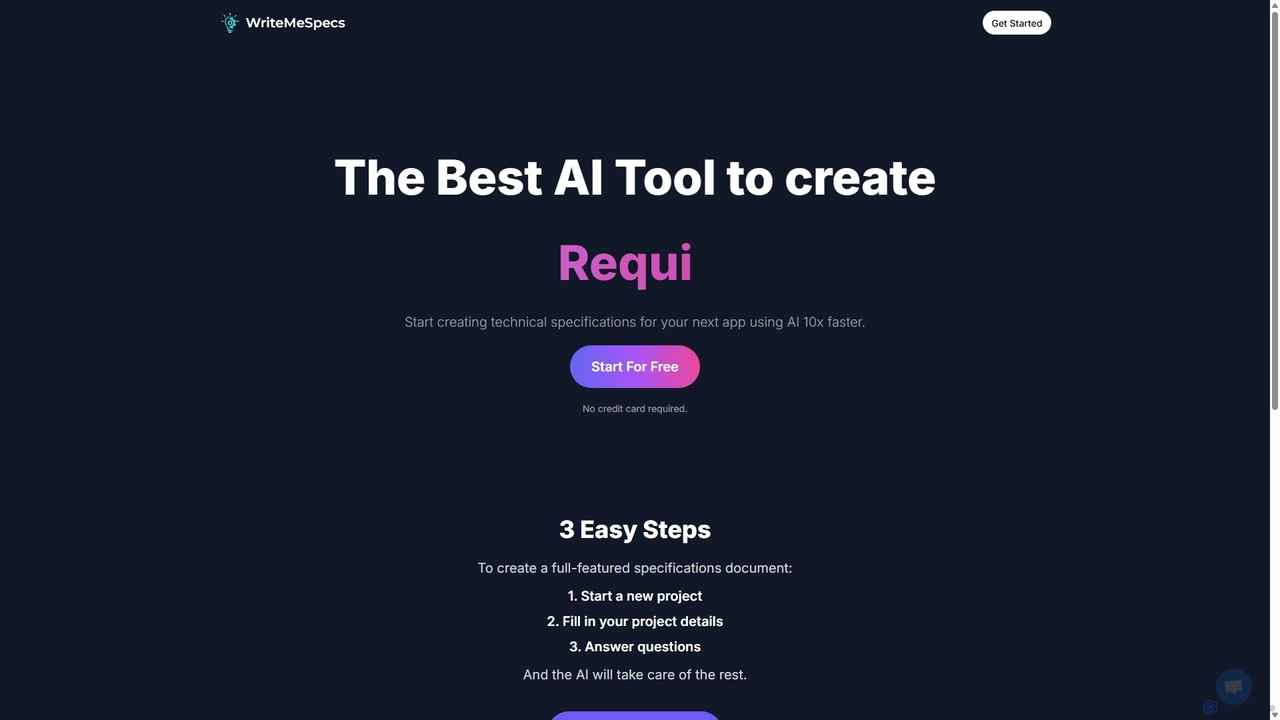
Write Me Specs is an AI-powered tool that accelerates the creation of technical specifications for software and applications. By guiding users through a series of questions about their project, it automatically generates detailed, structured documents, including user stories and functional requirements, saving teams days of analysis and planning.

Requirements Management
Visits 5.6KFavorites 162Likes 142

About Requirements Management

AI Requirements Management tools are a class of software that uses artificial intelligence to streamline the process of defining, analyzing, and tracking project requirements. These tools leverage Natural Language Processing (NLP) to interpret text from documents, user stories, and feedback, automatically identifying ambiguities, inconsistencies, and potential conflicts. By automating analysis and validation, they significantly improve the clarity and quality of requirements, reducing manual effort and preventing costly errors later in the development cycle. This ensures that development teams build the right product from the start.

Core Features

  • AI-Powered Analysis: Automatically analyzes requirement documents to detect ambiguities, duplicates, and conflicts using NLP.
  • Automated Traceability: Creates and maintains links between business needs, requirements, design elements, and test cases.
  • Requirement Quality Scoring: Provides real-time feedback and scores on the clarity, completeness, and testability of requirements.
  • Impact Analysis: Simulates the effect of changing a requirement on other parts of the system and related artifacts.
  • Test Case Generation: Automatically generates test scenarios and acceptance criteria directly from requirement specifications.

Use Cases

These tools are particularly valuable in complex software development, regulated industries like aerospace and healthcare, and large-scale enterprise projects. Product managers, business analysts, and systems engineers use them to ensure all stakeholder needs are accurately captured and translated into clear, actionable specifications for development and QA teams.

How to Choose

When selecting an AI Requirements Management tool, consider the sophistication of its NLP engine for analysis accuracy. Evaluate its integration capabilities with existing development ecosystems like Jira, Git, and testing platforms. Also, assess the quality of its traceability visualization and reporting features, as well as its support for industry-specific compliance standards if applicable.

Requirements Management use cases

1

Automated Analysis of User Stories

A product manager is tasked with refining a backlog of over 200 user stories for a new fintech application. Manually reviewing each one for clarity, completeness, and consistency is time-consuming. By using an AI Requirements Management tool, they can upload all stories at once. The AI's NLP engine processes the text, automatically flagging stories with ambiguous language (e.g., 'fast response'), identifying duplicate feature requests, and highlighting potential conflicts between different stories. This reduces the manual review time by over 70% and ensures the development team receives a clear and consistent set of requirements.

2

Ensuring Regulatory Compliance in Medical Devices

A systems engineer developing a new medical imaging device must ensure every requirement complies with strict FDA and ISO 13485 standards. Manually mapping hundreds of system requirements to specific regulatory clauses is prone to error. They use an AI tool that has been trained on these standards. The AI automatically traces each functional requirement to the relevant clauses, flags any requirement that lacks coverage, and generates a compliance matrix report. When a requirement is updated, the AI performs an impact analysis to show which compliance artifacts need re-evaluation, ensuring continuous adherence to regulations.

3

Generating Test Cases from Functional Requirements

A QA team for an e-commerce platform needs to create comprehensive test cases for a new checkout process. Writing these manually is repetitive and risks missing edge cases. The business analyst inputs the detailed functional requirements into the AI tool. The AI parses these requirements, such as 'The user must be able to apply a discount code,' and automatically generates corresponding test cases in Gherkin format (Given/When/Then). It creates positive tests, negative tests (e.g., applying an expired code), and boundary tests, ensuring nearly 100% requirement coverage and freeing up QA engineers to focus on more complex exploratory testing.

4

Detecting Conflicts in Large-Scale System Specifications

An aerospace company is designing a new avionics system with over 10,000 individual requirements spread across multiple documents from different engineering teams (software, hardware, electrical). An AI tool is used to ingest all specification documents. It builds a semantic model of the entire system and identifies conflicting requirements, such as one document specifying an operating temperature of -20°C to 50°C while another specifies 0°C to 70°C for a connected component. This early, automated detection prevents costly integration issues and rework that would otherwise only be discovered during physical testing.

5

Automating Traceability Matrix Creation

A project manager for a large banking software upgrade needs to maintain a Requirements Traceability Matrix (RTM) to prove to auditors that every business requirement is linked to a functional spec, a design element, and a test case. Creating and updating this matrix manually for thousands of artifacts is a full-time job. The team uses an AI tool that automatically parses all project documents and establishes these links. When a business analyst adds a new requirement in their document, the AI detects it and prompts the relevant teams to link their corresponding artifacts, keeping the RTM continuously up-to-date with minimal manual intervention.

6

Prioritizing Features with AI-Powered Impact Analysis

A product owner for a SaaS platform is planning the next quarter's roadmap and needs to decide which features to prioritize. They use an AI requirements tool to perform an impact analysis. By proposing a change to an existing requirement, such as 'increasing the API rate limit,' the AI simulates the ripple effect across the system. It identifies all linked requirements, code modules, test cases, and documentation that would be affected. This provides a clear, data-driven view of the true cost and complexity of each potential feature, enabling the product owner to make more informed prioritization decisions that align with business goals and resource availability.

Requirements Management FAQ

What are AI Requirements Management tools?

AI Requirements Management tools are advanced software solutions that use artificial intelligence, particularly Natural Language Processing (NLP), to automate and improve the handling of project requirements. Unlike traditional tools that simply store and link requirements, AI-powered tools actively analyze the content of requirements to identify issues like ambiguity, inconsistency, and incompleteness. They help teams write better requirements, detect conflicts early, and automate related tasks like creating traceability links and generating test cases.

How do AI tools differ from traditional requirements management software?

The primary difference lies in analysis versus storage. Traditional tools (like Jira or DOORS) act as databases for requirements, helping with organization, version control, and manual linking. AI tools do all of that but add a layer of intelligent analysis. They can:

  • Understand Semantics: They use NLP to understand the meaning behind the text, not just the words.
  • Proactively Find Issues: They automatically flag potential problems like vague terms, conflicting statements, or duplicate requests.
  • Automate Creation: They can generate new artifacts, such as test cases or user story summaries, based on the requirements.
In essence, traditional tools are passive repositories, while AI tools are active partners in improving requirement quality.

Who should use AI Requirements Management tools?

These tools are most beneficial for teams and organizations dealing with complex projects where requirement quality is critical. Key users include:

  • Business Analysts and Product Managers: To write clearer, more consistent requirements and validate them against stakeholder needs.
  • Systems Engineers: Especially in regulated industries (aerospace, automotive, medical) to manage complexity, ensure compliance, and maintain traceability.
  • QA and Test Engineers: To automatically generate test cases from requirements, ensuring better test coverage.
  • Large Enterprises: To maintain consistency and manage dependencies across multiple teams and large-scale product portfolios.
Any project looking to reduce rework, improve communication, and accelerate delivery can benefit from the improved clarity these tools provide.

How do you choose the right AI Requirements Management tool?

Selecting the right tool depends on your specific needs. Consider these factors:

  • NLP Engine Quality: How accurately does it identify ambiguities and conflicts? Look for demos or trials using your own requirement documents.
  • Integrations: Does it integrate smoothly with your existing toolchain (e.g., Jira, Azure DevOps, Git, testing frameworks)?
  • Industry Focus: Some tools are specialized for regulated industries and come with pre-built compliance templates (e.g., for ISO 26262 or DO-178C).
  • Usability and Visualization: How easy is it for your team to use? Does it provide clear visualizations for traceability and impact analysis?
  • Scalability: Can the tool handle the volume and complexity of your projects, from a few hundred to tens of thousands of requirements?

What are the main benefits of using AI in requirements management?

The core benefits revolve around quality, speed, and cost reduction. By using AI, teams can achieve:

  • Higher Requirement Quality: Early detection of errors, ambiguities, and conflicts leads to clearer, more robust specifications.
  • Reduced Rework: Catching issues at the requirements stage is significantly cheaper than fixing them in code or after release.
  • Increased Productivity: Automating tasks like analysis, traceability, and test case generation frees up valuable time for engineers and analysts.
  • Improved Collaboration: A single source of truth with clear, validated requirements reduces misunderstandings between stakeholders, developers, and QA.
  • Better Risk Management: Enhanced traceability and impact analysis provide better visibility into project risks and compliance status.