ToolMage
Sign in

Best 2 Speech AI tools for Ai Tools

Popular Speech AI tools in Ai Tools include SmallTalk2Me and Languate, helping you work more efficiently.

Languate
Freemium

Languate

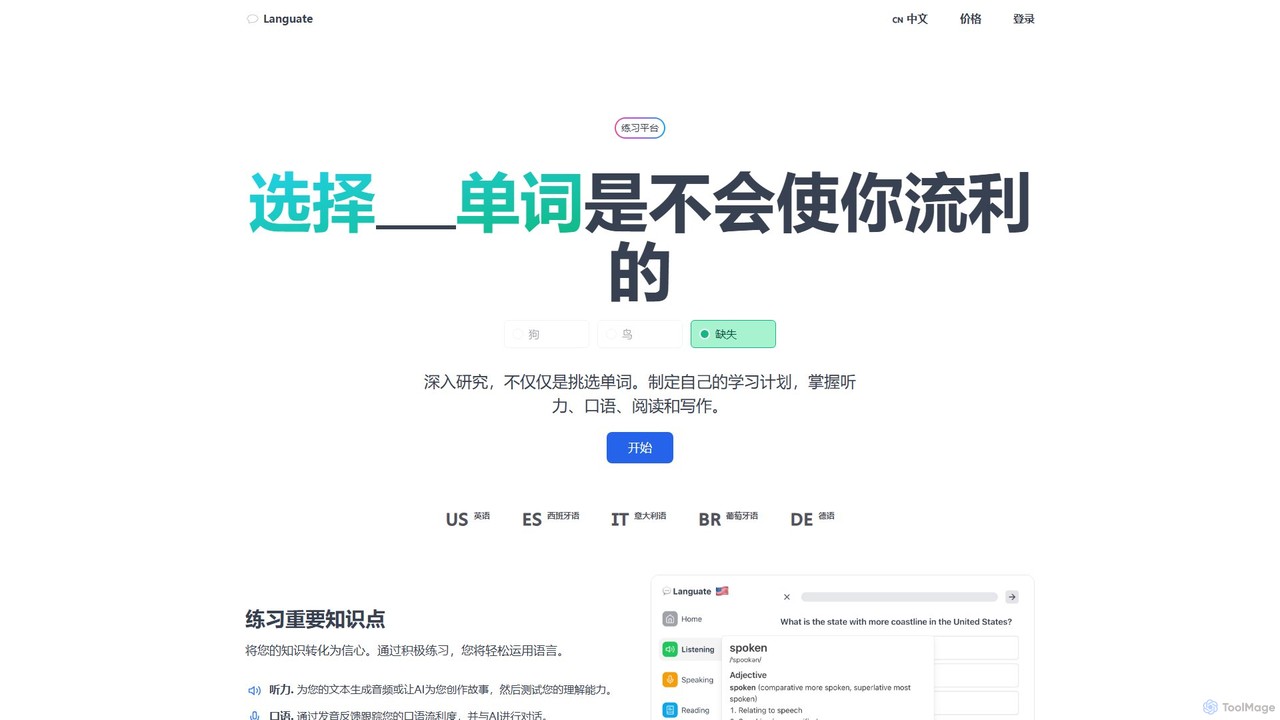
Languate is an AI-powered language learning platform designed to enhance your conversational skills. It helps you transform theoretical knowledge into practical confidence through active practice in listening, speaking, reading, and writing. Get instant, detailed feedback on your pronunciation to track and improve your fluency in languages like English, Spanish, and German.

Speech
Visits 4.7KFavorites 132Likes 130
SmallTalk2Me
Freemium

SmallTalk2Me

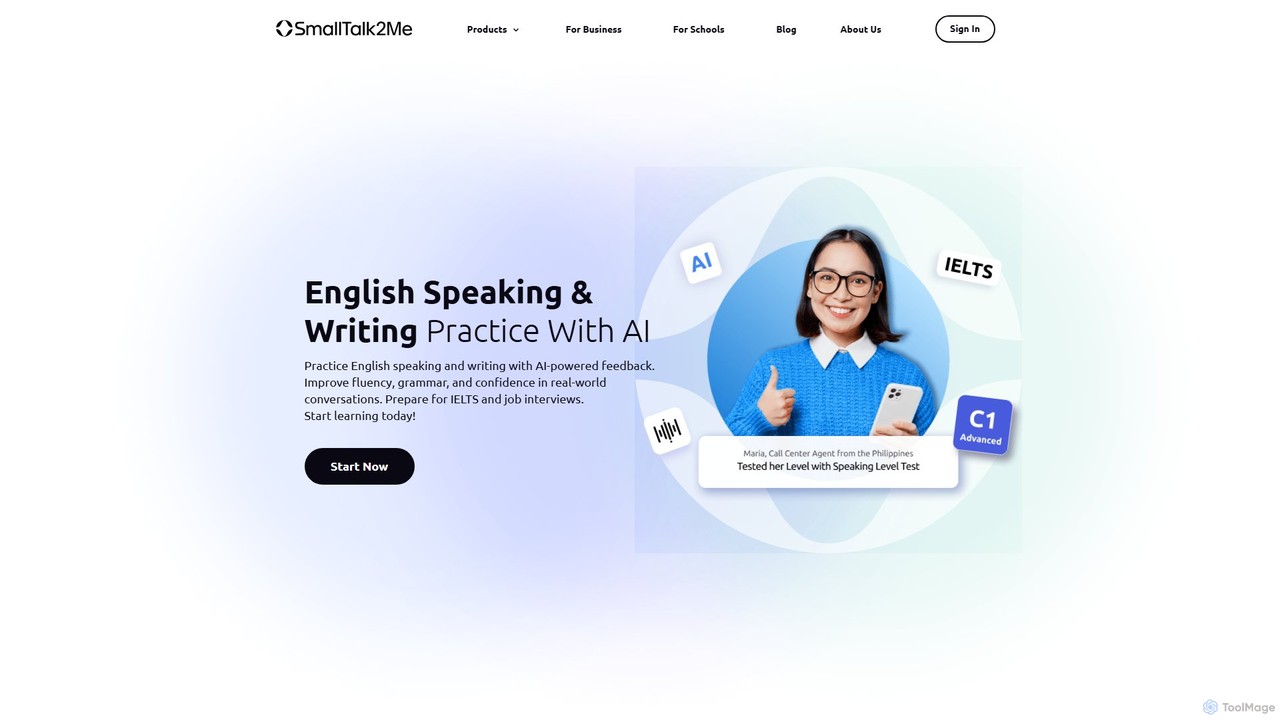
SmallTalk2Me is an AI-powered English learning platform for practicing speaking and writing. It provides instant feedback, simulates IELTS tests, prepares you for job interviews, and helps improve fluency, grammar, and confidence with personalized courses.

Speech
Visits 380.7KFavorites 91Likes 89

About Speech

AI Speech tools are a specialized category of software designed to generate, analyze, and refine spoken communication. Leveraging advanced technologies like speech synthesis, natural language processing (NLP), and machine learning, these tools can create lifelike voices, evaluate delivery, and even help structure compelling narratives. Their primary value lies in enhancing the clarity, confidence, and impact of public speaking, presentations, and audio content. This makes them powerful assets for improving communication effectiveness in various professional and creative contexts.

Core Features

  • Speech Analysis & Feedback: Provides data-driven insights on delivery, including pace, tone, filler words, and vocal variety to help users improve.
  • AI Speech & Script Writing: Assists in generating and structuring content for speeches, presentations, or voiceovers based on user prompts.
  • Realistic Voice Generation (TTS): Creates high-quality, human-like audio from text, often with options for different voices, languages, and emotional tones.
  • Voice Cloning: Replicates a specific person's voice to create new audio content with a consistent and personalized vocal identity.
  • Interactive Rehearsal: Offers a practice environment where users can rehearse their speech and receive real-time coaching and suggestions.

Use Cases

These tools are widely used by professionals who rely on effective communication. This includes sales teams rehearsing pitches, executives preparing for keynote addresses, educators creating engaging lecture materials, and content creators producing voiceovers for videos or podcasts. They are also valuable for non-native speakers seeking to improve their pronunciation and fluency for international business environments.

How to Choose

When selecting an AI Speech tool, first identify your primary need: are you focused on performance analysis and coaching, or on content generation and voice synthesis? Evaluate the depth and quality of the feedback provided. For voice generation, assess the naturalness of the voices and the range of customization options. Also, consider language support, integration with presentation software like PowerPoint or Google Slides, and the pricing model that best fits your usage frequency.

Featured tool rankings

Speech use cases

1

Refining a Sales Pitch for Higher Conversion

A sales executive is preparing for a crucial client presentation. They use an AI Speech tool to record and analyze their pitch. The tool provides a detailed report highlighting a slightly fast pace, excessive use of filler words like 'um' and 'you know', and a monotonous tone in the product benefits section. Based on this feedback, the executive practices again, focusing on slowing down, pausing for effect, and varying their vocal intonation to emphasize key advantages. The result is a more confident, persuasive, and professional delivery, which contributes to a higher likelihood of closing the deal.

2

Creating Consistent Voiceovers for Online Courses

An instructional designer is creating a series of 20 video modules for an e-learning platform. To ensure consistency and save significant recording time, they use an AI Speech tool with voice cloning. After providing a short sample of their own voice, the AI creates a digital replica. The designer then simply pastes the script for each module into the tool, which generates a high-quality audio file in their cloned voice. This process eliminates the need for a recording studio, reduces production time by days, and ensures every video has the same professional and familiar narration, improving the learning experience.

3

Practicing for a High-Stakes Public Speaking Event

A researcher has been invited to give a keynote speech at a major industry conference. Feeling nervous, she uses an AI speech coach to rehearse. She uploads her script and practices her delivery in front of her webcam. The AI provides real-time feedback on her pacing, alerting her when she speaks too quickly. It also flags moments of low vocal energy and suggests where to add pauses for greater impact. After several practice sessions, she feels significantly more prepared and confident, knowing she has addressed her specific delivery weaknesses and polished her speech to be engaging and clear.

4

Improving Pronunciation for International Business Meetings

A project manager, for whom English is a second language, frequently leads meetings with international stakeholders. To improve clarity and confidence, they use an AI speech tool focused on accent reduction and pronunciation. The tool provides exercises for specific English phonemes they struggle with. During practice, it offers real-time visual feedback on tongue and lip placement and scores their pronunciation accuracy. Regular use helps the manager neutralize their accent and speak more clearly, leading to smoother meetings and reduced misunderstandings with the global team.

5

Generating a Draft for a Wedding Speech

The best man for a wedding is struggling with writer's block. He wants to deliver a speech that is both heartfelt and humorous but doesn't know where to start. He uses an AI speech writing tool, inputting key details: his relationship to the groom, a few funny anecdotes, the desired tone (warm, witty), and the required length (3-5 minutes). The AI generates a well-structured draft, complete with an engaging opening, a body that weaves in his stories, and a touching conclusion. This draft serves as an excellent foundation, saving him hours of stress and allowing him to focus on personalizing and practicing the delivery.

6

Automating Podcast Introductions with a Cloned Voice

A podcaster produces a daily show and wants a consistent, professional-sounding introduction and conclusion for every episode without the daily hassle of recording. They use an AI speech tool to clone their voice. Now, their production workflow is streamlined: they simply type the episode number and title into the tool, and it instantly generates the intro and outro audio files in their own voice, perfectly matching the tone and quality of previous episodes. This automation saves them approximately 20 minutes per episode and ensures a high-quality, branded listener experience every time.

Speech FAQ

What are AI Speech tools?

AI Speech tools are applications that use artificial intelligence to help users create, analyze, and improve spoken content. They go beyond simple audio recording by offering advanced functionalities. These typically fall into two main categories:

  • Generation: This includes creating realistic audio from text (Text-to-Speech), writing or structuring speech scripts, and even cloning a user's voice for consistent audio production.
  • Analysis: This involves evaluating a recorded speech for metrics like pace, pitch, volume, filler words (e.g., 'um', 'ah'), and clarity, then providing actionable feedback for improvement.
In essence, they act as a personal speechwriter, voice artist, and public speaking coach combined.

How do I choose the right AI Speech tool?

Choosing the right AI Speech tool depends on your specific goals. Consider these key factors:

  • Primary Function: Do you need a coach to analyze and improve your delivery, or a generator to create voiceovers and write scripts? Some tools specialize in one area, while others offer a broader suite of features.
  • Quality of Feedback/Output: For coaching tools, look for detailed, specific metrics (e.g., filler word count, pace variation). For generation tools, listen to voice samples to judge their naturalness and clarity.
  • Language and Accent Support: Ensure the tool supports the languages and accents you need, especially if you're working in a multilingual environment or focusing on accent modification.
  • Integration: Check if the tool integrates with software you already use, such as presentation platforms (PowerPoint, Google Slides) or video editors, to streamline your workflow.
  • Ease of Use: A user-friendly interface is crucial. Look for a tool that is intuitive and doesn't require a steep learning curve to get started.

What's the difference between AI Speech tools and simple Text-to-Speech (TTS) tools?

The main difference lies in scope and purpose. A simple Text-to-Speech (TTS) tool has one primary function: converting written text into audio. Its goal is purely conversion.

AI Speech tools are a much broader category. While they often include a TTS feature, their overall purpose is to improve the entire spectrum of spoken communication. They add layers of intelligence for analysis and creation:

  • Analysis & Coaching: They can listen to human speech and provide feedback on delivery, something a basic TTS tool cannot do.
  • Advanced Generation: Their TTS capabilities are often more advanced, offering voice cloning, emotional tones, and fine-grained control over pronunciation and pacing.
  • Content Assistance: Many can help write and structure the speech itself, not just voice it.

In short, TTS is a feature, whereas an AI Speech tool is a comprehensive solution for enhancing communication effectiveness.

Who can benefit from using AI Speech tools?

A wide range of individuals and professionals can benefit from AI Speech tools. Key user groups include:

  • Business Professionals: Sales teams, executives, and managers who need to deliver persuasive presentations and communicate clearly in meetings.
  • Public Speakers & Coaches: Individuals preparing for conferences, TED talks, or other speaking engagements, as well as coaches looking for tools to support their clients.
  • Educators & Students: Teachers creating engaging video lessons and students practicing for class presentations or debate clubs.
  • Content Creators: Podcasters, YouTubers, and voiceover artists looking to streamline audio production, ensure consistency, or create high-quality narration.
  • Non-Native Speakers: Anyone looking to improve their pronunciation, reduce their accent, and gain fluency for professional or personal reasons.

How does AI analyze a speech?

AI analyzes a speech by processing the audio and/or text through various machine learning models. These models have been trained on vast datasets of human speech to recognize patterns associated with effective communication. The process typically involves:

  • Acoustic Analysis: The AI measures physical properties of the voice, such as pitch (high/low), volume (loud/soft), and pace (words per minute). It can detect monotony or excessive speed.
  • Linguistic Analysis: Using Natural Language Processing (NLP), the AI analyzes the words themselves. It identifies filler words ('um', 'like'), repetitive phrases, weak language, and overall sentiment.
  • Structural Analysis: Some tools can analyze the script to evaluate the logical flow, clarity of the message, and structure of the argument (e.g., introduction, body, conclusion).
By combining these analyses, the AI provides a comprehensive, data-driven report on the speaker's performance, pinpointing specific areas for improvement.