
ToolMage
Sign in

Best 1 Detection AI tools for Audio

Popular Detection AI tools in Audio include AI-Spy, helping you work more efficiently.

AI-Spy
Freemium

AI-Spy

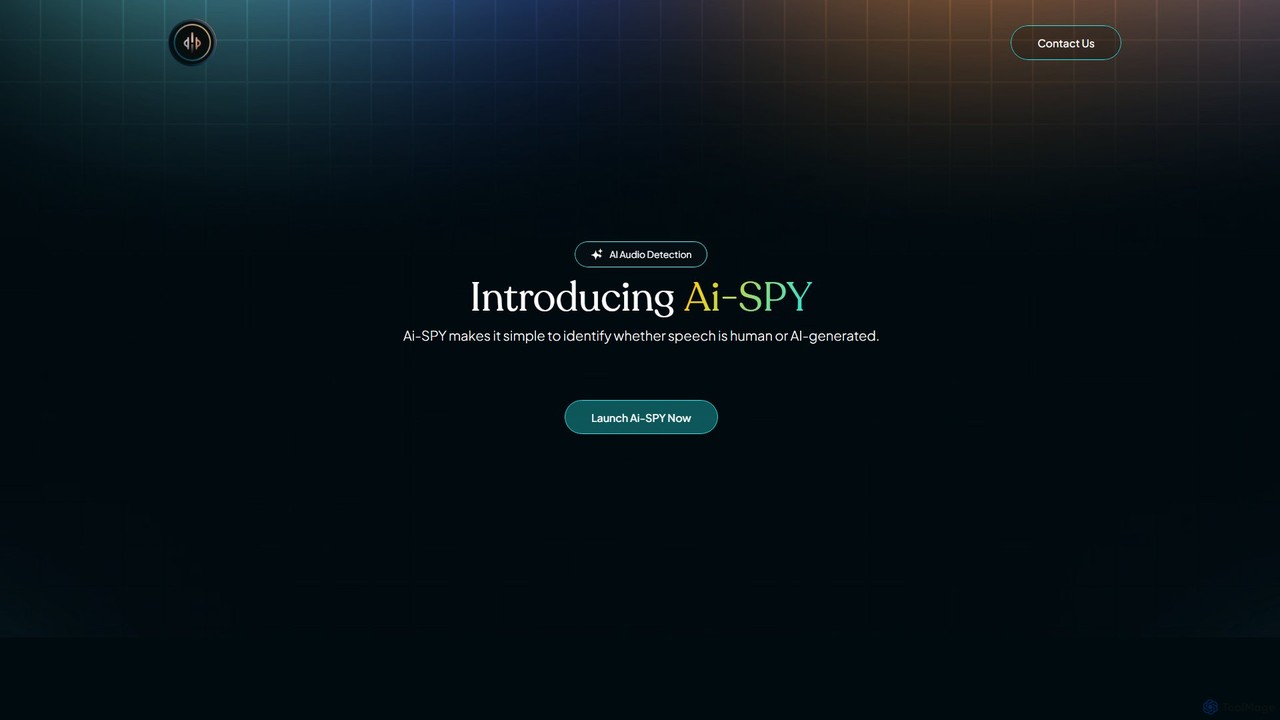
AI-Spy is an advanced AI audio detection tool designed to determine if speech is human-generated or created by AI. By uploading an audio file (MP3, WAV) or providing a link, users receive instant analysis and an authenticity score. It's ideal for content creators, journalists, and enterprises needing to verify audio authenticity. The platform offers detailed reports, API access for integration, and a mobile app for on-the-go detection, ensuring you can listen with confidence and combat audio deepfakes.

Detection
Visits 6.2KFavorites 129Likes 122

About Detection

AI Audio Detection tools are a class of software that uses artificial intelligence to automatically identify and classify specific sounds or acoustic events within audio data. These tools leverage machine learning models trained on vast sound datasets to recognize patterns like human speech, music, specific noises such as alarms or glass breaking, and even emotional tones. Their primary value lies in transforming unstructured audio streams into structured, actionable information for applications in security, content moderation, and smart device automation. This technology enables systems to listen and react to their acoustic environment intelligently.

Core Features

  • Sound Event Detection: Identifies specific non-speech sounds like sirens, gunshots, crying, or alarms in real-time or from recordings.
  • Speech Activity Detection (VAD): Distinguishes between human speech and non-speech segments such as silence or background noise.
  • Music Detection: Accurately identifies and segments portions of an audio file that contain music.
  • Speaker Diarization: Determines 'who spoke when' by segmenting audio and clustering it by individual speaker identity.
  • Acoustic Scene Classification: Classifies the environment in which the audio was recorded, such as 'office', 'street', or 'restaurant'.

Use Cases

These tools are widely used in media and entertainment for automatic content tagging and royalty tracking. In the security sector, they power surveillance systems to detect suspicious sounds. Smart home devices use them for voice activation and responding to environmental cues like a smoke alarm. Call centers also apply this technology for quality assurance, analyzing customer sentiment and agent performance from vocal tones.

How to Choose

When selecting an AI Audio Detection tool, consider the specific sounds you need to identify and the required accuracy. Evaluate whether you need real-time processing for live streams or batch processing for files. Assess the ease of integration through its API and the level of customization available for training the model on unique sounds. Finally, consider the processing speed and scalability to ensure it meets your operational demands.

Detection use cases

1

Automated Content Moderation for Audio Platforms

Social media platforms and user-generated content sites face the challenge of moderating vast amounts of audio content. An operations team can use an AI Audio Detection tool to automatically scan all uploaded audio files. The tool is configured to detect specific sound events like hate speech patterns, explicit language, or sounds associated with violence. When a prohibited sound is detected, the system automatically flags the content and places it in a queue for human review, significantly reducing moderator workload and enabling faster response to policy violations.

2

Smart Security System Event Alerts

A homeowner installs a smart security system with audio detection capabilities. The system's AI is trained to recognize critical sound events. If a window breaks, the system detects the specific sound of 'glass breaking' and immediately sends a high-priority alert to the homeowner's phone, along with a short audio clip. Similarly, it can detect the sound of a smoke alarm and trigger a different alert. This allows for a faster, more informed response to potential emergencies, even when the owner is away from home, providing an extra layer of security beyond simple motion detection.

3

Analyzing Customer Calls for Quality Assurance

A call center manager wants to improve service quality without listening to thousands of hours of calls. They implement an AI Audio Detection tool to analyze all recorded calls. The tool uses speaker diarization to separate agent and customer speech. It then detects long periods of silence, which might indicate an unresolved issue, and analyzes vocal tones for signs of customer frustration or satisfaction. The manager receives a daily dashboard highlighting calls with negative sentiment or unusual patterns, allowing them to focus their coaching efforts on specific agents and situations that need improvement.

4

Indexing Media Archives for Easy Search

A large broadcast company has decades of audio and video archives that are difficult to search. A media asset manager uses an AI Audio Detection tool to process the entire archive. The tool automatically generates metadata by detecting and timestamping key events: it identifies all segments containing music, separates different speakers in interviews using diarization, and flags periods of silence or poor audio quality. This structured data makes the archive fully searchable. A producer can now instantly find all interview clips with a specific person or locate royalty-free music segments, saving hundreds of hours of manual logging.

5

Ecological Monitoring of Wildlife Sounds

Researchers studying biodiversity in a remote rainforest deploy a network of autonomous audio recorders. Manually analyzing this massive amount of audio data is impractical. They use an AI Audio Detection tool trained to recognize the calls of specific bird and primate species. The system processes the recordings, automatically identifying and counting the occurrences of each target species' call. This provides the researchers with valuable data on species population, distribution, and daily activity patterns, enabling large-scale ecological studies that were previously impossible.

6

Enhancing Meeting Transcription Accuracy

A company providing automated transcription services wants to improve the readability of its meeting transcripts. They integrate an AI Audio Detection tool into their workflow. Before transcription, the tool's speaker diarization feature analyzes the meeting audio to identify each participant and segment the conversation by speaker. The output is a timeline showing 'Speaker A spoke from 00:10 to 00:25,' 'Speaker B spoke from 00:26 to 00:45,' etc. This information is then used to label the final transcript, clearly attributing each line of text to the correct person. This makes the transcript significantly more useful for review and record-keeping.

Detection FAQ

What are AI Audio Detection tools?

AI Audio Detection tools are software applications that use machine learning to analyze audio signals and identify specific sounds. Unlike tools that convert speech to text, their main purpose is to classify what is heard, such as identifying music, differentiating between speakers, or detecting specific events like a dog barking or an alarm. They transform raw audio into structured data, enabling automated actions based on sound.

How to choose the right AI Audio Detection tool?

Choosing the right tool depends on your specific needs. Consider the following factors:

  • Scope of Detection: Does the tool support the specific sounds you need to identify (e.g., glass break, specific animal calls, music genres)?
  • Performance: Evaluate its accuracy, speed (latency), and whether it supports real-time streaming or only batch file processing.
  • Customization: Can you train the model with your own data to detect unique or custom sounds?
  • Integration: Check for a well-documented API and SDKs that fit your existing technology stack for easy implementation.
What's the difference between Audio Detection and Speech-to-Text?

The key difference lies in their output and purpose. Speech-to-Text (STT) tools focus on transcribing the spoken words in audio into written text. Their goal is to capture the content of the speech. In contrast, Audio Detection tools classify the nature of the sound itself. Their output is a label, such as 'music', 'speech', 'siren', or 'Speaker A'. While an STT tool tells you what was said, an Audio Detection tool tells you what kind of sound it was or who was speaking.

Can these tools detect emotions from voice?

Yes, a specialized application of AI Audio Detection is Voice Emotion Recognition (VER). These systems analyze acoustic features of speech such as pitch, tone, jitter, and speech rate to infer the emotional state of the speaker (e.g., happy, sad, angry, neutral). This capability is particularly useful in customer service analysis, mental health monitoring, and creating more responsive user interfaces. However, the accuracy can vary depending on the complexity of emotions and cultural nuances in vocal expression.

What is speaker diarization?

Speaker diarization is a specific function within audio detection that answers the question, 'who spoke when?'. It processes an audio recording with multiple speakers and automatically segments it, assigning each segment to a specific speaker (e.g., Speaker A, Speaker B). It does not identify the speakers by name but distinguishes them from one another. This is crucial for creating accurate transcripts of meetings, interviews, and calls, as it allows text to be correctly attributed to each participant.