ToolMage
Sign in

Best 1 Music Video AI tools for Audio

Popular Music Video AI tools in Audio include Imagineapp, helping you work more efficiently.

Imagineapp
Freemium

Imagineapp

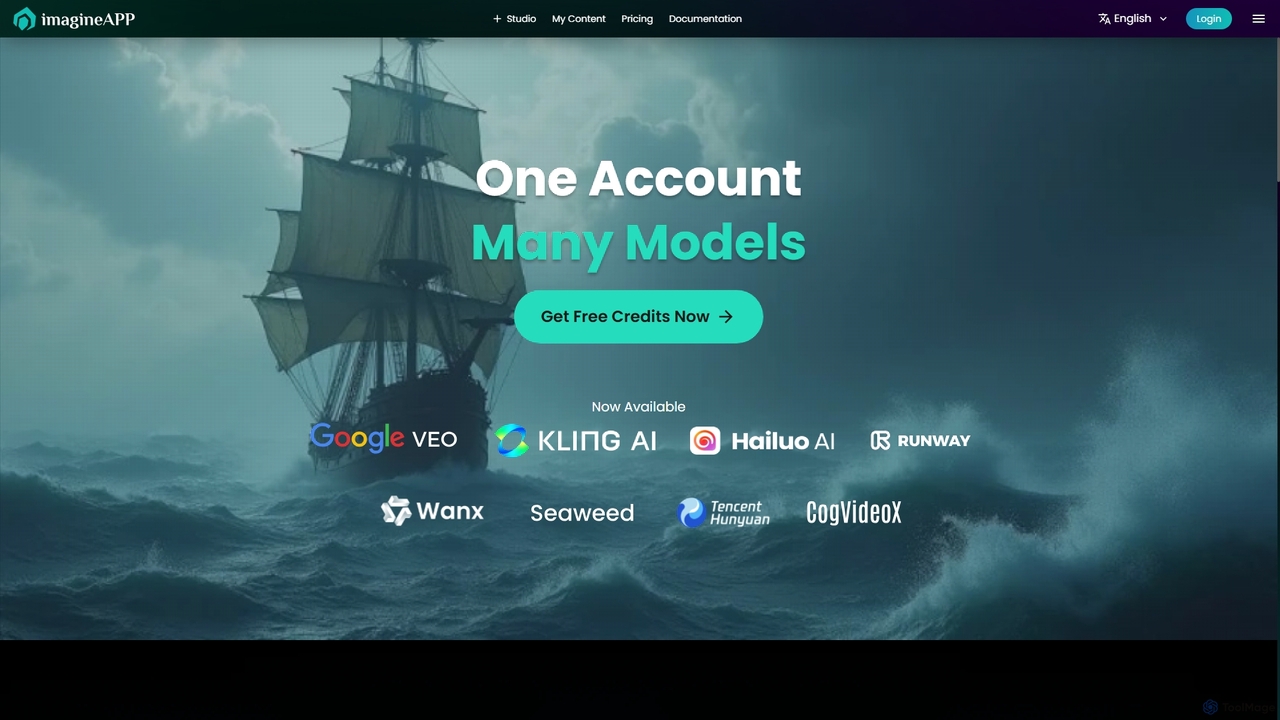
Imagineapp is a powerful AI video generation platform that transforms text and images into stunning videos. It specializes in creating high-quality music videos, social media content, and marketing materials in minutes. With over 30 artistic styles and multiple AI models, it empowers creators, musicians, and marketers to produce visually compelling content without complex software or large budgets.

Image Animation
Visits 11.2KFavorites 129Likes 134

About Music Video

AI Music Video tools are a specialized category of AI video generators designed to create or enhance visual content that is synchronized with an audio track. These tools utilize algorithms to analyze musical elements like tempo, rhythm, and mood, automatically generating visuals that react to the music. They empower artists and creators to produce engaging music videos, lyric videos, and audio visualizers without extensive video production skills or budgets. This technology bridges the gap between audio creation and visual storytelling, making professional-grade video content more accessible.

Core Features

  • Audio-Reactive Visualization: Generates visual effects, patterns, and animations that dynamically change in sync with the music's beat, frequency, and volume.
  • Lyric-to-Video Synchronization: Automatically creates animated text or scenes based on the song's lyrics, ensuring perfect timing and visual coherence.
  • Style Transfer & Theming: Applies specific artistic styles (e.g., anime, fantasy, abstract) to footage or generated scenes to match the song's genre and mood.
  • Scene Generation from Prompts: Creates video clips and sequences from textual descriptions, allowing creators to build a narrative that aligns with the song's theme.
  • Character Animation: Animates 2D or 3D characters that can lip-sync to the lyrics or move in time with the music.

Use Cases

These tools are ideal for independent musicians, record labels, and social media managers looking to create promotional content efficiently. They are used to produce official music videos for platforms like YouTube, short-form vertical videos for TikTok and Instagram Reels, and dynamic audio visualizers for podcasts or DJ mixes. Marketing teams also leverage them to create a high volume of visual content for advertising campaigns.

How to Choose

When selecting an AI Music Video tool, consider the quality and diversity of visual styles offered. Evaluate the precision of its audio analysis and synchronization capabilities. Check for customization options, such as the ability to upload your own assets or fine-tune generated scenes. Also, consider the supported export resolutions, aspect ratios (e.g., 16:9, 9:16), and the platform's pricing model based on video length or generation credits.

Music Video use cases

1

Music Video for an Independent Artist

An independent musician has just finished recording a new single but has a limited budget for a music video. They use an AI Music Video tool by uploading their audio track and selecting a 'dreamy, ethereal' visual style. The AI analyzes the song's structure, identifying verses, choruses, and the instrumental bridge. It then generates a series of flowing, abstract visual sequences that pulse and change color with the beat, creating a professional-looking video ready for YouTube and social media promotion in a matter of hours, not weeks.

2

Automated Lyric Video Production

A content creator who manages a popular music channel needs to produce high-quality lyric videos quickly. Instead of manually animating text in software like After Effects, they use an AI tool. They upload the audio file and the corresponding .srt or text file with lyrics. The AI automatically syncs each line of text to the vocals, applies dynamic text animations that match the song's energy, and generates a complementary animated background. This reduces production time for a single video from a full day to under 30 minutes.

3

Dynamic Audio Visualizers for DJ Mixes

A DJ wants to upload their latest one-hour mix to YouTube, but a static image is not engaging. They use an AI Music Video tool to create an audio visualizer. The tool analyzes the entire mix, detecting changes in BPM, bass drops, and breakdowns. It generates a captivating visual journey with geometric patterns that expand and contract with the bassline, and colors that shift based on the track's frequency spectrum. The final video keeps listeners visually engaged throughout the long-form audio content.

4

Batch Creation of Social Media Promo Clips

A record label's marketing team needs to promote a new album across TikTok, Instagram Reels, and YouTube Shorts. They need dozens of unique 15-30 second video clips. Using an AI tool, they upload the main single and provide several visual themes (e.g., 'cyberpunk city', 'enchanted forest'). The AI generates multiple video variations for the song's catchiest hooks, each with a different visual interpretation and formatted for vertical viewing. This allows the team to A/B test different visual styles and post fresh content daily without a large production crew.

5

Conceptual Visuals for Music Production

A music producer is working on an instrumental track and wants to define its visual identity early in the creative process. They upload the track to an AI Music Video tool and enter prompts like 'melancholic journey through a rainy city at night'. The AI generates a short concept video that translates the music's mood into visuals. This video serves as a dynamic mood board, helping the producer and potential collaborators (like directors or other artists) align on a creative direction long before committing to a full-scale video shoot.

6

Animated Visuals for Live Performances

A VJ (Video Jockey) for a live electronic music act needs a library of unique, beat-synced visual loops for an upcoming tour. Instead of spending weeks creating them from scratch, they use an AI tool. For each track in the setlist, they generate a series of looping video clips with distinct color palettes and motion patterns that are perfectly synced to the track's BPM. This provides a vast and cohesive library of custom visuals that can be mixed live during the performance, enhancing the audience's sensory experience.

Music Video FAQ

What are AI Music Video tools?

AI Music Video tools are specialized software that use artificial intelligence to automatically generate or enhance video content synchronized to music. Unlike general video editors, they are built with algorithms that analyze audio for elements like beat, tempo, mood, and lyrics. Based on this analysis, they create dynamic visuals, animations, or effects that directly correspond to the music, enabling creators to produce engaging music videos and visualizers with minimal manual effort.

How do AI Music Video generators differ from general AI Video generators?

The primary difference lies in their core functionality. General AI video generators create video from text prompts or images, focusing on narrative or visual composition. AI Music Video generators are audio-centric. Their key feature is the ability to deeply analyze an audio file and use that data (beat, rhythm, frequency) to drive the visual generation process. This results in videos that are inherently synchronized and reactive to the music, a feature not typically central to general-purpose video generators.

How should I choose the right AI Music Video tool?

To choose the right tool, consider these factors:

  • Visual Style: Does the tool offer a range of visual styles (e.g., abstract, cartoon, realistic) that match your artistic vision?
  • Audio Analysis: How accurately does it sync visuals to the beat and mood of your music? Some tools offer more granular control than others.
  • Customization: Can you upload your own images or video clips? Can you adjust colors, effects, and scene transitions?
  • Ease of Use: Is the interface intuitive for your skill level? Some tools are one-click solutions, while others offer more complex timelines and controls.
  • Export Options: Check for supported resolutions (HD, 4K) and aspect ratios (16:9 for YouTube, 9:16 for TikTok) to ensure it meets your distribution needs.
Can I use my own footage or images in an AI Music Video?

Many advanced AI Music Video tools allow you to incorporate your own media. This feature, often called 'video-to-video' or 'image-to-video', lets you upload your own video clips or still images. The AI can then apply stylistic effects to your footage, animate your images in time with the music, or use them as a basis for generating new, related scenes. This is a powerful way to combine the efficiency of AI with your unique creative assets for a more personalized result.

Who are AI Music Video tools best for?

These tools are particularly valuable for:

  • Independent Musicians & Bands: To create professional-looking videos on a tight budget, helping them promote their music on platforms like YouTube and Spotify.
  • Social Media Managers & Marketers: To quickly generate a high volume of short, engaging video clips for promotional campaigns on TikTok, Instagram, and other platforms.
  • DJs and Producers: To create dynamic audio visualizers for their mixes and tracks, making their audio-only content more suitable for video platforms.
  • Content Creators: To efficiently produce lyric videos or other music-related content for their channels without needing advanced video editing skills.