ToolMage
Sign in

Best 2 Music Visualization AI tools for Audio

Popular Music Visualization AI tools in Audio include neuralframes and Kaiber, helping you work more efficiently.

neuralframes
Freemium

neuralframes

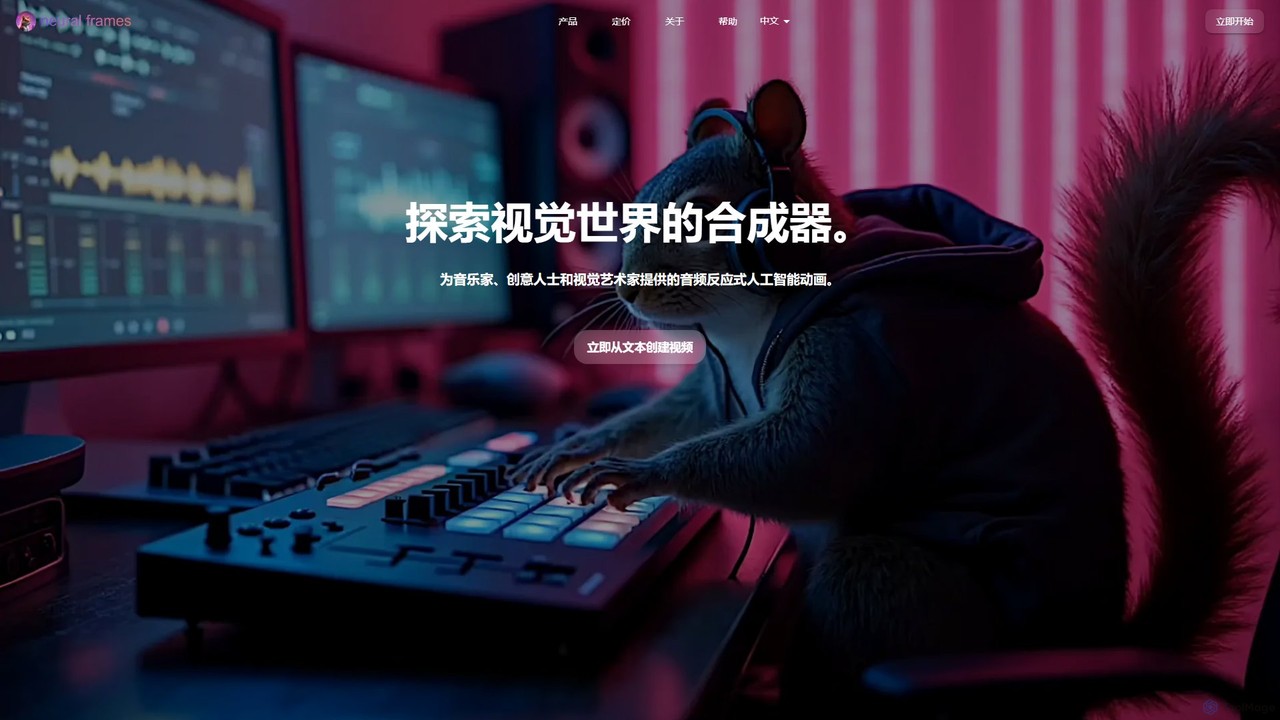
A powerful AI animation generator for musicians and creators. It transforms audio into stunning, reactive music videos using text prompts and an automated "Autopilot" feature. Create unique visuals, from lyric videos to psychedelic animations, in minutes, with up to 4K resolution and full creative control.

Animation
Visits 448.4KFavorites 117Likes 115
Kaiber
Freemium

Kaiber

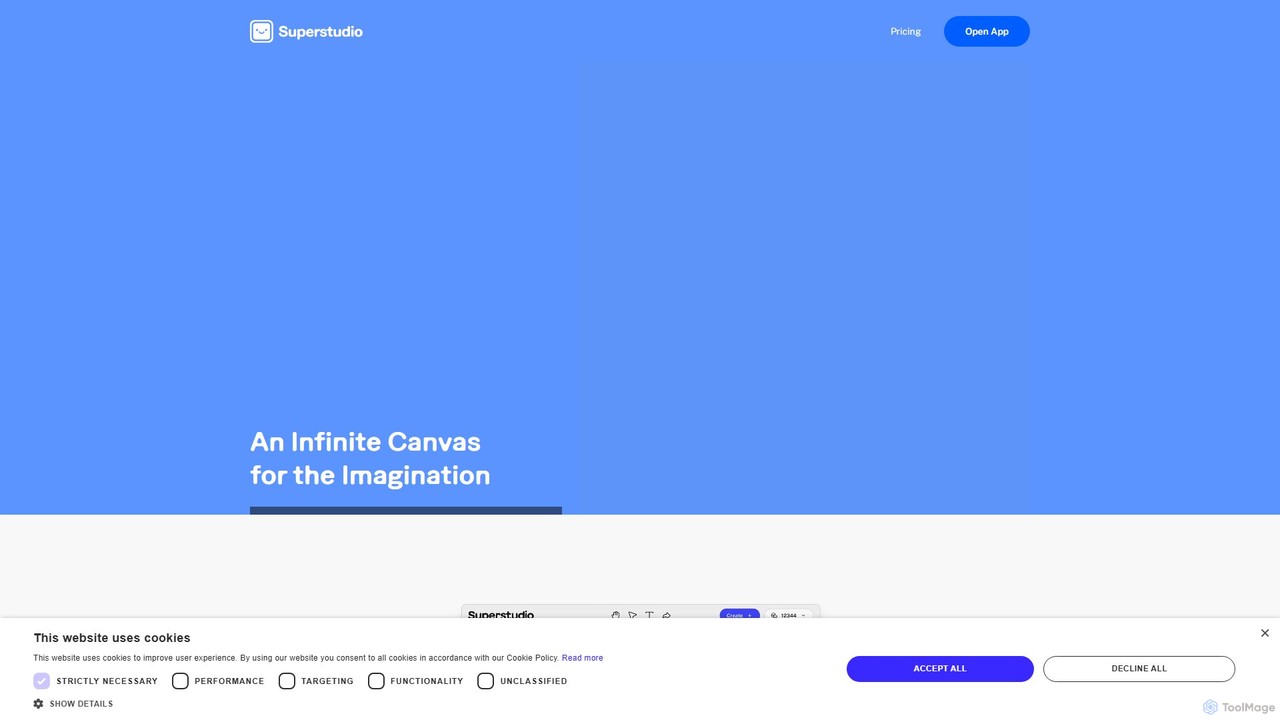
Kaiber is a powerful AI creative suite for artists, musicians, and designers. Its Superstudio provides a unified canvas to generate and edit stunning videos, images, and audio-reactive visuals. Train custom AI models to match your unique style, create animations, restyle graphics, and bring your imaginative concepts to life with an intuitive, all-in-one interface.

Image Generation
Visits 302.8KFavorites 156Likes 153

About Music Visualization

Music Visualization tools are AI-powered applications that transform audio data into dynamic, synchronized visual representations. These tools analyze various aspects of music, such as rhythm, tempo, frequency, and amplitude, to generate captivating graphics, animations, and effects. They enhance the listening experience by providing a visual dimension to sound, making abstract audio concepts tangible and engaging. This specialized category within audio tools offers a unique blend of artistic expression and technical analysis.

Core Features

  • Real-time Analysis: Processes audio input instantly to generate visuals that react live to changes in music.
  • Customizable Templates: Offers a library of pre-designed visual themes and effects that users can modify and adapt.
  • Parameter Control: Allows fine-tuning of visual elements like color, shape, motion, and intensity based on specific audio properties.
  • Export Options: Supports exporting visualizations in various video formats (e.g., MP4, GIF) for sharing and integration into projects.
  • Audio Reactivity Mapping: Maps specific audio frequencies, beats, or volume levels to distinct visual behaviors, creating intricate patterns.

Use Cases

Music visualization finds applications in diverse fields, from live entertainment to digital content creation and personal enjoyment. DJs and VJs utilize these tools for dynamic stage backdrops, while YouTubers and podcasters employ them for engaging music videos and episode intros. Individuals also use them for immersive listening experiences.

How to Choose

When selecting a music visualization tool, consider the range and quality of visual effects, real-time processing capabilities, and ease of customization. Evaluate the supported audio input formats, export options, and the tool's ability to integrate with existing software or hardware. Also, check for the availability of pre-built templates and the level of parameter control offered to match your creative needs.

Featured tool rankings

Music Visualization use cases

1

Creating Engaging Music Videos

Independent musicians and content creators utilize music visualization tools to generate dynamic and visually appealing backdrops for their audio tracks. By simply uploading their music, they can produce captivating visuals that synchronize with the beat and melody, eliminating the need for complex and costly video production, thereby making their content more professional and engaging for platforms like YouTube.

2

Enhancing Live DJ Performances

DJs and VJs integrate real-time music visualization software into their live sets to create immersive and energetic atmospheres. The tools process the live audio feed, projecting synchronized graphics, light shows, and animations onto screens or stage elements, transforming a simple performance into a multi-sensory experience that captivates the audience.

3

Producing Podcast Intros/Outros

Podcasters utilize music visualization tools to add a professional and captivating visual element to the beginning and end of their audio episodes. By converting their intro/outro music into dynamic visualizers, they can make their content more distinctive and engaging when shared on video platforms like YouTube or social media, increasing brand recognition and listener retention.

4

Developing Interactive Art Installations

Digital artists and experience designers employ music visualization to create responsive art pieces where sound directly influences visual patterns. These installations can range from gallery exhibits to public space displays, offering unique interactive experiences where the audience's auditory input or ambient sounds shape the evolving visual landscape, fostering deeper engagement.

5

Visualizing Audio for Educational Content

Educators and sound engineers use music visualization tools to demonstrate abstract audio concepts in an understandable visual format. By showing how sound waves, frequencies, and musical structures manifest visually, they can help students grasp complex topics like acoustics, music theory, or audio engineering principles more effectively, making learning more engaging and intuitive.

6

Personalized Immersive Listening Experiences

Individuals use music visualization apps and software to transform their favorite songs into personal light shows or dynamic screen savers. This allows for a new dimension of private listening sessions, where the visual feedback enhances emotional connection to the music, creating a more immersive and engaging auditory journey tailored to personal preferences.

Music Visualization FAQ

What are Music Visualization tools?

Music Visualization tools are AI-powered applications that convert audio signals into dynamic visual graphics and animations. They analyze elements like rhythm, pitch, and volume to create visuals that react in real-time, enhancing the auditory experience with a synchronized visual component. These tools are distinct from general video editors as their primary function is to generate visuals directly from sound data.

How do Music Visualization tools work?

These tools typically use advanced algorithms to analyze incoming audio data, extracting features such as frequency spectrum, beat detection, amplitude changes, and rhythmic patterns. This processed data is then mapped to various visual parameters like color, shape, size, motion, and particle effects. The algorithms ensure that the generated graphics dynamically respond to the music, creating a synchronized and immersive visual experience.

What's the difference between Music Visualization and general Video Editing software?

Music Visualization tools are specifically designed to generate visuals *from* audio, focusing on real-time reactivity and abstract representations driven by sound data. General video editing software, while capable of adding effects, primarily focuses on manipulating pre-existing video footage and requires manual synchronization. Visualization tools offer inherent audio-driven dynamism, whereas video editors offer broader control over visual storytelling with pre-recorded media.

Who can benefit from using Music Visualization tools?

A wide range of users can benefit from music visualization tools. This includes musicians, DJs, and VJs looking to enhance live performances or create engaging content. Content creators like YouTubers and podcasters can use them for intros/outros and music videos. Digital artists can develop interactive installations, while educators can visualize abstract audio concepts. Even individuals seeking a more immersive personal listening experience will find value in these tools.

What should I look for when choosing a Music Visualization tool?

When selecting a music visualization tool, prioritize the variety and quality of visual effects, ensuring they align with your aesthetic preferences. Evaluate its real-time performance capabilities, especially for live applications, and the ease of customization for templates and parameters. Check for supported audio input types (e.g., live mic, audio files) and export formats. Finally, consider its integration with other software and the overall user-friendliness to match your technical skill level.