Rtrvr
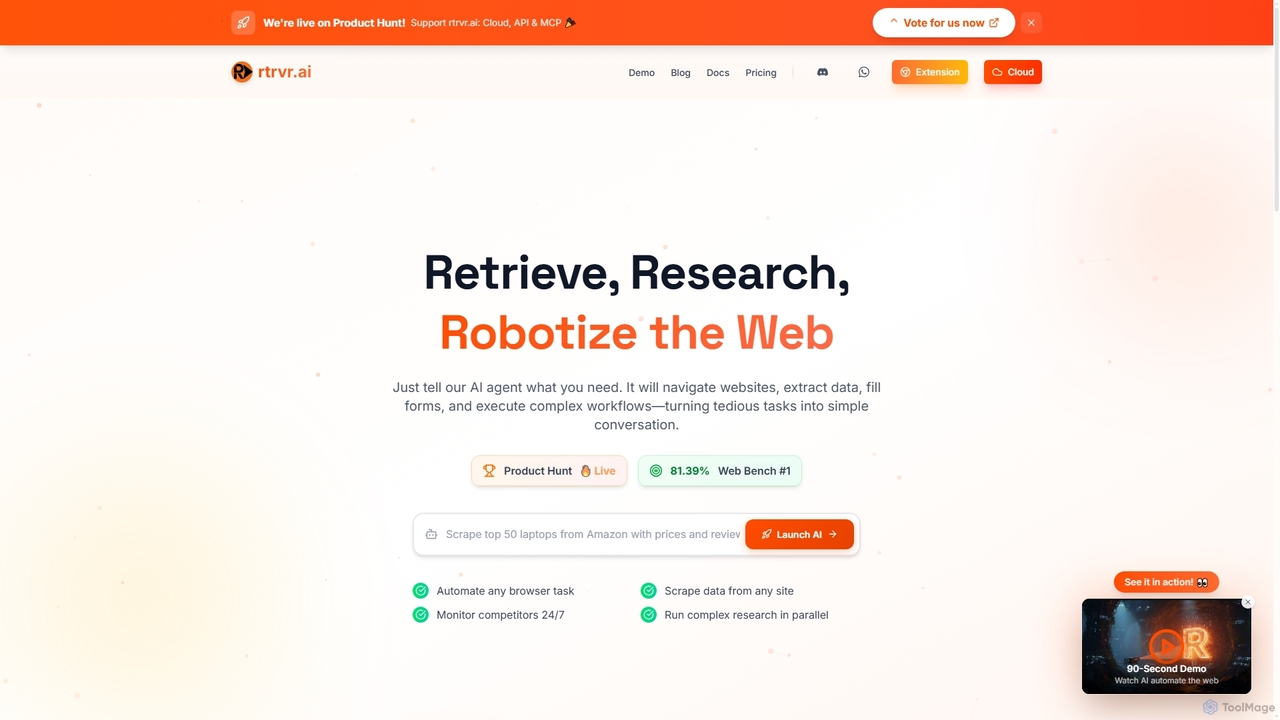
Rtrvr is an advanced AI agent designed to automate complex web tasks using natural language. It navigates websites, extracts data, fills forms, and executes workflows, transforming tedious operations into simple conversations.
Web AutomationPopular Web Automation AI tools in Automation include Rtrvr and AI Orbis, helping you work more efficiently.

Rtrvr is an advanced AI agent designed to automate complex web tasks using natural language. It navigates websites, extracts data, fills forms, and executes workflows, transforming tedious operations into simple conversations.
Web AutomationWeb Automation tools are a specialized category of software designed to mimic human interactions within a web browser. They operate by identifying elements on a webpage—such as buttons, forms, and text—to perform actions like clicking, typing, and data extraction without manual intervention. This enables the automation of repetitive online tasks, from data collection to testing web applications, significantly boosting productivity. These tools often feature visual, no-code interfaces, making complex web-based workflows accessible to non-developers.
Web Automation is widely used in e-commerce for price monitoring, marketing for lead generation from social media, and data analysis for gathering public datasets. Recruiters use it to source candidate profiles, while QA teams automate regression testing for web applications.
When selecting a tool, consider its ease of use (no-code vs. low-code), its ability to handle dynamic JavaScript-heavy websites, and its scalability for large-volume tasks. Also, evaluate its integration capabilities with other software and review its pricing model, which may be based on execution time or task volume.

E-commerce managers can deploy a web automation bot to visit competitor websites daily. The bot navigates to specific product pages, extracts the current price, stock status, and promotional details, and saves the data into a Google Sheet or database. This provides real-time market intelligence, allowing for dynamic pricing strategies and competitive positioning without hours of manual data entry. The process can be scheduled to run overnight, ensuring fresh data is available each morning.
Marketing teams can automate the process of finding potential leads on platforms like LinkedIn or Twitter. A bot can be configured to search for profiles based on specific criteria (e.g., job title, industry), visit their profiles, and extract publicly available contact information like names and company websites. This collected data can then be automatically fed into a CRM system, creating a consistent pipeline of qualified leads for the sales team to engage.
Real estate agents or data analysts can use web automation to scrape data from multiple property listing websites. The tool can filter listings by location, price range, and property type, then extract key details such as address, price, square footage, and agent contact information. This aggregated data can be used to create a comprehensive market analysis report or to build a custom database of available properties, saving significant research time.
Quality Assurance (QA) engineers can create automated test scripts for web applications. The tool can simulate a user journey, such as signing up, logging in, adding items to a cart, and completing a checkout. It verifies that each step functions correctly and flags any errors or broken elements. This allows for rapid and repeatable regression testing after every new code deployment, ensuring application stability and a smooth user experience.
Researchers and data scientists can gather large-scale datasets from public sources like government portals, forums, or online archives. For example, a bot could be programmed to browse through thousands of historical weather records or public opinion forum posts, extracting relevant text and metadata for sentiment analysis or statistical modeling. This automates a crucial but time-consuming part of the research data collection process.
HR professionals and recruiters can automate the initial stages of talent sourcing. A web automation tool can scan job boards or professional networks for profiles that match specific keywords and experience requirements. It can extract candidate names, current roles, and links to their profiles, compiling a preliminary list for manual review. This frees up recruiters from repetitive searching and allows them to focus on engaging with the most promising candidates.
Web Automation refers to using software to execute tasks within a web browser that are normally performed by humans. These tools, often called bots, can navigate websites, click links, fill forms, and extract data automatically. They are primarily used to automate repetitive, high-volume online activities, saving time and reducing manual errors.
To choose the right tool, consider four key factors:
Web Automation simulates a human user interacting with a website's graphical user interface (GUI), like clicking buttons and reading text on the screen. API Automation, on the other hand, interacts directly with a service's Application Programming Interface (API), which is a structured way for programs to communicate. API automation is generally faster and more reliable, but is only possible if the target service provides a public API. Web Automation can work with any website, regardless of whether an API is available.
The legality of web scraping is complex and depends on several factors. Scraping publicly available data that is not protected by copyright or personal data regulations is generally considered legal. However, you must respect a website's `robots.txt` file and its Terms of Service. Aggressive scraping that overloads a server can be problematic. It is crucial to avoid scraping personal data without consent and to comply with regulations like GDPR and CCPA.
A wide range of professionals can benefit. Marketers use them for lead generation and social media management. E-commerce businesses use them for competitor price monitoring. Data analysts and researchers use them to collect large datasets. QA engineers use them for automated testing. Essentially, anyone who performs repetitive tasks in a web browser can leverage these tools to improve efficiency.