
Data Best in category 1 results Form Builder AI Tool

Popular AI tools in the Form Builder field of Data include Formstack, etc., helping you quickly improve efficiency.

Formstack

Formstack

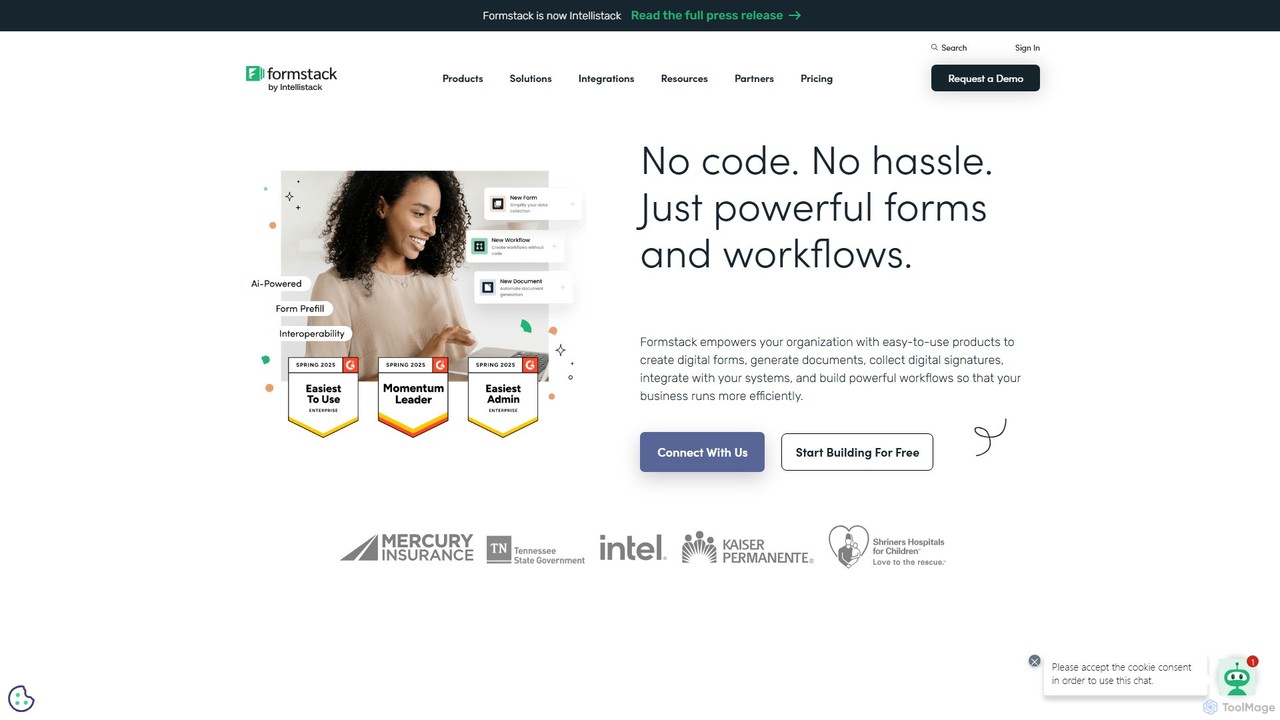
Formstack is a versatile no-code workplace productivity platform that automates data collection, document generation, and e-signatures. It empowers …

7.5M

About Form Builder

AI Form Builders are tools that use artificial intelligence to automate the creation, optimization, and analysis of online forms. They leverage natural language processing (NLP) to generate relevant questions from simple prompts and create dynamic, conversational experiences for users. This approach significantly improves data collection quality and boosts form completion rates. AI-powered analysis can also automatically summarize open-ended responses, uncovering valuable insights from qualitative data.

Core Features

  • Conversational Form Generation: Creates interactive, chat-like forms that guide users through questions in a natural way.
  • Prompt-Based Creation: Generates a complete form structure, including questions and logic, from a simple text description of your goal.
  • Dynamic Question Logic: Automatically adapts subsequent questions based on a user's previous answers for a personalized experience.
  • Automated Response Analysis: Uses AI to analyze and summarize text-based answers, identifying key themes and sentiments.

Use Cases

These tools are widely used by marketing teams for lead generation, researchers for creating complex surveys, and HR departments for employee feedback and onboarding. They are particularly effective for any scenario requiring high user engagement and the collection of nuanced, qualitative data, such as customer satisfaction surveys or product feedback forms.

How to Choose

When selecting an AI Form Builder, consider the depth of its AI capabilities—whether you need simple generation or advanced response analysis. Evaluate its integration options with your existing CRM or data tools. Also, assess the level of customization available for form design and the tool's compliance with data privacy regulations like GDPR.

Form BuilderUse Cases

1

Create Intelligent Lead Generation Forms

A marketing manager needs to increase website conversion rates. Using an AI Form Builder, they input a prompt like 'Create a form to qualify leads for our SaaS product.' The AI generates a conversational form that asks engaging questions. It uses conditional logic to dynamically ask more detailed questions to high-intent visitors, while keeping it short for others. This personalized approach increases form completion by 30% and provides the sales team with richer, pre-qualified lead data.

2

Automate Analysis of Customer Feedback

A product manager collects feedback through an open-ended survey form. Instead of manually reading hundreds of text responses, they use an AI Form Builder's analysis feature. The AI automatically categorizes responses into themes like 'feature requests,' 'UI/UX issues,' and 'pricing concerns.' It also provides a sentiment analysis summary, highlighting the most positive and negative comments. This saves the manager hours of manual work and allows them to quickly identify and prioritize key areas for product improvement.

3

Streamline Employee Onboarding Process

An HR specialist needs to collect extensive information from new hires. They create a conversational AI form that guides new employees through the process step-by-step. The form can answer common questions like 'Where do I find my employee ID?' directly within the interface. It also uses logic to show or hide sections based on the employee's role (e.g., showing different benefit options for full-time vs. part-time staff). This makes the onboarding process less intimidating and more efficient, reducing errors in data entry.

4

Conduct In-depth Market Research Surveys

A market researcher is designing a survey to understand consumer preferences for a new product. Using a prompt like 'Create a survey about coffee drinking habits,' the AI Form Builder generates a comprehensive questionnaire. It includes sections on frequency, preferred brands, and brewing methods. The researcher can then refine the questions. The form's dynamic logic ensures that only relevant follow-up questions are asked (e.g., asking about espresso machines only if the user says they own one), leading to higher quality data and a better experience for respondents.

5

Simplify Event Registration and Feedback

An event organizer uses an AI Form Builder for a conference registration. The form is conversational, making the sign-up process feel more like a friendly chat. After the event, the same tool is used to send out a feedback form. The AI analysis feature processes all open-ended comments about speakers and sessions, providing a ranked list of the most-praised and most-criticized aspects of the conference. This allows the organizer to quickly understand attendee sentiment and make data-driven improvements for the next event.

6

Create Complex Application Forms

An educational institution needs a detailed application form for admissions. Manually building this with complex conditional logic is time-consuming. With an AI Form Builder, they describe the requirements: 'Create an application form for a Master's program with sections for personal info, academic history, and essays.' The AI generates a multi-page form with the correct logic built-in (e.g., showing different essay prompts based on the chosen specialization). This reduces development time by over 70% and provides a smoother, error-free application experience for prospective students.

Form BuilderFrequently Asked Questions