Aperty
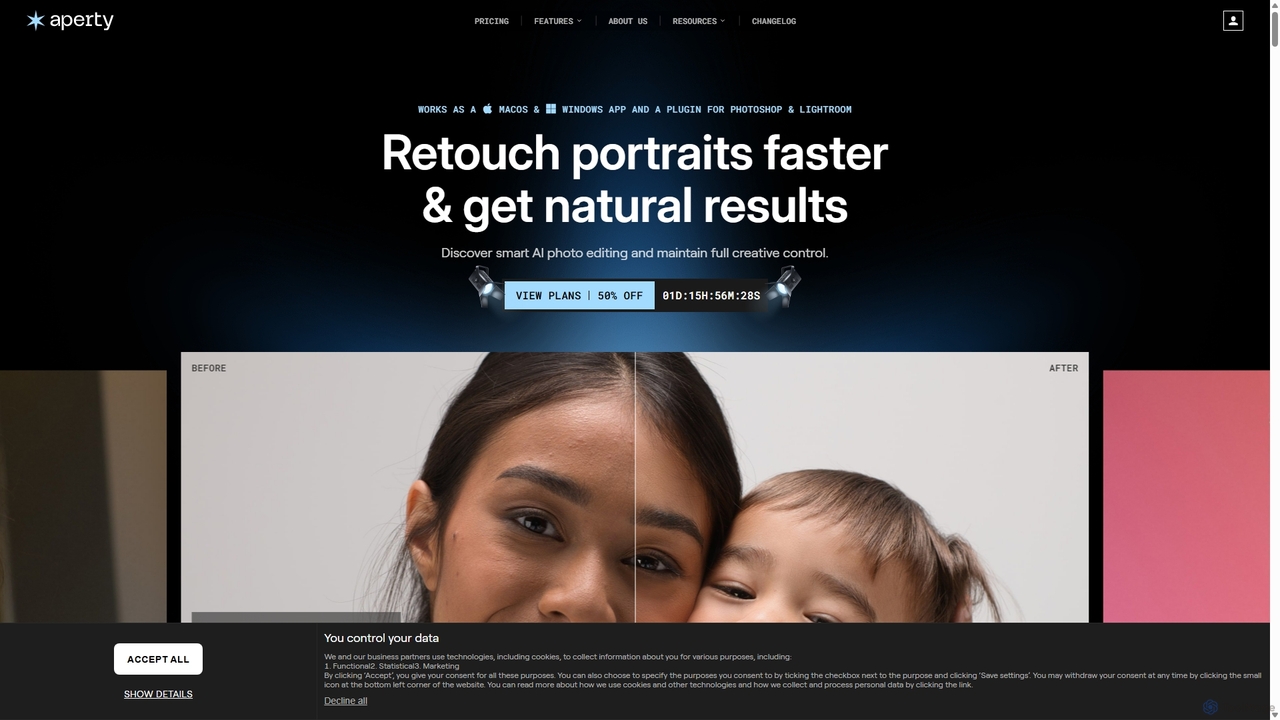
Aperty is an AI-powered portrait photo editor designed for photographers to accelerate their retouching workflow. It offers smart, …
Aperty is an AI-powered portrait photo editor designed for photographers to accelerate their retouching workflow. It offers smart, natural-looking enhancements for skin, eyes, and makeup, and functions as a standalone app for macOS/Windows or as a plugin for Photoshop and Lightroom, ensuring full creative control and efficiency.
Upscayl
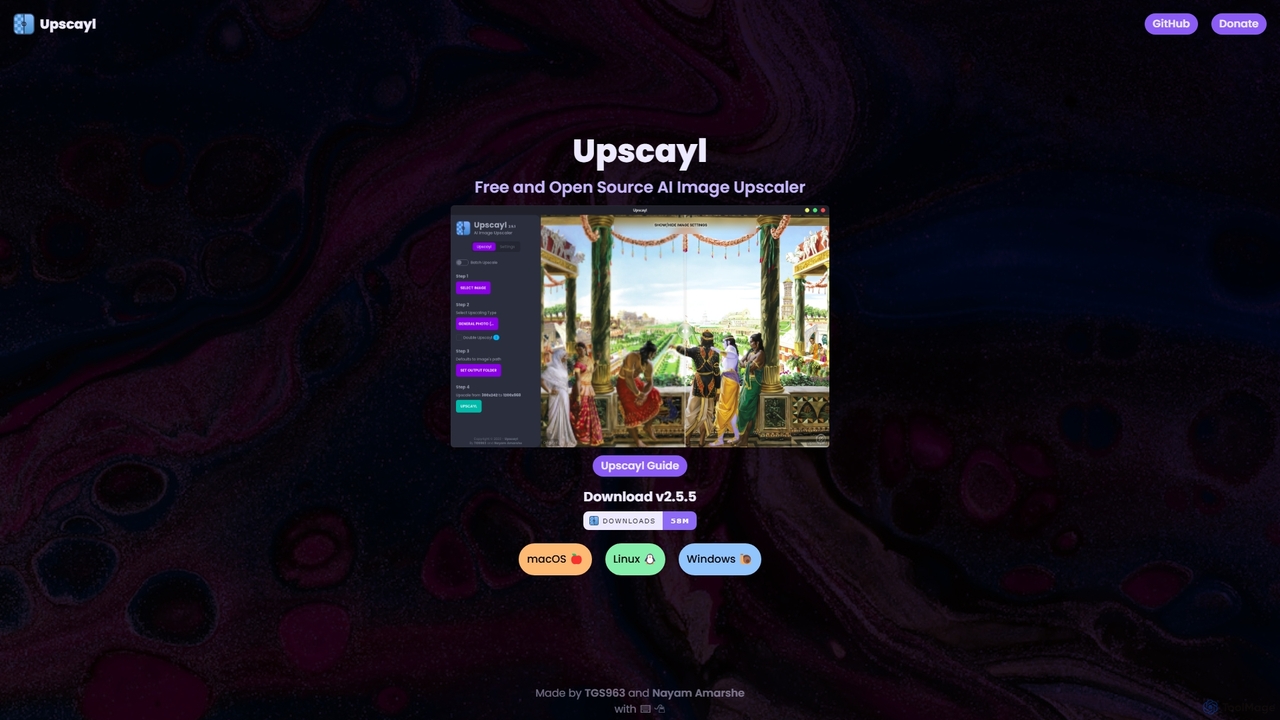
Upscayl is a free and open-source AI image upscaler for Windows, macOS, and Linux. It enhances low-resolution images …
Upscayl is a free and open-source AI image upscaler for Windows, macOS, and Linux. It enhances low-resolution images using advanced AI models, processing everything locally on your device to ensure complete privacy. Ideal for photographers, designers, and AI artists.
typeUp
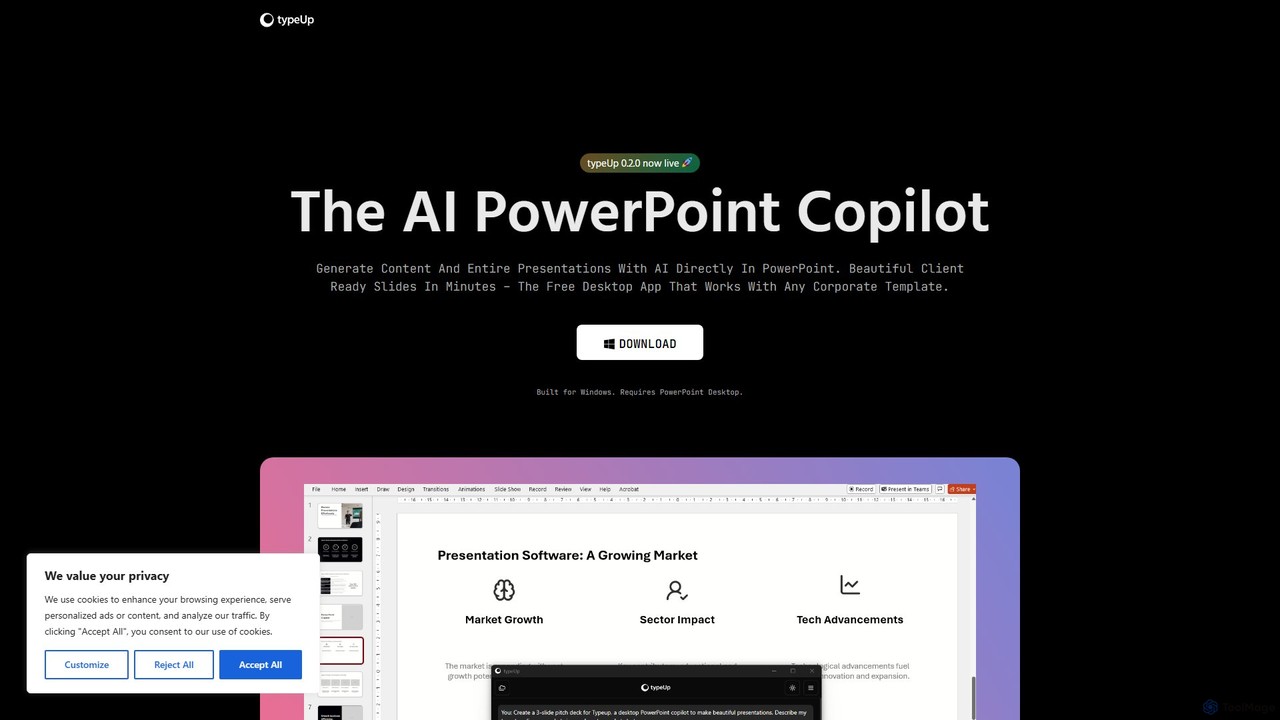
An AI-powered copilot for PowerPoint that accelerates presentation creation and formatting by 10x. It's a free Windows desktop …
An AI-powered copilot for PowerPoint that accelerates presentation creation and formatting by 10x. It's a free Windows desktop app that integrates directly with PowerPoint, allowing users to generate entire slides from prompts, access vast libraries of images, logos, and icons, and apply brand-consistent layouts instantly.
Evoto
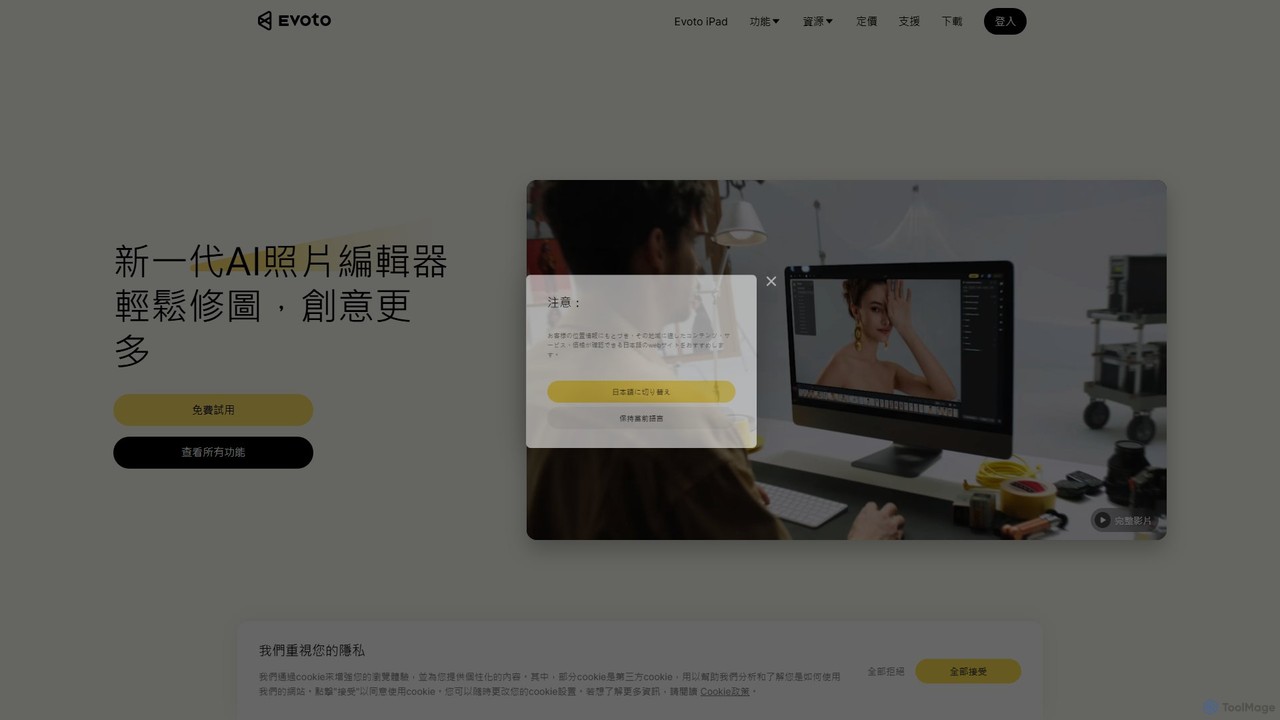
An AI-powered photo editing application designed for professional photographers. Evoto streamlines workflows with powerful tools for portrait retouching, …
An AI-powered photo editing application designed for professional photographers. Evoto streamlines workflows with powerful tools for portrait retouching, color grading, background removal, and batch processing. It delivers natural, high-quality results in a fraction of the time, boosting productivity for wedding, portrait, and studio photography.
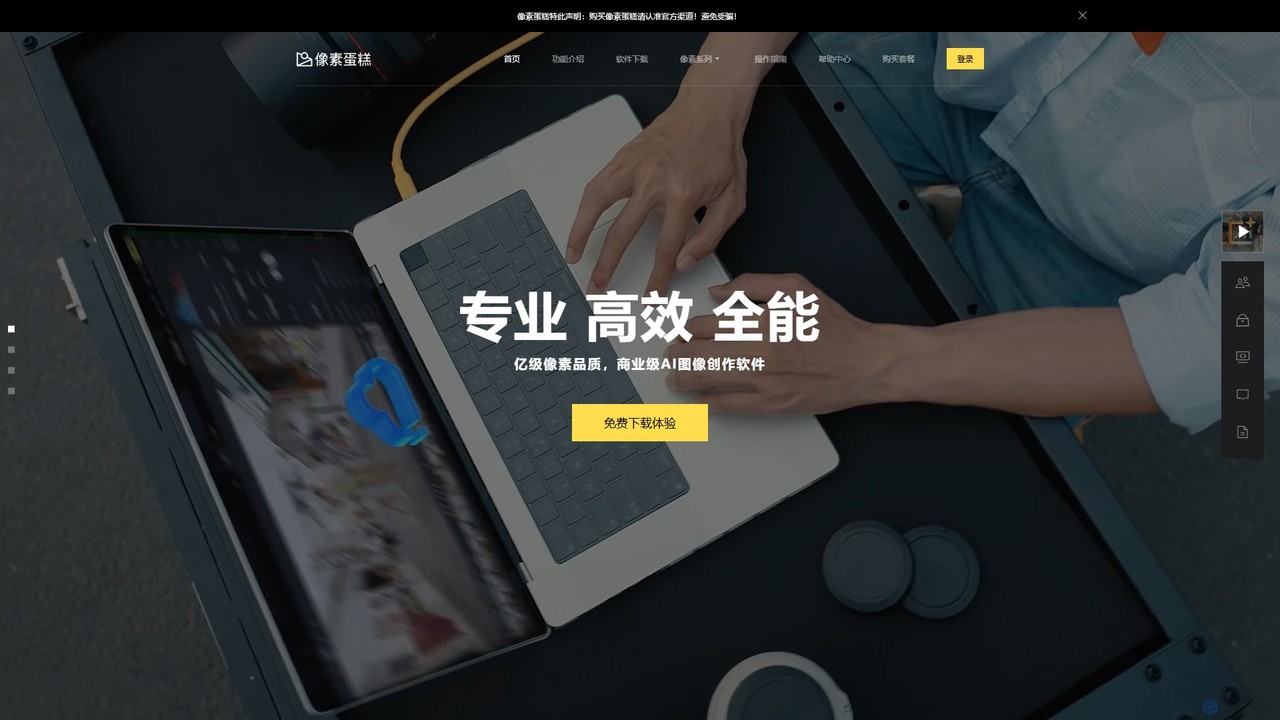
pixcakeai
pixcakeai is a commercial-grade AI photo editing software for professional photographers. It offers pixel-level retouching with a powerful …
pixcakeai is a commercial-grade AI photo editing software for professional photographers. It offers pixel-level retouching with a powerful RAW engine, 16-bit color, and advanced AI tools for portrait enhancement, object removal, and color matching, streamlining the entire photography workflow.
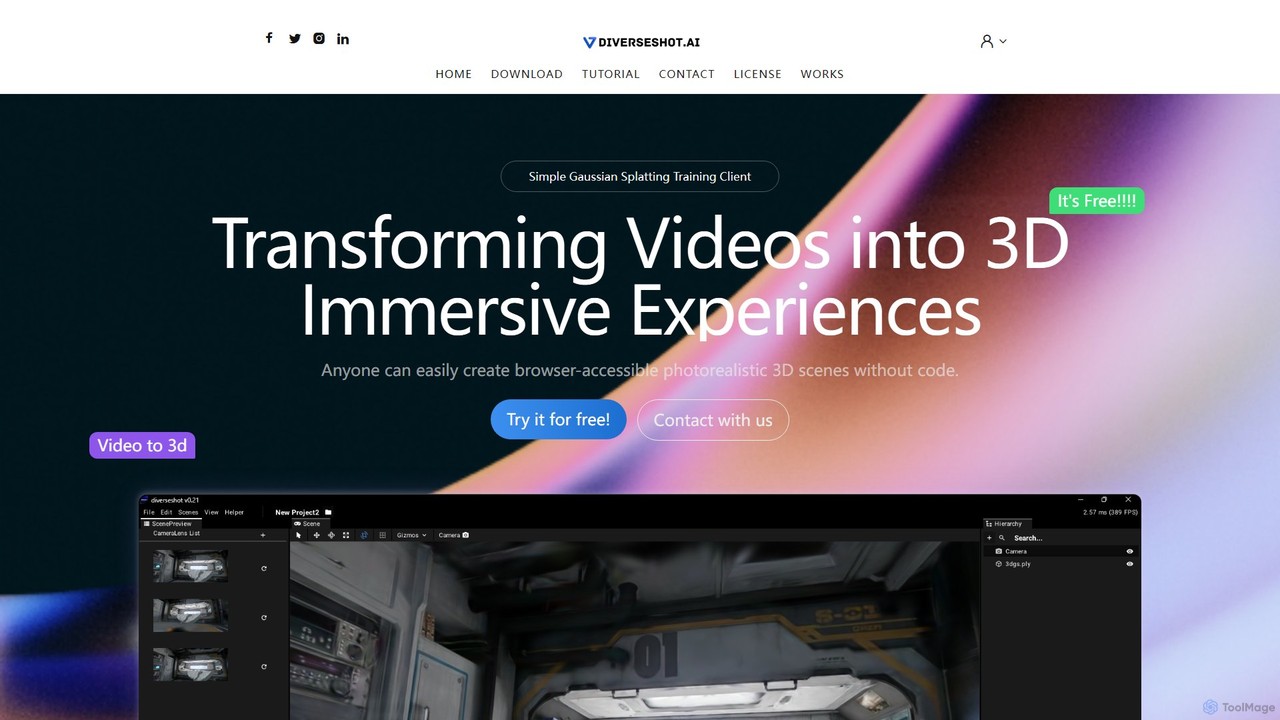
DiverseShot
DiverseShot is a free, user-friendly AI toolkit that transforms standard videos into photorealistic 3D scenes using Gaussian Splatting. …
DiverseShot is a free, user-friendly AI toolkit that transforms standard videos into photorealistic 3D scenes using Gaussian Splatting. Designed for everyone, it allows users to create immersive, browser-accessible 3D experiences without any coding. Simply capture a video, process it with the DiverseShot client, and export a .ply file for use in popular 3D platforms like Spline.
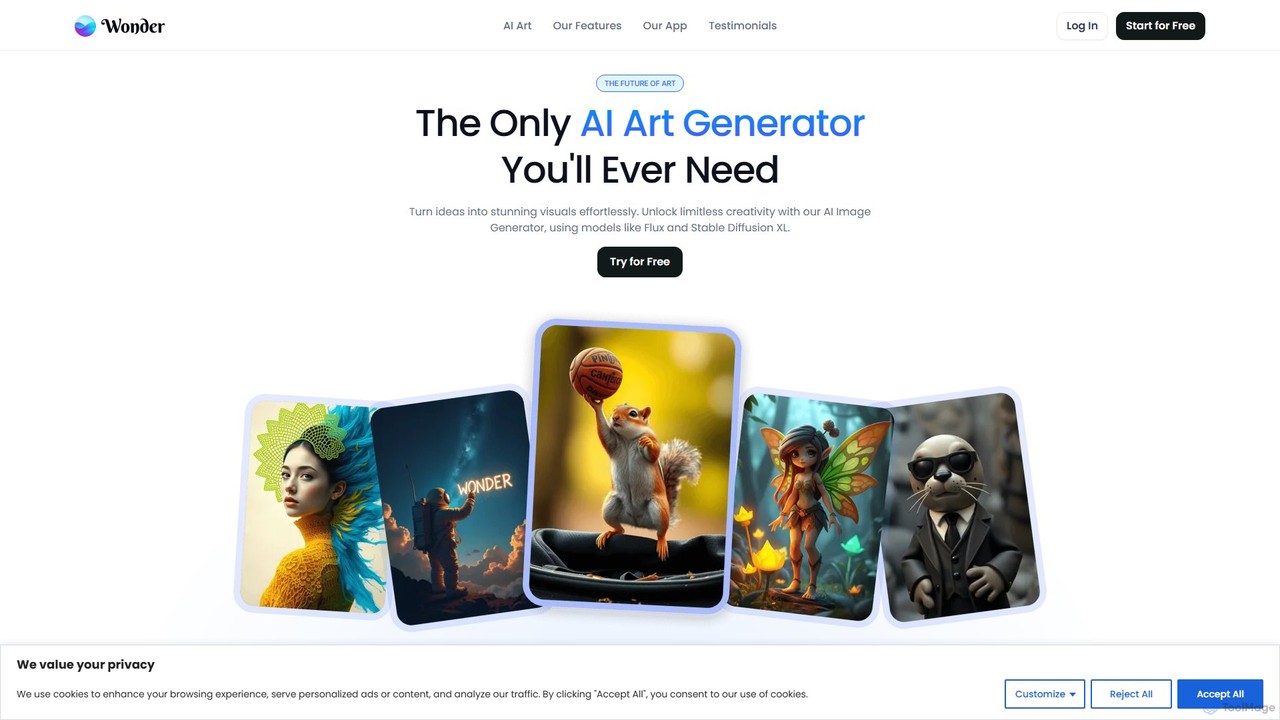
Wonder AI
Wonder AI is a powerful mobile AI art generator that turns your words and photos into stunning digital …
Wonder AI is a powerful mobile AI art generator that turns your words and photos into stunning digital artwork. Simply enter a text prompt, choose from dozens of art styles, and create unique images, paintings, and avatars in seconds. Perfect for artists, content creators, and anyone looking to unleash their creativity.
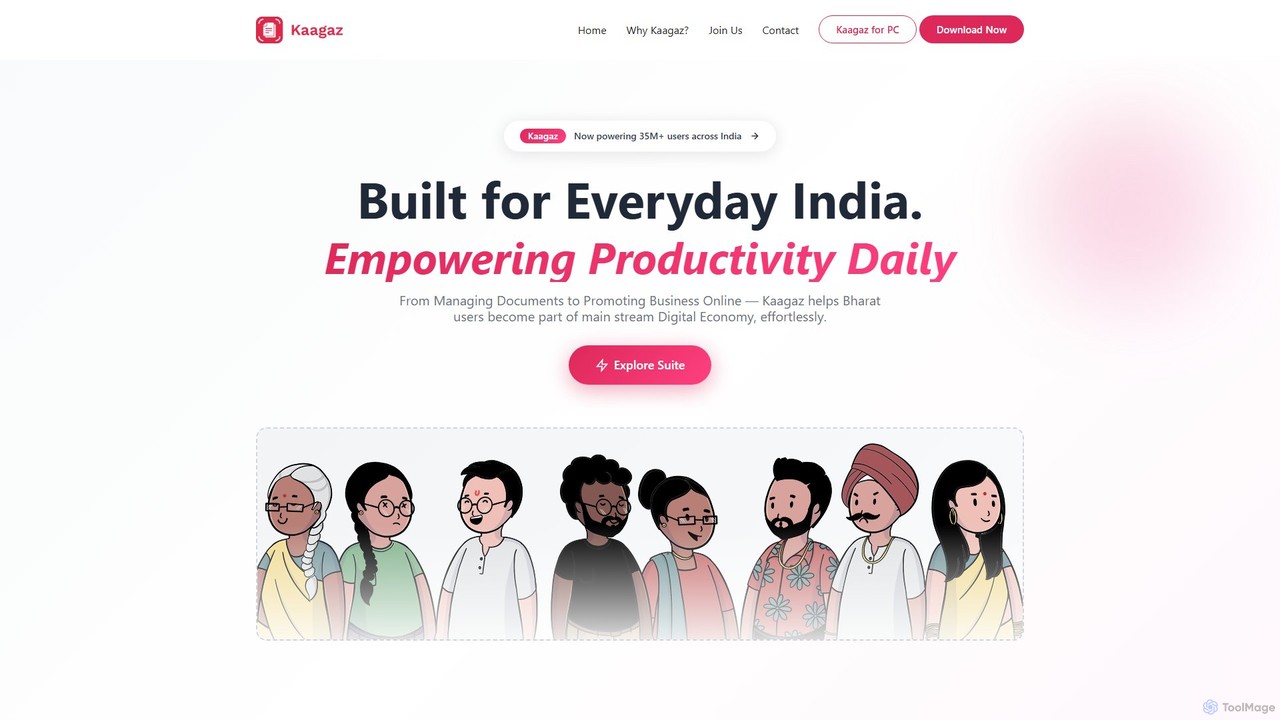
Kaagaz
Kaagaz is an all-in-one, mobile-first productivity suite featuring an AI-powered PDF scanner, editor, poster maker, and resume builder. …
Kaagaz is an all-in-one, mobile-first productivity suite featuring an AI-powered PDF scanner, editor, poster maker, and resume builder. Designed for modern users, it simplifies document management, creative design, and job applications, offering a powerful alternative to traditional desktop software and tools like CamScanner.
Skylum
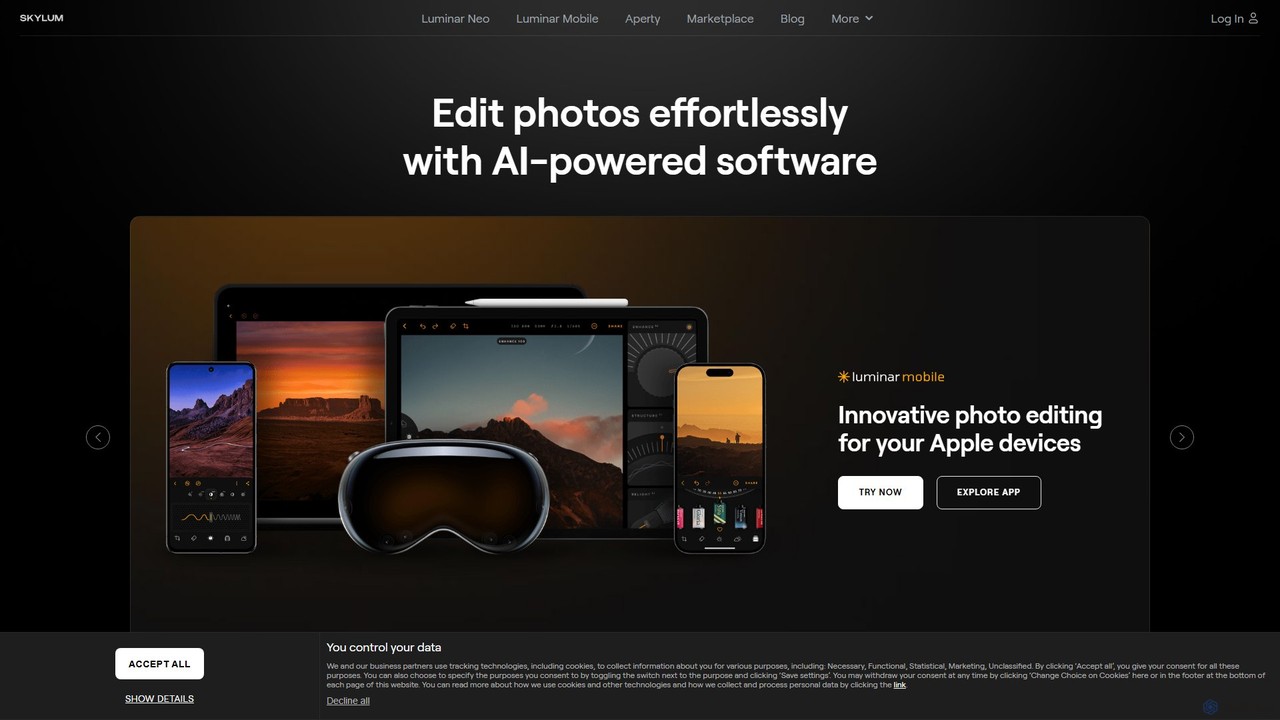
Skylum develops AI-powered photo editing software, including the flagship Luminar Neo. Designed for photographers of all skill levels, …
Skylum develops AI-powered photo editing software, including the flagship Luminar Neo. Designed for photographers of all skill levels, its tools simplify complex editing tasks like sky replacement, portrait retouching, and landscape enhancement, enabling users to achieve professional-quality results with intuitive controls and creative automation.
Pictura
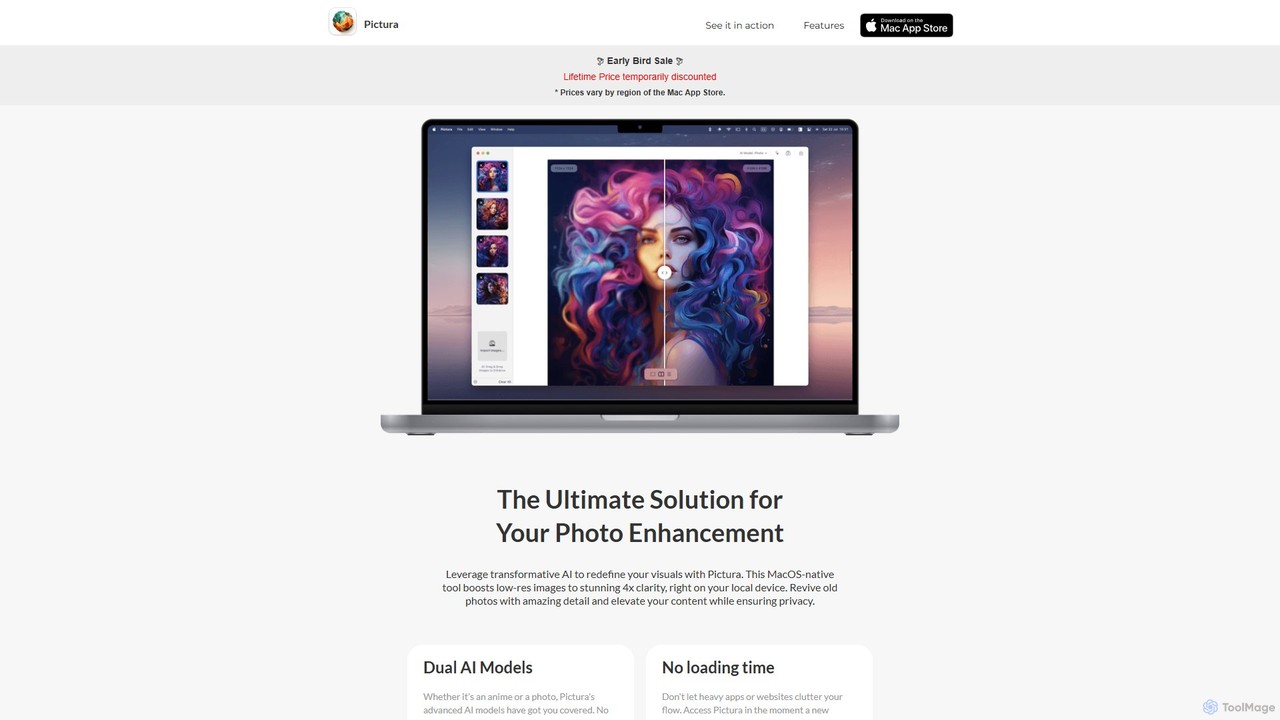
Pictura is a native macOS AI application for effortless photo enhancement. It upscales low-resolution images to 4x clarity …
Pictura is a native macOS AI application for effortless photo enhancement. It upscales low-resolution images to 4x clarity directly on your device, ensuring complete privacy. Featuring dual AI models tailored for both realistic photos and anime, Pictura revives old pictures, enhances details, and elevates your visuals with a simple drag-and-drop interface, optimized for Apple Silicon.

ArtBot.ai
ArtBot.ai is a user-friendly AI art generator app that transforms your text prompts into stunning visuals. Specializing in …
ArtBot.ai is a user-friendly AI art generator app that transforms your text prompts into stunning visuals. Specializing in thematic art styles, like its popular Halloween collection, it allows anyone to create unique images effortlessly. Perfect for social media content, digital artists, and personal projects, ArtBot.ai makes creative expression accessible to everyone, right from their mobile device.
Makeayo
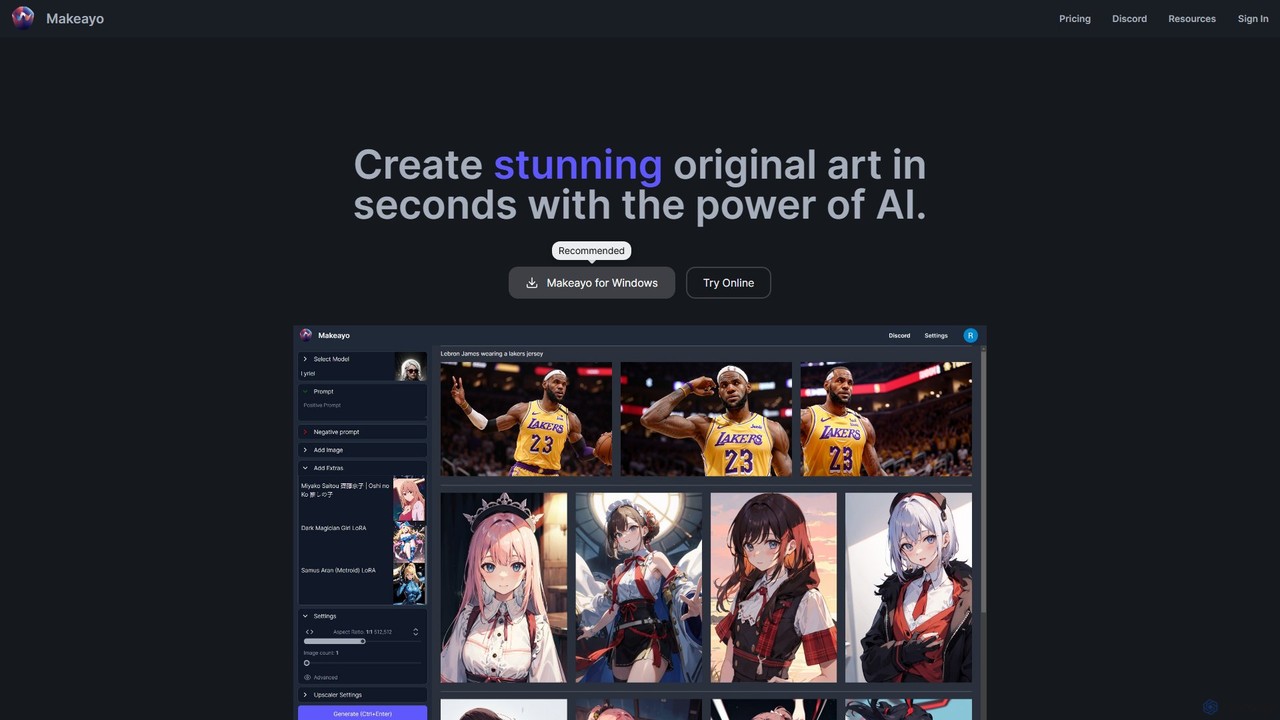
Makeayo is a free, user-friendly AI art generator for Windows. It runs locally on your desktop, offering unlimited …
Makeayo is a free, user-friendly AI art generator for Windows. It runs locally on your desktop, offering unlimited image generation without subscriptions. Features include a vast model library, image-to-image transformation, ControlNet for pose matching, and HD upscaling to 4K, empowering artists and enthusiasts to create stunning original art with complete control and privacy.
Animatives
Animatives is a powerful, object-oriented animation app for iOS that simplifies creating complex animations. It offers frame-by-frame control, …
Animatives is a powerful, object-oriented animation app for iOS that simplifies creating complex animations. It offers frame-by-frame control, versatile object transitions, and supports various import sources. Users can create everything from simple GIFs to 4K videos with custom audio, fonts, and effects, all for free and without watermarks.
About Graphics
AI Graphics tools are a specialized category of AI-powered applications designed to create, manipulate, and enhance visual content across various mediums. Leveraging advanced machine learning models, particularly generative adversarial networks (GANs) and diffusion models, these tools can generate stunning images from text prompts, transform existing visuals with new styles, or automate complex graphic design tasks like background removal and object manipulation. They empower designers, marketers, and content creators to produce high-quality visual assets with unprecedented speed and efficiency, significantly streamlining workflows and pushing the boundaries of creative expression within the broader field of digital design.
Core Features
- Text-to-Image Generation: Create diverse images, illustrations, and art from simple text descriptions, enabling rapid ideation and content creation.
- Image Editing & Enhancement: Automate tasks like background removal, object manipulation, upscaling low-resolution images, and applying artistic style transfers.
- Vector & Icon Creation: Generate scalable vector graphics, logos, and icons based on input images, sketches, or conceptual text prompts.
- 3D Asset Generation: Produce 3D models, textures, and environments from 2D images or text prompts, accelerating game development and architectural visualization.
- Style Transfer & Variation: Apply artistic styles from one image to another or generate multiple stylistic variations of a single visual asset.
Use Cases
These tools are invaluable for professionals requiring rapid visual asset production and creative exploration. Marketing teams, for instance, can quickly generate multiple ad creatives, social media visuals, or campaign mockups tailored to specific demographics. Game developers can accelerate concept art and in-game asset creation, iterating on character designs or environmental elements. E-commerce businesses can produce consistent product imagery at scale, including lifestyle shots or variations for different platforms. Furthermore, individual content creators can easily visualize complex ideas, generate unique artwork, or enhance their existing portfolios without extensive manual effort.
How to Choose
When selecting AI Graphics tools, consider the primary output type (e.g., 2D images, vectors, 3D models) and the specific quality and style of generated content that aligns with your brand or project needs. Evaluate the ease of use and learning curve for your team's skill level, as well as integration capabilities with existing design software like Adobe Creative Suite. Important technical considerations include prompt engineering capabilities, the level of control over generated outputs, available editing features, and the maximum output resolution. Finally, compare pricing models, including subscription tiers and credit-based systems, to ensure it fits your budget and usage frequency.
GraphicsUse Cases
Generating Marketing Campaign Visuals
Marketing specialists can leverage AI Graphics tools to rapidly create diverse visual assets for digital campaigns. By inputting text prompts describing target audiences, product features, or campaign themes, they can generate multiple variations of ad banners, social media posts, and email graphics. This significantly reduces the time spent on design iterations, allowing for A/B testing of visuals and quicker deployment of engaging content across various platforms, ultimately improving campaign performance and brand consistency.
Accelerating Game Concept Art & Asset Creation
Game designers and artists can utilize AI Graphics tools to quickly visualize and iterate on concept art for characters, environments, and props. Instead of manual sketching, they can input descriptive text or rough images to generate numerous stylistic variations and detailed concepts. This speeds up the pre-production phase, enabling faster exploration of creative directions and providing a solid foundation for 3D modelers and texture artists, thereby streamlining the entire game development pipeline.
Automating E-commerce Product Image Enhancement
E-commerce businesses and online retailers can use AI Graphics tools to automate the enhancement and standardization of product images. Features like AI background removal, object resizing, and consistent lighting adjustments can be applied across hundreds or thousands of product photos in minutes. This ensures high-quality, uniform product displays on websites and marketplaces, improving visual appeal, reducing manual editing costs, and enhancing the overall customer shopping experience.
Creating Unique Illustrations for Content Creators
Bloggers, YouTubers, and independent content creators can employ AI Graphics tools to generate unique and engaging illustrations for their articles, videos, and social media channels. By simply describing their desired visual, they can produce custom artwork that perfectly matches their content's theme and tone, without needing advanced drawing skills or hiring a professional illustrator. This helps differentiate their content, attract more viewers, and maintain a consistent visual brand identity.
Designing Architectural Visualizations & Interior Concepts
Architects and interior designers can utilize AI Graphics tools to quickly generate realistic or stylized visualizations of their projects. From floor plans or text descriptions, AI can render various design options for building exteriors, room layouts, and material palettes. This allows for rapid client presentations, exploration of different aesthetic choices, and identification of potential design flaws early in the process, significantly reducing design cycle times and improving client communication.
Transforming Sketches into Professional Vector Graphics
Graphic designers and branding agencies can use AI Graphics tools to convert rough sketches or raster images into high-quality, scalable vector graphics. This is particularly useful for logo design, icon sets, or illustrations that need to be resized without loss of quality. The AI can intelligently trace and refine lines, fill shapes, and optimize paths, saving significant manual effort and ensuring professional-grade output for print and digital applications.