
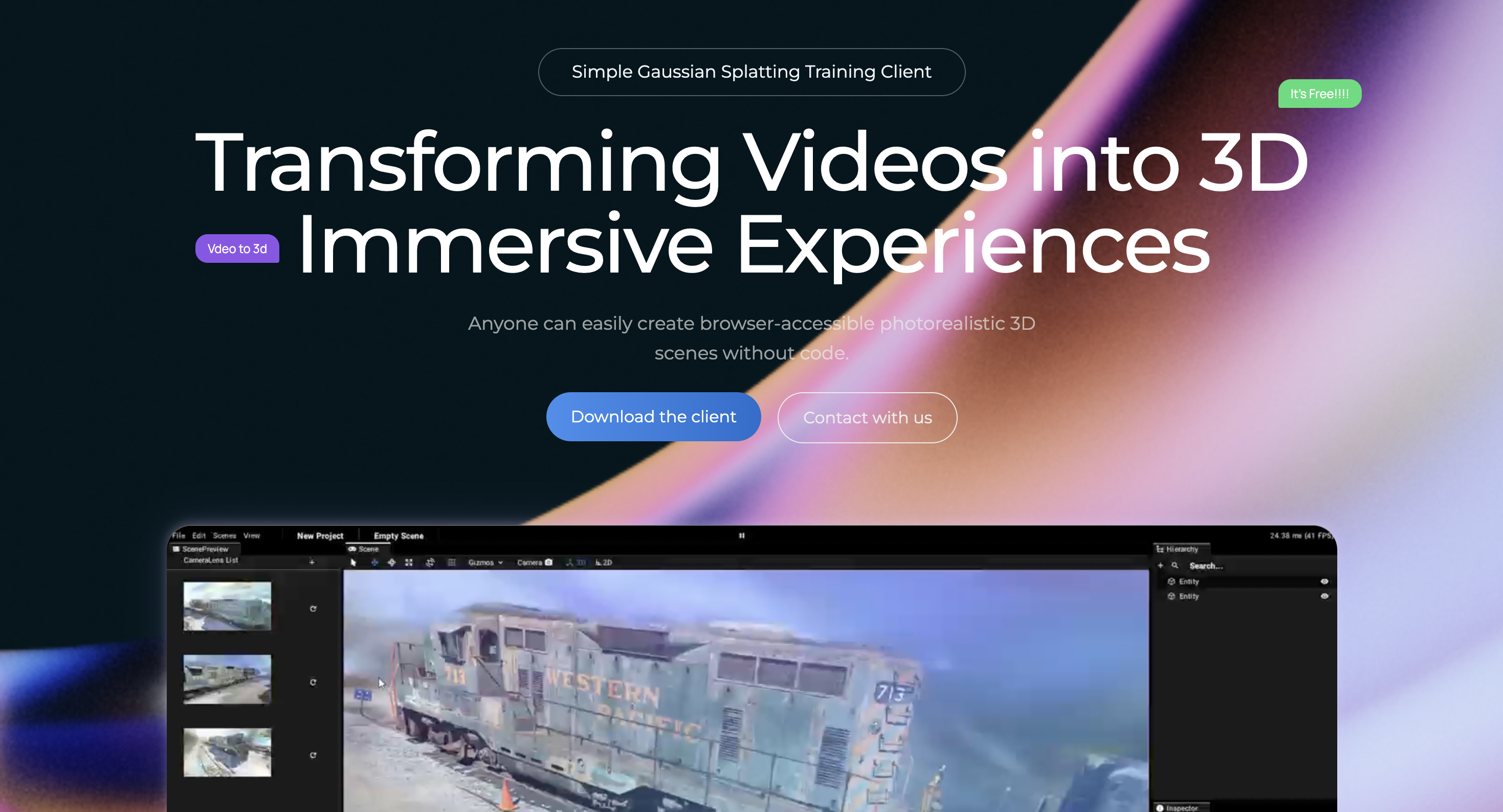
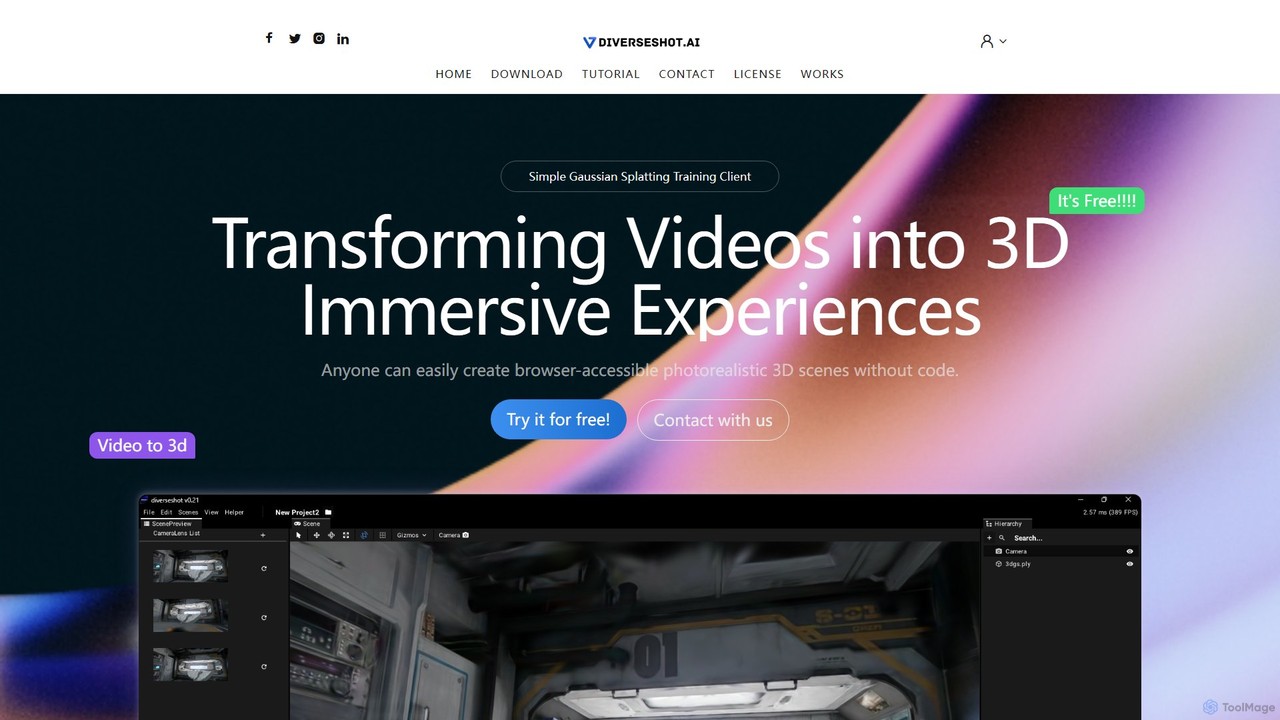
DiverseShot Overview
DiverseShot is a revolutionary and accessible AI toolkit designed to democratize 3D content creation. It leverages the power of 3D Gaussian Splatting, a cutting-edge technique, to transform simple videos into stunning, photorealistic, and immersive 3D scenes. The tool is built with simplicity in mind, offering a powerful no-code client that allows anyone, from hobbyists to professionals, to capture the real world and bring it into a digital, interactive format. With DiverseShot, you can create high-fidelity 3D models that are easily viewable in a web browser, opening up new possibilities for e-commerce, digital art, game development, and more.
How to use DiverseShot
Creating a 3D scene with DiverseShot is a straightforward three-step process:
- Shoot a Video: Use any camera, including a smartphone, to record the object you wish to reconstruct. For best results, keep the object centered and move the camera around it in a 360-degree path. The website recommends a helically ascending motion (moving upwards as you circle the object) to capture all angles comprehensively.
- Train with the DiverseShot Client: Drag and drop your captured video or a sequence of image frames directly into the DiverseShot client's viewport. The software automatically sets up a new project and begins the AI training process. You can monitor the progress in real-time, observing as the 3D point cloud takes shape. During this stage, you can use the built-in tools to crop and remove any unwanted parts of the scene or background point clouds.
- Export and Utilize: Once you are satisfied with the result after training and adjustments, you can export the final 3D reconstruction as a .ply file. This is a standard format that can be used in various 3D applications. The developers recommend using Spline, a free, browser-based 3D design tool, to import, further edit (e.g., apply cropping, create animations), and publish your creation for interactive web experiences. You can also integrate the models into other platforms like D5 Render to create mixed reality scenes.
Core Features of DiverseShot
- Video to 3D with Gaussian Splatting: Utilizes advanced AI to create high-quality, photorealistic 3D scenes from standard video footage.
- Intuitive No-Code Interface: A simple drag-and-drop client that requires no programming or complex 3D modeling skills.
- Real-Time Training and Preview: Watch your 3D scene being built in real-time and make adjustments on the fly.
- Interactive Point Cloud Cropping: Easily select and remove unwanted background elements or artifacts from your 3D scan for a cleaner result.
- Standard .ply File Export: Exports to the widely compatible .ply format, ensuring your creations can be used in numerous other 3D software and platforms.
- Seamless Integration: Optimized for use with popular web-based 3D editors like Spline and high-end renderers like D5 Render.
Use Cases for DiverseShot
DiverseShot's versatility makes it suitable for a wide range of applications:
- E-commerce: Create interactive 3D product visualizations that allow customers to view items from every angle.
- Digital Archiving: Preserve cultural heritage sites, museum artifacts, and historical objects in detailed 3D models.
- Game Development and VFX: Quickly generate realistic 3D assets and environments for games and films.
- Real Estate: Develop immersive virtual tours of properties that can be explored in a web browser.
- Education and Training: Build interactive and engaging 3D educational materials for complex subjects.
- Art and Design: Enable artists and designers to capture real-world objects and textures for their digital creations.
Advantages of DiverseShot
- Accessibility: Being completely free and not requiring any coding skills lowers the barrier to entry for 3D content creation.
- High-Quality Output: The Gaussian Splatting technology produces exceptionally photorealistic and detailed results compared to traditional methods.
- Efficiency: The streamlined workflow from video to a usable 3D model is fast and efficient.
- User Control: Real-time feedback and editing tools provide users with significant control over the final output.
- Generous Licensing: The software is free to use, and the output files can be used for commercial purposes, providing immense value.
Pricing and Plans
DiverseShot is currently available as a completely free version. Users can download and utilize the software for any purpose, including creating output files for commercial projects. The only restriction, as stated in their license, is against directly reselling the DiverseShot software itself for profit. This generous free license makes it an incredibly accessible and valuable tool for everyone, from individual creators to businesses.
Traffic
Latest traffic
Status
Monthly traffic trend
- 2025-9: 1.5K
- 2026-1: 1.8K
- 2026-2: 863
- 2026-3: 209
- 2026-4: 0
- 2026-5: 123
Top keywords
| Keyword | Cost per click |
|---|---|
| divshot | $0.00 |
DiverseShot Alternatives
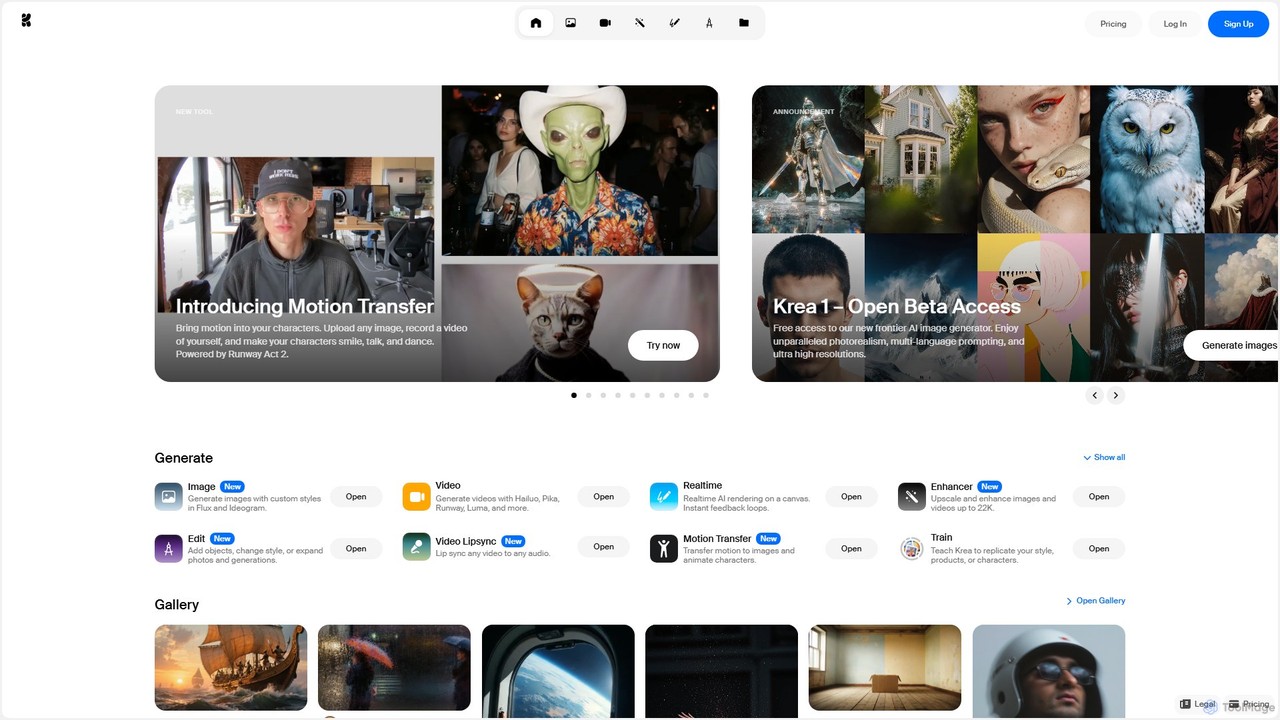
Krea
Krea is an all-in-one AI creative suite that empowers users to generate and edit images, videos, and 3D assets in real-time. It integrates multiple state-of-the-art AI models, offering unparalleled control, photorealism, and high-resolution outputs. From real-time canvas rendering to custom model training, Krea is designed to be an intuitive co-pilot for creatives of all levels.
3D Modeling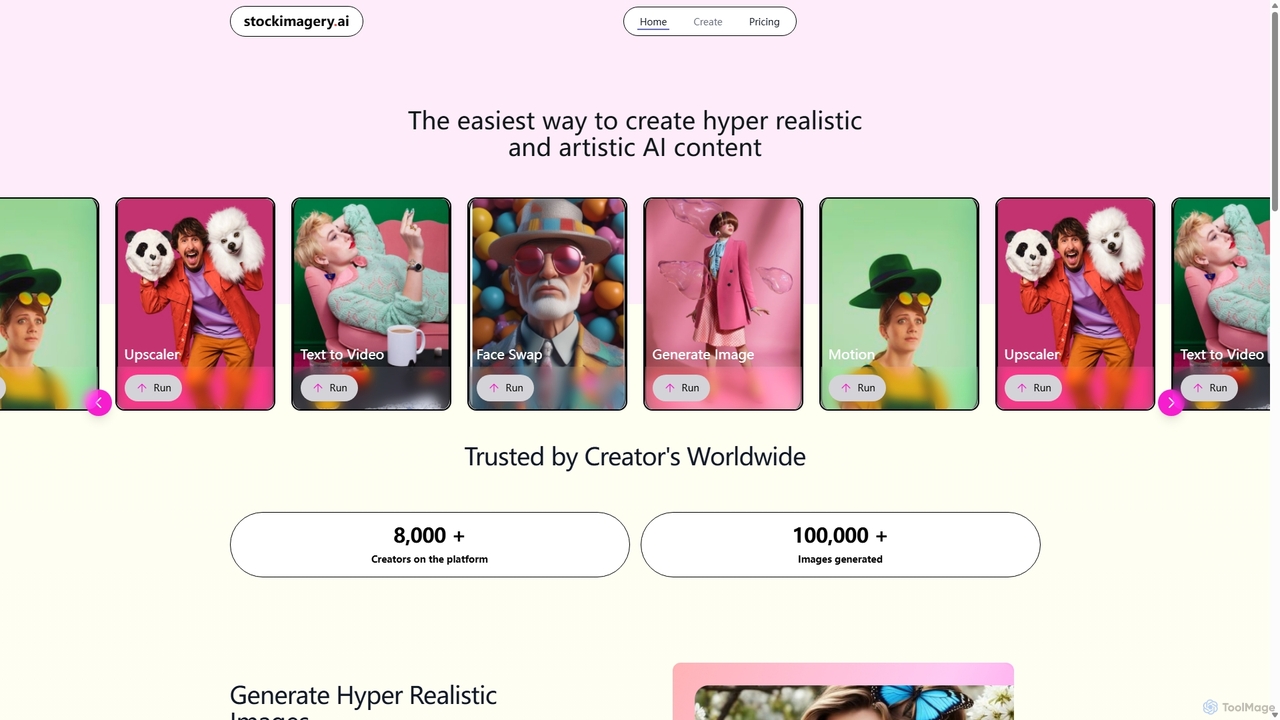
Stock Imagery AI
Stock Imagery AI is a versatile AI-powered platform for creating hyper-realistic images, motion videos, and text-to-video content. It offers tools like an image upscaler and face swap, designed for creators, marketers, and designers to generate unique, high-quality visual assets effortlessly.
Graphics
Phygital+
Phygital+ is a comprehensive, node-based AI workspace designed for creative teams and individuals. It integrates over 30 AI models, including Stable Diffusion, DALL-E 3, and GPT-4o, into a single collaborative platform. Users can visually build complex workflows for generating images, videos, text, and 3D models without writing any code, significantly accelerating the creative production process.
3D Modeling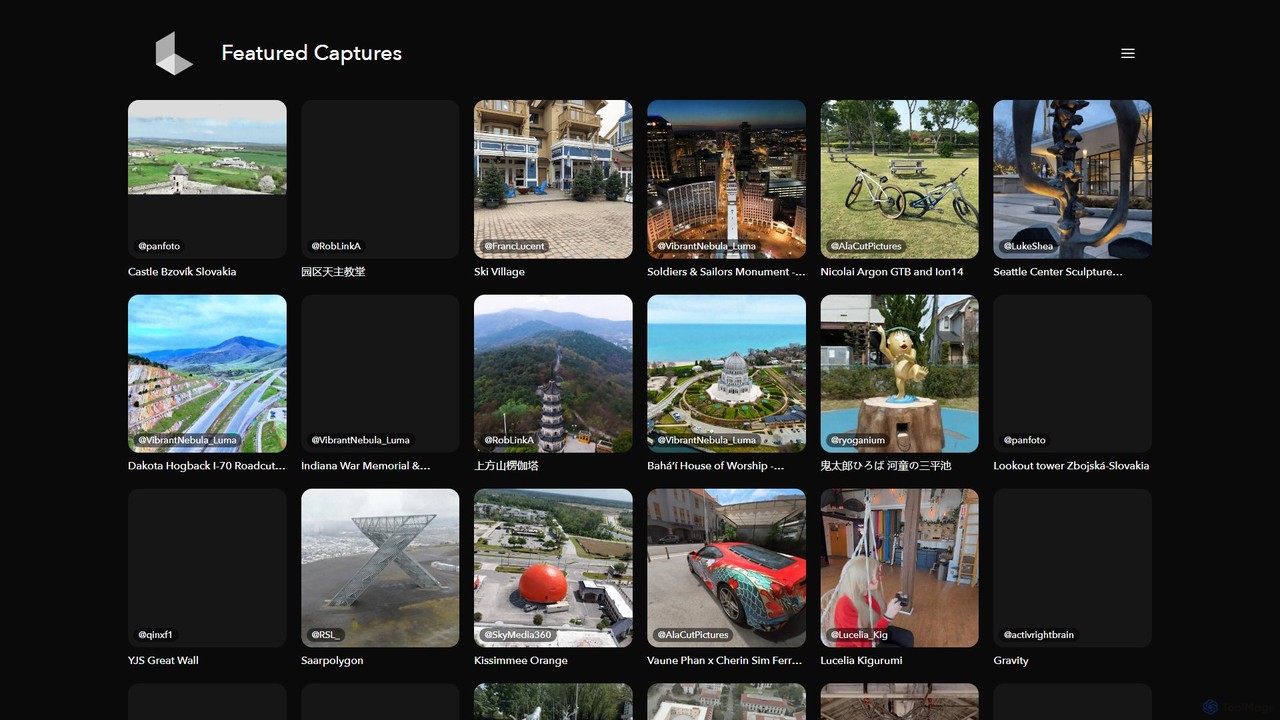
Luma AI
Luma AI is a pioneering AI company specializing in generative media. Its flagship product, Dream Machine, creates high-quality, realistic videos and images from text or image prompts. It also offers 3D capture and modeling tools, empowering creators to bring their imagination to life with unprecedented speed and creative freedom.
3D Scanning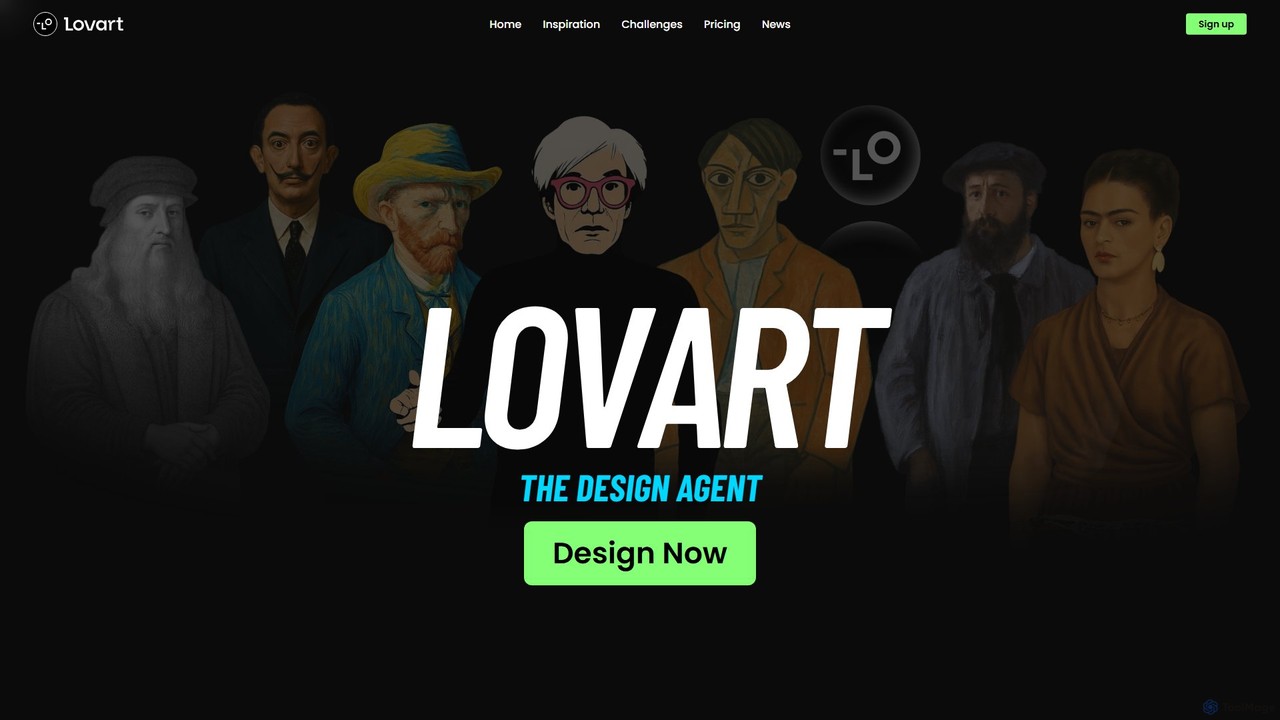
Lovart
Lovart is the world's first AI Design Agent that automates the entire design process. From a single idea, Lovart can plan, explore, and create a wide range of assets including images, videos, 3D models, and complete brand identities. It uses an interactive ChatCanvas for seamless human-AI co-creation, making professional design accessible to everyone, regardless of skill level.
Generative ArtDiverseShot Categories
DiverseShot Embed Widget
Copy this embed code to place the badge on your blog, article, or product site and send readers directly to this ToolMage detail page.

Related AI tools
3dpresso
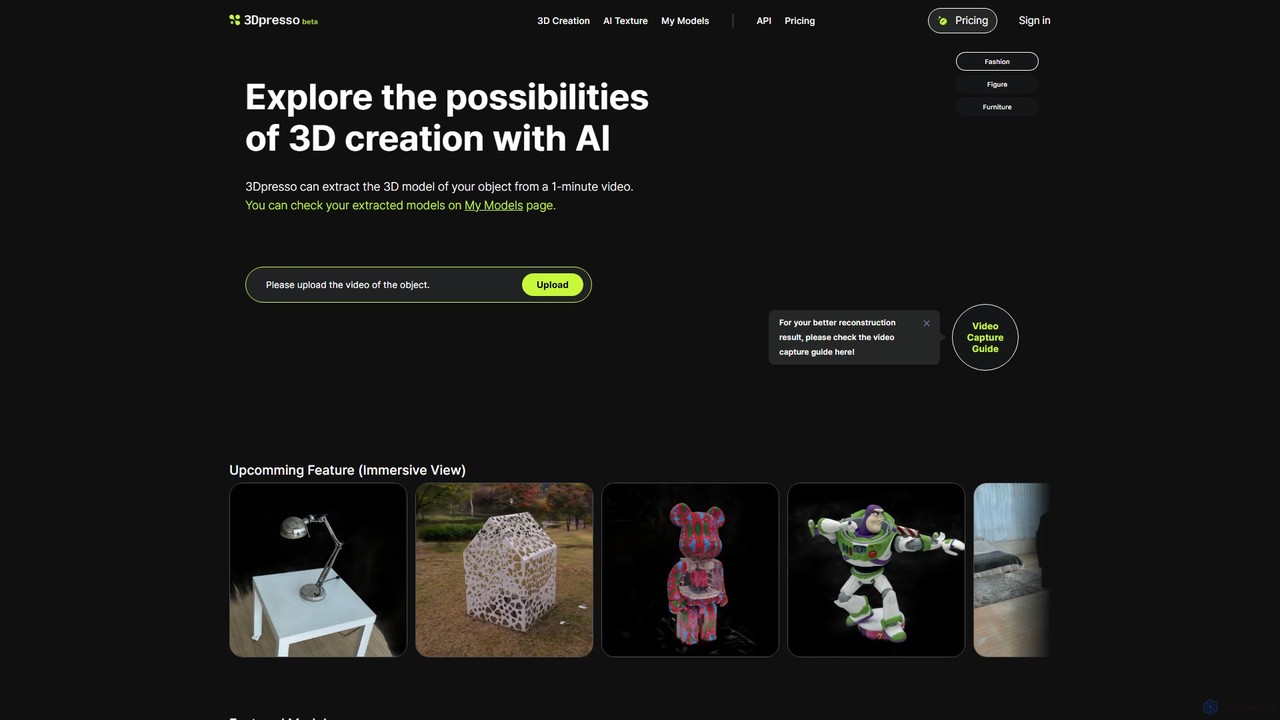
3dpresso is an AI-powered platform that transforms simple videos of real-world objects into high-quality 3D models. It also features a generative AI tool to change model textures using text prompts, making 3D creation fast and accessible for creators, designers, and developers.
Ai 3D Generator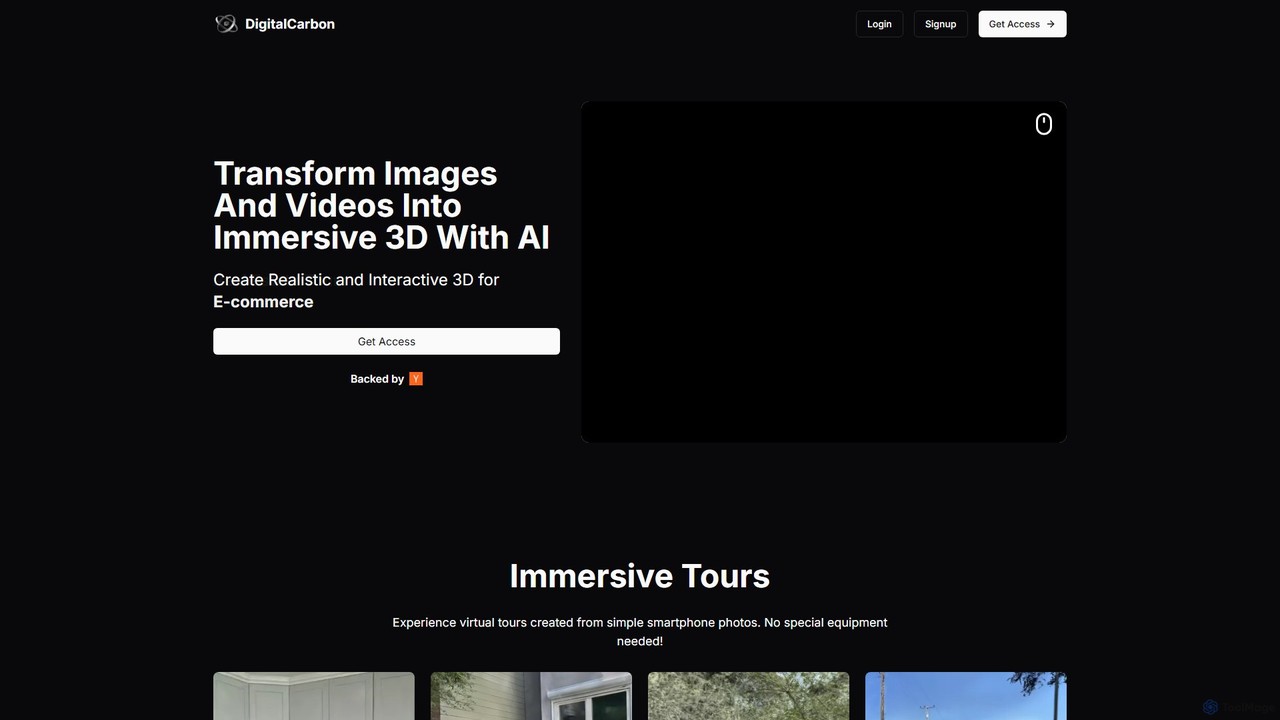
DigitalCarbon
DigitalCarbon is an AI-powered platform that transforms standard 2D images and videos into realistic, interactive 3D models and immersive virtual tours. Requiring no special equipment, it allows users to create high-fidelity 3D content for e-commerce, real estate, digital twins, and more, simply by using a smartphone.
PhotogrammetryPhygital+
Phygital+ is a comprehensive, node-based AI workspace designed for creative teams and individuals. It integrates over 30 AI models, including Stable Diffusion, DALL-E 3, and GPT-4o, into a single collaborative platform. Users can visually build complex workflows for generating images, videos, text, and 3D models without writing any code, significantly accelerating the creative production process.
3D Modeling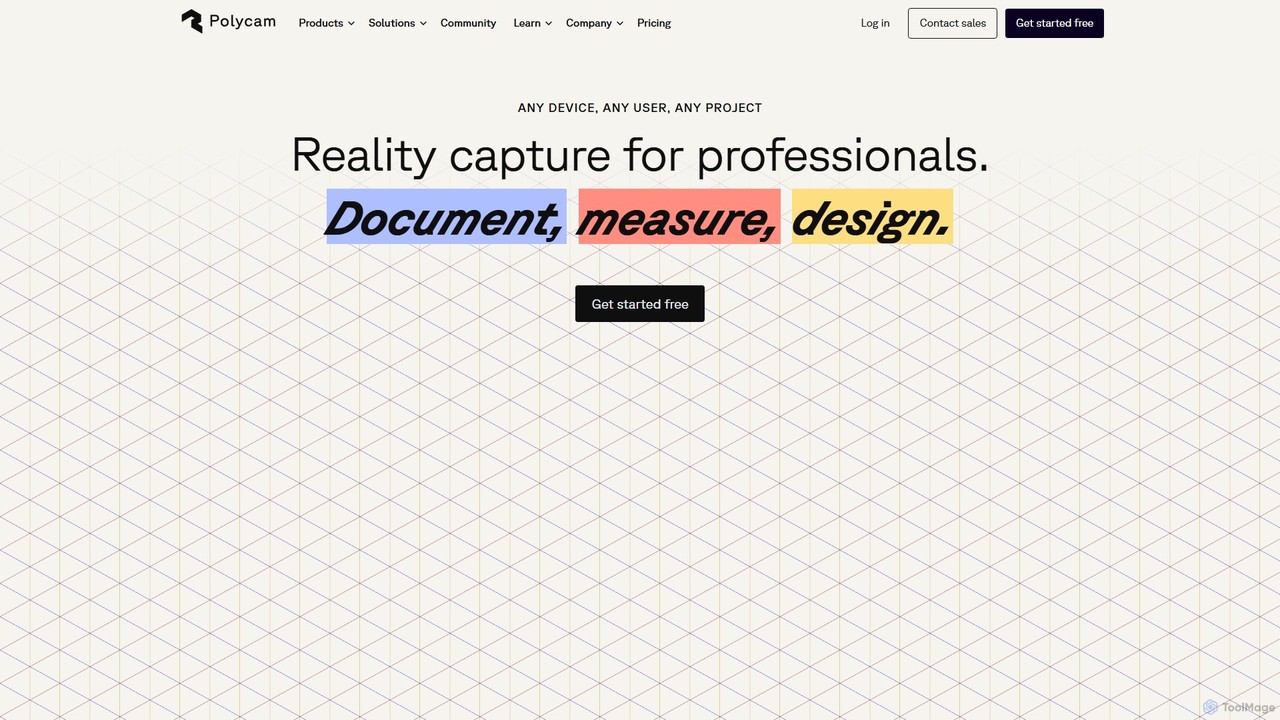
Polycam
Polycam is a leading 3D capture application for iOS, Android, and Web, using LiDAR and photogrammetry to create high-quality 3D models, floor plans, and drone maps. It's designed for professionals in architecture, construction, real estate, and e-commerce, as well as for creators and hobbyists.
3D Modeling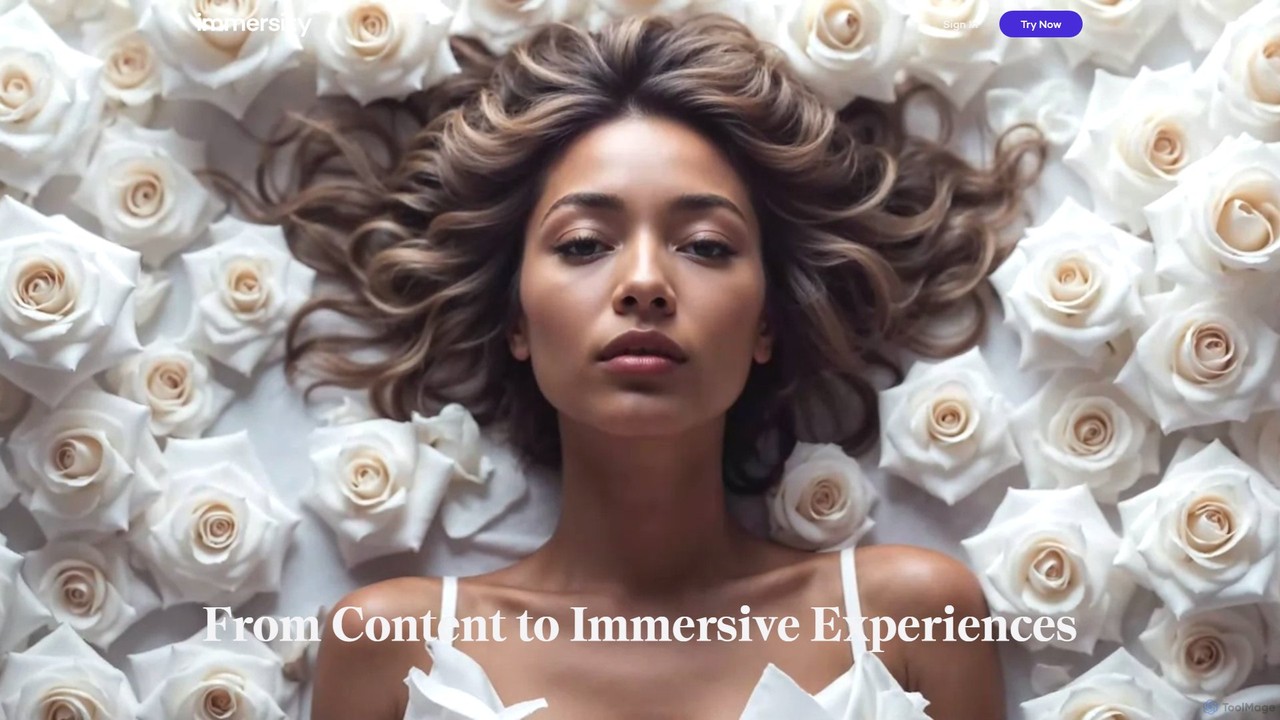
Immersity
Immersity is an AI-powered platform that converts 2D images and videos into immersive 3D experiences. It generates depth and motion, allowing users to create animated 3D photos, videos, and specialized content like Apple Music Album Motion. Ideal for artists, marketers, and creators seeking to add a dynamic dimension to their visuals without complex 3D software.
Animation
Endless Tools
An all-in-one, no-code web tool for creating striking 3D visuals, animations, and interactive effects. Effortlessly transform SVGs into 3D objects, apply unique materials and effects, and embed interactive designs directly into your website. Ideal for designers, marketers, and creatives.
3D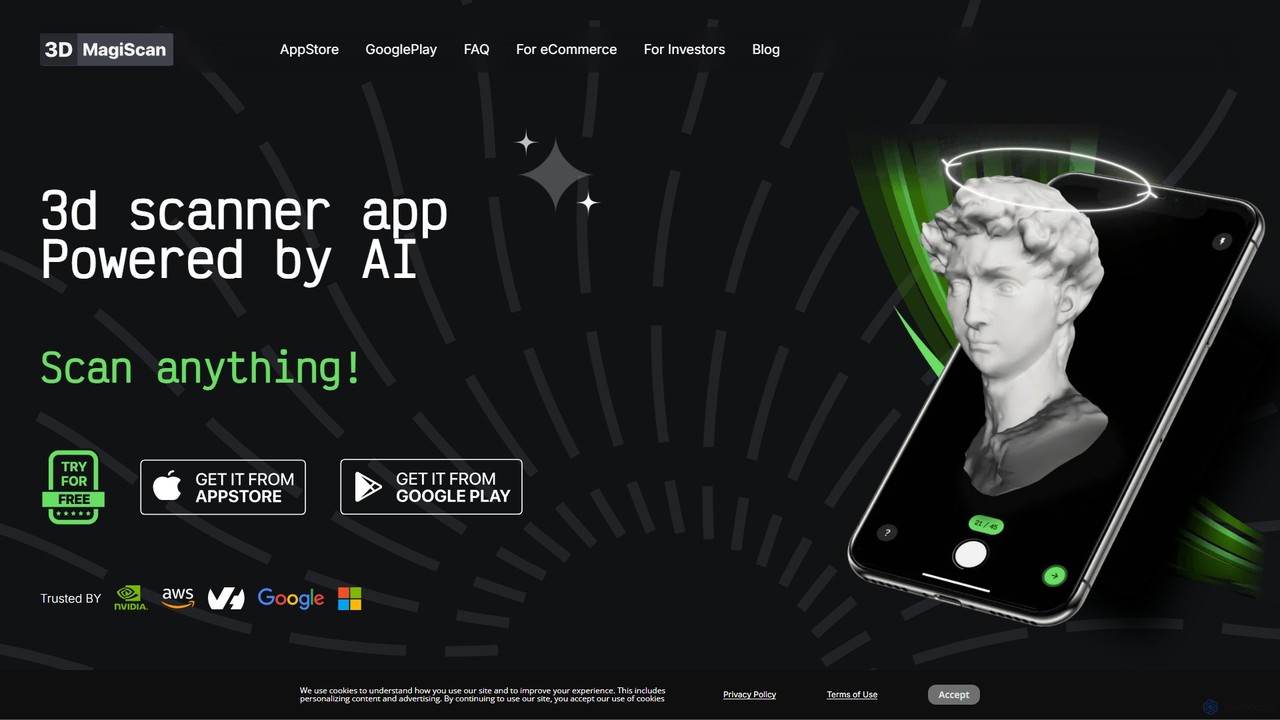
Magiscan
Magiscan is an AI-powered 3D scanner app for iOS and Android that transforms photos of real-world objects into high-quality 3D models. It offers multiple scanning modes, including photogrammetry and Lidar point cloud capture. With support for numerous export formats (GLB, OBJ, STL, etc.) and direct integration with NVIDIA Omniverse, it's a versatile tool for eCommerce, game development, AR/VR, and 3D artists. A free tier is available, with a premium subscription for advanced features and higher limits.
3D Scanning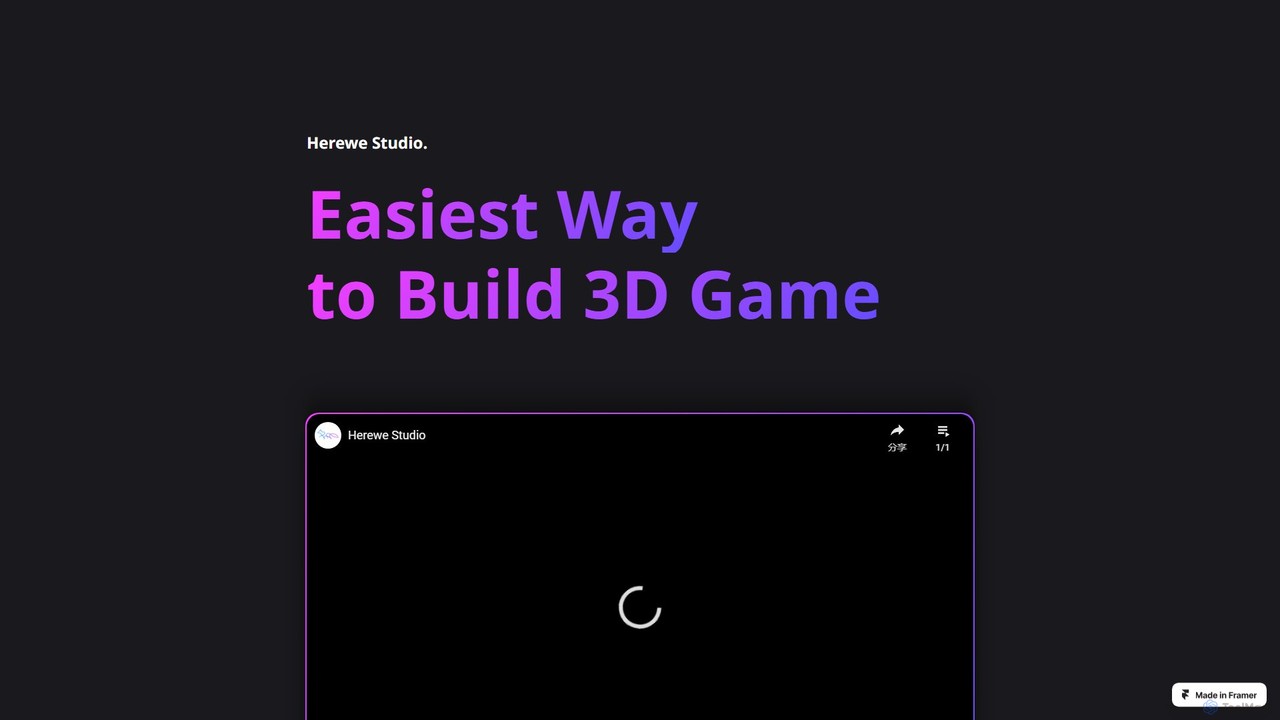
Herewe
Herewe is a web-based, AI-powered platform for easily creating 3D games and metaverse experiences. With its intuitive 3D studio, Text-to-3D generator, and a rich ecosystem of assets and third-party extensions, users can build and share immersive virtual worlds without needing advanced coding or design skills. It's an all-in-one solution for game developers, creators, and communities.
3D Modeling
LifecastVR
LifecastVR is an AI-powered software that transforms standard 2D photos and videos into immersive 3D volumetric videos. Using advanced Neural Radiance Fields (NeRF) technology, it allows creators to generate photorealistic, explorable VR experiences from footage captured on a regular smartphone or camera, making VR content creation more accessible and affordable.
Virtual Reality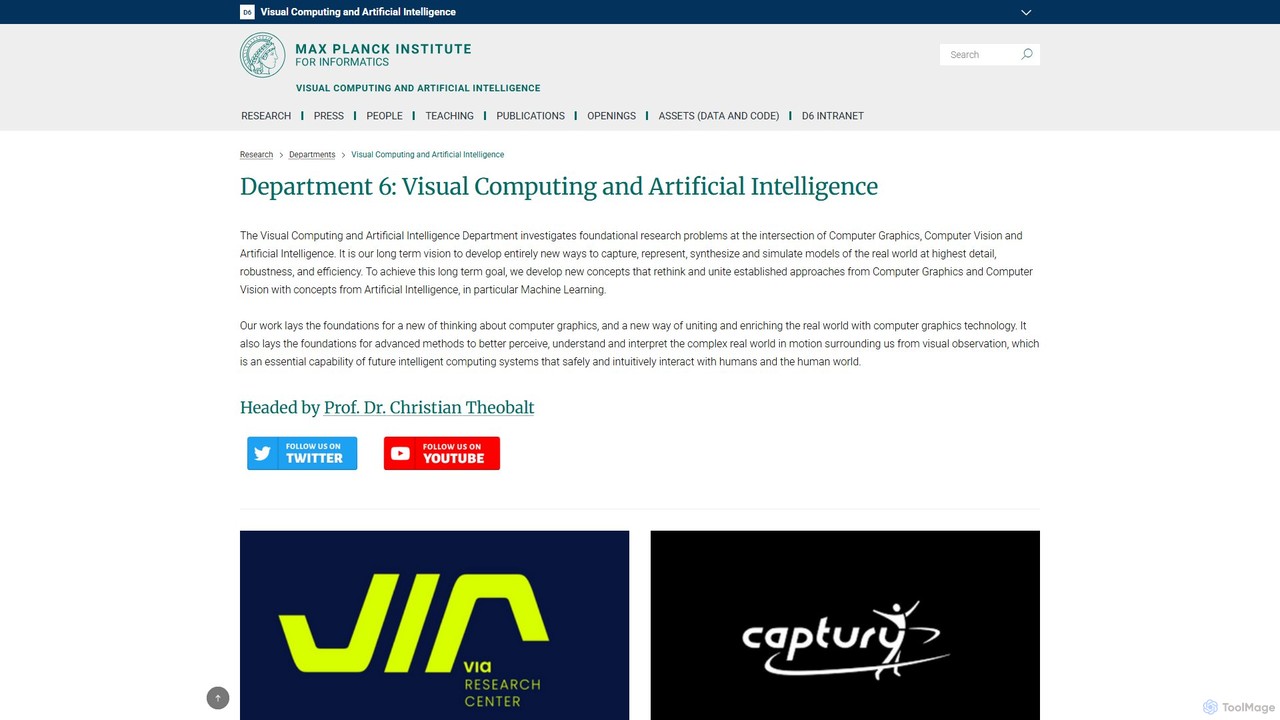
VCAI
VCAI is the Visual Computing and Artificial Intelligence department at the Max Planck Institute for Informatics. Led by Prof. Christian Theobalt, it conducts foundational research at the intersection of computer vision, graphics, and AI. The lab is renowned for pioneering work in 3D reconstruction, neural rendering (like 3D Gaussian Splatting), digital humans, and motion capture. Its research drives innovation in VR/AR, film, and robotics, with many projects released as open-source code and leading to commercial spin-offs.
3D Reconstruction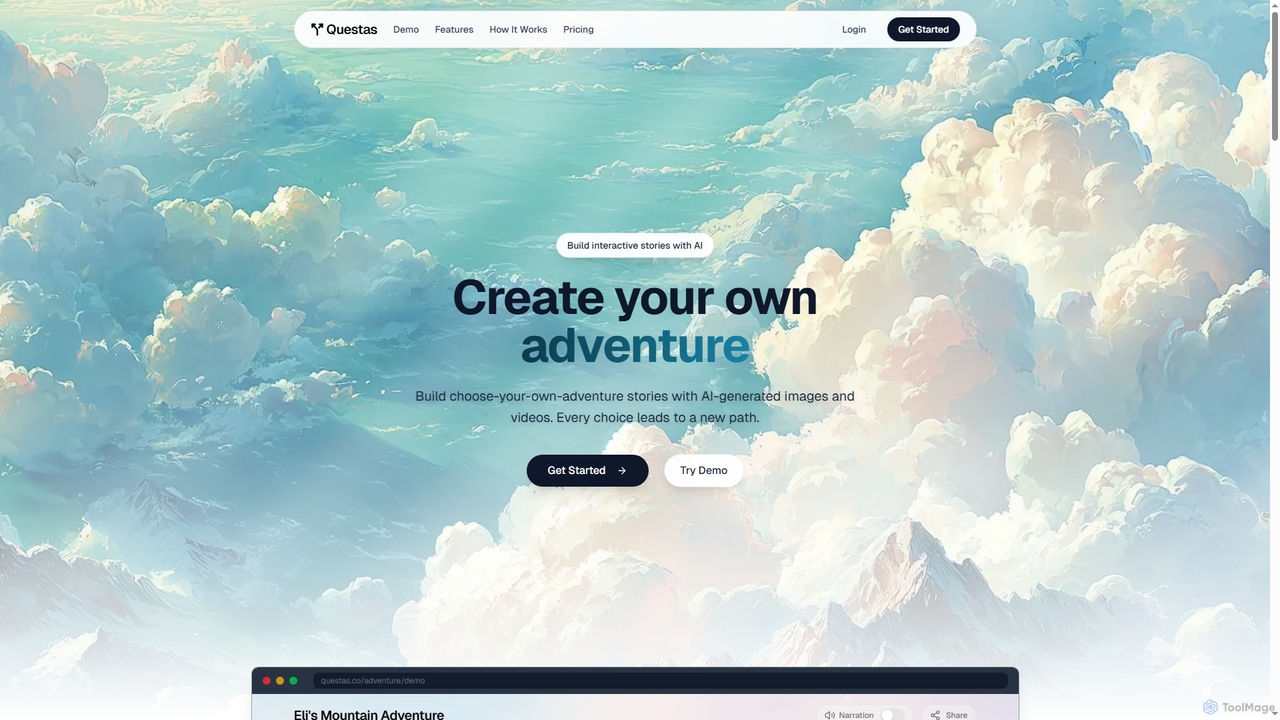
Questas
Questas is an innovative AI-powered platform designed to create immersive, interactive choose-your-own-adventure stories. It features an intuitive visual editor for building complex branching narratives, enhanced with AI-generated images and videos, making storytelling accessible to everyone without coding or design skills.
Visual Storytelling
Luma AI
Luma AI is a pioneering AI company specializing in generative media. Its flagship product, Dream Machine, creates high-quality, realistic videos and images from text or image prompts. It also offers 3D capture and modeling tools, empowering creators to bring their imagination to life with unprecedented speed and creative freedom.
3D ScanningLovart
Lovart is the world's first AI Design Agent that automates the entire design process. From a single idea, Lovart can plan, explore, and create a wide range of assets including images, videos, 3D models, and complete brand identities. It uses an interactive ChatCanvas for seamless human-AI co-creation, making professional design accessible to everyone, regardless of skill level.
Generative Art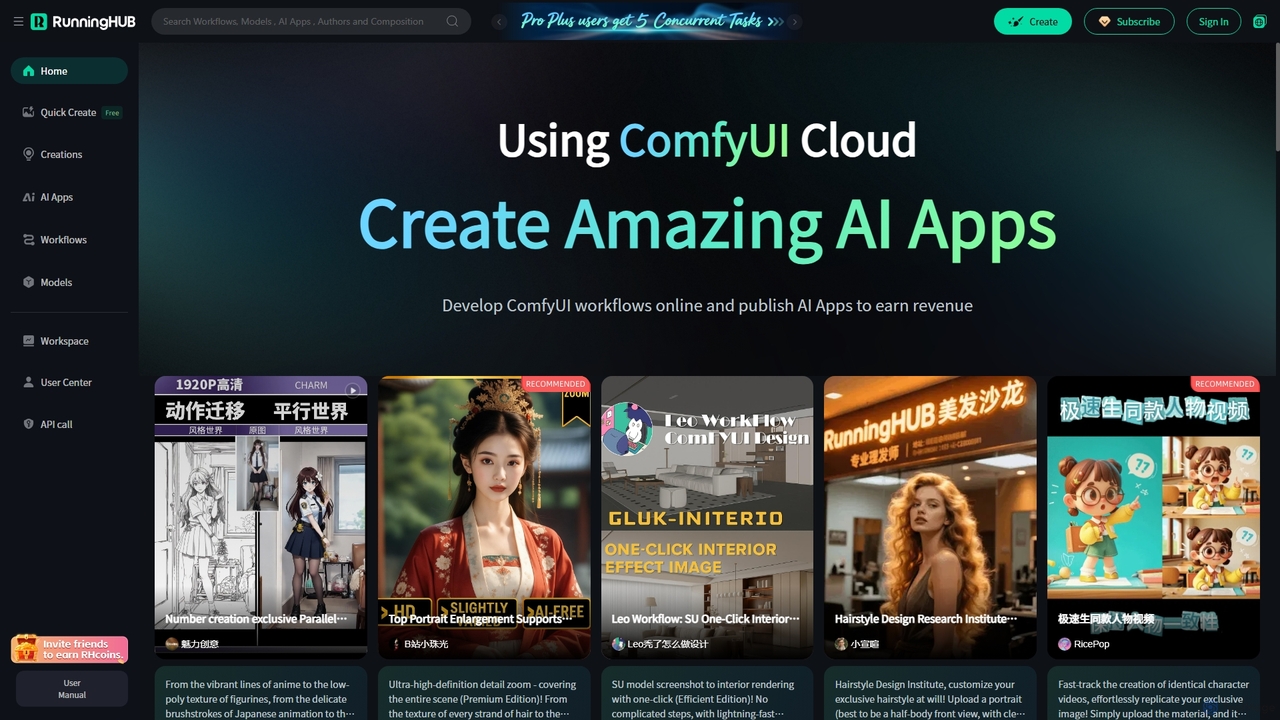
RunningHub
RunningHub is a powerful cloud-based platform for ComfyUI, enabling users to create, run, and share complex AI workflows without needing local hardware. It provides an online workspace with high-performance GPUs, a vast library of pre-installed models and nodes, and the ability to publish workflows as user-friendly AI applications for monetization.
Api
DiverseShot Comments (0)
Sign in to comment.
Sign inNo comments yet.