

typeUp Overview
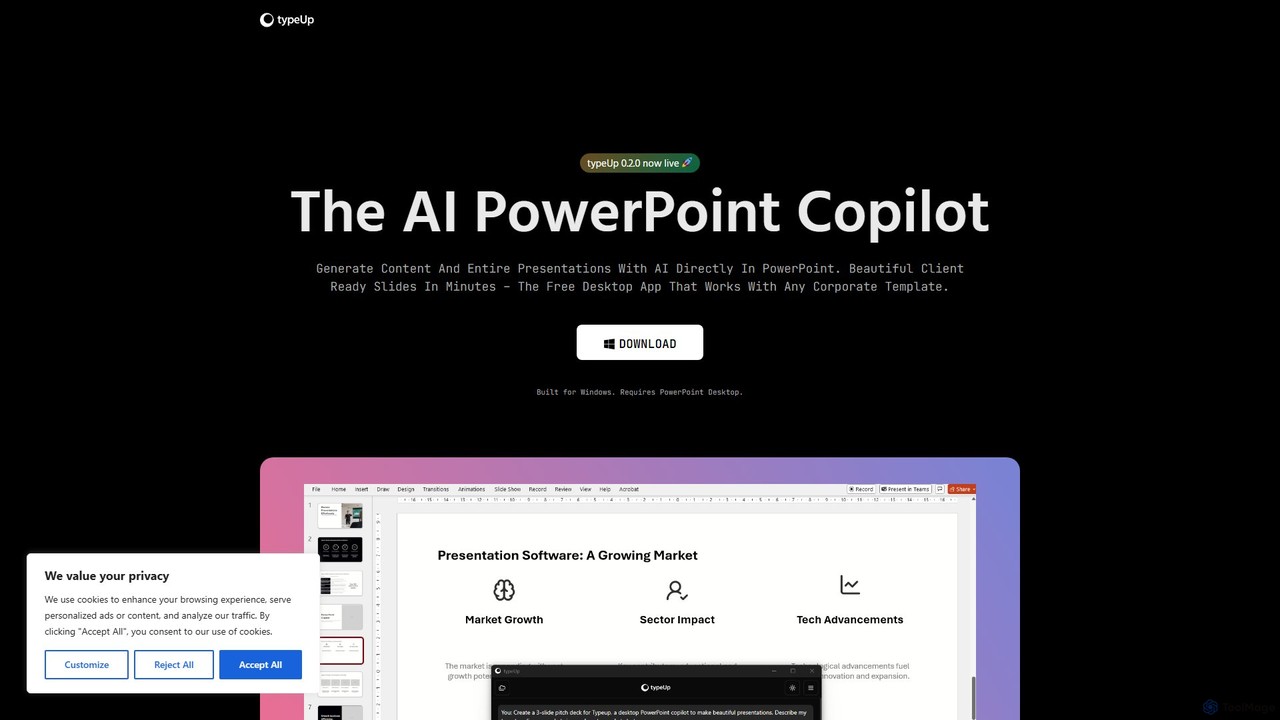
typeUp is an innovative AI PowerPoint Copilot designed to revolutionize the way professionals create presentations. It functions as a dedicated Windows desktop application that integrates seamlessly with PowerPoint, aiming to make the process of content creation and formatting up to 10 times faster. By leveraging asynchronous AI agents, typeUp can generate entire presentations, individual slides, or specific text content based on simple user prompts, transforming ideas into beautifully designed, client-ready slides in minutes.
The tool is built for business users who need to produce high-quality presentations efficiently. It runs locally, ensuring better performance and stability compared to web-based alternatives. With a focus on practicality, typeUp is designed to work with any existing corporate template, ensuring brand consistency across all created materials.
How to use typeUp
Using typeUp is straightforward and designed for maximum efficiency:
- Download and install the typeUp desktop application on your Windows computer (PowerPoint Desktop is required).
- Once installed, the application runs in the background.
- Open PowerPoint and start working on your presentation.
- When you need assistance, simply press the global shortcut Ctrl + / to activate the typeUp interface.
- Use simple text prompts to command the AI. For example, type “create a 3-page deck about the solar system” to generate a new presentation, or highlight a shape and ask it to “rewrite this text to be more concise.”
- Browse and insert high-quality visuals directly from the integrated libraries for images, icons, and logos.
- Apply one of the 80+ pre-designed slide layouts, which will automatically adapt to your corporate color scheme.
- Utilize the quick-access alignment functions to perfectly arrange elements on your slides with a single click.
Core Features of typeUp
- AI Slide Copilot: Generate complete presentations or individual slides from simple text prompts. The AI can also redesign existing slides or modify text within selected shapes.
- Extensive Asset Libraries: Access a rich collection of visual resources directly within PowerPoint, including a high-quality image library, over 60,000 logos from global brands, and more than 1,000 minimalist, editable SVG icons.
- Adaptive Slide Layouts: Choose from a library of over 80 slide templates that intelligently adapt to any corporate template's color scheme, ensuring brand consistency.
- Quick Alignment Functions: A set of quick-access tools to perform common alignment tasks, such as arranging objects in a circle or distributing them evenly, saving significant formatting time.
- Local Desktop App: Runs as a standalone Windows application, ensuring optimized performance, reliability, and the ability to work offline.
- Global Shortcut: Activate typeUp from anywhere with a simple keyboard shortcut (Ctrl + /), allowing for a seamless and uninterrupted workflow.
Use Cases for typeUp
typeUp is ideal for a wide range of users and scenarios:
- Consultants and Business Analysts: Rapidly create data-driven, professional-looking presentations for client meetings and reports.
- Sales and Marketing Teams: Quickly generate compelling sales pitches and marketing decks that are visually consistent and on-brand.
- Project Managers: Efficiently build project proposals, status updates, and kickoff presentations.
- Students and Educators: Assemble well-structured and visually engaging presentations for lectures, assignments, and academic conferences.
Advantages of typeUp
The primary advantage of typeUp is its massive boost to productivity. By automating the most time-consuming aspects of presentation design—content generation and formatting—it allows users to focus on the core message. Its seamless integration with PowerPoint and any corporate template makes it a powerful yet non-disruptive tool. The local application architecture ensures speed and privacy, while the extensive, high-quality asset libraries elevate the visual appeal of any presentation.
Pricing and Plans
typeUp is currently available as a free download. The website prominently features a "DOWNLOAD FOR FREE" button, and the license agreement outlines terms for both personal and professional use without mentioning a cost. This makes it an accessible tool for individuals and businesses looking to enhance their presentation workflow without an initial investment.
typeUp Alternatives
Edit in PPT
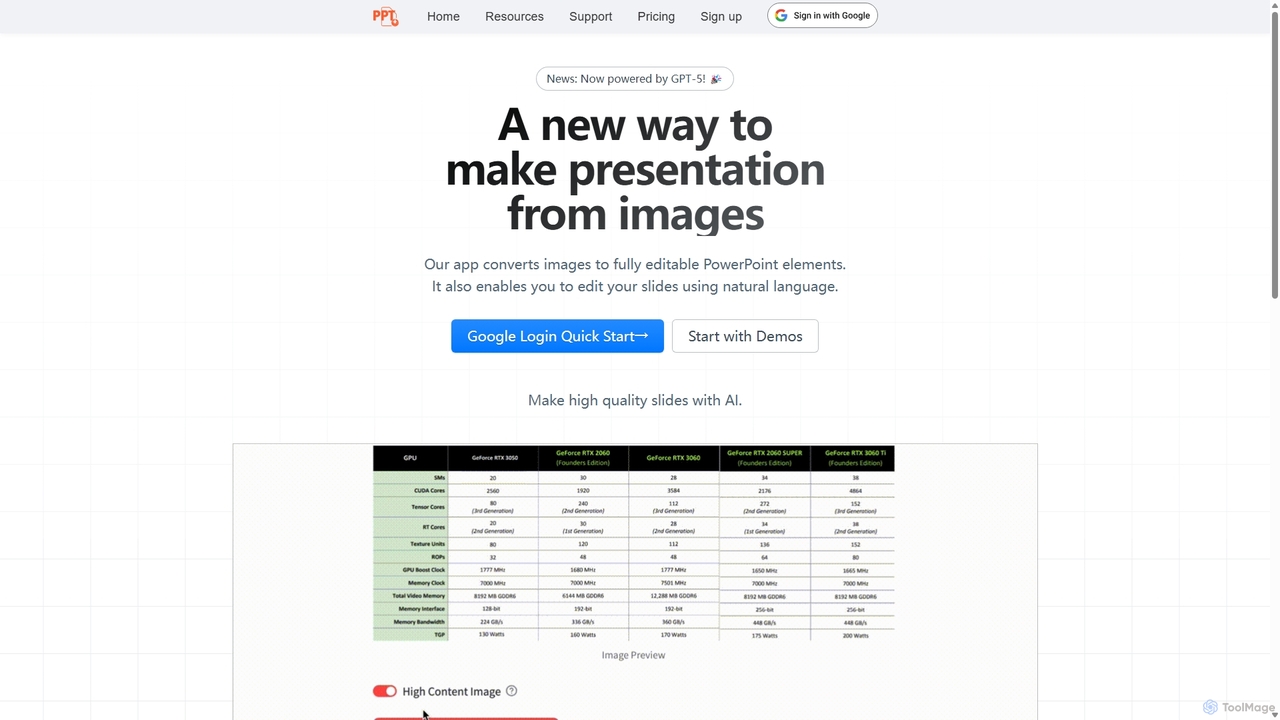
Edit in PPT is an AI-powered tool that converts images, screenshots, and static slides into fully editable PowerPoint presentations. It uses advanced vision models to recognize text, charts, and shapes, saving users hours of manual recreation. The tool also features natural language commands for editing slides, streamlining the entire presentation creation process.
Automation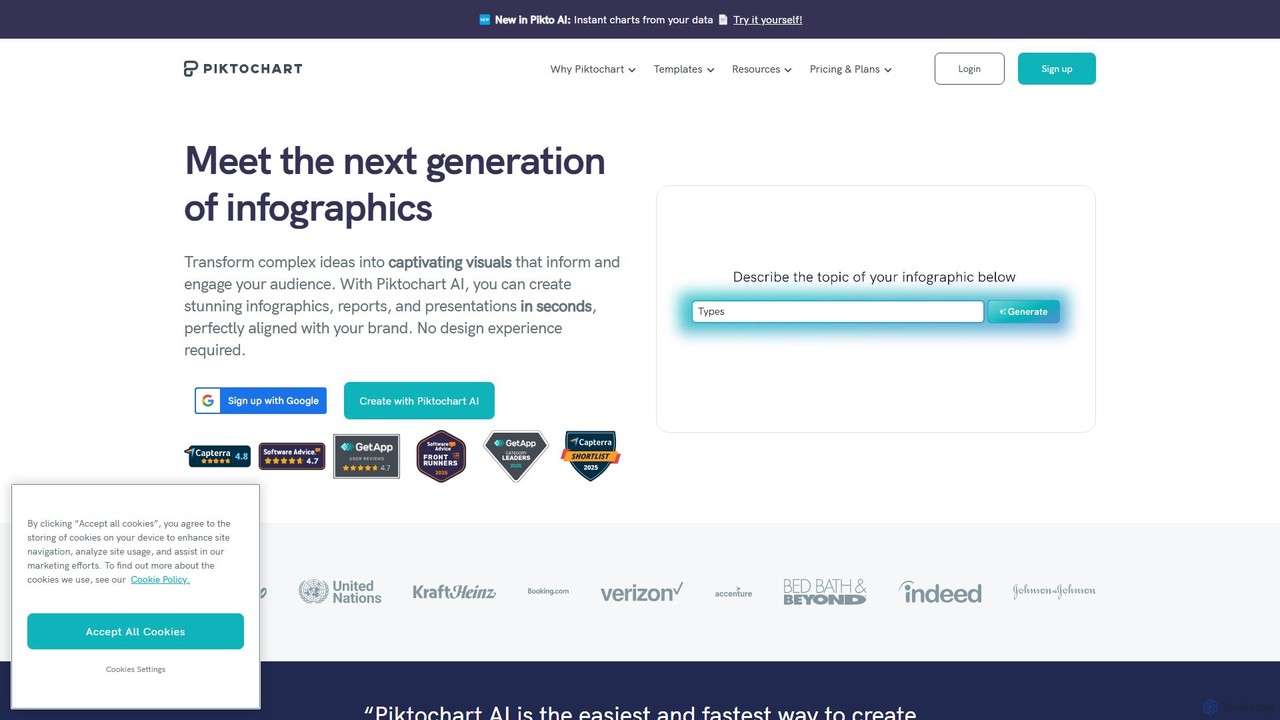
Piktochart
Piktochart is an all-in-one visual communication tool, now enhanced with AI, for creating professional infographics, presentations, reports, and social media graphics. It simplifies data visualization and design, enabling users to transform text and data into compelling visuals effortlessly, with features for brand consistency and team collaboration.
Data Visualization
Pitch
Pitch is a collaborative presentation software designed for modern teams. It combines smart design features, AI-powered generation, real-time collaboration, and powerful analytics to help users create, share, and track stunning presentations. With over 100 expert-designed templates and seamless integrations, Pitch streamlines the entire workflow from creation to delivery, enabling teams to close deals, win clients, and communicate ideas effectively.
Sales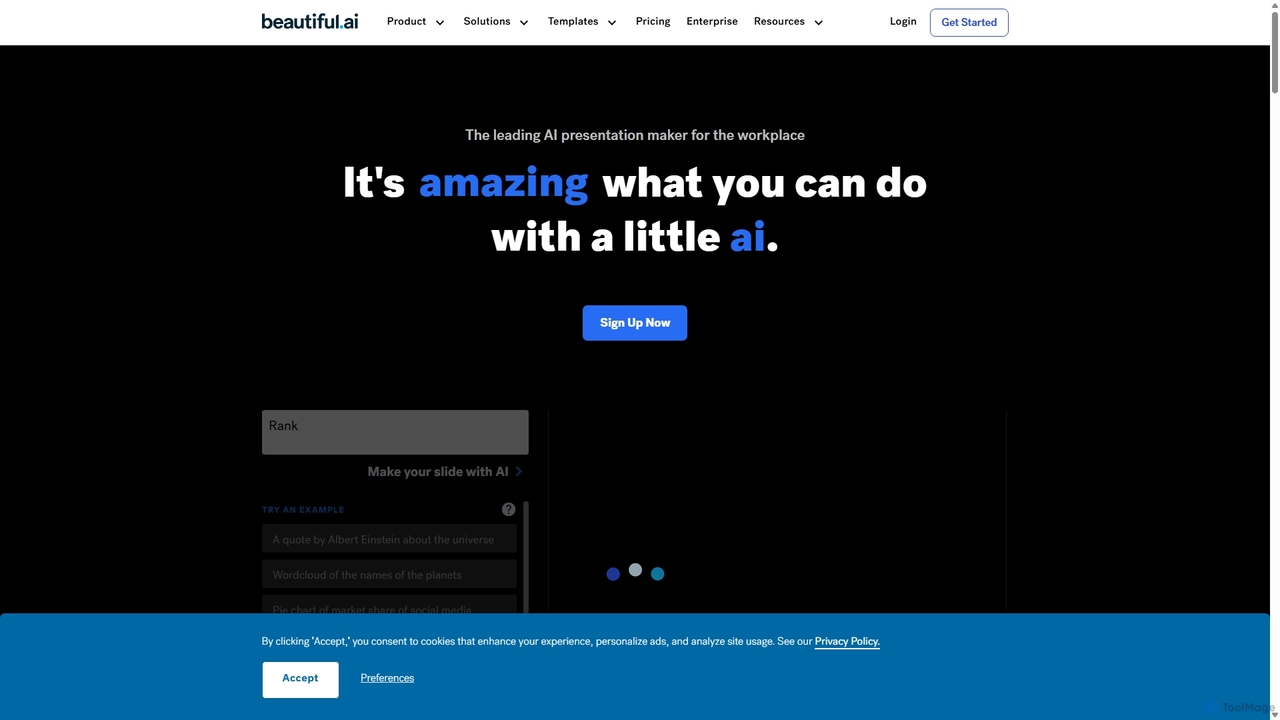
Beautiful.ai
Beautiful.ai is an AI-powered presentation maker that automates design, enabling users to create stunning, professional presentations 10x faster. It offers smart templates, real-time slide adaptation, and robust team collaboration features to ensure brand consistency and boost productivity for businesses and individuals.
Graphics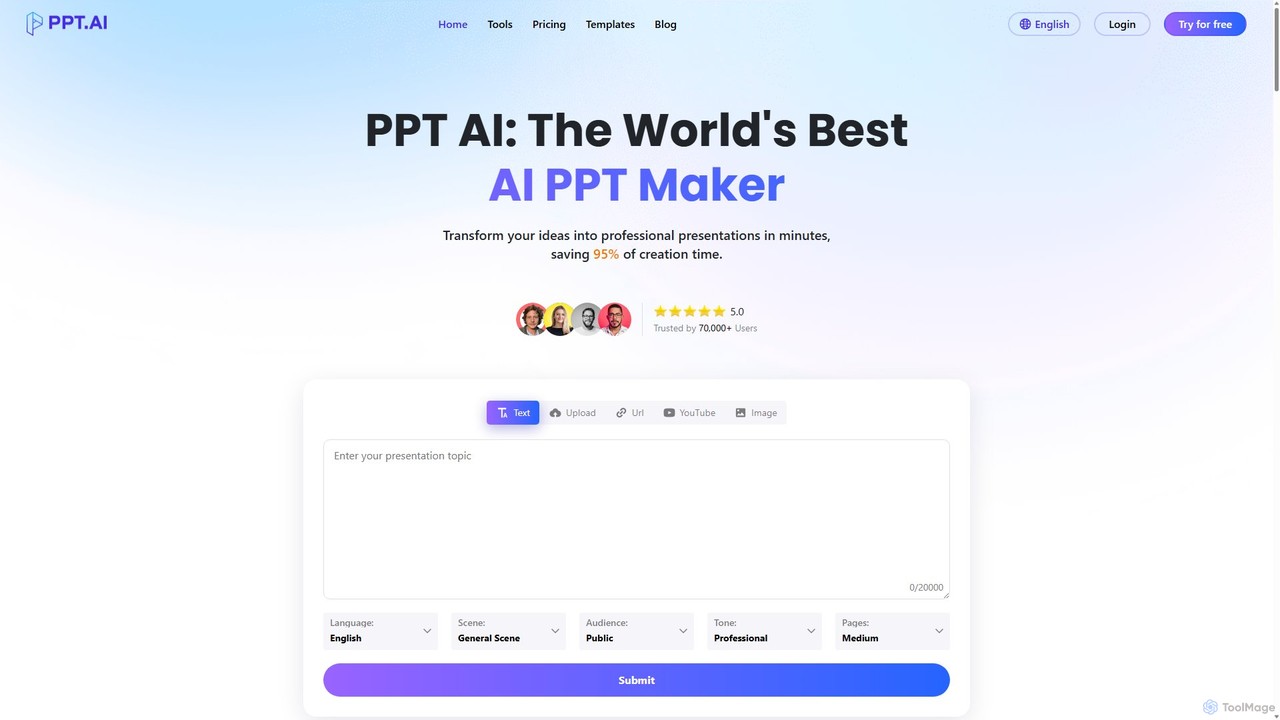
PPT.AI
PPT.AI is an AI-powered presentation maker that transforms your text, ideas, or documents into professional, ready-to-present slides in minutes. It automates the design process, offering intelligent layouts, customizable templates, and consistent branding, making it ideal for professionals and students who need to create high-impact presentations quickly without design expertise.
AutomationtypeUp Categories
typeUp Embed Widget
Copy this embed code to place the badge on your blog, article, or product site and send readers directly to this ToolMage detail page.

Related AI tools
Edit in PPT
Edit in PPT is an AI-powered tool that converts images, screenshots, and static slides into fully editable PowerPoint presentations. It uses advanced vision models to recognize text, charts, and shapes, saving users hours of manual recreation. The tool also features natural language commands for editing slides, streamlining the entire presentation creation process.
AutomationPPT.AI
PPT.AI is an AI-powered presentation maker that transforms your text, ideas, or documents into professional, ready-to-present slides in minutes. It automates the design process, offering intelligent layouts, customizable templates, and consistent branding, making it ideal for professionals and students who need to create high-impact presentations quickly without design expertise.
Automation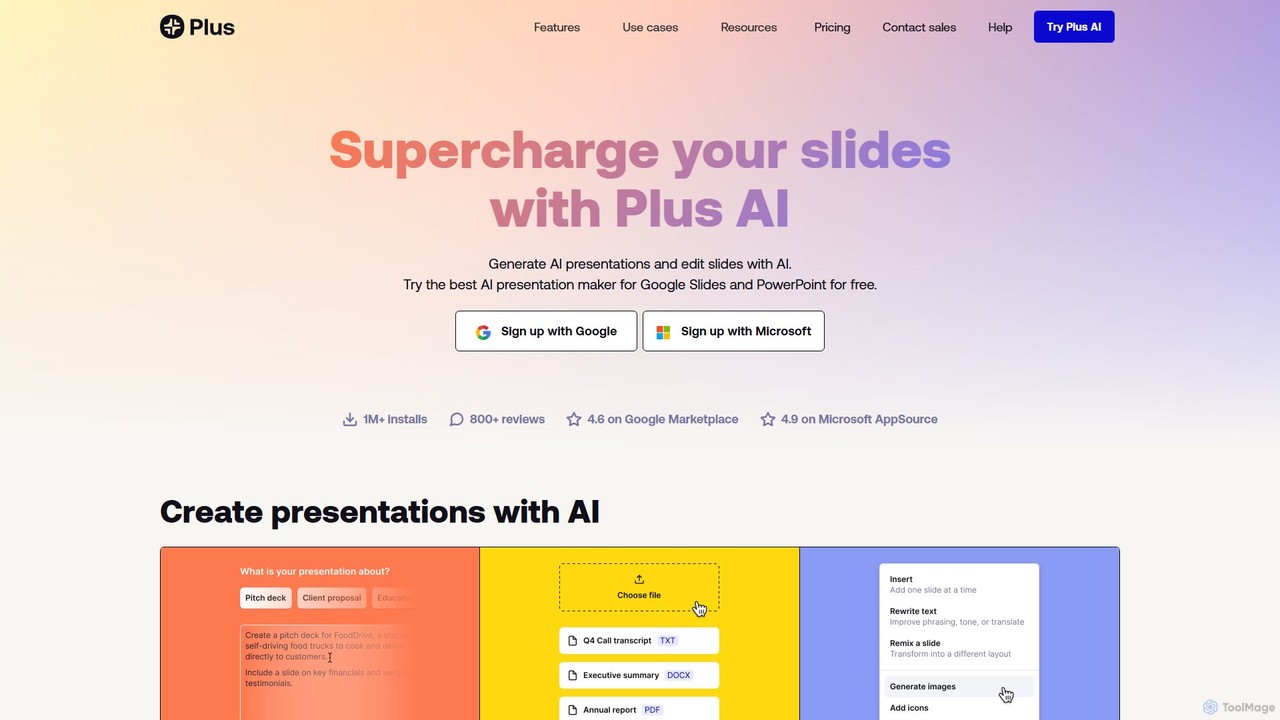
Plus AI
Plus AI is an advanced AI presentation maker designed for professionals. It integrates directly into Google Slides and PowerPoint, allowing you to generate, edit, and reformat slides seamlessly within your existing workflow. Convert documents like PDFs and Word files into stunning, fully-editable presentations, or create them from a simple text prompt. It's built for high-quality, branded content with enterprise-grade security.
Marketing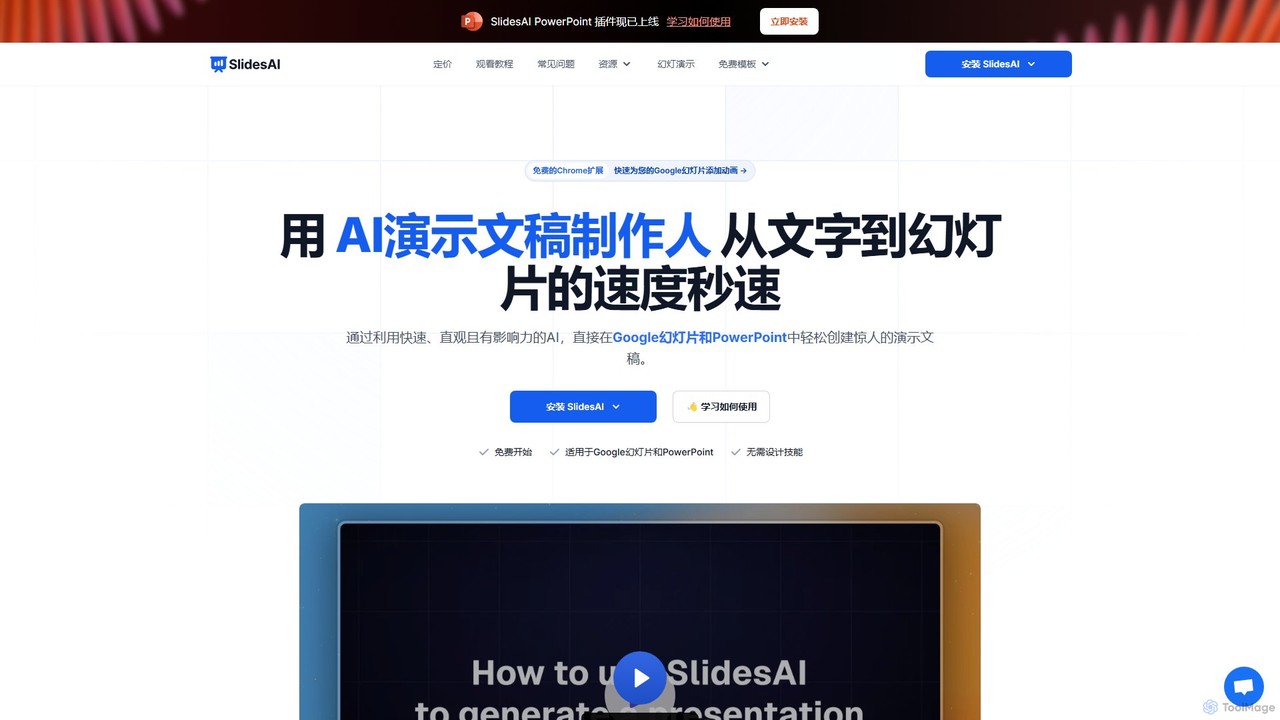
SlidesAI
SlidesAI is an AI-powered presentation maker that integrates directly into Google Slides and PowerPoint. It instantly transforms your text, documents, or ideas into professionally designed, ready-to-present slides. Save hours of manual work by automatically generating outlines, content, and visuals. It's perfect for educators, professionals, and students who need to create compelling presentations quickly and efficiently, with support for over 100 languages.
Automation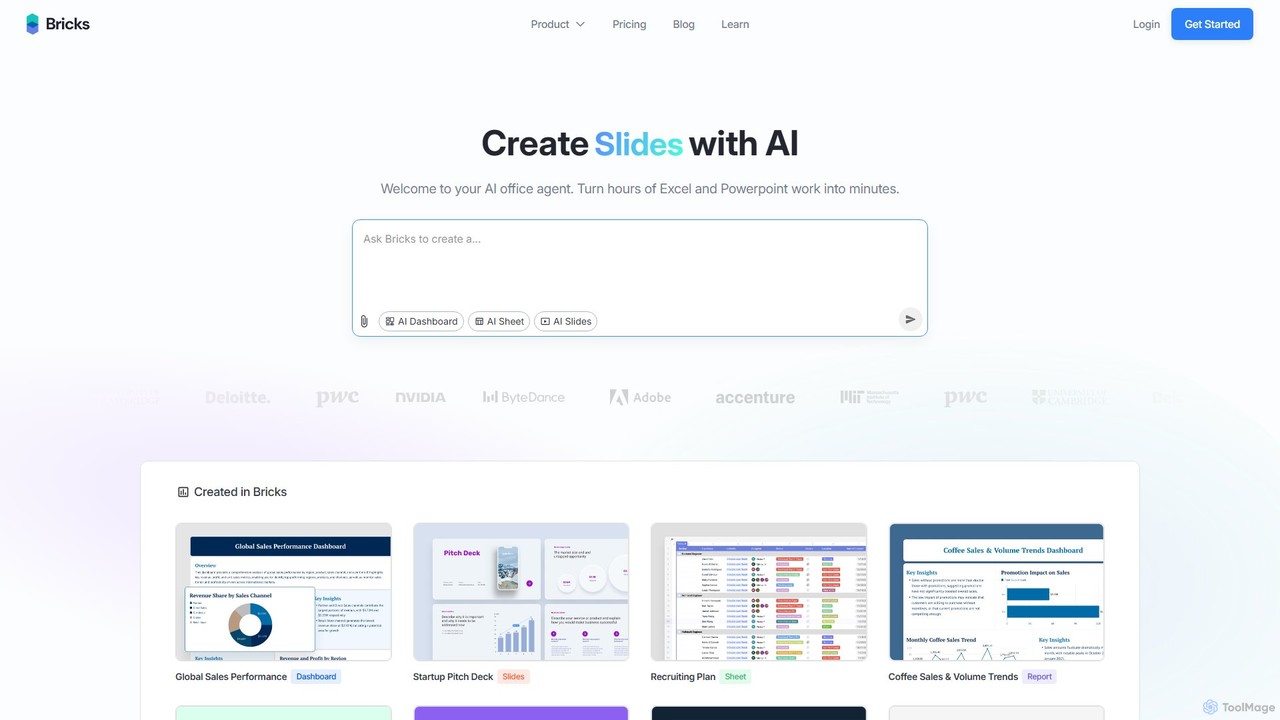
thebricks
thebricks is an AI-powered workspace that transforms data analysis and reporting. It allows users to create interactive dashboards, dynamic spreadsheets, and professional slides using simple natural language prompts. Turn hours of manual work in Excel and PowerPoint into minutes, streamlining your workflow and boosting productivity.
Business Intelligence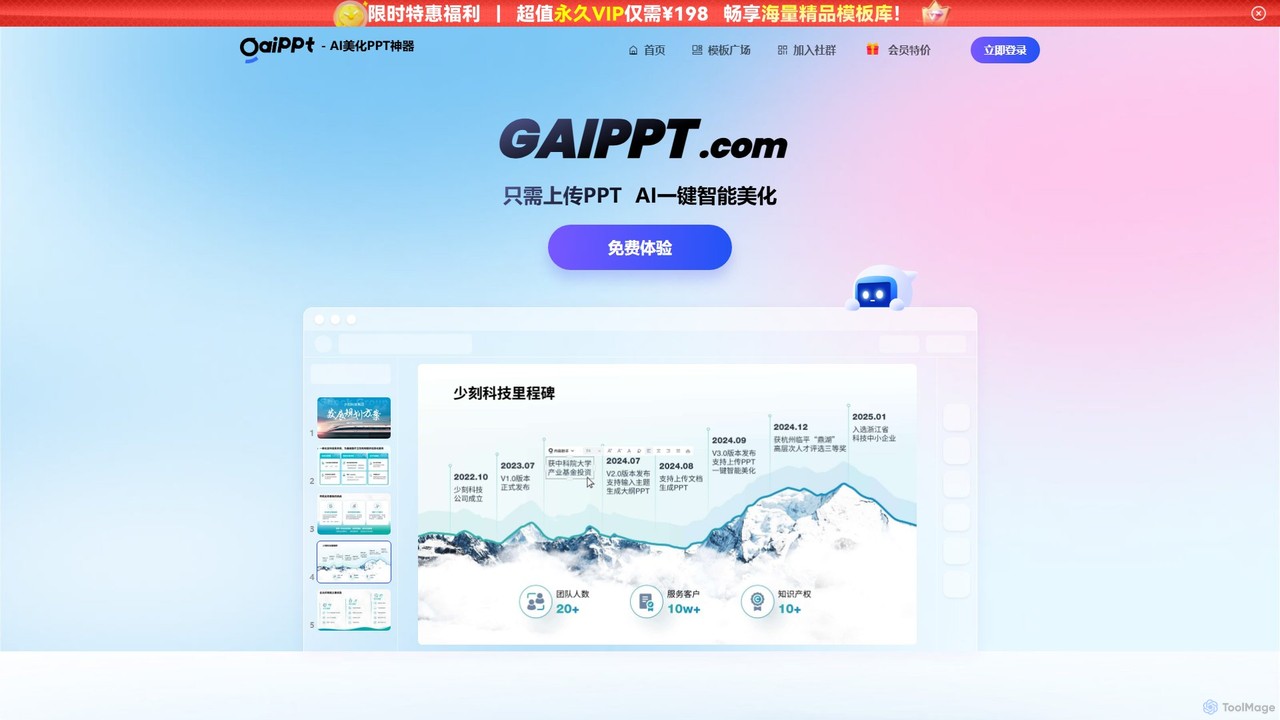
gaippt
gaippt is an AI-powered presentation tool that automatically beautifies existing PowerPoint slides or generates new, professional-looking presentations from documents. It offers one-click enhancement, intelligent layout adaptation, a vast template library, and an AI toolbox for creating images, tables, and more.
Generative Art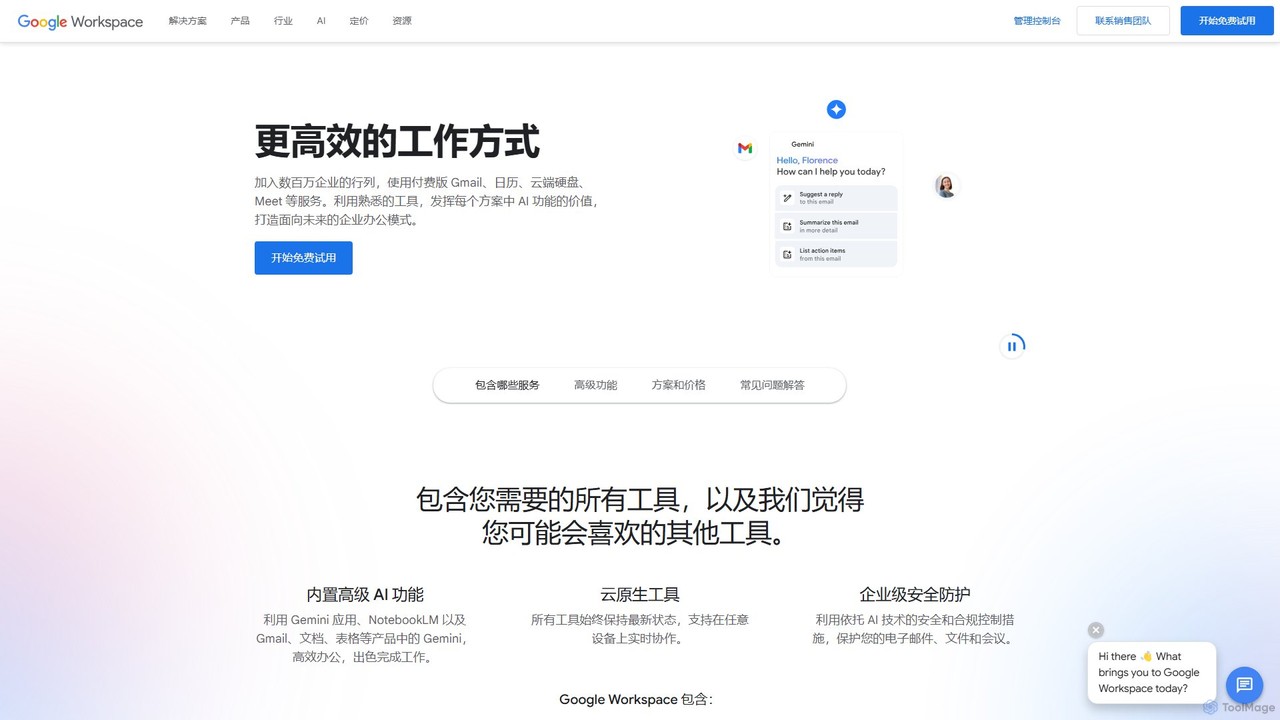
Google Workspace
Google Workspace is an integrated suite of secure, cloud-native collaboration and productivity apps powered by Google AI. It includes Gmail, Docs, Drive, Calendar, Meet, and more, designed to help teams of all sizes connect, create, and collaborate efficiently and securely from any device.
Office Suite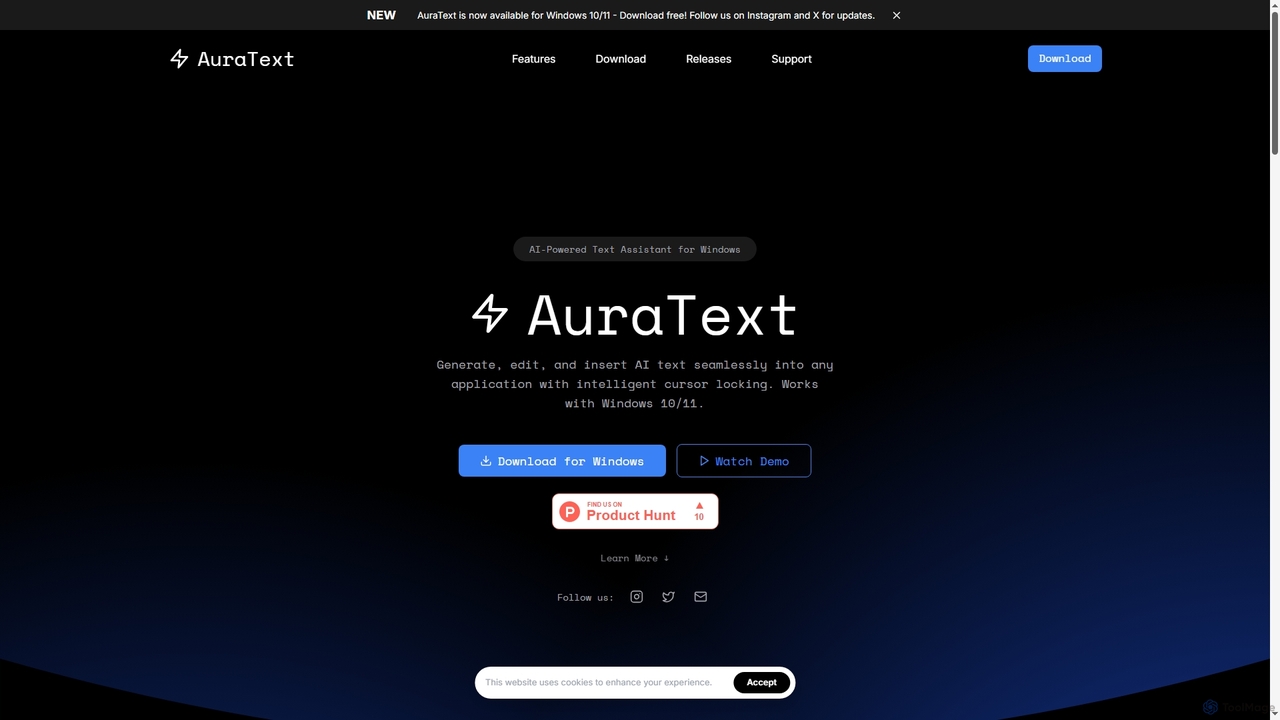
AuraText
AuraText is an AI-powered text assistant for Windows and browsers, enabling seamless generation, editing, and insertion of AI-generated text into any application. It features intelligent cursor locking, multi-AI provider support (Gemini, Perplexity, OpenAI), real-time text analysis, and a secure, private environment for enhanced productivity.
Text Editing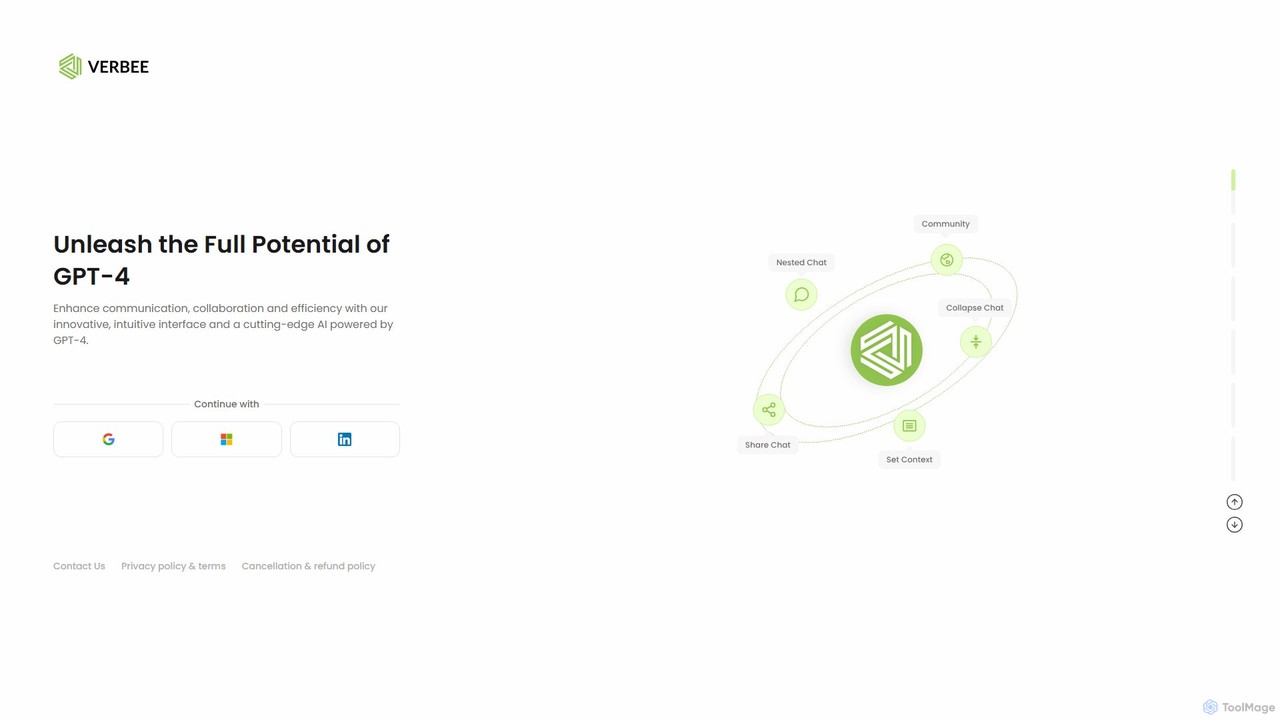
verbee
verbee is a collaborative AI platform designed for teams, powered by GPT-4. It enhances communication and efficiency by providing a shared, real-time chat interface. Key features include nested questions for deep dives, context setting, and a flexible usage-based pricing model, making advanced AI accessible and cost-effective for any organization.
Ai Chatbot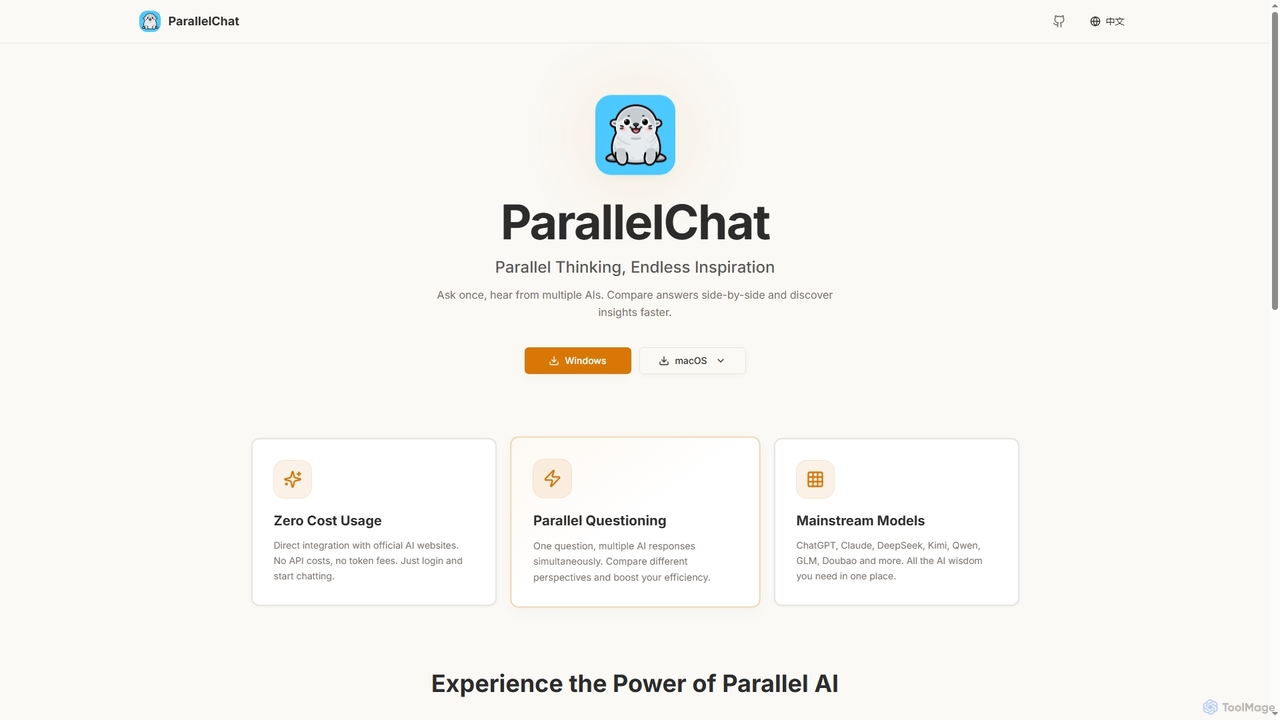
ParallelChat
ParallelChat is a desktop application for Windows and macOS that allows users to query multiple AI models simultaneously and compare their responses side-by-side. It integrates popular AIs like ChatGPT, Claude, and DeepSeek, offering diverse perspectives to boost efficiency and find better answers faster.
Writing Assistant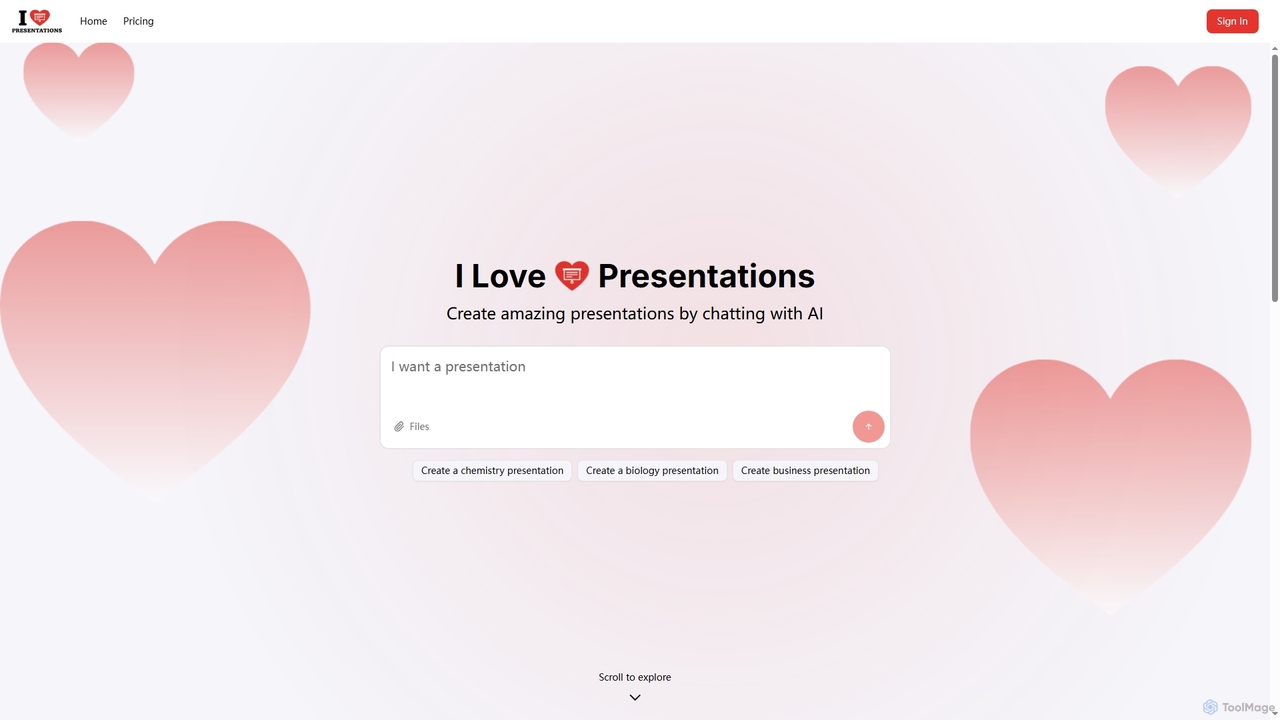
iLovePresentations
iLovePresentations is an innovative AI-powered tool designed to simplify presentation creation. Users can generate professional slides by simply chatting with the AI, describing their desired content. It offers a fast and efficient way to produce engaging presentations for various purposes, from academic subjects like chemistry and biology to business reports.
Marketing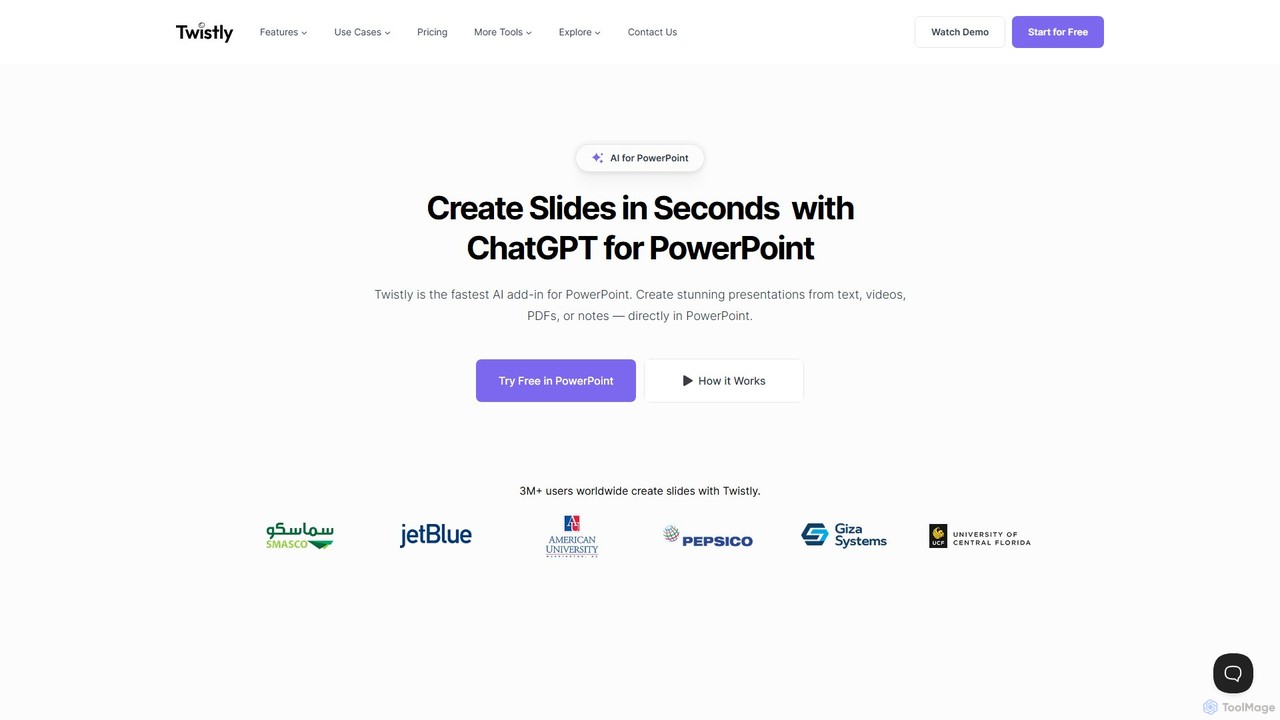
Twistly
Twistly is a powerful AI add-in for Microsoft PowerPoint that integrates ChatGPT to revolutionize presentation creation. It allows users to generate complete, stunning presentations from text, documents, PDFs, or even YouTube videos in seconds, directly within the PowerPoint interface. This eliminates the need for context switching, streamlining the workflow for professionals, educators, and students.
Teaching Tool
PageOn
PageOn is an AI-native visual communication tool that uses AI agents to understand, research, and design dynamic presentations. It goes beyond traditional slides by generating interactive charts, diagrams, 3D models, and media, all based on simple text descriptions of your desired look and feel.
Generative Art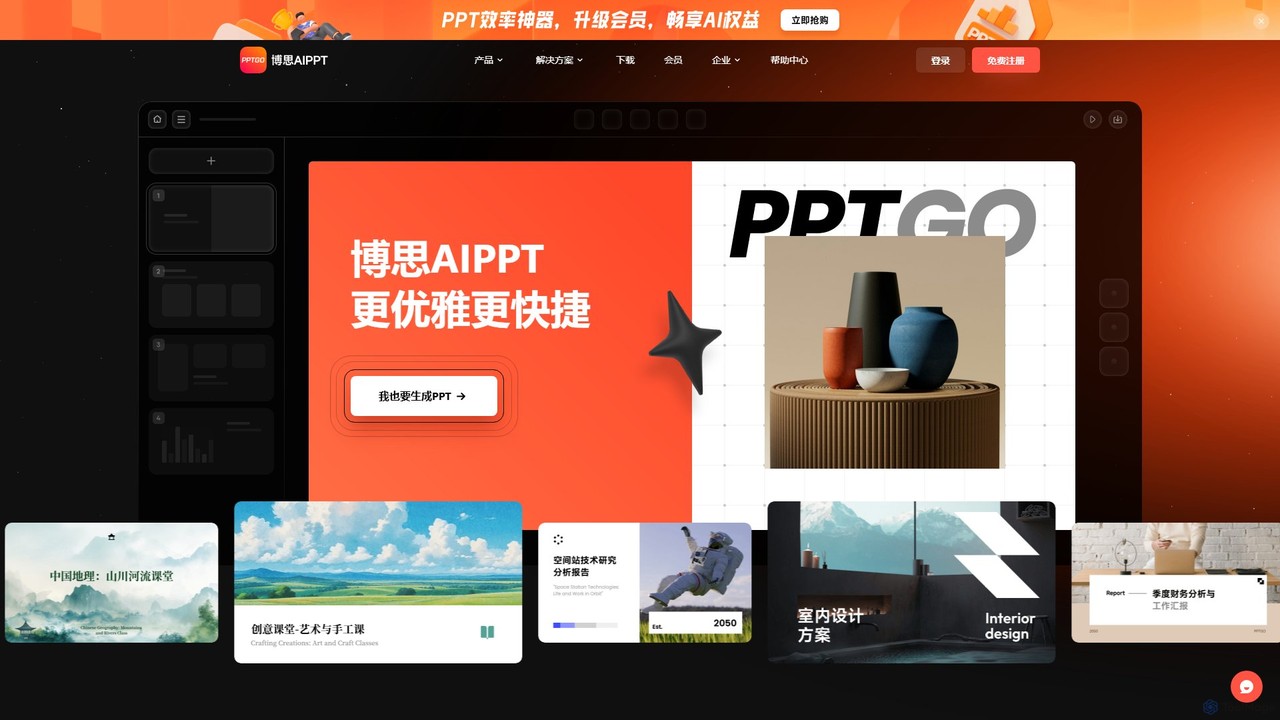
pptgo
pptgo is an AI-powered presentation generator that creates professional, visually appealing slides in seconds. Simply provide a topic, text, or document, and let the AI handle the outlining, content creation, design, and layout, dramatically boosting your productivity.
Teaching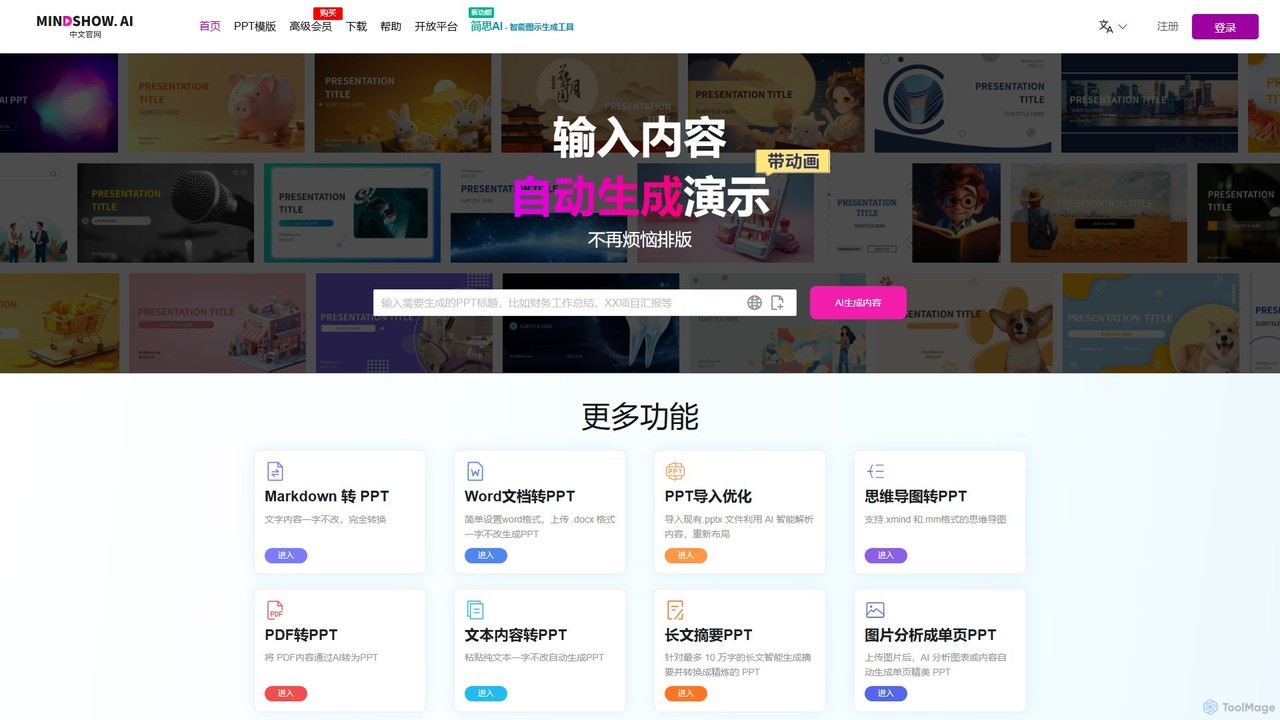
MindShow
MindShow is an AI-powered presentation generator that instantly transforms text, documents, mind maps, and even images into professionally designed slides. It automates layout, design, and content structuring, allowing users to create high-quality presentations in minutes, not hours. Ideal for business professionals, students, and educators.
Lesson Planning
typeUp Comments (0)
Sign in to comment.
Sign inNo comments yet.