

gaippt Overview
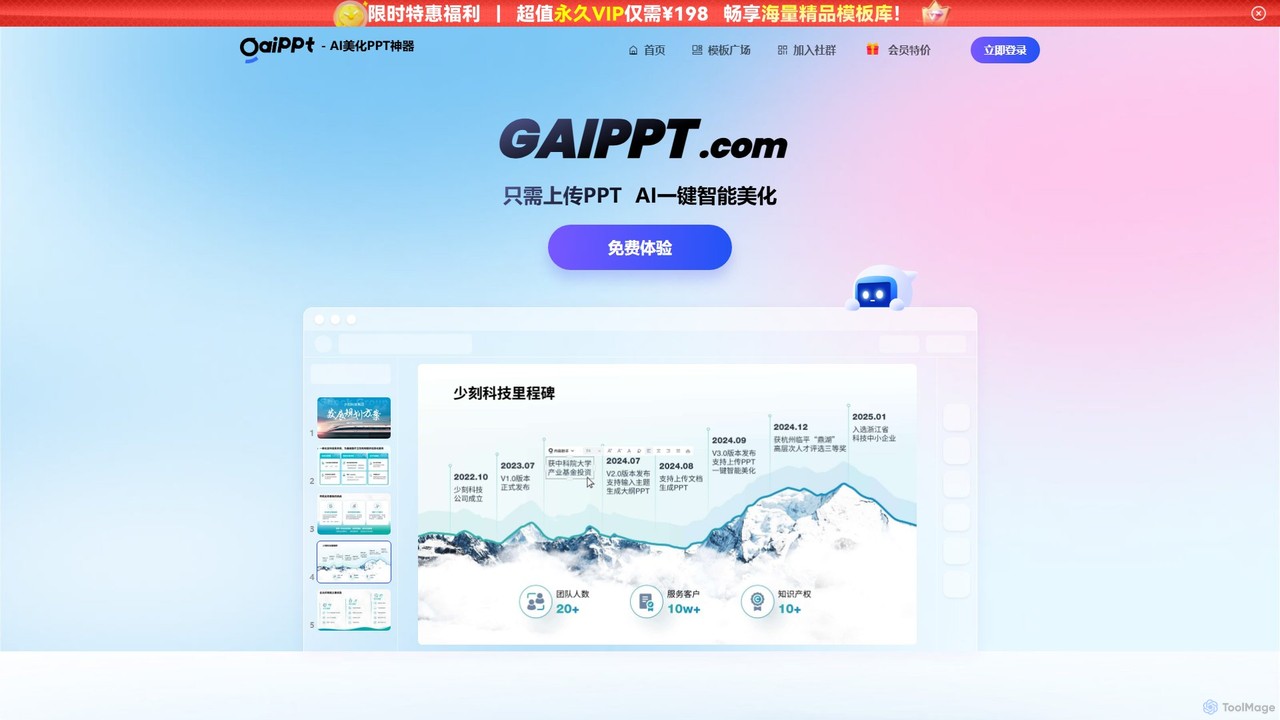
gaippt is a revolutionary AI presentation assistant designed to transform plain or outdated PowerPoint slides into visually stunning, professional-grade presentations. With its powerful AI engine, it streamlines the entire design process, allowing users to achieve remarkable results in a fraction of the time. The platform serves a dual purpose: it can either take an existing PPT file and completely overhaul its design, or it can generate a brand-new, fully structured presentation from various document types or simple text inputs.
The core promise of gaippt is speed and simplicity. The platform boasts the ability to beautify an entire presentation in as little as 60 seconds. This efficiency empowers professionals, students, and educators to focus on their content, leaving the complex and time-consuming task of design to the AI. The output is not just a static image; users receive a fully editable PPT file, ensuring complete control for final adjustments.
How to use gaippt
Using gaippt is an incredibly straightforward process, designed to be intuitive for users of all skill levels. The workflow can be broken down into a few simple steps:
- Upload Your Content: Begin by uploading your existing PowerPoint file (.ppt or .pptx) or a document (like a Word file or plain text) that contains the information you want to present.
- Choose Your Style: Browse through gaippt's extensive library of design styles and templates. You can filter by industry, use case (e.g., business report, academic defense), or aesthetic (e.g., minimalist, tech, creative). Select the one that best fits your topic and audience.
- Let AI Do the Work: Once you've selected a style, the AI engine gets to work. It intelligently analyzes your content, identifies key elements, restructures layouts for clarity and impact, and applies the chosen design theme consistently across all slides. This includes optimizing fonts, colors, and image placements.
- Review and Download: Within about a minute, your enhanced presentation is ready. You can preview the result and then download it as a fully editable PowerPoint source file. This allows you to make any final manual tweaks or add specific information as needed.
Core Features of gaippt
- AI One-Click Beautification: The flagship feature. Upload any PPT, and the AI automatically redesigns it with professional layouts, consistent color schemes, appropriate typography, and high-quality visuals.
- Document-to-Presentation Generation: Go beyond beautification by creating presentations from scratch. The AI can take a document, summarize its key points, generate a logical outline, and build a complete set of slides.
- Intelligent Layout Engine: The AI is trained to recognize different types of content, such as timelines, team introductions, multi-image galleries, and data points. It then applies the most effective and visually appealing layout for each specific slide.
- Vast Template Library: Access a rich and diverse collection of professionally designed templates. These are categorized by use case (business plans, research reports), industry (finance, education, tech), and style (3D, Chinese style, minimalist) to ensure you find the perfect match.
- AI Toolbox: A suite of integrated generative AI tools to enhance your presentation further. This includes an AI Image Generator to create custom visuals, an AI Table Generator for clean data presentation, an AI Cover Designer for a strong first impression, and an AI 'Golden Sentence' Generator to craft impactful headlines and phrases.
- Editable Source File Output: Unlike some design tools that lock you in, gaippt provides a standard, fully editable .pptx file, giving you the freedom to refine your presentation in Microsoft PowerPoint or other compatible software.
Use Cases for gaippt
gaippt is a versatile tool suitable for a wide range of users and scenarios:
- Business Professionals: Quickly prepare polished presentations for client meetings, internal reports, sales pitches, and project updates. Save valuable hours on design and focus on strategy.
- Students and Academics: Effortlessly create high-quality presentations for thesis defenses, lectures, class projects, and research reports. Make your academic work stand out visually.
- Marketers and Sales Teams: Generate on-brand marketing materials, product introductions, and sales decks that are both visually consistent and compelling.
- Consultants: Rapidly produce data-driven reports and strategic plans for clients, ensuring a professional and modern look every time.
- Anyone in a Hurry: Turn rough notes or a simple document into a presentable slideshow in minutes, perfect for last-minute presentation needs.
Advantages of gaippt
The primary advantage of gaippt is its massive boost in efficiency and design quality. It democratizes professional design, making it accessible to everyone. Key benefits include a drastic reduction in the time spent on formatting slides, ensuring a high level of visual consistency and professionalism that can be difficult to achieve manually, and an intuitive interface that requires no prior design experience. The creative AI toolbox also helps overcome writer's block or the search for perfect visuals.
Pricing and Plans
gaippt operates on a freemium model, offering both a free trial and paid membership plans.
- Free Trial: Users can typically experience the core features for free, which may include a limited number of presentation beautifications, access to a basic set of templates, and potentially watermarked outputs.
- Member/Pro Plan: A subscription-based plan that unlocks the full power of the platform. Benefits usually include unlimited presentation generations and beautifications, full access to the premium template library, watermark-free downloads, and priority access to the advanced AI Toolbox features.
For the most current and detailed pricing information, please visit the official gaippt website.
Traffic
Latest traffic
Status
Monthly traffic trend
- 2025-9: 20.1K
- 2026-1: 14.9K
- 2026-2: 5.1K
- 2026-3: 16.8K
- 2026-4: 9.7K
- 2026-5: 10.0K
Geography
Top 5 countries / regions
- 🇨🇳China86.7%
- 🇺🇸United States13.0%
- 🇯🇵Japan0.3%
Traffic sources
| Source type | Percentage |
|---|---|
Direct | 71.6% |
Referral | 28.4% |
gaippt Alternatives

PageOn
PageOn is an AI-native visual communication tool that uses AI agents to understand, research, and design dynamic presentations. It goes beyond traditional slides by generating interactive charts, diagrams, 3D models, and media, all based on simple text descriptions of your desired look and feel.
Generative Art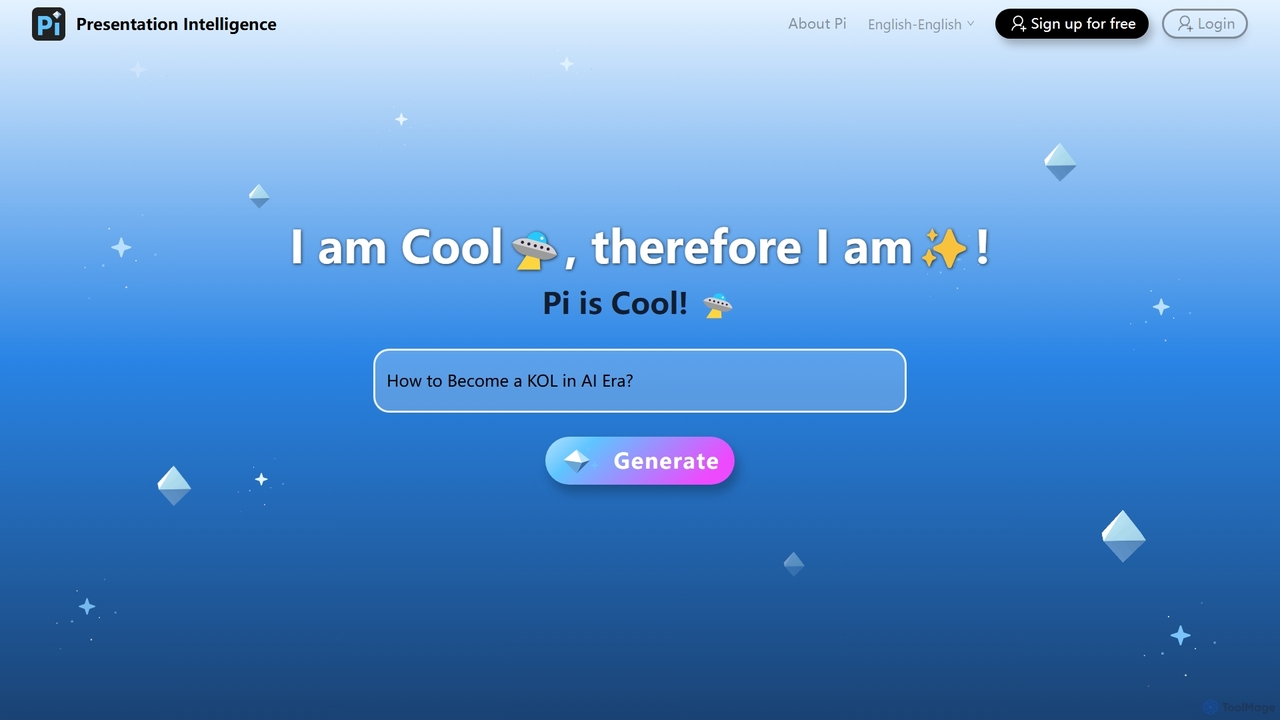
Pi
Pi (Presentation Intelligence) is an AI-native platform that transforms content creation. It uses advanced multi-modal AI and design engineering to automatically generate stunning presentations and documents from simple prompts, PDFs, websites, or data. Pi intelligently structures content, designs layouts, visualizes information, and ensures a seamless, fluid experience on any device, making professional design accessible to everyone.
Generative Art
qzoffice
qzoffice is an AI-powered presentation generator that creates professional slides in one click. It converts text, documents (Word/PDF), and URLs into stunning presentations, complete with outlines, content, and speaker notes. Ideal for business, education, and personal use.
Marketing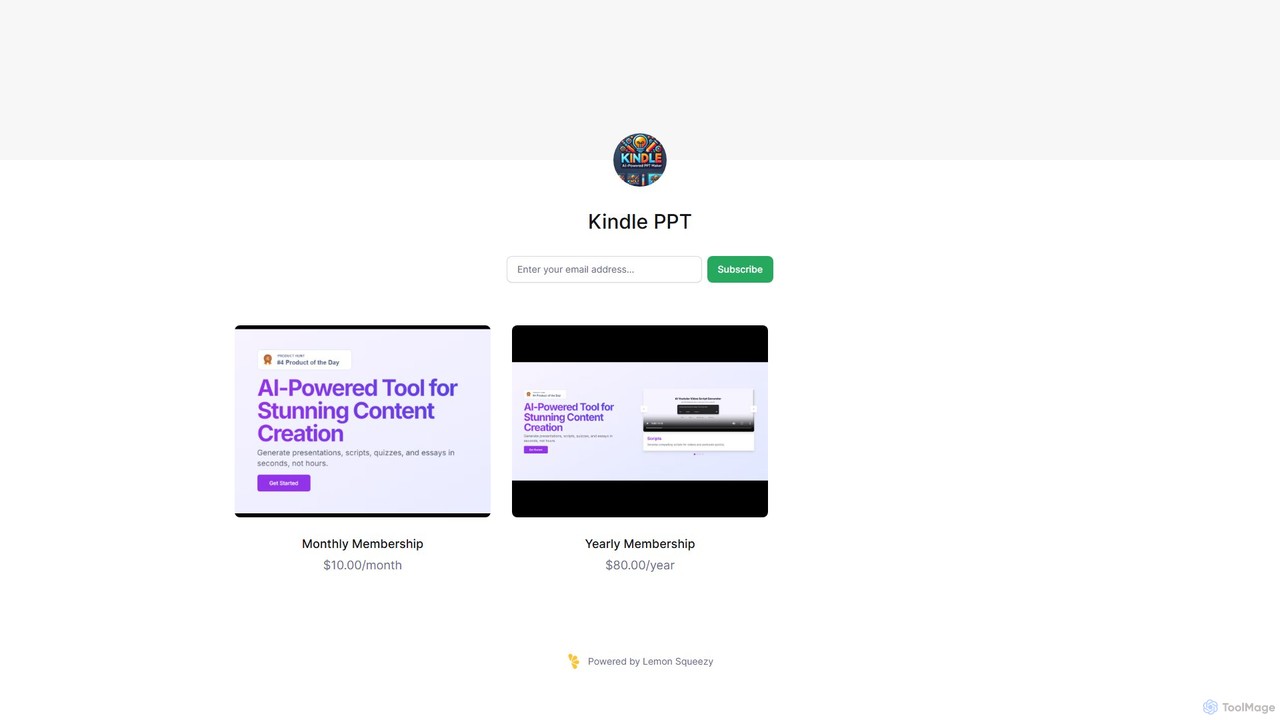
Kindle PPT
Kindle PPT is an AI-powered tool that transforms your Kindle highlights and notes into polished, ready-to-use PowerPoint presentations. It automates summarizing key ideas, structuring content into slides, and designing professional layouts. Ideal for students, professionals, and avid readers, it saves hours of manual work, helping you turn insights from books into compelling visual presentations effortlessly.
Study Tools
ChatPPT
ChatPPT is a powerful AI presentation generator that creates professional slides from simple text prompts, documents, webpages, or even images. It streamlines the entire creation process, from content generation with live web search to intelligent layout and design, allowing users to produce stunning presentations in minutes.
Reportinggaippt Categories
gaippt Embed Widget
Copy this embed code to place the badge on your blog, article, or product site and send readers directly to this ToolMage detail page.

Related AI tools
PageOn
PageOn is an AI-native visual communication tool that uses AI agents to understand, research, and design dynamic presentations. It goes beyond traditional slides by generating interactive charts, diagrams, 3D models, and media, all based on simple text descriptions of your desired look and feel.
Generative ArtChatPPT
ChatPPT is a powerful AI presentation generator that creates professional slides from simple text prompts, documents, webpages, or even images. It streamlines the entire creation process, from content generation with live web search to intelligent layout and design, allowing users to produce stunning presentations in minutes.
Reporting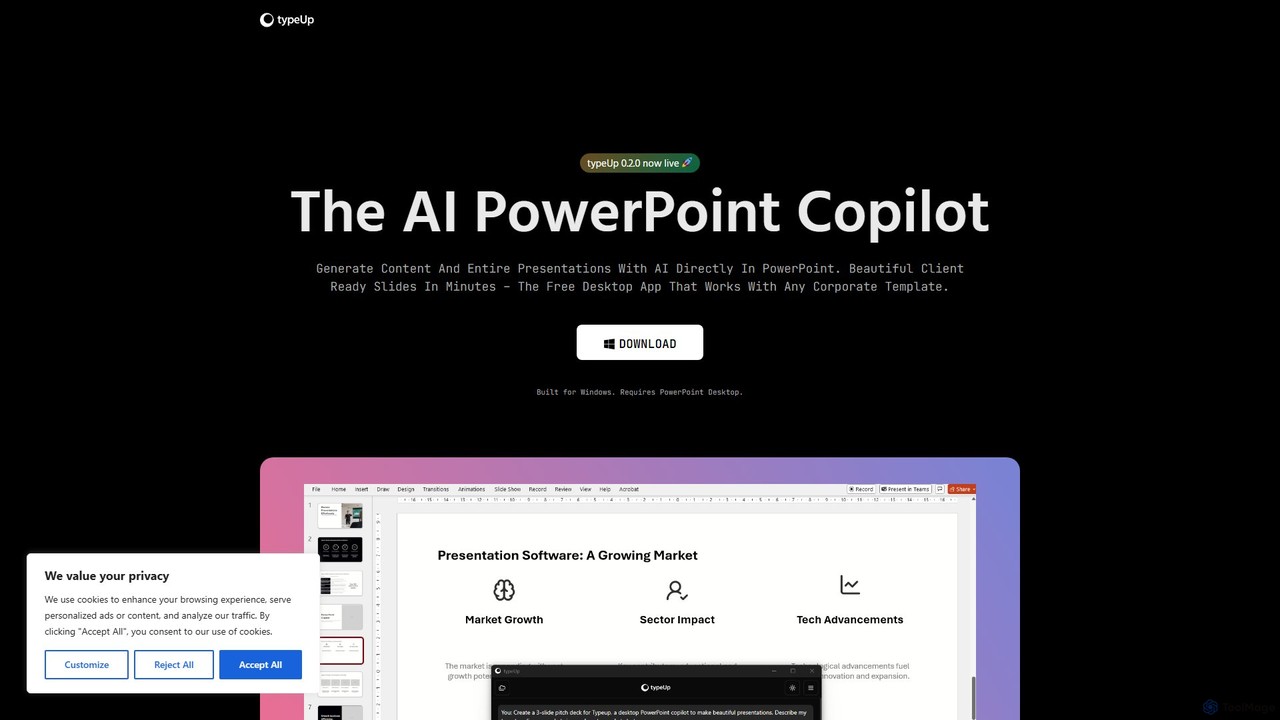
typeUp
An AI-powered copilot for PowerPoint that accelerates presentation creation and formatting by 10x. It's a free Windows desktop app that integrates directly with PowerPoint, allowing users to generate entire slides from prompts, access vast libraries of images, logos, and icons, and apply brand-consistent layouts instantly.
Productivity Tools
Jyek
Jyek is an AI agent platform that understands objectives, creates execution plans, uses tools, and delivers verifiable results for complex, multi-step tasks.
Automation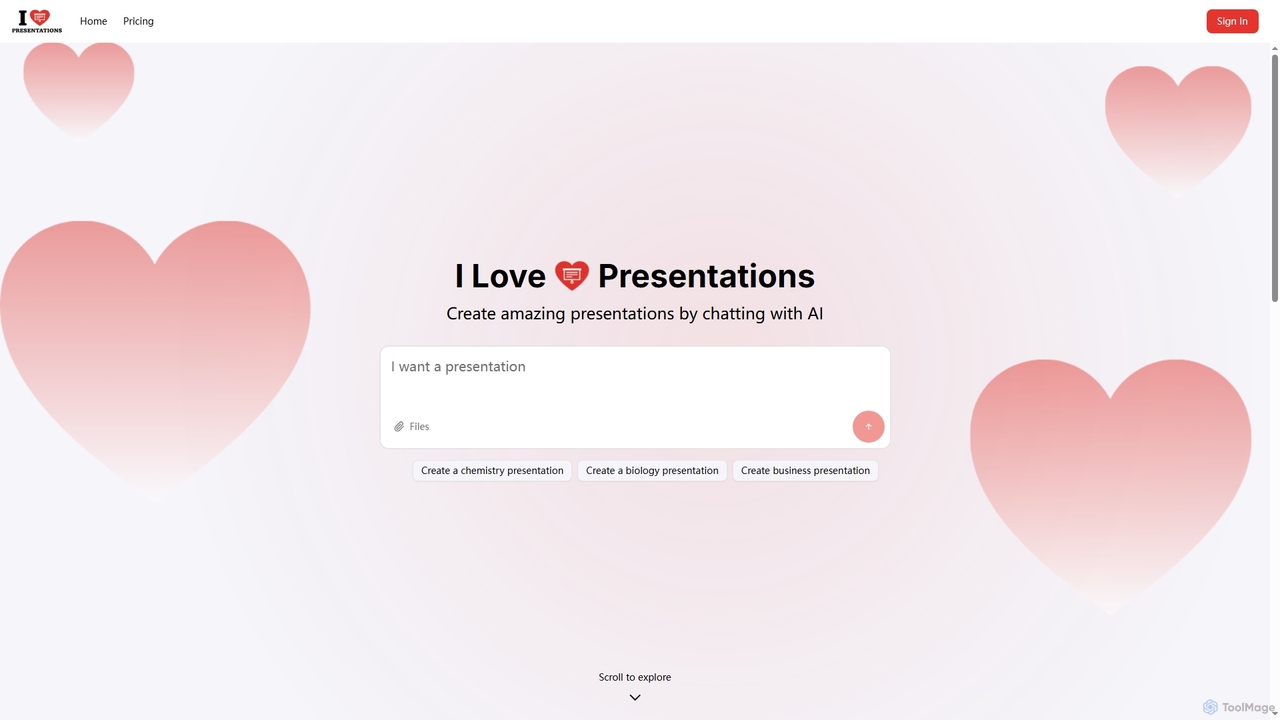
iLovePresentations
iLovePresentations is an innovative AI-powered tool designed to simplify presentation creation. Users can generate professional slides by simply chatting with the AI, describing their desired content. It offers a fast and efficient way to produce engaging presentations for various purposes, from academic subjects like chemistry and biology to business reports.
MarketingPi
Pi (Presentation Intelligence) is an AI-native platform that transforms content creation. It uses advanced multi-modal AI and design engineering to automatically generate stunning presentations and documents from simple prompts, PDFs, websites, or data. Pi intelligently structures content, designs layouts, visualizes information, and ensures a seamless, fluid experience on any device, making professional design accessible to everyone.
Generative Artqzoffice
qzoffice is an AI-powered presentation generator that creates professional slides in one click. It converts text, documents (Word/PDF), and URLs into stunning presentations, complete with outlines, content, and speaker notes. Ideal for business, education, and personal use.
Marketing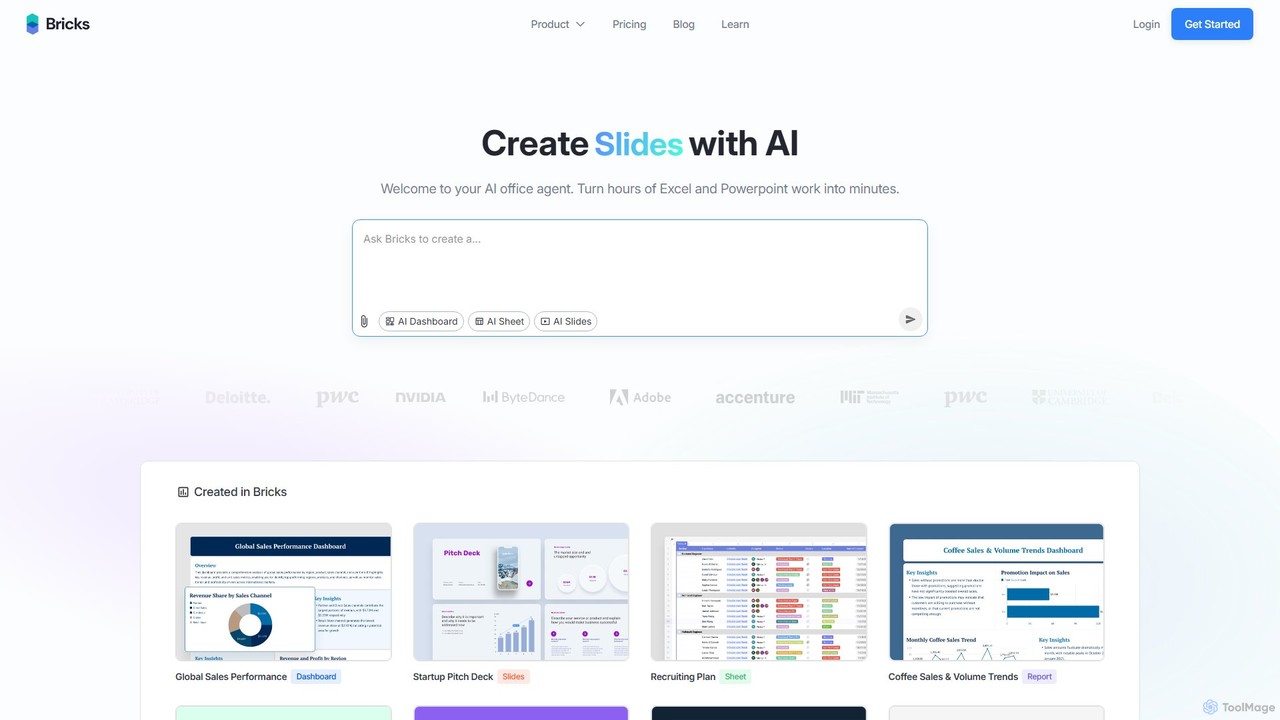
thebricks
thebricks is an AI-powered workspace that transforms data analysis and reporting. It allows users to create interactive dashboards, dynamic spreadsheets, and professional slides using simple natural language prompts. Turn hours of manual work in Excel and PowerPoint into minutes, streamlining your workflow and boosting productivity.
Business Intelligence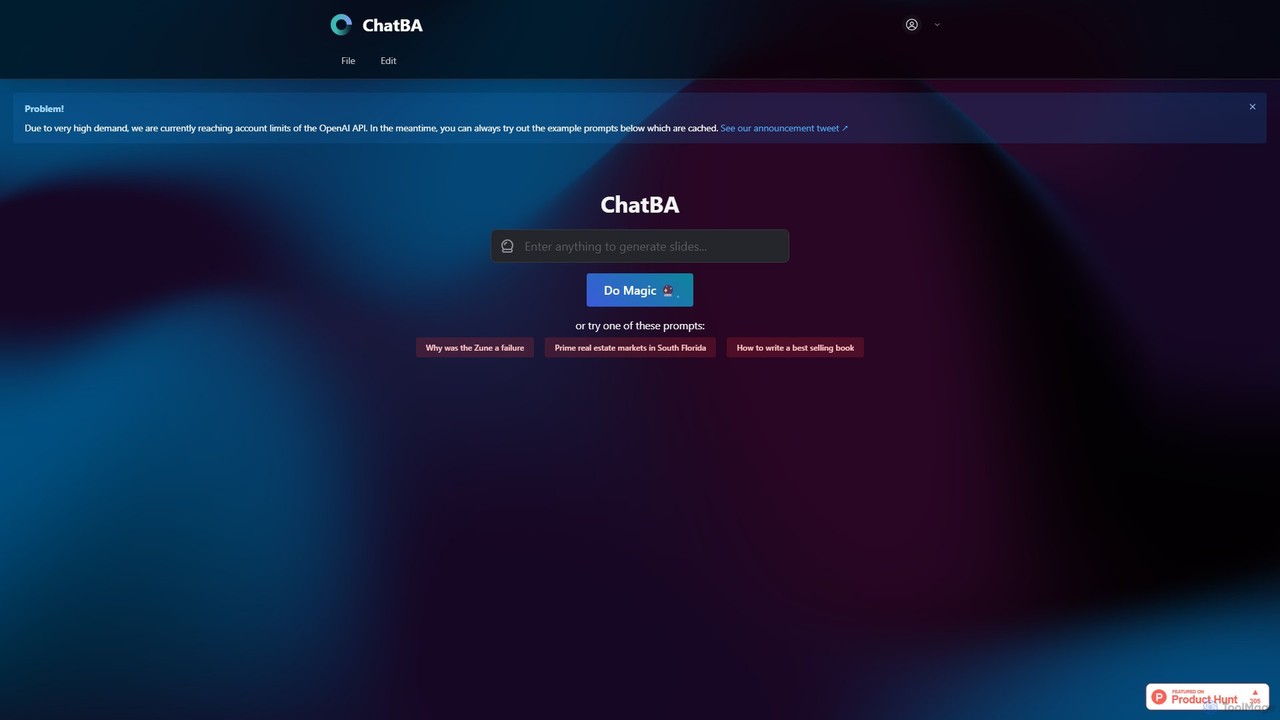
ChatBA
ChatBA is a generative AI tool that transforms simple text prompts into complete, professional presentations. Instantly create slide decks for business, education, or marketing by just describing your topic. It automates content writing, structuring, and design, saving you hours of manual work.
Student Tools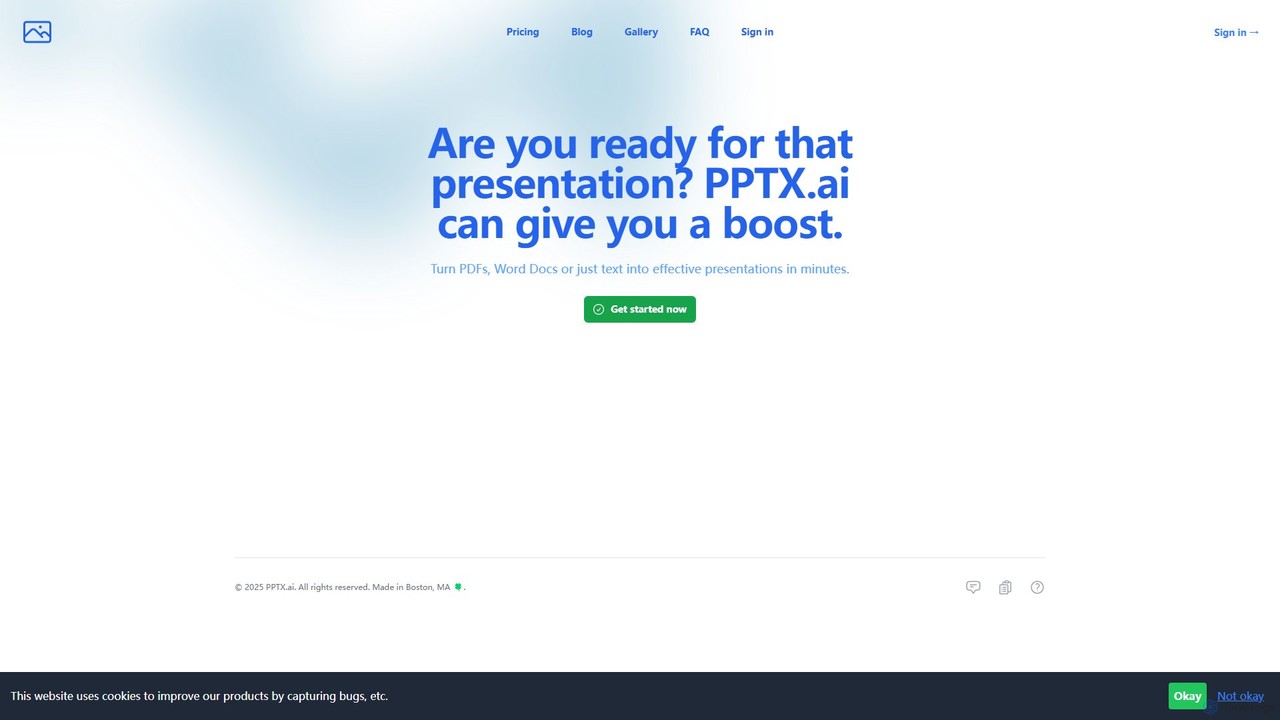
PPTX.ai
PPTX.ai is an AI-powered tool that rapidly transforms text, PDFs, and Word documents into professional presentations for PowerPoint and Google Slides. It automatically generates slide content, bullet points, and detailed speaker notes, helping users create compelling presentations in minutes.
Document Summarization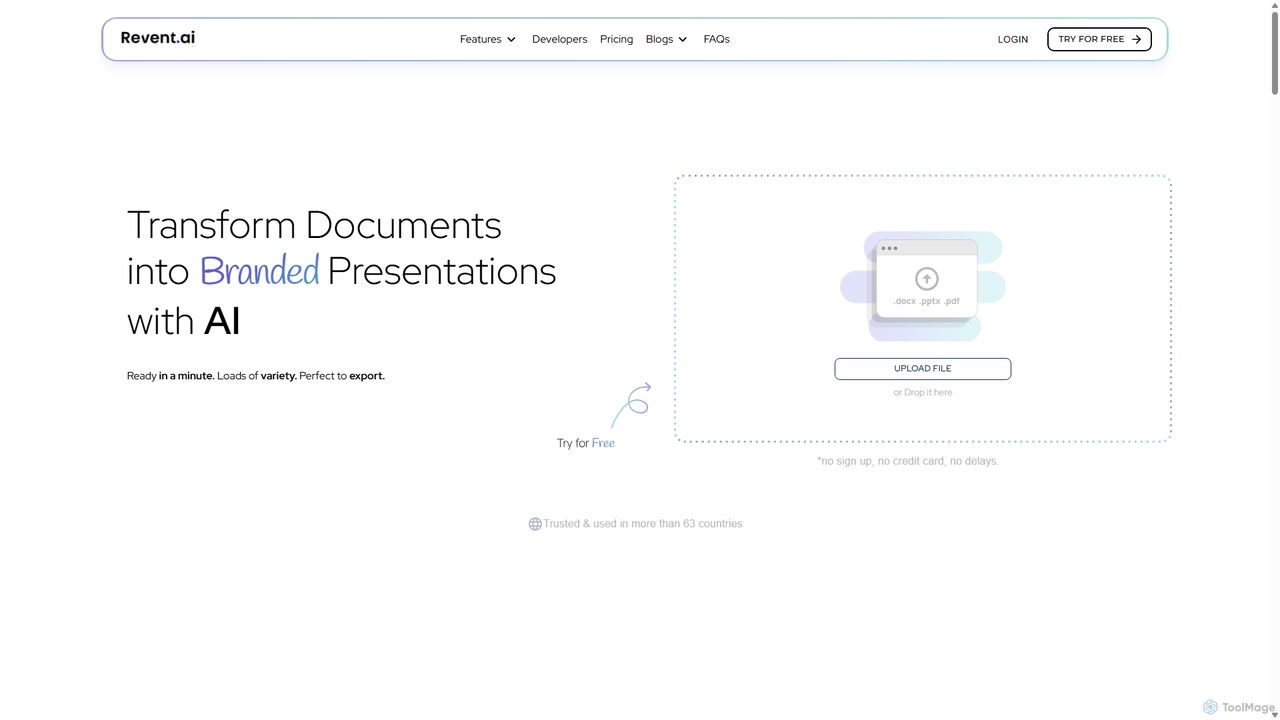
Revent
Revent is an AI-powered presentation design tool that instantly transforms documents like PDFs, Word files, and plain text into professionally designed, branded presentations. It automates slide creation, ensures brand consistency by mirroring your website's design, and offers a vast library of smart templates to streamline your workflow and produce stunning decks in minutes.
Document Management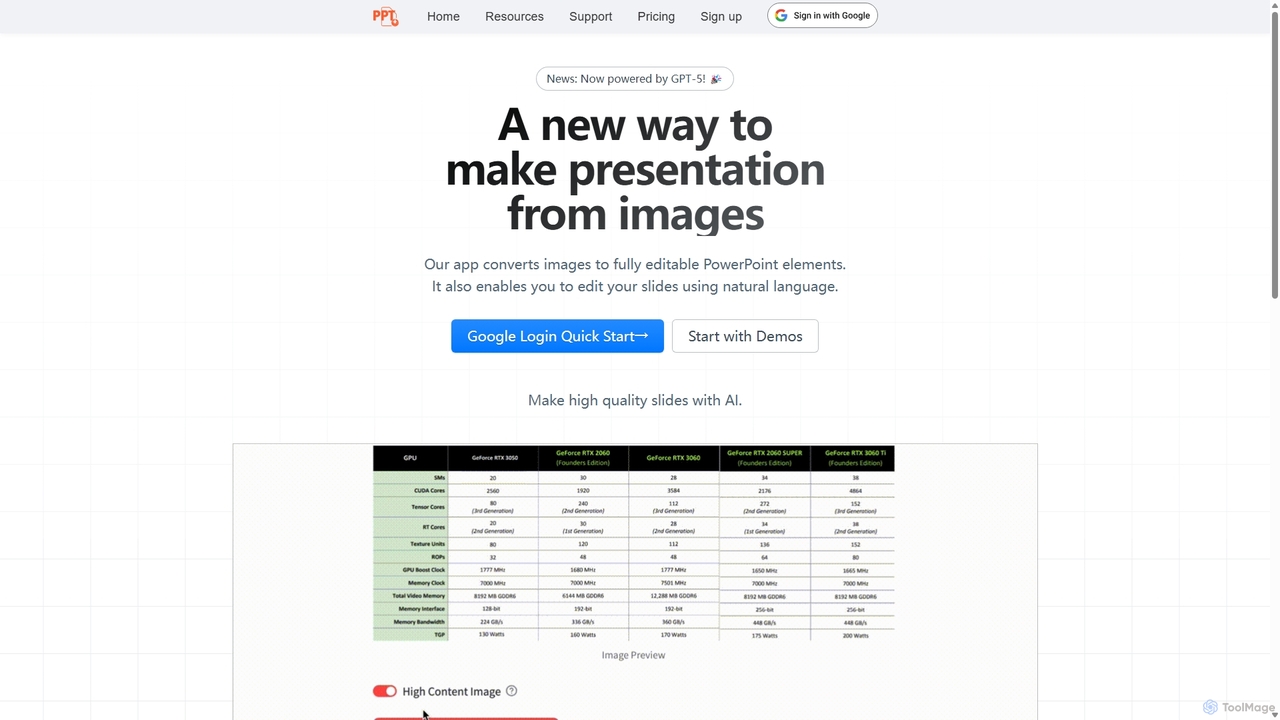
Edit in PPT
Edit in PPT is an AI-powered tool that converts images, screenshots, and static slides into fully editable PowerPoint presentations. It uses advanced vision models to recognize text, charts, and shapes, saving users hours of manual recreation. The tool also features natural language commands for editing slides, streamlining the entire presentation creation process.
Automation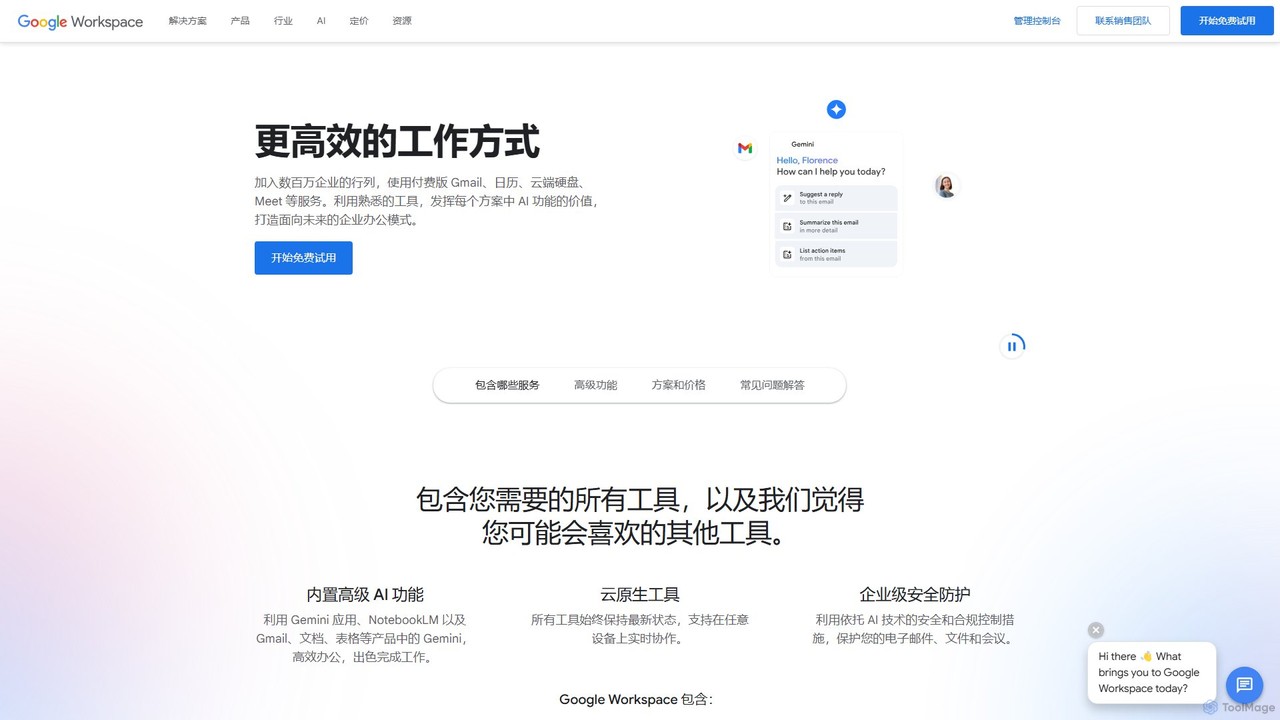
Google Workspace
Google Workspace is an integrated suite of secure, cloud-native collaboration and productivity apps powered by Google AI. It includes Gmail, Docs, Drive, Calendar, Meet, and more, designed to help teams of all sizes connect, create, and collaborate efficiently and securely from any device.
Office Suite
Grammarly
Grammarly is an AI-powered writing assistant that helps you communicate more effectively. It goes beyond basic grammar and spelling checks to offer suggestions on style, tone, and clarity. Trusted by millions, Grammarly integrates seamlessly into your workflow across various platforms, providing real-time feedback to enhance your emails, documents, and social media posts. Its generative AI features can also help you brainstorm, compose, and rewrite text instantly.
Communication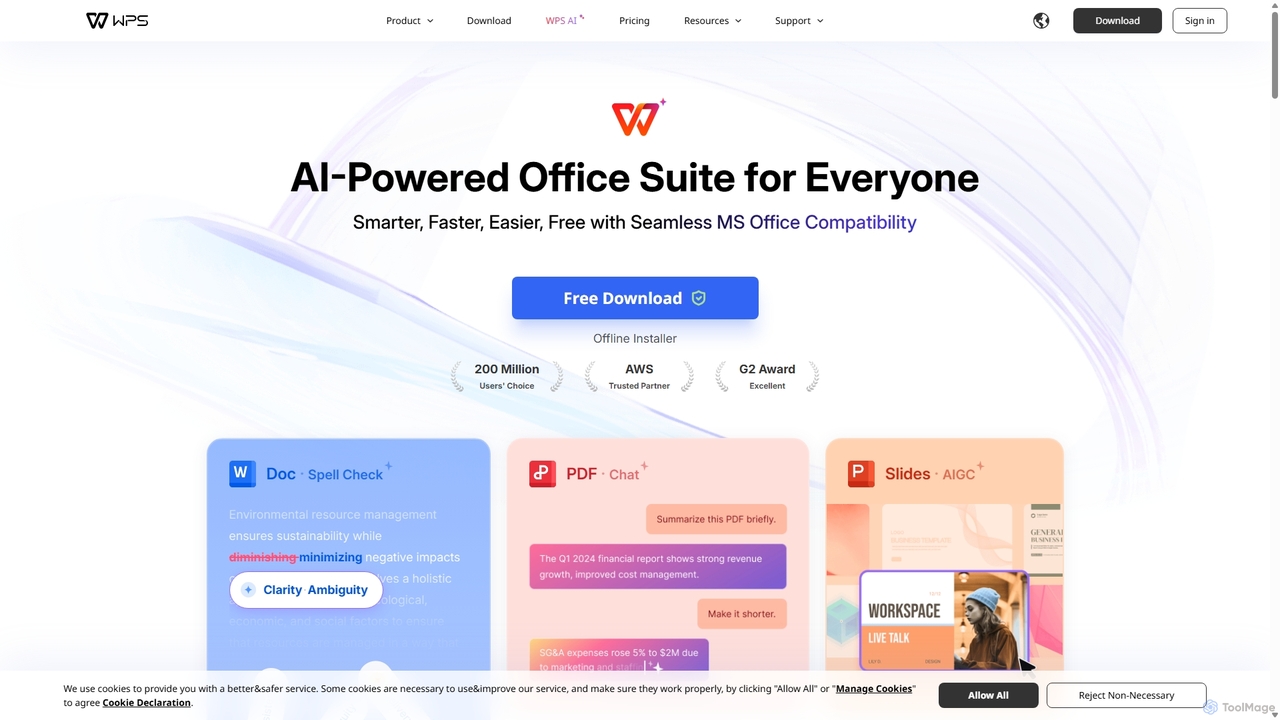
WPS Office
WPS Office is an AI-powered, all-in-one office suite offering a free and lightweight alternative to Microsoft Office. It integrates Writer, Spreadsheet, Presentation, and PDF tools with advanced AI features like content generation, spell checking, PDF summarization, and one-click presentation creation. With seamless MS Office compatibility and cross-platform support, it boosts productivity for individuals and teams.
Presentation Generator
gaippt Comments (0)
Sign in to comment.
Sign inNo comments yet.