ToolMage
Sign in

Best 50 Image Editing AI tools for Design

Popular Image Editing AI tools in Design include Creative Fabrica, ezremove, Quicktools by Picsart, TinyWow, Vectorizer.AI, Bigjpg, Upscayl, bgeraser, Transmonkey, and Pixian.ai, helping you work more efficiently.

SupPixel AI
Paid

SupPixel AI

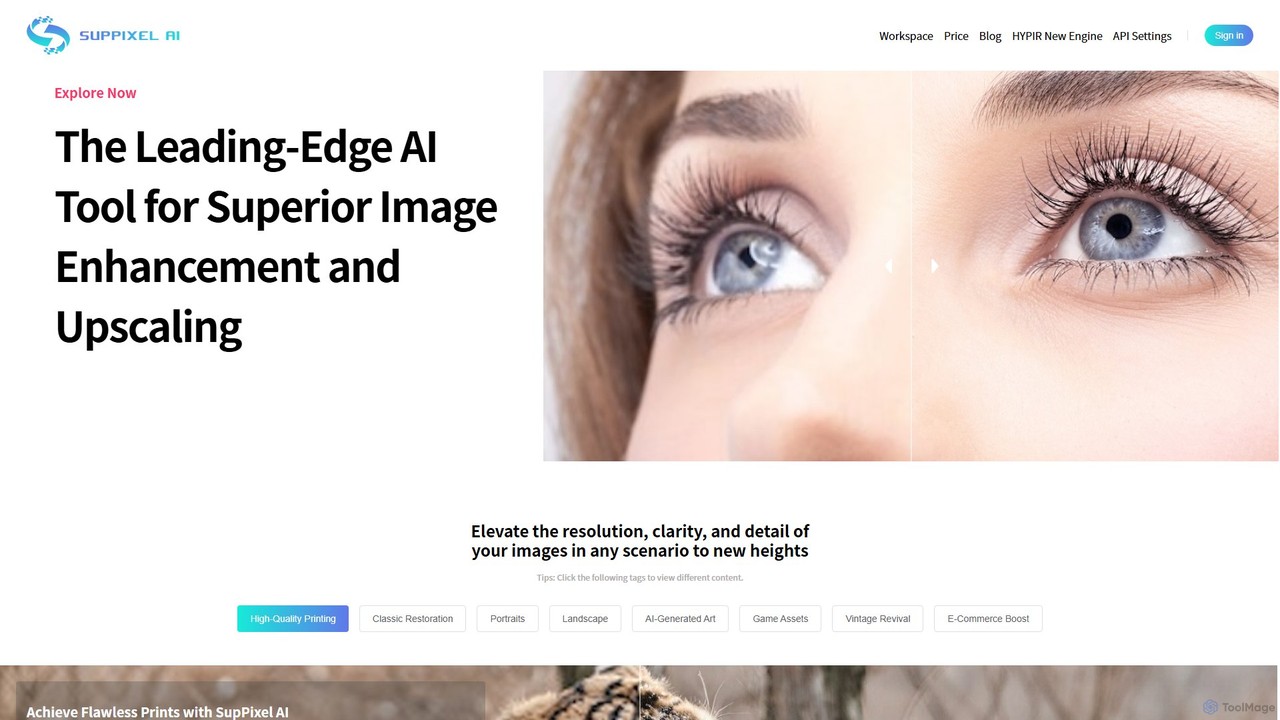
SupPixel AI is a leading-edge AI tool for superior image enhancement and upscaling. It elevates the resolution, clarity, and detail of any image, making it ideal for high-quality printing, photo restoration, e-commerce, and enhancing AI-generated art.

Image Editing
Visits 9.8KFavorites 145Likes 143
clyrbg
Freemium

clyrbg

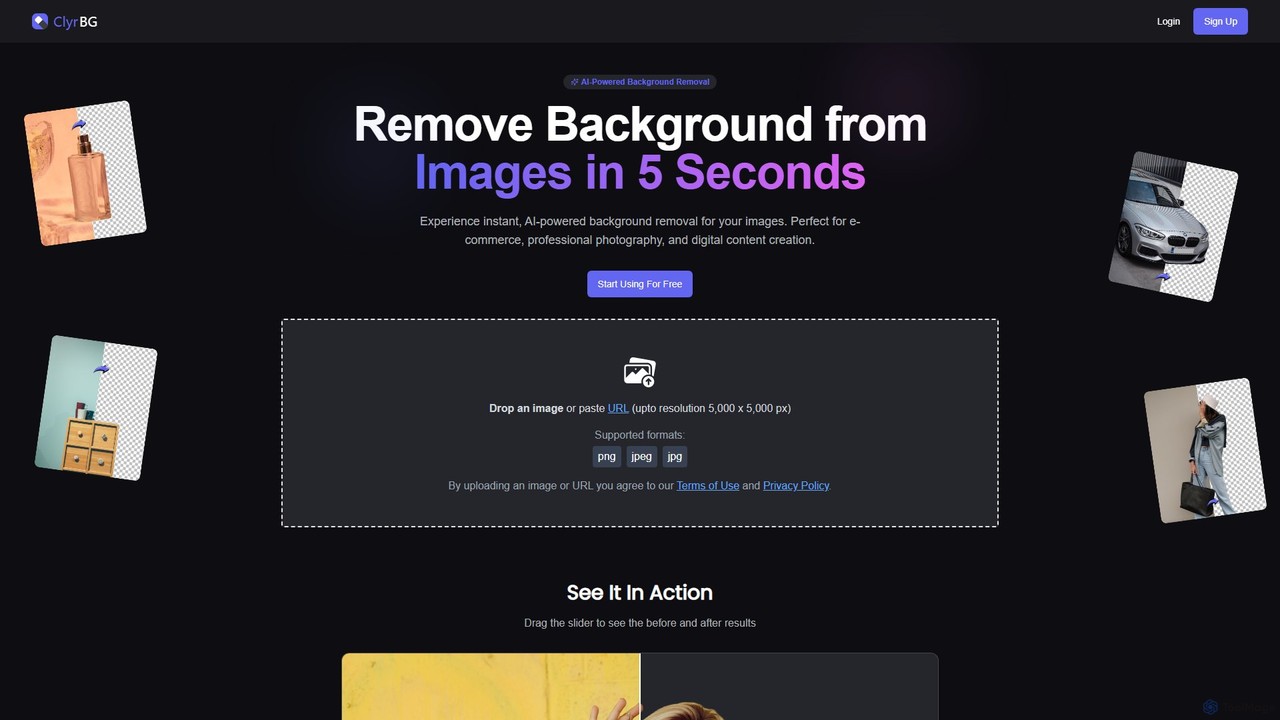
ClyrBG is an AI-powered tool that automatically removes backgrounds from images in just 5 seconds. It's designed for e-commerce, photographers, marketers, and designers, offering high-precision cutouts, batch processing, and an API for integration. Simply upload an image to get a transparent background instantly, no technical skills required.

Image Editing
Visits 5.7KFavorites 138Likes 141
Erase BG
Free

Erase BG

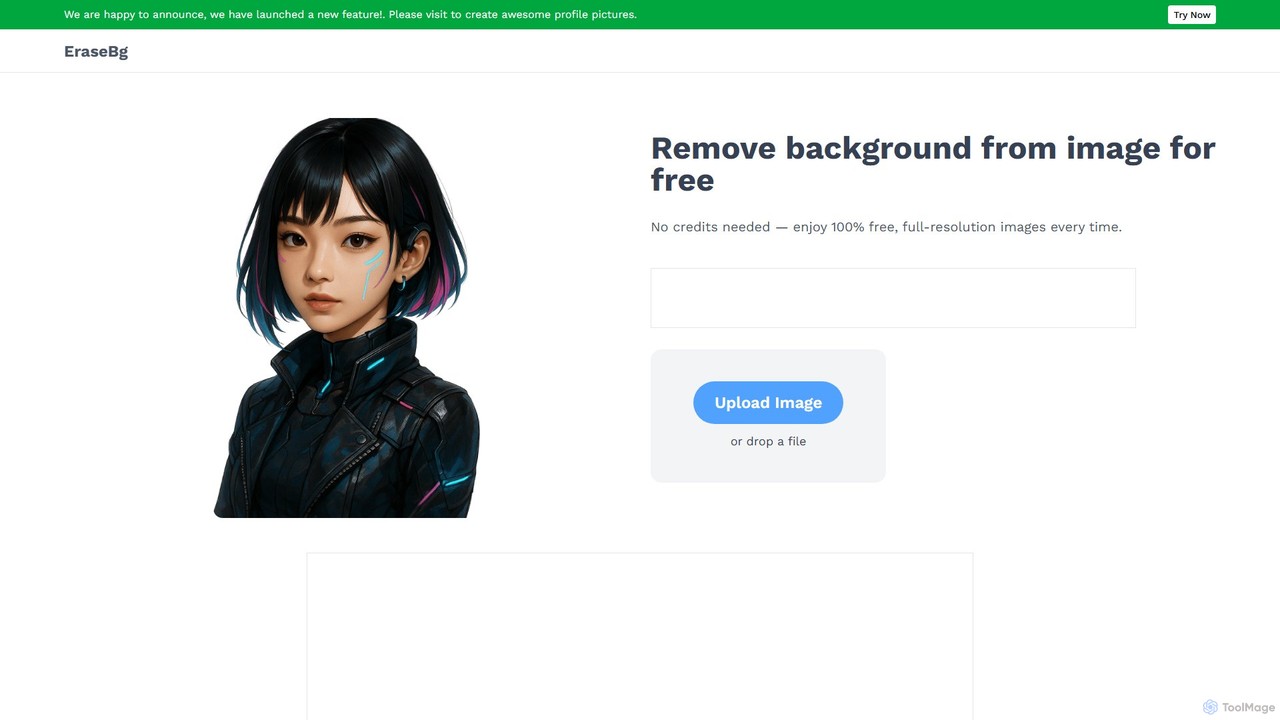
Erase BG is a completely free AI-powered tool that instantly removes backgrounds from images. It requires no registration or credits, offering unlimited downloads in high resolution (up to 4K). Simply upload your image to get a clean, transparent PNG or a white-background JPEG in seconds. It also features a creative GIF maker for personalized animations.

Image Editing
Visits 44.9KFavorites 169Likes 169
removebg.one
Freemium

removebg.one

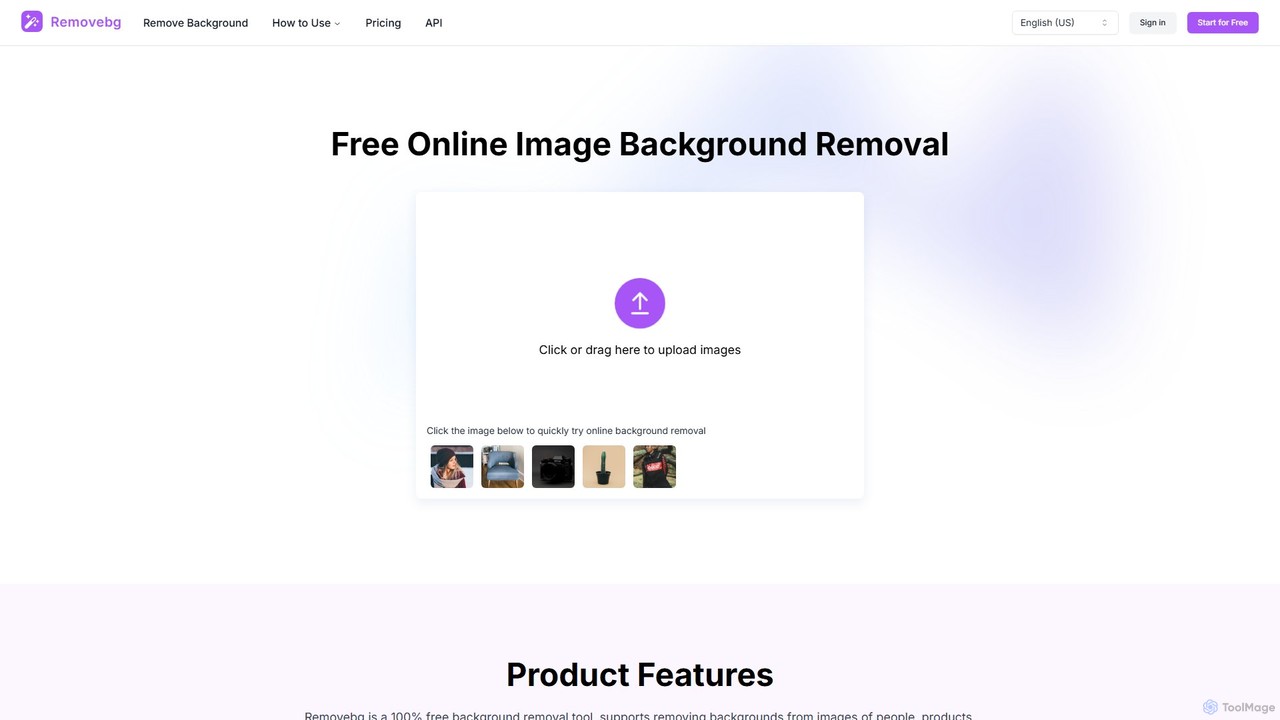
removebg.one is a free, AI-powered online tool for instantly removing backgrounds from images. It supports various subjects like people, products, animals, cars, and logos. Ideal for e-commerce, graphic design, and social media, it offers high-resolution downloads and an optional API for developers. No registration is required for web use, providing a fast and efficient solution for clean, professional cutouts.

Image Editing
Visits 10.9KFavorites 128Likes 131
PortraitArt
Freemium

PortraitArt

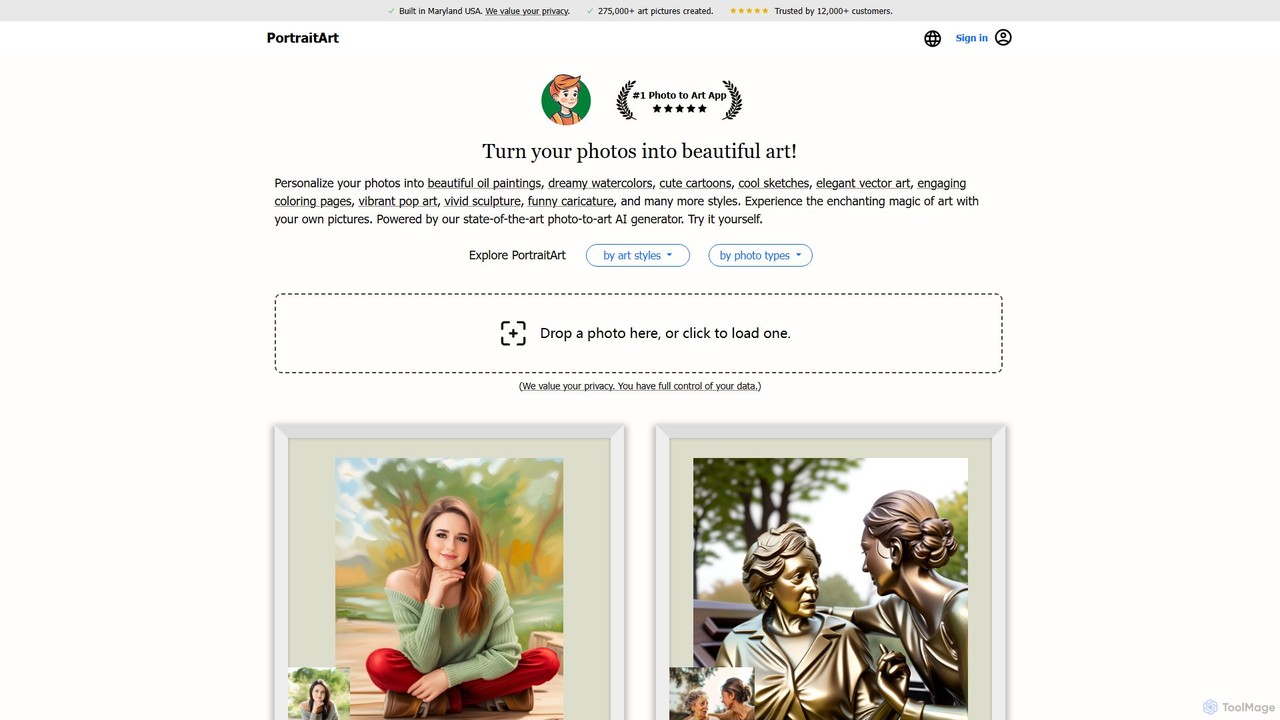
PortraitArt is an AI-powered tool that transforms your photos into beautiful works of art in over 15 distinct styles. Easily convert any picture—portraits, group photos, pets, or landscapes—into oil paintings, watercolors, cartoons, sketches, and more. It offers a cost-effective and fast alternative to traditional art commissions, providing high-resolution, personalized artwork.

Image Editing
Visits 110.6KFavorites 146Likes 134
bgclearer
Freemium

bgclearer

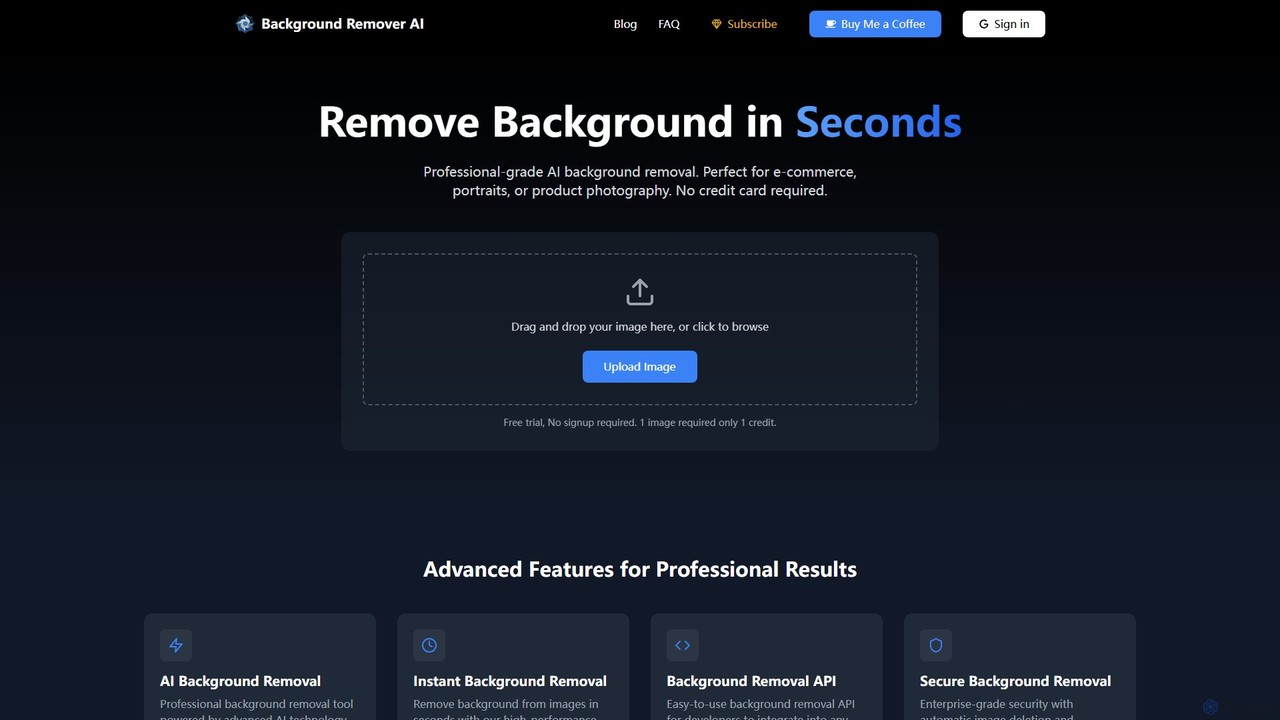
bgclearer is an AI-powered tool that automatically removes the background from any image in seconds. It provides professional-grade, clean cutouts perfect for e-commerce, product photography, and graphic design. The service offers a free trial, a simple drag-and-drop interface, and a developer API for seamless integration.

Image Editing
Visits 5.6KFavorites 123Likes 105
imgproof
Freemium

imgproof

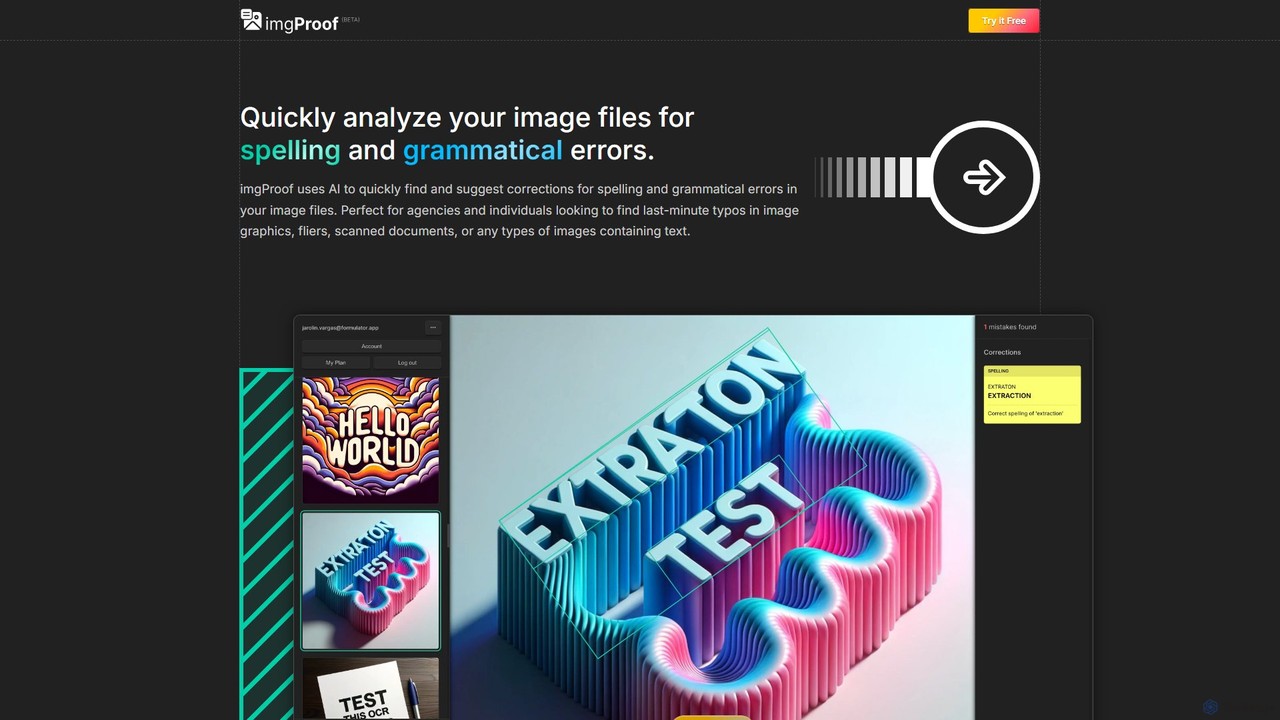
imgproof is an AI-powered image proofreader that automatically scans images for spelling and grammar errors. Using advanced OCR, it detects text in various formats (JPEG, PNG, WEBP) and languages, providing instant corrections. Ideal for designers, marketers, and agencies to ensure visual content is error-free.

Image Editing
Visits 5.9KFavorites 112Likes 117
dubninja
Free

dubninja

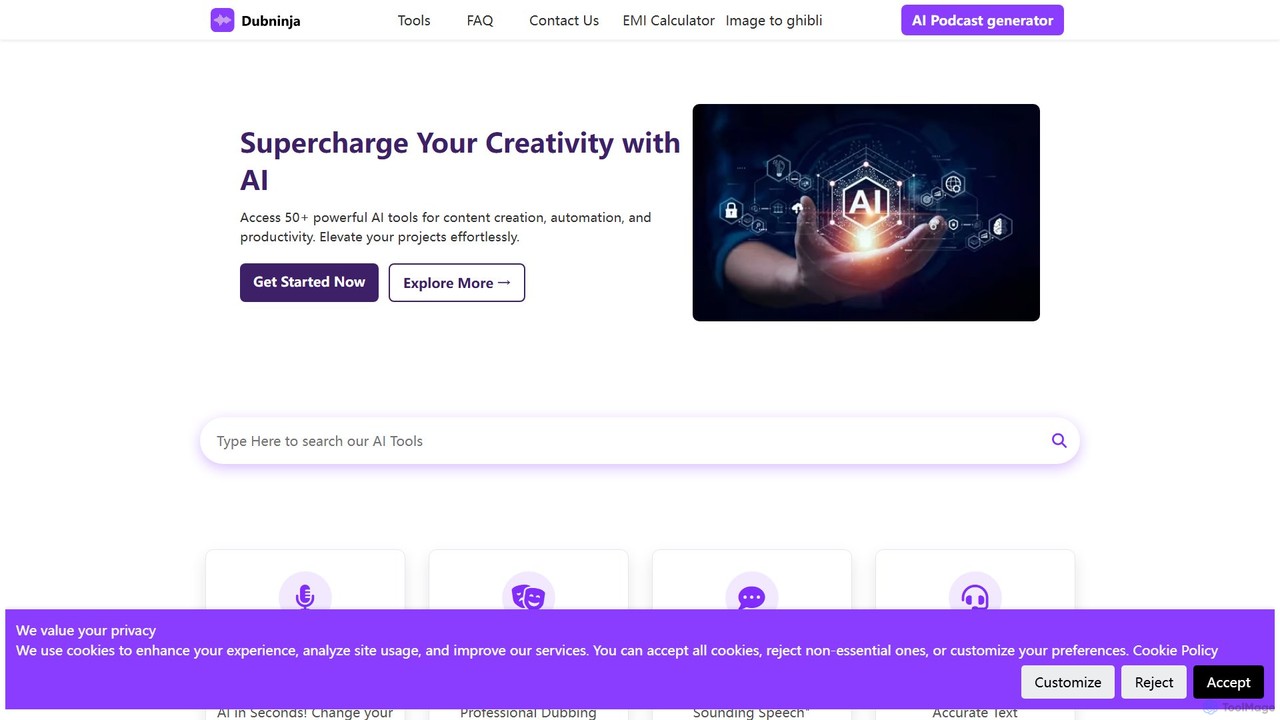
DubNinja is a comprehensive suite of over 50 free AI-powered tools designed to enhance creativity and productivity. It offers a wide range of utilities for content creation, video dubbing, voice changing, SEO optimization, design, and more. With no sign-up required, users can instantly access tools for writing, image editing, marketing, and development, making it an all-in-one solution for creators, marketers, and developers.

Voice Modulation
Visits 5.7KFavorites 119Likes 154
ArtBlast AI
Freemium

ArtBlast AI

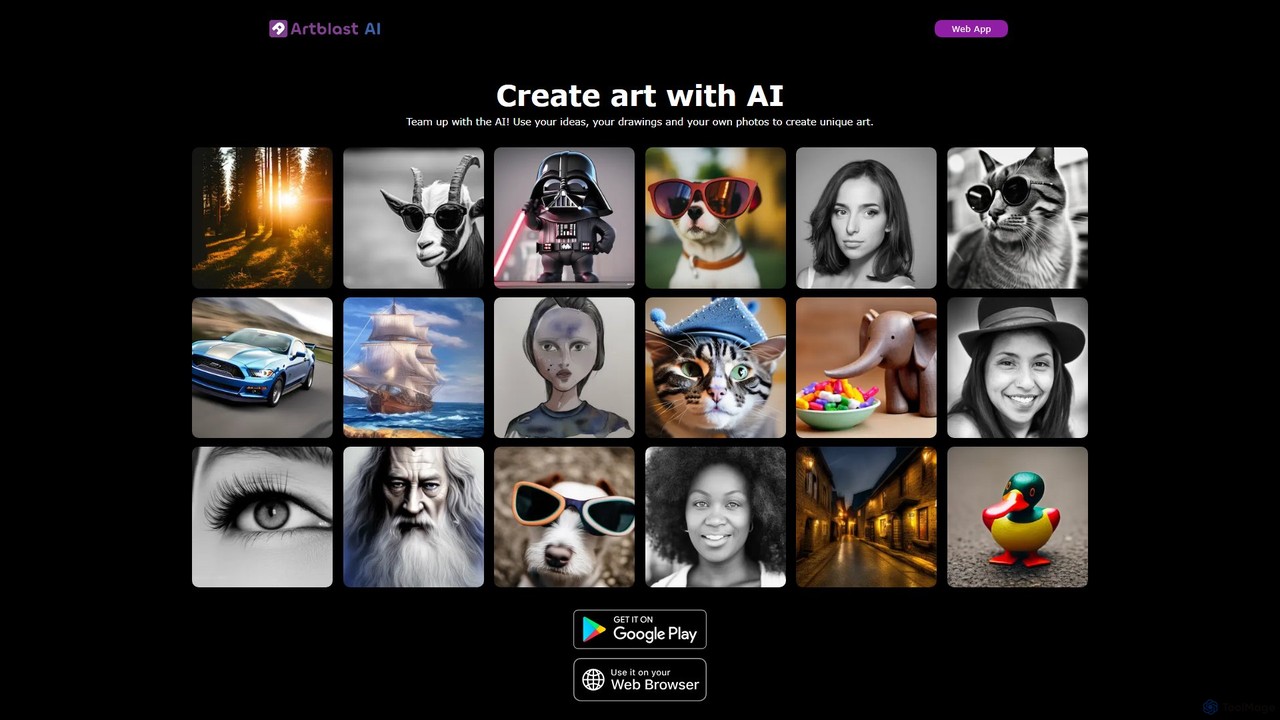
ArtBlast AI is a powerful web-based platform that transforms your ideas into unique art. It allows users to generate stunning images from text, sketches, and existing photos. Key features include Smart Sketch for turning doodles into masterpieces, image-to-image variations, and the innovative 'Unclip' tool for expanding images beyond their original borders.

Image Editing
Visits 7.2KFavorites 109Likes 126
ezremove
Free

ezremove

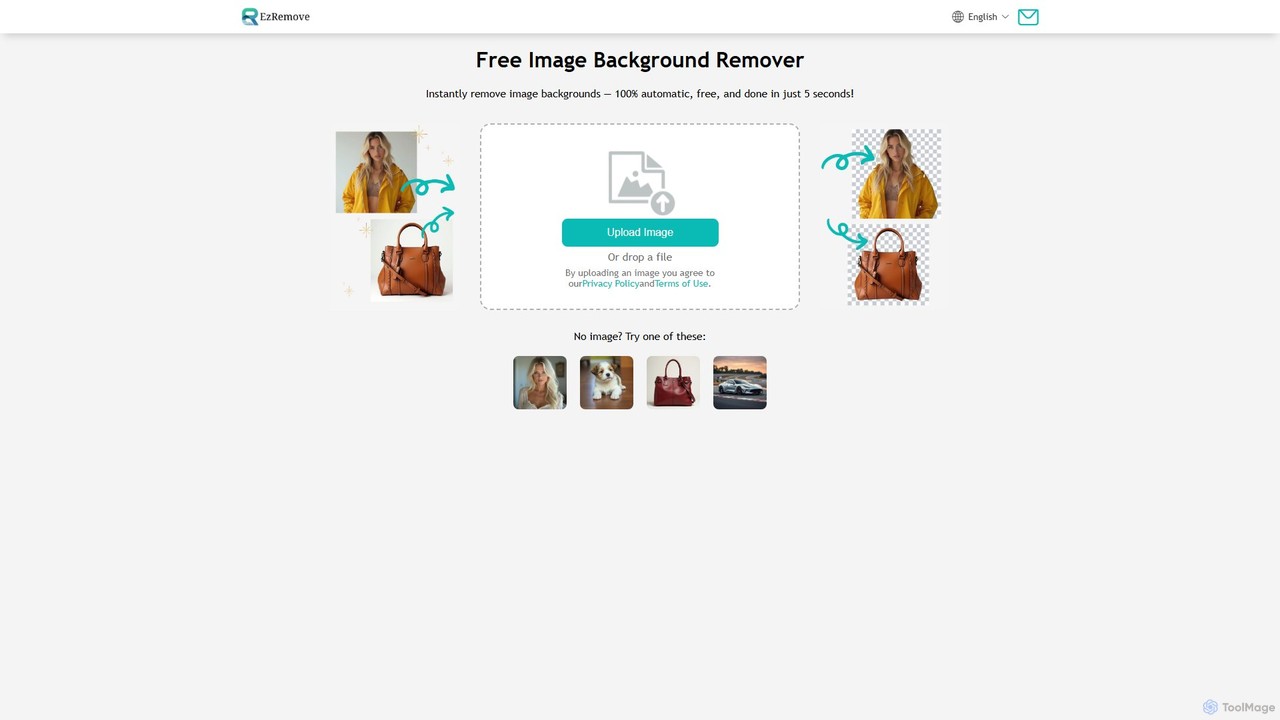
ezremove is a free, AI-powered image background remover that automatically creates transparent backgrounds in just 5 seconds. Ideal for e-commerce, graphic design, and social media, it supports batch processing, basic editing, and various image formats. No software or technical skills required—simply upload your image and download a high-quality, clean PNG file instantly.

Image Editing
Visits 4.3MFavorites 126Likes 132
SkyConvert
Free

SkyConvert

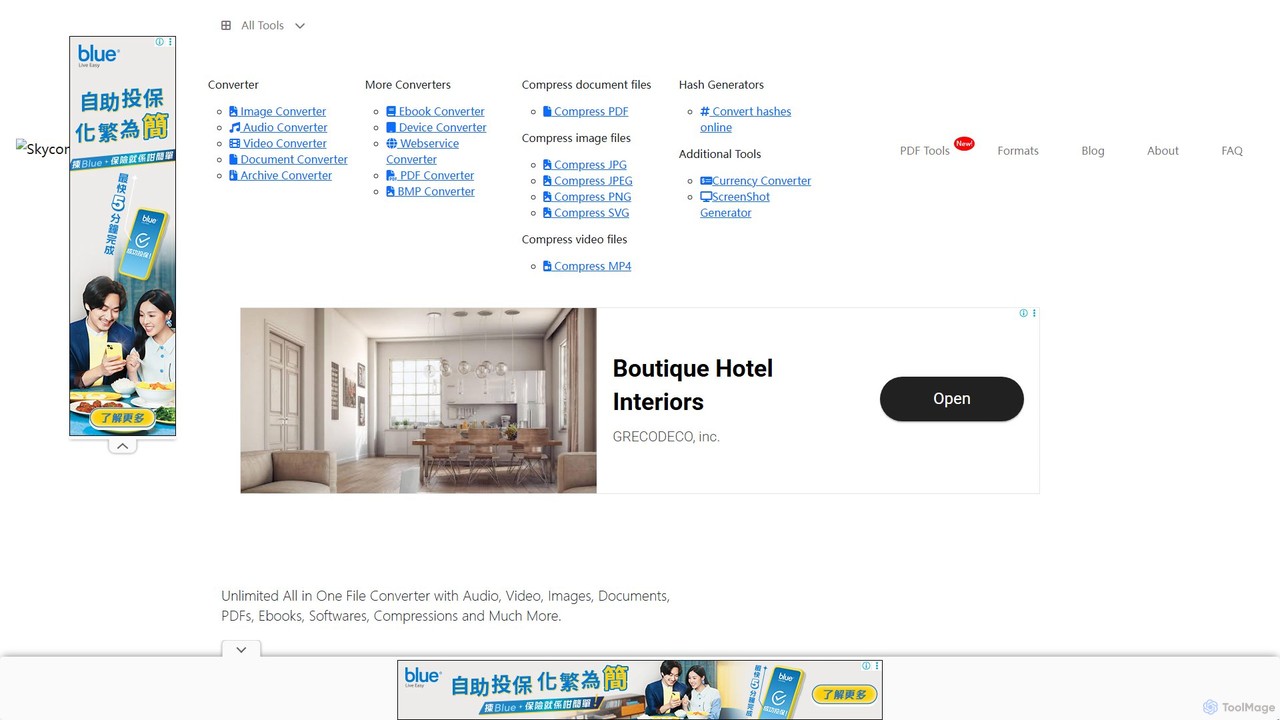
A versatile and free online file converter that supports over 500 formats. Easily convert, edit, and compress documents, images, videos, and audio files directly in your browser. Secure and accessible on any device, with no software installation required.

Image Editing
Visits 5.8KFavorites 155Likes 173
remove-bg.ai
Free

remove-bg.ai

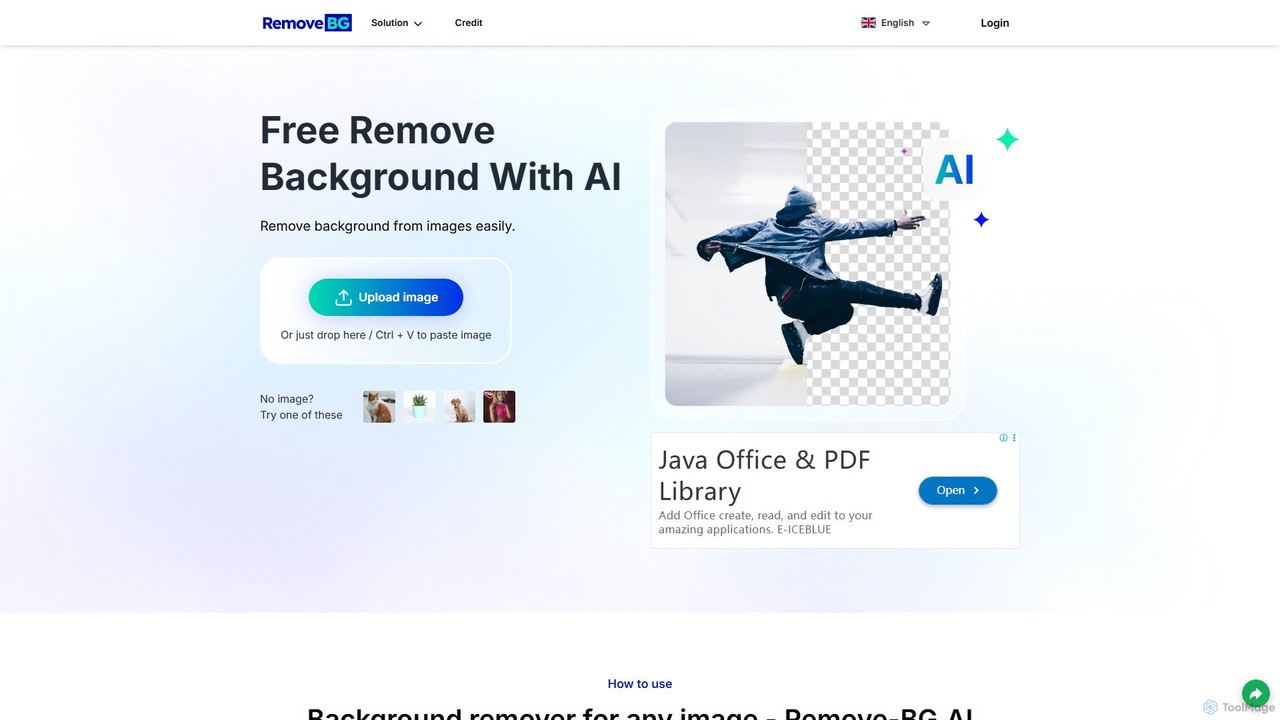
A free, AI-powered tool that automatically removes backgrounds from images in seconds. Upload any photo to get a high-quality, transparent background. Features include manual editing tools, background customization with colors and templates, and support for all common image formats. Ideal for e-commerce, marketing, and personal use without needing an account.

Image Editing
Visits 5.9KFavorites 150Likes 142
stripbackground
Free

stripbackground

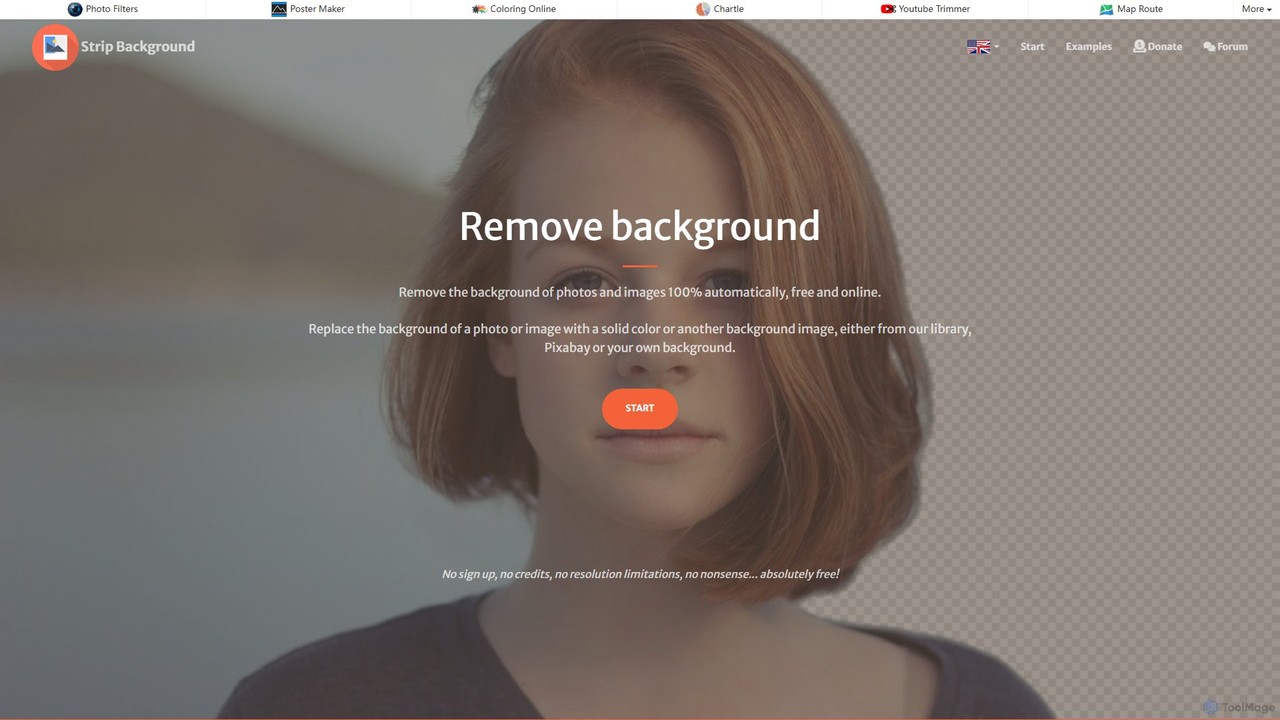
A free, AI-powered online tool to instantly remove backgrounds from photos. Supports various image formats and allows replacing the background with a solid color or a new image. Ideal for e-commerce, graphic design, and personal use, with a focus on privacy and ease of use.

Image Editing
Visits 9.6KFavorites 117Likes 122
AI HD Anime
Freemium

AI HD Anime

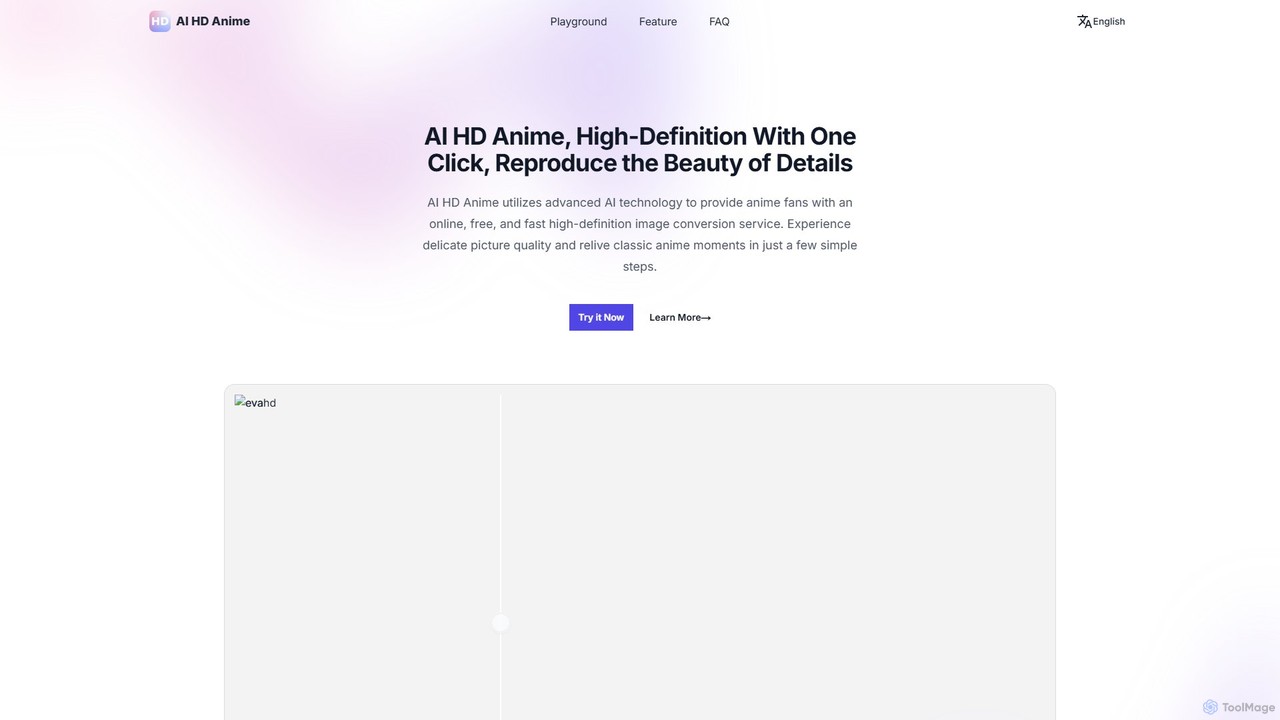
AI HD Anime is a free online tool that uses advanced AI technology (APISR) to upscale and enhance anime and manga images. With a single click, it transforms low-resolution pictures into high-definition quality, restoring fine details, sharpening lines, and improving overall clarity. It's specifically designed for anime art, providing superior results for fans, artists, and content creators.

Anime
Visits 6.7KFavorites 87Likes 100
diffusely
Freemium

diffusely

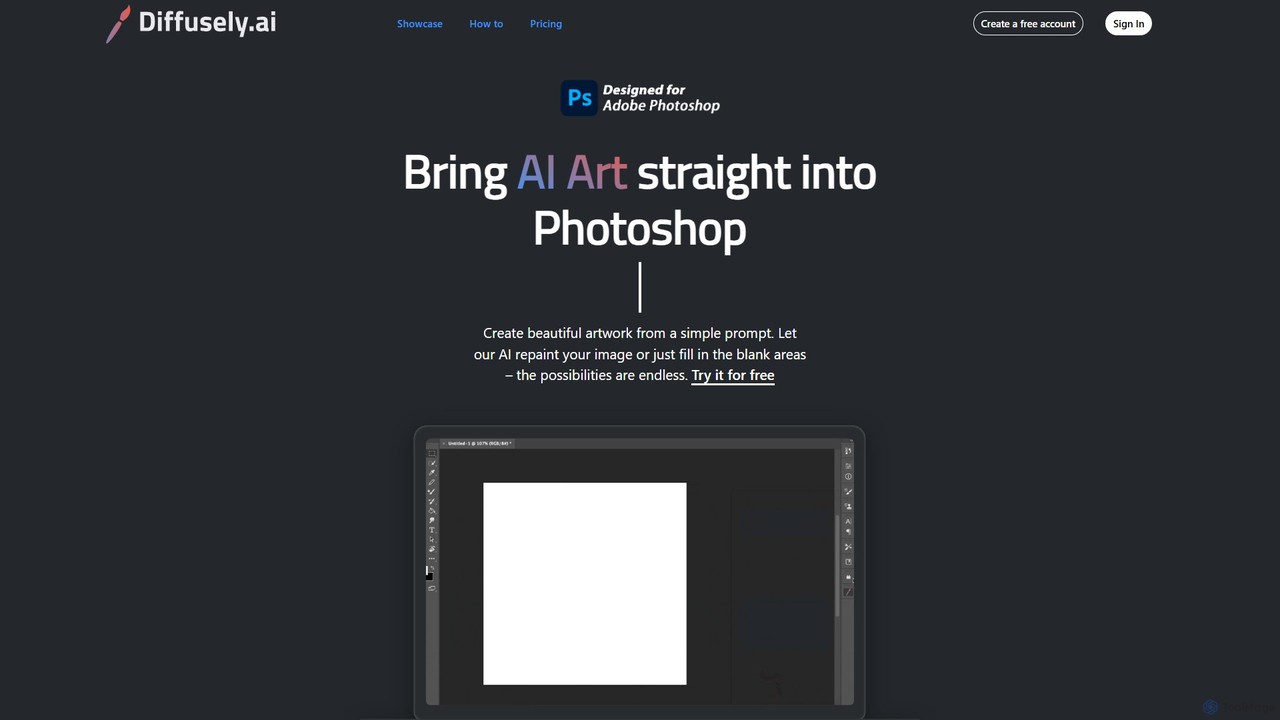
An AI art generation plugin for Adobe Photoshop that allows you to create, edit, and enhance images directly within your workflow using simple text prompts. Ideal for artists, designers, and photographers.

Generative Art
Visits 6.5KFavorites 133Likes 131
ImgTools
Freemium

ImgTools

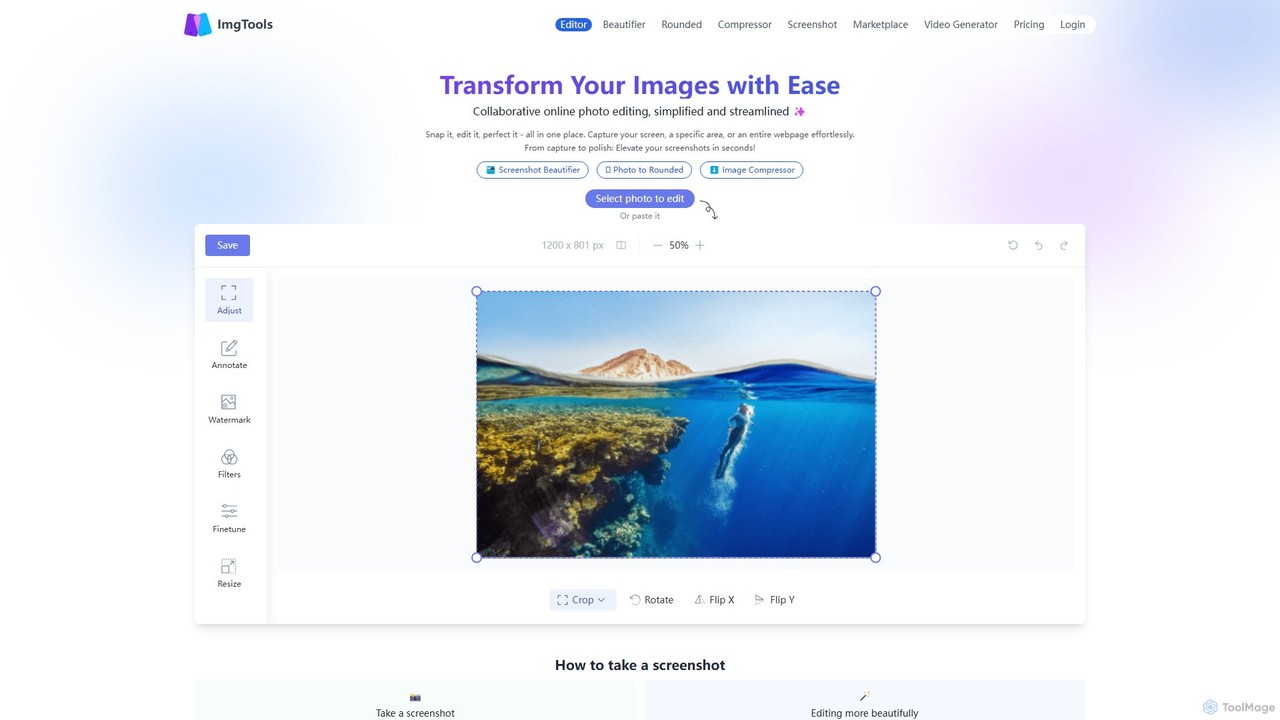
ImgTools is a versatile, browser-based image editing suite designed to effortlessly transform your screenshots and photos. It combines a powerful screenshot utility with an intuitive editor, allowing you to beautify, annotate, compress, and watermark images directly in your browser, with a strong focus on user privacy.

Image Editing
Visits 7.4KFavorites 153Likes 160
PicSo
Freemium

PicSo

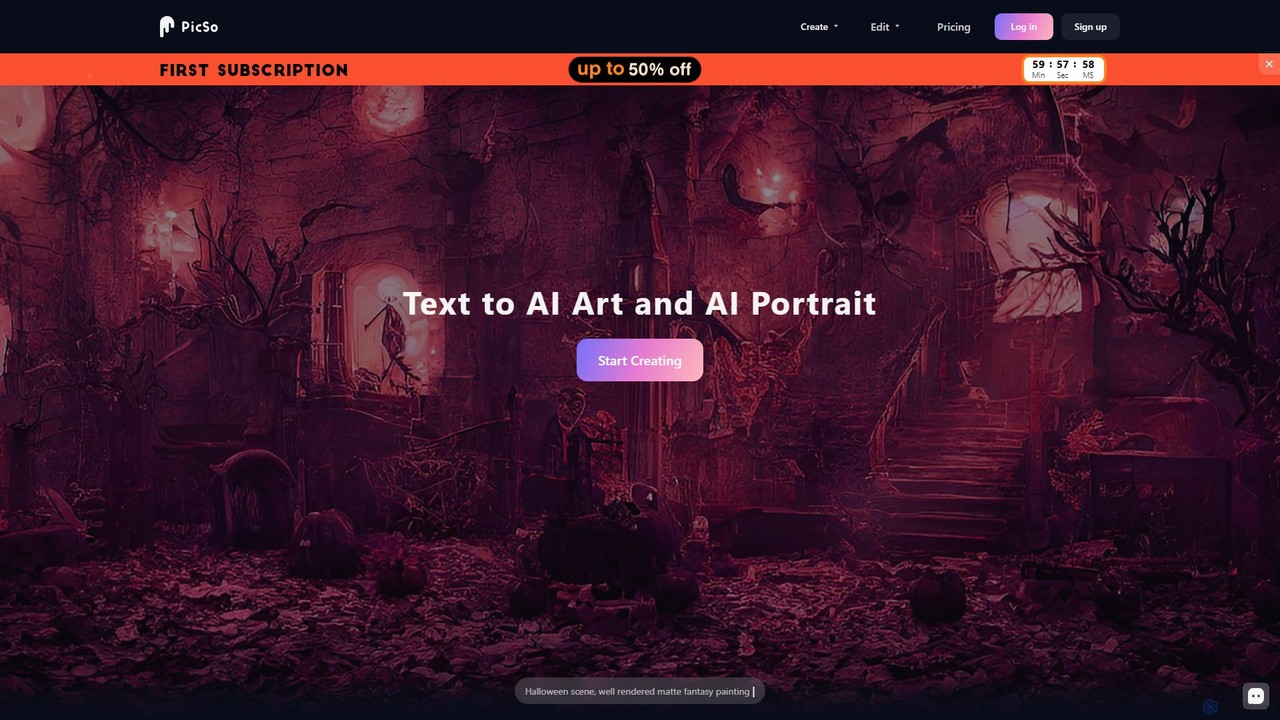
PicSo is a versatile AI art generator that transforms text prompts into stunning images and creates realistic AI portraits. It supports a wide range of art styles and offers editing capabilities, making it ideal for artists, designers, and content creators. Available on both web and mobile platforms.

Avatar Generation
Visits 18KFavorites 119Likes 121
Bazaart
Freemium

Bazaart

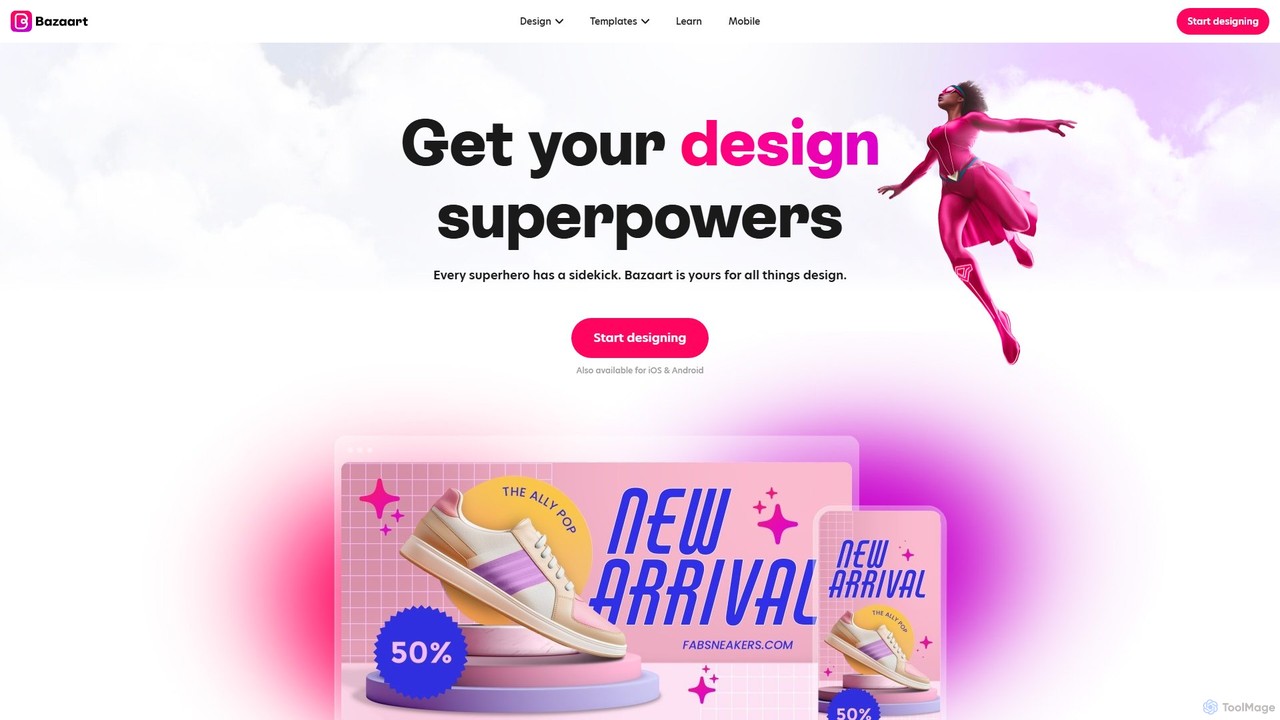
Bazaart is a powerful AI-powered photo editing and graphic design app for web, iOS, and Android. It offers a suite of magical AI tools, including background removal, object eraser, and an AI art generator, alongside thousands of templates and a vast library of design elements. Ideal for social media pros, business owners, and content creators, Bazaart simplifies professional design, enabling users to create stunning visuals effortlessly.

Ai Art Generator
Visits 85.2KFavorites 161Likes 161
TheToolBus.ai
Free

TheToolBus.ai

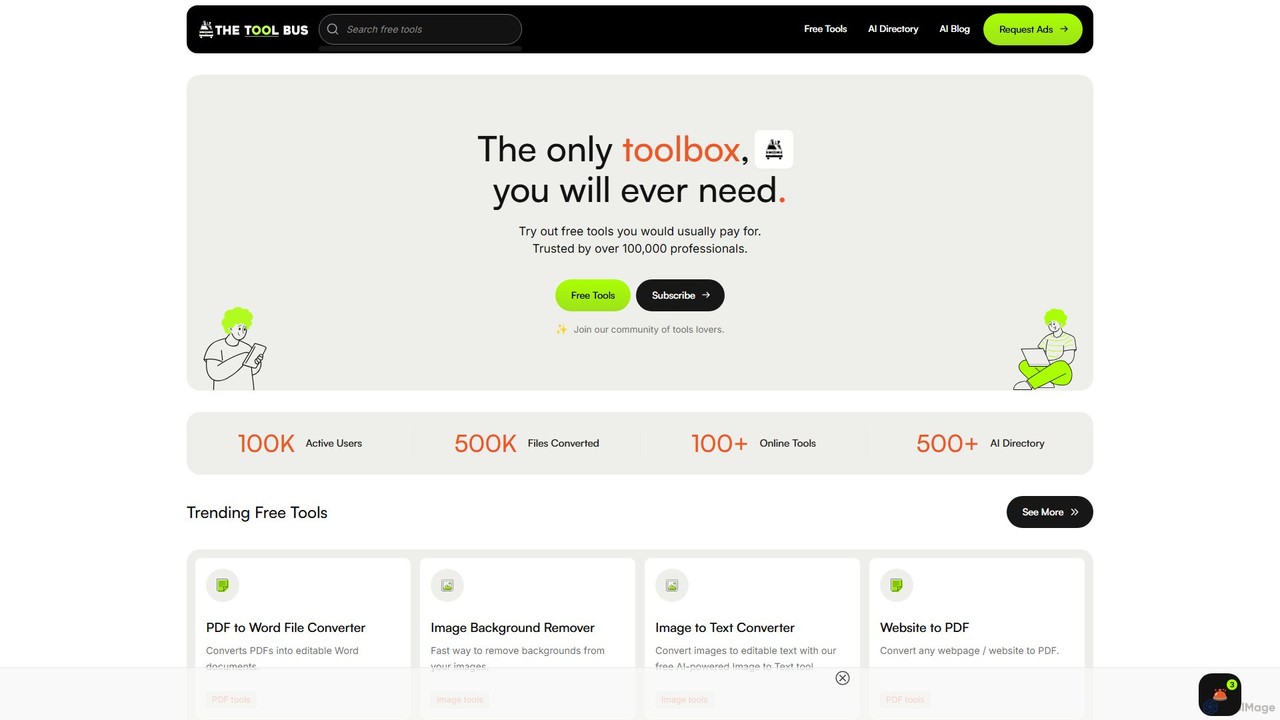
TheToolBus.ai is a comprehensive, free-to-use online platform offering a suite of AI-powered tools. It features PDF and image converters, an AI cover letter writer, a QR code generator, and more. It also serves as a resource hub with an extensive AI tool directory and an insightful blog on AI trends and tutorials.

Image Editing
Visits 8.8KFavorites 108Likes 117
Bigjpg
Freemium

Bigjpg

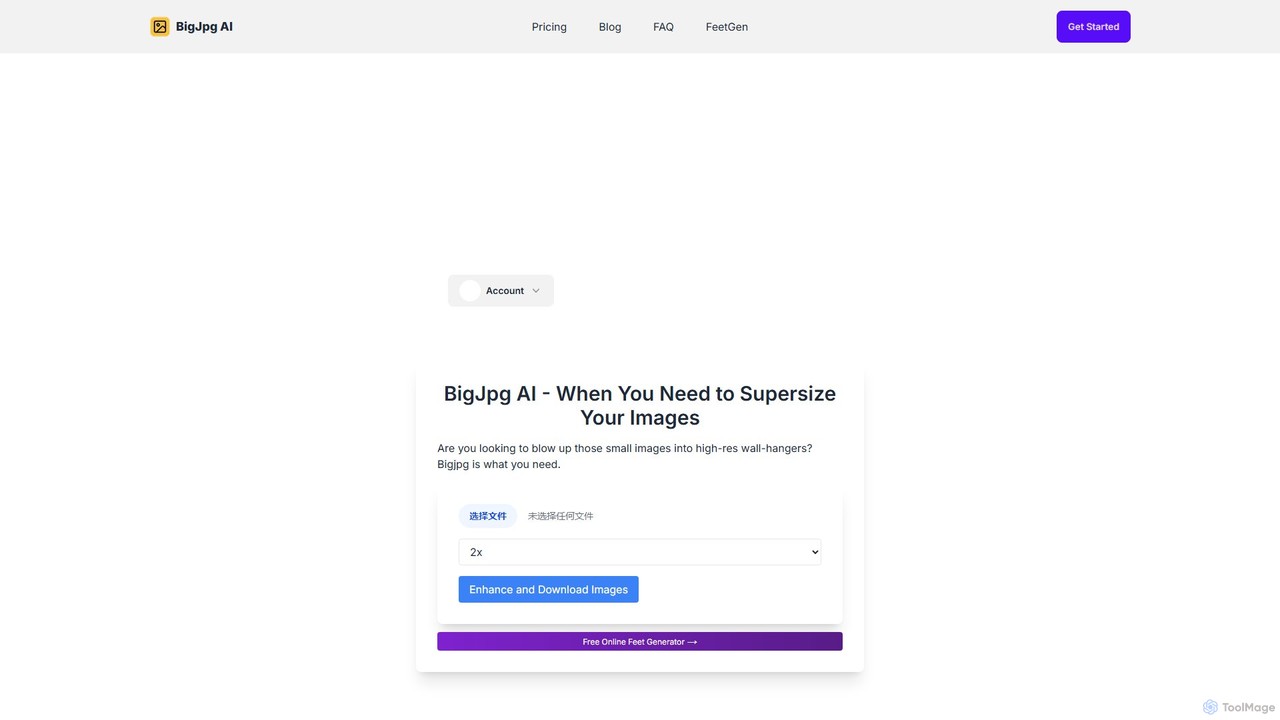
Bigjpg is an AI-powered image upscaler that uses Deep Convolutional Neural Networks (CNN) to enlarge images without losing quality. It excels at processing anime and illustrations, intelligently reducing noise and serration to produce crisp, clear results. It also supports regular photos, offering a superior alternative to traditional scaling methods. With web, desktop, and mobile apps, Bigjpg provides a flexible solution for artists, designers, and anyone needing to increase image resolution while preserving detail and color fidelity.

Generative Art
Visits 1.4MFavorites 146Likes 137
BgSub
Free

BgSub

BgSub is a free, AI-powered tool for instantly removing and replacing image backgrounds directly in your browser. Its standout feature is its privacy-first approach, processing images locally without uploading them to a server. It supports high-resolution output, background replacement with colors, gradients, or images, and includes features like AI color correction and artistic filters. Ideal for e-commerce, marketing, and personal use.

Image Editing
Visits 16.3KFavorites 148Likes 139
ByeBackground
Free

ByeBackground

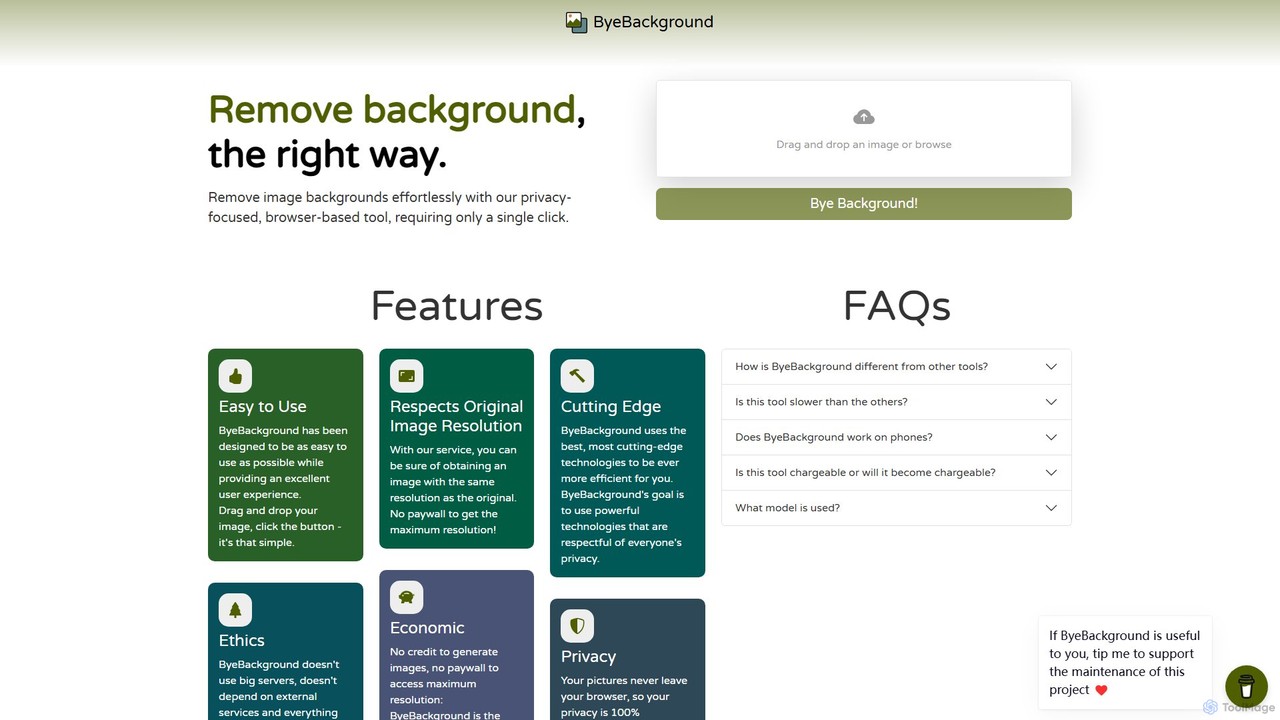
ByeBackground is a free, privacy-focused AI tool that removes image backgrounds directly in your browser. With a single click, it processes images locally on your device, ensuring no data is ever uploaded to a server. It maintains original image resolution and is completely free, without ads or trackers.

Image Editing
Visits 7.2KFavorites 161Likes 167
Stylized
Freemium

Stylized

Stylized is an AI-powered tool that transforms simple product photos into professional, studio-quality images. It allows users to generate custom backgrounds, realistic shadows, and lighting, making high-end product photography accessible and affordable for everyone.

Image Editing
Visits 5.7KFavorites 109Likes 101
PhotoEnlarger
Free

PhotoEnlarger

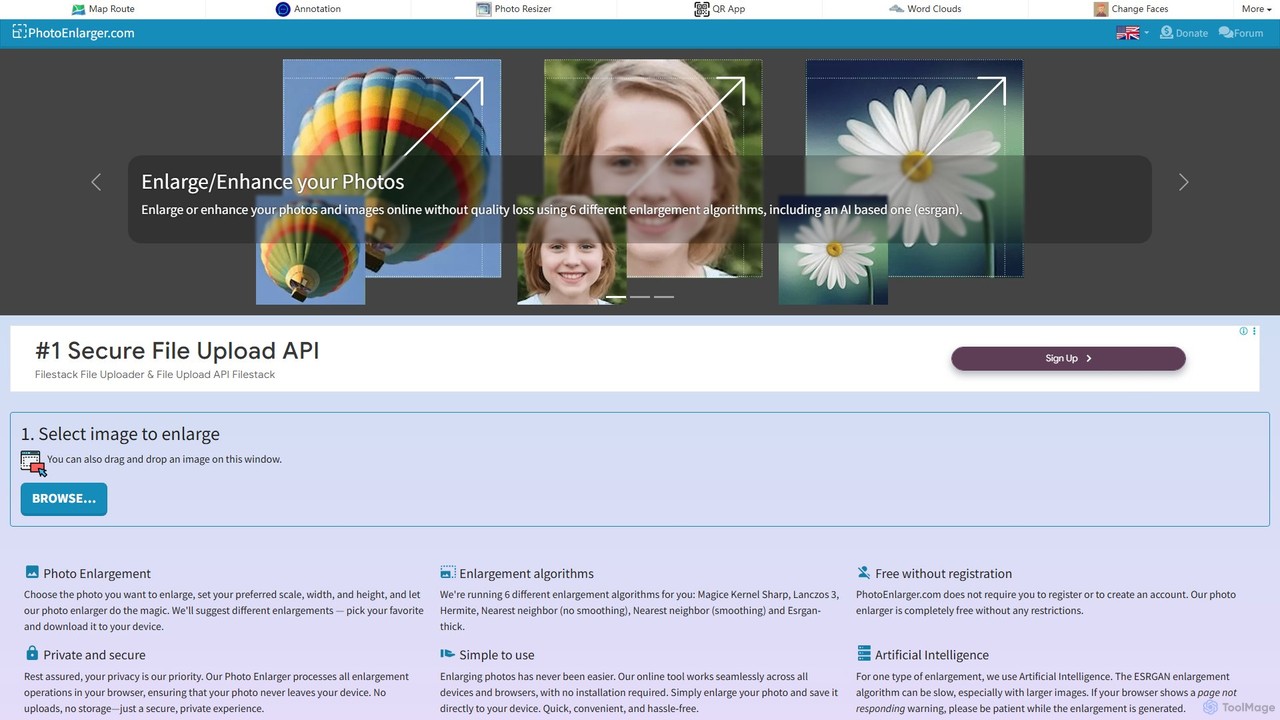
A free, browser-based tool that enlarges and enhances photos using multiple algorithms, including AI-powered ESRGAN. It requires no registration, processes images directly in your browser for maximum privacy, and offers various enlargement options to choose from.

Image Editing
Visits 105.4KFavorites 124Likes 106

About Image Editing

AI Image Editing tools are applications that use artificial intelligence to automate and enhance the modification of digital photos and graphics. These tools leverage deep learning algorithms for tasks like object recognition and generative infilling, allowing for complex edits through simple user commands. This technology empowers users to quickly remove backgrounds, erase unwanted objects, restore old photos, and improve overall image quality without needing extensive manual skills. Unlike traditional software, AI image editors significantly accelerate post-production workflows, making professional-grade results accessible to everyone.

Core Features

  • Object Removal & Inpainting: Erase unwanted people, text, or blemishes, and the AI intelligently reconstructs the background.
  • Background Removal & Replacement: Automatically isolate subjects from their background to create transparent images or place them in new scenes.
  • AI Image Enhancement: Instantly improve brightness, contrast, color balance, and sharpness with a single click for better visual appeal.
  • Photo Restoration & Colorization: Repair scratches, reduce noise in old photos, and add realistic color to black-and-white images.
  • Smart Upscaling: Enlarge images to a higher resolution without the typical loss of quality or pixelation.

Use Cases

AI Image Editing tools are widely used in e-commerce for creating clean product photos, in social media marketing for producing engaging visuals quickly, and by photographers to speed up their retouching process. They are also valuable for graphic designers in mockup creation and for personal use in restoring cherished family photos.

How to Choose

When selecting an AI Image Editing tool, consider its primary function—whether you need a specialized tool (e.g., for background removal) or a comprehensive suite. Evaluate the quality of the output to ensure it's free of artifacts. Also, consider the pricing model (subscription vs. pay-per-use) and whether it offers integrations or an API for your existing workflow.

Featured tool rankings

Image Editing use cases

1

E-commerce Product Photo Optimization

An e-commerce manager needs to prepare hundreds of new product photos for an online store, all requiring a consistent, clean white background. Instead of spending hours manually tracing each product in Photoshop, they use an AI background removal tool. They can batch-upload all images, and the AI automatically detects the product edges and removes the background in seconds. The result is a complete set of professional, market-ready product images with transparent backgrounds, achieved in a fraction of the time, ensuring brand consistency and improving the customer's shopping experience.

2

Quickly Create Social Media Visuals

A social media manager needs to create a compelling visual for a new campaign but the best stock photo has a distracting object in the background. Using an AI object removal tool, they simply highlight the unwanted element. The AI analyzes the surrounding pixels and intelligently fills in the space, making it seem as if the object was never there. This process takes less than a minute, allowing the manager to quickly produce a clean, focused image for their post, increasing engagement without needing to find a new photo or wait for a designer.

3

Restoring Old and Damaged Family Photos

An individual discovers a box of old family photographs that are faded, scratched, and torn. To preserve these memories, they scan the photos and upload them to an AI photo restoration tool. The tool automatically detects and repairs imperfections like cracks and scratches. It then uses another AI model to enhance faded colors and improve sharpness. For black-and-white photos, it can even generate a realistic colorized version. The result is a digitally restored collection of family history, bringing cherished moments back to life with clarity and vibrancy for future generations to enjoy.

4

Enhancing Real Estate Photography

A real estate agent has photos of a property, but the lighting is poor and the colors look dull, making the listing unattractive. They use an AI image enhancement tool to instantly correct these issues. With one click, the AI adjusts exposure, brightens shadows, and boosts color saturation to make the rooms look more inviting. They can also use an object removal feature to declutter a room by erasing distracting items. This quick editing process transforms mediocre photos into professional-looking images that attract more online views and potential buyers, without the cost of a professional reshoot.

5

Upscaling Low-Resolution Graphics for Print

A graphic designer receives a client's logo, but it's a small, low-resolution JPEG file unsuitable for printing on a large banner. Instead of recreating the logo from scratch, the designer uses an AI image upscaler. The tool analyzes the image and intelligently adds new pixels that match the existing patterns, colors, and textures. It can increase the image resolution by 4x or more while maintaining sharp edges and avoiding blurriness. This allows the designer to produce a high-quality, print-ready version of the logo in minutes, saving significant time and effort.

6

Streamlining Portrait Retouching Workflow

A professional photographer has a large batch of portraits to edit from a recent photoshoot. Manually retouching each photo to remove blemishes, smooth skin, and whiten teeth is a time-consuming process. By using an AI portrait editor, they can apply intelligent enhancements to the entire batch at once. The AI automatically detects faces and applies natural-looking adjustments, preserving skin texture and avoiding an over-edited look. This reduces the editing time per photo from several minutes to just a few seconds, dramatically increasing the photographer's productivity and allowing for faster delivery to clients.

Image Editing FAQ

What are AI Image Editing tools?

AI Image Editing tools are software applications that use artificial intelligence to automate complex photo and graphic modification tasks. Unlike traditional editors that require manual adjustments, these tools use algorithms to understand image content and perform actions like removing objects, replacing backgrounds, or enhancing quality with minimal user input. They are designed to make professional-level editing faster and more accessible to users of all skill levels.

What's the difference between AI Image Editing and AI Image Generation?

The key difference lies in their purpose. AI Image Editing modifies or enhances existing images. Its functions include removing objects, changing backgrounds, or improving quality. AI Image Generation, on the other hand, creates entirely new images from scratch, typically based on text descriptions (prompts). In short, editing refines what you have, while generation creates what you imagine.

How to choose the right AI Image Editing tool?

To choose the right tool, consider these factors:

  • Primary Need: Identify your most frequent task. Do you need a specialized tool for background removal, or an all-in-one editor for general enhancements?
  • Ease of Use: Look for an intuitive interface that matches your technical skill level. Many tools offer free trials to test usability.
  • Output Quality: Check reviews, comparisons, and sample images to ensure the tool produces clean, artifact-free results.
  • Pricing Model: Compare costs. Some tools are subscription-based, while others use a credit system or offer a one-time purchase. Choose one that fits your usage frequency and budget.
Can AI editors replace traditional software like Photoshop?

AI image editors are not a complete replacement for software like Adobe Photoshop, but rather a powerful supplement. They excel at automating specific, repetitive tasks like background removal or basic retouching, saving significant time. Photoshop offers a much broader range of tools for complex, creative work that requires fine-tuned manual control, such as detailed compositing, typography, and vector graphics. Many professionals use AI tools to speed up the initial steps of their workflow before moving to Photoshop for final adjustments.

Who can benefit from using AI Image Editing tools?

A wide range of users can benefit from AI image editors. This includes:

  • Marketers & Social Media Managers: For quickly creating clean and engaging visuals for campaigns and posts.
  • E-commerce Owners: To efficiently produce professional product photos with consistent backgrounds.
  • Photographers: To speed up their post-production workflow, especially for tasks like retouching and color correction.
  • Content Creators & Bloggers: To enhance their images without needing advanced design skills.
  • Casual Users: For personal projects like restoring old photos or making quick edits for social sharing.