ToolMage
Sign in

Best 5 Code Assistant for Developer

Popular Code Assistant in Developer include UX Pilot, Felo Chat, Writei, asknova, and AITorke, helping you work more efficiently.

Freemium

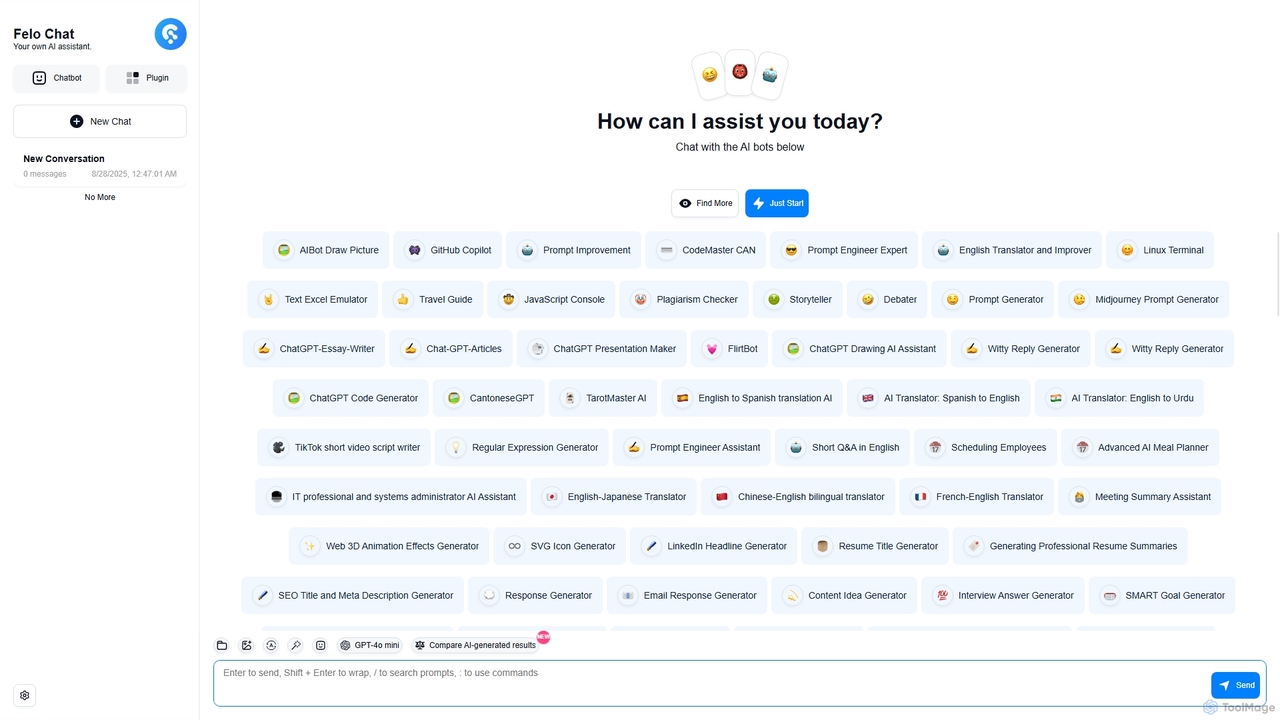
Felo Chat

Felo Chat is a versatile AI assistant platform providing free access to leading AI models like GPT-4o, Claude, and Gemini. It features an extensive library of specialized AI bots for various tasks, from coding and content creation to translation and data analysis. With support for text, file, and image uploads, Felo Chat serves as a comprehensive, all-in-one solution for professionals, students, and creatives.

Code Assistant
Visits 10.8KFavorites 109Likes 102
Freemium

asknova

asknova is an intelligent AI digital companion designed to enhance productivity and creativity. It functions as a versatile assistant, capable of answering complex questions, generating high-quality content, brainstorming ideas, and assisting with various professional and personal tasks through an intuitive conversational interface.

Code Assistant
Visits 3.9KFavorites 104Likes 103
Freemium

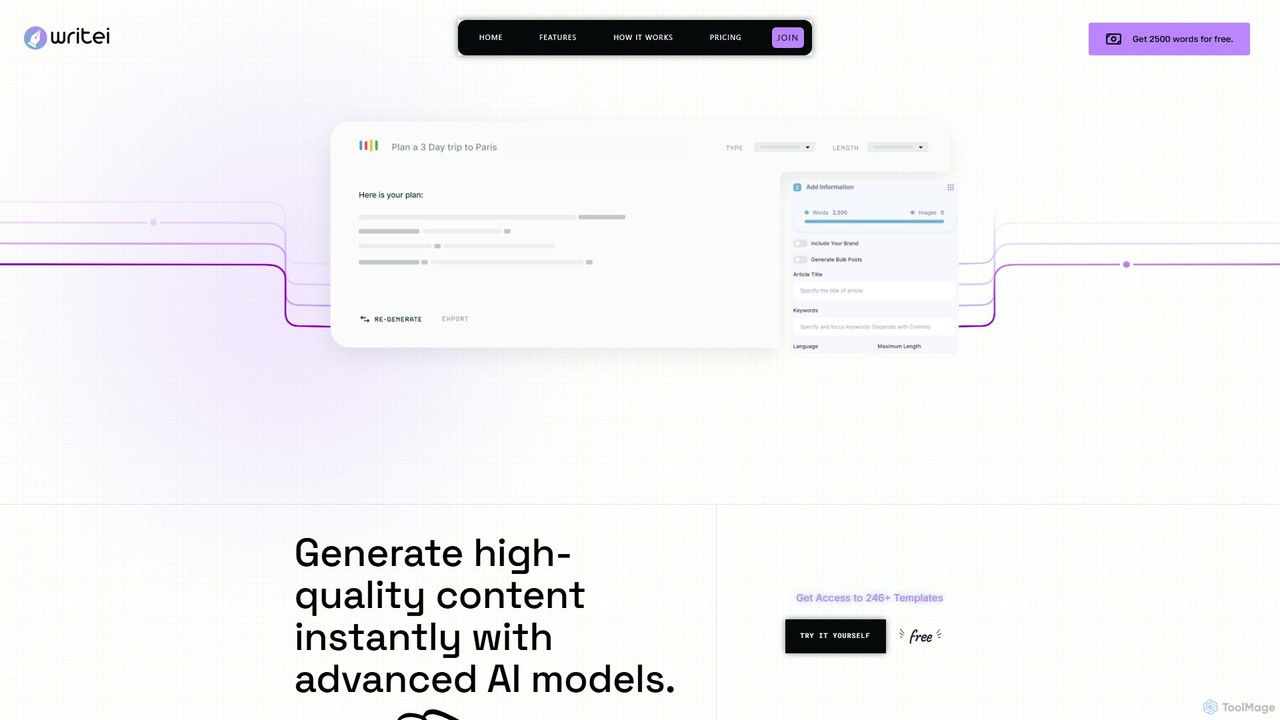
Writei

Writei is a comprehensive AI-powered content creation suite that leverages advanced models like GPT-4o. It offers over 267 templates for writing, an AI Article Wizard, AI chat with files and websites, speech-to-text, voice cloning, and a code generator. Designed for marketers, writers, and developers, it streamlines content workflows with WordPress integration, team collaboration, and multilingual support.

Voice Generation
Visits 4.2KFavorites 148Likes 125
Freemium

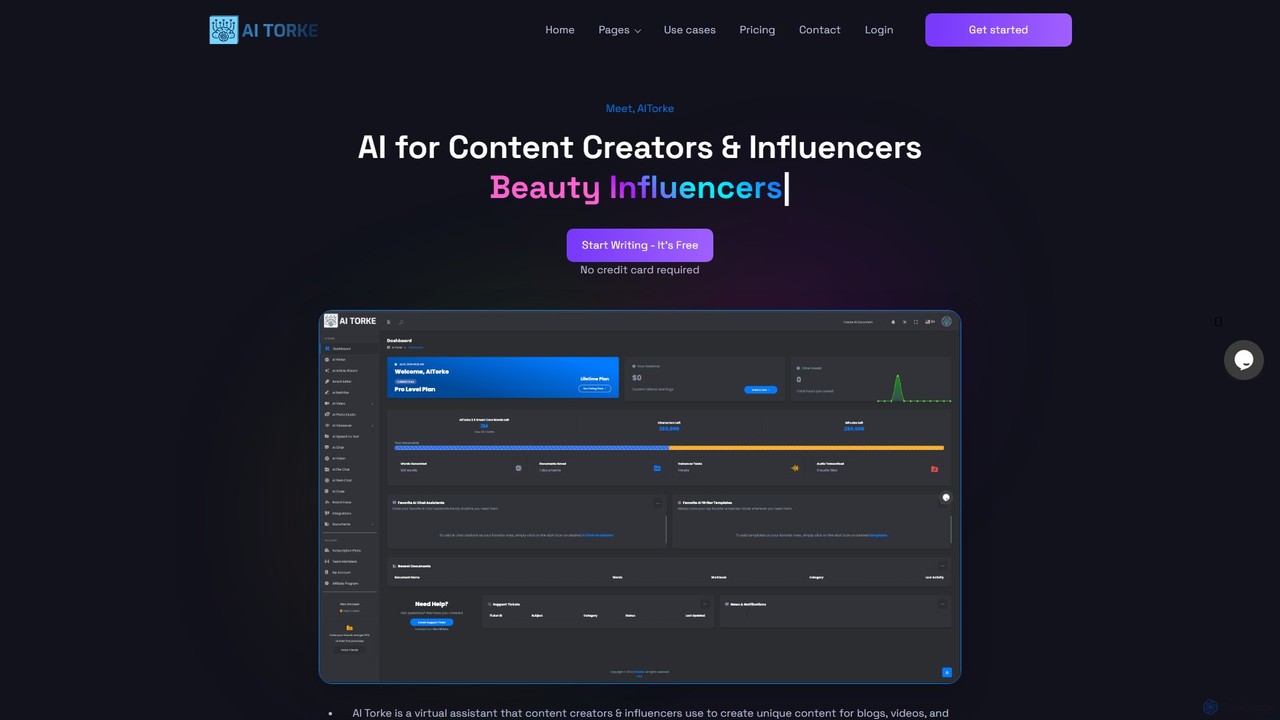
AITorke

AITorke is an all-in-one AI-powered content creation suite designed for creators, marketers, and businesses. It integrates tools for writing, image generation, audio production (including voiceovers and cloning), and video creation into a single, user-friendly platform. AITorke aims to streamline workflows, boost productivity, and enable users to produce high-quality, multi-format content faster and more efficiently, supporting over 54 languages.

Voice Generation
Visits 3.4KFavorites 101Likes 89
Freemium

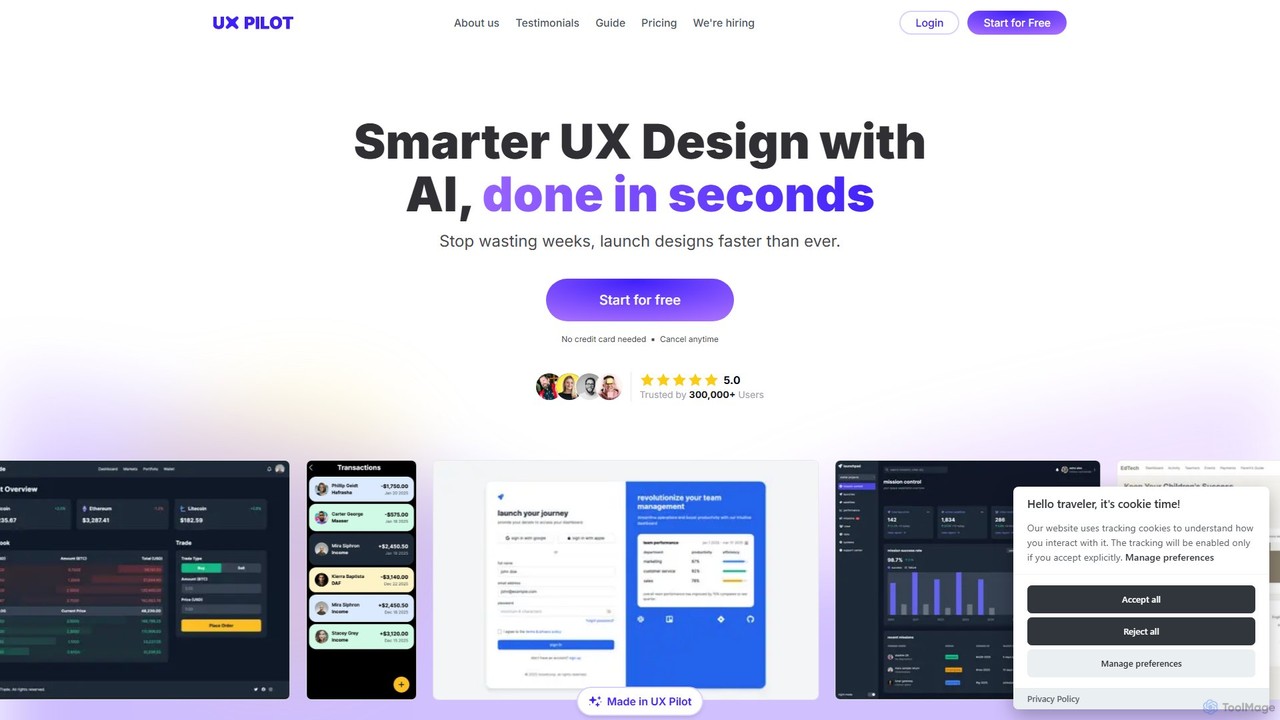
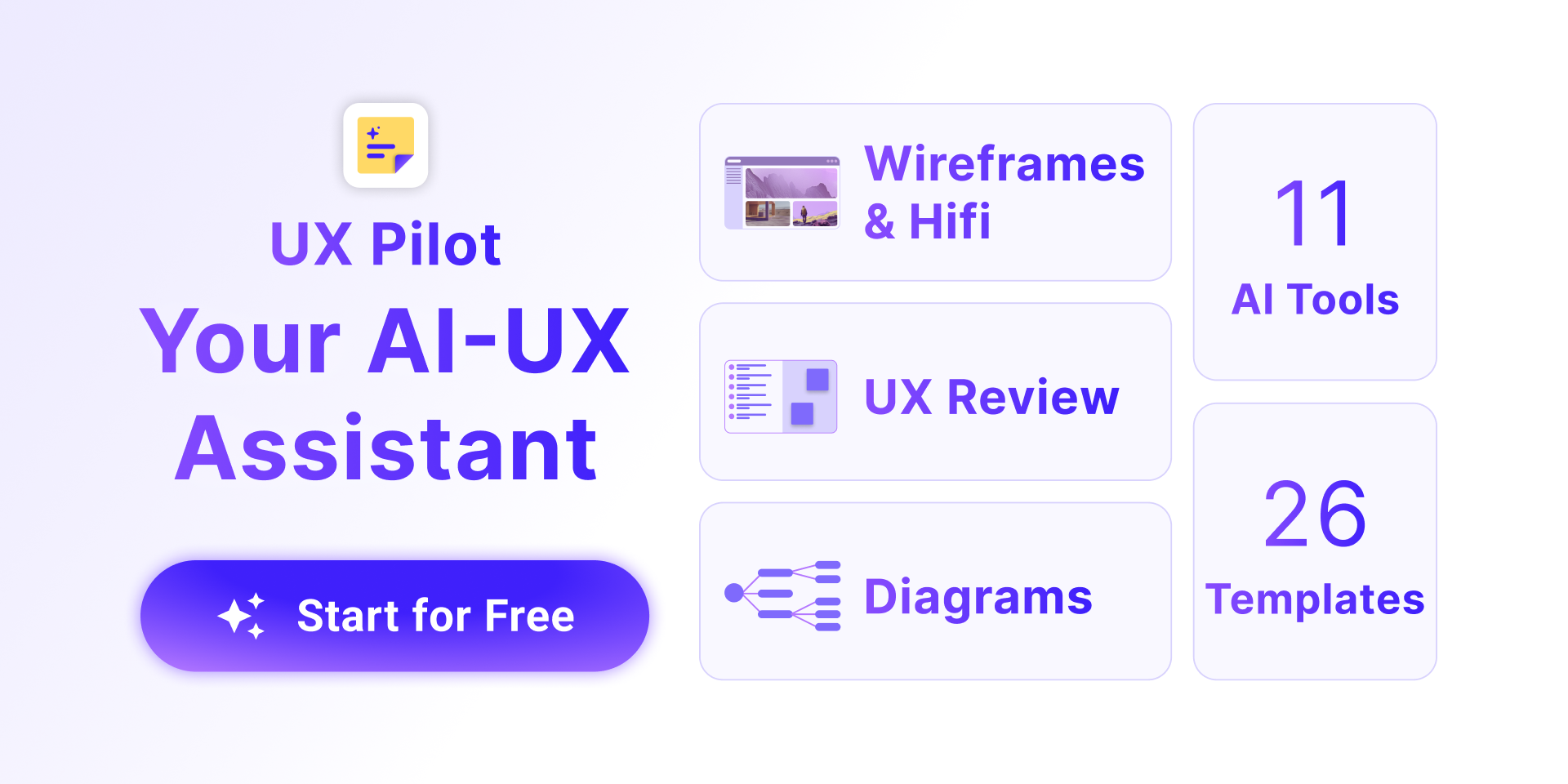
UX Pilot

UX Pilot is an AI-powered design platform that accelerates the UX/UI workflow. It enables designers, product teams, and founders to generate high-fidelity designs, wireframes, screen flows, and prototypes from simple text prompts in seconds. With deep Figma integration, it streamlines the entire process from ideation to handoff.

Ui Ux
Visits 731.6KFavorites 102Likes 108

About Code Assistant

Code Assistants are AI-powered tools that integrate into your development environment to provide intelligent, real-time coding support. They leverage large language models (LLMs) trained on vast codebases to understand context and generate relevant code snippets, functions, or even entire classes. This accelerates the development process, improves code quality by suggesting best practices, and reduces the time spent on repetitive tasks. Unlike traditional autocompletion, these assistants can interpret natural language comments to generate logic and help debug complex issues.

Core Features

  • Intelligent Code Completion: Suggests entire lines or blocks of code based on the current context, not just syntax.
  • Natural Language to Code: Generates functional code snippets from plain English descriptions or comments.
  • Automated Bug Detection: Scans code as you type to identify potential errors and suggests corrections.
  • Code Refactoring and Optimization: Recommends improvements to code structure, readability, and performance.
  • Unit Test Generation: Automatically creates test cases for functions and methods to ensure code reliability.

Use Cases

Code Assistants are widely used by individual developers, agile teams, and large enterprises across various domains like web development, data science, and mobile app creation. They are particularly effective for rapid prototyping, learning new programming languages, refactoring legacy systems, and maintaining high standards of code quality and documentation within a team.

How to Choose

When selecting a Code Assistant, consider its integration support for your preferred IDE (e.g., VS Code, JetBrains). Evaluate the quality and relevance of its suggestions for your primary programming languages. Critically review its data privacy and security policies, especially for proprietary projects. Finally, compare pricing models and features for team collaboration if you are working in a group environment.

Featured tool rankings

Code Assistant use cases

1

Accelerate API Endpoint Development

A backend developer is tasked with creating a new set of RESTful API endpoints for a user management module. Instead of writing all the boilerplate code for CRUD (Create, Read, Update, Delete) operations manually, they write a simple comment in their code, such as `// Create API endpoints for user model with JWT authentication`. The Code Assistant interprets this request and generates the complete controller code, including request validation, database interaction logic, and standardized JSON responses. This reduces development time for the feature from hours to minutes, ensuring consistency and adherence to project standards.

2

Automate Unit Test Creation

A quality assurance engineer needs to increase test coverage for a critical financial calculation module. Manually writing tests for every edge case is time-consuming. The engineer highlights a complex function within the IDE and prompts the Code Assistant to generate unit tests. The tool analyzes the function's logic, inputs, and potential failure points, then produces a comprehensive test suite using a popular testing framework like Jest or PyTest. This includes tests for valid inputs, null values, and boundary conditions, allowing the engineer to achieve 95% test coverage in a fraction of the time.

3

Refactor and Document Legacy Code

A maintenance developer takes over a legacy project with poorly documented and inefficient code. To understand a complex, 200-line function, they ask the Code Assistant to explain it step-by-step. The assistant breaks down the logic in plain language. Next, the developer asks the assistant to refactor the function for better readability and performance. The tool suggests splitting it into smaller, single-responsibility functions and replacing an inefficient loop with a more optimized method. Finally, the developer uses the assistant to generate comprehensive docstrings for the newly refactored functions, making the codebase easier to maintain for the future.

4

Learning a New Programming Language

A JavaScript developer is starting a new project that requires Python for data analysis. While familiar with programming concepts, they are unsure of Python's specific syntax and standard library functions. As they code, the Code Assistant acts as an interactive tutor. When they type a comment like `read a csv file into a pandas dataframe`, the assistant provides the correct Python code snippet. It also offers real-time syntax corrections and explains what different library functions do, significantly shortening the learning curve and allowing the developer to become productive in the new language much faster.

5

Debugging Complex Logic Errors

A data scientist is working on a complex algorithm for predictive modeling and encounters an unexpected error deep within the logic. The standard debugger isn't helping to identify the root cause. The scientist pastes the problematic code block into the Code Assistant's chat interface and asks, `Why is this function returning an incorrect value for edge cases?`. The AI analyzes the code, traces the logic, and identifies a subtle off-by-one error in a loop that the developer had overlooked. It not only points out the error but also provides the corrected line of code, saving hours of frustrating debugging.

6

Generate Code from a Design Specification

A front-end developer receives a technical specification for a new interactive UI component, like a filterable data table with sorting and pagination. The specification is written in plain English. The developer copies the key requirements from the spec and pastes them as a multi-line comment above an empty function. The Code Assistant parses these requirements—'create a React component for a table', 'props should include data and columns', 'implement client-side sorting'—and generates a complete, functional React component that serves as a strong starting point, complete with state management hooks and rendering logic.

Code Assistant FAQ

What is an AI Code Assistant?

An AI Code Assistant is a software tool that integrates into an Integrated Development Environment (IDE) to help developers write code more efficiently. Unlike traditional autocompletion that suggests syntax, an AI assistant uses large language models to understand context, generate entire blocks of code from natural language, detect bugs, and suggest optimizations. It functions like an AI-powered pair programmer, accelerating development and improving code quality by handling repetitive tasks and providing intelligent suggestions.

How to choose the right AI Code Assistant?

Choosing the right AI Code Assistant depends on several factors. Consider the following points:

  • Language and IDE Support: Ensure the tool seamlessly integrates with your primary programming languages and preferred Integrated Development Environment (VS Code, JetBrains, etc.).
  • Suggestion Quality: Evaluate the relevance and accuracy of the code it generates. Some tools may perform better for specific domains like web development or data science.
  • Security and Privacy: Check the tool's data policy. If you work with proprietary code, look for options that prevent your code from being used for model training or offer on-premise solutions.
  • Performance: The assistant should provide suggestions quickly without slowing down your IDE.
  • Cost and Features: Compare pricing plans and features, especially if you need team-based collaboration tools.
What's the difference between an AI Code Assistant and traditional IntelliSense?

The primary difference lies in their underlying technology and capability. Traditional code completion, like IntelliSense, is based on static analysis of your codebase and language syntax. It suggests variable names, methods, and parameters it knows exist. An AI Code Assistant, powered by large language models, understands the semantic context of your code. It can generate entirely new, multi-line code blocks based on a natural language comment, predict the logical next step in your algorithm, and even refactor existing code for better performance, capabilities that go far beyond syntax-aware autocompletion.

Will AI Code Assistants replace developers?

AI Code Assistants are designed to be collaborative tools, not replacements for developers. They excel at automating repetitive and predictable coding tasks, such as writing boilerplate code, generating tests, or finding simple bugs. This frees up developers to focus on more complex and creative aspects of software engineering, like system architecture, problem-solving, user experience design, and strategic planning. The role of the developer is evolving to become more of a supervisor and architect, using AI tools to augment their skills and increase productivity, rather than being replaced by them.

Is it safe to use an AI Code Assistant with proprietary code?

Security is a critical consideration. Many cloud-based AI Code Assistants may use your code snippets to train their models, which can be a risk for proprietary or sensitive projects. However, leading providers are addressing this concern. It is essential to carefully read the terms of service and privacy policy of any tool you consider. Look for enterprise-grade solutions that offer features like:

  • Zero Data Retention: A policy ensuring your code is not stored or used for training.
  • On-Premise or VPC Deployment: Options to host the service within your own secure infrastructure.
  • End-to-End Encryption: Securing your code both in transit and at rest.

For non-sensitive or open-source projects, the risk is generally lower, but for corporate environments, choosing a tool with strong privacy guarantees is crucial.