ToolMage
Sign in

Best 4 Code Search AI tools for Developer Tools

Popular Code Search AI tools in Developer Tools include Sourcegraph, QSourcer, Greb, and allsearch.ai, helping you work more efficiently.

Greb
Freemium

Greb

Greb is an intelligent code search service that allows developers to find precise code chunks in massive codebases using natural language queries. It integrates seamlessly with AI coding assistants via MCP and offers a faster, more accurate alternative to traditional RAG systems.

Code Assistant
Visits 3.8KFavorites 103Likes 120
Sourcegraph
Freemium

Sourcegraph

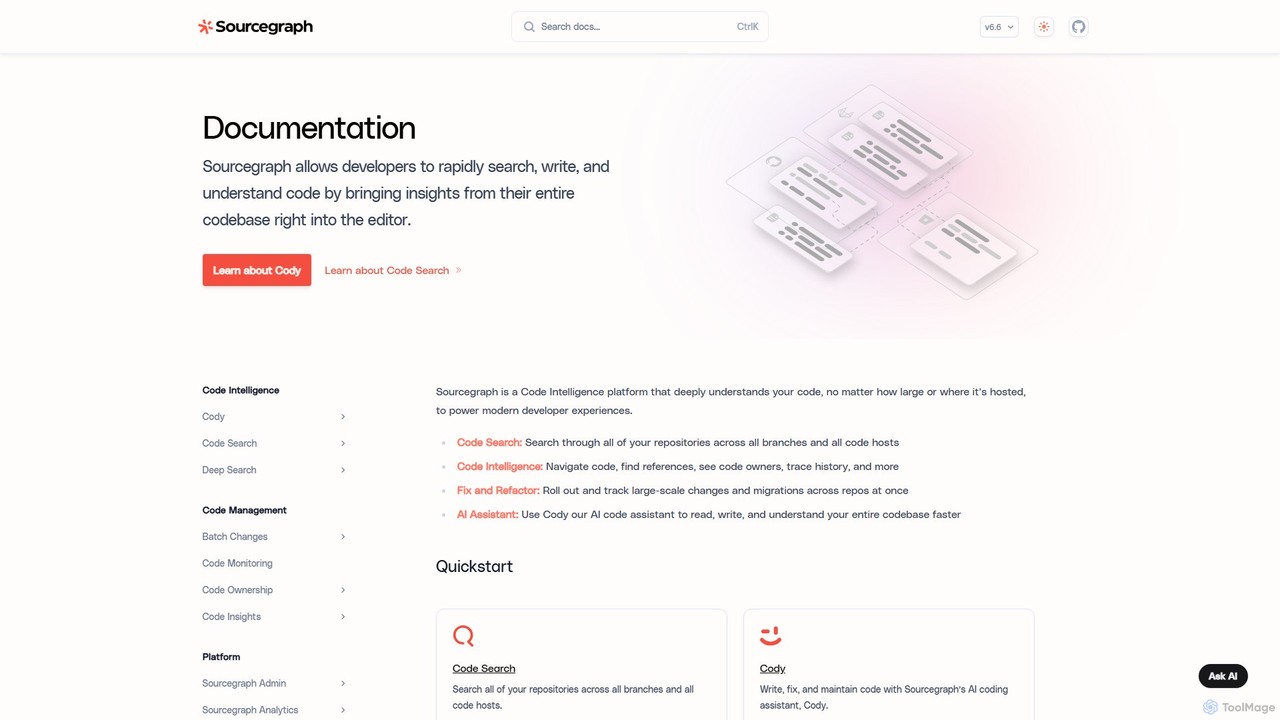
Sourcegraph is a code intelligence platform that creates a universal map of your entire codebase. It features Cody, an AI coding assistant, to help developers search, write, understand, and refactor code across any repository, code host, or language, significantly boosting developer productivity.

Code Refactoring
Visits 248.1KFavorites 108Likes 102
allsearch.ai
Freemium

allsearch.ai

allsearch.ai is an advanced AI-powered search engine that delivers direct, synthesized answers instead of just links. It scours the web, academic papers, code repositories, and news sources to provide comprehensive, summarized results with citations, revolutionizing information retrieval for researchers, developers, and everyday users.

Code Search
Visits 3.4KFavorites 103Likes 103
QSourcer
Freemium

QSourcer

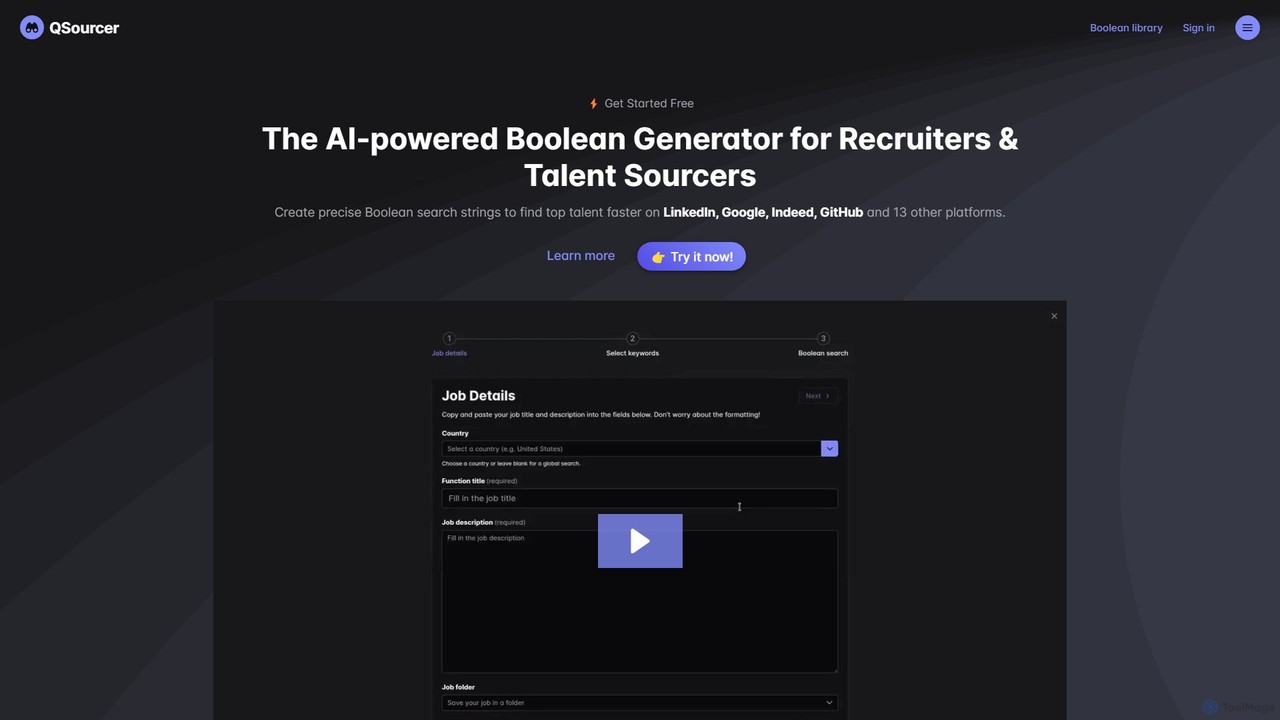
QSourcer is an AI-powered Boolean Generator designed for recruiters and talent sourcers. It transforms job descriptions into precise, complex Boolean search strings, enabling users to find top talent faster across LinkedIn, Google, GitHub, and over 16 other platforms. With features like smart keyword expansion, multi-language support, and one-click search, it streamlines the sourcing process, eliminates guesswork, and uncovers hidden candidates.

Code Search
Visits 3.8KFavorites 113Likes 129

About Code Search

Code Search tools are AI-powered platforms designed to help developers efficiently locate, analyze, and understand code snippets, functions, or files across vast codebases. Leveraging advanced algorithms, these tools go beyond simple keyword matching, offering semantic search capabilities that interpret developer intent and code context. They significantly streamline development workflows by reducing the time spent navigating complex projects, enabling faster debugging, refactoring, and knowledge sharing within engineering teams.

Core Features

  • Semantic Search: Understands the meaning and intent behind search queries, not just keywords, to find relevant code.
  • Cross-Repository Indexing: Indexes code across multiple repositories, languages, and projects for a unified search experience.
  • Code Understanding & Analysis: Provides context, definitions, and usage examples for found code, often with AI-driven explanations.
  • Version Control Integration: Seamlessly integrates with Git, SVN, and other VCS platforms to search historical code versions.
  • Refactoring & Debugging Support: Helps identify code patterns, dependencies, and potential issues to aid in code improvement and bug fixing.

Applicable Scenarios

Code Search tools are indispensable for large software development teams, open-source contributors, and enterprises managing extensive legacy systems. They are crucial when onboarding new developers to complex projects, performing security audits across an entire codebase, or migrating systems where understanding existing code behavior is paramount.

How to Choose

When selecting a Code Search tool, consider its integration capabilities with your existing version control systems and IDEs, the breadth of programming languages it supports, and its scalability for your codebase size. Evaluate the accuracy of its semantic search, the quality of its code analysis features, and its security protocols for handling sensitive code. Pricing models and community support are also important factors.

Featured tool rankings

Code Search use cases

1

Onboarding New Developers to Complex Projects

A new software engineer joins a large enterprise project with millions of lines of code. Using a Code Search tool, they can quickly find relevant code examples, understand function definitions, and trace data flows by simply querying natural language descriptions or specific function names, significantly reducing their ramp-up time from months to weeks.

2

Identifying and Fixing Security Vulnerabilities

A security analyst needs to audit a vast codebase for specific vulnerability patterns, such as insecure API calls or improper input sanitization. A Code Search tool allows them to perform targeted semantic searches across all repositories, quickly pinpointing potential weak spots and providing context for remediation, ensuring compliance and system integrity.

3

Refactoring Legacy Code for Modernization

An engineering team is tasked with modernizing an outdated module written years ago. With a Code Search tool, they can identify all instances where a particular legacy function is called, understand its dependencies, and analyze its impact before making changes. This ensures a smooth refactoring process without introducing regressions.

4

Understanding Cross-Service Dependencies in Microservices

In a microservices architecture, a developer needs to understand how a change in one service might affect others. A Code Search tool can map out function calls and data interactions across different service repositories, revealing hidden dependencies and helping the developer anticipate potential breaking changes before deployment.

5

Finding Best Practice Implementations or Design Patterns

A developer is looking for an example of how a specific design pattern (e.g., Factory Method) or a best practice (e.g., robust error handling) is implemented within their organization's existing code. By using a Code Search tool, they can query for these patterns and quickly find high-quality, approved examples to guide their own development.

6

Accelerating Debugging by Locating Error Sources

When a production bug occurs, a developer receives an error message pointing to a specific function or module. Instead of manually navigating through files, they use a Code Search tool to instantly jump to the exact code location, view its history, and understand its context, drastically speeding up the debugging and resolution process.

Code Search FAQ

What are Code Search tools?

Code Search tools are specialized AI-powered platforms that enable developers to efficiently search, navigate, and understand code across large and complex software repositories. Unlike traditional text-based search, they use semantic understanding to interpret queries and code context, providing more relevant and insightful results for functions, variables, and code patterns.

How do Code Search tools differ from standard IDE search or `grep`?

Standard IDE search or command-line tools like `grep` primarily perform keyword-based text matching within a limited scope. Code Search tools, especially those with AI, offer semantic understanding, cross-repository indexing, and code analysis capabilities. They can understand the *meaning* of code, identify relationships, and provide context across an entire organization's codebase, far beyond simple string matching in a single project.

What are the key benefits of using AI-powered Code Search?

AI-powered Code Search offers several key benefits: significantly faster code discovery, improved relevance of search results through semantic understanding, better code comprehension via AI-generated explanations and context, enhanced collaboration by making code knowledge accessible, and accelerated debugging and refactoring processes. It transforms code exploration from a tedious task into an intuitive and efficient experience.

Who primarily benefits from using Code Search tools?

Code Search tools primarily benefit software developers, engineering managers, security analysts, and technical writers. Developers use them for faster coding, debugging, and understanding. Managers leverage them for project oversight and knowledge transfer. Security analysts utilize them for vulnerability detection, and technical writers can find code examples for documentation.

What should I consider when choosing a Code Search tool for my team?

When choosing a Code Search tool, consider its integration with your existing version control systems (e.g., GitHub, GitLab) and development environments. Evaluate its support for your primary programming languages, the accuracy and depth of its semantic search capabilities, and its scalability for your codebase size. Also, assess its security features, pricing model, and the quality of its documentation and support.