ToolMage
Sign in

Best 4 Requirements Management AI tools for Developer Tools

Popular Requirements Management AI tools in Developer Tools include WriteMyPrd, Colabjetpack, GetRequirements, and scopeblueprint, helping you work more efficiently.

Colabjetpack
Freemium

Colabjetpack

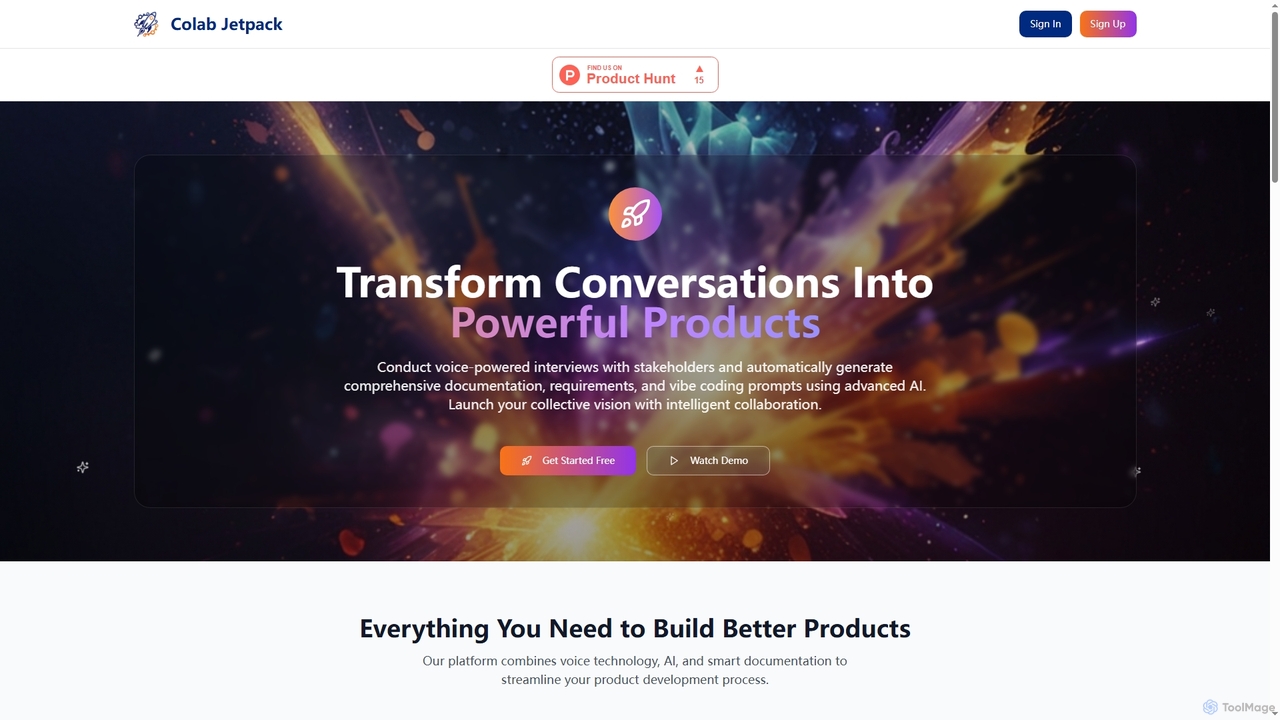
An AI-powered platform that transforms voice interviews with stakeholders into comprehensive product documentation, requirements, user stories, and vibe coding prompts to streamline product development.

Transcription
Visits 7.3KFavorites 150Likes 164
WriteMyPrd
Free

WriteMyPrd

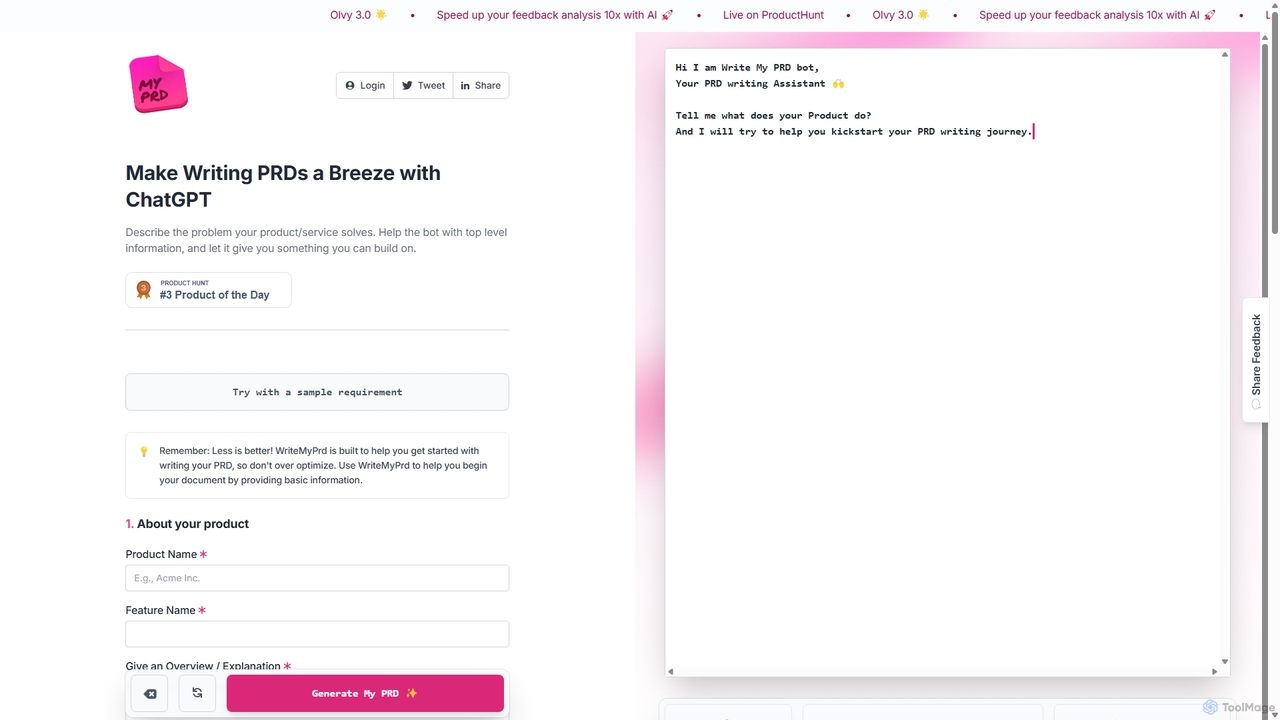
WriteMyPrd is an AI-powered assistant that leverages ChatGPT to streamline the creation of Product Requirements Documents (PRDs). By providing basic information about your product, features, and user feedback, it generates a structured PRD draft. This tool is ideal for product managers, founders, and developers looking to quickly kickstart their documentation process, saving time and ensuring all key components are included from the outset.

Requirements Management
Visits 13KFavorites 131Likes 131
GetRequirements
Freemium

GetRequirements

GetRequirements is an AI-powered platform that automates and streamlines the software requirements gathering process. It helps product managers, business analysts, and development teams to generate clear, comprehensive, and actionable user stories, specifications, and requirement documents from raw ideas, notes, and transcripts, significantly accelerating project kickoff and reducing ambiguity.

Business Analysis
Visits 7.2KFavorites 141Likes 152
scopeblueprint
Paid

scopeblueprint

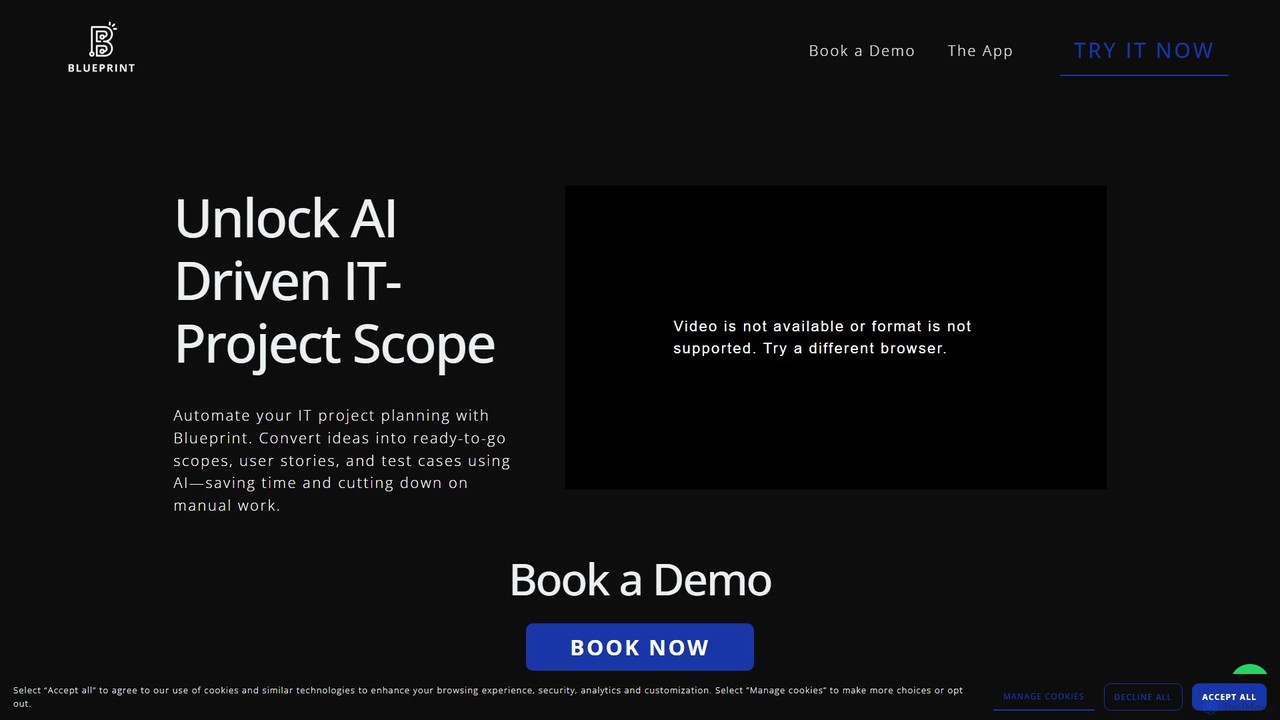
scopeblueprint is an AI-powered platform designed to streamline project planning and scope management. It accelerates the process by up to 8x, automatically transforming ideas into clear requirements, user stories, and test cases. The tool also features proactive risk identification and seamless integration with popular project management software like Jira and Azure Boards.

Planning
Visits 7.1KFavorites 130Likes 153

About Requirements Management

Requirements Management tools are specialized platforms designed to capture, track, analyze, and manage project requirements throughout the development lifecycle. Leveraging AI, these tools can automatically analyze requirement text for clarity, detect duplicates, and identify potential conflicts, ensuring consistency. Their primary value lies in creating a single source of truth for all stakeholders, which significantly reduces ambiguity, minimizes scope creep, and simplifies compliance verification. This structured approach ensures that the final product aligns precisely with business needs and user expectations.

Core Features

  • Requirement Elicitation & Capturing: Gathers and documents requirements from various sources like documents, spreadsheets, and stakeholder feedback.
  • Traceability Management: Creates and visualizes links between requirements, design elements, test cases, and code for impact analysis.
  • Version Control & Baselining: Tracks all changes to requirements, allowing teams to compare versions and establish official baselines.
  • AI-Powered Quality Analysis: Uses Natural Language Processing (NLP) to assess requirements for ambiguity, inconsistency, and completeness.
  • Collaboration & Approval Workflows: Provides a centralized platform for stakeholders to review, comment on, and formally approve requirements.

Use Cases

These tools are crucial in regulated industries such as aerospace, automotive, medical devices, and finance, where complete traceability is mandatory for compliance. They are used by business analysts, product managers, systems engineers, and quality assurance teams to manage complex projects, particularly in both Agile and Waterfall development environments, ensuring every feature developed is directly tied to a validated requirement.

How to Choose

When selecting a tool, consider its integration capabilities with your existing toolchain (e.g., Jira, GitHub, testing suites). Evaluate the robustness of its traceability features and impact analysis reports. For regulated industries, verify its support for specific compliance standards (e.g., ISO 26262, DO-178C). Also, assess the sophistication of its AI-driven analysis features and its scalability to handle the size and complexity of your projects.

Requirements Management use cases

1

Ensuring Compliance in Medical Device Development

A systems engineer at a medical device company is tasked with developing software for a new diagnostic machine, which must comply with strict FDA and ISO 13485 regulations. They use an AI Requirements Management tool to capture all safety, functional, and performance requirements. The tool automatically creates a real-time traceability matrix, linking each requirement to specific design documents, code modules, and verification test cases. Before an audit, the engineer generates a comprehensive compliance report in minutes, demonstrating that every regulatory standard has been met and tested, significantly reducing audit preparation time and risk.

2

Managing Complexity in Aerospace Systems

A project manager for a new satellite communication system faces the challenge of managing over 10,000 interdependent requirements across hardware, software, and firmware teams. Using a requirements management platform, they establish a central repository. When a stakeholder requests a change to a radio frequency requirement, the manager uses the tool's impact analysis feature. It instantly visualizes all connected requirements, test cases, and system components that will be affected. This allows the team to accurately estimate the cost and effort of the change, preventing unforeseen delays and budget overruns in a highly complex project.

3

Improving Requirement Quality with AI Analysis

A business analyst team is preparing a requirements specification document for a new enterprise software. Before sending it to the development team, they use an AI-powered requirements tool to perform a quality check. The AI scans the document and flags ambiguous phrases like 'fast response time' or 'user-friendly interface,' suggesting they be replaced with quantifiable metrics (e.g., 'response time under 500ms'). It also identifies conflicting requirements and potential duplicates. This automated review process improves the clarity and testability of the requirements, leading to fewer questions from developers and a smoother development process.

4

Streamlining Stakeholder Collaboration and Approvals

A product manager is defining features for a new mobile banking app, involving stakeholders from legal, marketing, security, and finance departments. Instead of emailing documents back and forth, they use a requirements management tool's collaboration portal. All stakeholders can view the latest version of the requirements, add comments in context, and participate in threaded discussions. The tool manages a formal approval workflow, digitally capturing sign-offs from each department head. This creates a transparent, auditable record of all decisions and feedback, ensuring everyone is aligned before a single line of code is written.

5

Managing Requirements in an Agile Development Environment

An Agile team's product owner uses a requirements management tool integrated with Jira. They capture user stories, epics, and acceptance criteria within the tool. The AI feature helps identify dependencies between stories, suggesting a logical order for the product backlog. When a user story is updated in the requirements tool, the corresponding Jira ticket is automatically synchronized. This ensures that developers always work with the most current information, while the product owner maintains a high-level, structured view of the product requirements, separate from the day-to-day task management in Jira.

6

Automotive Functional Safety (ISO 26262) Management

An automotive engineer designing an Advanced Driver-Assistance System (ADAS) must demonstrate compliance with the ISO 26262 functional safety standard. They use a requirements management tool to define safety goals and trace them down to specific hardware and software requirements. The tool automatically generates a traceability report that serves as key evidence during safety audits. If a low-level software requirement is changed, the tool's impact analysis immediately highlights the affected safety goals, ensuring that the system's overall safety integrity is never compromised unintentionally.

Requirements Management FAQ

What are AI Requirements Management tools?

AI Requirements Management tools are software platforms that help teams define, organize, trace, and manage project requirements from conception to deployment. They act as a central repository for all requirements, ensuring everyone works from a single source of truth. AI enhances these tools by automating tasks like analyzing requirement quality, detecting ambiguities or conflicts, identifying duplicates, and helping to maintain traceability links between requirements and other development artifacts.

How to choose the right Requirements Management tool?

Choosing the right tool depends on your specific needs. Consider these factors:

  • Integrations: Does it connect seamlessly with your existing tools like Jira, GitHub, or automated testing frameworks?
  • Traceability: How well does it support creating and visualizing links between requirements, tests, and design? Can it perform impact analysis?
  • Compliance: If you're in a regulated industry, does it support standards like ISO 26262, DO-178C, or FDA regulations?
  • Collaboration: Does it offer robust features for stakeholder review, commenting, and approval workflows?
  • Scalability: Can the tool handle the volume and complexity of requirements for your largest projects?
What's the difference between Requirements Management and Project Management tools?

Project Management tools (like Jira or Trello) focus on the 'how' and 'when' of work: tracking tasks, managing workflows, and monitoring progress against a timeline. Requirements Management tools focus on the 'what' and 'why': defining, analyzing, and tracing the specific requirements that the project must fulfill. While distinct, they are highly complementary. Many requirements management tools integrate with project management tools to link high-level requirements to the specific development tasks that implement them.

What are the key benefits of using a dedicated Requirements Management tool?

Using a dedicated tool offers several key advantages over managing requirements in documents or spreadsheets:

  • Improved Clarity: Provides a single source of truth, reducing ambiguity and misunderstandings.
  • Enhanced Traceability: Easily links requirements to tests and design, simplifying impact analysis and compliance.
  • Better Collaboration: Centralizes communication and approvals among all stakeholders.
  • Reduced Rework: Catches errors, conflicts, and omissions early in the lifecycle, which is much cheaper than fixing them post-development.
  • Version Control: Maintains a complete history of changes, providing a clear audit trail.
Who typically uses Requirements Management tools?

A wide range of roles use these tools, especially in complex or regulated product development. Key users include:

  • Business Analysts: To capture and document stakeholder needs and translate them into functional requirements.
  • Product Managers: To define product vision, features, and user stories, and to manage the product backlog.
  • Systems Engineers: To manage complex system requirements and ensure all components work together seamlessly.
  • Quality Assurance (QA) Teams: To create test cases directly linked to requirements, ensuring full test coverage.
  • Project Managers: To monitor the scope of the project and manage changes to requirements effectively.