

GetRequirements Overview
GetRequirements is a cutting-edge AI platform designed to revolutionize the way software development teams handle project requirements. In the fast-paced world of technology, the traditional process of gathering, documenting, and managing requirements is often a major bottleneck. It's typically manual, time-consuming, and prone to errors, leading to misunderstandings, scope creep, and costly rework. GetRequirements tackles this challenge head-on by leveraging advanced artificial intelligence to automate and enhance every step of the requirements lifecycle.
The platform acts as an intelligent assistant for product managers, business analysts, and developers. By simply inputting unstructured data—such as meeting transcripts, brainstorming notes, customer feedback, or high-level feature ideas—the AI engine analyzes the content, identifies key needs, and transforms them into structured, well-defined artifacts. This ensures that all stakeholders are aligned from the very beginning, working from a single source of truth that is both clear and comprehensive.
How to use GetRequirements
Using GetRequirements is designed to be an intuitive and seamless process, integrating directly into your existing workflow:
- Input Your Data: Start by feeding your raw information into the platform. You can upload documents (Word, PDF), paste text from emails or notes, or even connect it to your communication tools to import interview transcripts.
- AI-Powered Analysis: The AI engine gets to work, using Natural Language Processing (NLP) to parse the text. It identifies potential features, user roles, constraints, and business rules hidden within the unstructured data.
- Generate Requirements Artifacts: With a single click, generate a variety of essential documents. The tool can produce detailed Product Requirements Documents (PRDs), create Agile user stories with pre-filled acceptance criteria, and build technical specification sheets.
- Refine and Collaborate: The generated documents are not final. They are a powerful starting point. Invite your team members to the platform to review, comment on, and refine the requirements. The system tracks all changes, ensuring full version control and traceability.
- Integrate and Sync: Once the requirements are finalized, seamlessly push them to your favorite project management tools like Jira, Asana, or Trello. This creates a direct link between the defined requirements and the development tasks, ensuring the team builds exactly what was intended.
Core Features of GetRequirements
- AI Requirement Elicitation: Automatically extracts functional and non-functional requirements from unstructured text sources.
- Automated User Story Generation: Creates well-formed user stories following the "As a [user], I want [feature], so that [benefit]" format, complete with suggested acceptance criteria.
- Ambiguity Detection: The AI scans requirements for vague or conflicting statements, flagging them for review to prevent misinterpretation.
- Visual Modeling: Generates basic flowcharts and wireframe suggestions from textual descriptions to help visualize user journeys and system logic.
- Stakeholder Collaboration Hub: A centralized space for teams to discuss, edit, and approve requirements, with version history and commenting features.
- PRD and Specification Templates: Offers a library of customizable templates for various types of software projects and methodologies.
- Seamless PM Tool Integration: Native integrations with Jira, Trello, Asana, and other popular platforms to sync requirements as epics, stories, or tasks.
Use Cases for GetRequirements
GetRequirements is versatile and provides value to various roles within an organization:
- Product Managers: Can rapidly convert market research and strategic goals into detailed PRDs and a prioritized backlog, saving days or even weeks of manual work.
- Business Analysts: Can automate the tedious process of transcribing and analyzing stakeholder interviews, ensuring no critical detail is missed.
- Agile Development Teams: Can accelerate sprint planning by instantly generating a backlog of clear, consistent, and actionable user stories.
- Startup Founders: Can quickly flesh out their product idea into a professional specification document to share with investors or their first engineering hires.
- UX/UI Designers: Can gain clear, context-rich requirements to inform their design process and create user-centric interfaces.
Advantages of GetRequirements
By adopting GetRequirements, teams can unlock significant competitive advantages:
- Accelerated Time-to-Market: Drastically reduces the time spent in the initial planning and requirements phase, allowing development to start sooner.
- Improved Clarity and Accuracy: AI-driven analysis minimizes human error and ambiguity, leading to higher-quality requirements and less rework.
- Enhanced Team Alignment: Provides a single, collaborative source of truth, ensuring that business, product, and engineering teams are all on the same page.
- Reduced Project Costs: By catching errors and inconsistencies early, the tool helps prevent expensive changes later in the development cycle.
Pricing and Plans
GetRequirements offers a flexible pricing model to suit teams of all sizes. While the domain is currently for sale, a typical SaaS model for such a tool would be:
- Free Plan: Ideal for individuals or small projects. Includes basic requirement generation for up to 1 project and 3 collaborators.
- Pro Plan: Designed for professional teams. Offers unlimited projects, advanced features like ambiguity detection, visual modeling, and priority support for a monthly per-user fee.
- Enterprise Plan: A custom solution for large organizations. Includes all Pro features plus advanced security compliance (SOC 2), dedicated account management, custom integrations, and on-premise deployment options.
GetRequirements Alternatives
scopeblueprint
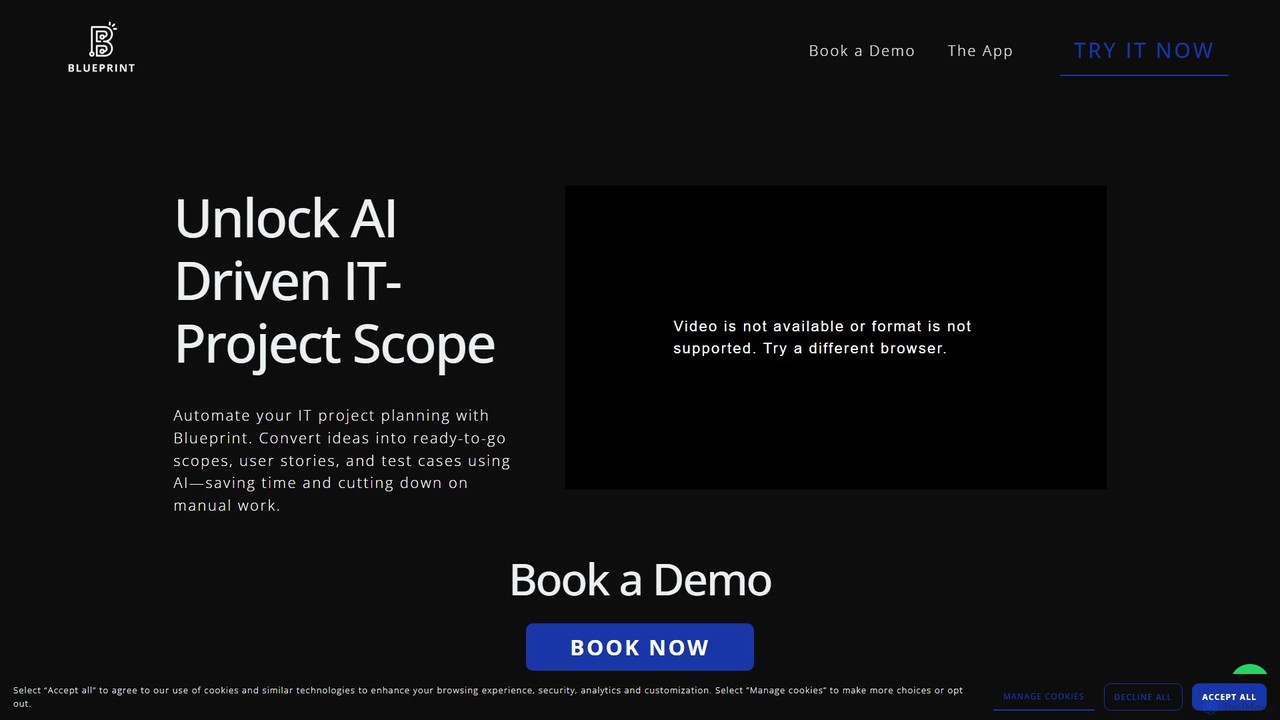
scopeblueprint is an AI-powered platform designed to streamline project planning and scope management. It accelerates the process by up to 8x, automatically transforming ideas into clear requirements, user stories, and test cases. The tool also features proactive risk identification and seamless integration with popular project management software like Jira and Azure Boards.
Planning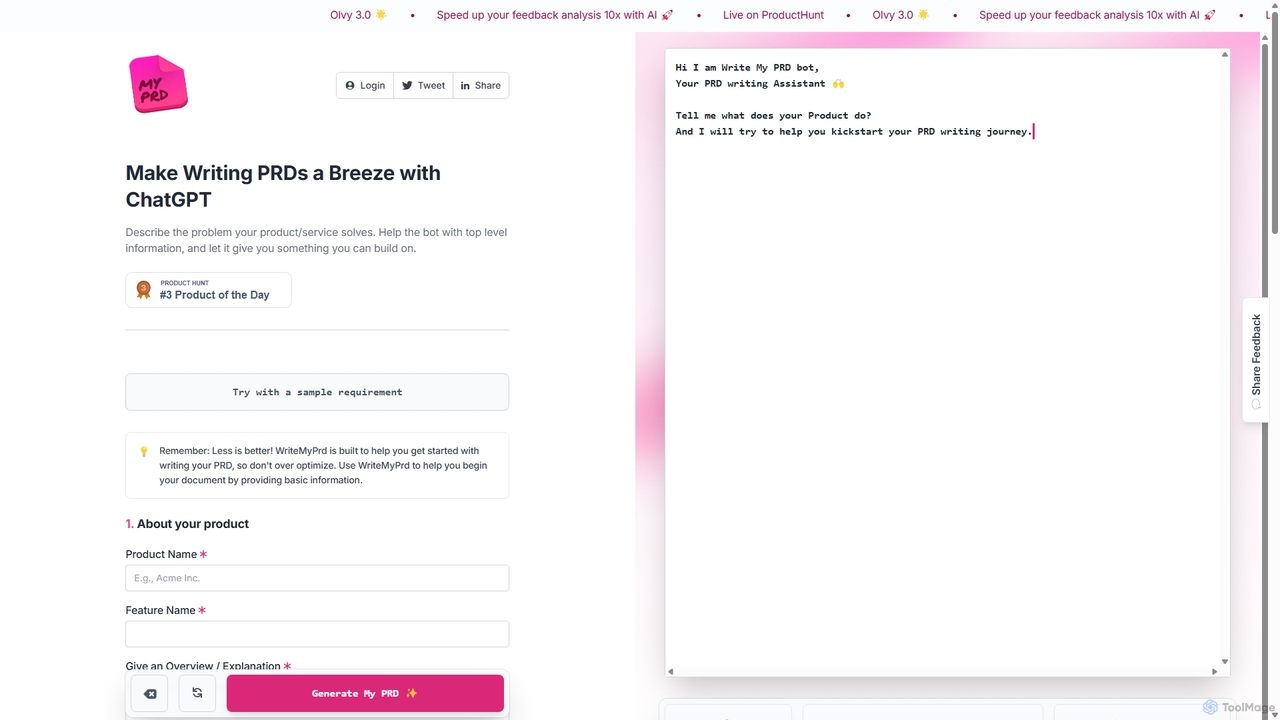
WriteMyPrd
WriteMyPrd is an AI-powered assistant that leverages ChatGPT to streamline the creation of Product Requirements Documents (PRDs). By providing basic information about your product, features, and user feedback, it generates a structured PRD draft. This tool is ideal for product managers, founders, and developers looking to quickly kickstart their documentation process, saving time and ensuring all key components are included from the outset.
Requirements Management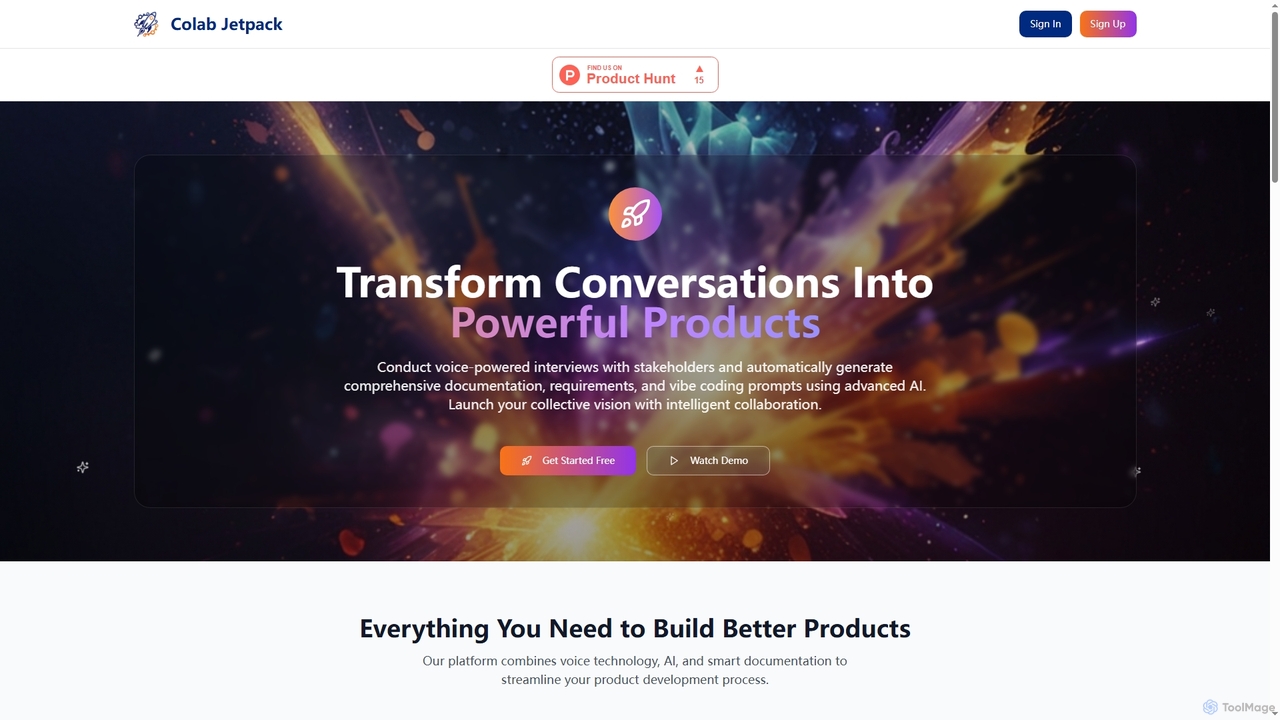
Colabjetpack
An AI-powered platform that transforms voice interviews with stakeholders into comprehensive product documentation, requirements, user stories, and vibe coding prompts to streamline product development.
Transcription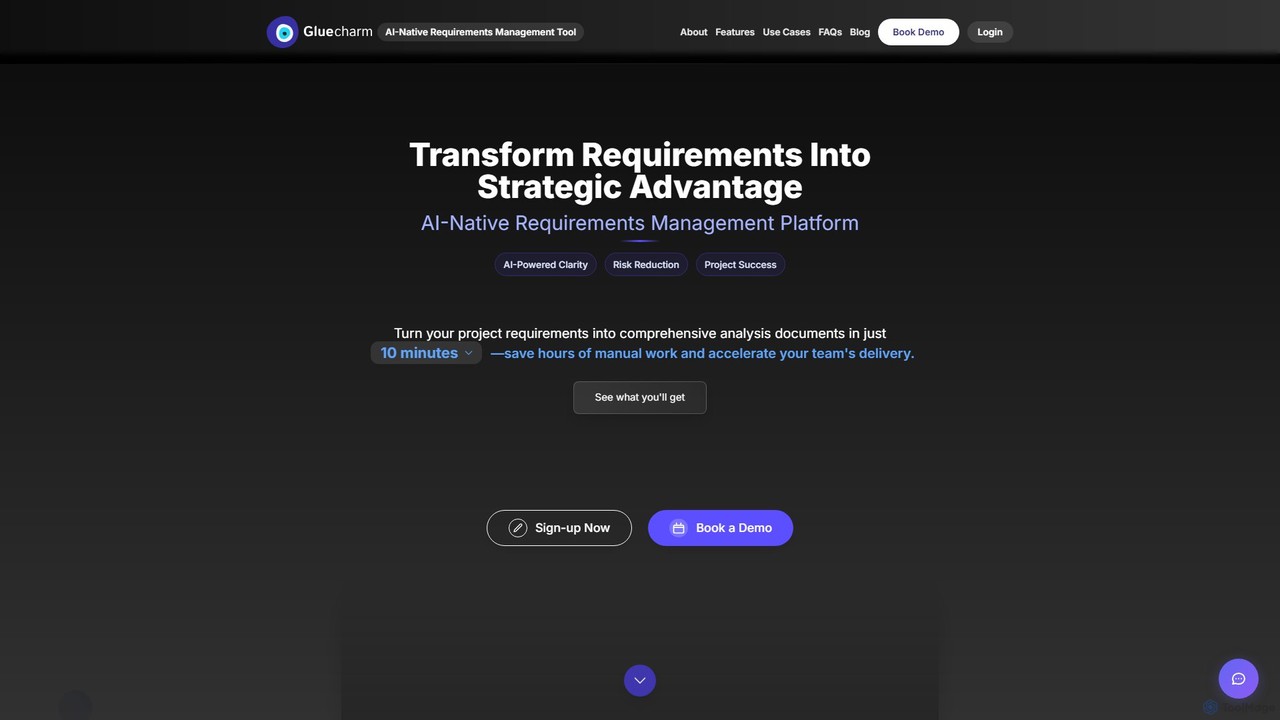
Gluecharm
Gluecharm is an AI-native requirements management platform designed to streamline the software development lifecycle. It automates the gathering, analysis, and documentation of project requirements, transforming stakeholder inputs into comprehensive specifications and actionable user stories in minutes, saving significant time and reducing project risks.
Requirements Management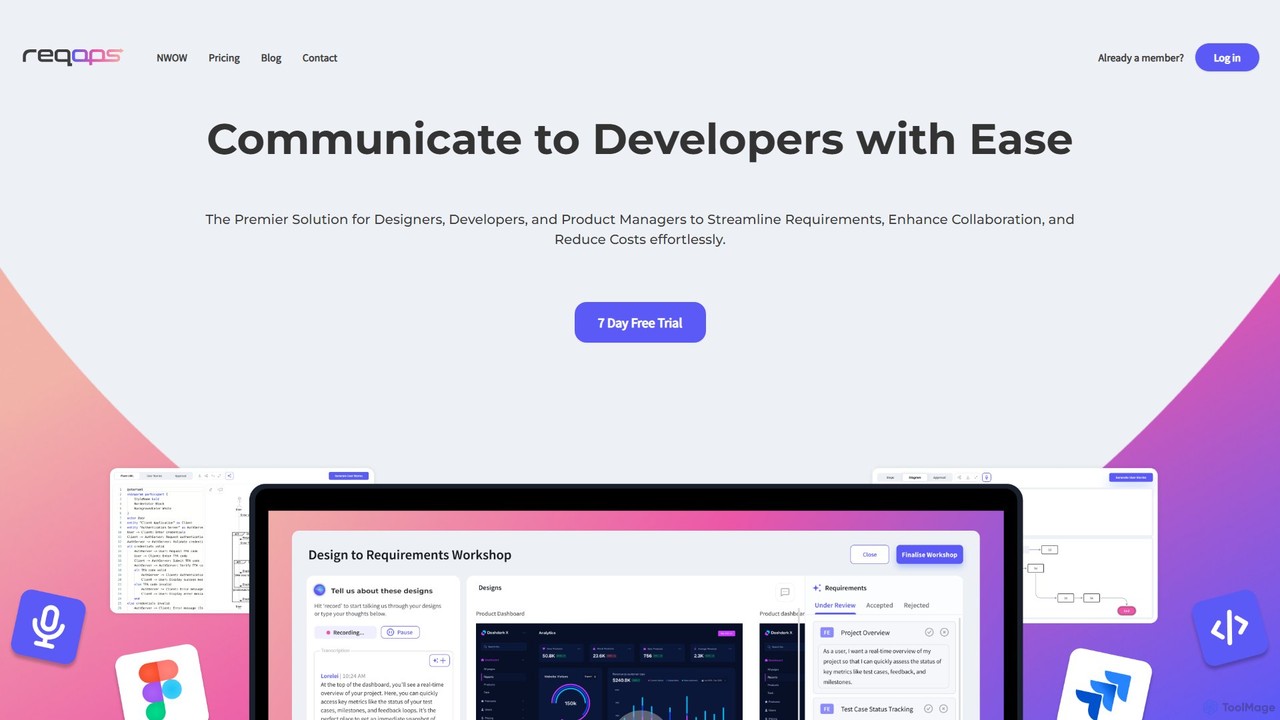
Reqops
Reqops is an AI-powered platform that automates the software requirements process. It transforms UX designs, documents, and other artifacts into detailed, implementation-ready requirements, user stories, and test cases in minutes. Designed for product managers, designers, and developers, it streamlines workflows, enhances collaboration, and accelerates the software delivery lifecycle.
PrototypingGetRequirements Categories
GetRequirements Embed Widget
Copy this embed code to place the badge on your blog, article, or product site and send readers directly to this ToolMage detail page.

Related AI tools
Gluecharm
Gluecharm is an AI-native requirements management platform designed to streamline the software development lifecycle. It automates the gathering, analysis, and documentation of project requirements, transforming stakeholder inputs into comprehensive specifications and actionable user stories in minutes, saving significant time and reducing project risks.
Requirements ManagementReqops
Reqops is an AI-powered platform that automates the software requirements process. It transforms UX designs, documents, and other artifacts into detailed, implementation-ready requirements, user stories, and test cases in minutes. Designed for product managers, designers, and developers, it streamlines workflows, enhances collaboration, and accelerates the software delivery lifecycle.
Prototyping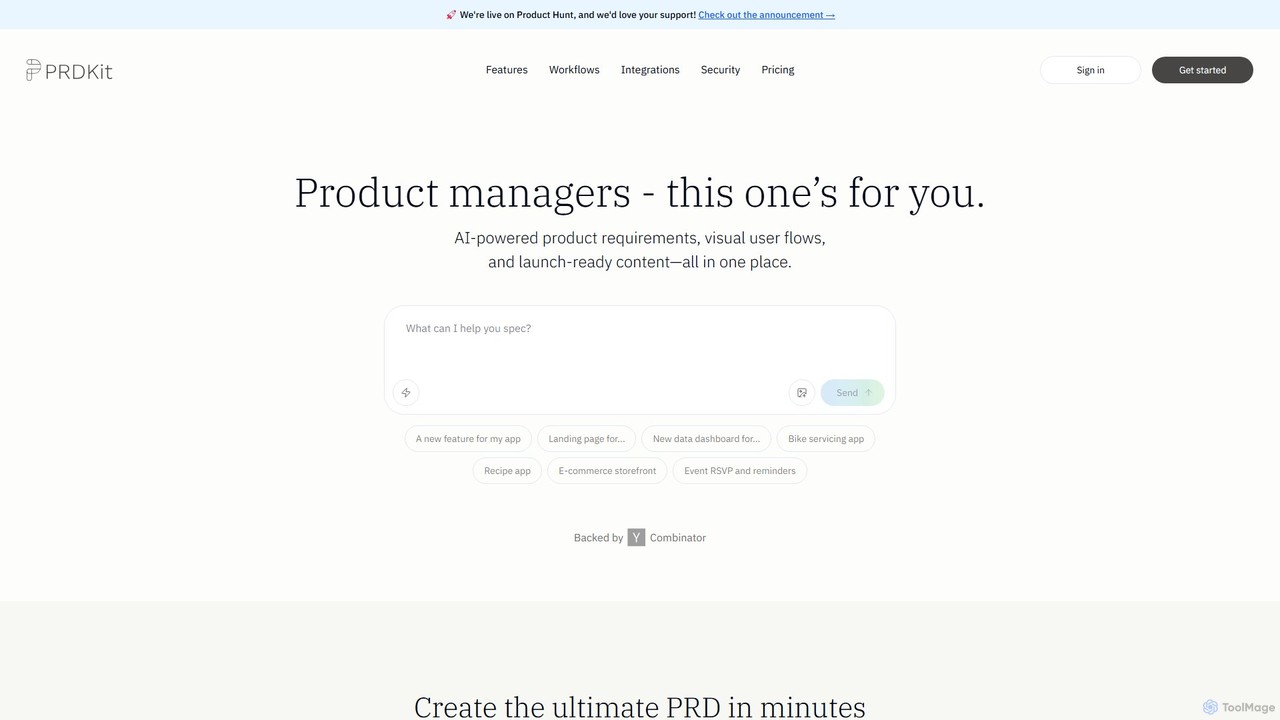
prdkit
prdkit is an AI-powered platform designed for product managers to streamline the creation of product requirements documents (PRDs), visual user flows, and launch-ready content. By simply chatting with the AI, users can transform ideas into comprehensive, structured documentation and visual assets in minutes, accelerating the entire product development lifecycle.
Product Management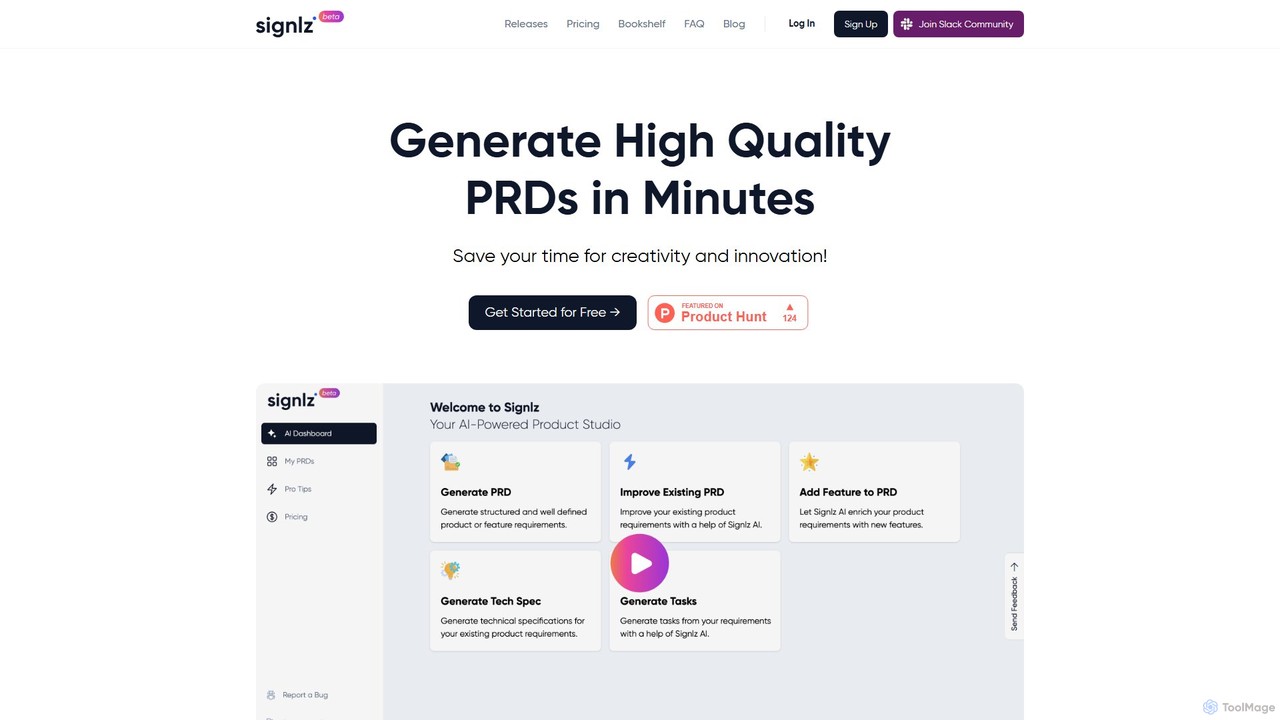
Signlz
Signlz is an AI-powered platform designed for product managers to streamline the creation of Product Requirements Documents (PRDs). It transforms simple prompts into structured, professional PRDs, technical specifications, and actionable user stories. With seamless Jira integration and a specialized knowledge base of product management frameworks, Signlz automates tedious documentation, allowing product teams to focus on innovation and strategy.
Workflow Automation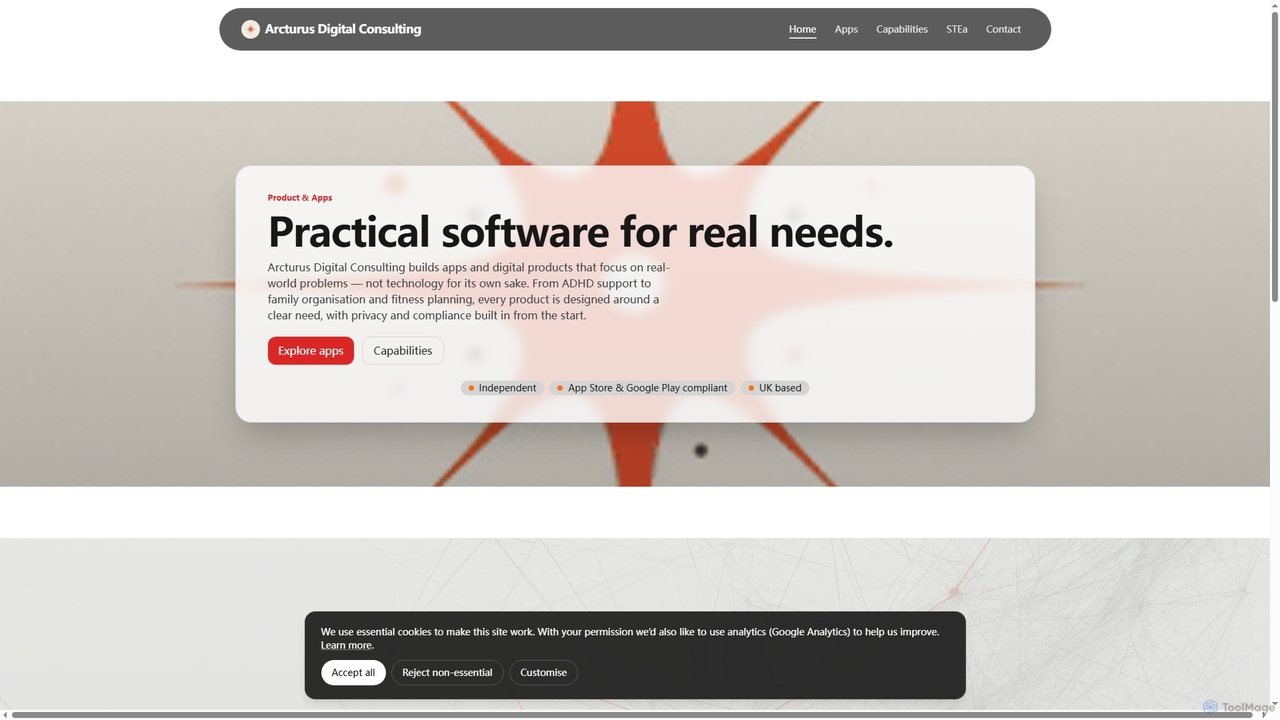
STEa
STEa is an AI-powered closed-loop product system by Arcturus Digital Consulting, designed to streamline product strategy, delivery, testing, and intelligence. It integrates discovery, planning, building, and documentation into a seamless workflow, leveraging AI for generation, linking, and automation to help teams ship faster with higher quality.
Workflow Automation
Prodify
Prodify is an AI-powered platform designed for product managers and teams to streamline the entire product development lifecycle. It helps generate user stories, create roadmaps, analyze user feedback, and automate documentation, accelerating product delivery and enhancing decision-making.
Project Managementscopeblueprint
scopeblueprint is an AI-powered platform designed to streamline project planning and scope management. It accelerates the process by up to 8x, automatically transforming ideas into clear requirements, user stories, and test cases. The tool also features proactive risk identification and seamless integration with popular project management software like Jira and Azure Boards.
Planning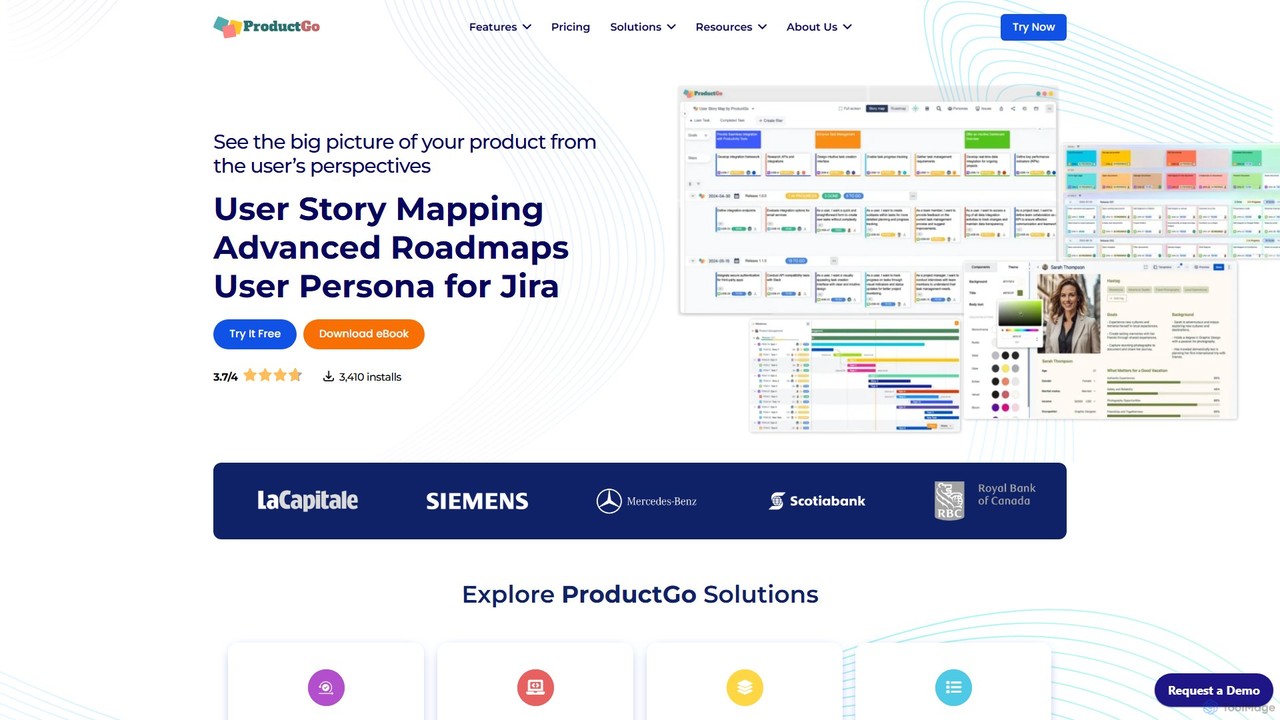
ProductGo
ProductGo is an AI-powered, all-in-one agile tool for Jira and Confluence. It helps teams visualize the big picture with user story mapping, dynamic roadmaps, and detailed user personas, streamlining project management from ideation to launch.
Product Management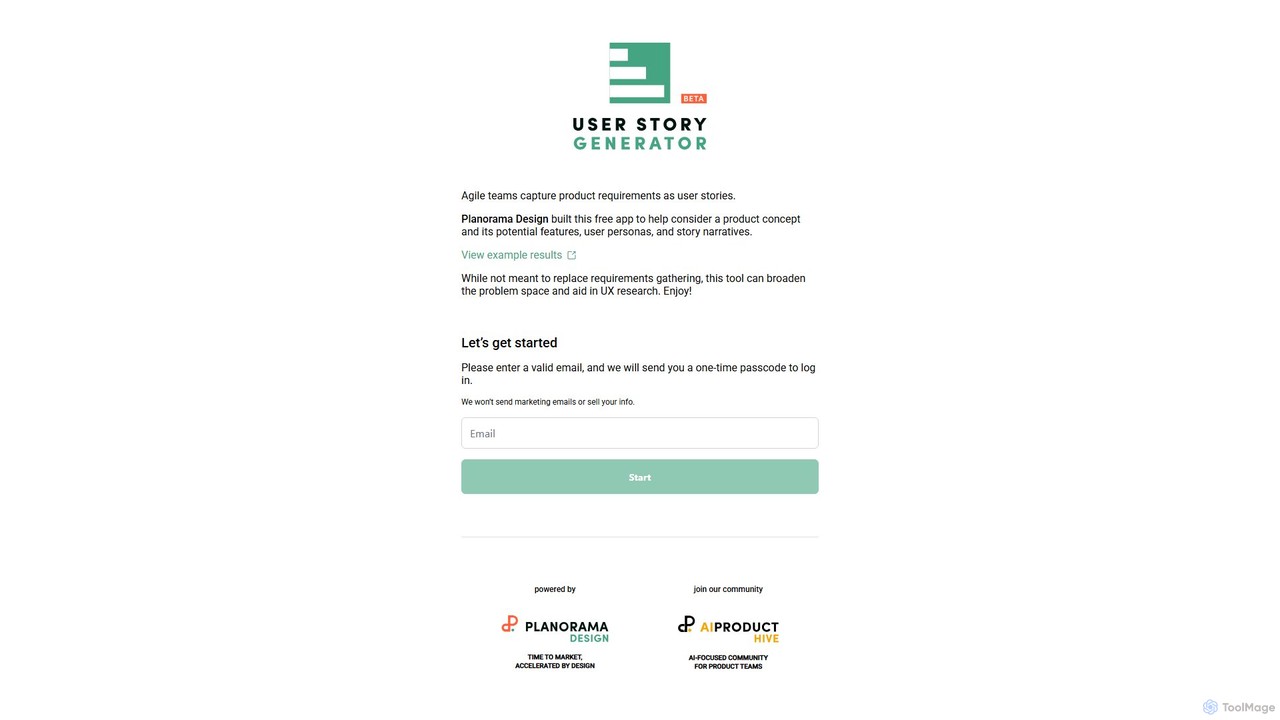
User Story Generator
An AI-powered tool designed for agile teams to streamline the creation of user stories, personas, and feature narratives. It helps product managers and developers quickly generate requirement documents, broaden the problem space, and accelerate the UX research process.
Agile Development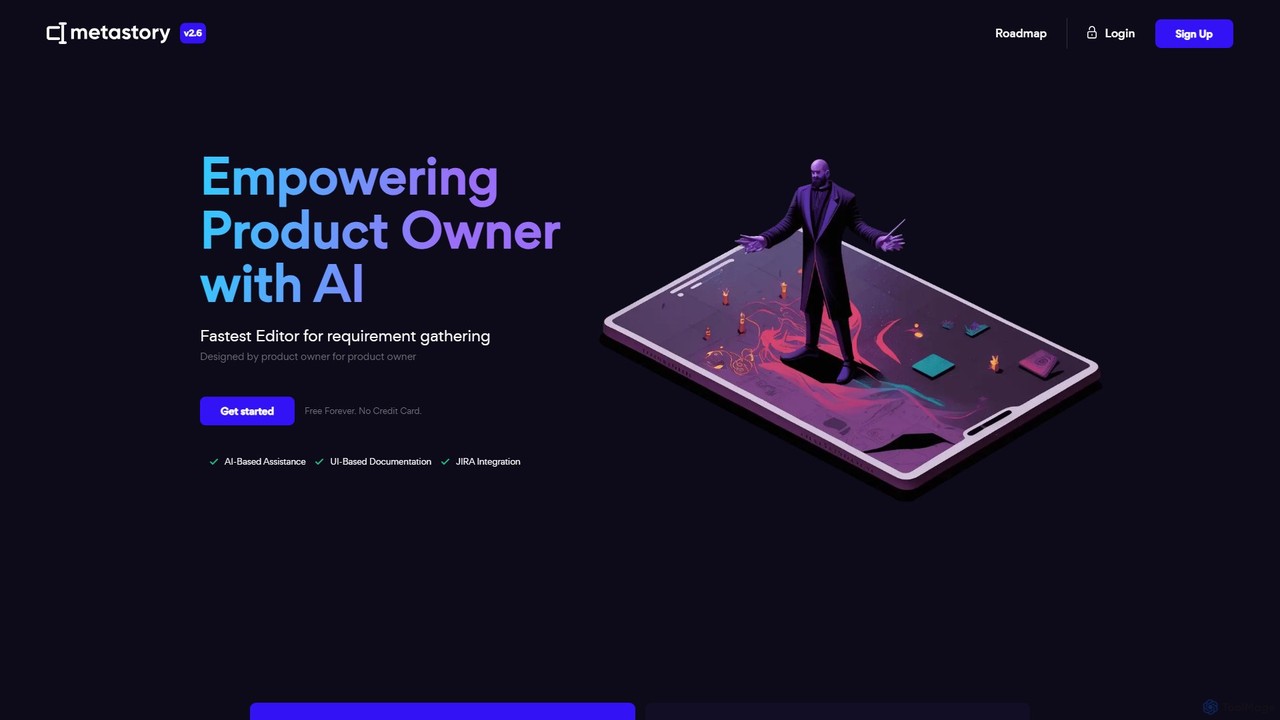
metastory
metastory is an AI-powered platform designed for Product Owners and Business Analysts to accelerate and streamline the requirement gathering process. It combines AI assistance for generating user stories and specs with UI-based documentation and seamless JIRA and Figma integration, acting as an intelligent pre-Jira tool.
Planning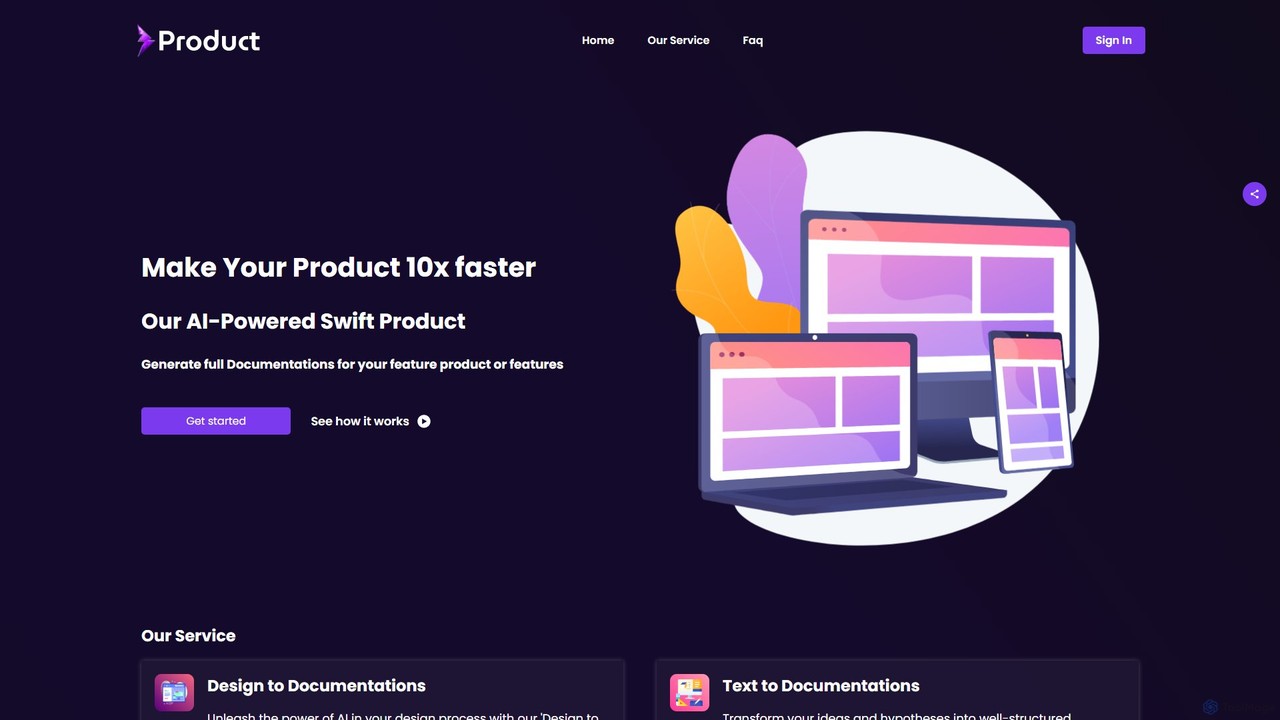
swiftproduct
swiftproduct is an AI-powered platform designed to accelerate product development by automatically generating comprehensive documentation. It transforms designs, mockups, or simple text descriptions into structured documents like user stories and acceptance criteria, aiming to speed up the process by up to 10x for product managers, developers, and startups.
Prototyping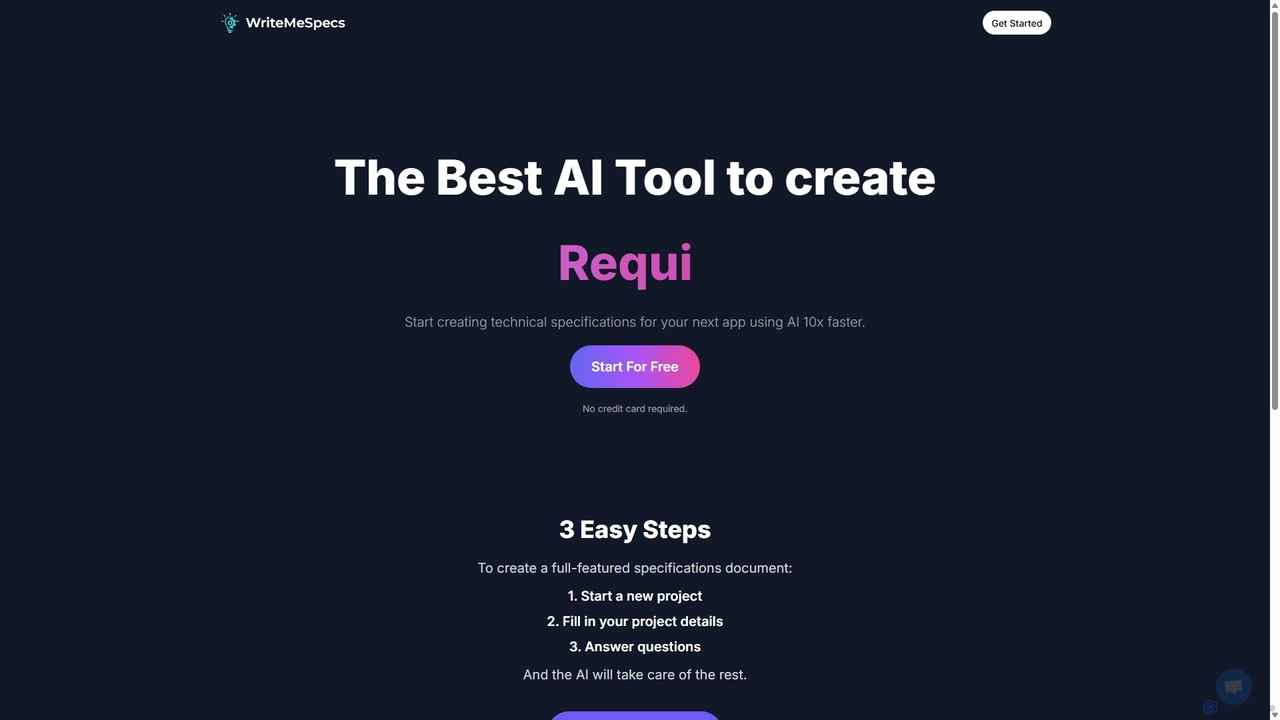
Write Me Specs
Write Me Specs is an AI-powered tool that accelerates the creation of technical specifications for software and applications. By guiding users through a series of questions about their project, it automatically generates detailed, structured documents, including user stories and functional requirements, saving teams days of analysis and planning.
Requirements Management
MindyGem
MindyGem is an AI-powered requirements management software designed for agile teams. It accelerates product development by transforming visions into standardized requirements, generating comprehensive documentation, and streamlining collaboration, helping teams build successful products 10x faster.
Collaboration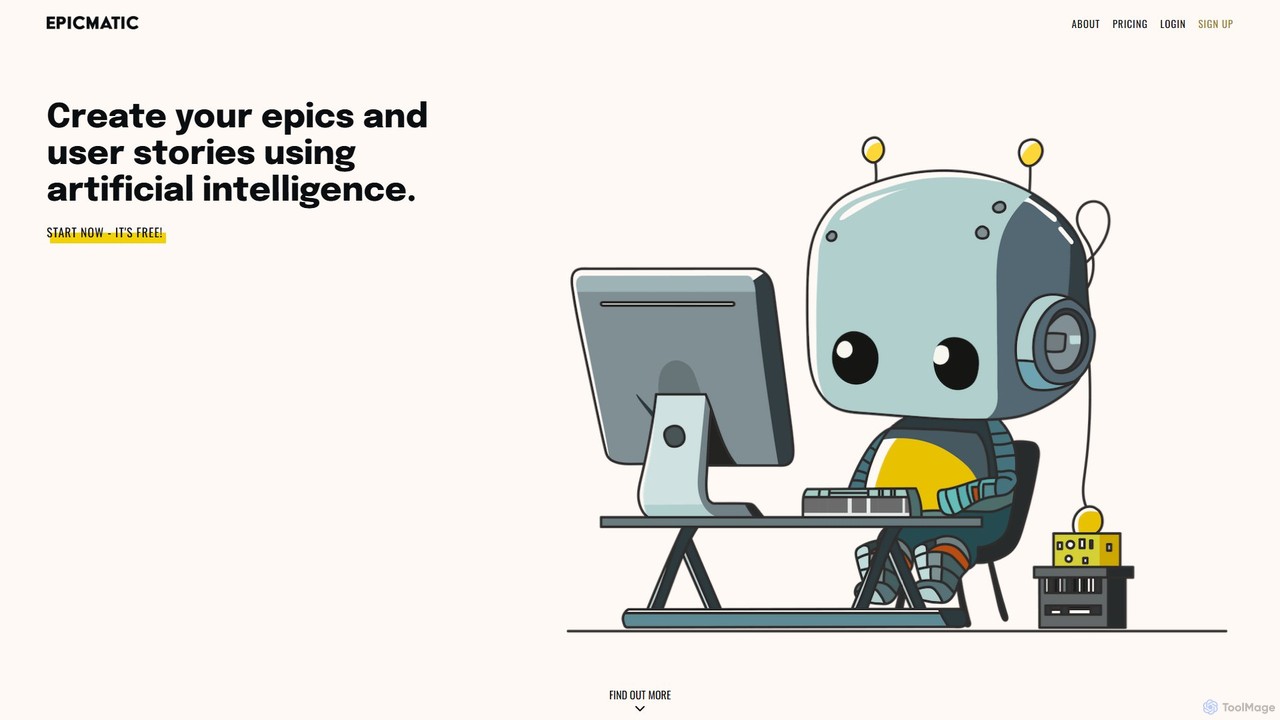
epicmatic
epicmatic is an AI-powered tool designed to simplify and accelerate the creation of epics and user stories for agile software development. It helps project managers and teams generate structured, detailed project requirements, including acceptance criteria and story points, from a simple task description.
Agile Development
Jyek
Jyek is an AI agent platform that understands objectives, creates execution plans, uses tools, and delivers verifiable results for complex, multi-step tasks.
Automation
GetRequirements Comments (0)
Sign in to comment.
Sign inNo comments yet.