ToolMage
Sign in

Best 3 Testing & Qa AI tools for Developer Tools

Popular Testing & Qa AI tools in Developer Tools include Basalt, Imandra, and EvalsOne, helping you work more efficiently.

Paid

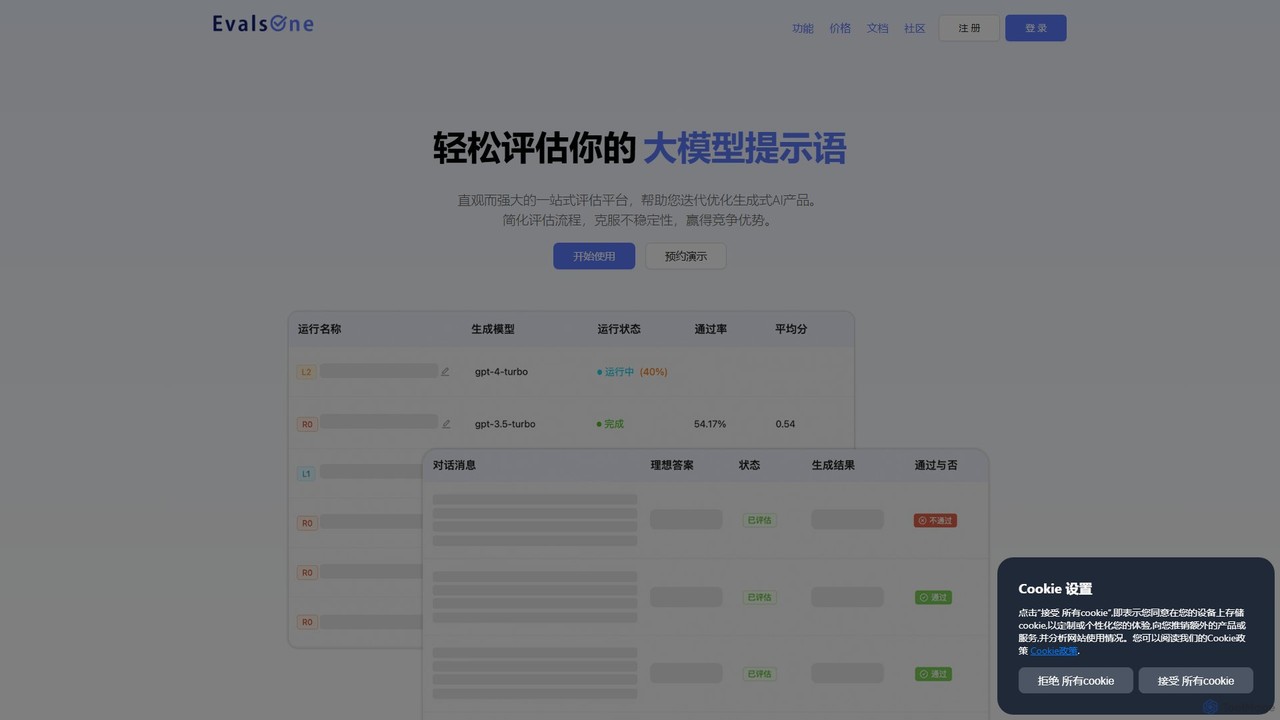
EvalsOne

EvalsOne is an all-in-one evaluation platform designed for generative AI applications. It empowers teams to effortlessly assess, iterate, and optimize LLM prompts, RAG pipelines, and AI agents through a powerful, intuitive interface, ensuring robust and competitive AI products.

Model Management
Visits 4KFavorites 95Likes 94
Paid

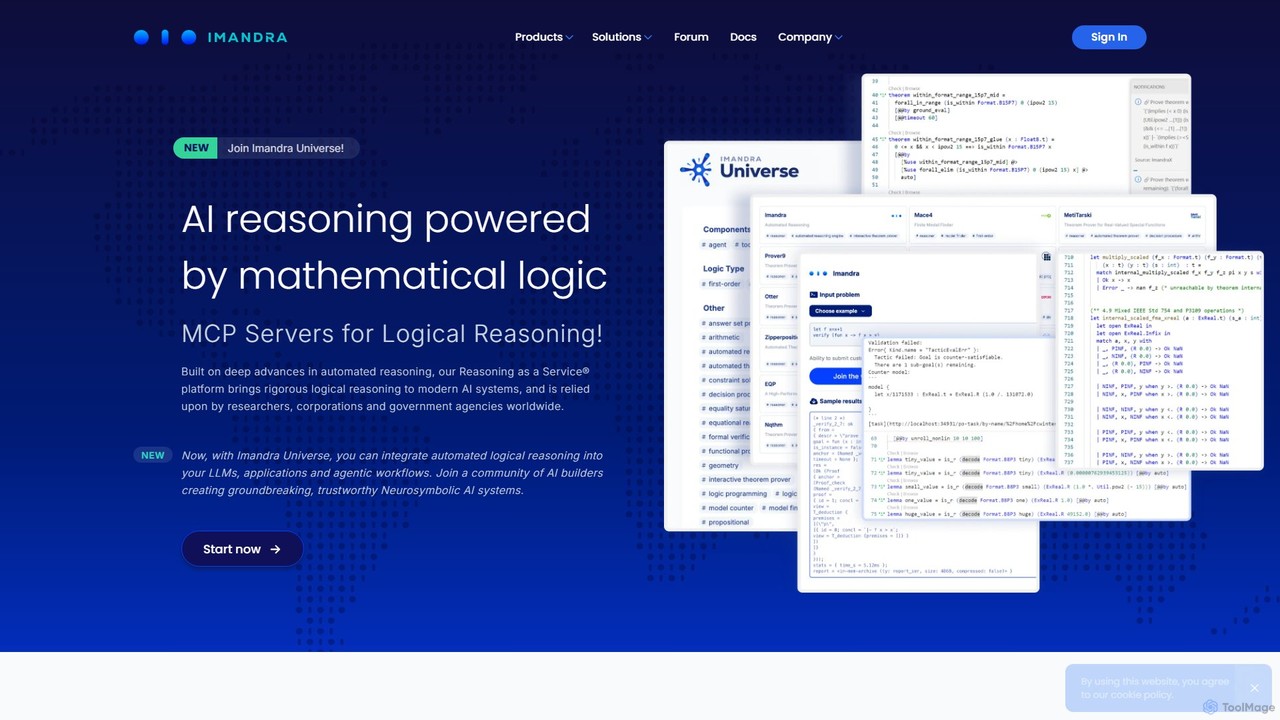
Imandra

Imandra is a "Reasoning as a Service®" platform that brings mathematical logic and automated reasoning to AI and complex software systems. It enables formal verification, ensuring the correctness, safety, and reliability of critical algorithms in sectors like finance, defense, and autonomous systems.

Model Development
Visits 6KFavorites 93Likes 97
Freemium

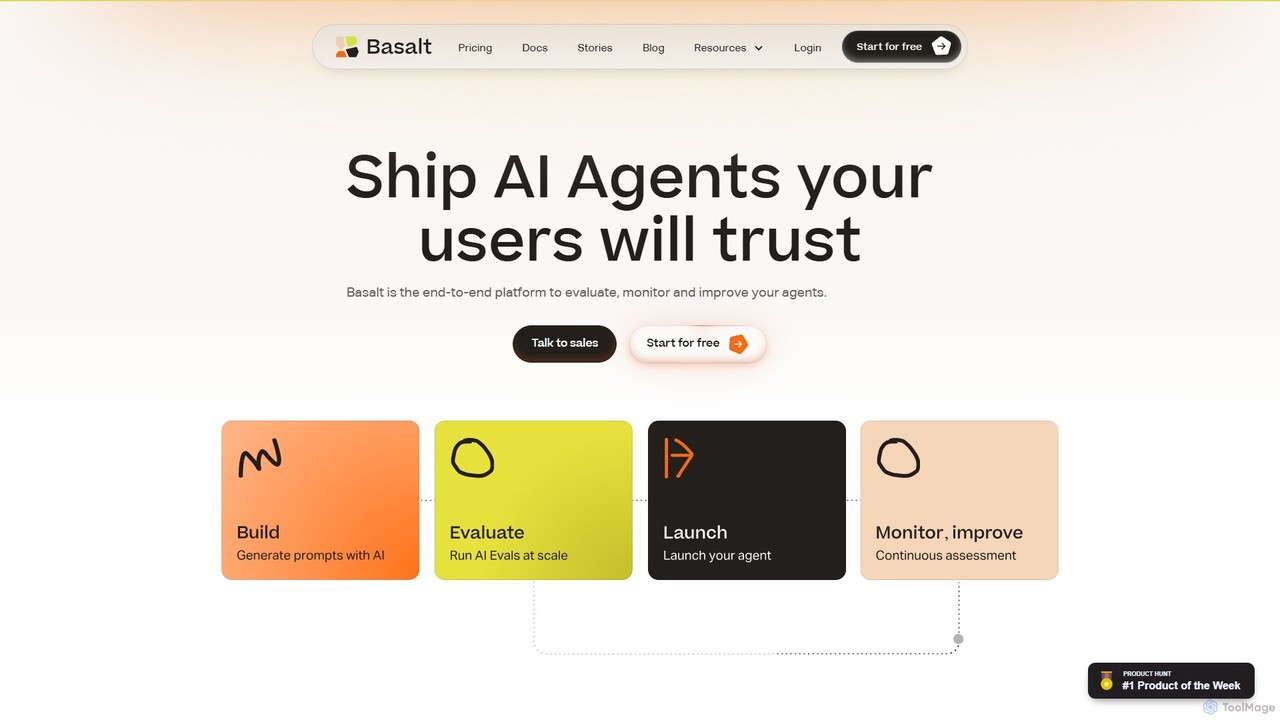
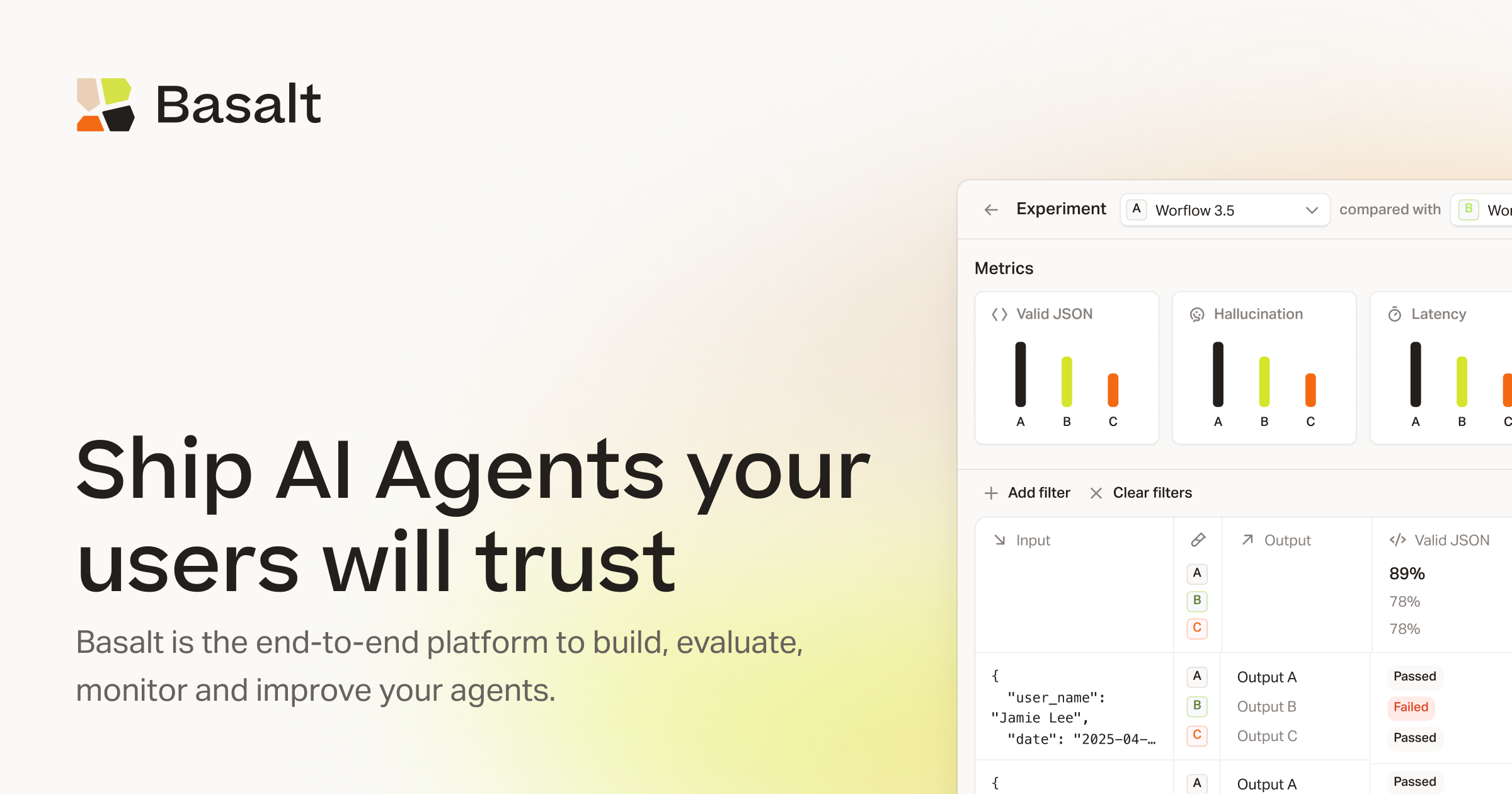
Basalt

Basalt is an end-to-end platform for developers and product teams to build, evaluate, and monitor reliable AI agents. It provides a comprehensive suite of tools, including automated evaluations, A/B testing, prompt engineering with an AI co-pilot, and a developer-friendly SDK to ensure your AI features are trustworthy and production-ready.

Ai Agent Development
Visits 10.1KFavorites 91Likes 114

About Testing & Qa

AI Testing & QA tools are a specialized category of developer tools that leverage artificial intelligence to automate and enhance the software quality assurance process. These tools utilize machine learning algorithms to intelligently generate test cases, identify visual bugs, and even predict potential software defects before they occur. Their primary value lies in accelerating release cycles, increasing test coverage, and reducing the manual effort required for repetitive testing tasks, ultimately leading to higher quality software. They go beyond traditional automation by adapting to application changes and uncovering complex issues that scripted tests might miss.

Core Features

  • AI-Powered Test Generation: Automatically creates comprehensive test cases from user stories, application models, or user behavior analysis.
  • Visual Regression Testing: Uses computer vision to detect unintended UI changes, inconsistencies, and visual bugs across different browsers and devices.
  • Self-Healing Tests: Intelligently adapts test scripts when the application's UI or code changes, significantly reducing test maintenance overhead.
  • Anomaly Detection: Monitors application performance and logs to automatically identify unusual patterns, potential bugs, or performance bottlenecks.
  • Predictive Analytics for QA: Analyzes code changes and historical data to predict high-risk areas, helping teams prioritize testing efforts.

Use Cases

These tools are integral to modern software development, especially within Agile and DevOps environments. They are widely used by QA engineers and developers in web and mobile application development to automate regression testing in CI/CD pipelines. Enterprises with complex applications also rely on them to ensure stability and performance across frequent updates.

How to Choose

When selecting an AI Testing & QA tool, consider its integration capabilities with your existing CI/CD pipeline and bug tracking systems (like Jira or GitHub). Evaluate the types of testing it supports (e.g., UI, API, performance) and its compatibility with your technology stack. Also, assess the sophistication of its AI features, such as self-healing capabilities and the quality of generated tests, along with its learning curve and pricing model.

Featured tool rankings

Testing & Qa use cases

1

Automate UI Regression Testing in CI/CD

A front-end development team integrates an AI testing tool into their CI/CD pipeline. After every code commit, the tool automatically runs a suite of visual regression tests on their web application. It uses computer vision to compare screenshots against a baseline, instantly flagging any unintended visual changes like broken layouts, incorrect colors, or missing elements. This process catches UI bugs early, before they reach production, saving developers significant time on manual checking and ensuring a consistent user experience across releases.

2

Generate API Test Cases from Specifications

A backend developer working on a microservices architecture needs to ensure their new API endpoint is robust. Instead of manually writing dozens of test cases, they provide the API's OpenAPI (Swagger) specification to an AI testing tool. The tool analyzes the spec and automatically generates a comprehensive test suite. This includes tests for valid inputs, boundary conditions, error handling (e.g., 4xx/5xx responses), and potential security vulnerabilities like injection attacks. This accelerates the testing process and improves coverage beyond what a developer might typically write by hand.

3

Implement Self-Healing Tests to Reduce Maintenance

A QA automation engineer is tired of tests failing in the nightly build due to minor UI changes, like a button's ID being renamed. They adopt an AI testing tool with self-healing capabilities. When a test fails because it can't find an element, the AI doesn't just stop. It analyzes other attributes of the element (like text, position, and class) and the surrounding DOM to find the element again. It then automatically updates the test script with the new locator. This reduces flaky tests, keeps the CI/CD pipeline green, and frees up the engineer's time from tedious test script maintenance.

4

Prioritize Testing with Predictive Bug Analysis

A QA manager for a large e-commerce platform faces a tight deadline for the next release. With hundreds of code changes, it's impossible to test everything manually. They use an AI QA tool that analyzes the risk of each code change based on its complexity, historical failure rates, and dependencies. The tool generates a 'heat map' of the application, highlighting modules that are most likely to contain new bugs. The QA team uses this insight to focus their exploratory and manual testing efforts on these high-risk areas, maximizing their impact and increasing the chances of finding critical bugs before release.

5

Accelerate Mobile App Testing Across Devices

A mobile development team needs to test their new app on hundreds of different iOS and Android device combinations. Writing and maintaining separate test scripts for each is impractical. They use an AI-powered mobile testing platform that allows them to write a single, abstract test. The AI then intelligently executes this test across a real device cloud, automatically adapting to different screen sizes, resolutions, and OS versions. This drastically reduces the time and effort required for cross-device testing and helps ensure the app works flawlessly for all users, regardless of their device.

6

Perform Load Testing with AI-Generated Scenarios

A performance engineer needs to ensure a new feature can handle peak user traffic. Instead of manually scripting simple load tests, they use an AI tool that analyzes real user data from production logs. The AI identifies common and complex user journeys and automatically generates realistic load testing scripts that mimic this behavior. The engineer can then run these scenarios at scale to identify performance bottlenecks, database query issues, and server capacity limits under real-world conditions, ensuring the feature is stable and responsive before launch.

Testing & Qa FAQ

What are AI Testing & QA tools?

AI Testing & QA tools are advanced software applications that use artificial intelligence and machine learning to improve and automate the software testing process. Unlike traditional automation tools that follow rigid scripts, AI tools can intelligently generate test cases, automatically adapt to UI changes (self-healing), detect visual bugs, and analyze code to predict high-risk areas. Their goal is to make testing faster, more comprehensive, and less maintenance-intensive.

How do AI testing tools differ from traditional automation tools like Selenium?

The key difference lies in intelligence and adaptability. Traditional tools like Selenium execute pre-written scripts and are brittle; a small UI change can break a test. AI testing tools add a layer of intelligence:

  • Test Creation: Traditional tools require manual script writing. AI tools can automatically generate tests.
  • Maintenance: Traditional tests need constant manual updates. AI tools feature self-healing to automatically adapt to changes.
  • Scope: Traditional tools focus on functional testing. AI tools can also perform visual testing, performance analysis, and predictive analytics.

In essence, AI tools aim to automate the automation process itself, reducing manual effort in both creating and maintaining tests.

What are the main benefits of using AI in software testing?

Using AI in software testing offers several significant benefits that lead to faster delivery of higher-quality software. Key advantages include:

  • Increased Speed: AI accelerates test creation and execution, providing faster feedback to developers in CI/CD pipelines.
  • Improved Coverage: AI can generate test cases for edge cases and complex scenarios that human testers might overlook, leading to more thorough testing.
  • Reduced Maintenance: Self-healing capabilities automatically fix broken tests caused by application changes, saving significant time and effort.
  • Early Bug Detection: Predictive analytics can identify high-risk code areas, allowing teams to focus testing efforts where bugs are most likely to occur.
How to choose the right AI Testing & QA tool?

Selecting the right tool depends on your specific needs. Consider these key factors:

  • Technology Stack Compatibility: Ensure the tool supports your programming languages, frameworks (e.g., React, Angular), and platforms (web, mobile, API).
  • Integration with CI/CD: Check for seamless integration with your existing tools like Jenkins, GitHub Actions, or Jira to fit into your workflow.
  • Type of Testing Needed: Determine if you need UI testing, API testing, performance testing, or a combination. Not all tools cover every type.
  • AI Feature Maturity: Evaluate the sophistication of its AI. Does it offer robust self-healing? Is the test generation truly intelligent or just template-based? Look for demos or trials to assess this.
  • Ease of Use vs. Customization: Consider the learning curve for your team. Some tools are low-code and easy to start with, while others offer more powerful customization for experienced engineers.
Who should use AI Testing & QA tools?

AI Testing & QA tools are valuable for a wide range of roles within a software development team. Key users include:

  • QA Automation Engineers: To accelerate test script creation, reduce maintenance with self-healing, and expand test coverage.
  • Manual QA Testers: To automate repetitive regression checks, freeing them up to focus on more complex exploratory testing and user experience validation.
  • Developers: To quickly run tests on their code changes before merging, catching bugs earlier in the development cycle (shift-left testing).
  • DevOps Engineers: To build more resilient and reliable CI/CD pipelines by reducing flaky tests and getting faster, more accurate test results.