ToolMage
Sign in

Best 2 Product Image Generation AI tools for Ecommerce

Popular Product Image Generation AI tools in Ecommerce include ProductShots.ai and ShopImageAI, helping you work more efficiently.

ShopImageAI
Freemium

ShopImageAI

ShopImageAI is an AI-powered platform designed for e-commerce businesses to create stunning, studio-quality product photos and lifestyle images in seconds. It eliminates the need for expensive photoshoots by generating realistic backgrounds, virtual models, and marketing visuals from a single product image, helping to boost sales and brand presence.

Graphics
Visits 5.4KFavorites 124Likes 128
ProductShots.ai
Freemium

ProductShots.ai

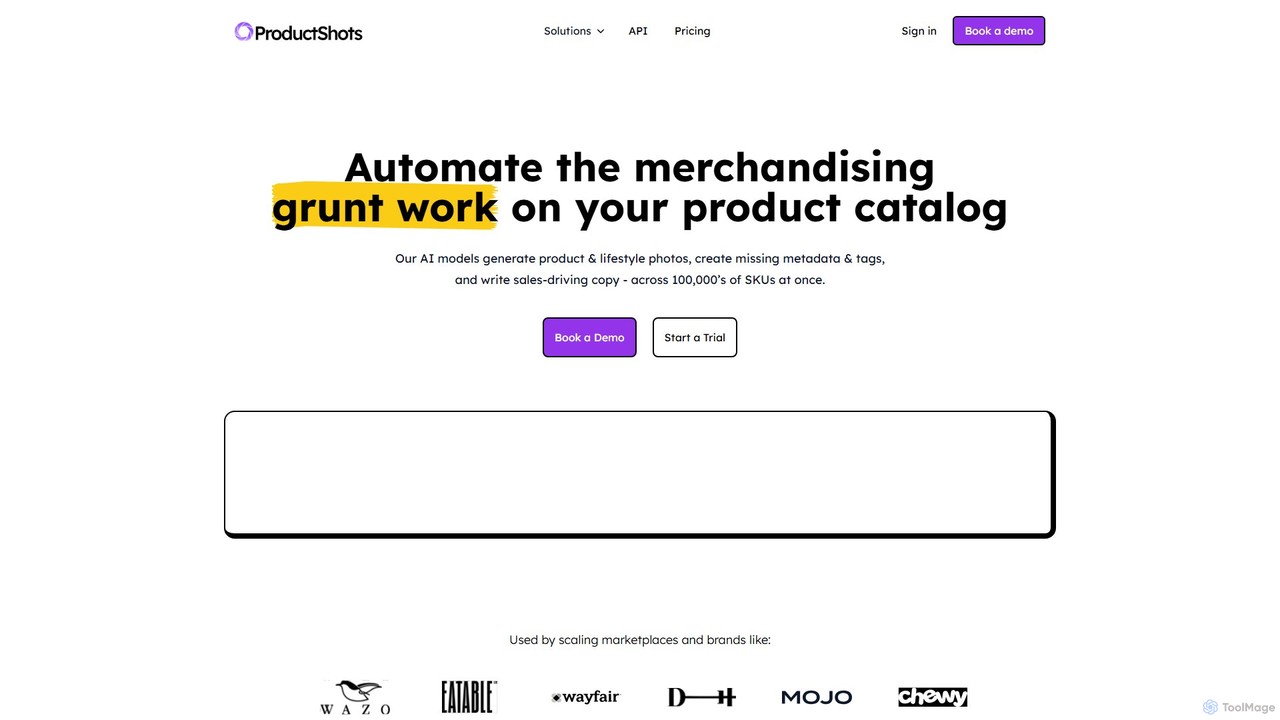
ProductShots.ai is an AI-powered catalog automation platform for eCommerce. It automates merchandising by generating studio-quality product and lifestyle photos, creating and validating metadata, and writing sales-driving, SEO-optimized copy for thousands of SKUs at once, eliminating the need for costly photoshoots and manual data entry.

Product Image Generation
Visits 8.7KFavorites 161Likes 150

About Product Image Generation

Product Image Generation tools are a specialized category of AI that automatically create high-quality, studio-level visuals for e-commerce and marketing. They use generative models to place an existing product photo into a new, AI-created background or generate entirely new lifestyle scenes around it. This allows businesses to produce a vast array of marketing assets, such as advertisements and social media content, without the need for expensive physical photoshoots. These tools are specifically optimized to maintain product integrity while creating realistic lighting and shadows for seamless integration.

Core Features

  • Scene Generation: Creates realistic lifestyle or studio backgrounds from simple text prompts, placing the product within the scene.
  • Background Replacement: Instantly removes the original background from a product photo and replaces it with a clean or contextual one.
  • Template-Based Creation: Utilizes pre-designed templates optimized for specific platforms like social media posts, ads, or e-commerce listings.
  • Realistic Lighting and Shadows: Automatically adds plausible shadows and adjusts lighting to make the product look natural in its new environment.
  • Style Consistency: Maintains a consistent visual style and branding across multiple generated images for a cohesive campaign.

Use Cases

These tools are primarily used by e-commerce managers, digital marketers, and small business owners to create compelling product listings, social media ads, and website banners. They are also valuable for advertising agencies needing to quickly mock up campaign visuals and for designers looking to showcase product concepts in realistic settings.

How to Choose

When selecting a tool, consider the quality and realism of the generated images, especially the lighting and shadows. Evaluate the variety of available scenes and templates, the ease of use for non-designers, and the pricing model (e.g., per-image credits or a monthly subscription). For larger operations, check for features like batch processing and API access for workflow automation.

Product Image Generation use cases

1

Creating Diverse E-commerce Product Listings

An e-commerce store owner uploads a single photo of their product, such as a water bottle on a white background. Using a Product Image Generation tool, they can instantly create dozens of lifestyle images. For example, they can generate visuals of the bottle on a hiking trail, next to a laptop in an office, on a kitchen counter, or in a gym bag. This process enriches the product page with diverse, context-rich visuals that help customers imagine using the product, which can significantly increase conversion rates without the cost and time of a physical photoshoot.

2

Generating Ad Creatives for A/B Testing

A digital marketer needs to run a social media campaign for a new skincare product. Instead of a limited set of photos, they use an AI tool to generate 20 different ad variations in minutes. They can test various backgrounds (e.g., a marble bathroom, a minimalist studio), different props (flowers, water splashes), and multiple color schemes. This allows for rapid and cost-effective A/B testing to identify the most effective visual creative, ultimately optimizing ad spend and improving click-through rates.

3

Producing Seasonal Marketing Content

A brand manager for a coffee company needs visuals for a holiday promotion. Instead of organizing a costly winter-themed photoshoot, they use existing product photos. With an AI generator, they create images of their coffee bags surrounded by festive decorations, on a snowy windowsill, or next to a fireplace. This process is not only fast and cost-effective but can also be easily adapted for every season or holiday (e.g., Valentine's Day, summer, Halloween), ensuring a continuous stream of fresh, relevant marketing content.

4

Designing Professional Product Catalogs

A furniture company's design team uses AI to create its annual catalog. They upload images of individual furniture pieces against a neutral background. The tool then generates complete, professionally styled room scenes around each item. The team can specify the room type (e.g., living room, bedroom), interior style (modern, rustic, Scandinavian), and color palette. This ensures a cohesive and high-end look for the entire catalog while saving significant time and money on staging, location rental, and photography.

5

Visualizing Product Packaging Mockups

A product designer has created a new label for a line of sauces. To present the design to stakeholders, they use an AI tool to generate realistic mockups. They can place the 2D label design onto a 3D bottle model and then generate images of the bottle on a grocery store shelf, in a kitchen pantry, and on a dining table. This helps everyone visualize the final product in a real-world context, facilitating better feedback and faster decision-making before committing to expensive print production runs.

6

Creating Personalized Marketing Images

An online apparel store aims to create hyper-personalized email campaigns. Using customer data, they leverage an AI tool to generate images that match a customer's known style preferences. For a customer who frequently buys outdoor gear, the AI generates an image of a new jacket on a mountain background. For another who prefers urban fashion, it generates the same jacket in a city street scene. This level of dynamic, one-to-one visual personalization can significantly increase email engagement and sales conversion rates.

Product Image Generation FAQ

What is AI Product Image Generation?

AI Product Image Generation is a process that uses artificial intelligence to create new, high-quality images of a product in various settings. Unlike standard photo editors that only modify existing pixels, these tools generate entirely new scenes, backgrounds, and contexts around a provided product photo. This technology is primarily used in e-commerce and marketing to produce professional lifestyle shots, ad creatives, and product listings without the need for physical photoshoots.

How does Product Image Generation differ from general AI Image Generators?

The key difference lies in their purpose and input. General AI image generators (like DALL-E or Midjourney) create images from text prompts and are designed for broad creative tasks. Product Image Generation tools are specialized for commercial use. They typically start with an existing product photo as input and focus on placing that specific product realistically into a new scene. They are optimized for tasks like maintaining product fidelity, creating accurate shadows and reflections, and offering commercially relevant templates and backgrounds.

What are the main benefits of using AI for product photos?

The primary benefits are significant cost and time savings by reducing or eliminating the need for physical photoshoots. Other key advantages include:

  • Scalability: Quickly generate hundreds of unique image variations for different marketing channels and A/B tests.
  • Creative Freedom: Explore visual concepts and create scenes that would be difficult, expensive, or impossible to photograph in reality.
  • Brand Consistency: Easily maintain a consistent brand aesthetic, color palette, and style across all product visuals.
  • Speed to Market: Create marketing assets for new products instantly, without waiting for a scheduled photoshoot.
How do I choose the right AI Product Image Generation tool?

When choosing a tool, evaluate these key factors:

  • Image Quality: Assess the realism of the output. Does it produce natural-looking lighting, shadows, and reflections that make the product look authentic?
  • Ease of Use: Is the interface intuitive for users without a professional design background? How quickly can you generate a satisfactory image?
  • Customization Control: How much control do you have over the generated scene? Can you specify props, colors, camera angles, and styles?
  • Pricing Model: Compare subscription plans versus pay-per-image credits. Choose a model that aligns with your expected usage volume and budget.
  • Specialized Features: Look for features relevant to your workflow, such as batch processing for multiple products, API access for automation, or integration with e-commerce platforms.
Who should use Product Image Generation tools?

These tools are most beneficial for anyone involved in selling or marketing physical products online. Key users include:

  • E-commerce Businesses: From solo entrepreneurs on platforms like Shopify and Etsy to large online retailers looking to enhance their product pages.
  • Digital Marketers: Professionals who need a high volume of visual content for social media ads, email campaigns, and website banners.
  • Advertising Agencies: Teams that need to quickly create mockups and campaign visuals for clients.
  • Graphic Designers: Individuals looking to streamline their workflow for creating product mockups and commercial visuals.