ToolMage
Sign in

Best 58 Learning Tools for Education

Popular Learning Tools in Education include Video Transcriber AI, Audioconvert, YouWare, ThinkDiffusion, iPage, Voice Out, Transcriptly, youtube_dubbing, Sketchar, and Text To Speech Online, helping you work more efficiently.

Pastok
Freemium

Pastok

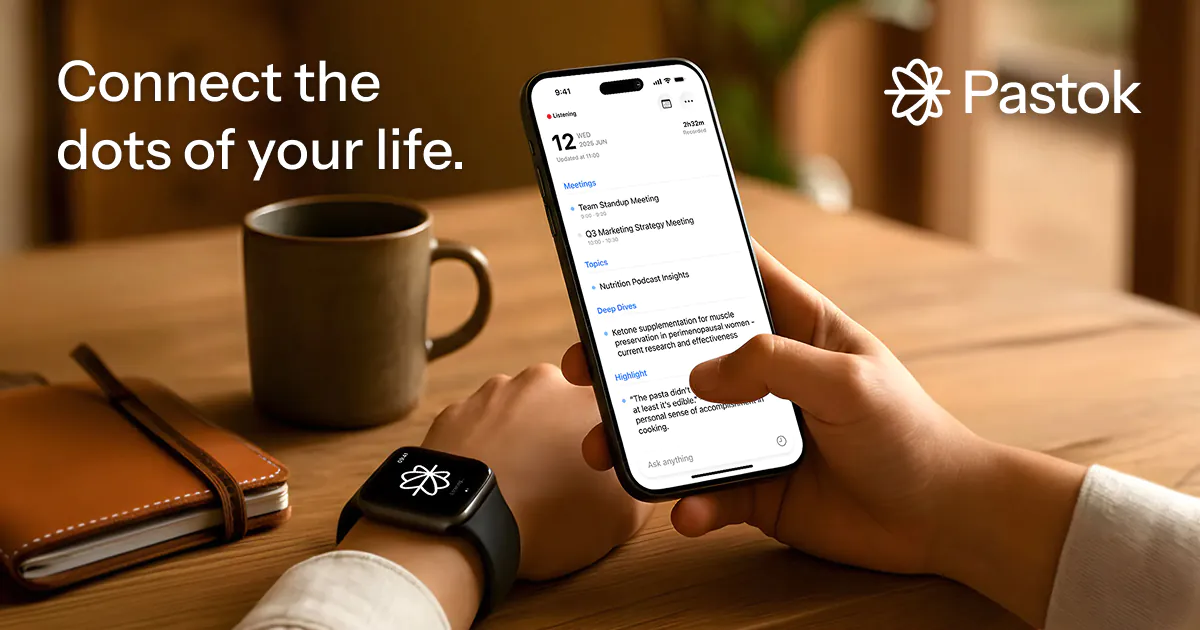
Pastok is an AI-powered personal assistant app designed to effortlessly capture and organize important moments from your daily life, whether for work, personal tasks, or learning. It transforms conversations and thoughts into actionable insights, reminders, and clear next steps, integrating seamlessly with your Apple Watch for hands-free convenience.

Workflow Automation
Visits 6.2KFavorites 86Likes 117

Dumai

Dumai

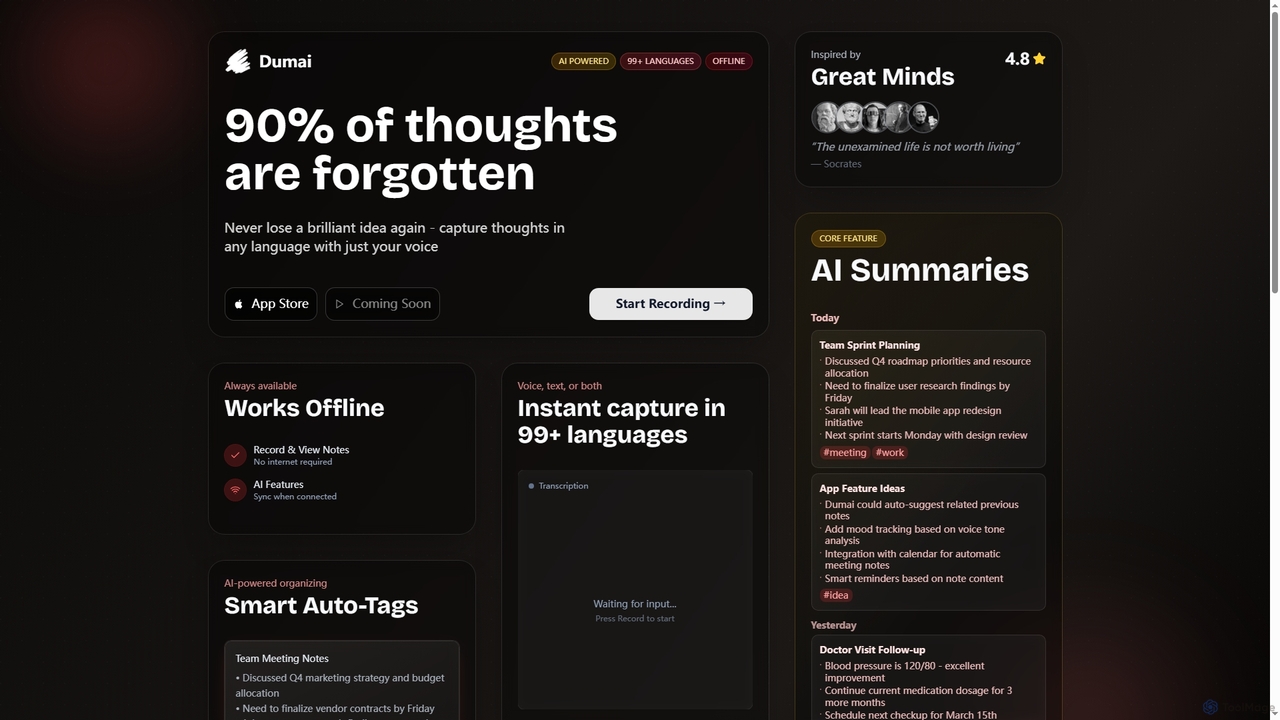
Dumai is an AI-powered voice note application designed to capture thoughts, ideas, and conversations instantly in over 99 languages. It offers offline functionality, transcription, AI summaries, and smart auto-tagging to help users organize and retrieve their notes effortlessly.

Meeting Management
Visits 7.8KFavorites 107Likes 92
AI Story

AI Story

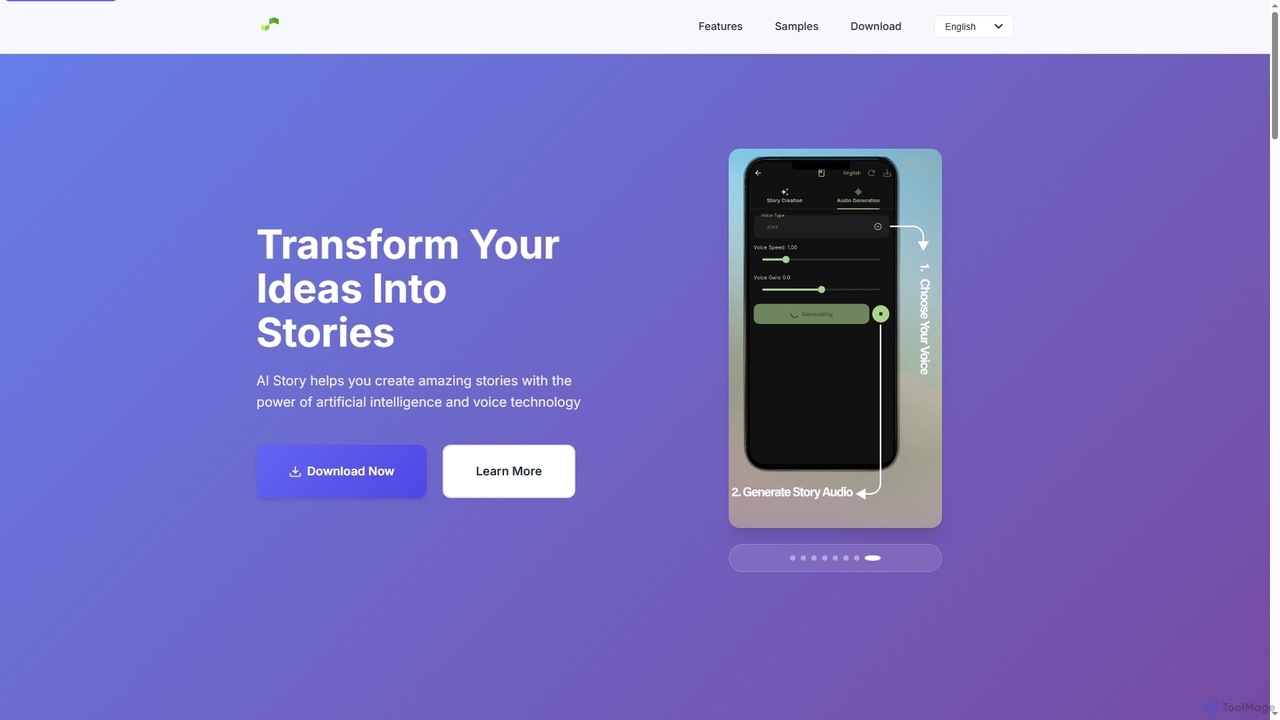
AI Story is an innovative mobile application that leverages artificial intelligence and voice technology to help users transform their ideas into captivating narratives. It offers AI-powered storytelling, natural voice integration for creation and narration, creative freedom across genres, easy sharing, and prioritizes user privacy by storing all data locally.

Story Generation
Visits 5.5KFavorites 101Likes 107
Seekho AI
Freemium

Seekho AI

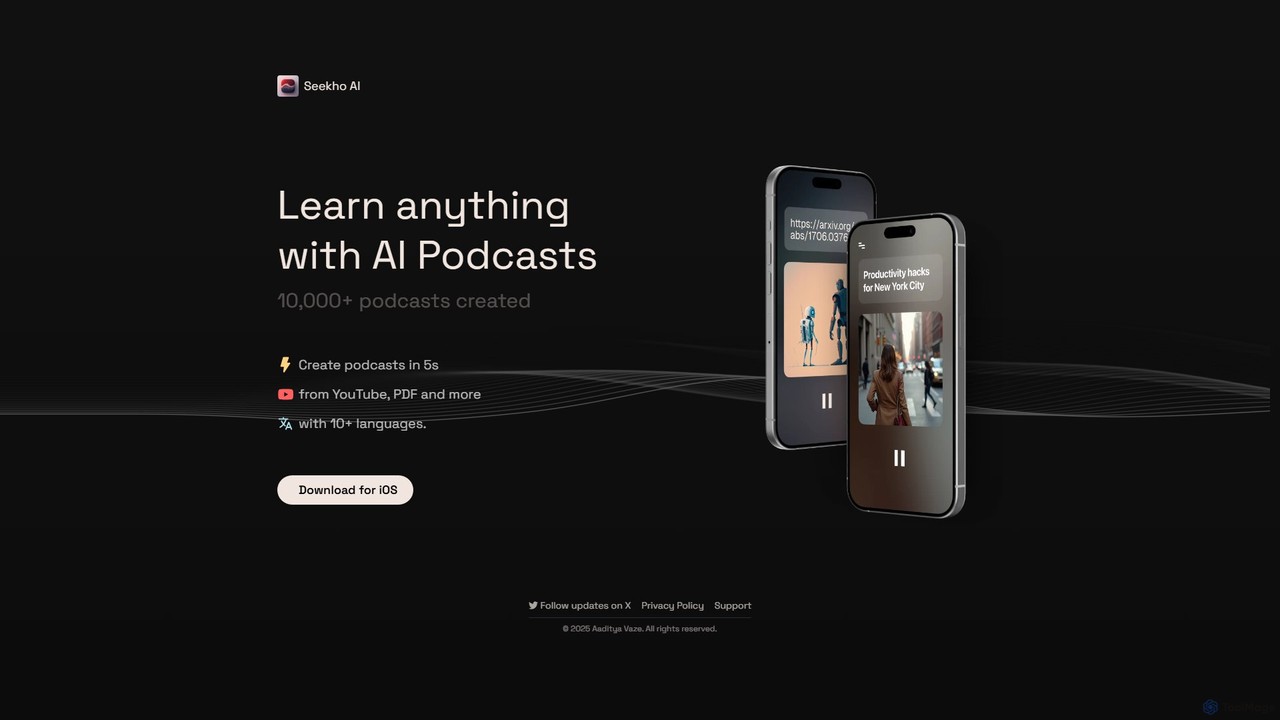
Seekho AI is an innovative tool that transforms various content formats, such as YouTube videos, PDFs, and articles, into engaging AI-generated podcasts. It allows users to learn anything on the go by converting written or visual material into audio content in over 10 languages, all within seconds.

Repurposing
Visits 6.1KFavorites 139Likes 131
Sketchar
Freemium

Sketchar

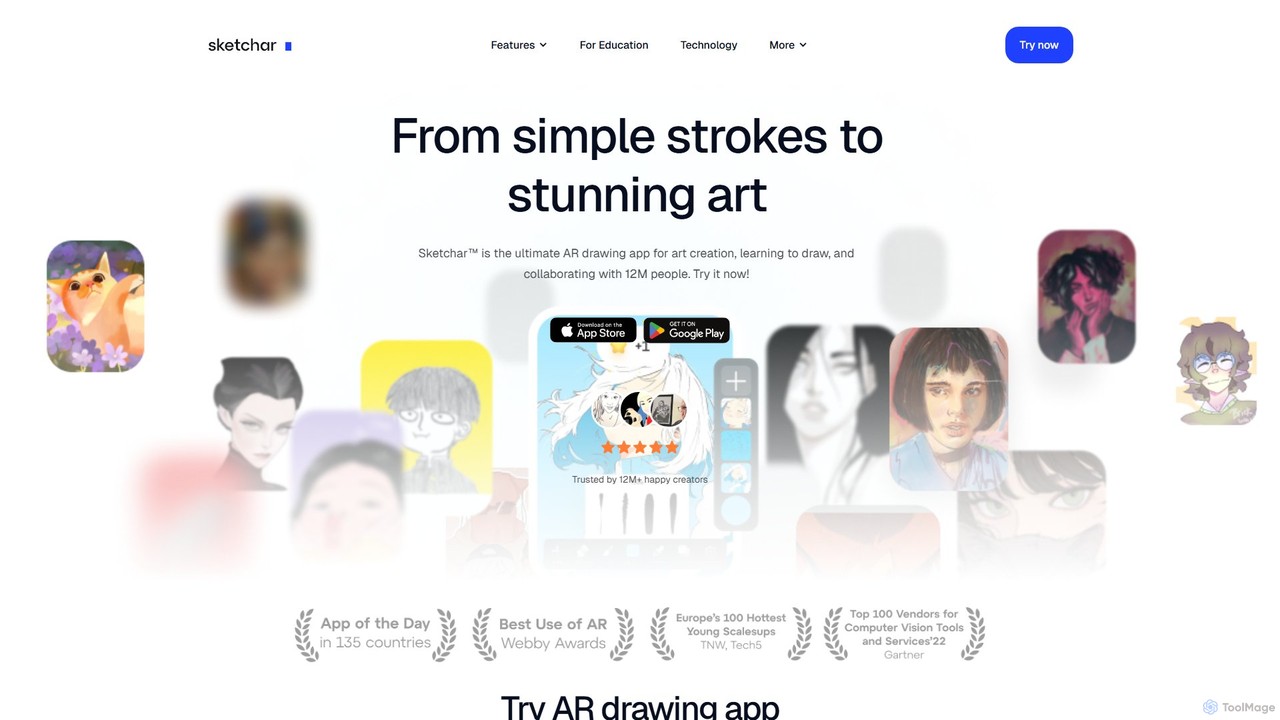
Sketchar is an AI-powered AR drawing app that helps you learn to draw. It projects virtual images onto any surface, allowing you to trace them in reality. With a vast library of tutorials and AI-driven tools, it makes art accessible to everyone, from absolute beginners to seasoned artists.

Drawing
Visits 51.8KFavorites 121Likes 113
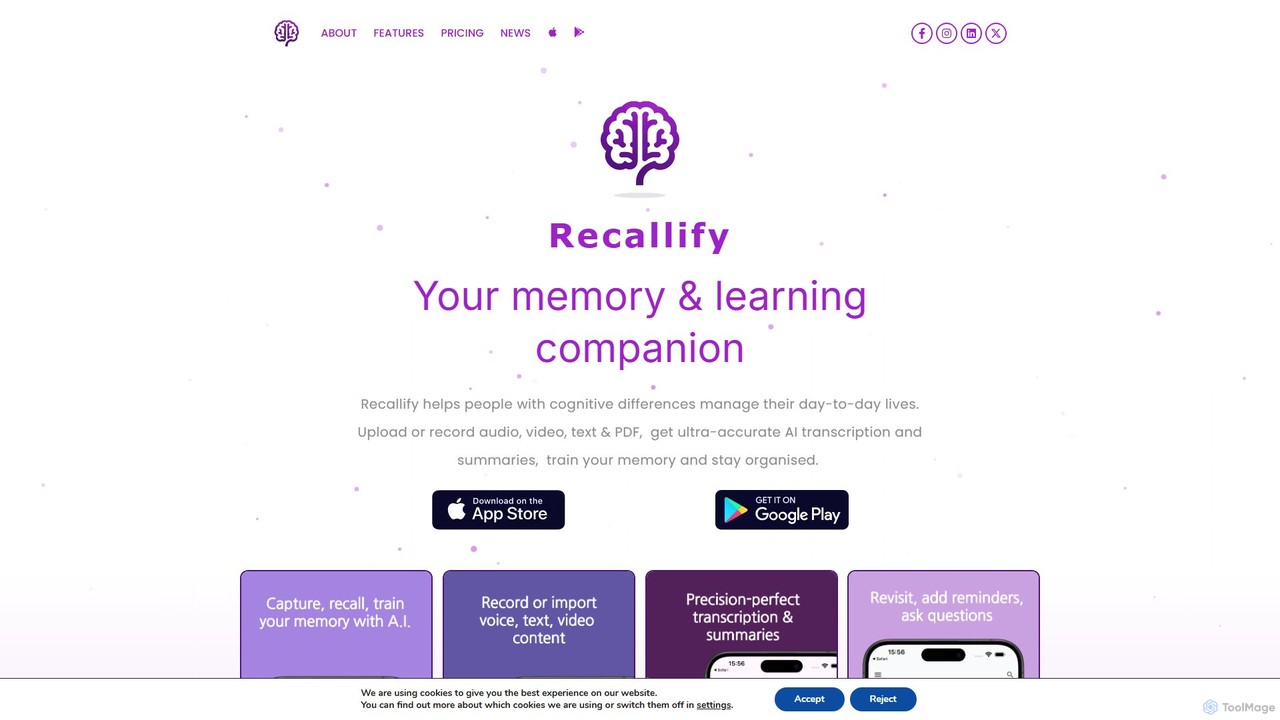
recallify
Freemium

recallify

Recallify is an AI-powered memory and learning companion designed to support individuals with cognitive differences and boost productivity for everyone. It records, transcribes, and summarizes audio, video, and text, turning your experiences into reviewable notes. Using science-backed techniques like spaced repetition and auto-generated quizzes, it helps you strengthen memory recall, stay organized, and enhance learning. Ideal for students, professionals, and daily life management.

Learning Tools
Visits 30.8KFavorites 117Likes 129
Just Story It
Freemium

Just Story It

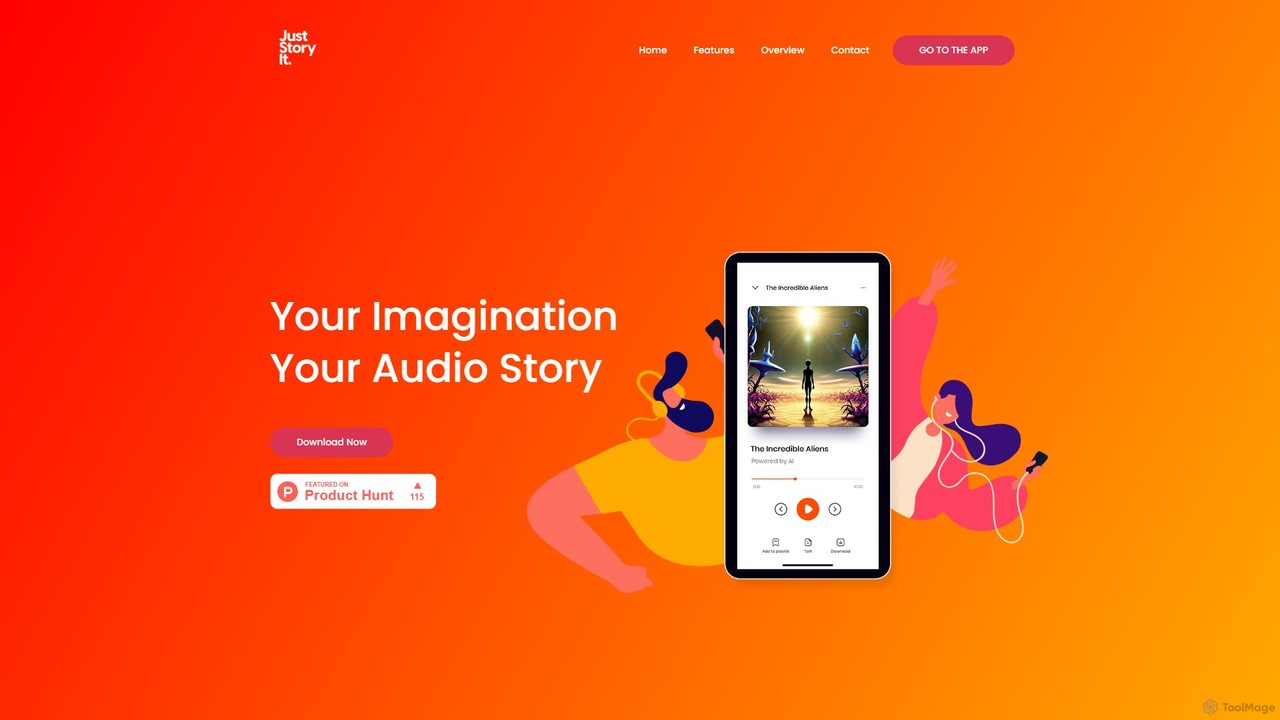
Just Story It is an AI-powered mobile application that transforms your imagination into captivating audio stories. Create unique characters, settings, and plots, and let the AI generate a complete narrative with high-quality audio and a custom cover image. Perfect for creators, parents, and anyone who loves a good story.

Storytelling
Visits 5.7KFavorites 108Likes 96
MacGaiver
Free

MacGaiver

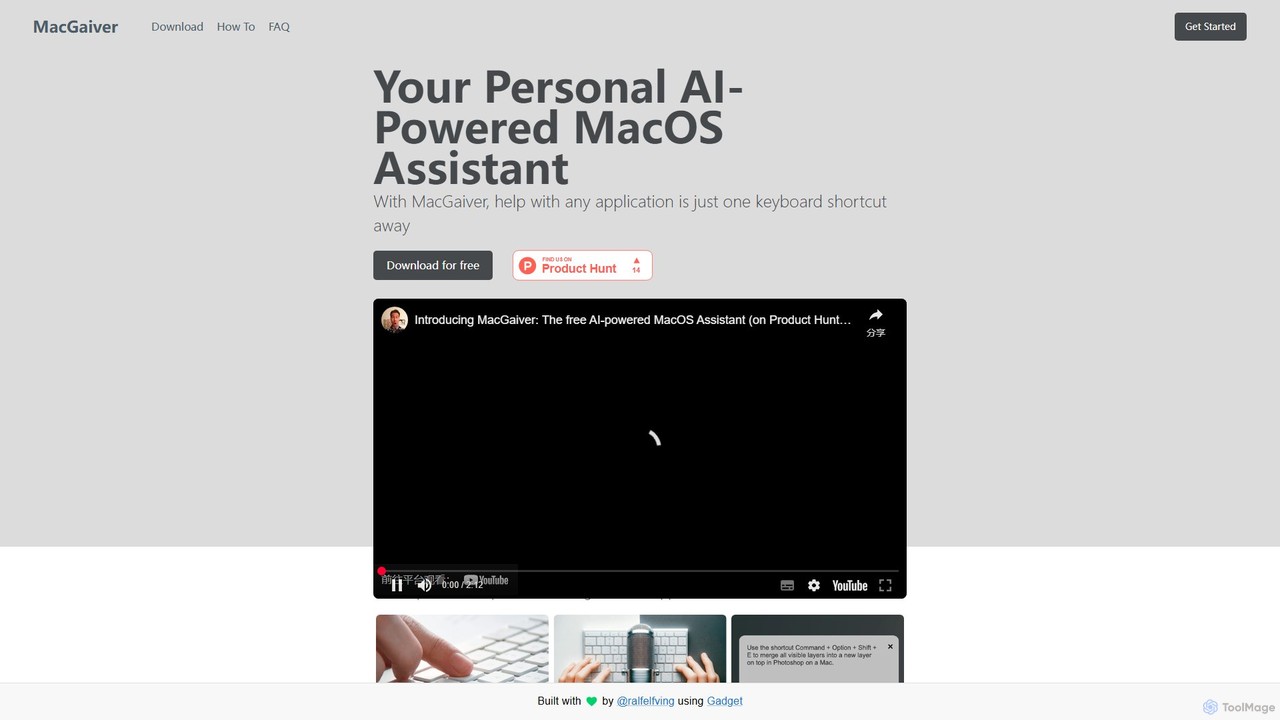
MacGaiver is a free, AI-powered assistant for MacOS that provides contextual help within any application. Using a simple keyboard shortcut, it captures your screen and allows you to ask questions via voice or text. Powered by OpenAI's GPT-V, it delivers instant, relevant answers without interrupting your workflow, making it an essential tool for productivity and learning.

Learning Tools
Visits 5.5KFavorites 163Likes 162

About Learning Tools

AI Learning Tools are applications that leverage artificial intelligence to create personalized and interactive educational experiences. They use technologies like machine learning and natural language processing to adapt to an individual's learning pace, identify knowledge gaps, and provide instant feedback. These tools transform static content into dynamic learning modules, helping users grasp complex subjects more effectively and retain information longer. Their primary value lies in making education more accessible, efficient, and tailored to each learner's unique needs within the broader field of Education.

Core Features

  • Personalized Learning Paths: Analyzes user performance to dynamically adjust curriculum and suggest relevant study materials.
  • Automated Content Generation: Instantly creates quizzes, summaries, and flashcards from uploaded documents or text.
  • AI-Powered Tutoring: Offers 24/7 assistance by answering questions and explaining complex concepts in a conversational manner.
  • Instantaneous Feedback & Grading: Provides immediate, detailed feedback on assignments, quizzes, and practice problems.
  • Interactive Simulations: Creates virtual environments for hands-on practice in subjects like coding, science, or languages.

Use Cases

These tools are widely used by students for exam preparation and homework assistance, professionals for upskilling and certifications, and lifelong learners exploring new subjects. Educators also use them to supplement classroom instruction and automate the creation of teaching materials, making them a versatile asset in any educational setting.

How to Choose

When selecting an AI Learning Tool, consider the subject matter coverage and its depth. Evaluate the quality and immediacy of the feedback provided. Assess its level of personalization and adaptivity, and check for integrations with other platforms like Learning Management Systems (LMS). Finally, review the pricing model and data privacy policies to ensure they align with your requirements.

Featured tool rankings

Learning Tools use cases

1

Personalized Exam Preparation

A university student preparing for a final exam uploads their course notes and past papers. The AI tool analyzes the material, identifies the student's weak areas based on practice quiz results, and generates a custom study plan with targeted questions and summaries, focusing on topics that need the most attention to maximize study efficiency.

2

Corporate Employee Upskilling

A marketing professional needs to learn advanced data analysis. They use an AI learning platform that provides interactive coding exercises, real-time feedback on their syntax, and personalized project assignments that simulate real-world business challenges, accelerating their skill acquisition without a human instructor.

3

Conversational Language Practice

Someone learning Spanish uses an AI tool to practice their speaking skills. They engage in realistic, open-ended conversations with an AI tutor. The tool provides instant feedback on pronunciation, grammar, and vocabulary choice, helping them build confidence for real-life interactions without the pressure of speaking with a native speaker.

4

Rapid Research and Summarization

A graduate student researching a thesis uploads dozens of academic articles. The AI tool quickly processes the documents, extracts key findings, generates concise summaries for each paper, and answers specific questions about the content, saving hours of manual reading and note-taking and accelerating the literature review process.

5

Interactive STEM Problem Solving

A high school student struggling with calculus uses an AI tutor. When they get stuck on a problem, they can take a picture of it. The AI provides not just the answer, but a step-by-step breakdown of the solution, explaining the underlying principles and offering similar problems for practice to reinforce their understanding.

6

Automated Creation of Teaching Aids

A history teacher uploads a 30-page chapter from a textbook. The AI learning tool automatically generates a set of multiple-choice questions, discussion prompts for the classroom, and a deck of digital flashcards covering key dates and figures. This process frees up the teacher's valuable time to focus more on lesson planning and student interaction.

Learning Tools FAQ

What are AI Learning Tools?

AI Learning Tools are software applications that use artificial intelligence to deliver personalized, adaptive, and interactive learning experiences. Unlike static content, they analyze a user's progress to tailor course material, provide instant feedback, and answer questions. Key features often include AI tutors, automated quiz generation, and personalized study plans to make learning more efficient and effective.

How to choose the right AI Learning Tool?

To choose the right tool, first define your learning goal (e.g., language, coding, exam prep). Then, evaluate these factors:

  • Subject Specialization: Does it cover your specific subject in sufficient depth?
  • Adaptivity: How well does it personalize content based on your performance?
  • Feedback Quality: Is the feedback instant, clear, and constructive?
  • User Interface: Is the platform easy to navigate and use?
What is the difference between AI Learning Tools and a traditional LMS?

The primary difference is interactivity and personalization. A traditional Learning Management System (LMS) is mainly a platform for storing, delivering, and tracking static educational content like videos and PDFs. In contrast, AI Learning Tools actively engage with the learner, adapting the content in real-time, answering questions, and creating a dynamic, one-on-one tutoring experience that an LMS cannot provide.

Who can benefit from using AI Learning Tools?

A wide range of users can benefit. Students use them for homework help and test preparation. Professionals use them for continuous learning and acquiring new job skills. Educators leverage them to create engaging materials and automate grading. Language learners use them for conversational practice, and self-learners use them to explore new interests at their own pace.

How do AI Learning Tools personalize the learning experience?

They personalize learning primarily by analyzing user interaction data. As you answer questions or complete exercises, the AI model assesses your strengths and weaknesses. Based on this analysis, it can dynamically adjust the difficulty of subsequent questions, recommend specific topics to review, generate new practice problems targeting your knowledge gaps, and create a unique study path optimized for your pace and learning style.