ToolMage
Sign in

Best 1 Game Asset Creation AI tools for Gaming

Popular Game Asset Creation AI tools in Gaming include Nano Banana, helping you work more efficiently.

Nano Banana
Freemium

Nano Banana

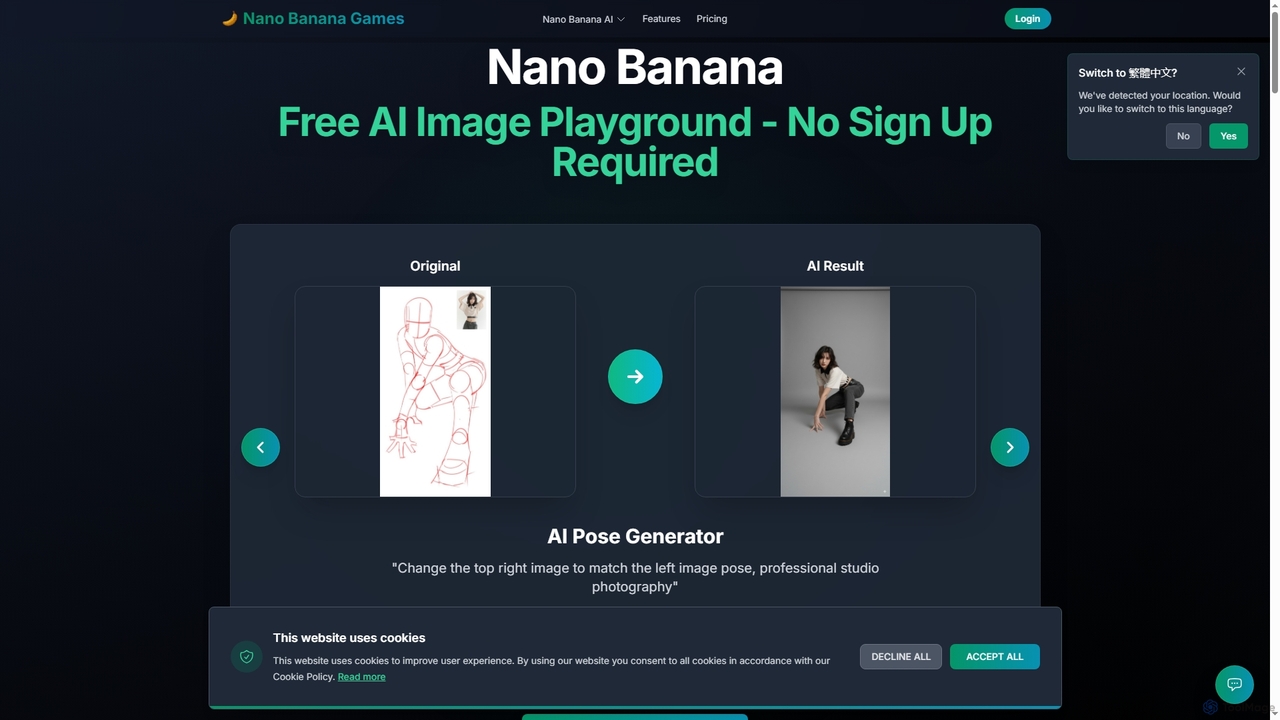
Nano Banana is a versatile AI image playground offering a suite of tools for creative image transformation. It enables users to generate dynamic poses, perform face swaps, enhance photos, replace backgrounds, and create custom AI figurines, 3D figurines, and miniature worlds from their images, often without requiring a sign-up.

Digital Art
Visits 7.6KFavorites 114Likes 131

About Game Asset Creation

AI Game Asset Creation tools are a specialized category of software that leverages generative AI to produce visual and audio elements for video games. These tools translate text prompts, images, or other inputs into ready-to-use assets like textures, 3D models, 2D sprites, concept art, and sound effects. By automating parts of the creative process, they significantly accelerate development workflows, empower smaller teams, and enable rapid prototyping of game ideas. This technology allows creators to generate a vast array of unique, style-consistent assets with minimal manual effort.

Core Features

  • Text-to-Asset Generation: Creates textures, models, or sprites directly from descriptive text prompts.
  • 3D Model & Mesh Creation: Generates 3D objects, characters, or environmental elements from text or 2D images.
  • Seamless Texture & Material Synthesis: Produces tileable textures and PBR materials suitable for game engines.
  • 2D Sprite & Animation Generation: Creates character sprites, icons, and basic animation sequences.
  • Audio & Sound Effect Synthesis: Generates unique sound effects, ambient noise, or music tracks based on descriptions.

Use Cases

These tools are invaluable for indie game developers, solo creators, and rapid prototyping teams within large studios. They are used to quickly create placeholder assets for testing game mechanics, generate vast libraries of environmental props, design unique character concepts, and produce custom soundscapes. Their application spans from the initial ideation phase to the final production of in-game content.

How to Choose

When selecting an AI Game Asset Creation tool, consider its primary asset focus (e.g., 2D, 3D, audio). Evaluate the supported export formats (like FBX, PNG, WAV) for compatibility with your game engine. Assess the level of customization and control offered over the generated output. Crucially, review the licensing terms to ensure the generated assets can be legally used in your commercial projects.

Game Asset Creation use cases

1

Rapid Prototyping for Indie Developers

An indie game developer working on a new RPG needs placeholder assets to build a playable prototype quickly. Instead of spending weeks creating art, they use an AI game asset creation tool. By inputting prompts like 'pixel art style, fantasy warrior sprite sheet' and 'seamless grassy field texture,' they generate a full set of basic characters, environments, and UI elements in a few hours. This allows them to focus on coding game mechanics and testing core loops, accelerating the project's initial phase significantly.

2

Generating Stylized 3D Environmental Props

A 3D artist for a stylized fantasy game needs to populate a large world with unique props like chests, barrels, and crates. Manually modeling each variation would be time-consuming. Using an AI 3D model generator, the artist provides a base concept image or a detailed text prompt like 'ornate wooden treasure chest, Ghibli-inspired art style, glowing runes'. The AI generates multiple 3D model variations that fit the game's aesthetic. The artist can then select the best options and perform minor clean-up in a traditional 3D software, saving over 70% of the modeling time.

3

Creating Unique PBR Textures

A level designer is building a sci-fi space station and needs a specific 'worn metallic floor panel with holographic scuff marks' texture. Searching stock texture libraries yields generic results. They turn to an AI texture generator. By providing a detailed prompt and specifying PBR maps (albedo, normal, roughness), the tool generates a unique, seamless 4K texture set in minutes. This allows for highly specific and original environmental details that enhance immersion, without the need for advanced texture painting skills.

4

Concept Art Ideation for Characters

A concept artist is tasked with designing a new hero for a MOBA game. To explore a wide range of visual ideas quickly, they use an AI image generator trained on artistic styles. They input prompts like 'female cyborg knight, glowing neon armor, dynamic pose, splash art, detailed face'. The AI produces dozens of visual variations in minutes. While not final assets, these images serve as a powerful brainstorming tool, helping the artist and art director to quickly identify promising design directions before committing to detailed, manual illustrations.

5

Synthesizing Custom Sound Effects

A sound designer needs a unique sound for a magical healing spell in a fantasy game. Instead of layering generic stock sounds, they use an AI sound effect generator. They input a description like 'gentle, shimmering magical energy coalescing with a soft choral hum'. The AI synthesizes several unique audio clips matching the description. The designer can then select the best one and fine-tune it, resulting in a custom sound effect that perfectly fits the game's atmosphere and is completely original, avoiding common audio library clichés.

6

Automating 2D Sprite Sheet Creation

A developer creating a 2D platformer needs walk, run, and jump animations for their main character. Manually drawing each frame for a sprite sheet is laborious. They use an AI animation tool by uploading a single static image of the character. The tool automatically rigs the character and generates a complete walk cycle sprite sheet based on predefined motion templates. This automates a traditionally tedious process, allowing the developer to implement animated characters into their game in a fraction of the time.

Game Asset Creation FAQ

What are AI Game Asset Creation tools?

AI Game Asset Creation tools are applications that use generative artificial intelligence to produce game-ready assets. Instead of manual creation, users provide prompts (text or images) to generate items like 2D sprites, 3D models, textures, and sound effects. Their primary purpose is to accelerate the development pipeline, reduce costs, and provide a rapid way to prototype and iterate on creative ideas for game developers of all sizes.

How to choose the right AI tool for game assets?

To choose the right tool, consider these factors:

  • Asset Type: Does the tool specialize in 3D models, 2D sprites, textures, or audio? Choose one that matches your primary need.
  • Export Formats: Ensure it exports in formats compatible with your game engine (e.g., FBX, GLB for 3D; PNG for 2D; WAV for audio).
  • Art Style Control: Check how much control you have over the artistic style to ensure it aligns with your game's aesthetic.
  • Commercial Licensing: Verify the terms of service to confirm you have the legal rights to use the generated assets in a commercial product.
AI Game Asset Creation vs. Traditional DCC Software: What's the difference?

The main difference lies in the creation process. AI Game Asset Creation tools generate content from prompts, ideal for rapid ideation, prototyping, and producing variations. Traditional Digital Content Creation (DCC) software like Blender or Photoshop requires artists to manually build, sculpt, or paint assets from scratch, offering precise control. They are not mutually exclusive; many workflows involve generating a base asset with AI and then refining it in DCC software.

Can assets generated by AI be used in commercial games?

This depends entirely on the specific tool's terms of service and licensing agreement. Many AI asset creation tools offer specific subscription tiers that grant a commercial license, allowing you to use the assets in projects you sell. However, some tools or free versions may restrict commercial use. It is crucial to always read and understand the license for any tool you use to ensure you are not infringing on any copyrights or terms of use.

Who are AI Game Asset Creation tools for?

These tools are designed for a wide range of users in the game development industry. Key users include:

  • Indie Developers & Solo Creators: Who need to create high-quality assets quickly without a large team or budget.
  • Rapid Prototyping Teams: Who use them to build functional prototypes with placeholder art to test ideas fast.
  • Concept Artists: Who leverage them for brainstorming and generating a high volume of initial ideas.
  • 3D/2D Artists & Level Designers: Who use them to augment their workflow, creating base assets or textures that they can then refine manually.